


Contributor Leaderboard
-
.jpg.cdd7f8371d17e2f2f2e2a0e21e02f727.jpg) 2Points3,654Posts
2Points3,654Posts -
 1Points1,451Posts
.thumb.jpg.7493ddab4a696108cf2b849323d3c155.jpg)

Popular Content
Showing content with the highest reputation on 30/08/24 in all areas
-
1 point
-
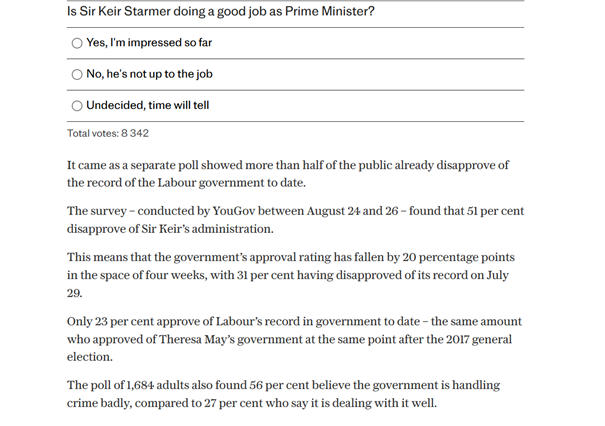
1 pointBecause I have the right to free speech. More in Common, who conducted this survey, may do smaller surveys on the street but most info is collected online and often through focus groups. Read their bio. I’m sure you can but knowing what amount that thousand people is representative of helps create a clearer picture of the credibility of the poll. Knowing how they were chosen is also helpful. I don’t teach statistics, or anything else, and I conclude from your description of polling anno 2024 that you don’t either. However I do still work but I leave the desk jobs to my employees. You? I’m not implying anything. I’m simply quoting the article. No other parties are mentioned. Interesting! I thought it might be. This screenshot is what I see when I look at The Telegraph at 18.00 GMT. No results are shown and there are now 8 342 individuals who have taken part. In other words the survey is still taking place - 972 additions in the last few hours.
 1 point
 -
1 point