Skip to content
View in the app

A better way to browse. Learn more.

Bedlington.uk

A full-screen app on your home screen with push notifications, badges and more.

To install this app on iOS and iPadOS
  1. Tap the Share icon in Safari
  2. Scroll the menu and tap Add to Home Screen.
  3. Tap Add in the top-right corner.
To install this app on Android
  1. Tap the 3-dot menu (⋮) in the top-right corner of the browser.
  2. Tap Add to Home screen or Install app.
  3. Confirm by tapping Install.

Contributor Leaderboard
Popular Content

Showing content with the highest reputation on 11/11/24 in all areas

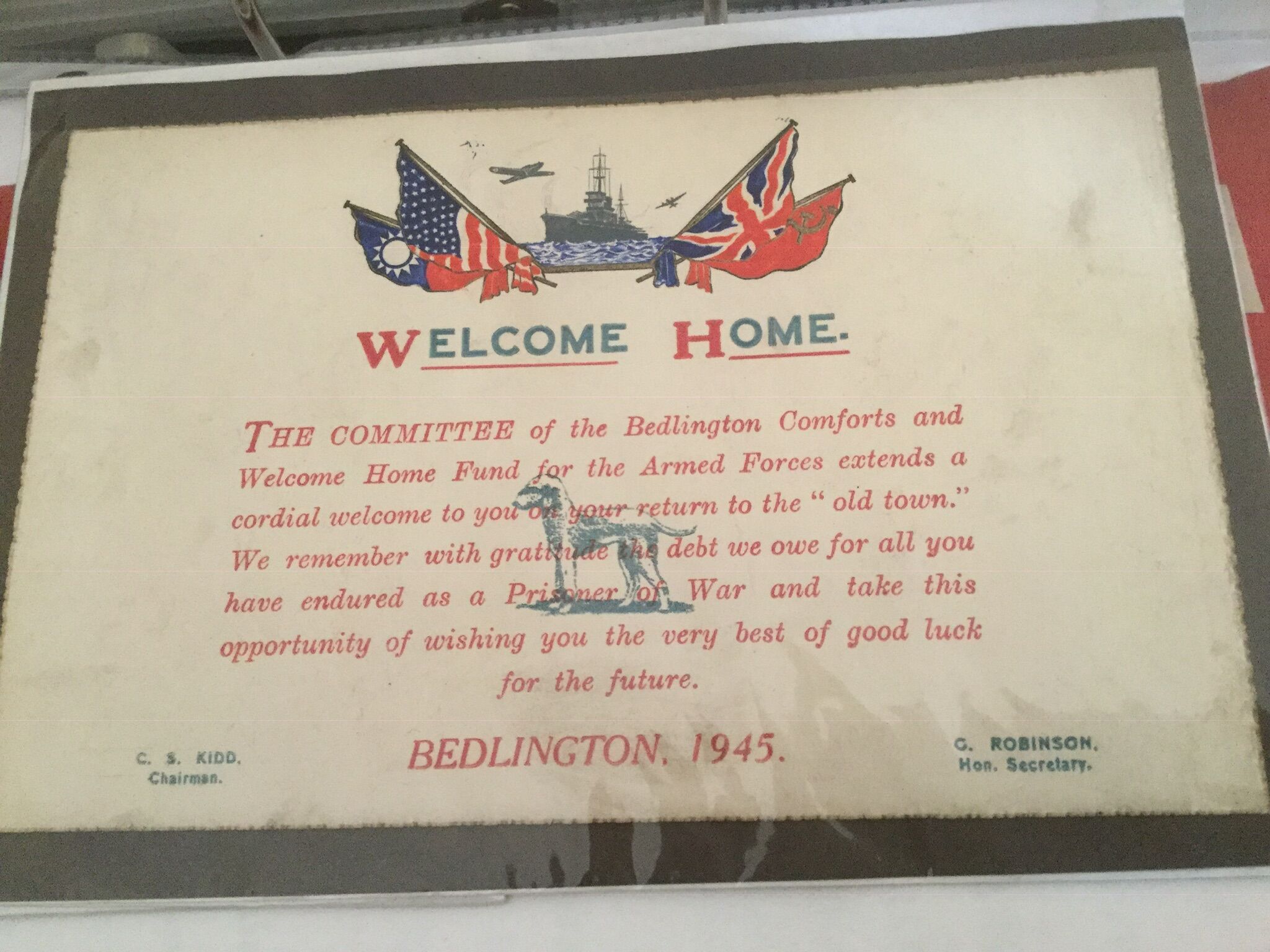
  1. not at all. I have even got a paper hat which was worn by one of my uncles at the celebration
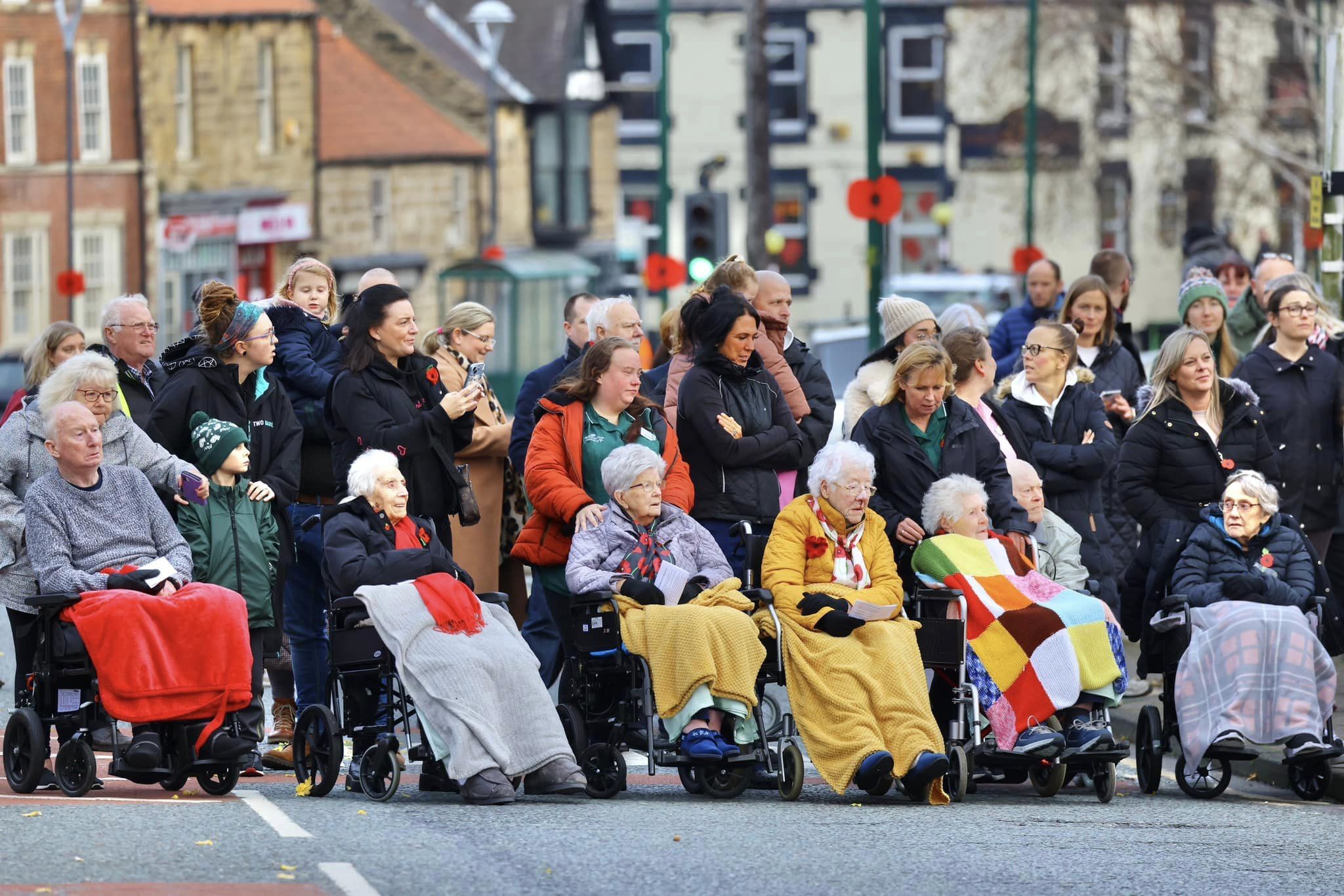
  2. Some of the crowd pics yesterday............Thanks Simon Williams.
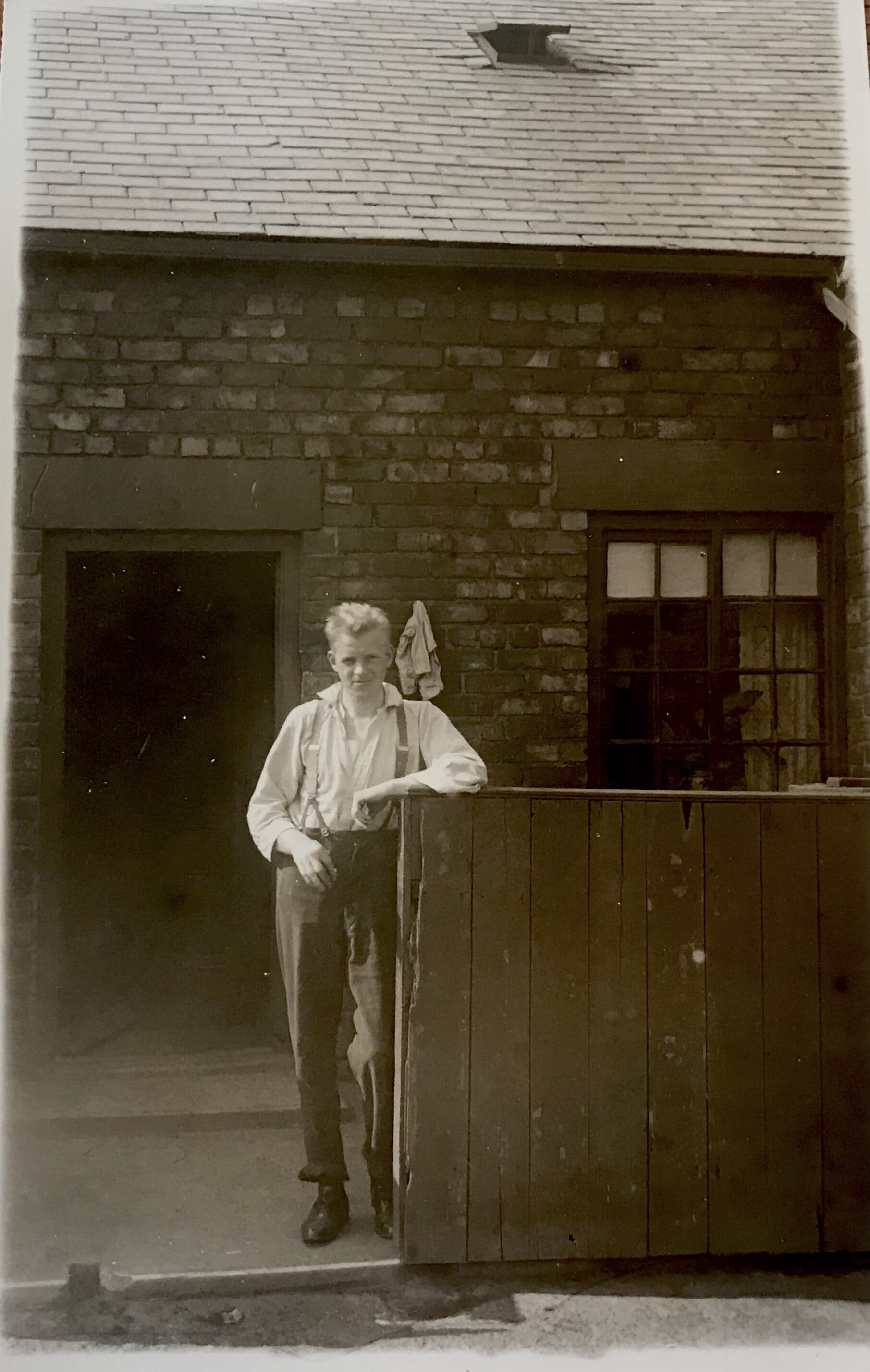
  3. the son of the people who owned Bertha burns hid in a tree during the 2 world war until the Japanese found him. He was never the same
  4. Do you mind if I copy this and put in on one of the Bedlington social media pages?
  5. Nice to see there is a good turnout. We still have ours on the 11th, tomorrow.

Account

Navigation

Search

Search

Configure browser push notifications

Chrome (Android)
  1. Tap the lock icon next to the address bar.
  2. Tap Permissions → Notifications.
  3. Adjust your preference.
Chrome (Desktop)
  1. Click the padlock icon in the address bar.
  2. Select Site settings.
  3. Find Notifications and adjust your preference.