Contributor Leaderboard
-
.jpg.cdd7f8371d17e2f2f2e2a0e21e02f727.jpg) 2Points3,654Posts
2Points3,654Posts -
1Points6,992Posts
.thumb.jpg.7493ddab4a696108cf2b849323d3c155.jpg)

Popular Content
Showing content with the highest reputation on 04/08/26 in all areas
-
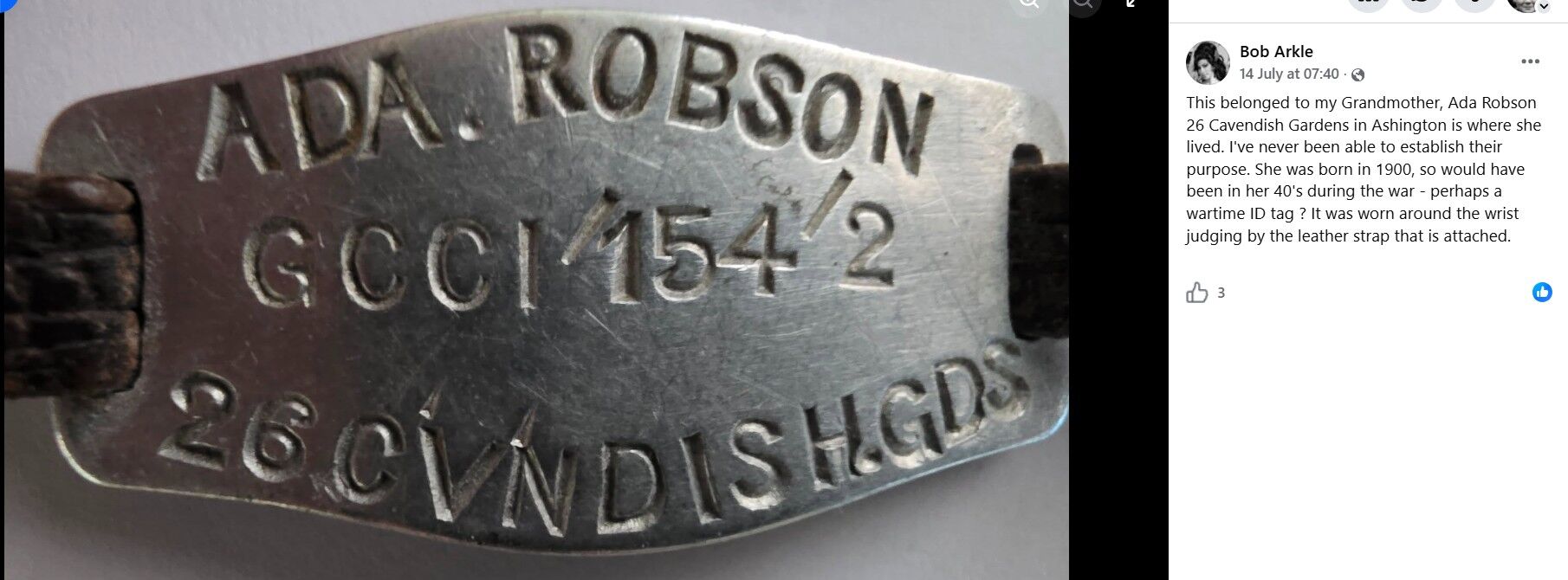
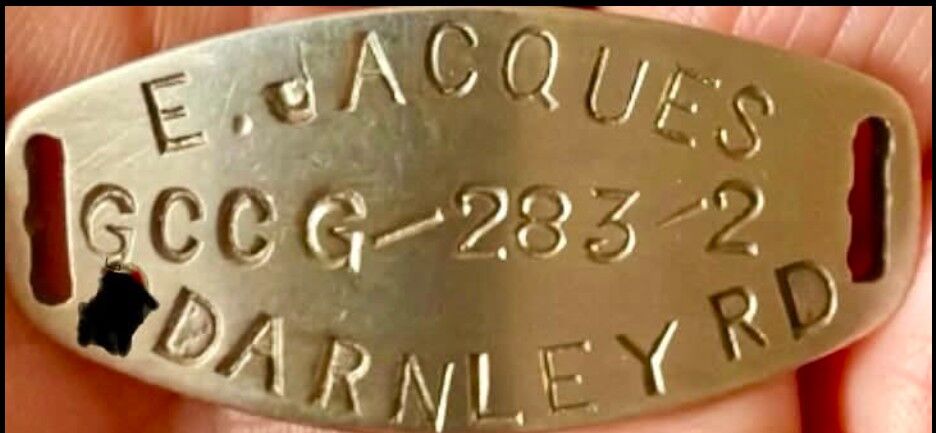
100% correct, Vic. The 1939 register codes used are: GCE enumeration district Bedlington Urban District Council. V the area within the enumeration district where he lived. 310: 1 is his registration district: sub-district. You can read Ada and Ethel’s info in the same way. GCC is the enumeration district code for Ashington.2 points
-
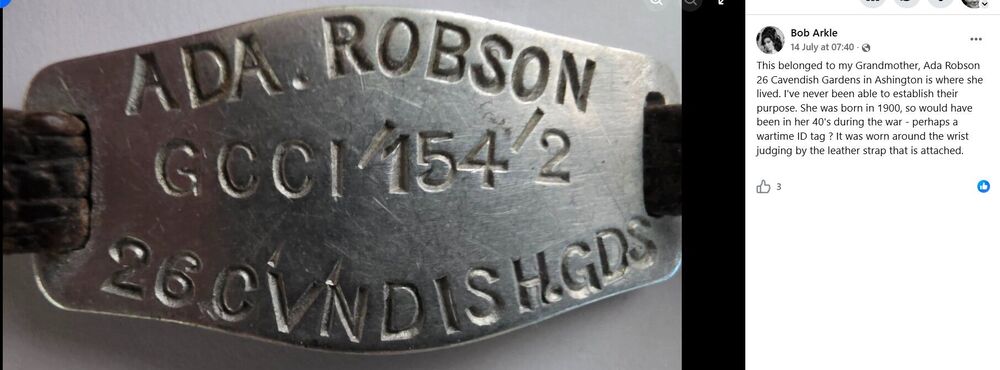
There appears to be vhave been various identity bracelets with different abbreviations. These are two that were posted on the Ashington FB group :-
 1 point