


Contributor Leaderboard
-
Pegwoman
New Members3Points55Posts -
 1Points1,453Posts

Popular Content
Showing content with the highest reputation on 22/10/26 in all areas
-
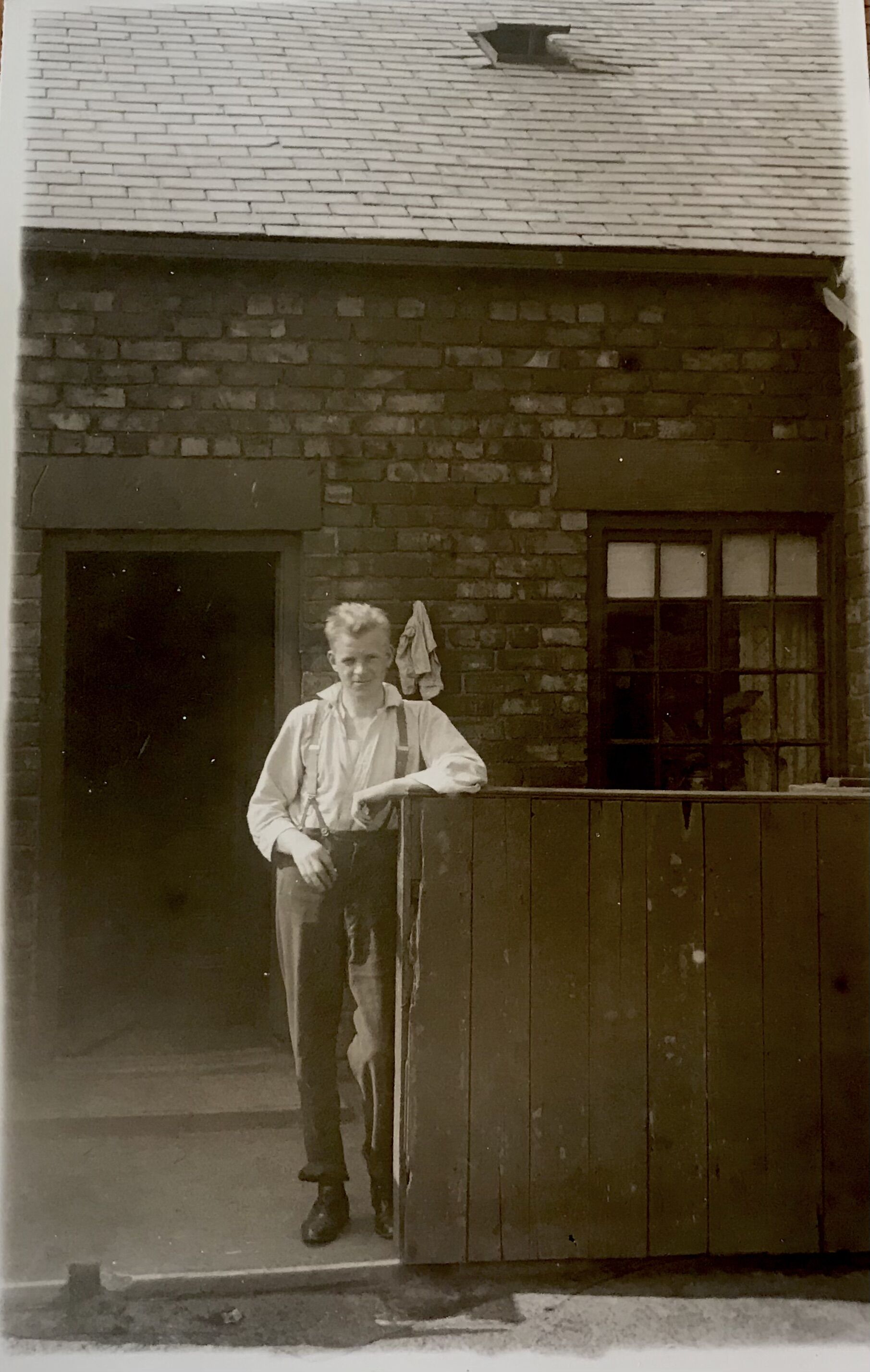
2 pointsThanks , I would really like a physical structure to house all the artifacts I have inherited. But Bedlington doesn’t seem to have the right building in a location that has sufficient parking. So at the suggestion of a friend the best plan for now seems to be a walk through on line museum. So I am looking into involving technology experts for the filming and a history geek to help me to sort out the artifacts. Furniture , and ornaments aren’t a problem as it is just devising an interesting way to present clothes, toys, q curtains , paper documents , photos and letters that is the problem. But thanks for the heads up message.2 points
-
1 pointI have been so busy with friends visiting and keeping the garden weed free. STILL no excuse. I am busy sorting out a vast collection of artifacts dating from 1906. At present I am cataloging my grandfathers toys But unsure if followers want to see photos of such things. Might take some snaps this evening and post them anyway. I am still plodding on searching for a suitable property in Bedlington to set up a museum failing that I will do it on line.1 point
-
1 pointWith winter approaching maybe there will be a bit more activity.1 point