

Contributor Leaderboard
-
4Points7,015Posts
-
 1Points3,659Posts


Popular Content
Showing content with the highest reputation on 08/11/26 in all areas
-
@Donna Clark forgot to sat sorry for taking over your post with a different subject😇. We often get sidetracked but hopefully your qustions were answered before we went off on a tangent🤞2 points
-
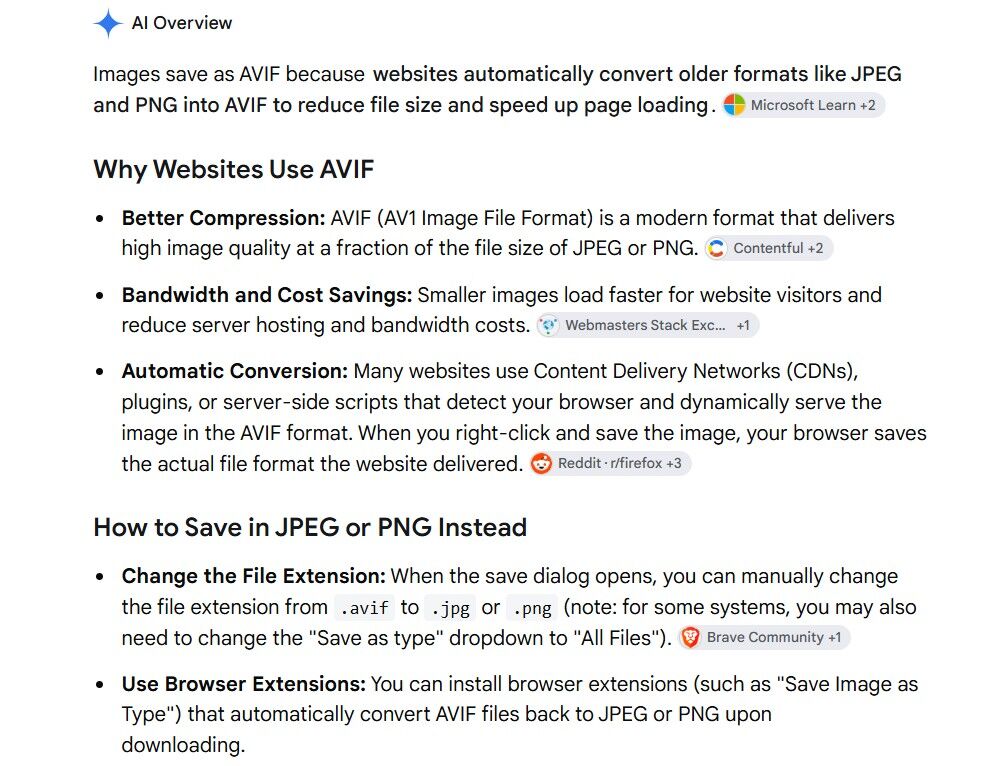
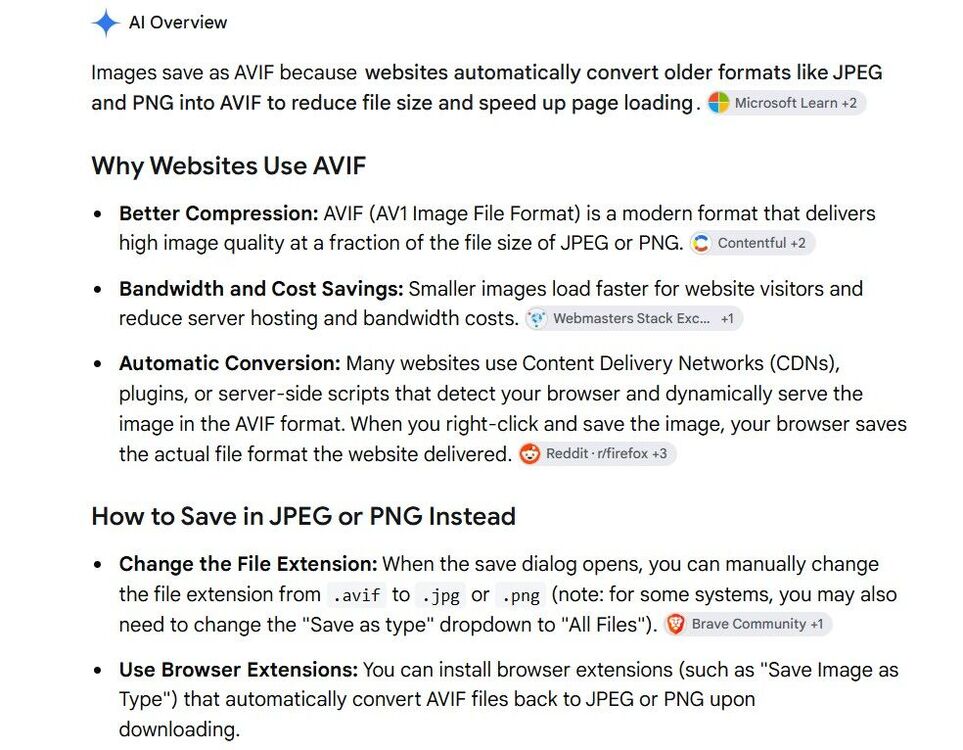
@Canny lass this is the clearest (for me) info I can get on Google for avif files. Google says the avif format was introduced in 2019 and the software is embedded into web sites to save space by converting jpeg (Joint Photographic Experts Group) and png (Portable Network Graphics) files into avif to save space. So I an guessing that avif file of yours must have been created on the site/group/platform you found the image on. But i could be wrong😇
 2 points
-
I think it's an age thing! Well, that's my excuse and I'm sticking to it!1 point