Everything posted by Alan Edgar (Eggy1948)
-
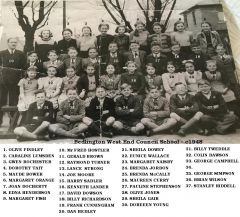 And a slightly clearer image from Graeme Ogle - Bygone Bedlington Facebook group.
 -
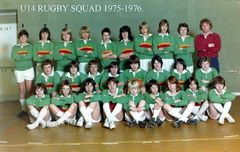 photo and names from @Reedy
 -
From the album: Bedlingtonshire Community High School
-
All the best to the both of you.
-
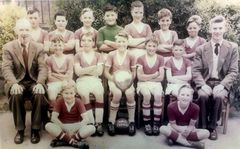 1959-60 team photo from John Davidson ( Matty Hall's grandson) and names from the members of the Facebook group Bygone Bedlington.
 -
From the album: Whitley Memorial School
-
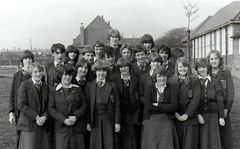 Photo from Joe Waddle - Bygone Bedlington Facebook group - names from the members of that group.
 -
From the album: Bedlingtonshire Community High School
-
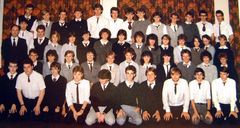 Photo from @Alan Smith - suggested names from Bygone Bedlington Facebook group members.
 -
From the album: Bedlingtonshire Community High School
-
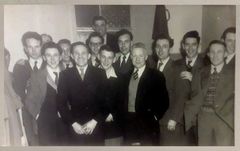 Photo from John Davidson - Bygone Bedlington Facebook :- John Davidson 29 September at 19:24 Pretty sure this is a Bedlington Welfare FC trip to Dumfries as the photo has a stamp on the back from a Dumfries photo shop. My Grandad Matty Hall is 3rd from the right. Late 40s/early 50s maybe. Joan Riches No5 is bob Gray no12 is ken gray my brothers & Sheila Richardson Billy Richardson no 11 his twin George Richardson no 15
 -
From the album: Local Football 2
-
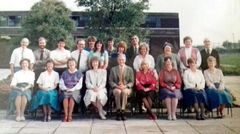
From the album: Meadowdale Academy
-
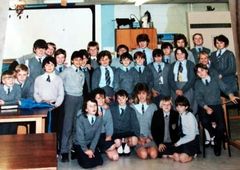 Photo from John Davidson, Facebook group Bygone Bedlington. Names from the Bygone Bedlington group members. This comment was posted by Lee Yearham I think the photo was taken because we put it in the time capsule we buried.
 -
From the album: Meadowdale Academy
-
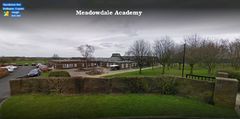
From the album: Meadowdale Academy
-
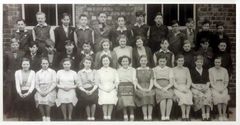 photo from John Davidson, Bygone Bedlington Facebook group and the bulk of the names from Nancy Todd (nee Smith = No 19)
 -
From the album: Whitley Memorial School
-
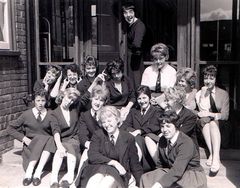 Initially thought to be Lower Sixth but now believed to be c1960 - Upper Sixth. Names from No 12 - Brenda Smith.
 -
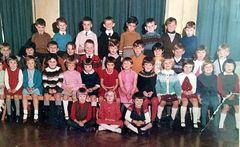 Photo & names from Linda Mehaffey- Facebook group Bygone Bedlington. I reckon the year is c1966 as No 13 is my cousin who was born in 1960.
 -
From the album: Bedlington Station 1st School
-
No idea - did you see the reply from Ovalteeny and me in your previous post on Choppington United?
-
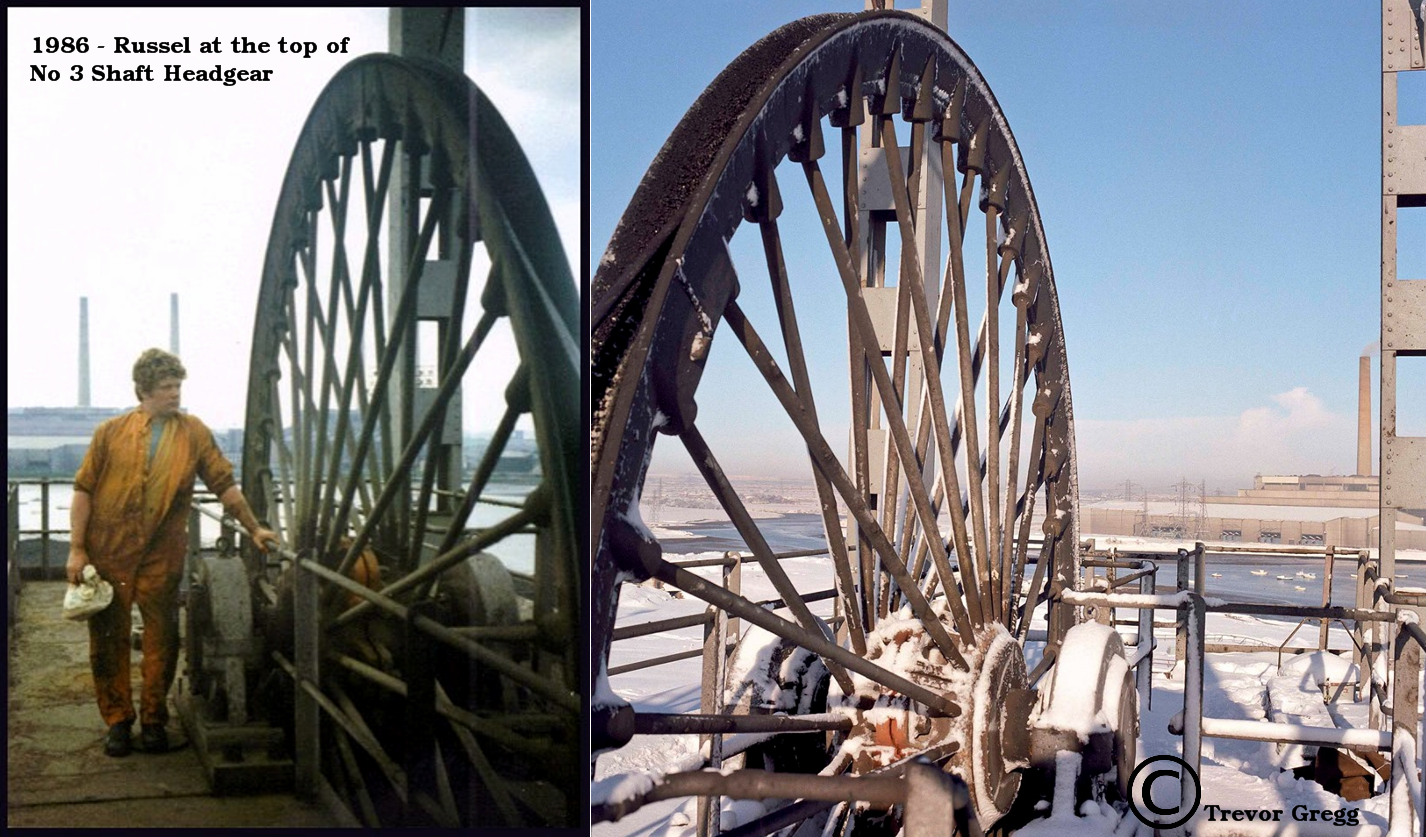
@HIGH PIT WILMA - Trevor posted another winter shot on the Facebook group and I added your photo to it. Trevor responded with :- Trevor Gregg Excellent, Russell Hogg ex Joiner who became a Shaftsman and after Bates became a Shaftsman at Ashington working for me.
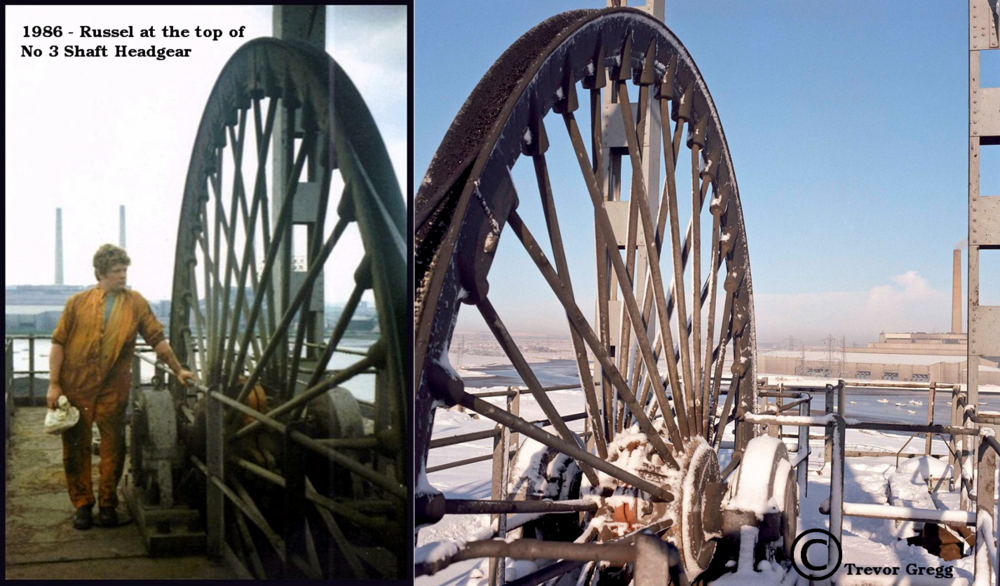
-
 And a winter shot, from a similar position to High Pit Wilmas, from Trevor Gregg on the Facebook group Friends of Bates Colliery.
 -
@Coatsy - see above from Ovalteeny. If you are on Facebook then there is a group under Choppington. I am not a member of that group but I have been in touch with the Admin - Brian Jenkinson - and I copied your two comments into the message I sent him. Brian did not say that he had info that you are after just suggested you join the group and he may be able to help.