Everything posted by Alan Edgar (Eggy1948)
-
@Andy Brown - don't know anyone of that name on this group.
-
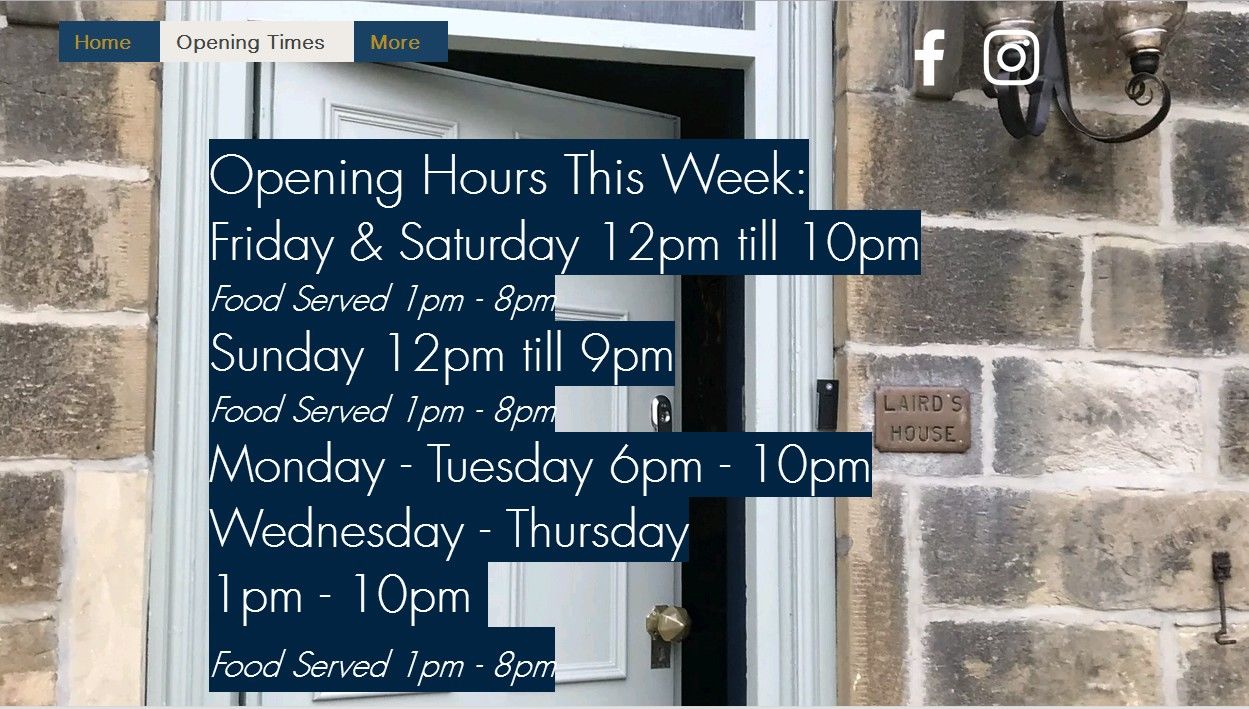
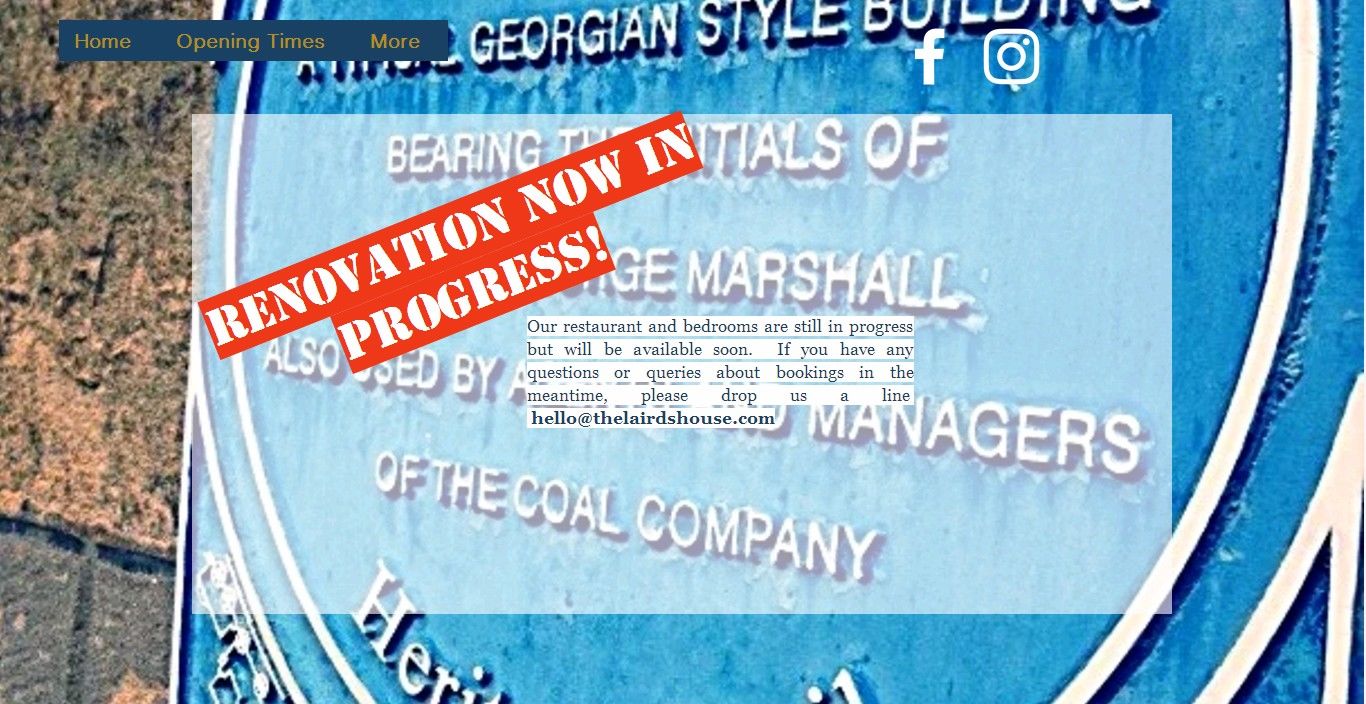
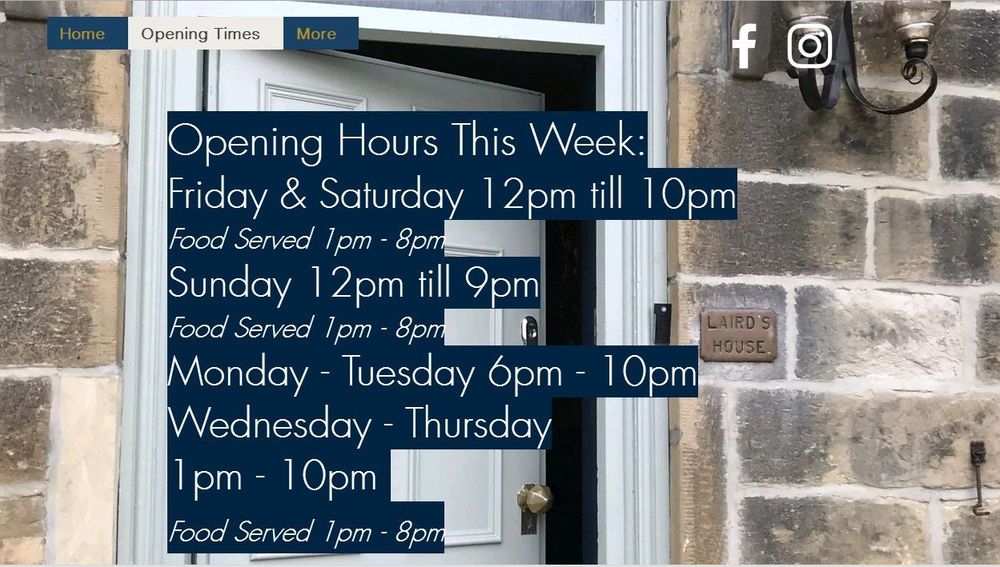
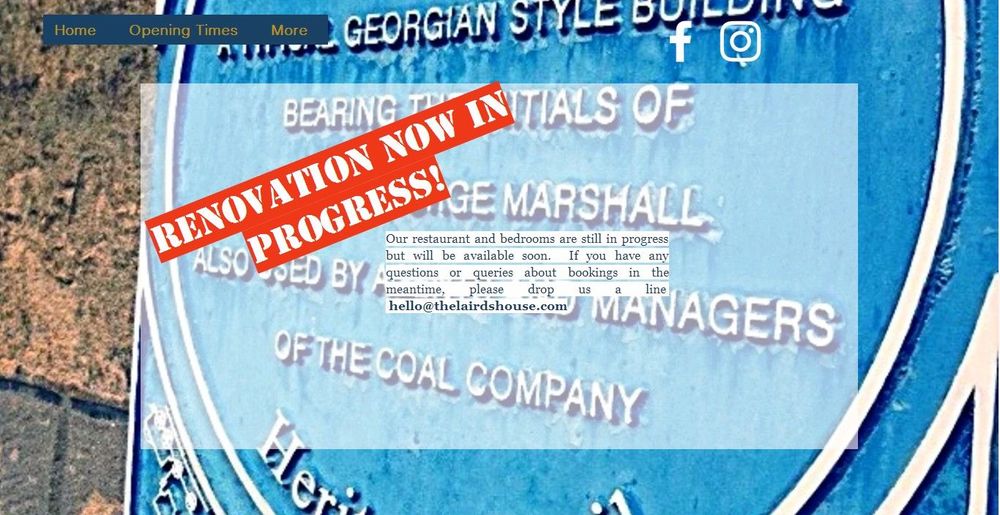
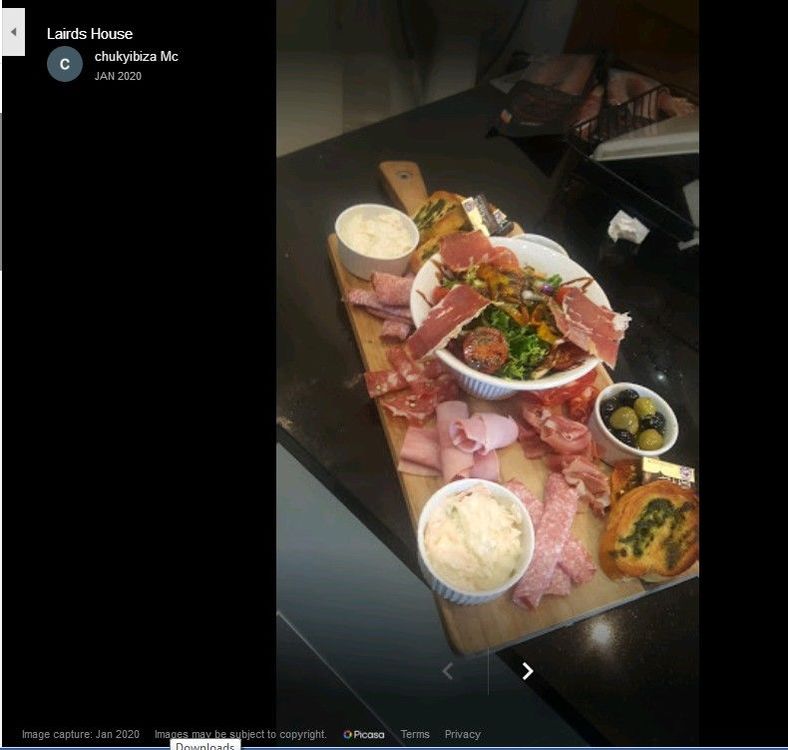
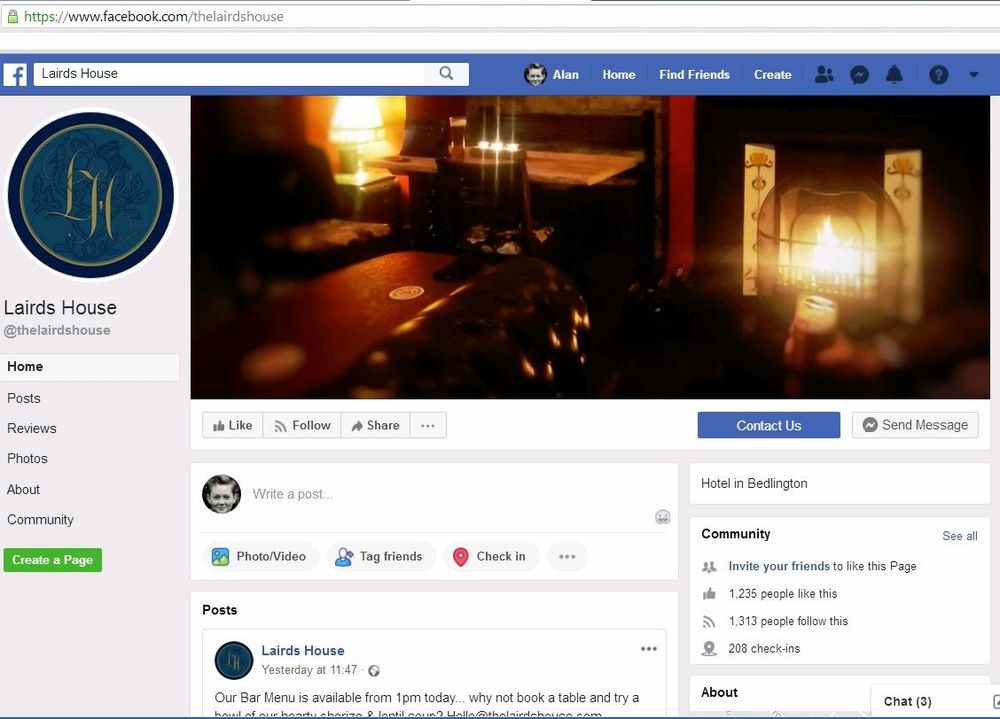
Can't find an image of the front of the Laird's House since it's refurbishment - but it is now open :- https://www.thelairdshouse.com/
-
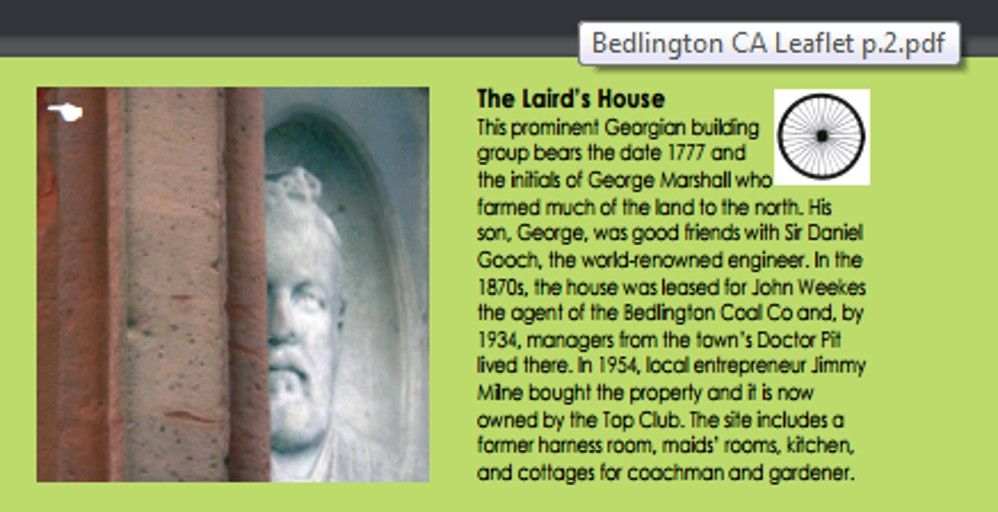
Extract from the pdf leaflet :-
-
@Alan dickson posted on the Bygone Bedlington group :- Alan Dickson Possibly it could be to do with the Iron works Alan, judging by the hair and mutton chop whiskers, eport this Alan Dickson I've Seen photos of Mr Weekes and its not him.
-
John Krzyzanowski Good find. The problem with this time era is it is pre planning. The documents are probably hidden away in some old solicitors papers.
-
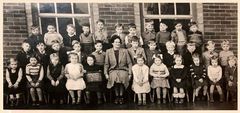 @Joe McNally - No 30 updated
 -
@Andy Millne - posted your photo on the Bygone Bedlington group for the admin, John Krzyzanowski to see as Woodhorn Museum (where John works) might have some info. If John replies I will update you. A couple of comments from the Bygone Bedlington members :- Scoop Jeffrey At first glance I thought it was Bernard Manning! Vic Thompson Wow! That’s fantastic! Can it not be placed on show somewhere? Lisa Kelly Barry Lairds house has one on the bar Viv Mather From what I recall, Lairds House was a rebuild in 1777 of a previous farmhouse that stood on the site... not sure of family name, just that the present building wasn't the original. Hide or report this Christine Warne Viv Mather it did belong as a farm to the Marshall family before it became a pit managers residence x
-
Stuart :- these are the links I use, and have saved in my favourites, to search for places in Bedlington :- https://maps.nls.uk/geo/find/#zoom=12&lat=55.1358&lon=-1.6409&layers=102&b=1&z=1&point=55.1326,-1.5691 & https://www.old-maps.co.uk/#/Map/427570/581434/10/100708
-
@Canny lass - I wonder if @Maggie/915 has any more info?
-
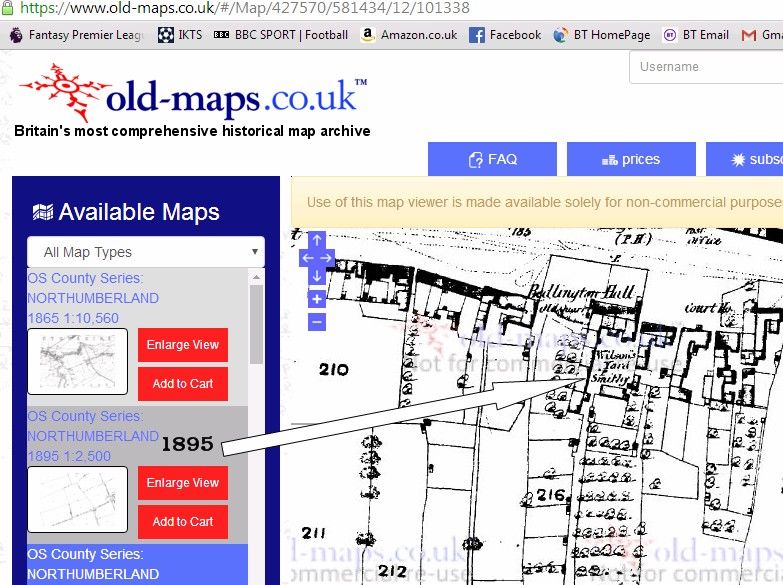
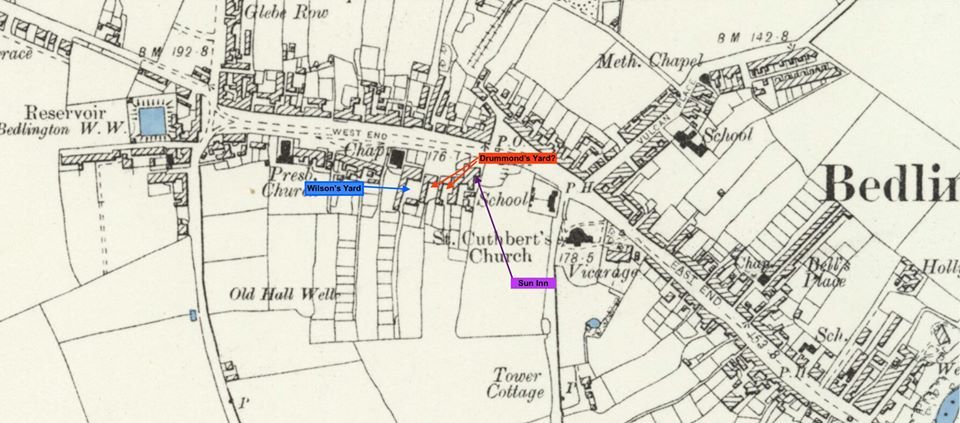
Found a slightly clearer map - 1895 - with Wilsons yard and Smithy on :-
-
@Canny lass - No 13 updated to Paul Goonan
-
@Stuart & @Canny lass - this is a map and comment that Eilleen Brooks - facebook group Bygone Bedlington, posted on the 8th November 2019 when a member was asking if anyone knew where Drummonds Yard used to be :- Eileen Brooks 8 November 2019 Judging from the census report- Drummond's Yard was between Wilson's Yard and the Sun Inn, on the High Street. I have one map that shows Wilson's Yard but not Drummond's (unfortunately copyright means I cannot display it). I have indicated on the map below where I believe it to have been (one of the two yards next to Wilson's) Hope this helps.
-
@Canny lass - hard to tell the age(s). They look about 6 or 7 to me. I remembered I had posted another St Bedes class photo on before with Vince Allison, No 19, and Grace Fitzgibbon, No 27, so had a look and that shows an older set of pupils but has the year as c1953 so I'm thinking, if the names are correct, then this photo with Mrs Onskavich, must be c1950 . This is the c1953 photo with Paul Goonan No 16 :-
-
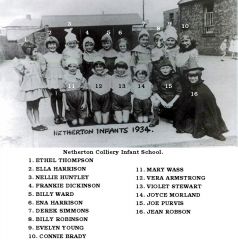 @Jojo - photo without any text.
 -
@Jojo - No 4 updated. I'm assuming your dad managed to buy a copy, if not I can post a copy without the names for you to download.
-
Updates to No's 3 & 14 from Alan Maguire.
-
Same here Vic - no picture on my old Windows Vista or Windows 10 Desktop PCs
-
@Jojo - the names sere quoted by @johndawsonjune1955 when he posted the photo on the Facebook group Past Times History (renamed from sixtownships) back in Septembter 2015. If you think it should be renamed I will update the names and repost the updated photo.
-
Some updates to No's 2, 9, 19 and '?' removed from No 32.
-
Just keeping your mind active to ensure it carries on giving us priceless info for a further 36n days
-
Photo from Julie Dobson, Facebook group Bedlington remembered. Names from No 26, Maureen Scott (nee Molloy).
-
From the album: St. Bede's Primary & Senior School
-
Ahem - my next didn't include yesterday so - Ahem... 365
-
Hope the next 365 days of this year are even better
-