Everything posted by Alan Edgar (Eggy1948)
-
No idea what a typical Cambodian housing estate would like. If it's affordable to the locals then is it better than what they have now? http://anorthumbrianabroad.blogspot.com/2017/07/cambodia-microcosm-2-neighbourhood.html
-
 Wait until we have had some more sun and the grass is lusher - No 19 updated
 -
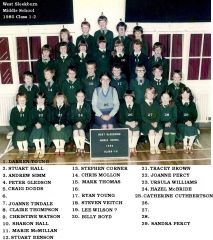
 Photo and 98% of the names from Janice Robinson - Facebook group Bygone Bedlington - 2% names from Jackie Connell.
 -
From the album: West End Junior school - Ridge Terrace
-
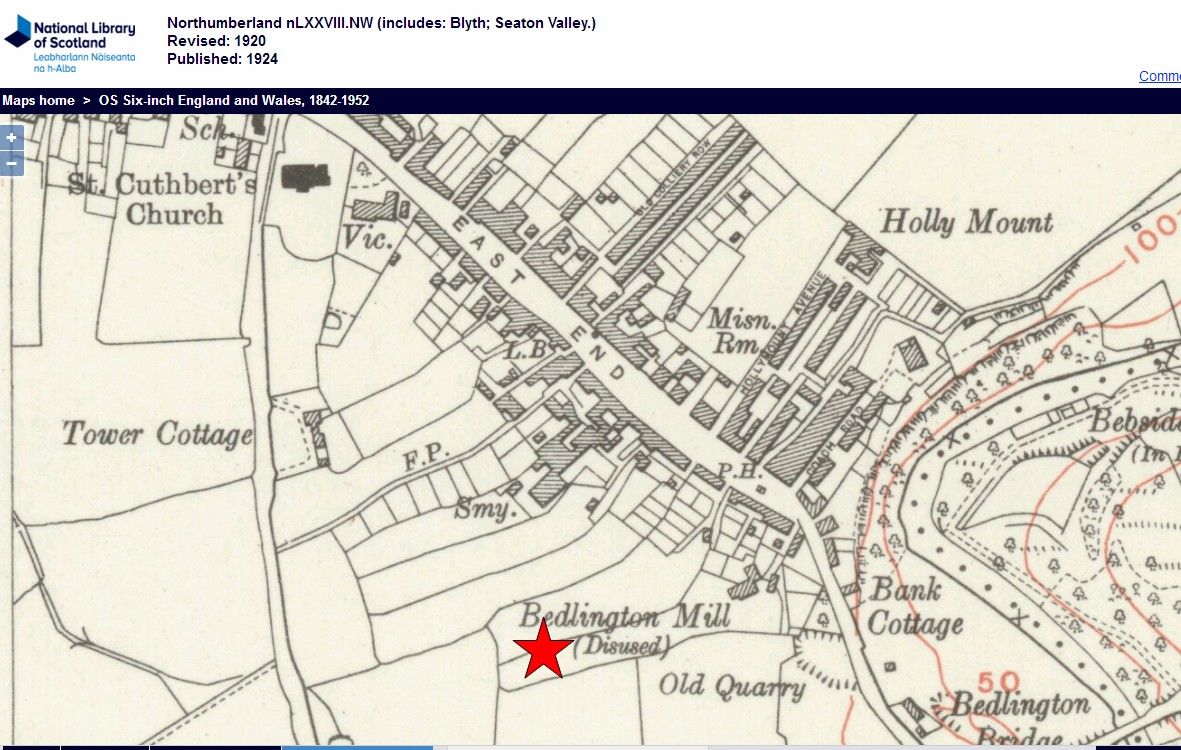
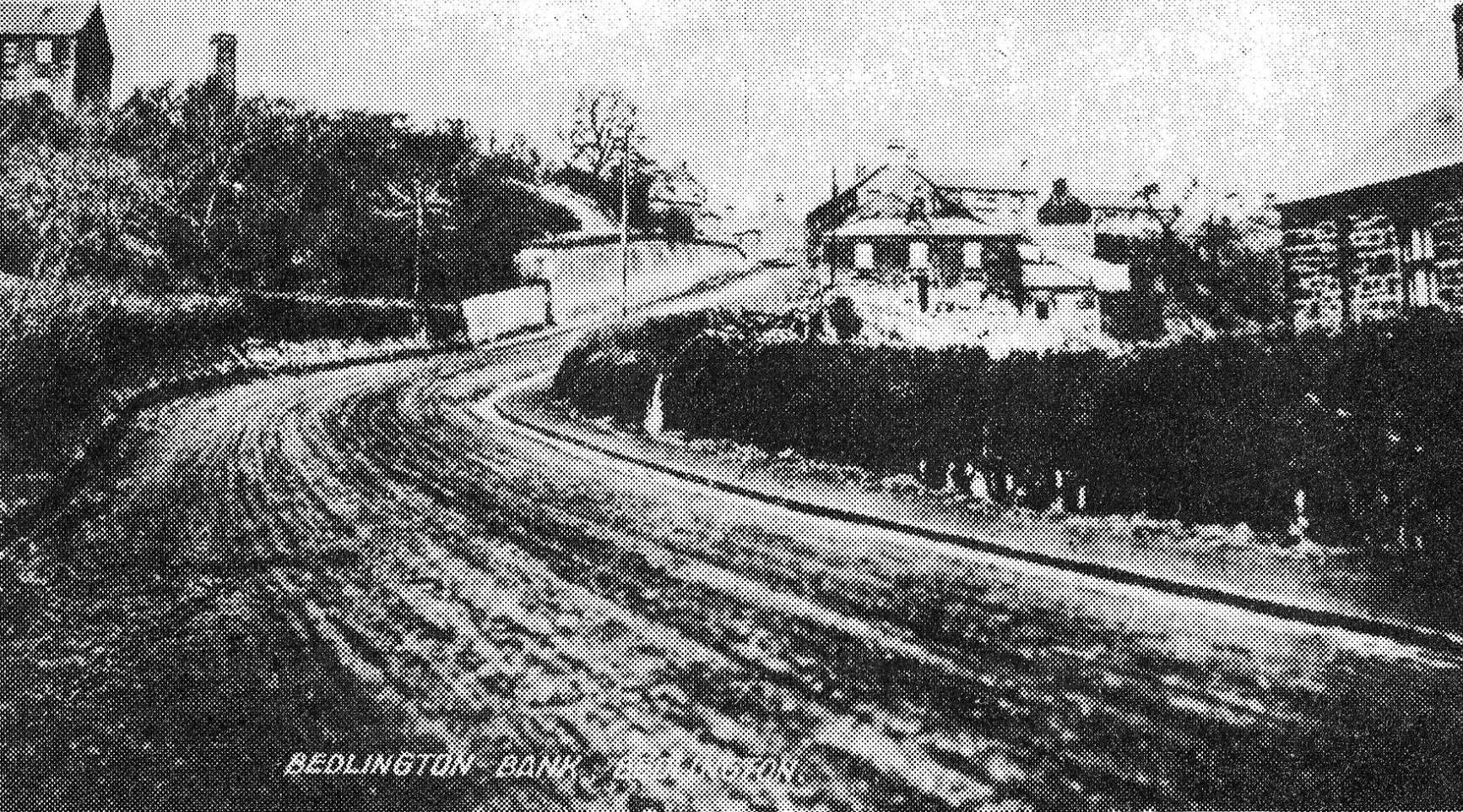
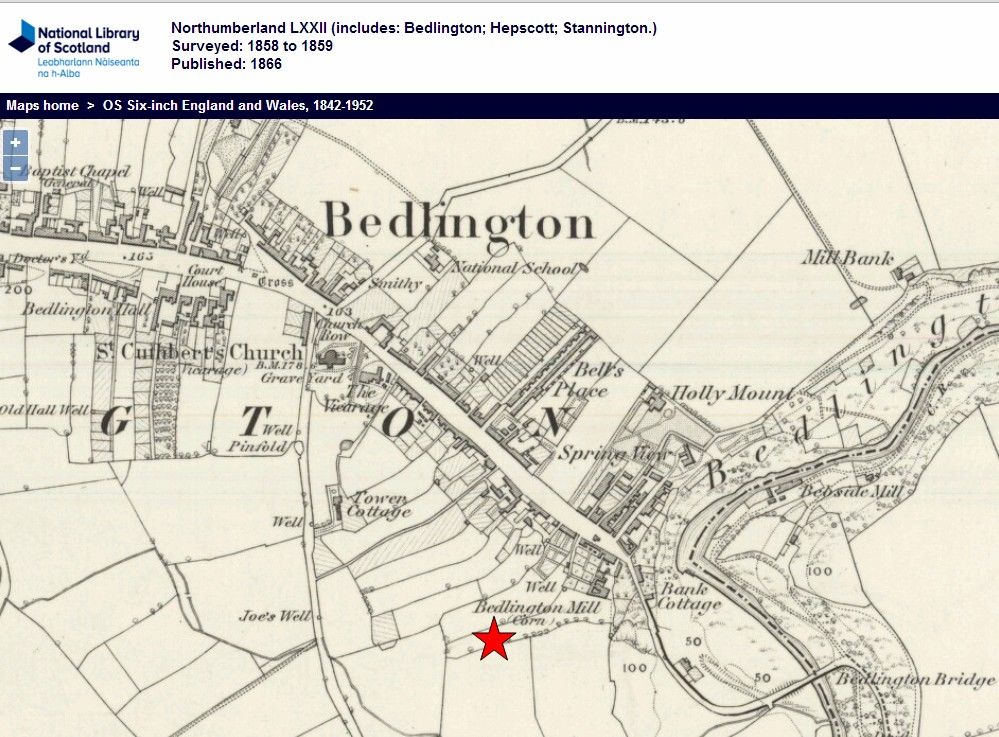
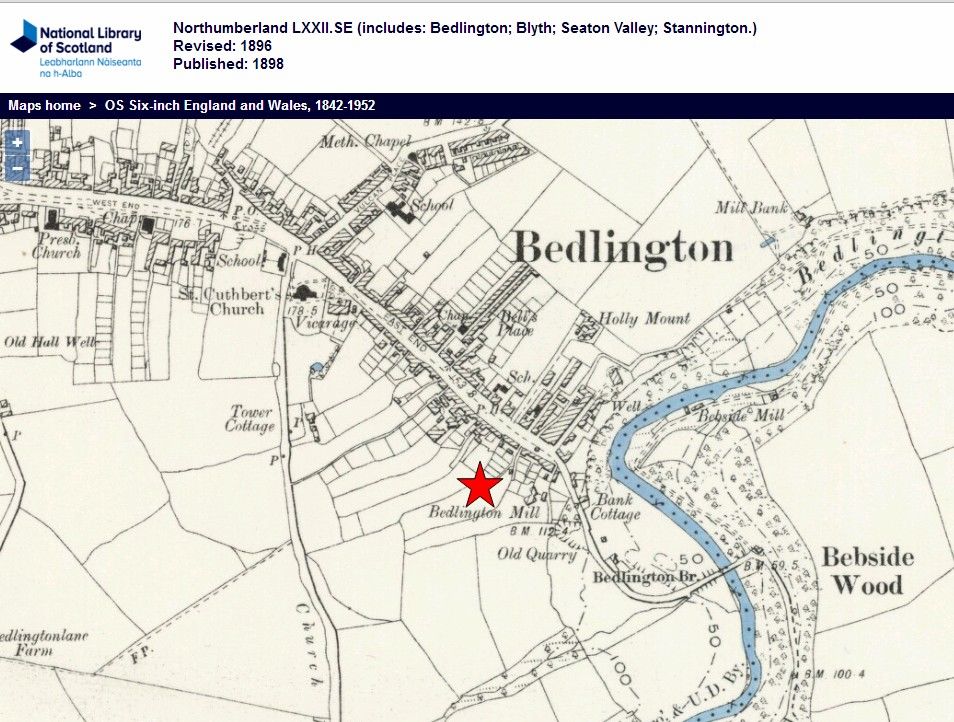
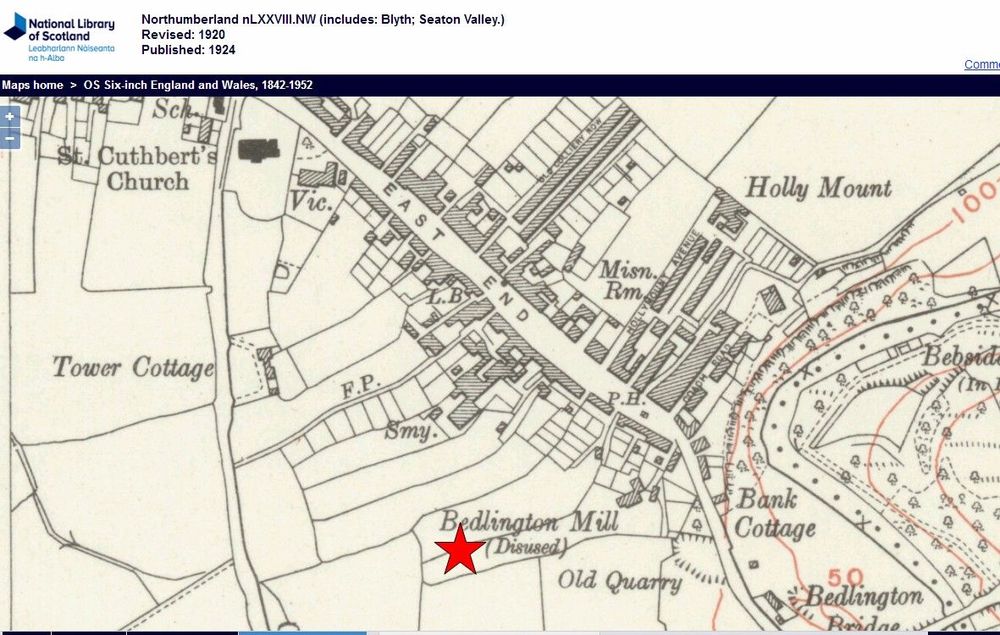
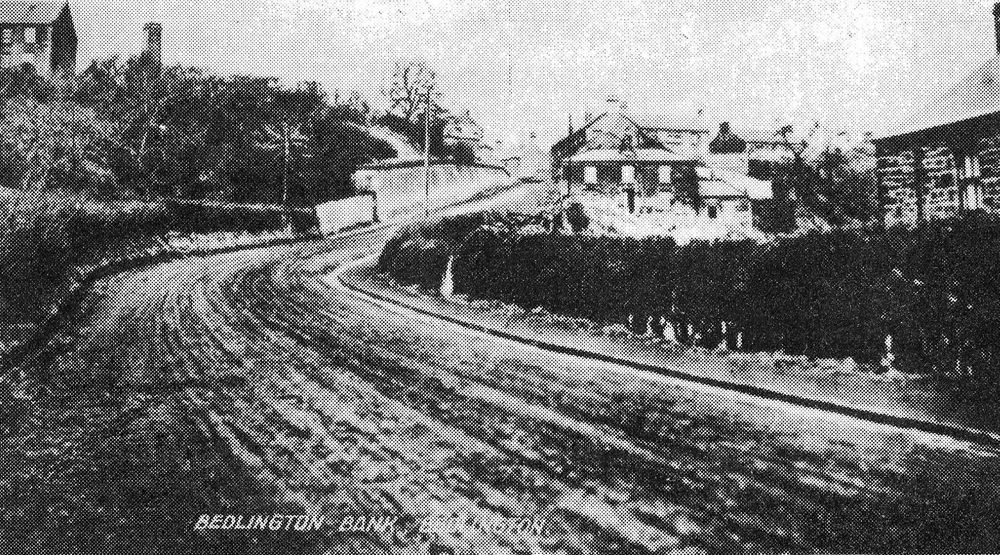
@Jack be - don't know anything about Wright's the Bakers. The Bedlington Mill (Corn) is identified on the maps produced in 1866 and 1898 and then the 1924 map states Bedlington Mill ( Disused). The only photo that I have seen that shows part of the mill building(s) is one without a date from the bottom of the Bedlington Bank and you can see a chimney - top left.
-
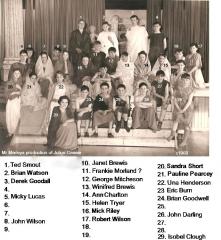 And the other photo from the production that Allana Smith posted :-
 -
@Rigger - another photo from the same production has been posted on the Facebook Bedlington remembered group and I added the photo from @bluebarby to that post. One member , Janice Robinson (married name) commented :- 11 looks like Derek Taylor & 17 Robert Wilkinson. Updated the names .
-
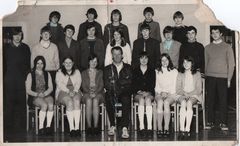 @HIGH PIT WILMA - posted your comment on the Cambois Facebook group within the posting of this photo and a young lady, Michelle Grant, responded with the following comments :- I'm a great granddaughter of ada & charles(cosiminski) calumboski.i know that they once lived at 8 sinkers row. Names of some of their children that I remember were Sydney,Alfred,charles, Sylvia, & katerine who was my grandmother nicknamed kitty, kitty married edward snowdon, they had two girls Irene(my mother) & Linda. My mother married a man with the surname of Long it was very short lived though,then she married my father Selby Carr from newbiggin. Michelle Grant Ada & charles calumboski with their granddaughter Irene Snowdon. I think this church must be in cambois or Bedlington station.
 -
 Photo from Christine Dixon off the Facebook group Bygone Bedlington - her dad No 6. Names from Derek Todd - Janice Robinson - Shep & Anne Ross , nee Walton, No 16.
 -
From the album: Bedlington Station 1st School
-
 Photo from Derek Todd -m Facebook Bygone Bedlington group and names from Derek, No 10, & Barbara Hutchinson (nee Nelson) No 22.
 -
From the album: Bedlington Station 1st School
-
Wendy Fennell Lawson posted on the Facebook Bygone Bedlington group - Hi thank you so much . I'm going to try and stay open for as long as we can as we know people work ect . I'm only a volunteer so would be great to spread the word . Thanks
-
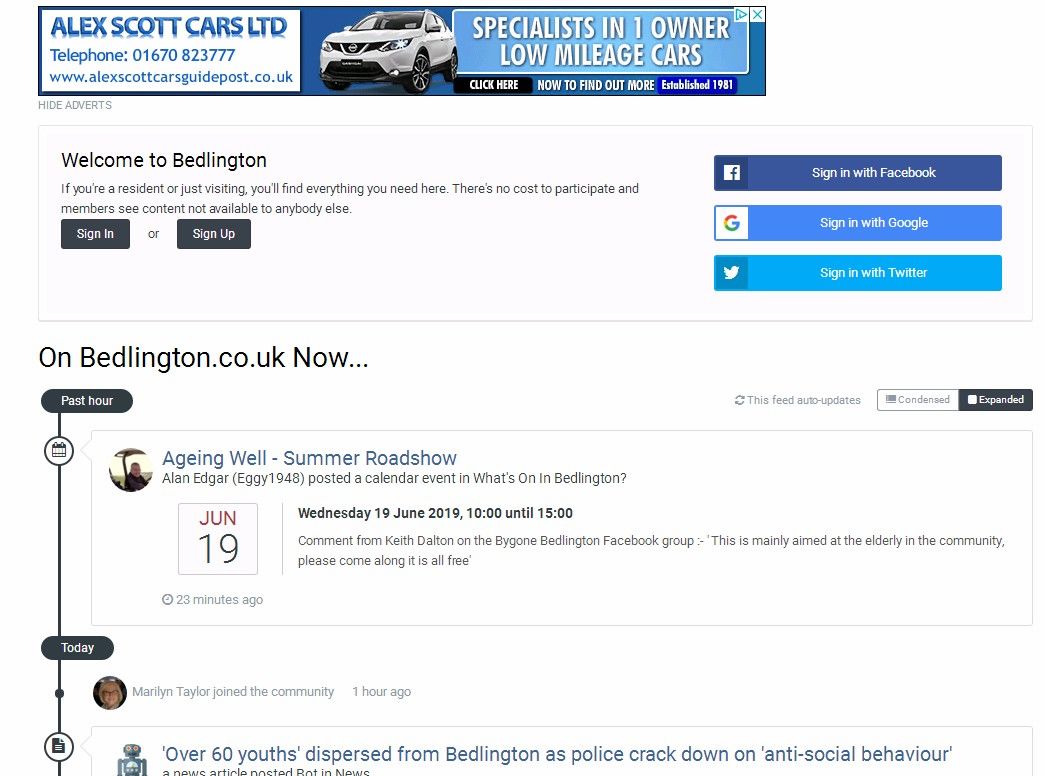
@Andy Millne - for all the entries in the Events calendar is there any chance of a reminder, for every event, being displayed in the 'Welcome to Bedlington' screen that's displayed when anyone first connects to the site? Thinking on the lines of a reminder say a few days in advance of the event and the event being displayed until the end of the.
-
until
Comment from Keith Dalton on the Bygone Bedlington Facebook group :- ' This is mainly aimed at the elderly in the community, please come along it is all free' -
If there was another Brexit vote I think the leave would get less votes than our 2019 entry😉

-
I'll post your thoughts on the other sites HPW and see what response we get.
-
Hopefully one, if not more, of the members will have some info on the area your family lived but as Vic says some dates + additional info etc would be useful
-
until
Michelle Brannigan shared an event. 1 hr Tell your friends and family. The exhibitors do actually have jobs that they are recruiting so you might get an interview on the day! -
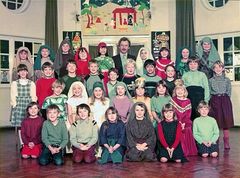 Photo from Sarah Ince and names from the Facebook Bygone Bedlington members.
 -
From the album: Bedlington Station 1st School
-
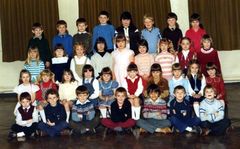
From the album: Bedlington Station 1st School
-
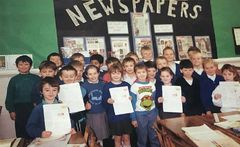 Photo from Sarah Ince and names from the Facebook Bygone Bedlington members - 1991 miss Lowrie’s class
 -
From the album: Bedlington Station 1st School
-
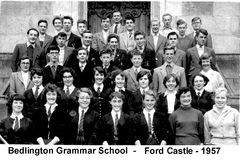 Names for Nos 29 & 36 from Doreen Heslop.