Contributor Leaderboard
-
John Fox (foxy)
Moderators4Points1,417Posts -
.jpg.cdd7f8371d17e2f2f2e2a0e21e02f727.jpg) 2Points3,654Posts
2Points3,654Posts -
 1Points1,451Posts
 -
1Points6,990Posts

.thumb.jpg.7493ddab4a696108cf2b849323d3c155.jpg)


Popular Content
Showing content with the highest reputation on 25/12/16 in all areas
-
3 points
-
1 point
-
1 pointAll over bar the shouting here! Christmas dinner eaten and just watched the 'traditiona'l Donald Duck cartoons (true - it's a must here, bit like the Queen's speech in the UK). Now waiting patiently for Santa to knock on the door. He must be coming soon because my old man has just gone out to buy a newspaper. He always misses Santa, poor soul. I had thought of adding a picture of a typical Christmas dinner here but my mission failed.1 point
-
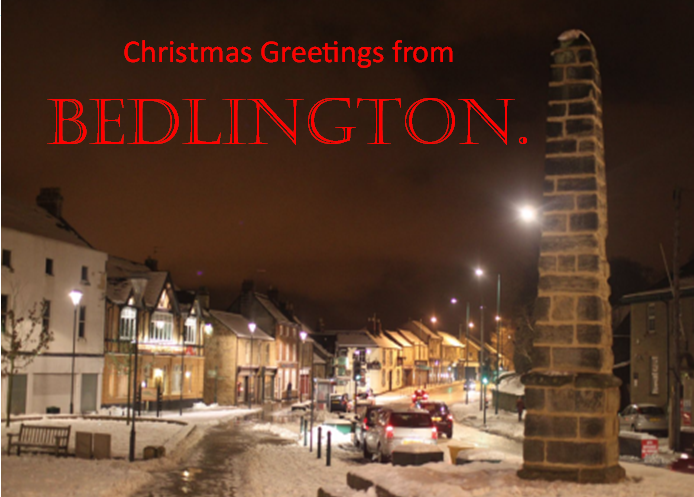
1 pointMerry Halloween Andy. Are there any one way streets in Bedlington you can look both ways before you cross?1 point
-
1 point1 point1 point1 point1 point

nji.jpg.6b8f3f788266c86e33e93006d834ba58.jpg)