Contributor Leaderboard
-
.jpg.cdd7f8371d17e2f2f2e2a0e21e02f727.jpg) 2Points3,645Posts
2Points3,645Posts -
2Points6,969Posts
-

Andy Millne
Administrators1Points3,465Posts -
Malcolm Robinson
Moderators1Points6,416Posts
.thumb.jpg.7493ddab4a696108cf2b849323d3c155.jpg)



Popular Content
Showing content with the highest reputation on 17/06/21 in all areas
-
Answers to last week's quiz: 1. Rain 2. Nutwood 3. Spinks 4. Germany 5. Plum 6. 1989 7. Central Park, New York 8. Carly Simon 9. Macbeth 10. South China Sea 11. Olaf Palme 12. Fashion New quiz tomorrow.2 points
-
2 points
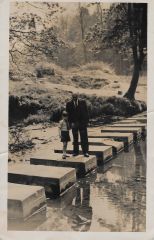 Andy's photos, and Jojo's,, definitely the stepping stones next to Humford Baths.2 points
 -
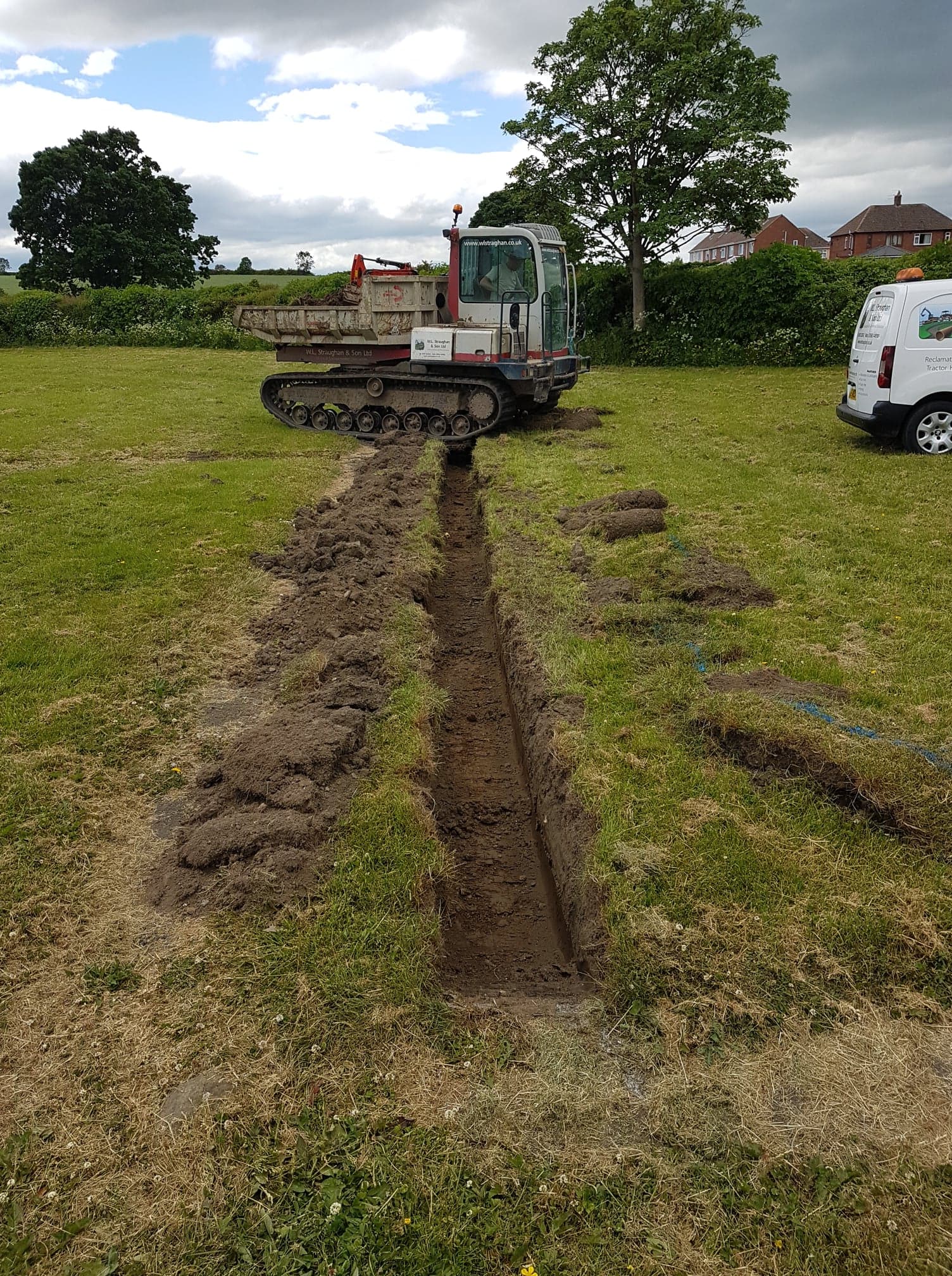
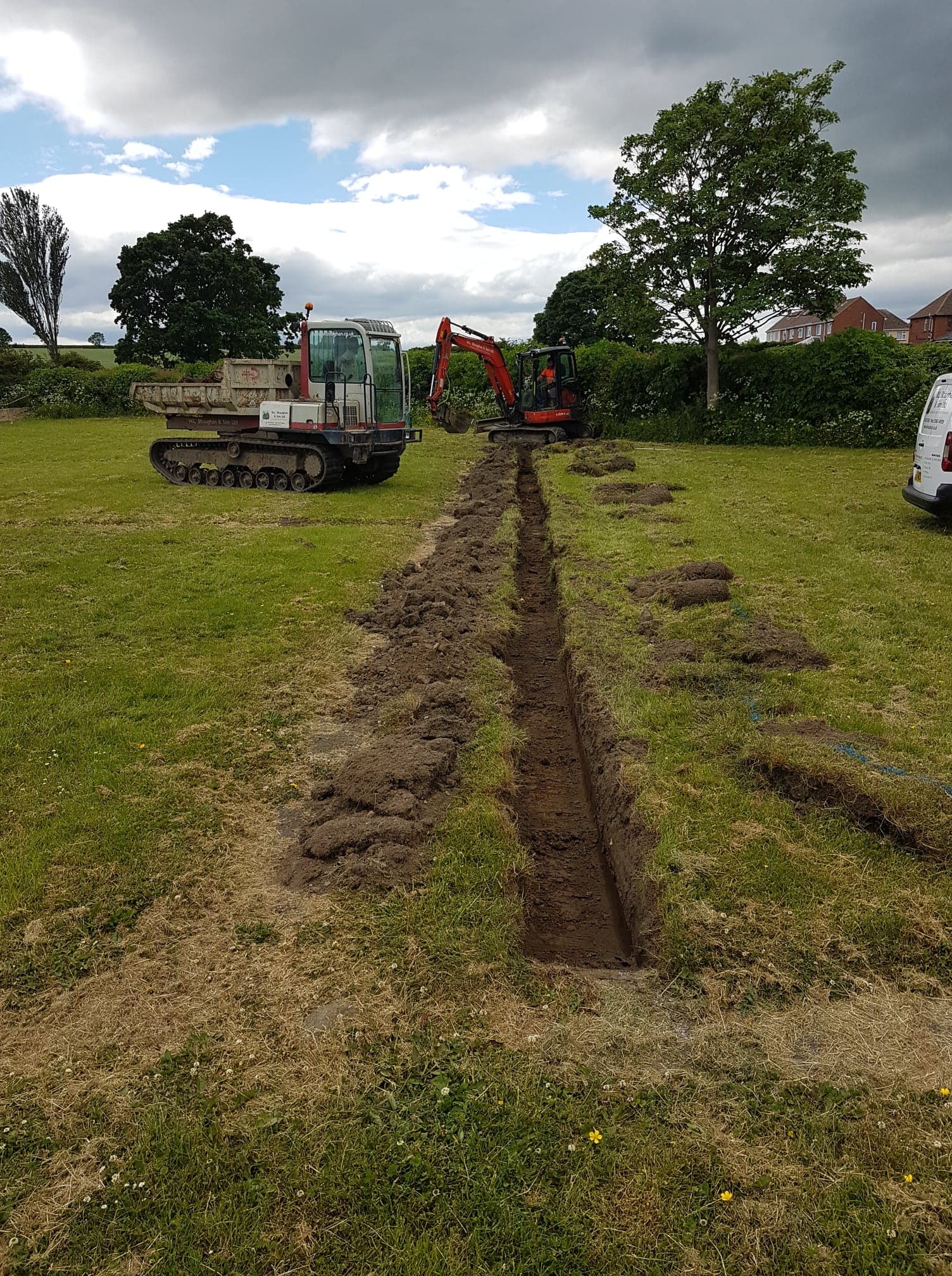
1 pointUpdate on West Lea Cemetery. Work on the new drainage system started today. Good start more to do! video-1623851069.mp4
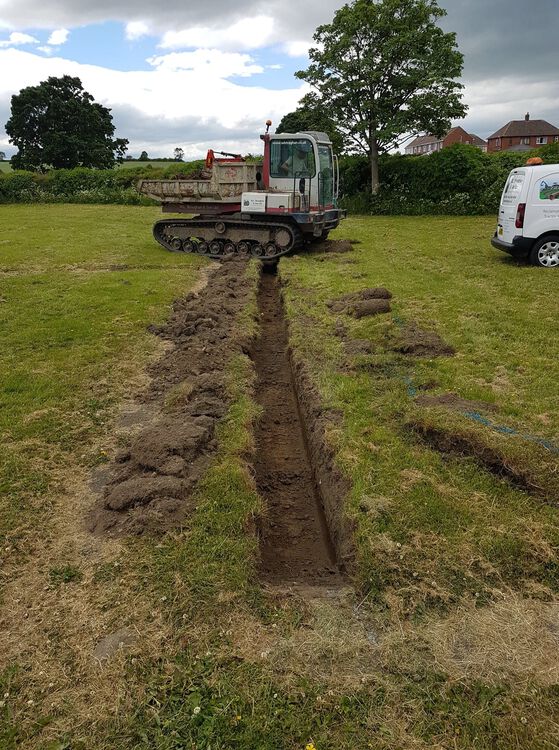
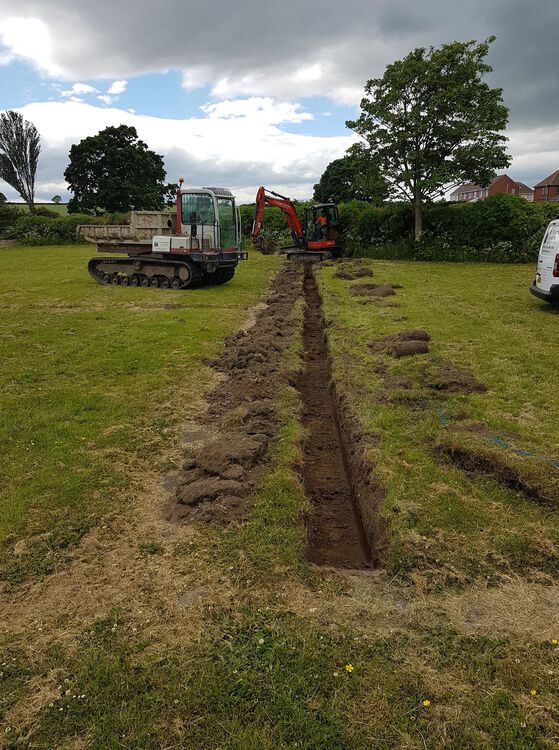 1 point
 -
1 point
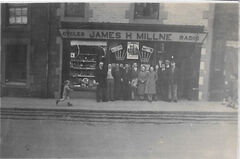
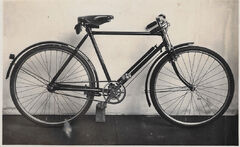
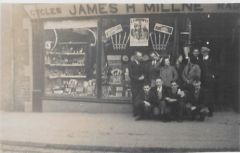
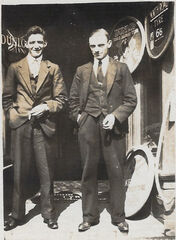 @Alan Edgar (Eggy1948) I'm working on gathering info to go with these photos but everyone please feel free to comment if you have any insight. I also have a private album here with other family photos from Lairds House and elsewhere around Bedlington going back to 1893 that I'll move over to public albums once I've sorted through them for any with public interest.1 point
 -