Contributor Leaderboard
-
2Points6,990Posts
-
2Points3,071Posts
-
 2Points1,451Posts
 -
.jpg.cdd7f8371d17e2f2f2e2a0e21e02f727.jpg) 2Points3,654Posts
2Points3,654Posts



.thumb.jpg.7493ddab4a696108cf2b849323d3c155.jpg)
Popular Content
Showing content with the highest reputation on 10/12/21 in all areas
-
2 pointsI know it's earlier than normal but I keep thinking my PC might catch an omicron variant, 'Desktop Lock Out'. Stay safe. Eggy
 2 points
 -
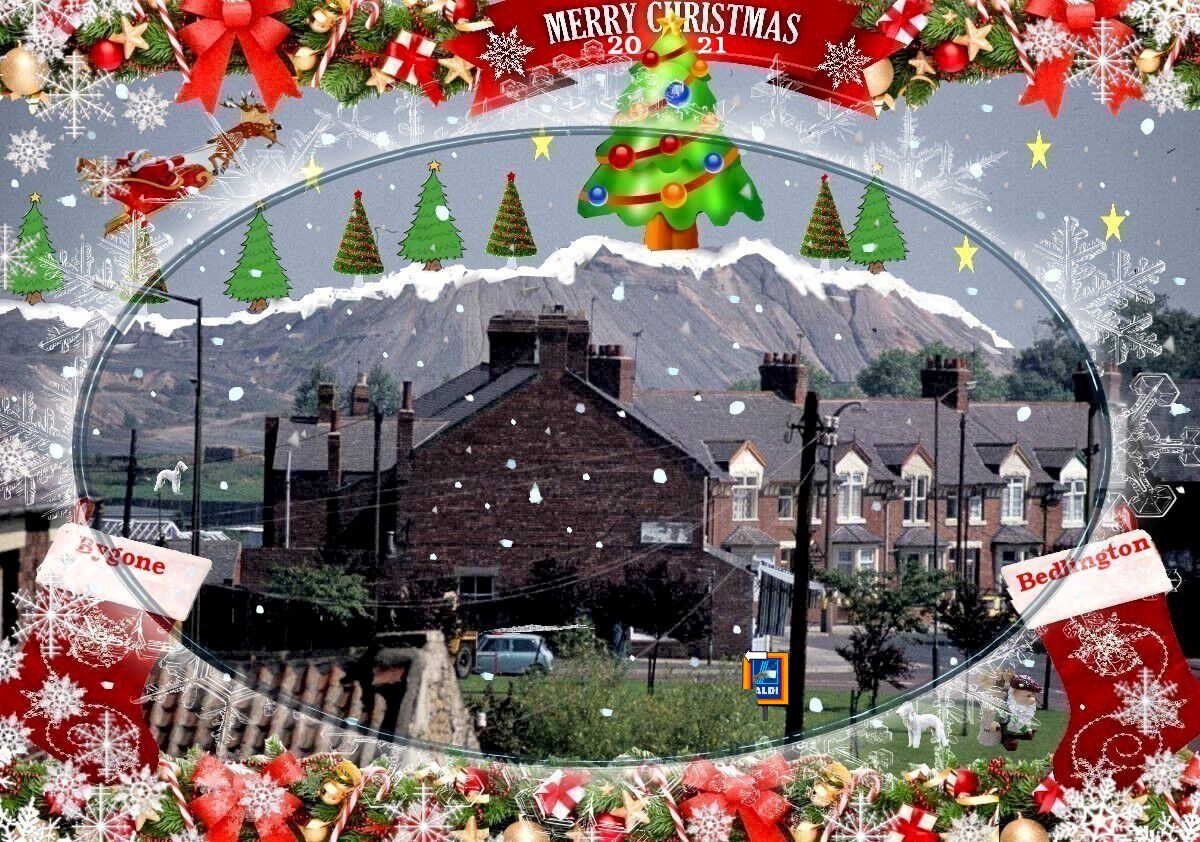
2 pointsMerry Christmas from the cold NE i wish everyone a healthy 2022
 2 points
 -
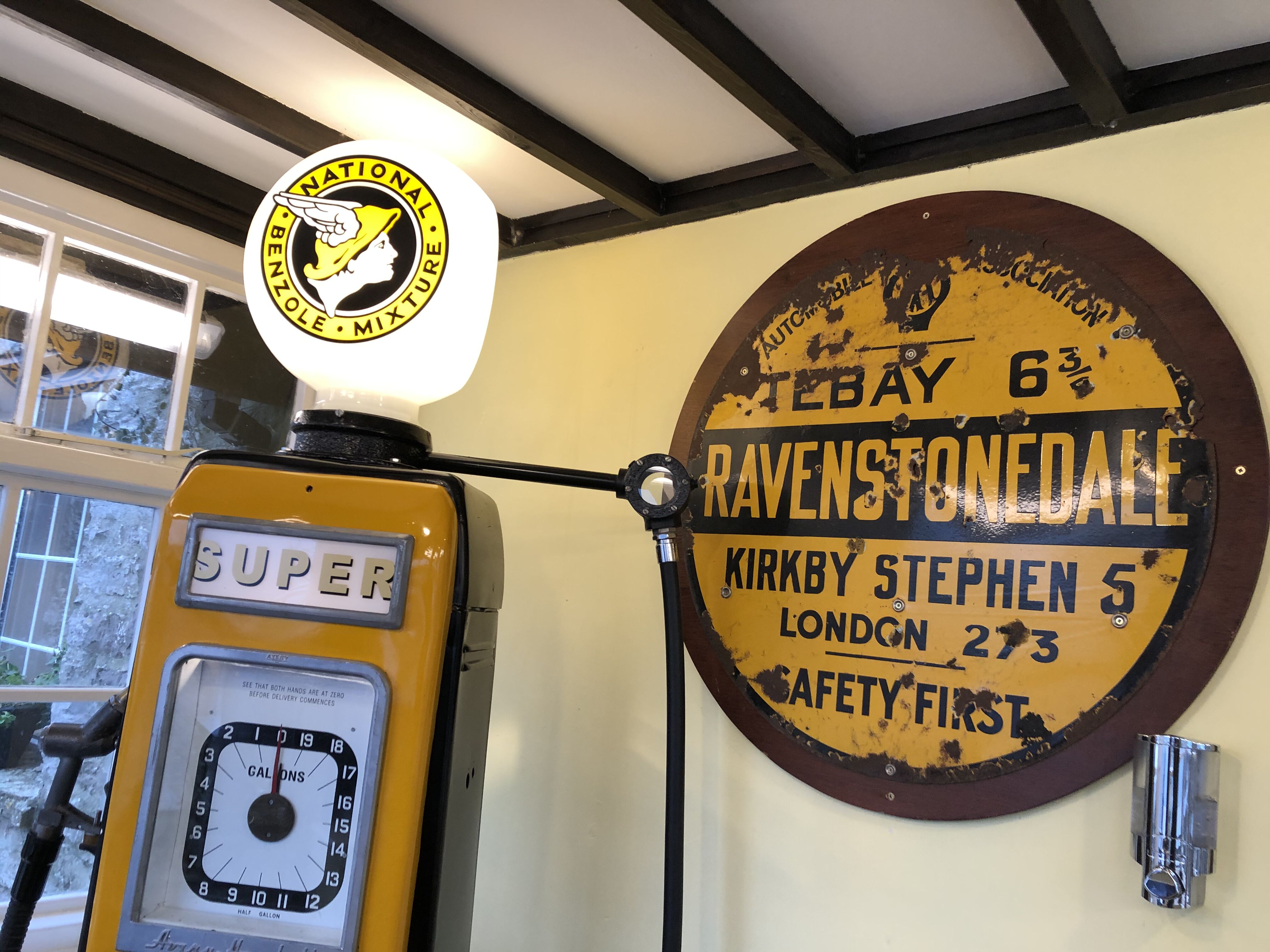
2 pointsWilf's here! It's officially Christmas! A very merry Christmas to you all. Stay safe and avoid Covid and we'll see each other in the new year. Meanwhile, I've said this before and it's worth repeating:
 2 points
 -
2 pointsMerry Christmas Alan and to all of our friends, followers and families, and a safe and happy New Year.2 points
-
2 pointsHave a good one Alan, Merry Christmas to every one and a Happy New Year2 points