Contributor Leaderboard
-
.jpg.cdd7f8371d17e2f2f2e2a0e21e02f727.jpg) 2Points3,654Posts
2Points3,654Posts -
7RIrF
New Members1Points13Posts -
1,334Points6,990Posts
.thumb.jpg.7493ddab4a696108cf2b849323d3c155.jpg)


Popular Content
Showing content with the highest reputation on 31/01/24 in all areas
-
1 pointYou might as well have written that in Chinese!! I'll have to get my OH to have a look at it. I tried to access dmm again today and got the same message. However, i did see that that there was a padlock with a red line through it at the beginning of the web adress.1 point
-
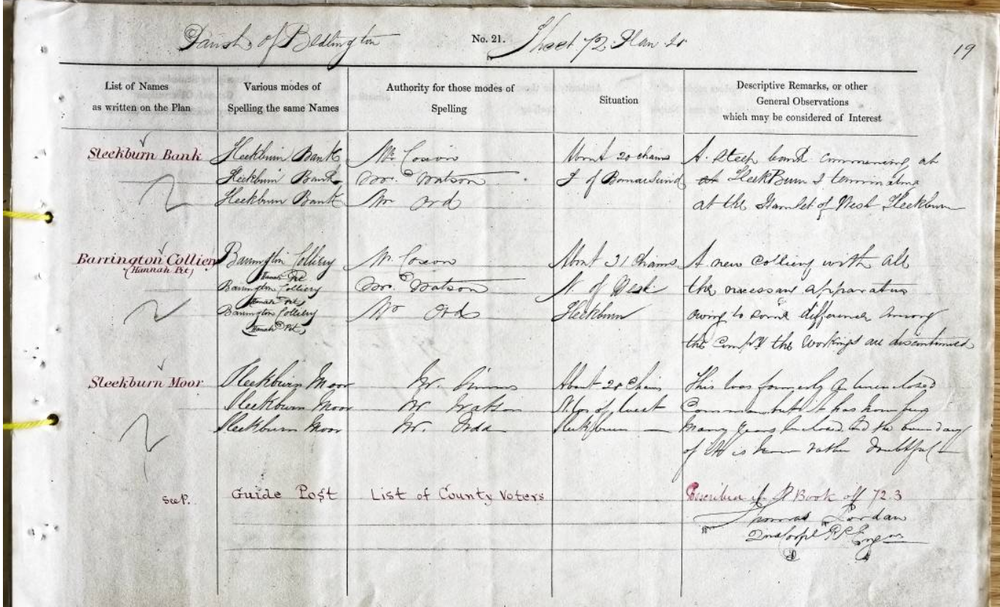
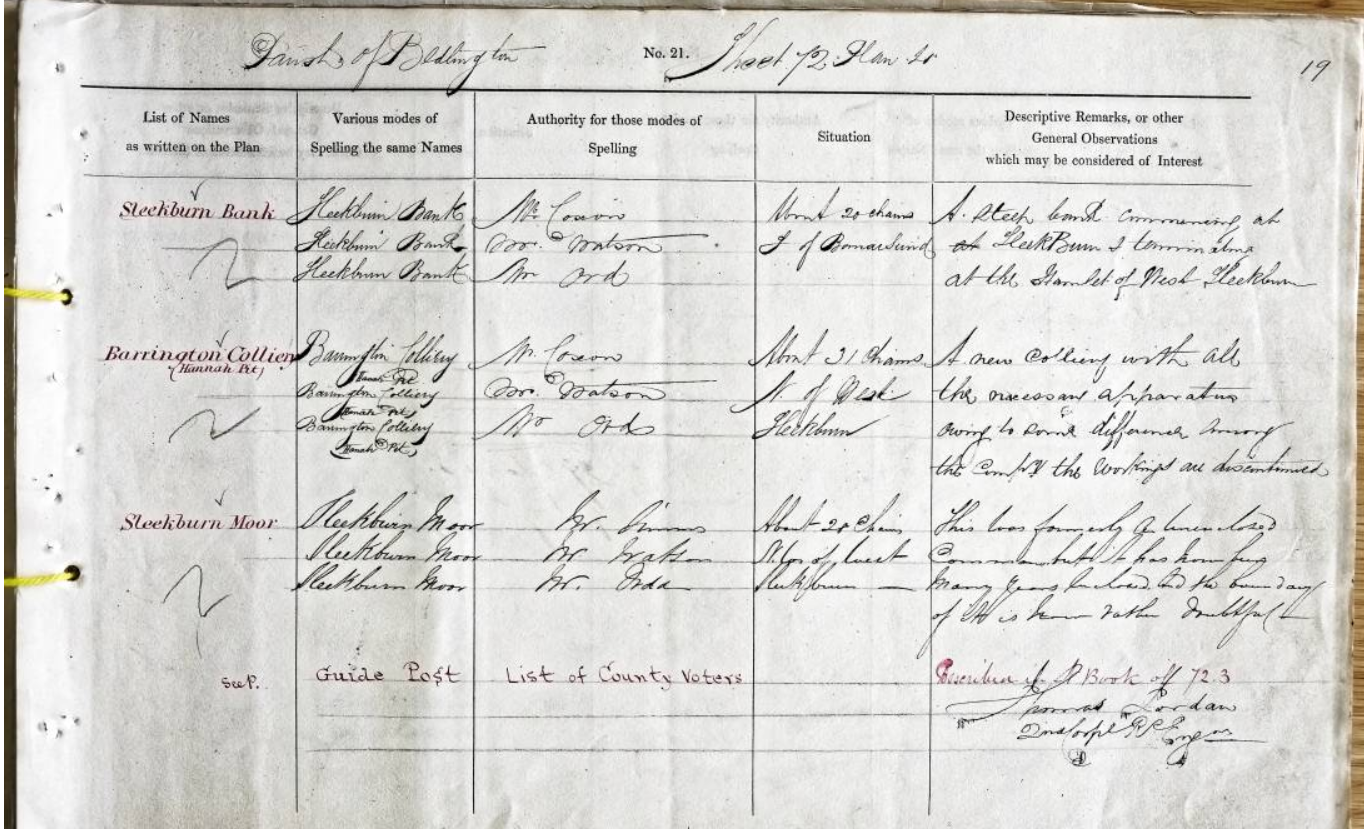
1 point@7RIrFIf you are interested in the Bomarsund pits you might like this. It's a page from the notes of the people who were responsible for names on the first series of OS maps round about the 1860s. This particular entry is for Barrington Colliery's Hannah pit. The handwriting's not too bad: "A new colliery with all the necessary apparatus. Owing to some differences among the company the workings are dicontinued".
 1 point
 -
1 pointThey appear on the map to be the same thing with a different name... exact same spot, up the road from Red Row... it's the exact same Colliery, no? "Hannah Pit" 1866: 1924: James
.thumb.png.77300168acdfb8bdfa93e7f166099855.png)
.thumb.png.391acd4176a4846a257c68a9ddf45fa0.png) 1 point
1 point -
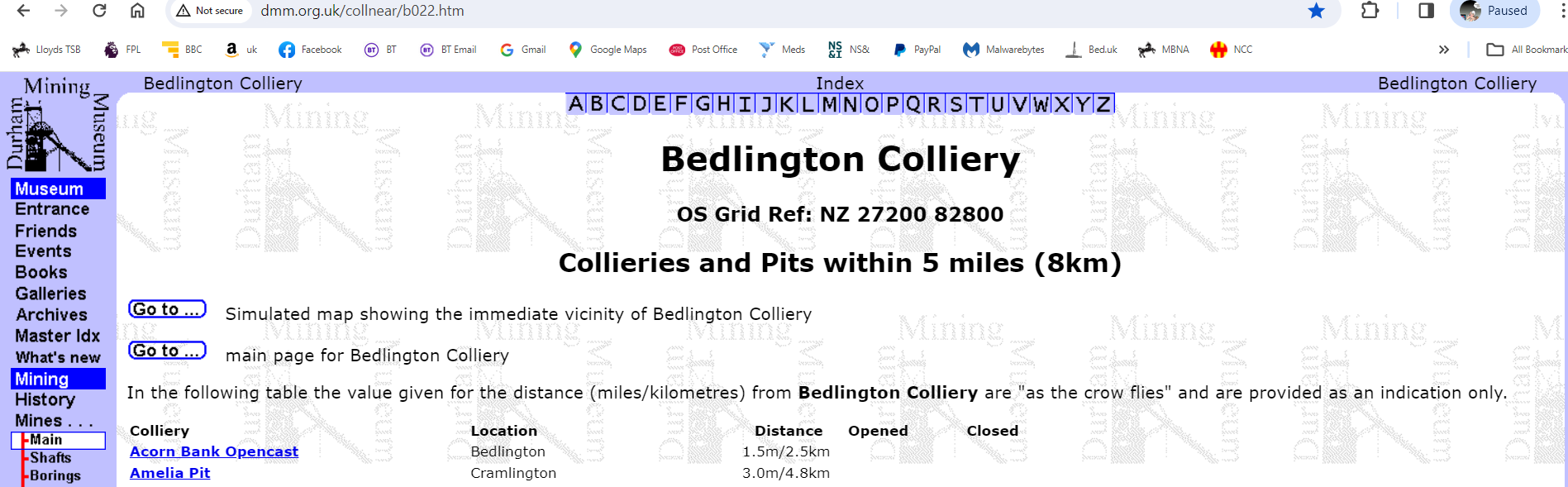
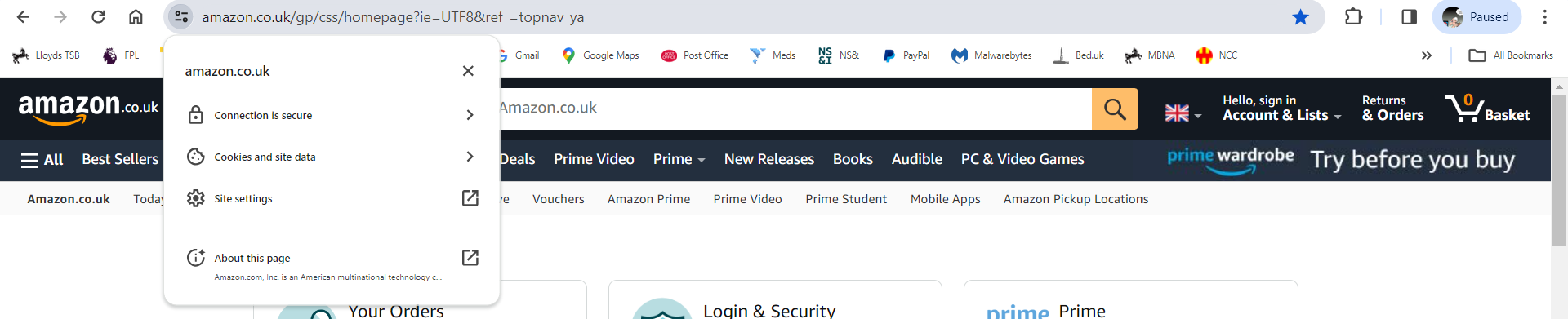
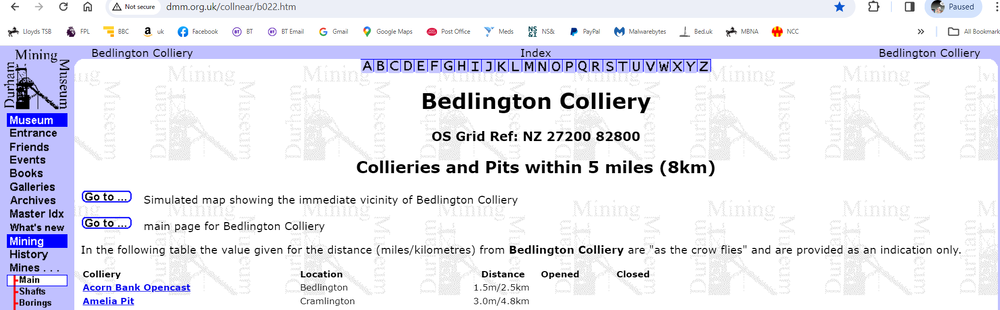
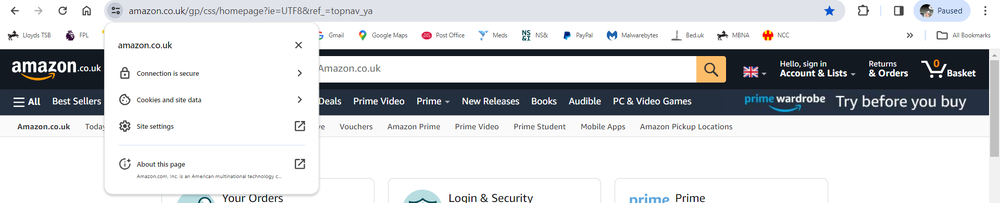
0 points@Canny lass the DMM site is a site that is recognised by browsers or the Security Software you have on your device as 'Not Secure' and that's why you get the 403 error. My security software - Malwarebytes warns you that a site is not secure and gives you the option to 'contnue' or 'block access' to the site. As I said 'continue' for access to DMM my Secrity Software saved that response for the DMM site and I am nolonger asked the question when I access DMM. There used to be 'padlock' logo at the start of a 'secure' site name but that appears to have changed to awhat looks like a couple of Keys but when you click on the Keys the infois displayed. DMM site with 'Not Secure' at begining :- Amazon uk site with 'Keys' :-
 0 points
.png.c963fa6de2f5554530cd7e0a007fb884.png)
.png.8b966aaec33ac37d99e98e1d4765b532.png)