Contributor Leaderboard
-
.jpg.cdd7f8371d17e2f2f2e2a0e21e02f727.jpg) 2Points3,654Posts
2Points3,654Posts -
1Points6,990Posts
-
Mal
Members1Points109Posts -
 1Points1,451Posts
.thumb.jpg.7493ddab4a696108cf2b849323d3c155.jpg)



Popular Content
Showing content with the highest reputation on 16/12/24 in all areas
-
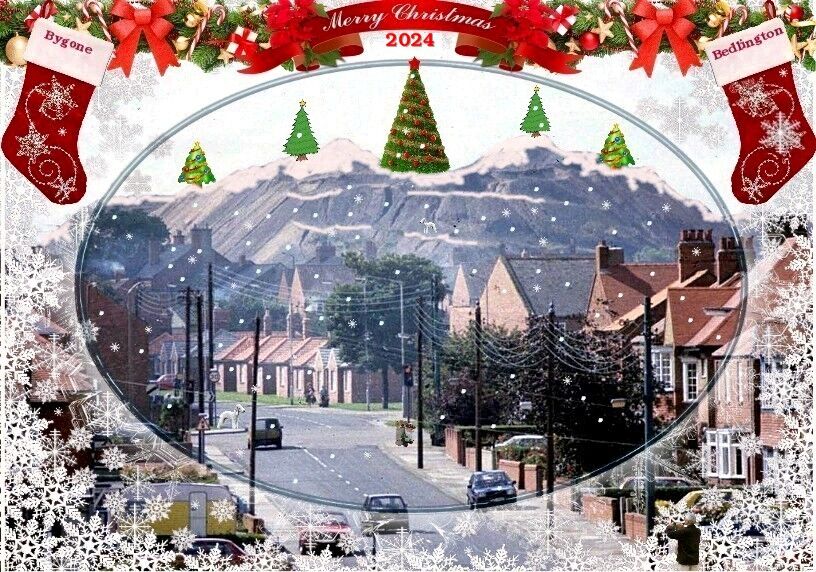
2 pointsIs that Wilf i can see loitering by the traffic lights? Hopefully it is, cos that means it's officially Christmas! Whoopee!!! A very merry Christmas to everybody. I hope to be a bit more active next year as two eye operations have meant I've had to rely on someone else to read and write for me for a couple of months. Reading has been a little bit easier but only if I lift the laptop to within an inch of my face. However, I'm on the mend now but can't get new specs until the beginning of February when everything is healed. Have a great Christmas and knock hell out of what's left of the year!2 points
-
1 point1 point1 point1 point