Contributor Leaderboard
-
.jpg.cdd7f8371d17e2f2f2e2a0e21e02f727.jpg) 4Points3,654Posts
4Points3,654Posts -
3Points6,990Posts
-
Rigger
Members2Points119Posts -
Nicola Riley
New Members2Points7Posts
.thumb.jpg.7493ddab4a696108cf2b849323d3c155.jpg)



Popular Content
Showing content with the highest reputation on 17/03/26 in all areas
-
2 points
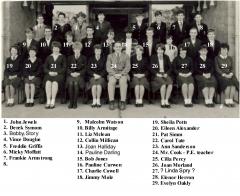 @Nicola Riley So pleased that you found her! A little correction: The photo doesn't show a PE class. Miss McLean (Later Mrs McDonald) was a PE teacher but this is a class photo for which Nancy (Miss McLean) was the form mistress. All classes had a form teacher. The class would go to her directly after assembly in the morning and she would fill in the attendance register before the pupils went to their first lesson. As Miss McLean was the only teacher of PE for girls then Joyce would certainly have gone to her PE classes.2 points
 -
1 point
-
1 point
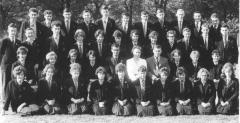 @Nicola Riley - could No33 in the above photo we have labelled as 1963 your mam?1 point
 -
Thanks Alan but I've just this minute found her! Westridge 1959 PE class.1 point
-
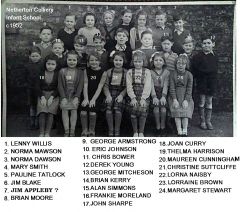 That’s the James Appleby that I remember! Nr 7 back row right.1 point
 -
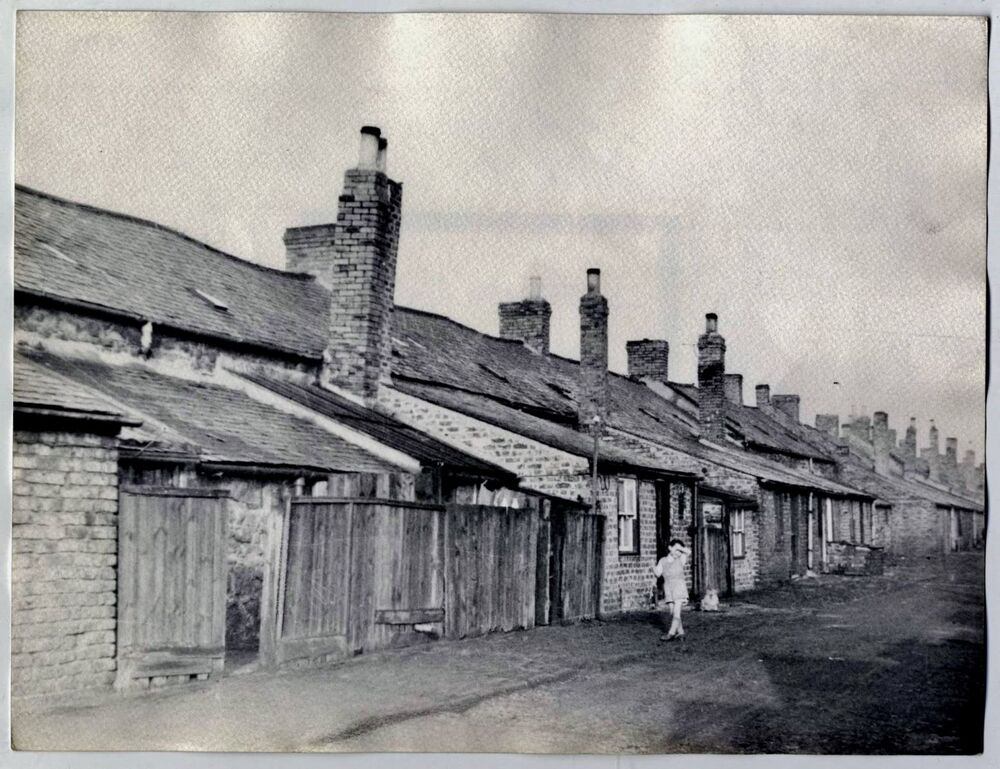
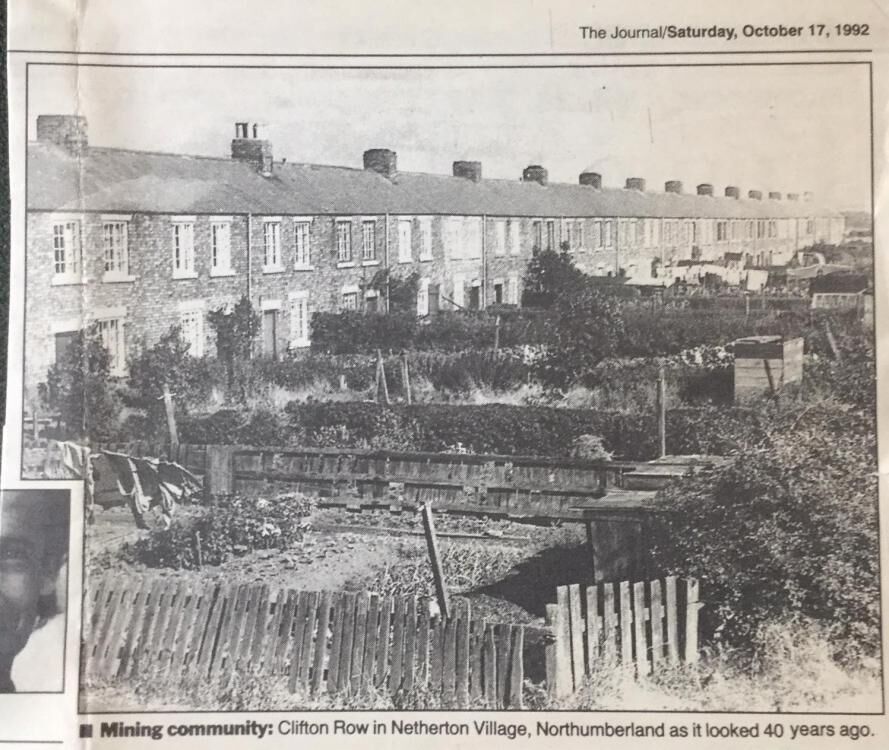
1 pointWelcome to the forum @Appleby I was born in Howard Row, which was next to Clifton Row. Howard Row was demolished shortly after my birth in 1947 but Clifton Row remained throughout my childhood and I played there often with classmates in the 50s. There were Applebys in Clifton Row then but I'm afraid I can't remember anything about them. I attended the colliery school which had 2 classes. There was a boy named Appleby there but not in my class, so he would be a year or so older/younger than me. I think his name was James. Alan recommended that you look in the gallery among the photos in the album Netherton/Nedderton old photos. I'm going to suggest that you also look in another album " Netherton/Nedderton old photos 2. There you'll find quite a few class photos for both the Netherton school (infants) and the Nedderton school (juniors) where all colliery kids were educated. With a bit of luck your friend might be able to recognise some family facial feature that could help to identify an Appleby. In that album you'll also find 2 of my favourite photos: Clifton Row, back (facing the outside 'netties' )and the more presentable Clifton Row, front facing the gardens.
 1 point
 -
1 point
-
1 point
-
1 point
@Rigger - names updated. @Canny lass - differences in Riggers list to your list = CL Rigger 16. Lorraine Armstrong Margaret Coppin Lorraine Armstrong - No 34 24 Barbara (Stephenson?) Barbara Smith ? 31 Patricia French ? Kathleen Brown1 point
-
1 point
With help from one of the girls from the photo 15. Dorren Anderson, 16. Margaret Coppin, 17. Margaret Morton, 18. Jacqueline Armstrong, 19. Pat French, 20. Pat May?, 24. Barbara Smith?, 25. Anne Tyler, 26. Janice Hindhaugh, 27. Lesley Bainbridge, 31. Kathleen Brown, 32. Eileen Brown, 33. Joyce Butcher, 34. Lorraine Armstrong, 35. ?, 36. Yvonne Williamson, 37. ?, 38. Ann Chapplehow, 39. Ann McClellan, 40. Janice Rowsett, 41. Anna Thain, 42. Margaret Humble?, 43. Lorna Hudson1 point