Andy Millne
Administrators
-
Joined
-
Last visited
Everything posted by Andy Millne
-
🏆 I added a poll to this topic. Others can still be added.
-
Hi Ellie, welcome to the site. Bedlington seems to hit your requirements in terms of green spaces and commuting. In terms of demographics it's a fairly even split from what I can tell between families, young professionals and elderly. For groceries there are now 3 supermarkets (Morrisions, Lidl and an Aldi opening imminently) as well an independent discount retailer at the top of the street. For other shopping there are some specialist independent retailers on front street but you're not going to get the same mix of national chains you get on other high streets. There's a well established music shop, cobblers, butcher, home furnishings, travel agent, cake shops, plenty of hair dressers, nail shops and dog groomers etc but you will likely need to travel elsewhere for clothes and white goods etc. There's a few coffee shops and I'm currently setting up a coworking space on Front Street. There are community groups that host events at the Community Centre and Salvation Army covering lots of topics like crafting, history, running, fitness. I have lived in Bedlington most of my life apart from a few years overseas. It has its problems the same as anywhere and generally there can be a feeling of apathy and that the town is overlooked in many respects but if you can see past that there are definitely things happening if you get involved.
-
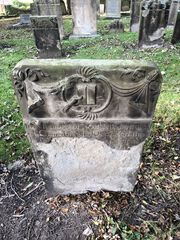
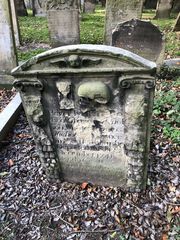
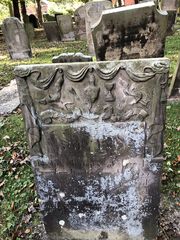
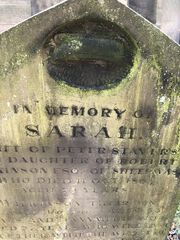
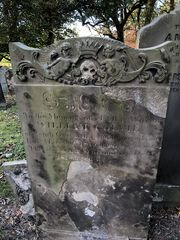
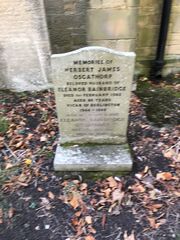
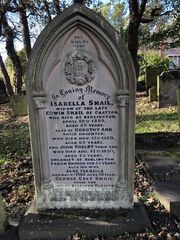
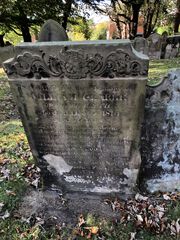
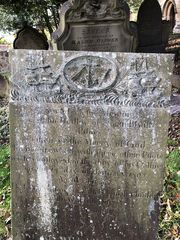
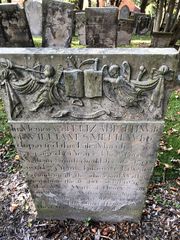 I’ve updated titles where I can make out the carvings. Hopefully it’s not presumptuous using surnames for headstones marked “wife of”.
 -
-
I've moved all the images from the comment into separate gallery entries.
-
Thanks @Malcolm Robinson
-
Yes, those are clearly spammers. There are a number of things we do behind the scenes to prevent spammers being able to register but occasionally some get through. There's nothing to worry about however, all new members have their content and actions moderated until they are shown to be genuine members. If any spam content is posted it can also be reported. There are some automated actions so that if a number of people report the same content it is automatically hidden to be dealt with by a moderator.
-
Look for the image tools menu when you move your mouse over the image gallery is due some user experience improvements to get rid of the annoying popup amongst other things.
-
We did recently upgrade the software behind the website and a new "achievements" feature was temporarily enabled for testing. If you receive a notification that someone has replied to a topic/mentioned you there will be a direct link to that post in the notification. If you're seeing problems with this I'll need more info on what it is you are seeing, what is happening and what you would expect.
-
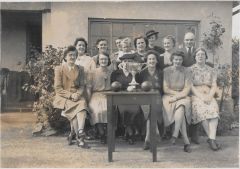 Sure, no problem.
 -
-
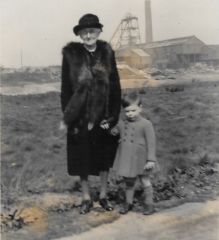 Doctor Pit? If so, and comparing to other photos, I think they are standing roughly on the site of the current law courts.
 -
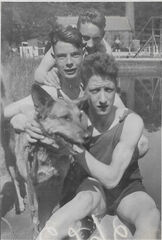 I can't confirm 100% but quite possibly.
 -
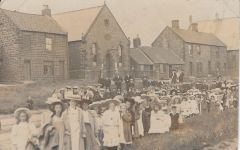 I think you’re correct.
 -
You’re a wizard Alan.
-
Fixed the timeline
-
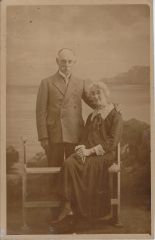 Another copy dates this more accurately:
 -
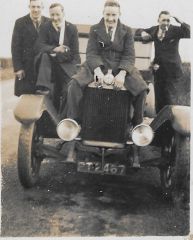 From threegee. "The group of lads with one astride the car could include Philip Joyce, William Scott, and Bob? Mather?, Bill Orange, Billy Elliot - the Bedlington engineering/garages crowd who used to hang out together. Long before my time."
 -
From this photo of the same year... If this is the same person in both photos. I wonder if the c1930 photo could be a little earlier judging by the moustache colouring
-
Thanks Alan, that makes sense with James D Millne, Elizabeth Millne and a young Jimmy Millne noted in the picture and @threegee’s notes on David Millne’s involvement with Church of Christ (https://www.bedlington.co.uk/gallery/image/2651-james-david-millne/) Yes feel free to share with Susan.
-
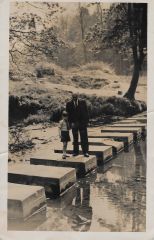 Taken today 13/6/2021:
 -
Yes i agree. I don’t think it’s the same building. I do think it may be the same location though. There are some similarities between this stone building and one in Evan Martin’s photo and the other building with the two chimney stacks. i don’t know if reproducing Evan’s photo here comes under fair use or not but perhaps @Alan Edgar (Eggy1948) has a copy or can confirm the location. In Evans photo this building could be further up towards the Red Lion than the Trinity church building in the Google image.
-
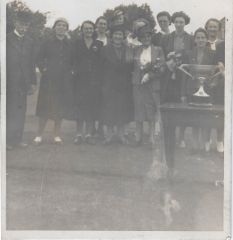 Thanks @Alan Edgar (Eggy1948) The trophy looks to have a shorter base and stem than the one in the Past Times group photo but that does look very much like it could be "Jimmy" Millne on the left. I haven't seen many side profile photos of him.
 -
Reverse:
-
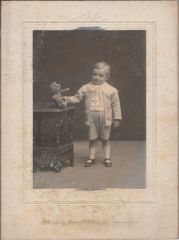 Reverse:
 -
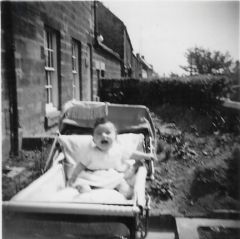 Elaine Firth?