Andy Millne
Administrators
-
Joined
-
Last visited
Everything posted by Andy Millne
-
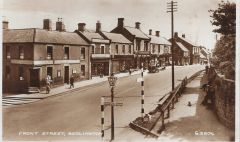
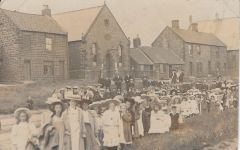 There's a photo in Evan Martin's "Bedlingtonshire" book from 1920 on page 14 that seems to confirm this is Trinity Church to the far right.
 -
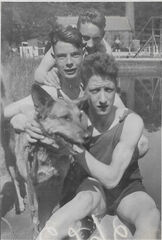 Humford baths or A Pit?
 -
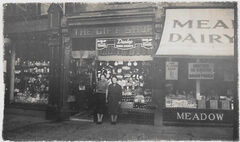
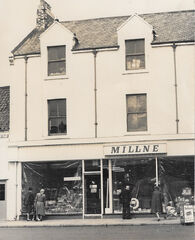
Yes this photo seems to confirm the gift shop as ?? Next to F.C. Carr and son.
-
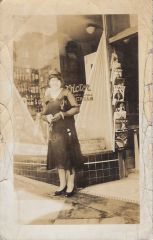 Thanks for the detective work. I don’t believe there are any direct connections but I did suspect it wasn’t Bedlington. There are quite a few letters with these photos so I’ll see if I can find any other links to America.
 -
The building with the ?? In your image is currently being fitted out as a bathroom showroom. I think that was Millne’s gift shop with Meadow dairy to the right.
-
I’m not sure of the history of 90 before it was the British Gas showroom.
-
Dunn’s was demolished in the 90s after a fire. The building with the bedlington.co.uk logo is number 90. Dunn’s was the next one 88. 86 is now also demolished (was Dennis Todd’s music shop)
-
 @threegee?
 -
The visualisation of the timeline is broken following a recent upgrade but the data is still there. I'll try and get the animation working again.
-
 My info in the other photo is second hand from threegee based on his comments here. we're in a loop.
 -
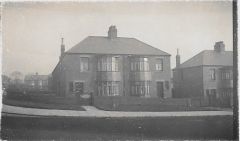
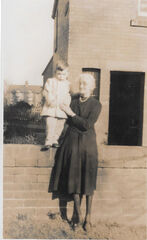
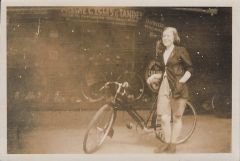
I think this might be a holiday photo and not Bedlington. Posted in case anybody knows otherwise.
-
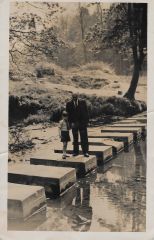 They do seem smaller in person now than old photos. This will be early 50s. There’s a similar point of view from 1977 here…
 -
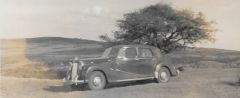 Only in physical form at the moment and being scanned and added here as I get time.
 -
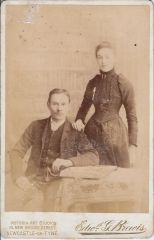 I’m in a similar position unfortunately. Lots of photos not yet shared and unable to put names to faces. I’ve been picking out the ones of general interest. There’s also a lot of old sales literature and adverts from the shops still to scan. Which history group? I’ve occasionally browsed through some of the online groups but haven’t had any direct involvement. if there’s an open in-person group I’m not aware of I can definitely bring some things along and attempt to swap notes. Most of my info is second hand. My dad also has lots of info in his head that he has been adding to these images.
 -
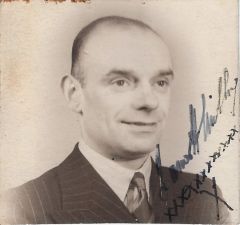
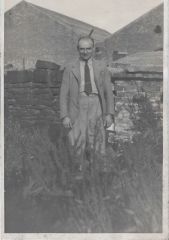
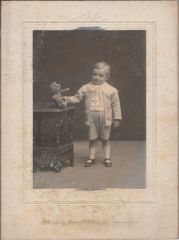 James "Jimmy" H Millne
 -
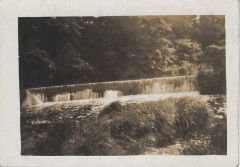
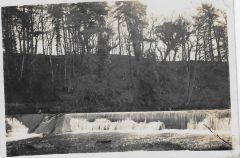 This looks like it could be the weir at Humford Woods
 -
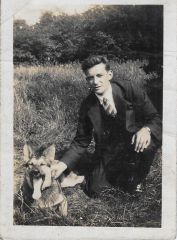 Reverse:
 -
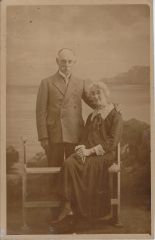 Whitley Bay 1930 - James David Millne & Elizabeth Rogers
 -
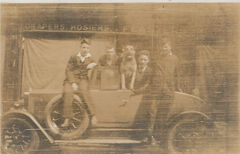
Front Street West Trinity Church?
-
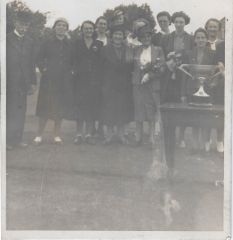
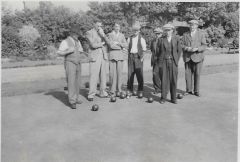
 A number of bowls photos here that may be Doctor Pit Park? Can anybody confirm?
 -
-
-
Reverse:
-
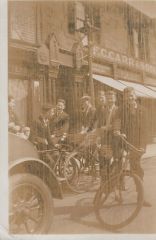 Another of Feasters? With F.C. Carr to the right.
 -
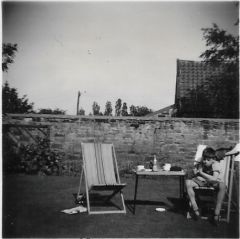 I think this is facing the old outbuilding to the rear of 40c/d Front Street West (Now The Boxwood Tap Micropub)
 -
Humford Woods stepping stones. James H Millne and James D Millne II