Everything posted by Alan Edgar (Eggy1948)
-
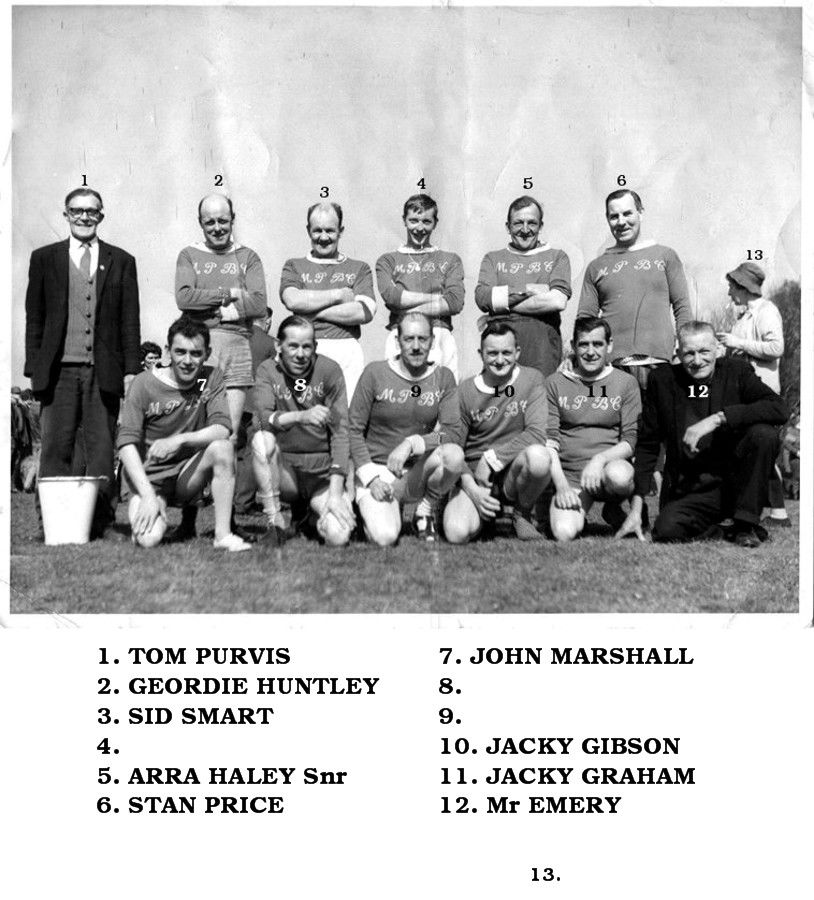
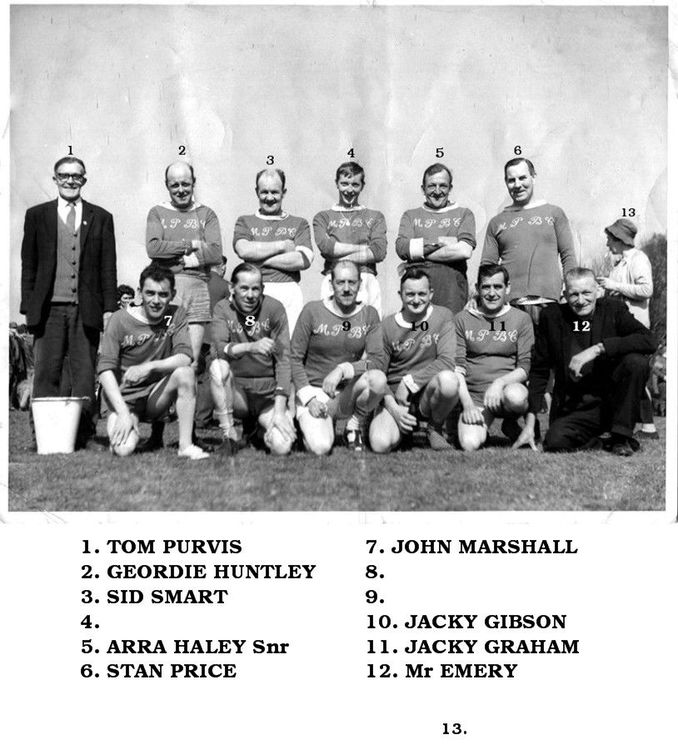
Photo posted on the Bedlington Facebook groups by John fox who is trying to get some info. He has named some of the players and is trying to find out who the team played for, the year, and what would be the event this group would get together to play for . I have named the photo as 'Netherton Club Football team named' but that's only guessing as John thinks many of this team were Netherton Social Club members and possibly committee members.
-
 Raymond Sawyer says No 12 is not him.
 -
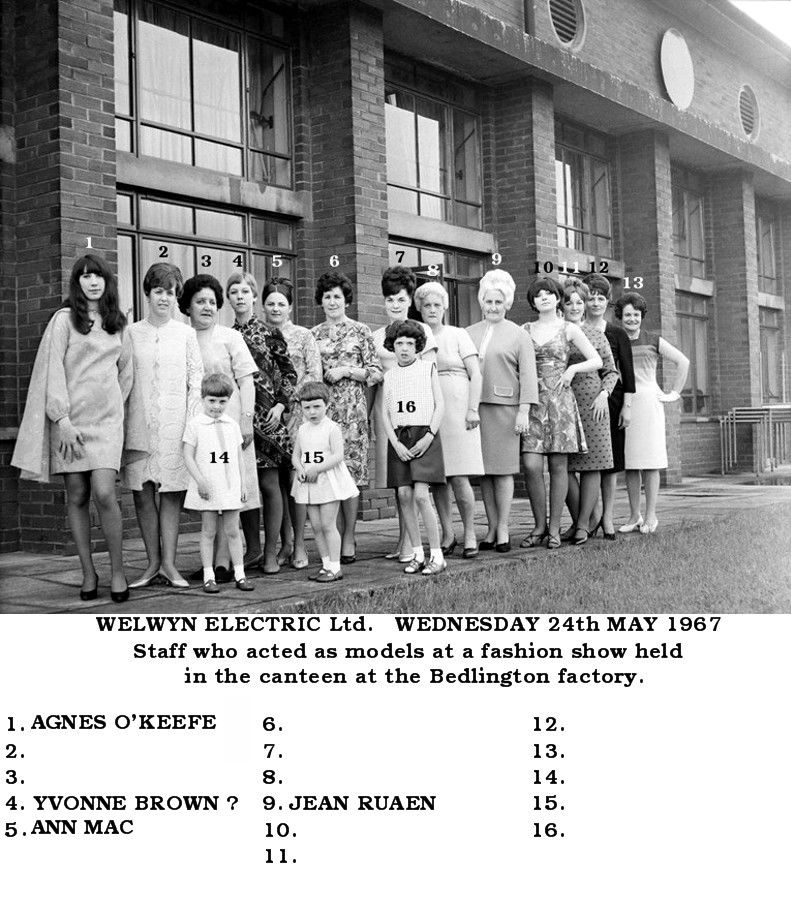
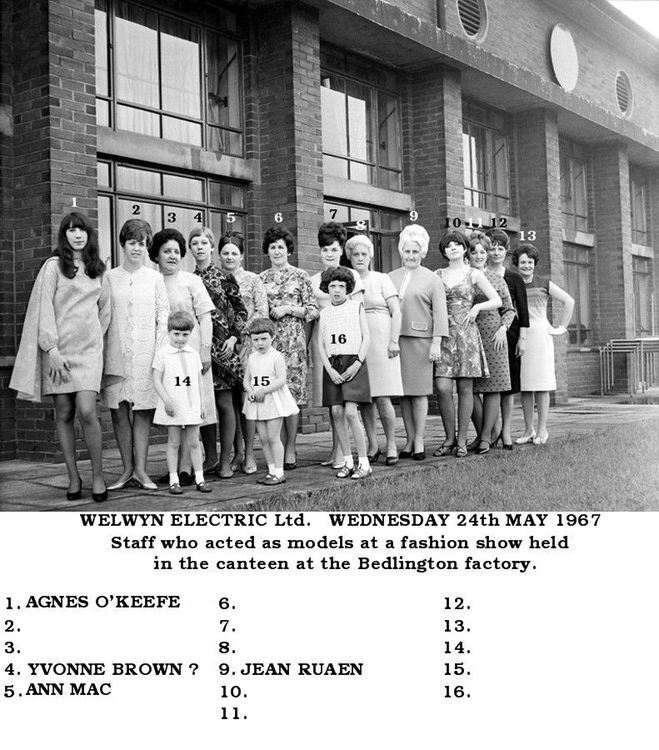
Photo & info from Gordon Smith - Past Times History groupWed 24 May, 1967. Briskly stepping out in the latest mini styles are employees from Welwyn Electric Ltd., who acted as models at a fashion show held in the canteen at the Bedlington factory. The clothes were supplied by Carricks (Blyth) Ltd and the show was compered by the shop's buyer, Mrs Doreen Williams. Can anyone name those in the photo?
-
 @Banktop - Wendy says you are right - No 16 John Harmison. Names updated.
 -
Bill - not that I am aware of. Looks like BFI only do rentals = it's lucky the Big Geordie video is free to tempt customers to subscribe. I had a scroll through the 'Rentals' page but couldn't find anything that suggested you could purchase DVDs etc. But as I am not a member of the BFI site I can't be 100% on my thoughts.

-
@Banktop - No 9 updated.
-
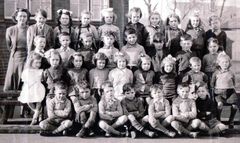
 @Canny lass - Caroline Dobinson (nee Purvis [I think]) replied to my question with :- ' This is Nedderton Village school it took pupils from 4 year old to 11 Netherton Colliery school Closed a few years earlier so anyone from the colliery went up to the Village school. There were 72 pupils there at its peak and there were three classrooms one large dining hall / pe hall the classrooms were big we had 3 teachers Miss Short Miss Dilgono I think Mrs Brydan replaced her but she left and died very young i have forgot the name of head teacher but can remember her very much.' Then Glynis Lynn replied to Caroline with :-' Miss Grey was headmistress, after Miss Severs'. Nobody has confirmed the year of 1967.
 -
@Banktop - No 6 updated.
-
@Canny lass - I'll ask those that named the pupis to confirm year and school
-
This lot would be a few years behind you @Canny lass but can you recognise anyone?
-
Names updated by Bygone Bedlington members - Caroline Dobinson - Kevin Warner - Nellie Dickson -Tracey Potts & Anne Oxley & Margaret Jobson.
-
Names updated - Angela Taylor & Janet Carroll reckon No 12 could be Raymond Sawyer who lived at the Station Club.
-
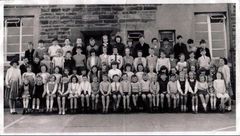
Photo from Glynis Lynn - Facebook group Bygone Bedlington. Looks like the whole school. Names from No 68 - Caroline Dobinson (nee Purvis) Bygone Bedlington group. This lot would be a few years behind you @Canny lass but can you recognise anyone?
-
From the album: Netherton/Nedderton old photos 2
-
As the population gets bigger = more children = more schools = all new schools will have to be built away from the town centers = children will have to be driven to school = after 2035 all school will have to have 'drop off points' and 'charging points for electric cars = the world will be a better place - for some. What about those parents that don't have a car to drive their kids to school ? How far into the future can local planning committees plan and get whats best for the area? If the world of automation explodes there will be more people out of work and have time to walk their children to, and from, school. Then the authorities can change how schools teach the children - let the ones who can't be driven to school stay at home with their out of work parents and get taught, online, at home. When will we ever have a perfect solution to any challenges this fast paced progressive world is throwing at as? I know - WWIII, or a pandemic, and that should reduce the population explosion. Or will it. After WWII they introduced Family Allowance, for the 2nd child in the family, so that parents would have more children and therefore more money coming into the home and then when the children grew the parents would encourage them to buy their own home, have a family and get their children educated = more schools = more.............................. When will the merry go round ever end? Not half pleased your the councillor Malcolm, it must be like going round in circles. Retirement doesn't seem that bad - at least you have more time to look for soup spoons.
-
Do you get free tins of soup with them
-
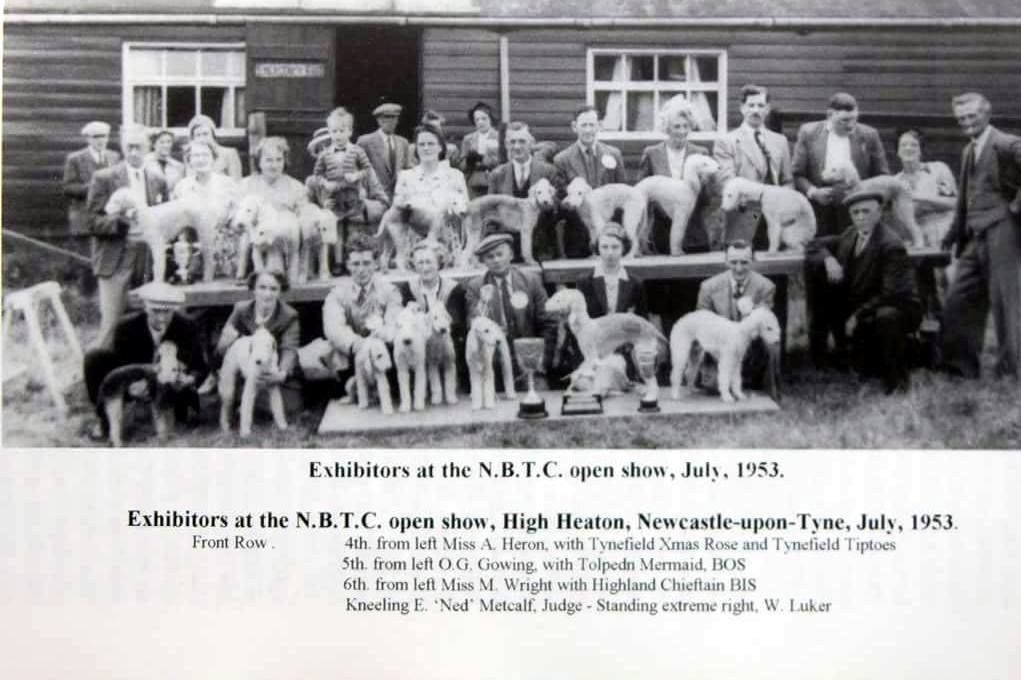
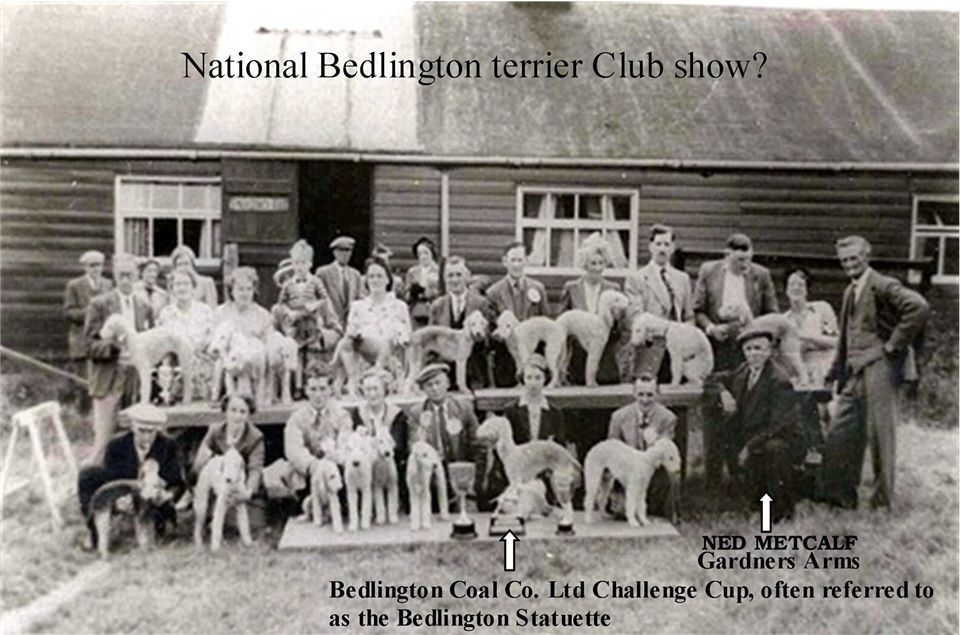
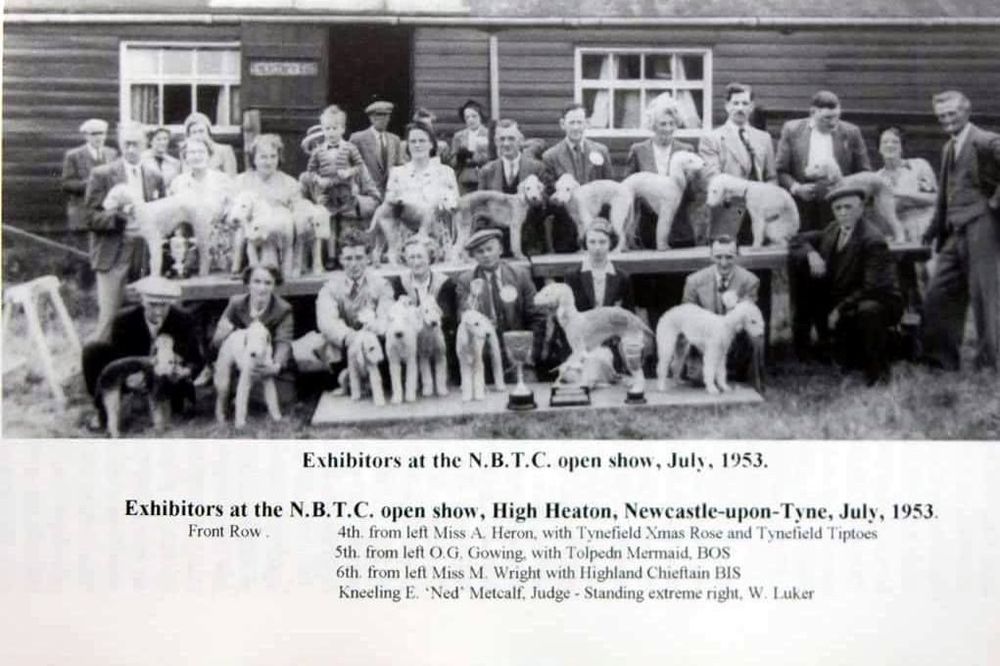
@James - back in May 2018 whilst Googling info on the Bedlington terrier I found a photo, in an online 'Google -blog', of the National Bedlington Terrier Club Show. I joined the blog to see if I could find out any info but there was no additional info in response to the question(s) I asked. What did happen after I joined is that the owner of the Blog closed it down .. Fortunately I had already downloaded the photo and one of the Bedlington Terrier Club members who was a member on one of the Bedlington Facebook groups (can't remember which one) gave me some info that I have added to the photo and also posted an image of the photo that the Bedlington terrier Club help :-
-
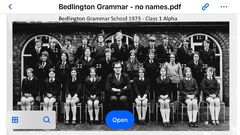 All named by members of the facebook groups Bygone Bedlington & Bedlington remembered.
 -
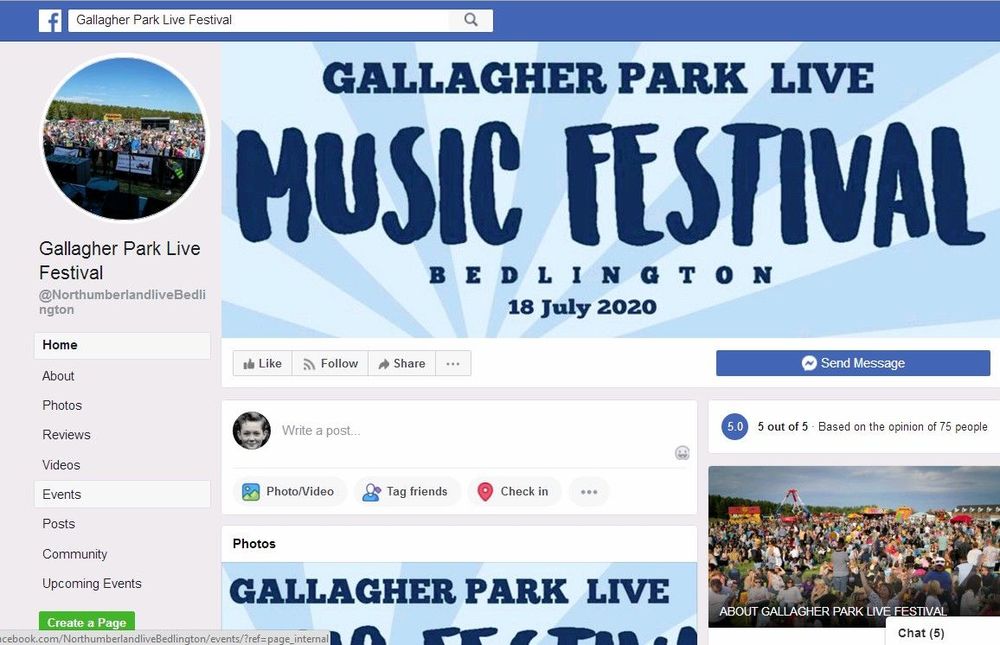
Ann Hutchinson I heard today that Aswad are headlining- is that correct? Hide or report this Helen Bradford Ann Hutchinson yes they are - should be a great line up and great day
-
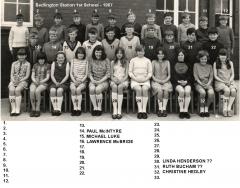 Some confusion over No's 14 to 21. Hopefuly now all cleared up leaving only No 16 to identify.
 -
No 2 , 8 & 22 updated.
-
Photo and numbering from Steve Thomas - Facebook group Bedlington remembered.
-
From the album: Bedlington Grammar School
-
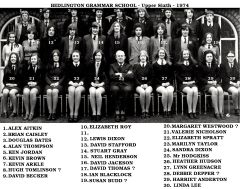 No 17 confirmed as David Thomas by Steve Thomas - facebook group Bedlington remembered - '?' removed.
 -
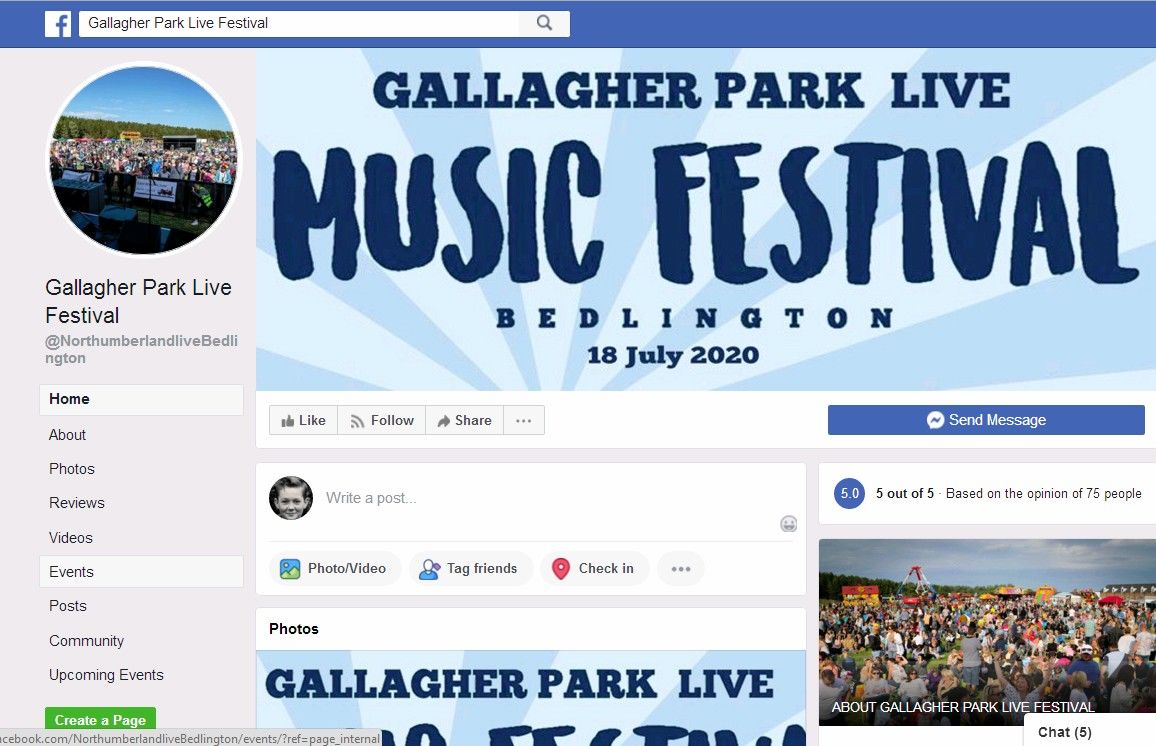
Helen Bradford shared a post. 19 mins Gallagher Park Live Festival 20 hrs Save the 18th of July in your diary. You won't want to miss this year's fantastic line-up. We will let you know your headline band in the next few days. 🤩