



Everything posted by Alan Edgar (Eggy1948)
-
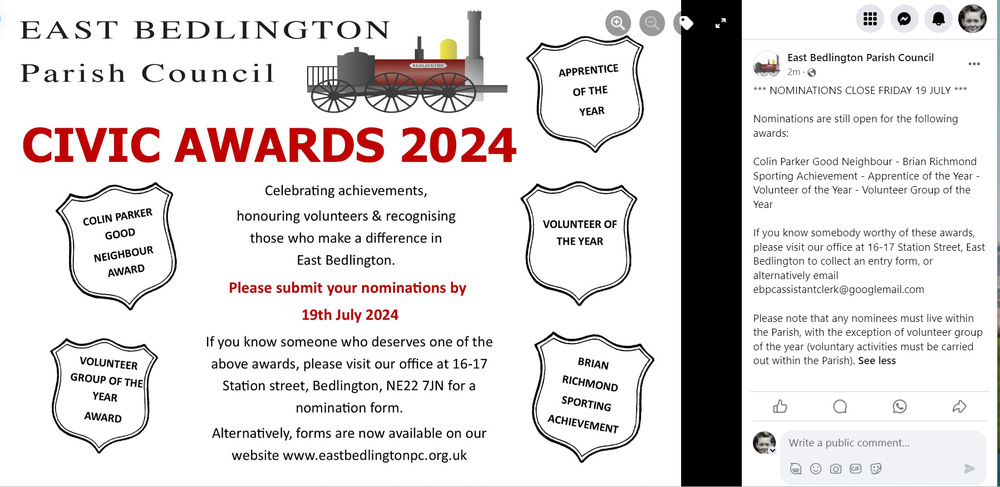
https://www.facebook.com/photo/?fbid=791066606532018&set=gm.7572646996194022&idorvanity=201036446688484
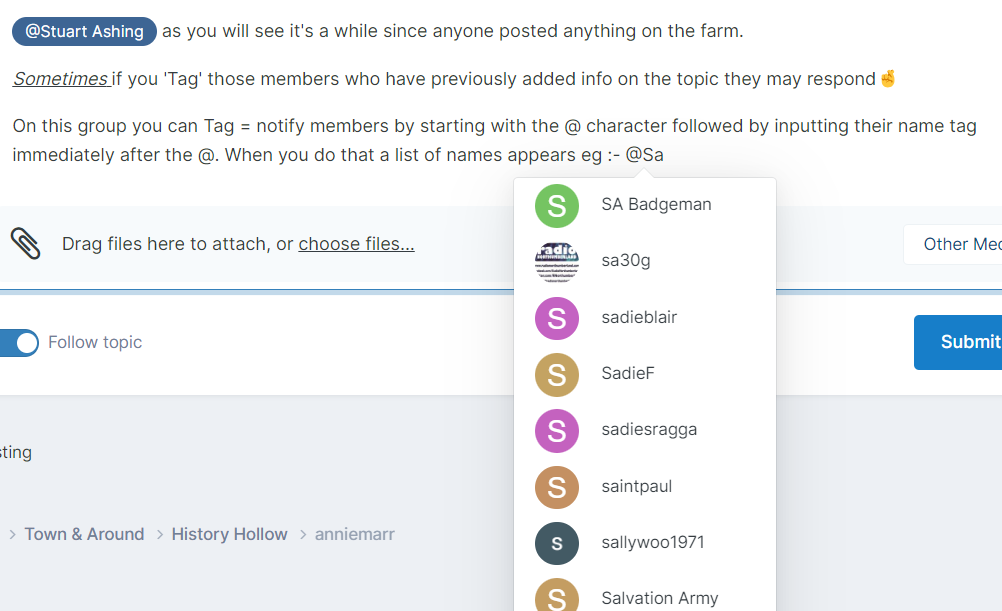
 @Stuart Ashing as you will see it's a while since anyone posted anything on the farm. Sometimes if you 'Tag' those members who have previously added info on the topic they may respond🤞 On this group you can Tag = notify members by starting with the @ character followed by inputting their name tag immediately after the @. When you do that a list of names appears eg :- @Sa and you can select the namefrom the list that appears and the name you are typing will be highlighted and a message sent to them by the system.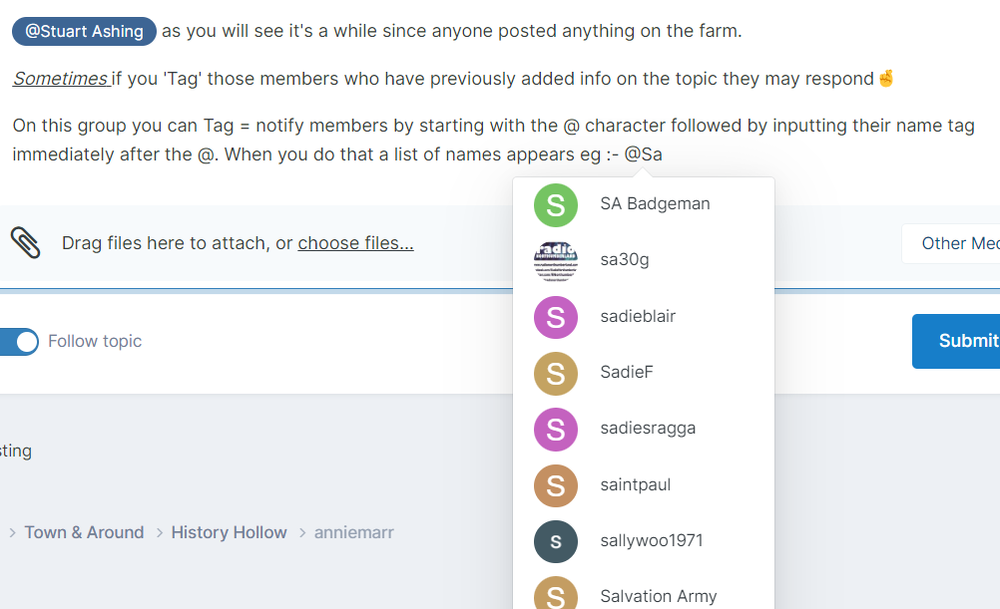
 No 3 named as Alan Robertson by Tom Atkinson & Bryan Cole on the Cambois Facebook group.
 The members of Bygone Bedlington Facebook group, including a couple who are in the photo, have said the trip was 1956 and some more pupils have been identified.
With info and names that @James posted.
The members of Bygone Bedlington Facebook group, including a couple who are in the photo, have said the trip was 1956 and some more pupils have been identified.
With info and names that @James posted.
From the album: Whitley Memorial School
tonight I will sleep soundly, as normal, and tomorrow when I wake up everything in my household will be the same.@azacavagin17 they did practice often in the YMCA at Bedlington station. Your granda John was a couple of years older than me and he lived next door to us in Coquetdale Place. I remember the bands first gigg and I think it was your granda (electrician?) who connected four coloured light bulbs to aa slab of wood and added an extension cable with an on-off switch. I sat under a table, covered by a cloth, and operated the switch = off and on to the beat/rythm of the song the band was playing. The band bought me my first under age pint of a Blank and Tan. I can't be sure of the venue of this first gigg that would have been 1964, or 65, but I thnk it might have been netherton Colliery or the Top End of Bedlington. I know the band were riginally named the Statesmen but can't remember when they changed to the Olympics - (to me). Just remembered your granda's son fitted my kitchen when we were living in cramlington. Think it would have been in the 1990's and the two of them, I think, were living in Millbank Road.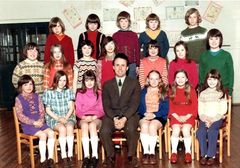 Ray Murray, Cambois FB group, says No 17 is Sharon MacDonld (not McDonal)
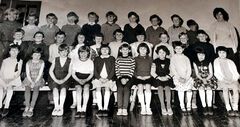 No 27 update from Ann Taha :-
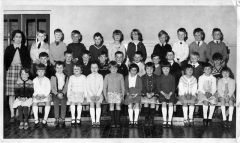 Update to No 29 from Dawn Howitt.
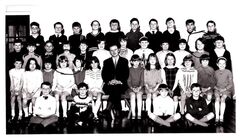 Numbers 14,15 & 16 update from Ann Taha.
until
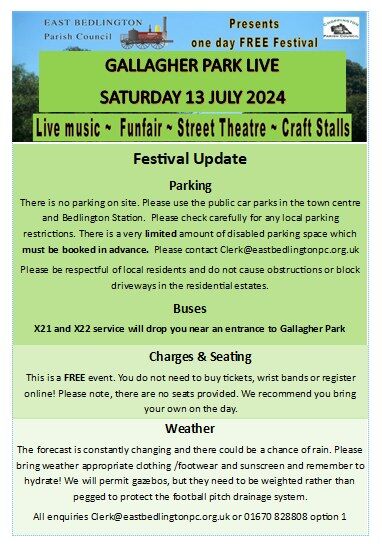
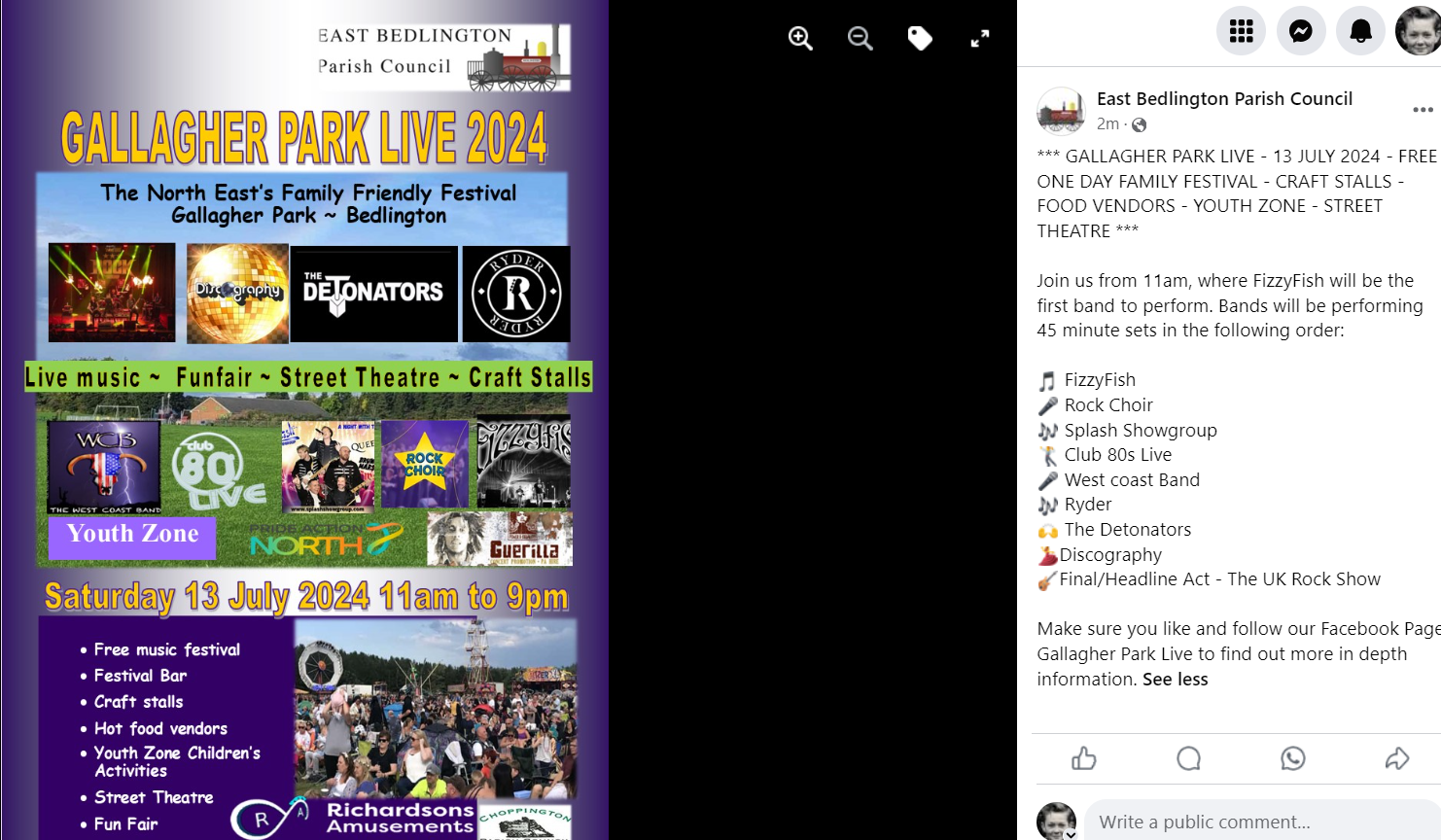
Info posted by Keith Scantlebury. Keep up to date with the latest info on our Gallagher Park Live Facebook page https://www.facebook.com/profile.php?id=100092628041046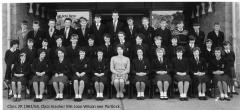 Yvonne Foster, Bygone Bedlington group, has named No 22 as Yvonne Thompson.When the weather is fine get out and play. In the winter months, when yourretired and stuck indoors, is the time to be'clarting' on line and researching thepast.@Rachel H - I've never been to the Northumberland Archives at Woodhorn Colliery but no doubt it's the place where you could spend houes/days searching for historical records of the area. If you are on Facebook the group Bygone Bedlington admin is John Kyzyznowski and he works at the Woodhorn Archives and might be able to advise you where to look🤞 https://northumberlandarchives.com/@Rachel H can't remember ever having seen any early 20th centuary photos of Netherton Lane on this group or the Bygone Bedlingto Facebook group. There have been a couple of posts where a huse named Kurri Kurri gets mentioned on Netherton Lane but no photo.
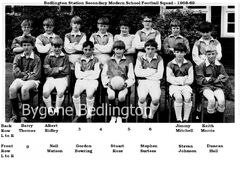 3 names from hazel Krzyzanowskie :-



Account
Navigation
Search
Configure browser push notifications
Chrome (Android)
- Tap the lock icon next to the address bar.
- Tap Permissions → Notifications.
- Adjust your preference.
Chrome (Desktop)
- Click the padlock icon in the address bar.
- Select Site settings.
- Find Notifications and adjust your preference.
Safari (iOS 16.4+)
- Ensure the site is installed via Add to Home Screen.
- Open Settings App → Notifications.
- Find your app name and adjust your preference.
Safari (macOS)
- Go to Safari → Preferences.
- Click the Websites tab.
- Select Notifications in the sidebar.
- Find this website and adjust your preference.
Edge (Android)
- Tap the lock icon next to the address bar.
- Tap Permissions.
- Find Notifications and adjust your preference.
Edge (Desktop)
- Click the padlock icon in the address bar.
- Click Permissions for this site.
- Find Notifications and adjust your preference.
Firefox (Android)
- Go to Settings → Site permissions.
- Tap Notifications.
- Find this site in the list and adjust your preference.
Firefox (Desktop)
- Open Firefox Settings.
- Search for Notifications.
- Find this site in the list and adjust your preference.