Everything posted by Alan Edgar (Eggy1948)
-
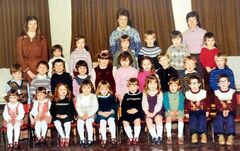
From the album: Bedlington Station 1st School
-
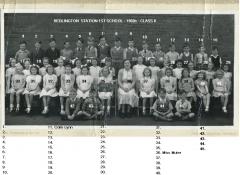 Rosalind Read, Bygone Bedlington group, has identified herself as No 18.
 -
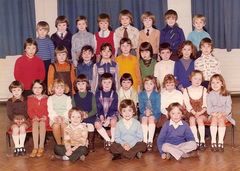 No 11 idendified by Diane Douglas - can't remember who named No 3 & 24
 -
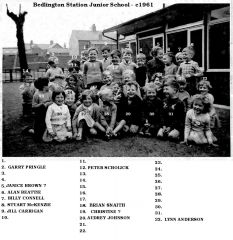 Ann Hutchinson has identified No 26
 -
.jpg.a11f6f51b2ab38192ef63297361e1286.jpg) No 15 updated to Vivienne Dodds cos Vivienne redshaw told me
No 15 updated to Vivienne Dodds cos Vivienne redshaw told me -
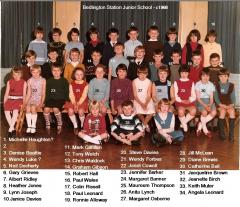 Ronnie Allaway thinks No 2 could be Elizabeth Foster
 -
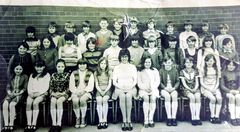 Karen McClenn Smith named correct spelling of surname for No 15.
 -
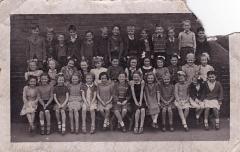 Joyce Main has named her brother as No 4.
 -
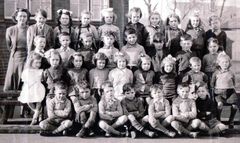 Louise Laskey has pointe out the correct spelling of her dad's surname.
 -
until
-
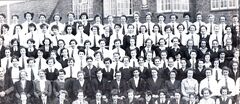 @Ann Wood nee Tennick I had forgotten that I did eventually come across all the seperate pieces of the whole photo and forgot to add it to this posting. You must have avery wide frame to display it in Thesare all the seperate pieces followed by the whole photo ;-
 -
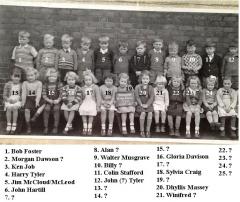 John Henderson & Jean McDonell say No 20 is Maureen Scott.
 -
Vivien Smith says her sister, Dilys Massey, is No 21 not 20 - name switched to 21.
-
No 23 named by Carol Wyard,
-
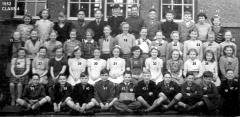 Tracy Joisce has naed No 5 as her dad.
 -
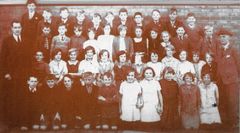 Adele Mitchinson has named No 45 as her mam Audrey Shaw.
 -
-
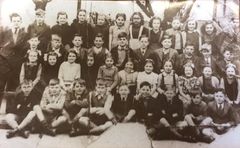
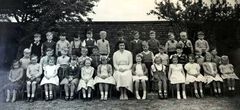 Some more names from Alan Purvis.
 -
John Wilkinson - Bygone Bedlington Facebook group thinks No 22 could be Winifred Vince :-
-
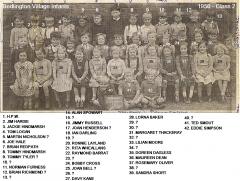 Joan Morland (nee Muckle) has confirmed that No 19 is not her.
 -
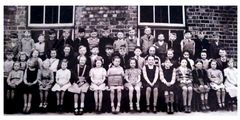 John Smith has named No 3 as Edward Mambone.
 -
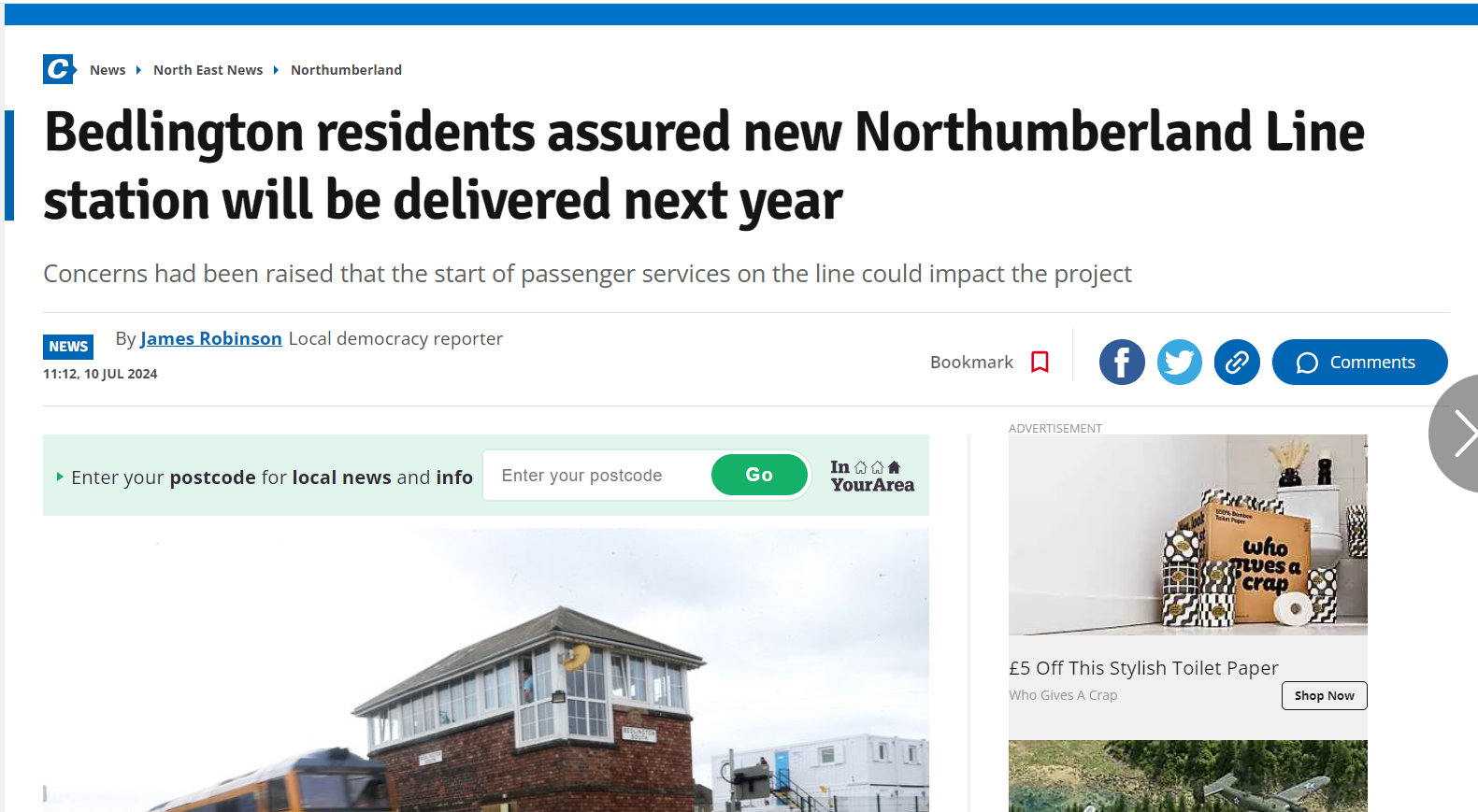
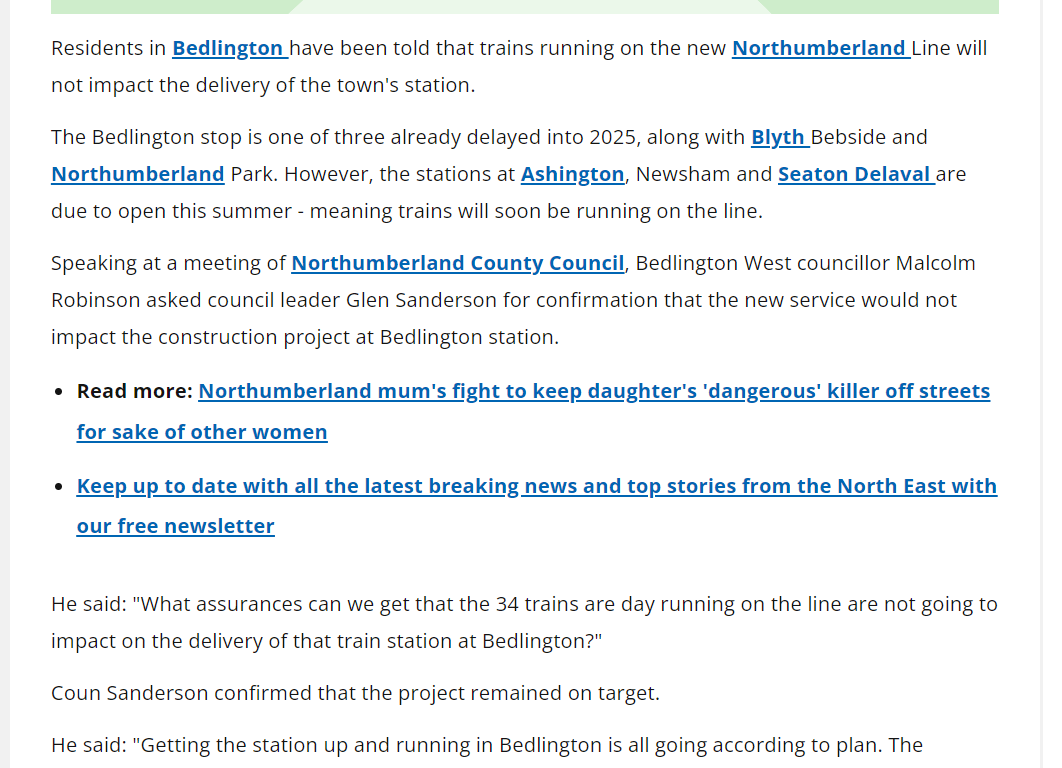
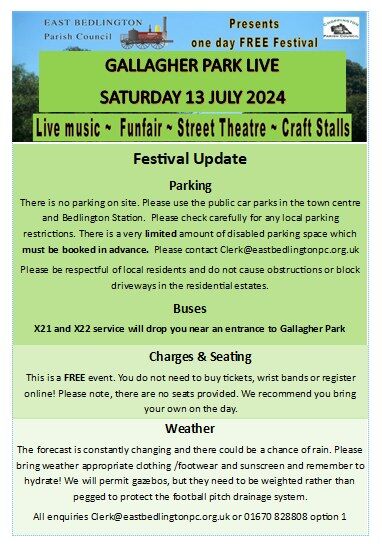
https://www.chroniclelive.co.uk/news/north-east-news/bedlington-northumberland-line-station-opening-29508153?utm_term=Autofeed&utm_medium=Social&utm_source=Facebook&fbclid=IwZXh0bgNhZW0CMTEAAR1o7rQINipReve1m4pYH_QPHNdKHKlZAS3n3-s8tjIz09Pu93n5MHxNNSQ_aem_le2fv9ZOge03JMUEtxxJBw#Echobox=1720607145
-