Everything posted by Alan Edgar (Eggy1948)
-
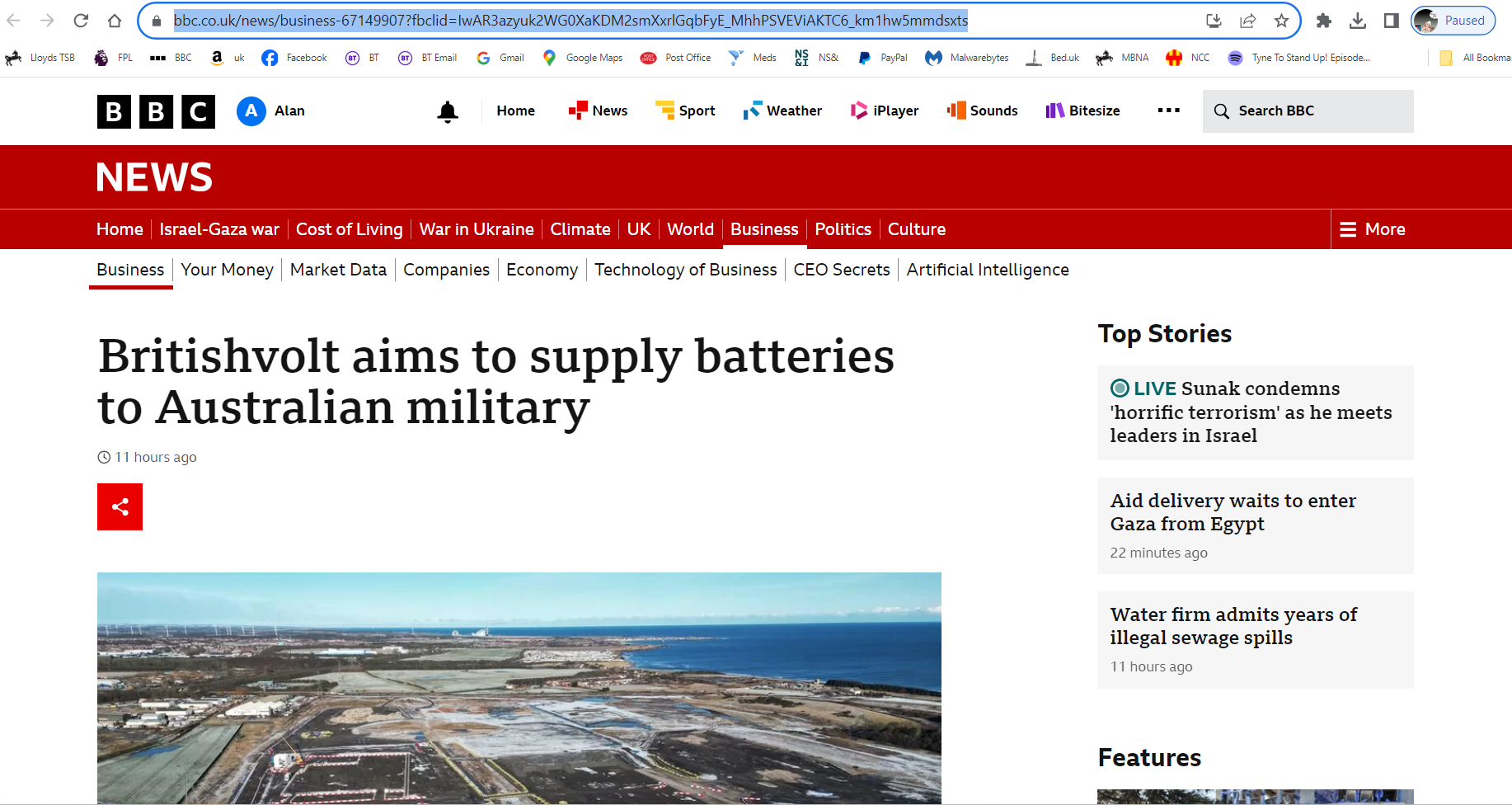
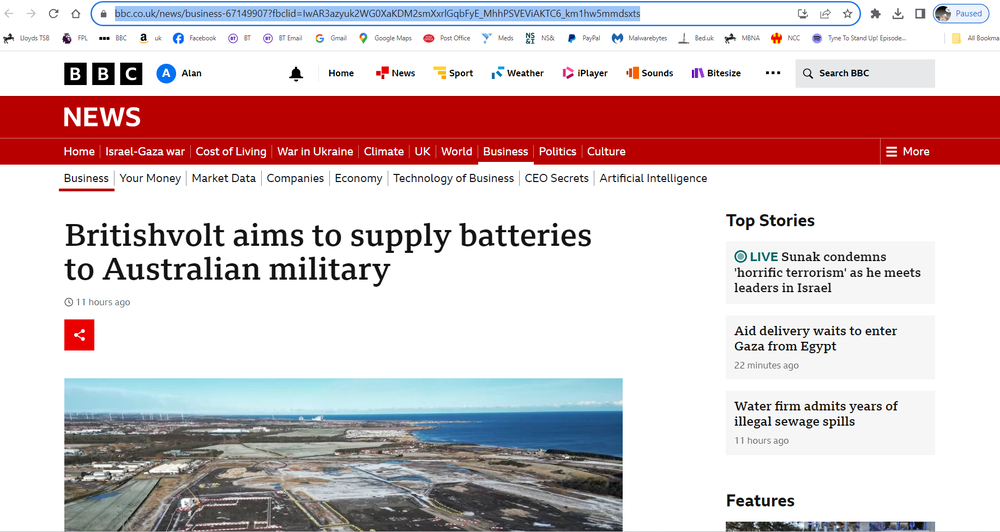
BBC news latest update :- https://www.bbc.co.uk/news/business-67149907?fbclid=IwAR3azyuk2WG0XaKDM2smXxrlGqbFyE_MhhPSVEViAKTC6_km1hw5mmdsxts
-
-
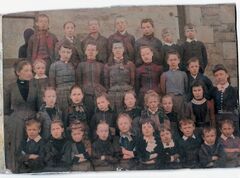 Oops my mistake in my text but atleast I got it right in the photo. Unfortunately there is only a 10minute widow for editting comments after they have been posted so I can't change mine
 -
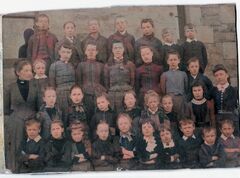 Thankyou - photo added to the album.
 -
No 31 named by @carly and no 19 thought to be a possible :-
-
From the album: Whitley Memorial School
-
@carly would it be OK if I add your photo to the Whitley Memorial school album in the 'Gallery/Historic Bedlington' section of this group? This is a direct link to the album :-
-
Unfortunately CL I have passed my 4 year old DeskTop PC + the wireless keyboard from my new PC to one of the grandsons who is going to set the PC up for his oldest son, aged 8, to play and learn from so I can't tell you how I managed to get a screen shot as I tried a few keys, with TLAs/shortened names/symbols on that I have never had before. I now have my 4 year old wired keyboard plugged into my new PC so it's back to the simple method of using the 'Shift + Print Scrn' just to the right of the 12 Function keys. On my 4 year old PC I had always 'cropped' my screen prints by 'Paste'ing them into a blank file within a free piece of Microsoft software - Paint 3D Microsoft. When I wanted to add text etc. to a posted photo or screen shot I pass the image to my Windows Vista Desktop PC that has the even older software (not available on Windows 7,8,10 or 11) = Microsoft Digital Image pro 10.
-
Unfortunately my old Microsft Digital Image Pro 10 is no longer available on the Windows 7 to 11 platform. I have tried a few of the new 'photoshopping' products but just couldn't get them to do what I had learned, over a couple of years, to do with my old software.. I'm hoping the old PC lasts out longer than me or I will be stuck with nowt to keep me occupied
-
@Canny lass I posted the photo + the info from @carly on the Bygone Bedlington (BB) Facebook group and there have been a load of replies from members who had relatives that had lived in Coach Road and had attended the Vulcan place School = the Whitley Memorial. Normally I would take a scree-shot of the comments and paste the into a picture file to post within this group. However since posting on the BB group I have replaced my aging Desktop PC with a new one and the new keyboard is driving me mad. The new keyboard dosem't have a 'Prt scr' button and although I have found a way to get a screen shot I haven't found a way to get it into a picture file. (The software I add the names and info to the jpg school photos etc I play with is no longer available and I have an even older PC with that software on. The software only runs on Windows Vista and I transfer (via email) the files I clart with from one PC to the other. I can still do that but screen shots and saving and editing them has me beat.) After I posted on the BB group 'carly' joined the group and these are some of the replies (not screen shots just copy and paste of text) that she has recieved :- Kathleen Newcombe Egen Carly, I have a family of Weddles in Coach Road. Spelling does change but could be related. Im in my 70's so obviously a lot older than you. My Granny was Hannah who died of the Spanish flu in 1917. I'll have to search out info I have of the family... lovely to see the pics. Janet Jackson Top contributor This photo is great. My grandmother Mary Isabella Waddell/Waddle was born in 1878 and lived in Coach Road and would have been 14 at the time of this photo. However I know she was away in service in Longhorsley from the age of 8 so the Mary Waddell in the picture may not be her Ann Bower Vulcan school was the old Whitley Memorial School, it burned down around 1970ish. I had only been there a few weeks at the time & think I was 9 but could be wrong on the year. Judith Bosomworth Top contributor I would have said Vulcan school was the whitley school as based in Vulcan Place
-
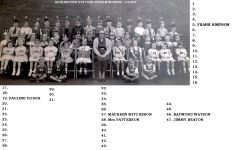 No 34 named by Len backer on the Bygone Bedlington Facebook group :-
 -
@carly No 10 switched to No 9👍. I will let you know if we get any feed back from the Bygone Bedlington group.
-
@carly based on what @Canny lass has posted and your reference to Vulcan place I have added the info, and a place for names, to your photo. Is it Ok if I post your photo, with info & names, on the Facebook group Bygone Bedlington ?
-
Ooops - Specsavers here we go - No 5 updated :-
-
@Bill Straughan your names added + a few more from the Facebook groups.
-
until
-
@carly I have checked all the school photos that we have for the Village school, Church Lane and the Whitley Memorial school, Vulcan Place and I would agree with @Canny lass that our best guess would be your great granda went to the Whitley Memorial. The 1897 map that @James has posted showing the other school closest to Coach road and the info from the St. Cuthbert's church history booklet is backed up by info on the East End of Bedlington in a booklet 'Bedlingtonshire Villages History Series - Bedlington' by Stephen B. Martin. The info in that booklet saying it was a 'Private School' built c1850 ran by a Mr Whittle I would think the info from 'carly' rules out the possibility that her great granda would have attended that school. But there again, at my age (21), my logic, according to the wife, is often wrong
-
@Canny lass & @carly - I had totally forgotten about the Whitley memorial school in Vulcan Place - must be me age. Carly - this is a link to the Whitley Memorial school album :-
-
@carly - I wasn't sure about the Village School being the school your great granda went to as there was a school closer to where he lived. did a bit more checking and I had forgot about an article in a local mans book on Bedlington that has some info on the East End of the town. This is an extract from Stephen Martin's book and says that the school @James identified as a possibility in his 1897 map extract was a private school :- This combined image shows the current area with 2 old images + the 1897 map extract :- This image shows the quickest route your great granda would have been able to take to the Village/St Cuthbert's school :- This is the earliest photo we have of the Village school :- This 1896 map extract shows the area around the river Blyth that your great granda would have to to play in :- I have joined the 1896 map with the current Google aerial view of the area :- Hope that helps. In the 'Gallery' section under 'Historical Bedlington' we keep an album of all the previous and current schools. This is a direct link to what is currently held in the Bedlington Village School' album :-
-
@carlyI haven't heard the Village school referred to as 'Vulcan School' but that school was a less than 50 yards/meters from Vulcan Place = across the road from the school. Can't find a Coach Row but did find a Coach Road on an old map and it was down the East End Front Street, in the Hollymount area, of Bedlington just a few hundred yards from the school. I'll have a bit more look around this evening and let you see what I find, probably sometime tomorrow. @Canny lass have you come across a Coach Row when you have been researching the area?
-
@carly I'll see if i can find Coach Row on any of the old maps and if I can find it it should give us a clue to what school they went to.
-
@carly - we don't have any school photos from the 'late 1800s' and I can't find a photo with brickwork that completely matches the brickwork in your photo. I have only ever found three schools that were in the area in the 1800's. They are :- 1. The Village school, opened 1874, on Church Lane Bedlington (flats now built on the land) 2. Bedlington station Colliery school. Don't know when it was built but it is identified on on and 1859 OS map. This area used to be named Sleekburn but changed it's name to Bedlington Station after the Bedlington railway station was built in Sleekburn. 3. On an 1896 OS map a school is identified in Bell's Place in Bedlington. Unfortunately no image of this school have ever been posed on any of the local groups. This is a compilation of your photo + Bedlington Village School photo + Bedlington Station Colliery school photo :- This is the only reference, 1896 map, to the school in Bell's Place + a Goole Street view of the area now - Bedlington's East End area :- I would guess you are researching your family. Do you have any info on where they lived in Bedlington?
-
@carly - I keep a copy of all the school photos where the names have been added so I will have a scan through them all and see if I can find a photo with a similar background. I will let you know weather I find a match or not but I don't recognize it.
-
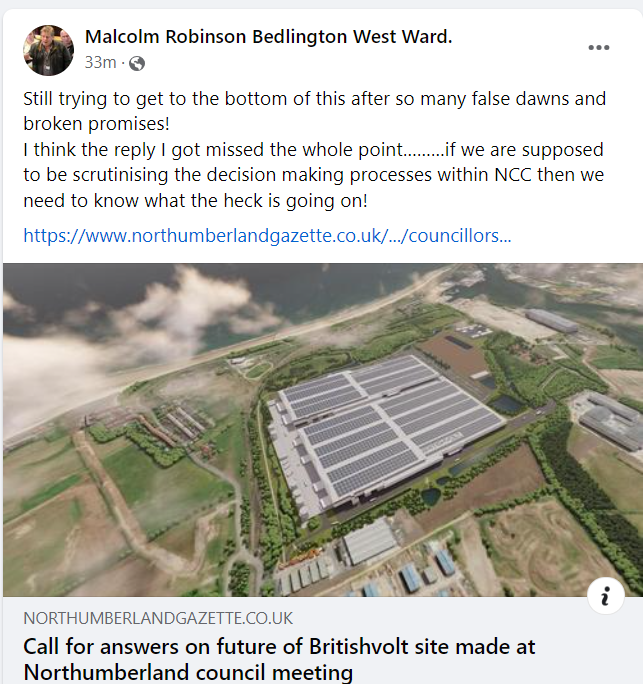
https://www.northumberlandgazette.co.uk/news/politics/council/councillors-call-for-answers-on-future-of-britishvolt-site-in-northumberland-4348524?fbclid=IwAR3nydp_Z5mucBHAowLTq2mPZQqeia_PJXNpw2q2fOt52XHPihmGvzJ1m0g
-