Everything posted by Alan Edgar (Eggy1948)
-
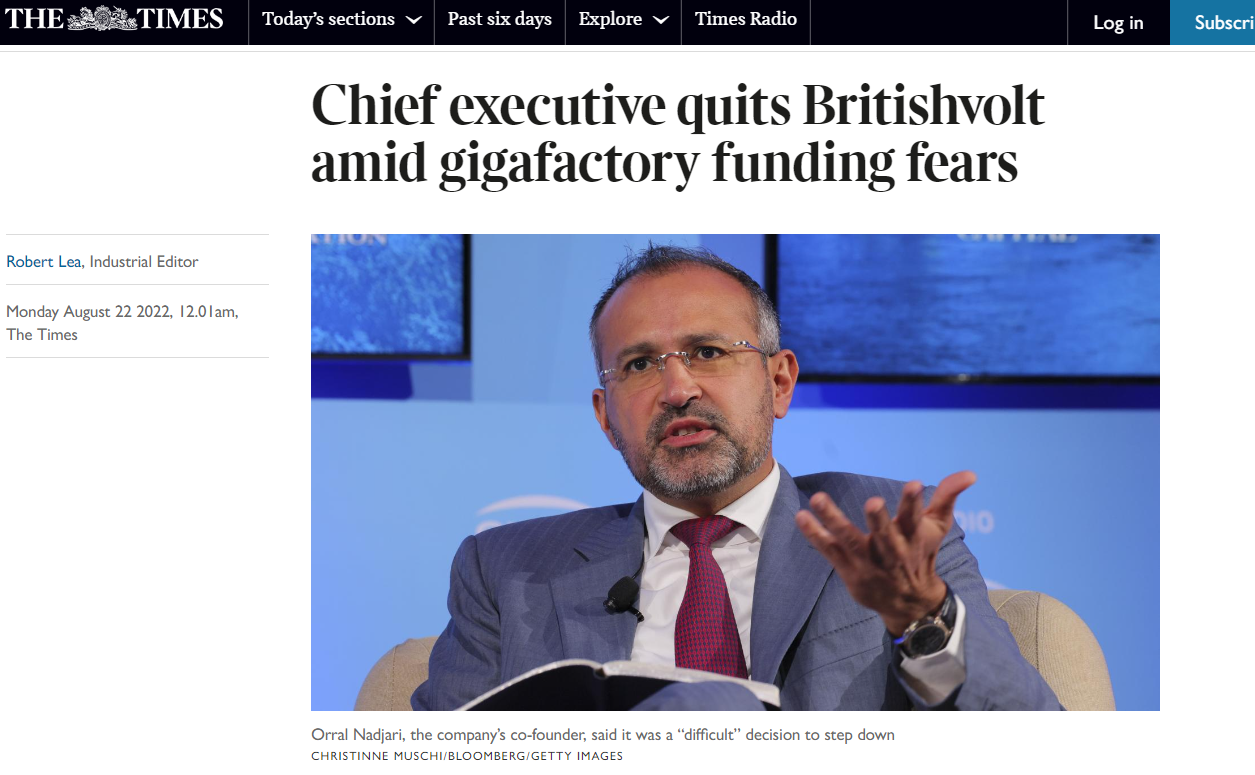
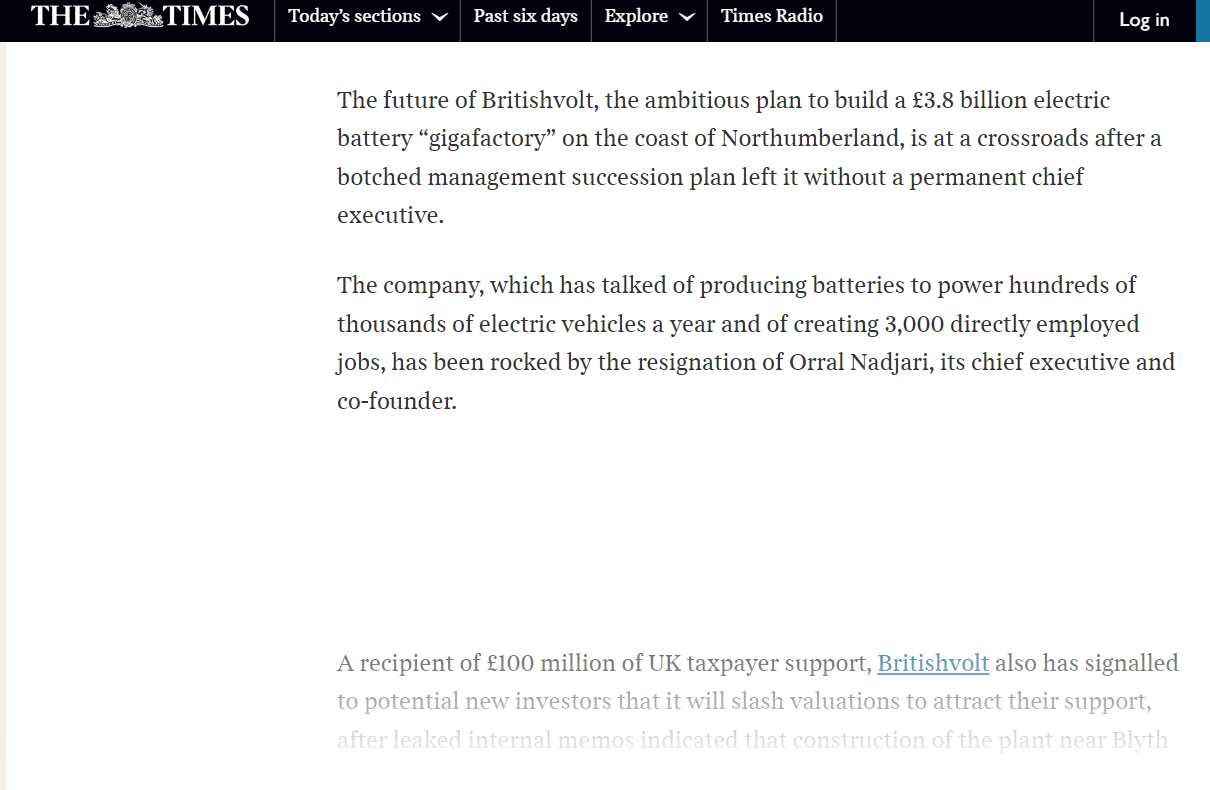
https://www.autocar.co.uk/car-news/business-finance-and-corporate/britishvolt-ceo-orral-nadjari-leaves-battery-company?fbclid=IwAR0b6TiCUDBiwil5xnhC1dzD7gHsozYn2b0f-stkduySbXz5Y7AfcojzLlAPosted on the Cambois facebook group by Wayne Barclay :-

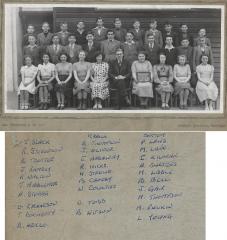 With the names added to the photo :-
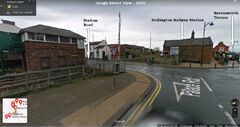 Image, 1970's, posted by @johndawsonjune1955 on the Past Times History Facebook group :-Oooops - I hadn't saved the bits marking the location of the A & B pit
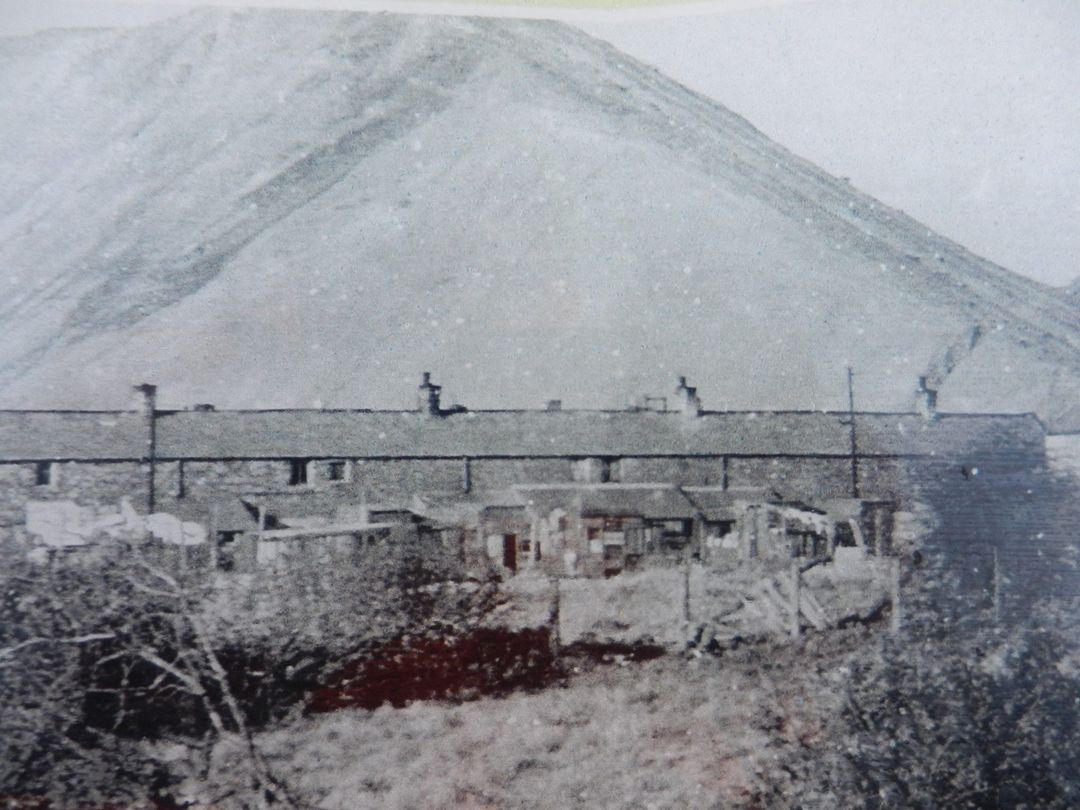
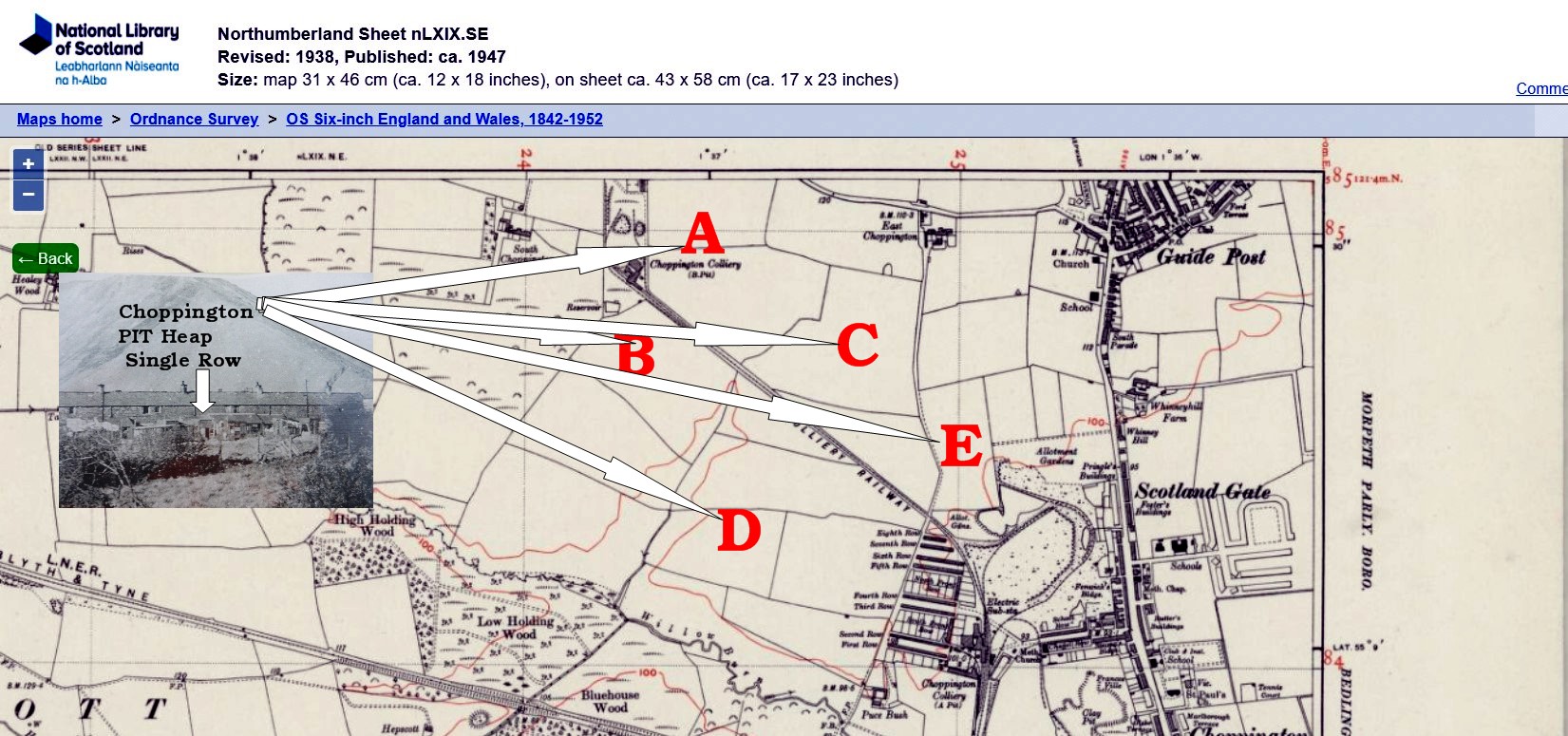
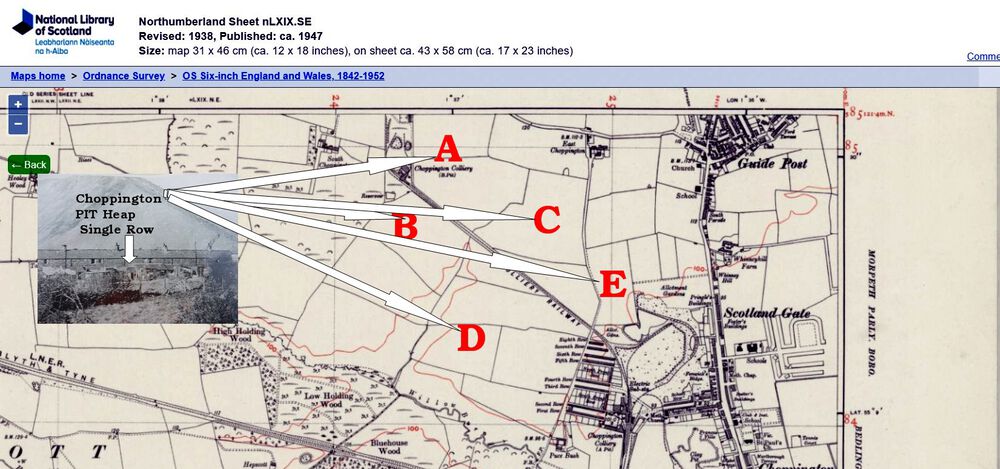
.thumb.jpg.2c76c682fb1d194cc05c8008151cd809.jpg) This image has been posted within a couple of previous topics within this group :- On the Choppington Remembered Facebook group the image has also been posted an few times and Brian Jenkinson, Admin of the group, has commented that the row of house in the photo is Single Row. I Have checked a few, between 1900 & 1940, of the old maps but I can't find a Single Row named on any of them. I know in the early 1960's I used to visit, on bike, a school mate who lived in Richardson's Buildings and we did ride up towards the Choppington 'A' pit = turning off the main road just before the Travellers Rest pub. What I can't remember is ever seeing a Pit Heap in Choppington. It might have been that as I grew up in Bedlington and passed the Bedlington Pit Heap almost every day that I just didn't take any notice of a one, I might have seen, at Choppington, as it was just part of everyday life. So a question for @HIGH PIT WILMA, and anyone else in this group - @Pete, @James - Where was the Choppington Colliery Pit Heap? I have add some possible sites, A - B - C - D or E, to this old map that might help anyone say where there was a Pit Heap.
This image has been posted within a couple of previous topics within this group :- On the Choppington Remembered Facebook group the image has also been posted an few times and Brian Jenkinson, Admin of the group, has commented that the row of house in the photo is Single Row. I Have checked a few, between 1900 & 1940, of the old maps but I can't find a Single Row named on any of them. I know in the early 1960's I used to visit, on bike, a school mate who lived in Richardson's Buildings and we did ride up towards the Choppington 'A' pit = turning off the main road just before the Travellers Rest pub. What I can't remember is ever seeing a Pit Heap in Choppington. It might have been that as I grew up in Bedlington and passed the Bedlington Pit Heap almost every day that I just didn't take any notice of a one, I might have seen, at Choppington, as it was just part of everyday life. So a question for @HIGH PIT WILMA, and anyone else in this group - @Pete, @James - Where was the Choppington Colliery Pit Heap? I have add some possible sites, A - B - C - D or E, to this old map that might help anyone say where there was a Pit Heap.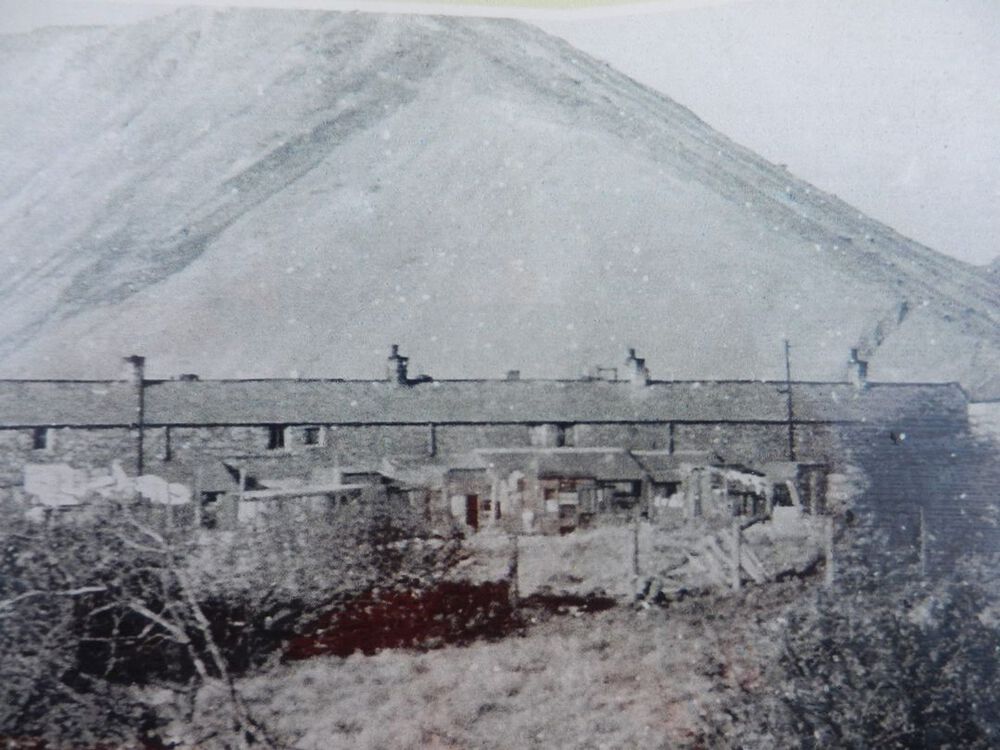
 Posted by @Malcolm Robinson on his Bedlington West Ward Facebook :- https://tree-scheme.northumberland.gov.uk/SelfService/?fbclid=IwAR2AUtEL32XDJYg-REA7Q-49X6FcXr_LH9M8O71434AI0Kmdw-vhg8jJmuU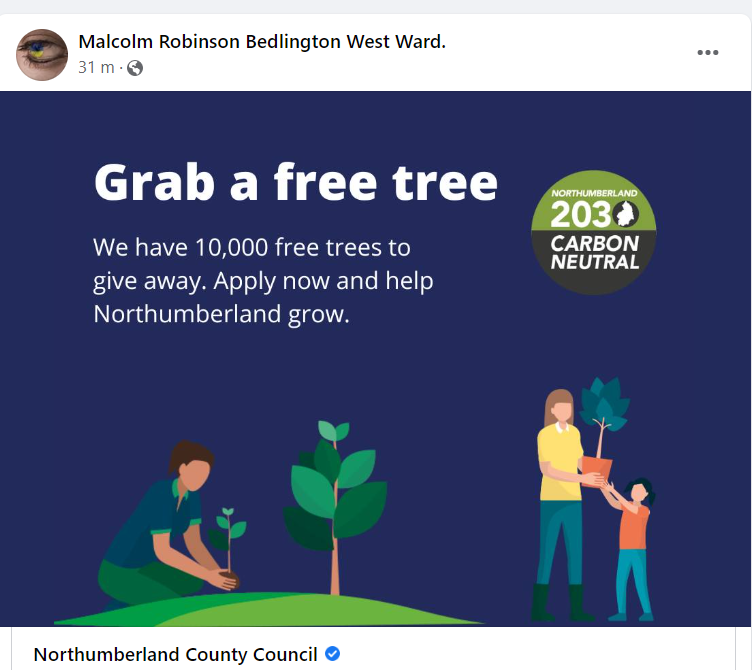

until
And The Guardian says similar to And the Guardian says similar :- https://www.theguardian.com/environment/2022/aug/12/huge-uk-electric-car-battery-factory-on-life-support-to-cut-costs?CMP=fb_gu&utm_medium=Social&utm_source=Facebook&fbclid=IwAR30OaEd39Jzcz7QEEX1ZLEF0LMoS2-yHD99sP-ZQ5nroyGZJIgujbbmE6A#Echobox=1660292369 https://www.business-live.co.uk/manufacturing/britishvolt-work-limited-six-months-24742265?utm_source=facebook.com&utm_medium=social&utm_campaign=sharebar&fbclid=IwAR1umwynKDpy25Up1cG349CK531eQnWuARgn91HGQfC9ACFqfQqdejUUpBMCheers @Ovalteeny . I did email Frances Povey, a couple od days ago, attaching the message that John Krzyzanowski had posted in response to Rebecca Wilkzek request and I added into the email a direct link to the football albums you have created within this group and I added :- ' I am no historian or have access written historical data ..............'. I was expecting NCC to get someone to have a look and possibly ask questions. However this is the reply I got back today :- I will add her response to the posting on Bygone Bedlington and see if John Krzyznowski can point her in the right direction within the Northumberland Archies at Woodhorn.
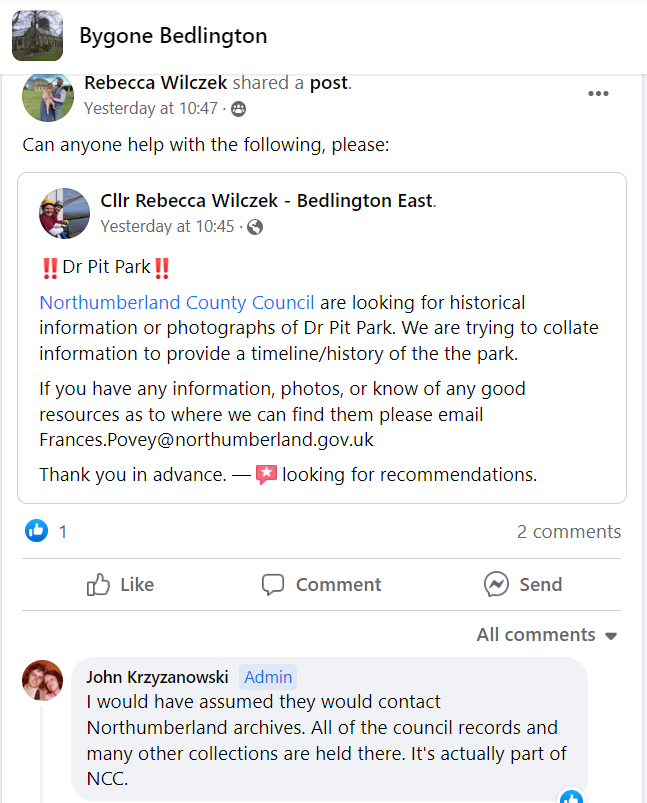
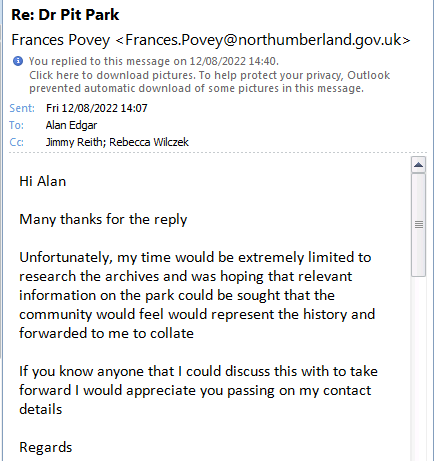 @QVC - on the Bygone Bedlington Facebook group the following post was shared. Would any info that your hobby- '........................... tracking the history of amateur football clubs in the North East......' have thrown up any info or photos on the history of the Dr Pit Welfare Park be of use to Frances Povey?
 It would appear the Admin, or one of the Moderators, were not happy with my posting on the Past Times History Facebook group - my post has been deleted
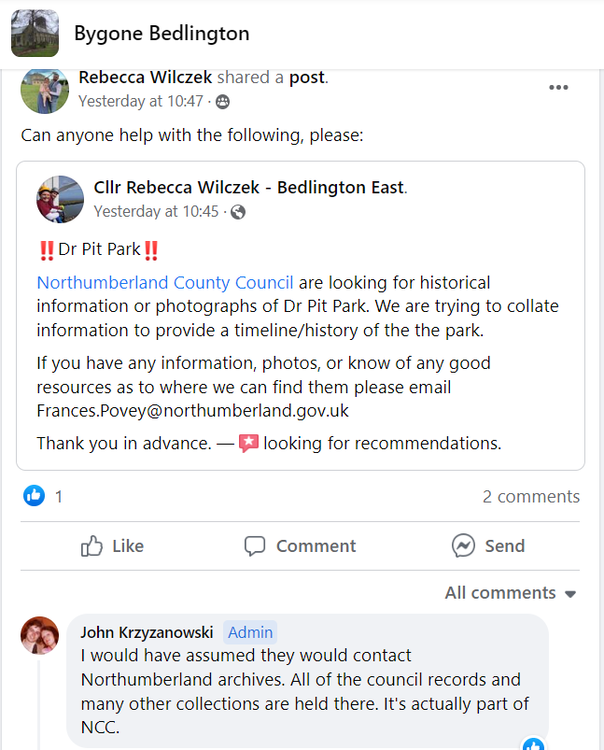
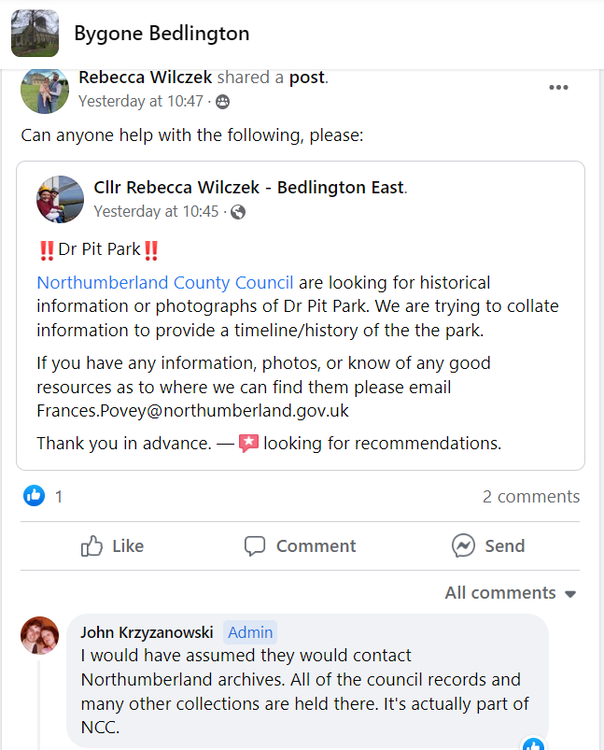 Cheers @Malcolm Robinson@Malcolm Robinson - did you put together any info on the history of the park? Yesterday this was posted on the Bygone Bedlington Facebook group :- I have posted the above screen shot on the Facebook group - Past Times History and asked the admin = @johndawsonjune1955 if he has any info.
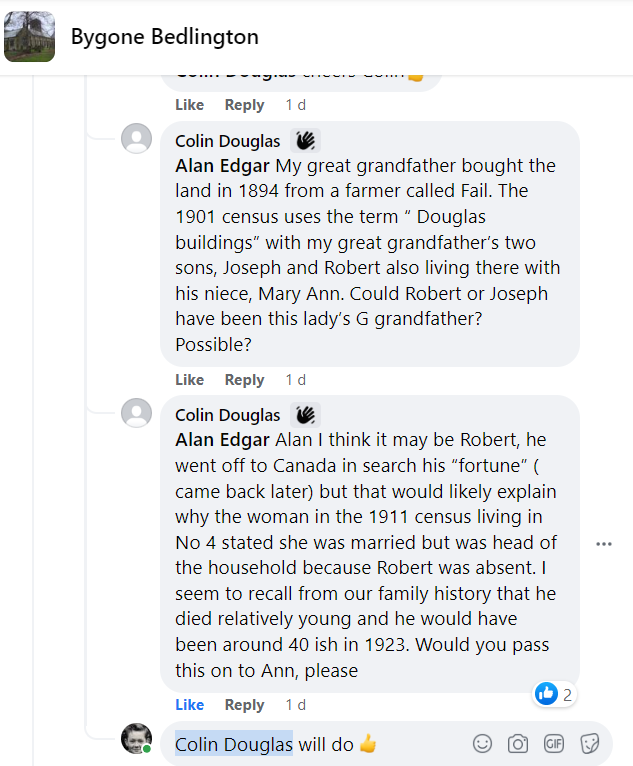
@Ann Dobson a couple of comments posted by Colin Douglas on the Bygone Bedlington Facebook question that I posted on your research into Douglass House :-
Cheers @Malcolm Robinson@Malcolm Robinson - did you put together any info on the history of the park? Yesterday this was posted on the Bygone Bedlington Facebook group :- I have posted the above screen shot on the Facebook group - Past Times History and asked the admin = @johndawsonjune1955 if he has any info.
@Ann Dobson a couple of comments posted by Colin Douglas on the Bygone Bedlington Facebook question that I posted on your research into Douglass House :-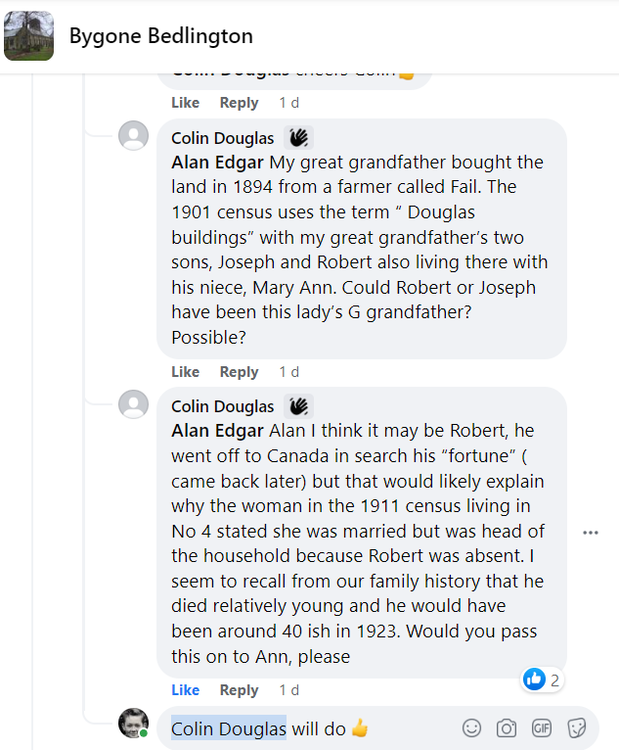
until
My mistake @Colin Douglas - sorry about that


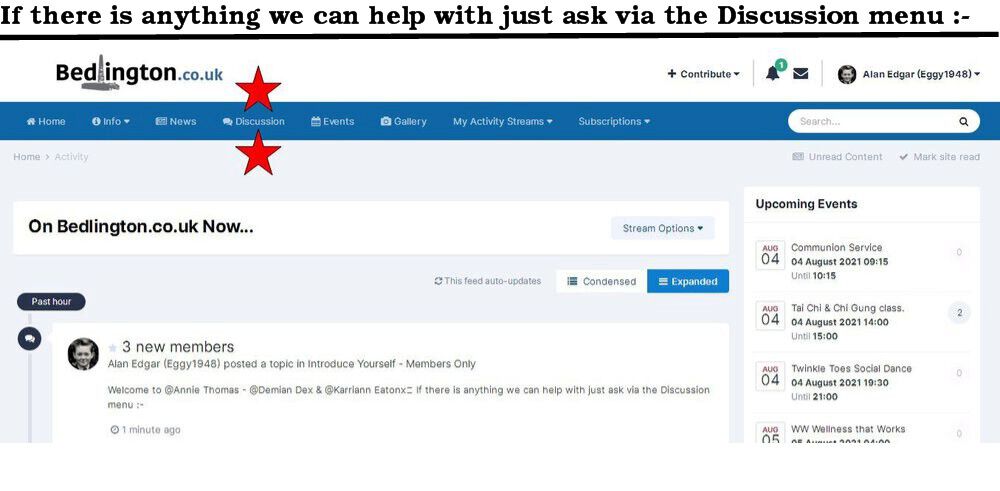
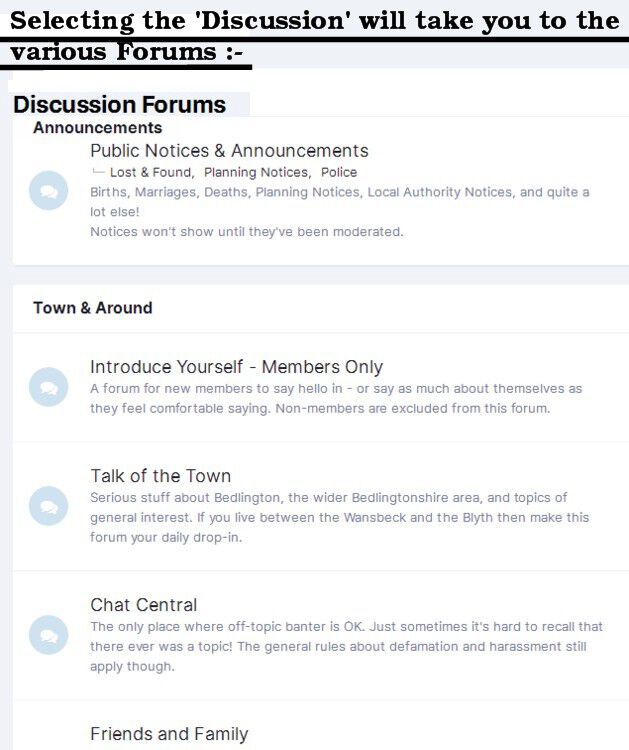


.jpg.db4fab52c7958b623a9bb777d85fed2a.jpg)