Everything posted by Alan Edgar (Eggy1948)
-
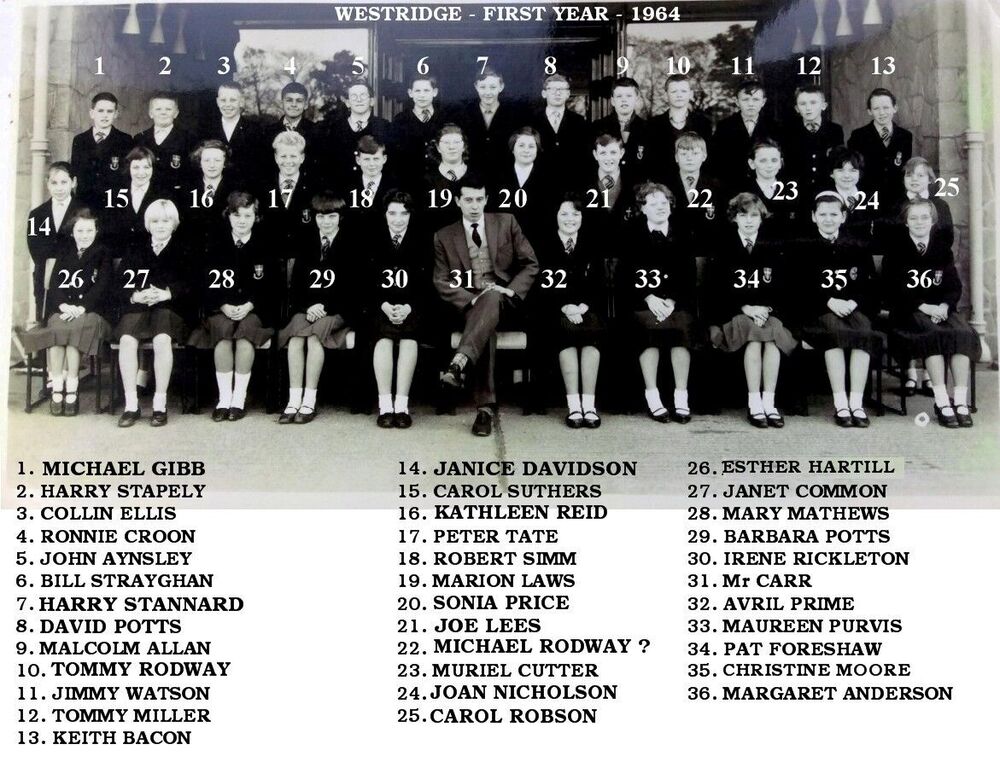
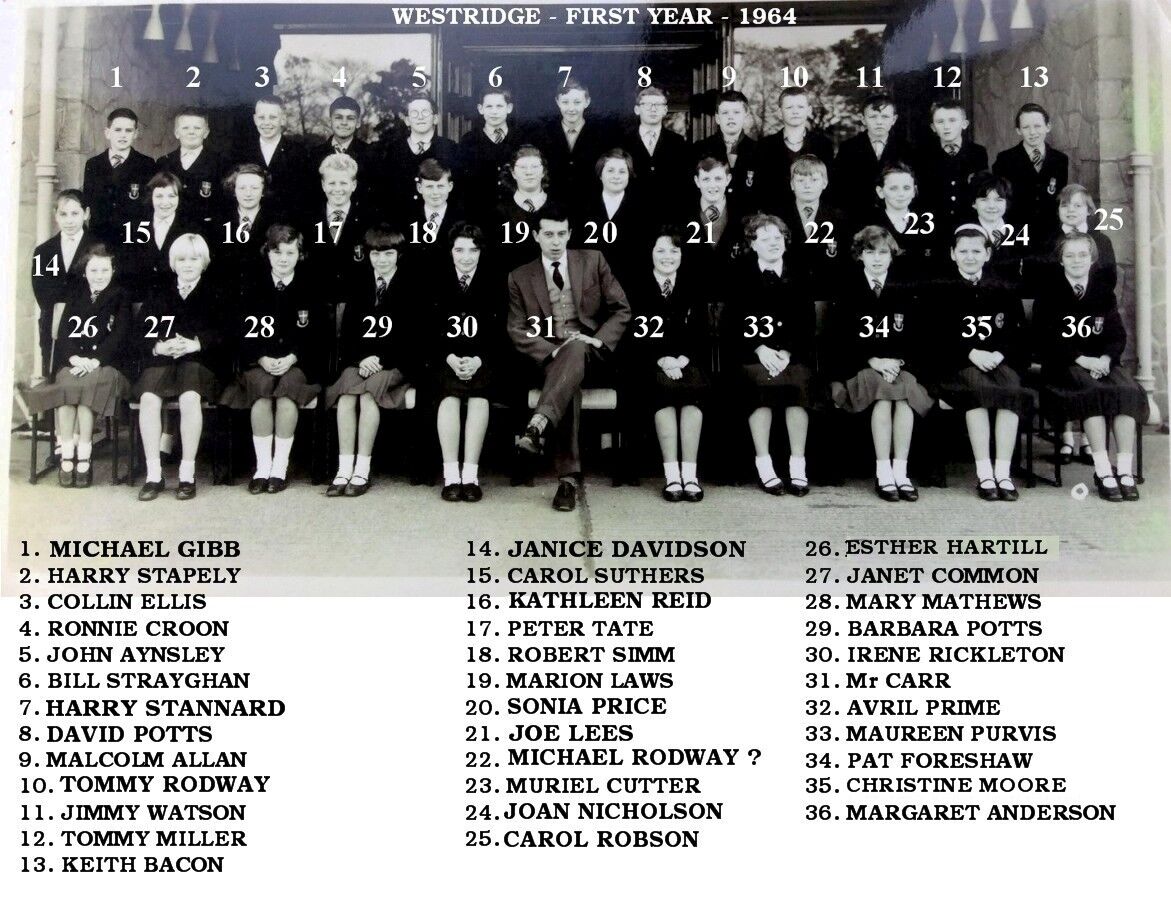
@Malcolm George Allan - Muriel has send you a friend request on FB
-
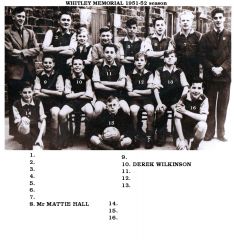 No13 named by Jean McDonnell on the Bygone Bedlington FB group.
 -
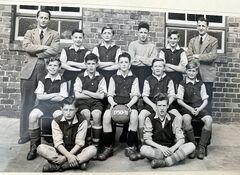 With some names from the Bygone Bedlington FB group:-
 -
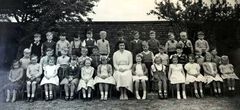 No 28 named, with '?' by Susan Denholm on the Barrington FB group.
 -
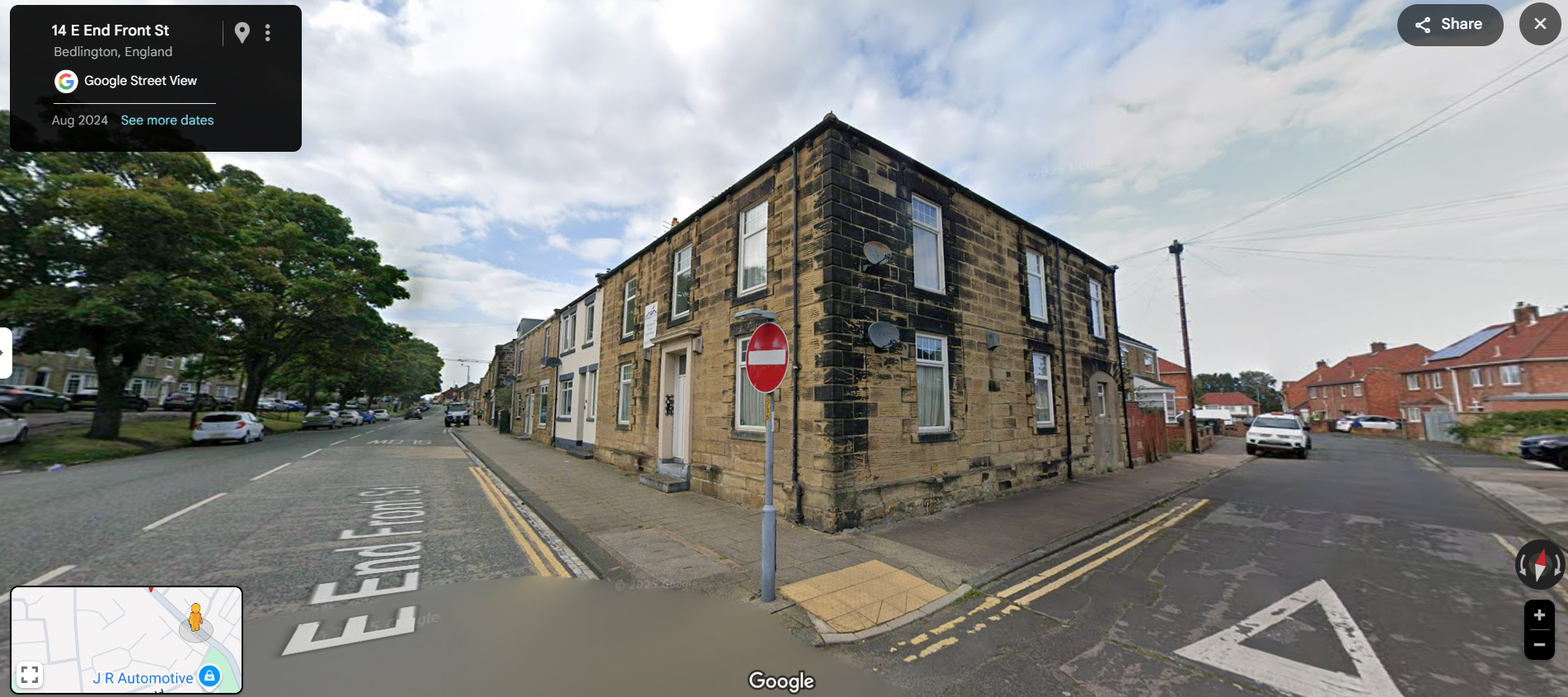
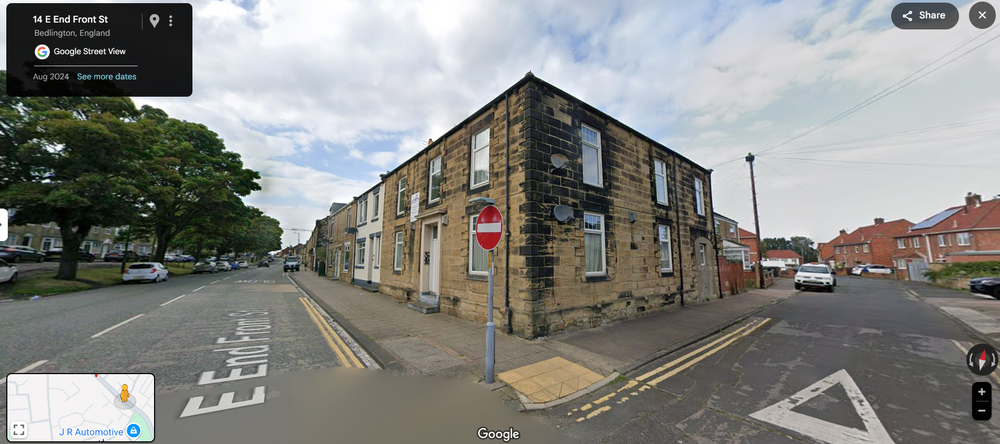
This is the Google Street View image 2024 but no idea how much the house would have changed since The Odfellows Arms was there
-
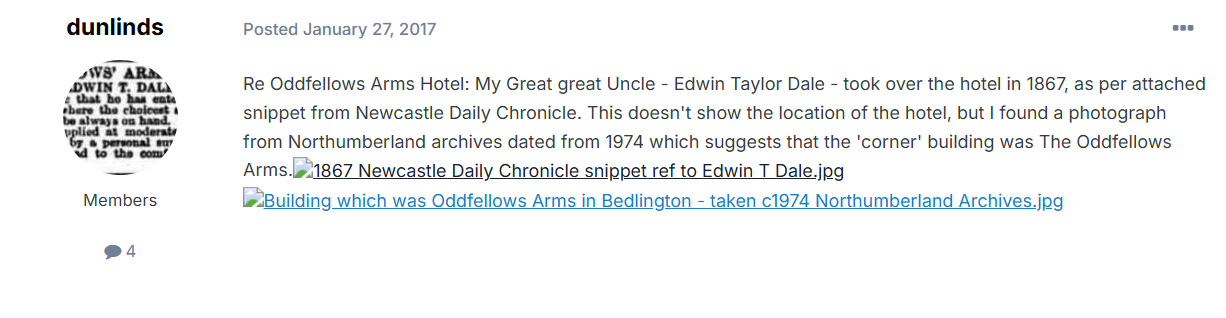
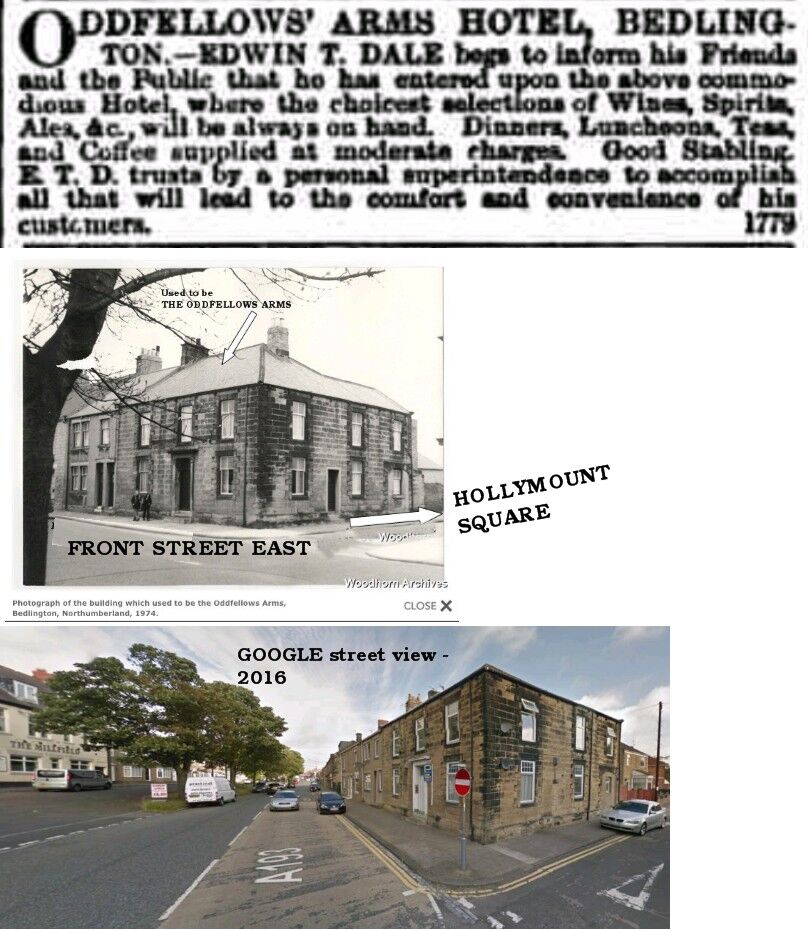
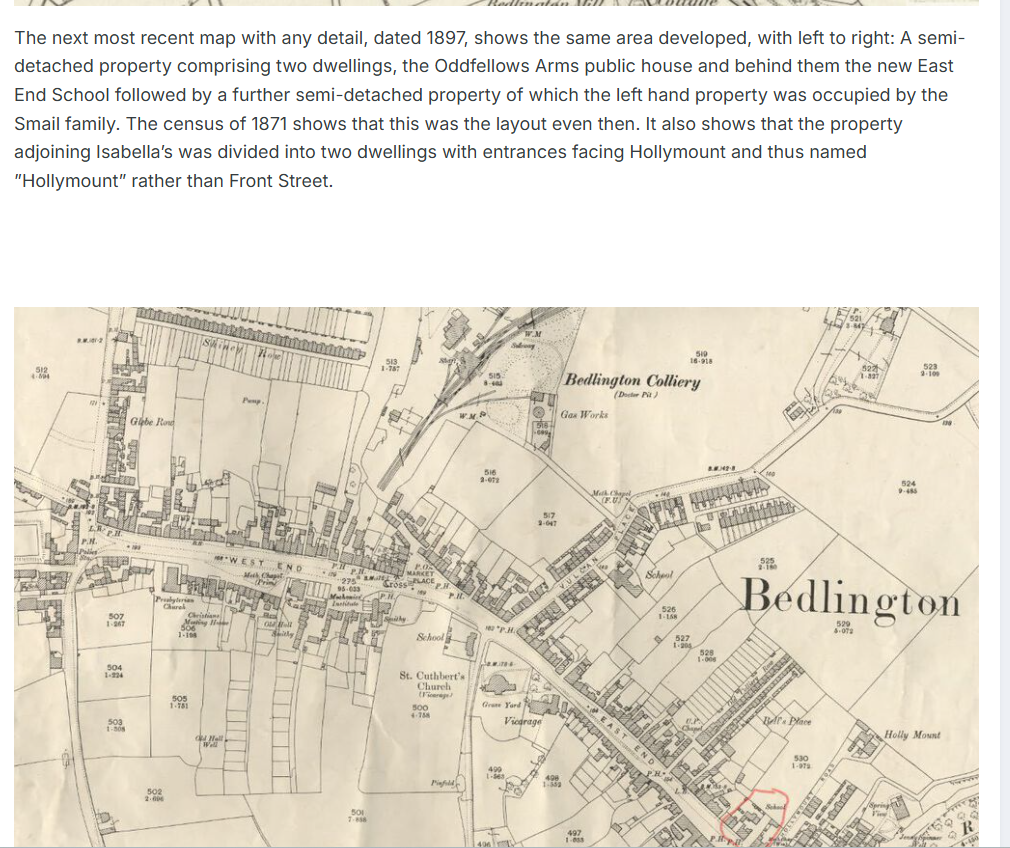
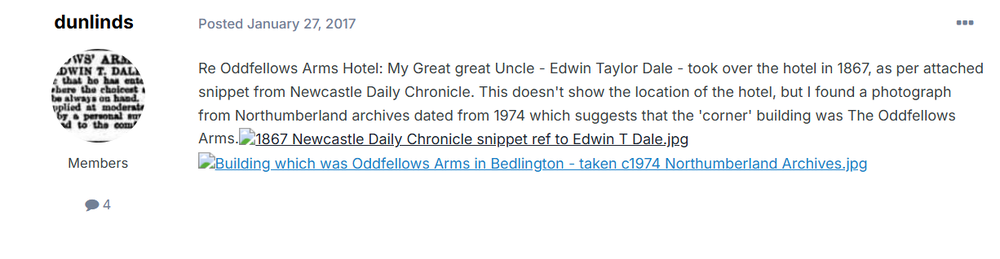
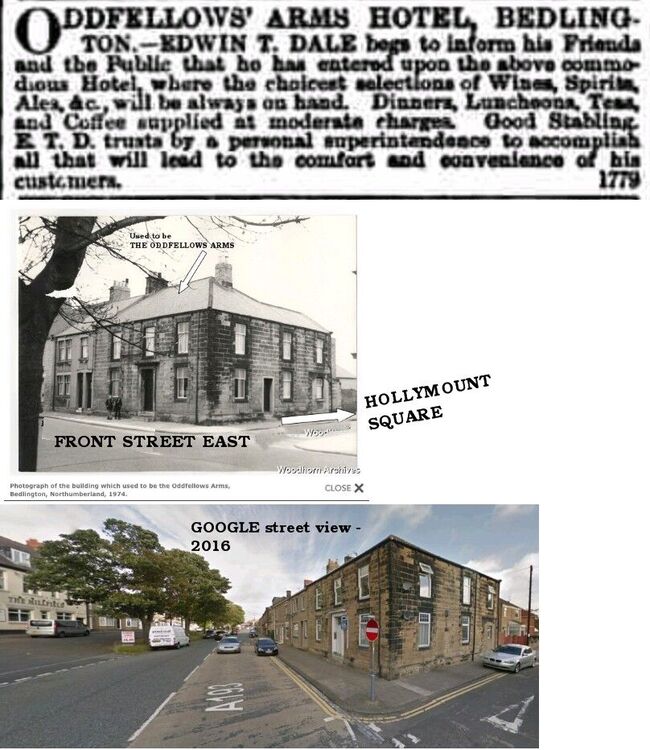
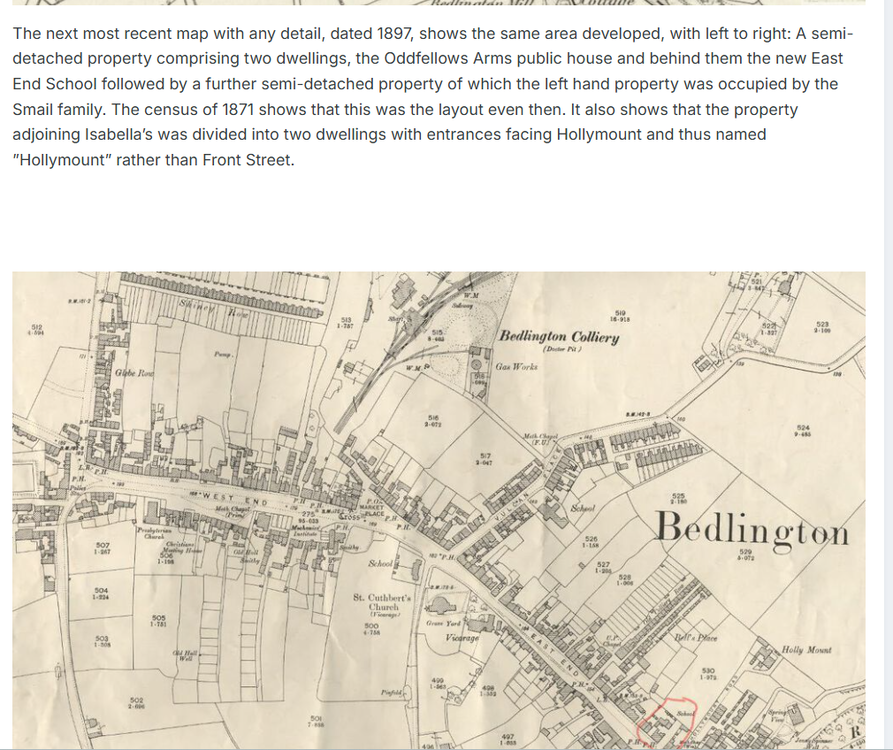
@pat nee McIntyre a few years back a member, @Reedy, posted a list of pubs that his dad could remember and among the names was the Oddfellows Arms. he also had an old newspaper cutting . In 2017 a member, @dunlinds, posted info of the pub :- and @Canny lass was doing some research in 2022 on something else but in her research she identfied where the Odfellows pub had been located = Front Street East. This is the old map she marked where the pub would have been :- An old photo naming the Odfellows Arms was found but I can't recall who found it or where it was found. We joined the info from reedy, the old photo, and a Google street view of 2016 to show where it was though to be :-
-
 @Gary Mills rather than fill up the gallery with comments I have created a topic - Netherton info for Gary Mills - under the History Hollow part of the Discussion section. This is a direct link to topic :-
 -
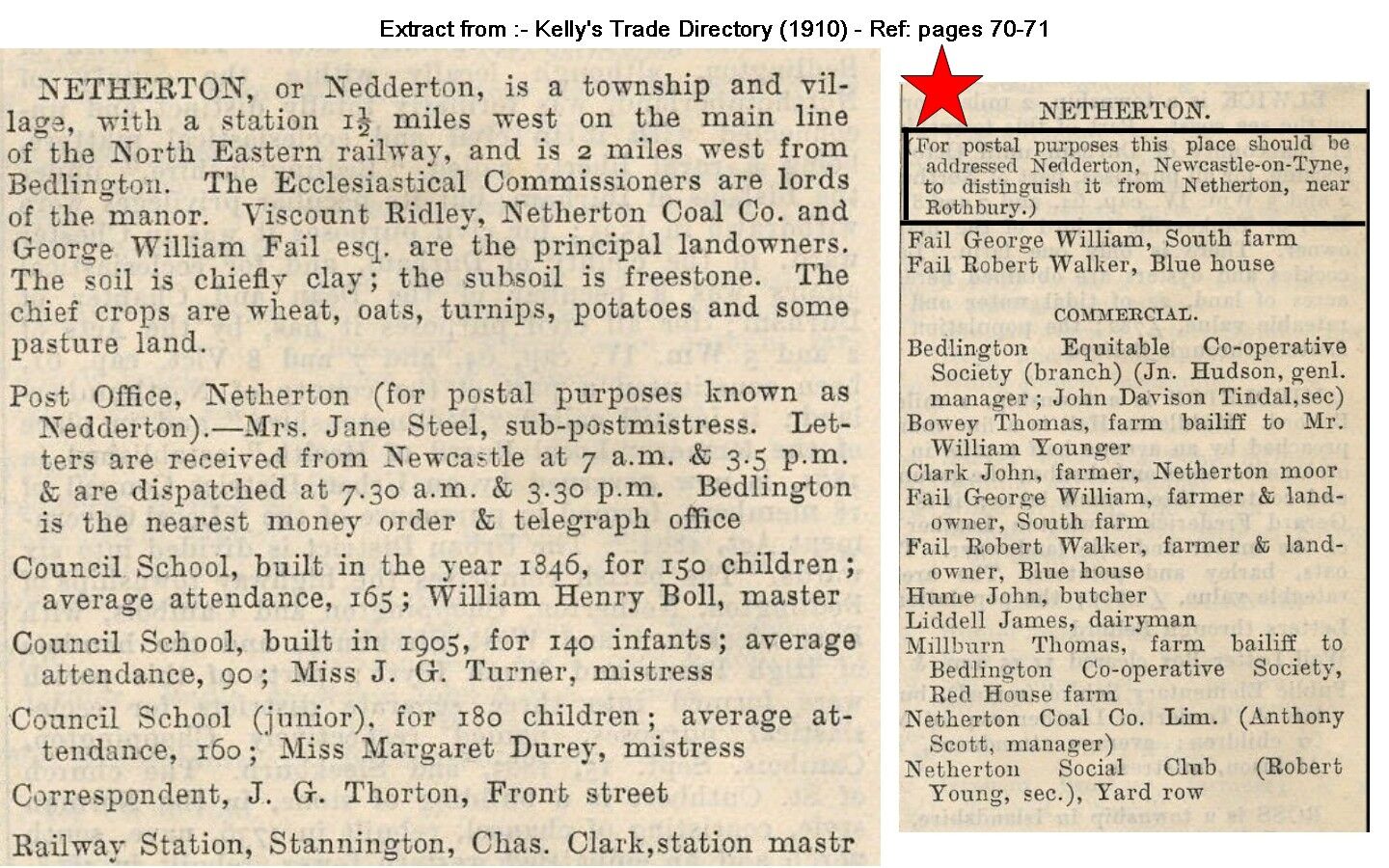
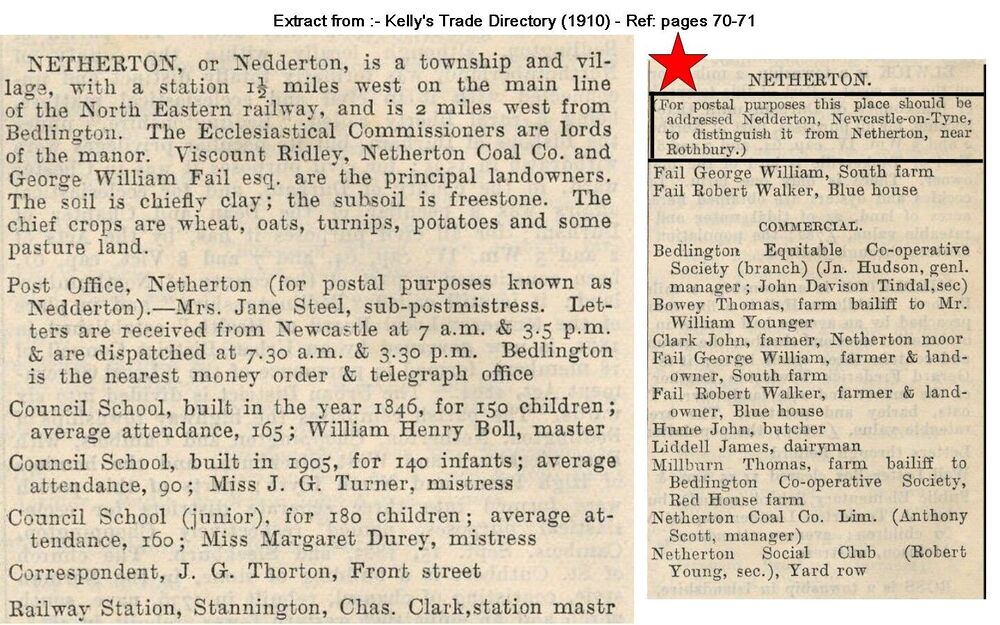
@Gary Mills rather than post numerous comments into the Netgherton album(s) in the Gallery section I have created this entry in History Hollow for you. Your question :- Gary Mills 1 Posted 15 hours ago Can you explain Netherton/Nedderton please? Nedderton used to be called Netherton and the Colliery rows were added later. When the colliery stopped producing coal and finaly closed in 1974 all the rows etc were demolished. Netherton changed it's name to Nedderton to avoid confusion with postal deliveries as there was another village called Netherton just outside Rothbury. Netherton Colliery kept the same name as it was part of the colliery rows and shop owners full postal address. This extract from the Kelly's trade directory of 1910 mentions the change Even when you look at current maps of Nedderton you will see that the old hall in Nedderton is still named Netherton Hall.
-
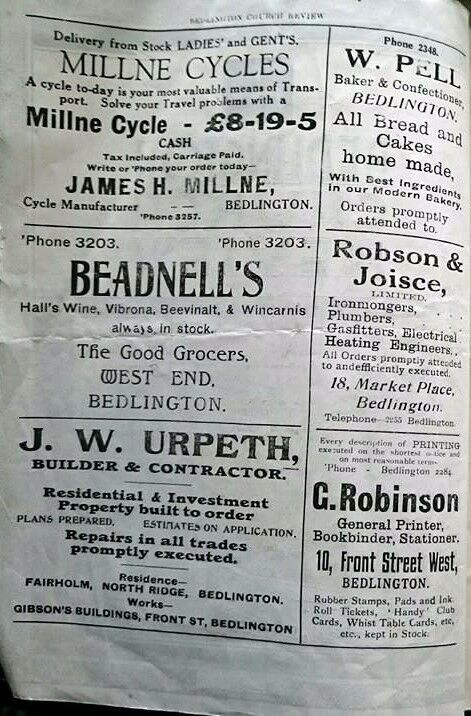
@pat nee McIntyre The only Robinson shop I can recall was the newsagent on Front Street East in the 1960's but no idea if that shop went back to the c1920s. There was an advert published in a 1947 St Cuthbert's Parish Magazine with Robinson's in :-
-
@Malcolm George Allan - No 23 - Muriel Cutter (now Gordon) has been contacted and she replied :-' I saw your post about Malcolm wanting to get in touch. I do hope to attend the get together on Sunday 14 September at 7.30 pm; I’ve put this in my diary.'
-
@Gary Mills I assume you have gone through the other 5 Gallery albums on Netherton Colliery/Nedderton :- Netherton/Nedderton old photos People and places at Netherton and Nedderton 1900-1960s Album created by Carole The End of Netherton Colliery Newspaper cuttings about the end of Netherton colliery Album created by Carole Netherton Colliery Railway Engine 1970 Album created by Cympil Scotts of Netherton Album created by sweenytwo Netherton Colliery Band A selection of Netherton Colliery Band, Bedlington Picnic photos &... Album created by Bandsman1966 as well as this one. I would expect finding general info, from pre 1940, from existing members of this site would be difficult unless someone had delved into census records etc. if you created a new topic under the Discussion/History Hollow section you may get more response. Have you used the search facility? if you searched, using quotation marks, for "Netherton Coliery" under the Discussion section of this site you will be returned all the comments through many topics that have used that phrase. probably a lot to wade through but might be worth it.🤞
-
until
-
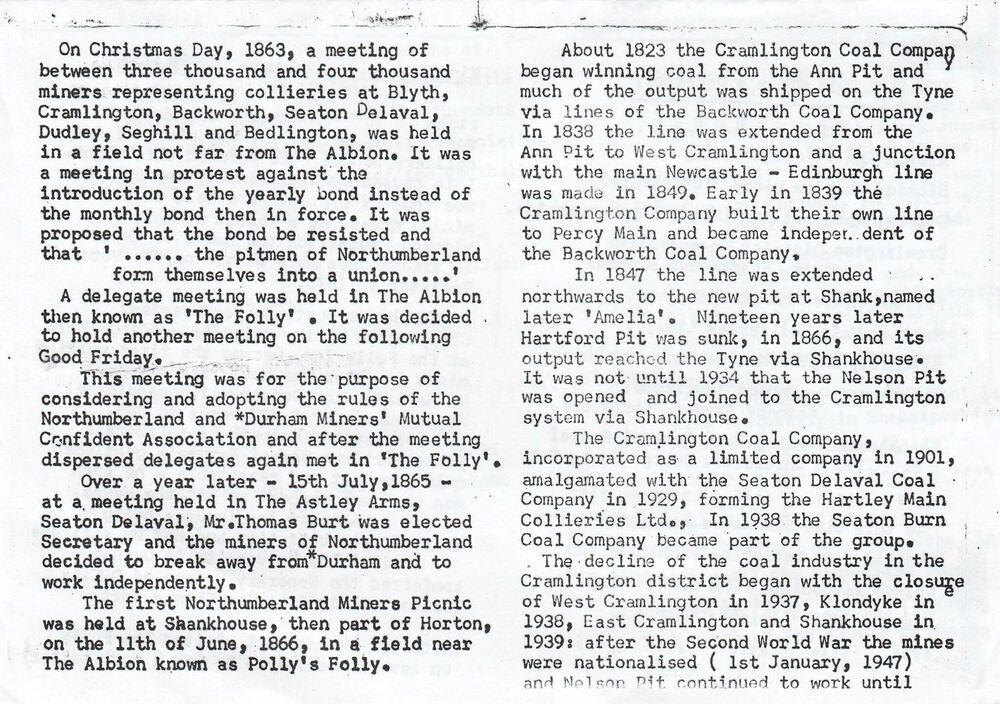
This info posted by @johndawsonjune1955 of this group and the Facebook group Past Times History group :-
-
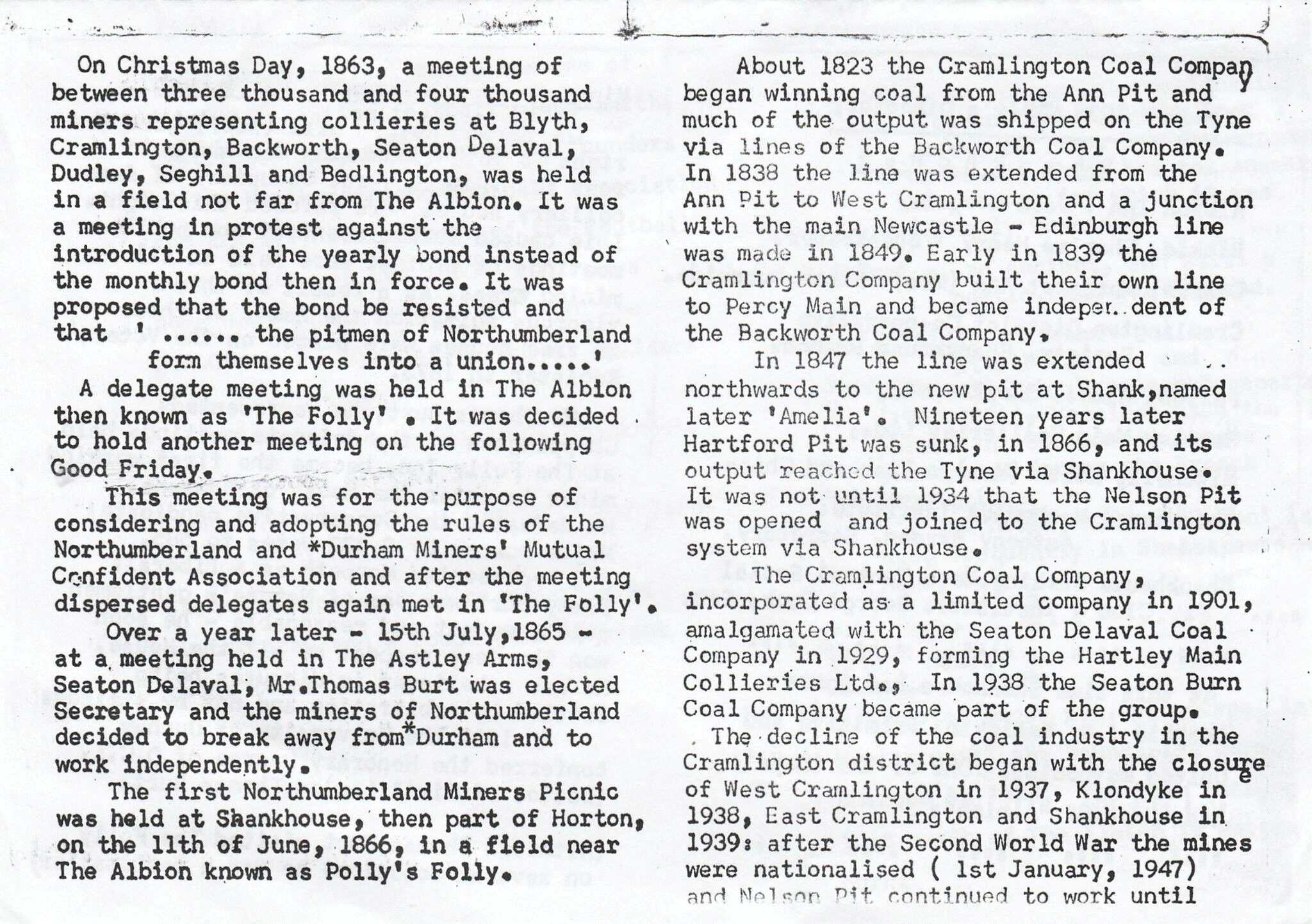
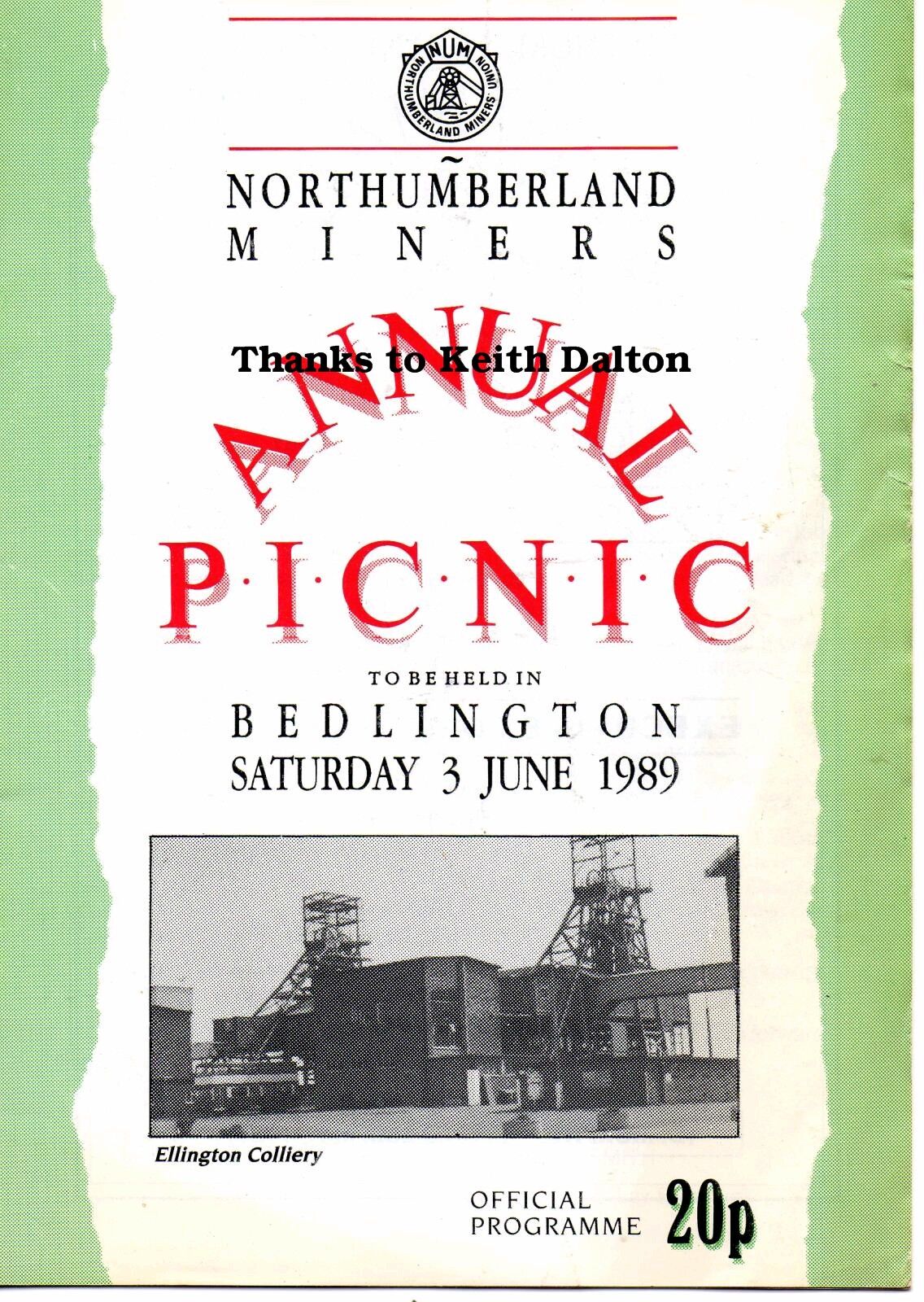
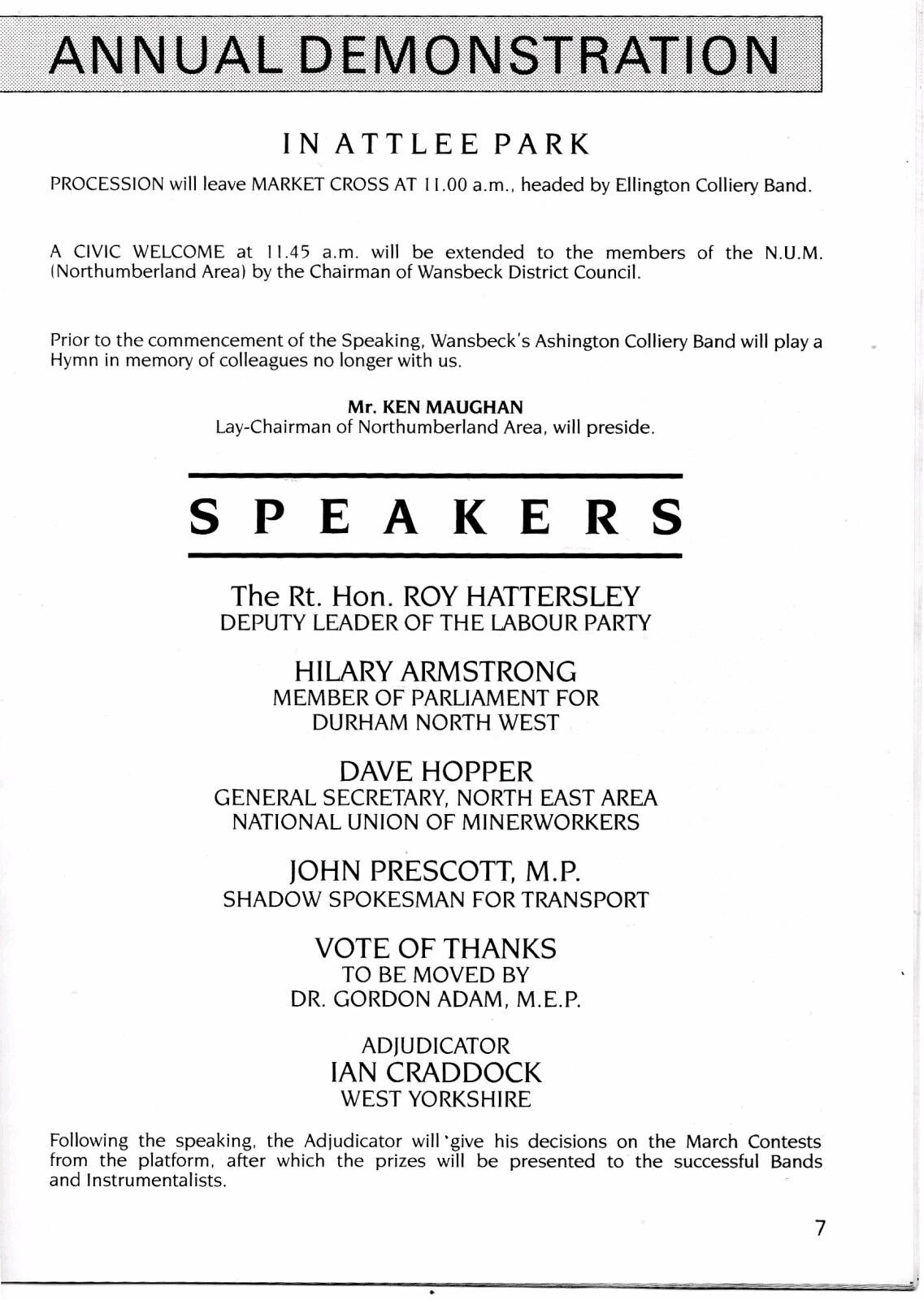
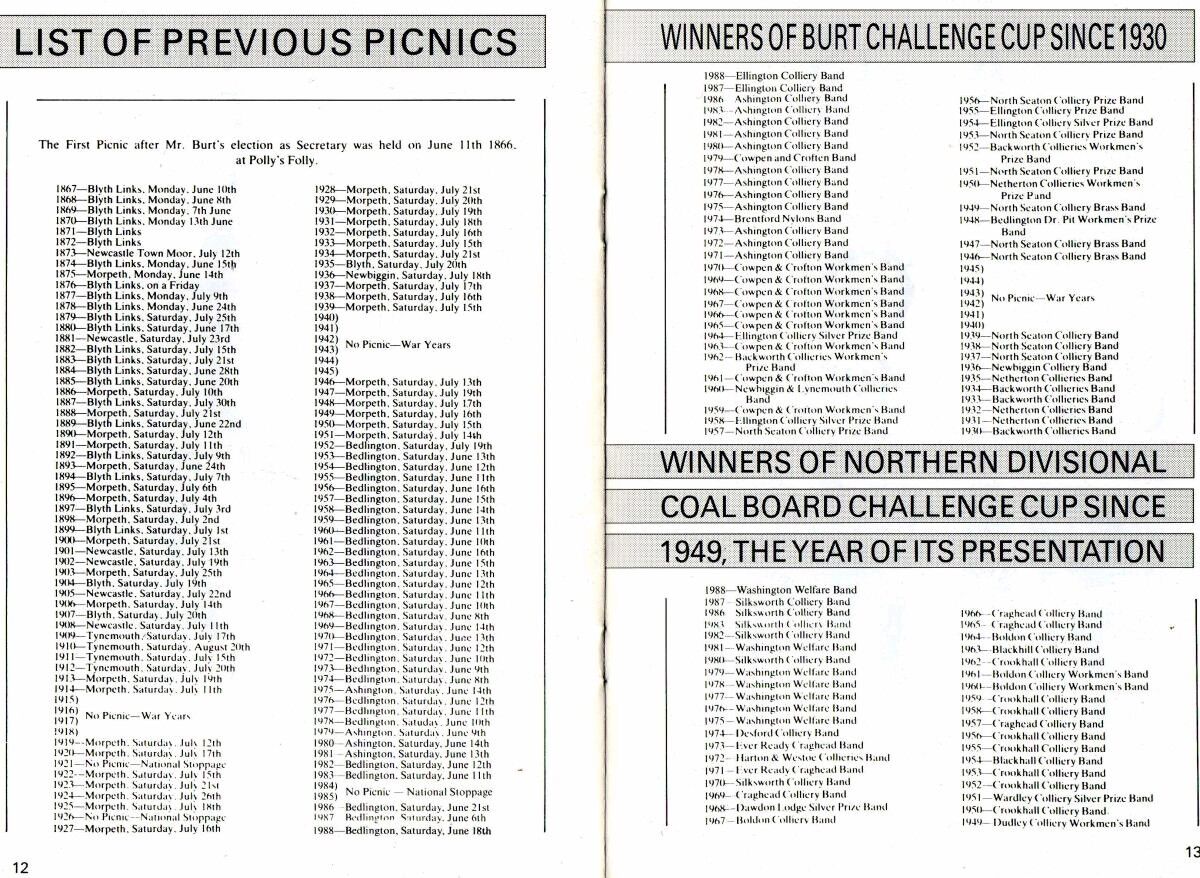
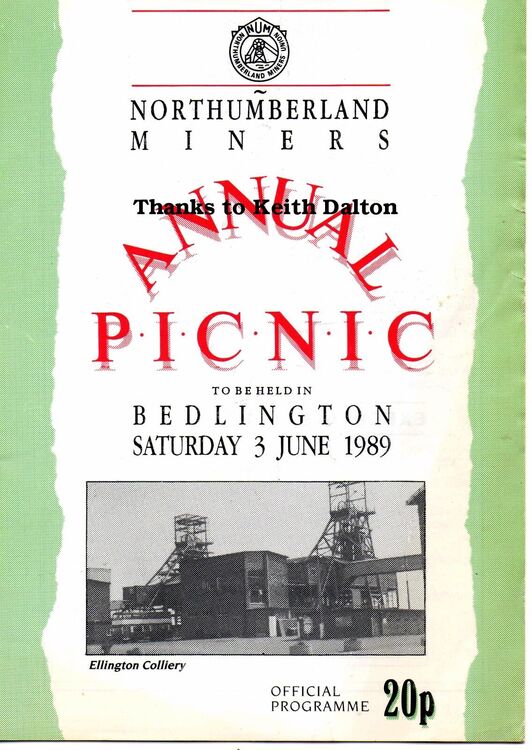
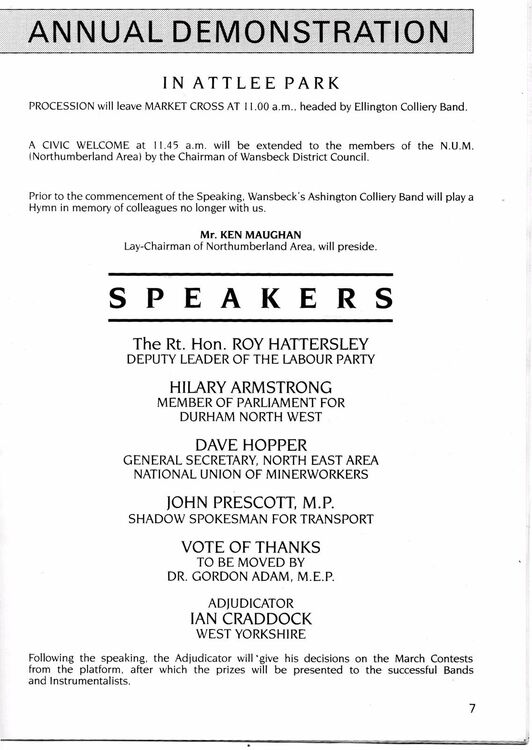
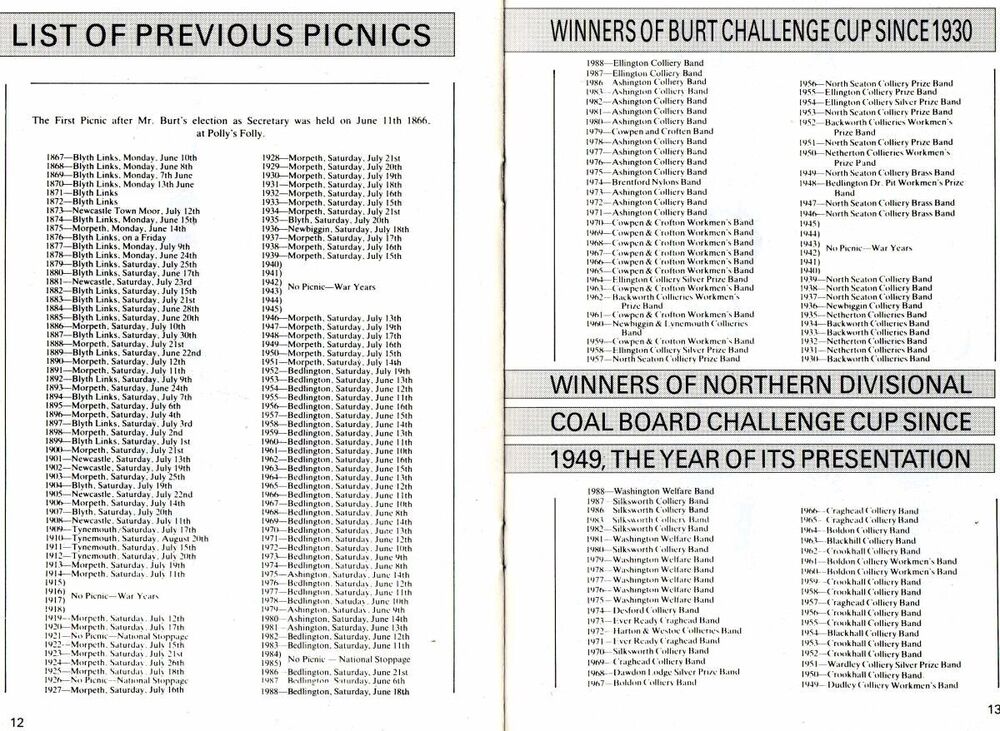
When the last Northumberland Miners Picnic was held in Bedlington in 1989 this program was on sale and Malcolm Robinson posted a copy within this group :-
-
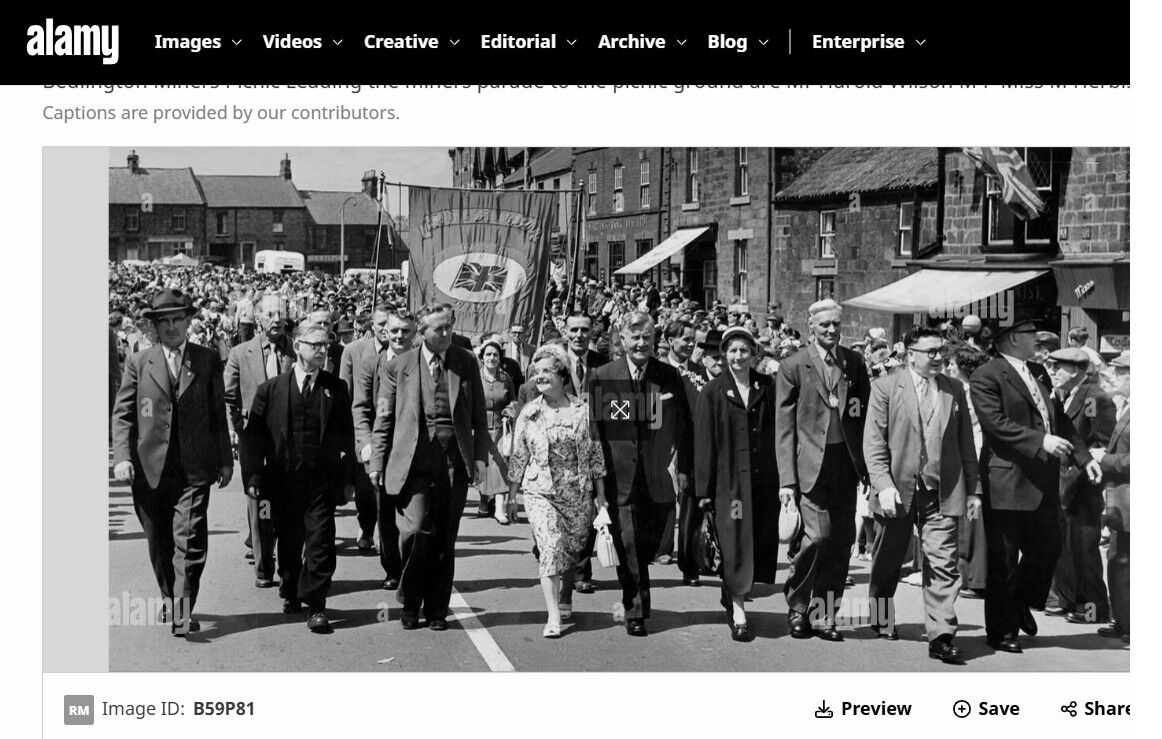
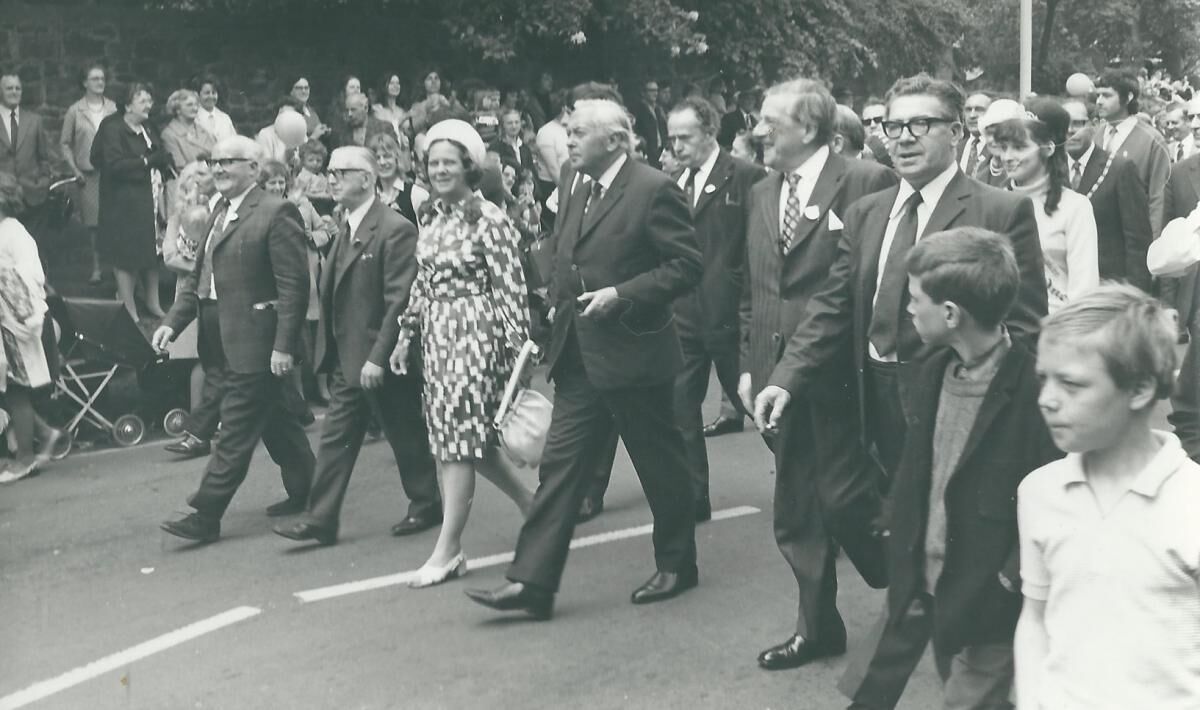
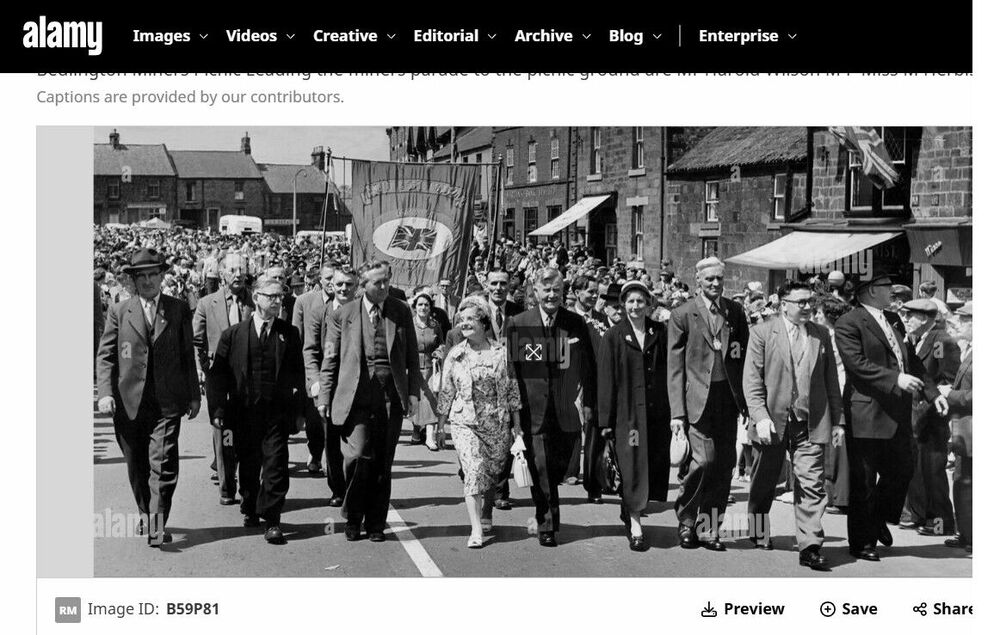
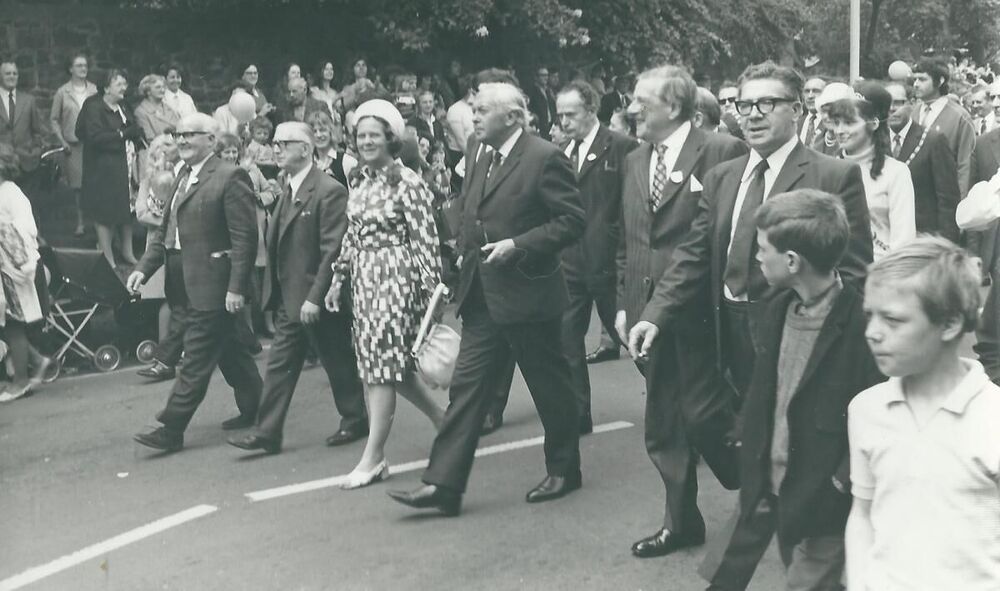
@Malcolm George Allan there are a couple of albums, created by 'Blank' & under the gallery/Historic Bedlington section. Tese are direct links to the albums :- The only photos with harold Wilson on that I have come across are these two that are said to be 1958 by the member of a Facebook group that posted them. Passing the Market Place on the way to Atlee Park :- This one looks like they are just passing the wall of St Cuthbert's church opposite the begingof front Street East :-
-
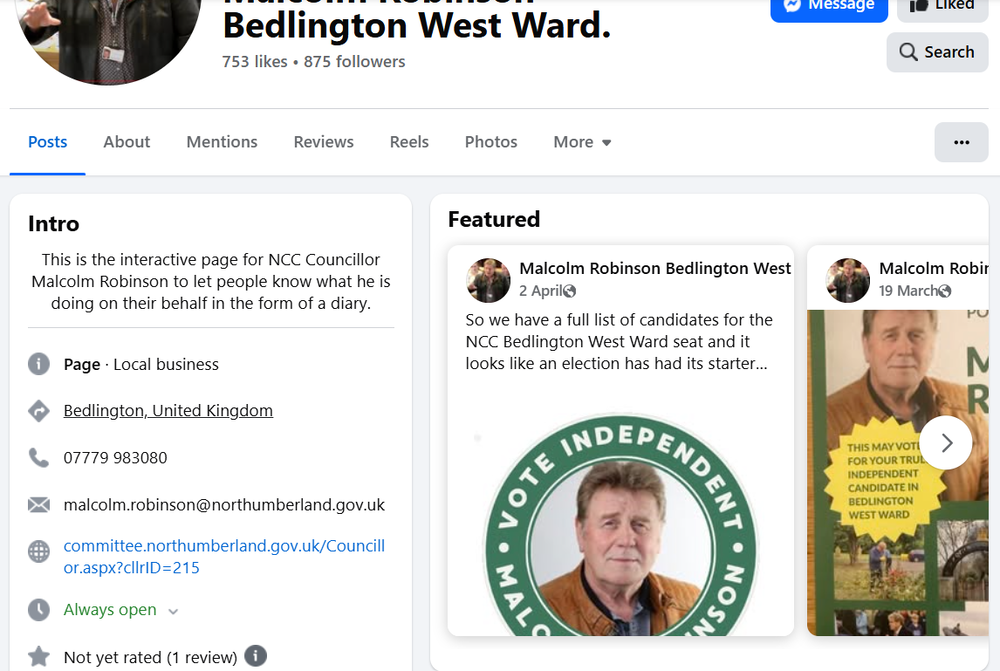
Cheers @Malcolm George Allan I would guess the very ative councilor you are thinking abouit is Malcolm Robinson who often posts info on the work the local council is doing, or not doing.
-
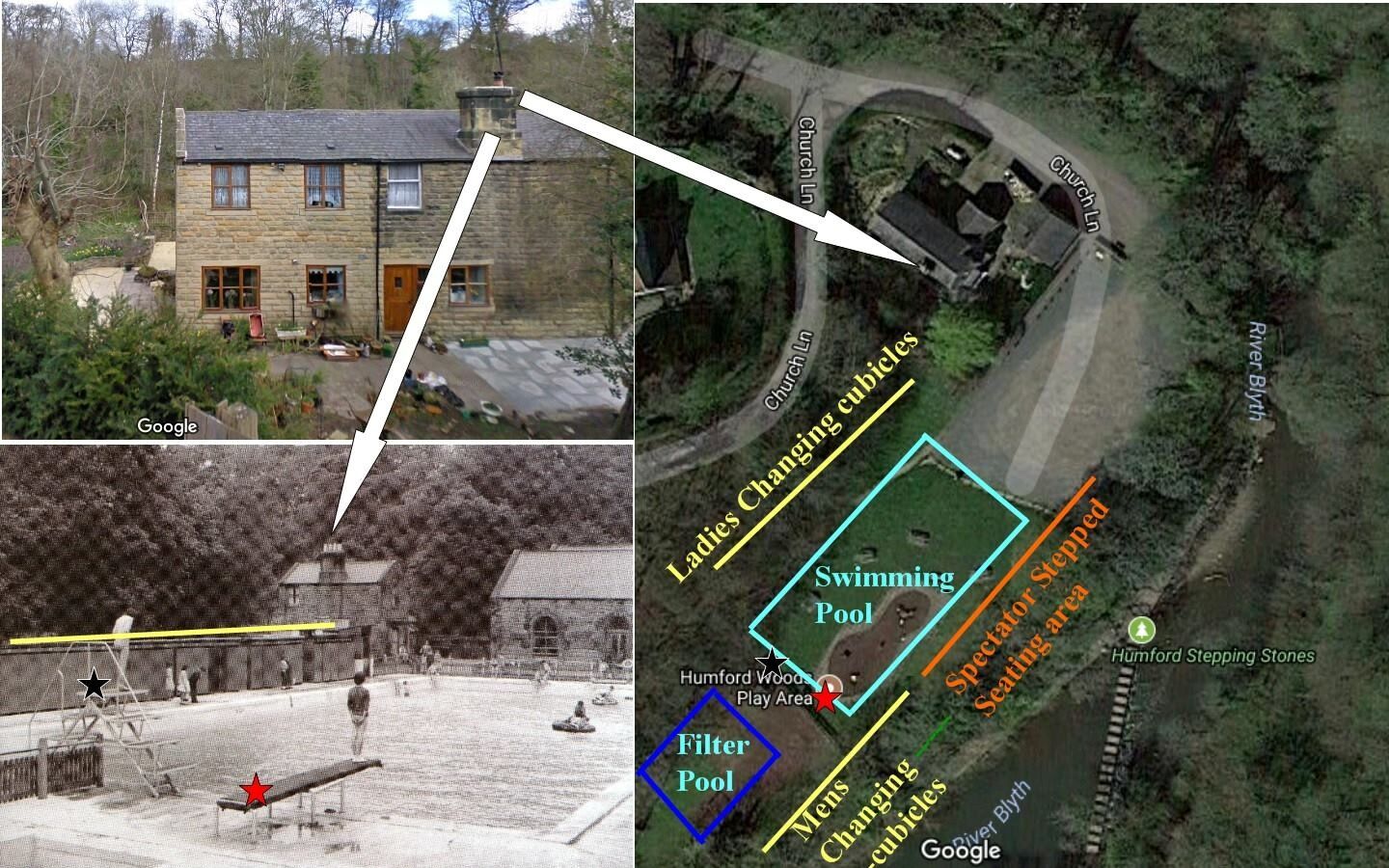
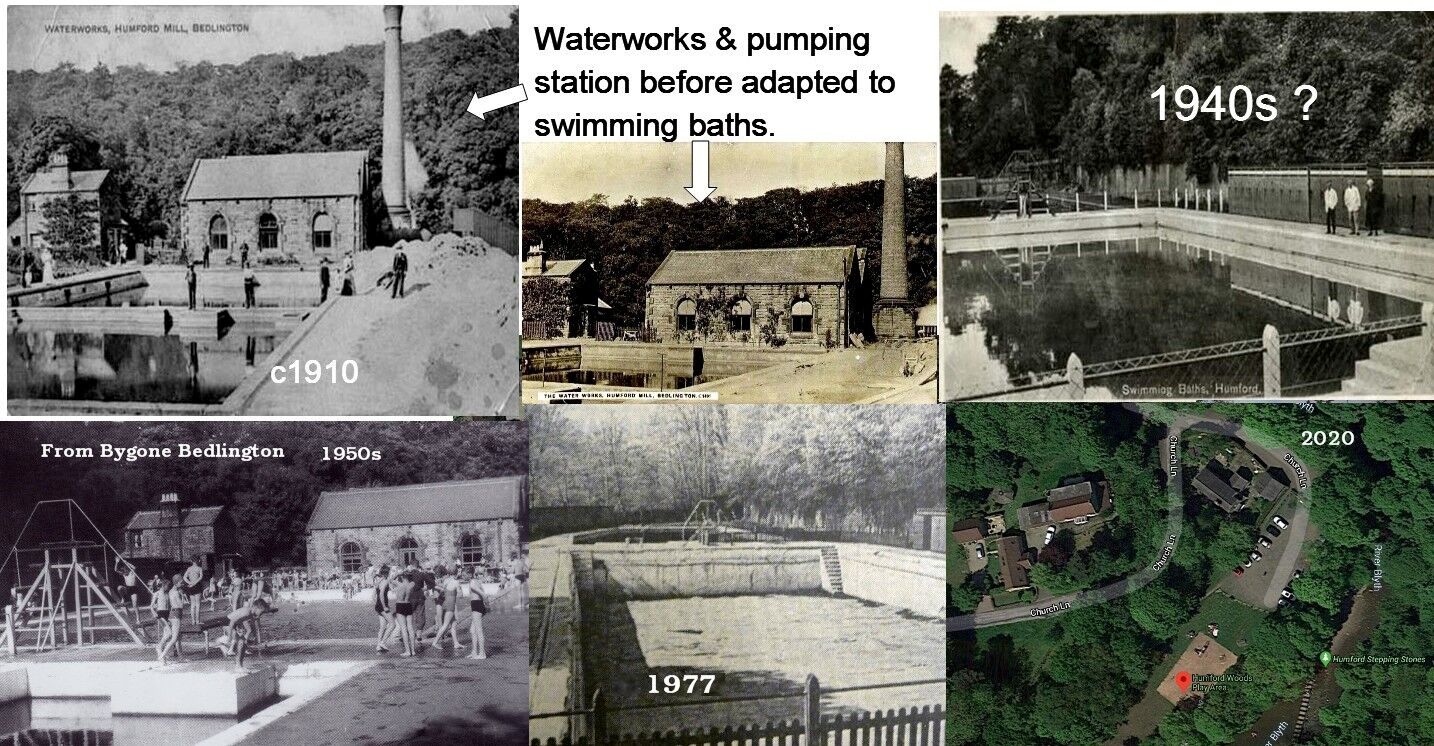
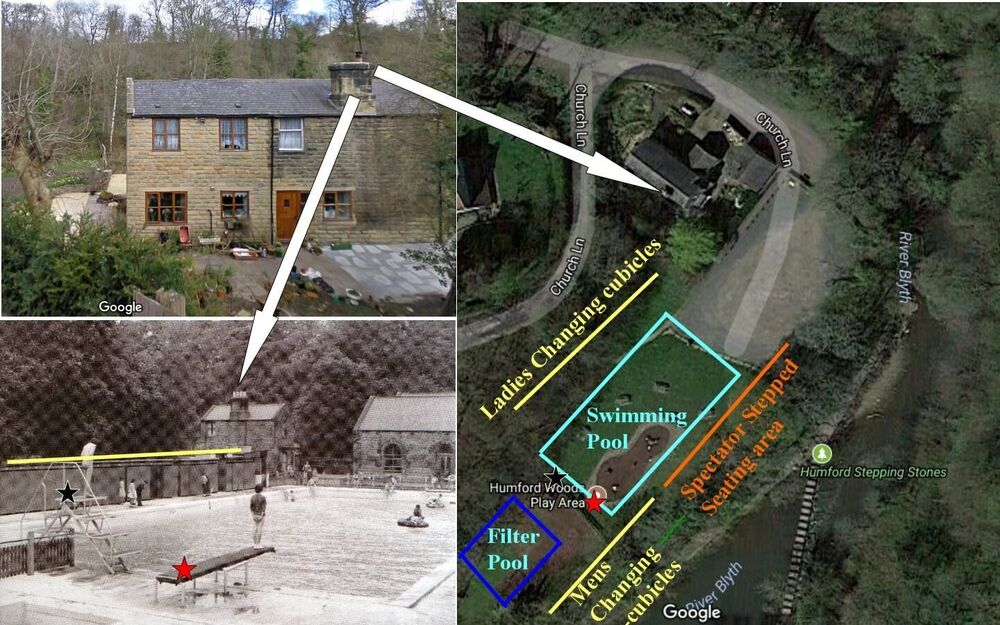
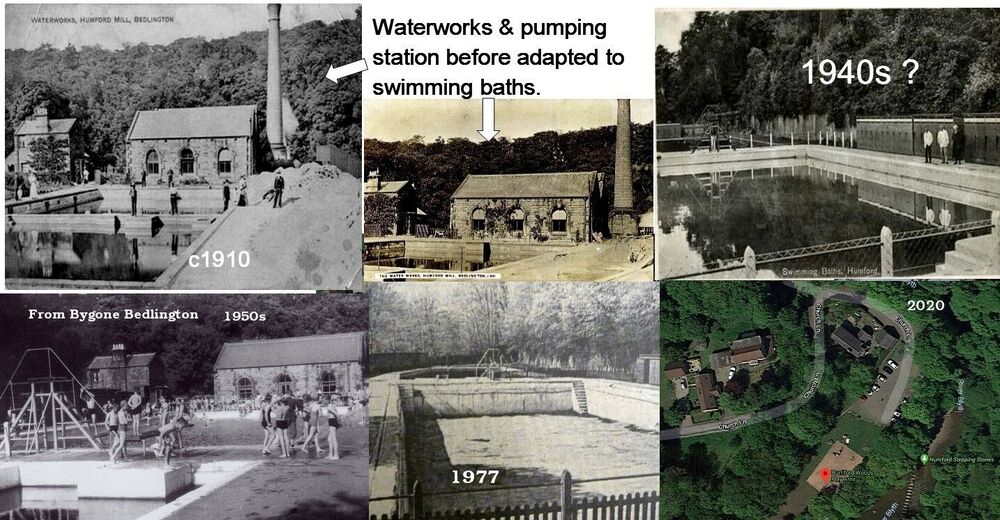
@Malcolm George Allan - whats a 'Community right to build'? I only know I have seen many comments on the online groups about a new swimming pool in Bedlington and I believe it has been discussed many times by the West Bedlington Council but never had the go ahead In the 1950's we walked walked to Humford baths and it was 3d for the whole 8 hours Wilf kept it open Back in 2016-17 we created a couple of Then & Now images :- In the Gallery section of this group under Historic Bedlington there ia an album with images of Humford. This is a direct link to that album :-
-
@Malcolm George Allan - I have replied to you via the private Message system.
-
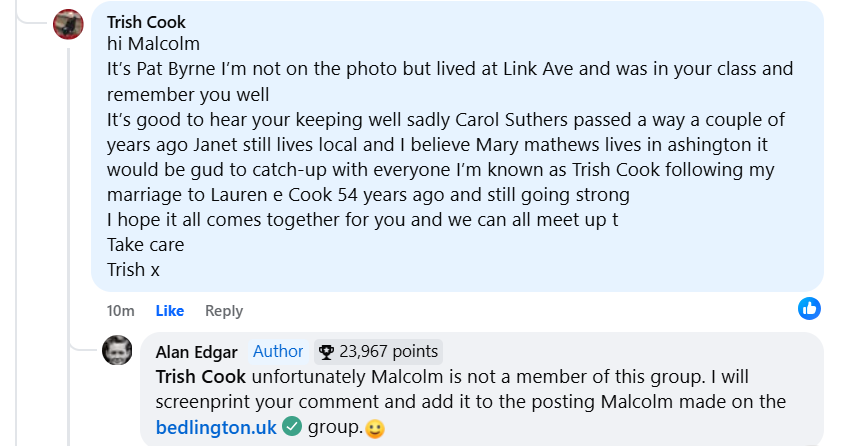
@Malcolm George Allan I screenshot the three replies you did for Margaret, Kevin & Trish and posted them next to each of their comments on the Bygone Bedlington group. Only one reply up to now :- but if anyone else responds on the Faceboo group I will update this post.

-
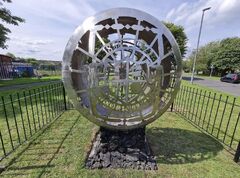
-
@Malcolm George Allan if you start the name of the member of this group you are replying to with an @ immediately followed by the persons name then their name will appear and if you select that the system 'Tags' the member you are responding to. eg @Bill Straughan
-
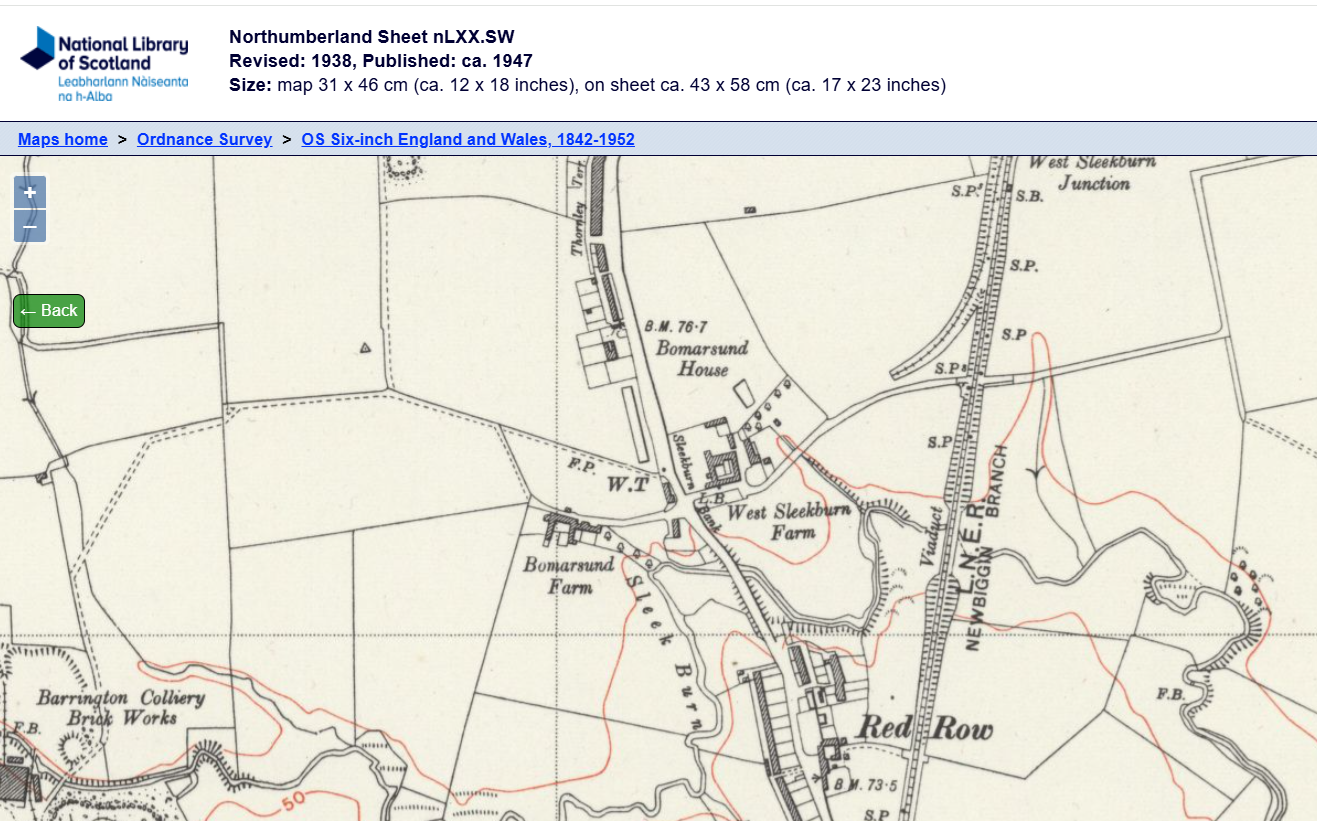
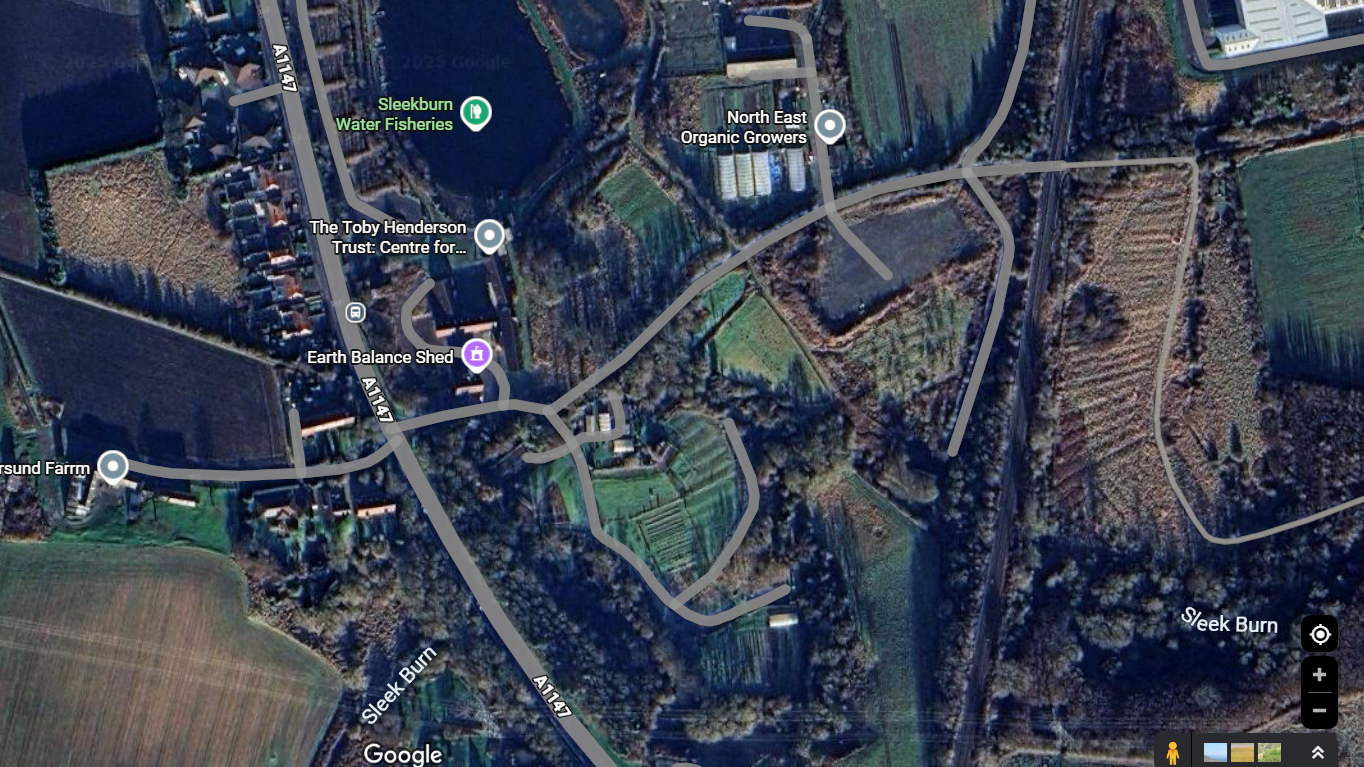
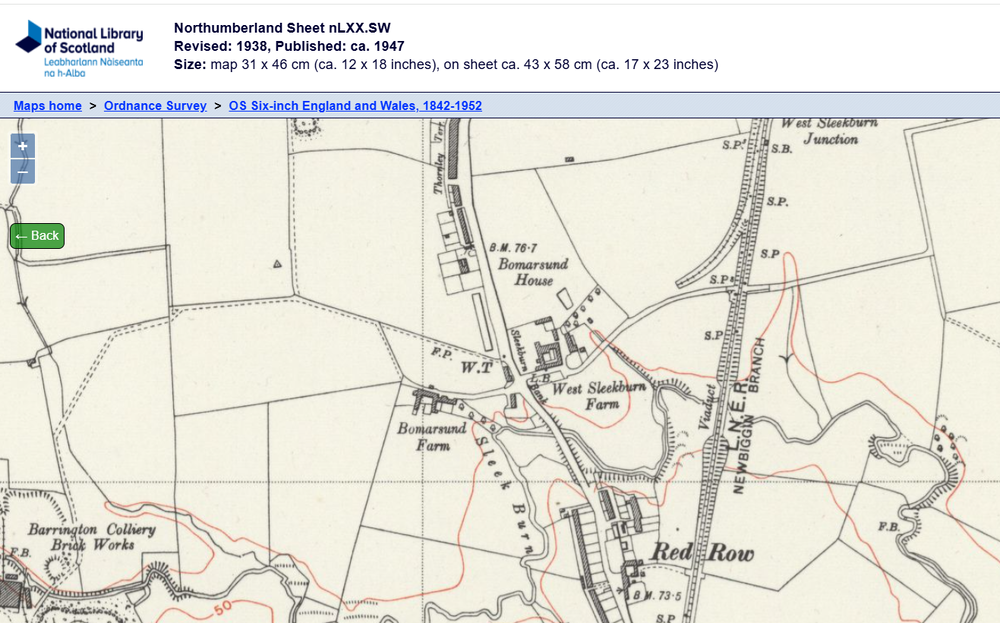
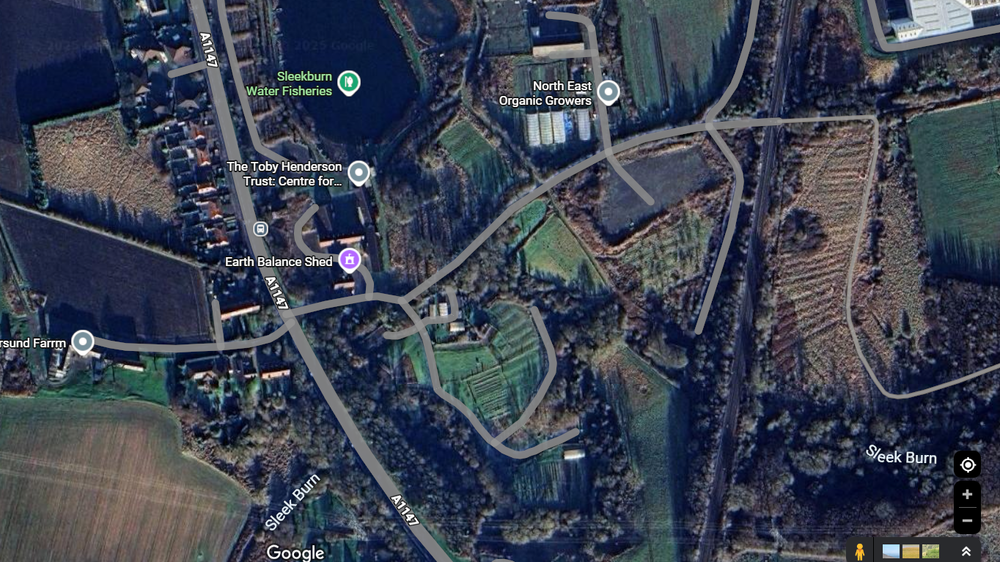
@HIGH PIT WILMA & @ken d is this it - Then 1938 & Now 2005:-
-
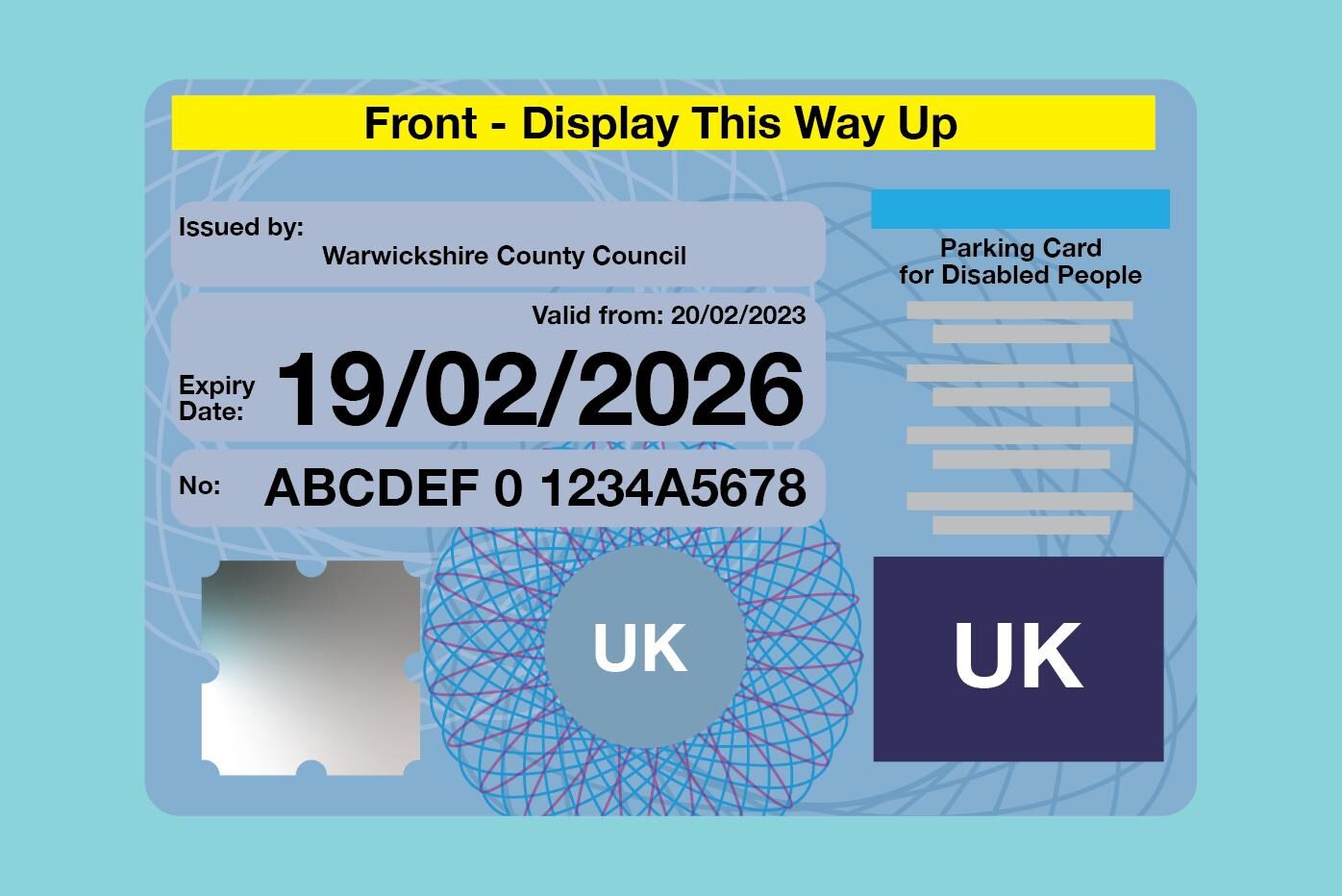
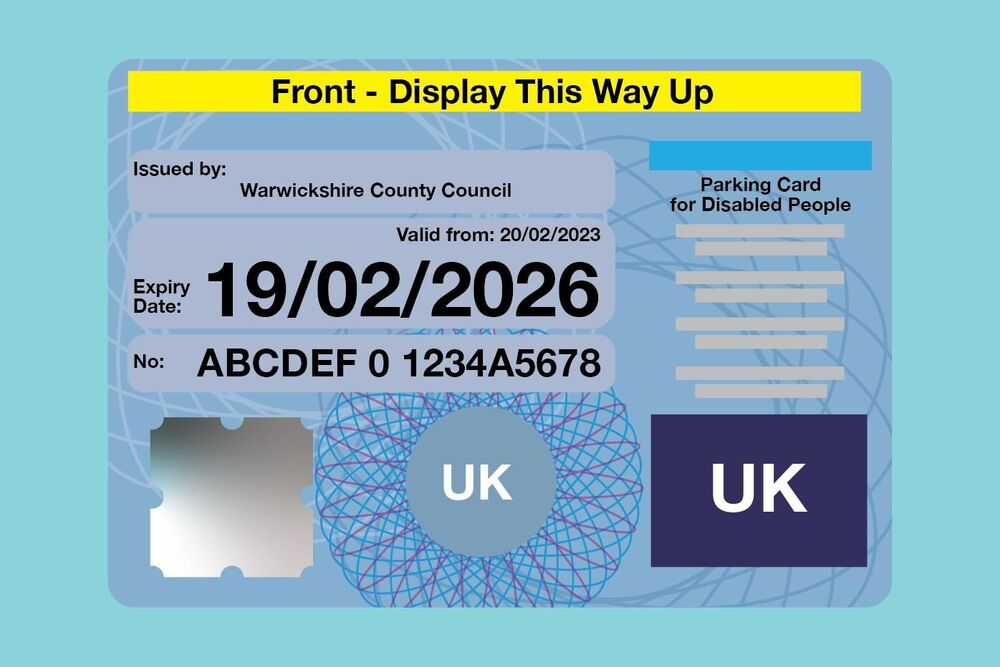
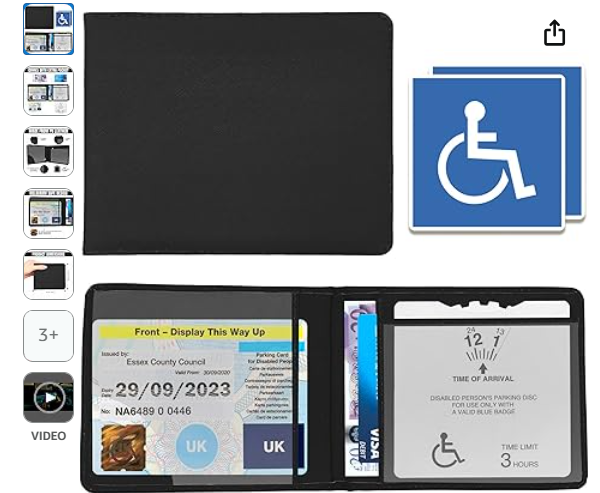
@Vic PattersonBlue Badges are for disabled drivers to use when parking in the disabled car parking spaces and on yellow lines on main roads. Has to be renewed every 3 years
-
@Malcolm George Allan and this one from Trish Cook :-
-
Photo with all names added :- I will correct the spelling of your surname (No6) but at the moment the PC I use for adding info etc. to photos is out of action - should be repaired next week🤞