



Andy Millne
-
Joined
-
Last visited
Everything posted by Andy Millne
-
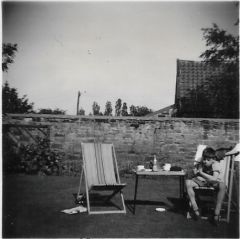 I think this is facing the old outbuilding to the rear of 40c/d Front Street West (Now The Boxwood Tap Micropub)
-
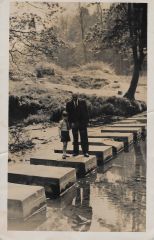 Humford Woods stepping stones. James H Millne and James D Millne II
-
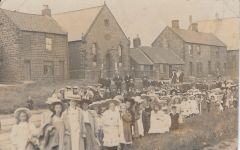 Reverse: JHM (Jimmy Millne) in arms? (in background?)
-
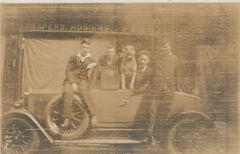 A few more I assume may have Bedlington connections
-
-
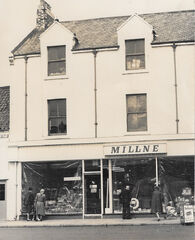 Formerly The Turk's Head public house now abandoned.
-
This may or may not be Bedlington but there is a suspicion that the dog may be the original "Bonzo"
-
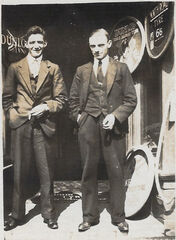 @Alan Edgar (Eggy1948) I'm working on gathering info to go with these photos but everyone please feel free to comment if you have any insight. I also have a private album here with other family photos from Lairds House and elsewhere around Bedlington going back to 1893 that I'll move over to public albums once I've sorted through them for any with public interest.
-
-
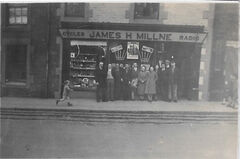 Yes, it's next door to the Northumberland Arms. What is now the "Game On" games shop and was a florists for a while.
-
From the album: Millne's Cycle & Radio Stores
© Copyright ©2021 James Millne
-
Available for full use subject to a clear attribution to Bedlington.co.uk including a link to the image location and current commentary on Bedlington.co.uk.
-
scan 178.jpg
-
Millne Department Store - Market Place
-
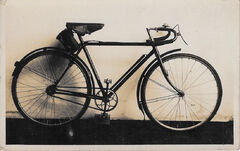 scan 132.jpg
-
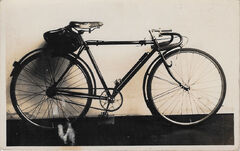 scan 131.jpg
-
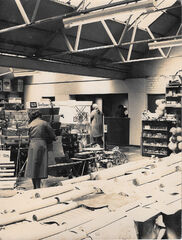 Millne Department Store - Market Place
-
Front Street East
-
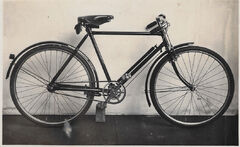 scan 41.jpg
-
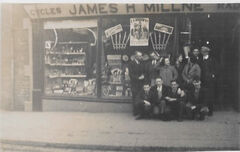 Front Street East
-
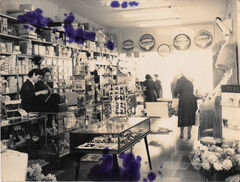 Millne Department Store - Market Place
-
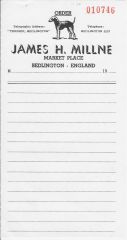 James H Millne Order Pad
-
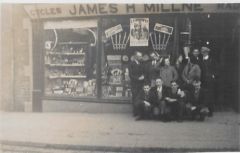 Front Street East
-
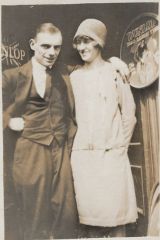 scan 11.jpg
-
 scan 27.jpg
-
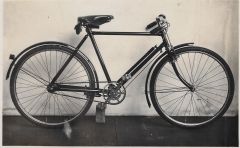 scan 41.jpg
-
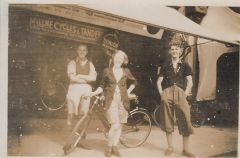 scan 141.jpg
-
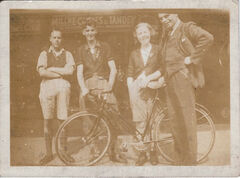 Millne Cycles & Tandems
-
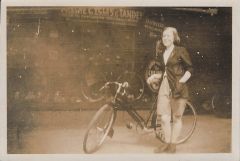 scan 218.jpg
-
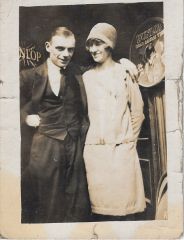 scan 221.jpg
-
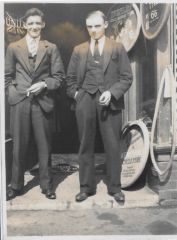 scan 223.jpg
-
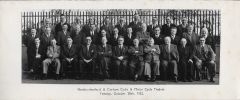 scan 325.jpg
-
-
Some more photos from James H Millne collection. Available for full use subject to a clear attribution to Bedlington.co.uk including a link to the image location and current commentary on Bedlington.co.uk. Still actively organising them. Comments welcome.
-
Feasters - Front Street East
-
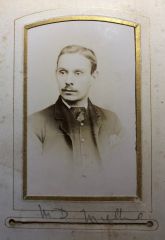 James David Millne
-
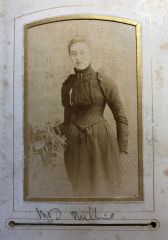 Elizabeth Rogers
-
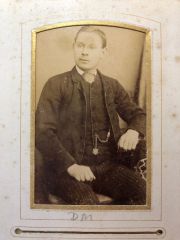 James D Millne
-
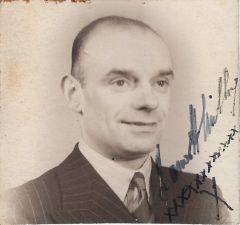 James H Millne
-
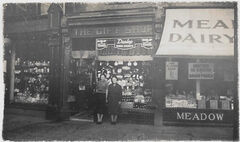 Jimmy Millne’s Gift Shop & Meadow Dairy
-
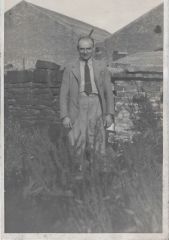 James H Millne
-
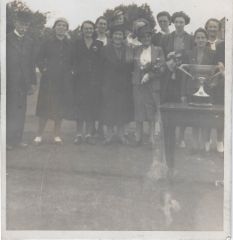 scan 25.jpg
-
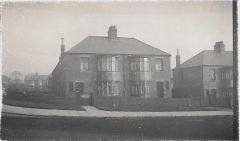 7 & 8 Hartford Road
-
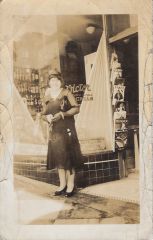 scan 44.jpg
-
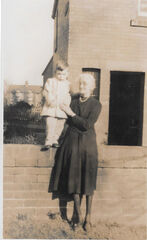 7 Hartford Road
-
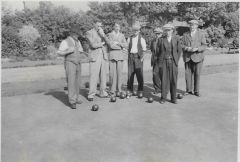 scan 86.jpg
-
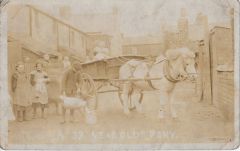 scan 88.jpg
-
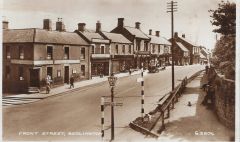 Front Street East
-
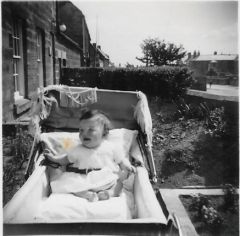 Lairds House Front Garden
-
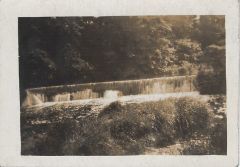 scan 117.jpg
-
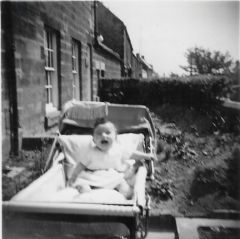 Lairds House Front Garden
-
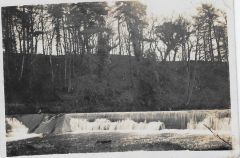 Humford Woods
-
Front Street West
-
Humford Woods
-
-
From the album: Misc. Millne Photos In & Around Bedlington
© Copyright ©2021 James Millne
-
From the album: Millne's Cycle & Radio Stores
© Copyright ©2021 James Millne
-
From the album: Millne's Cycle & Radio Stores
© Copyright ©2021 James Millne
-
From the album: Millne's Cycle & Radio Stores
© Copyright ©2021 James Millne
-
From the album: Millne's Cycle & Radio Stores
© Copyright ©2021 James Millne
-
From the album: Millne's Cycle & Radio Stores
© Copyright ©2021 James Millne
-
From the album: Millne's Cycle & Radio Stores
© Copyright ©2021 James Millne
-
From the album: Millne's Cycle & Radio Stores
© Copyright ©2021 James Millne
-
From the album: Millne's Cycle & Radio Stores
© Copyright ©2021 James Millne
-
merged posts from https://www.bedlington.co.uk/forums/topic/6864-sunnyside-cottages-choppington/
-
Split Doctor's yard posts into the new topic at https://www.bedlington.co.uk/forums/topic/9243-doctors-yard-top-end/
-
That would indicate the item was deleted.
-
I have cleaned up personal info from this topic
-
It's unblocked at McAfee so there may be a local cache that needs updating on your computer. Try again in a few hours. To workaround you can whitelist the 31.193.136.176 IP