Everything posted by Alan Edgar (Eggy1948)
-
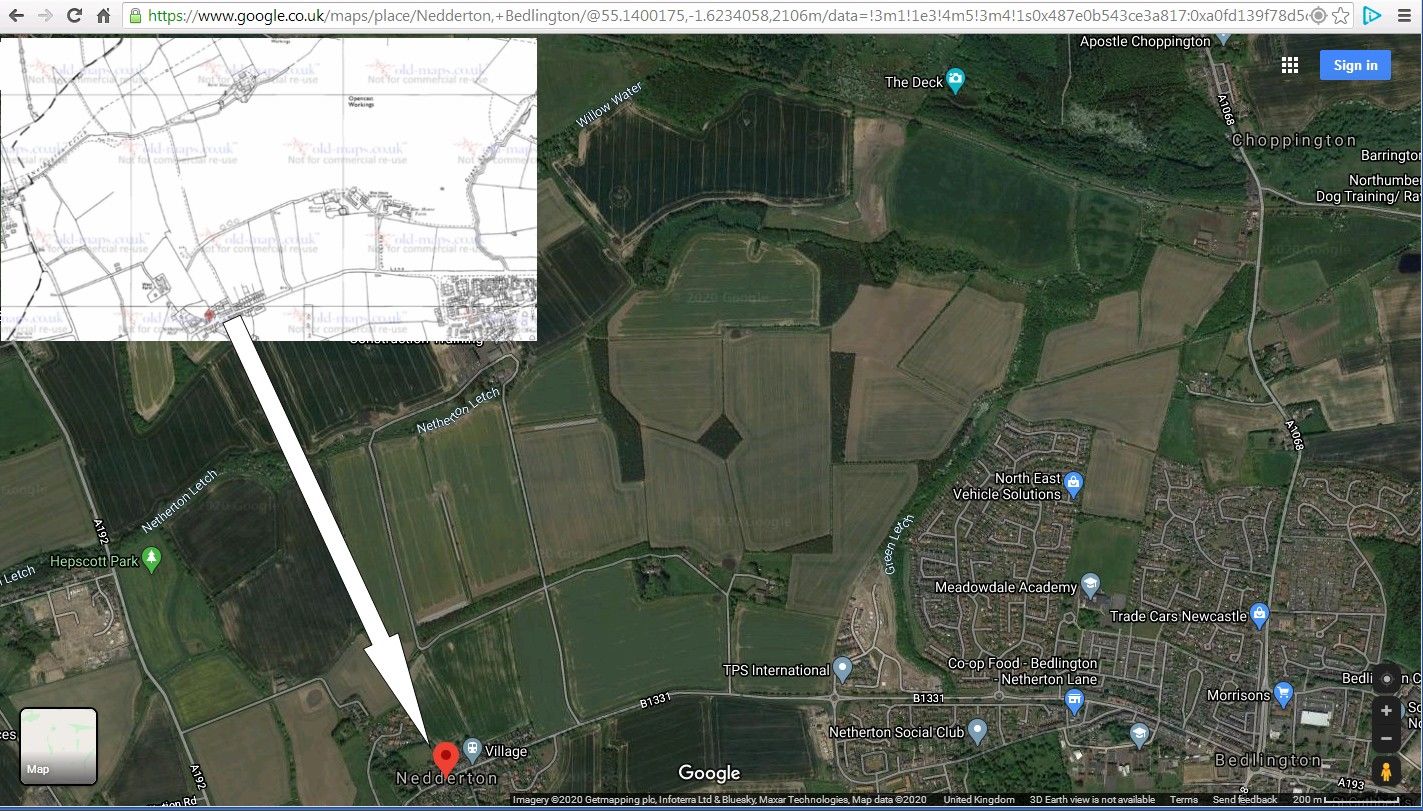
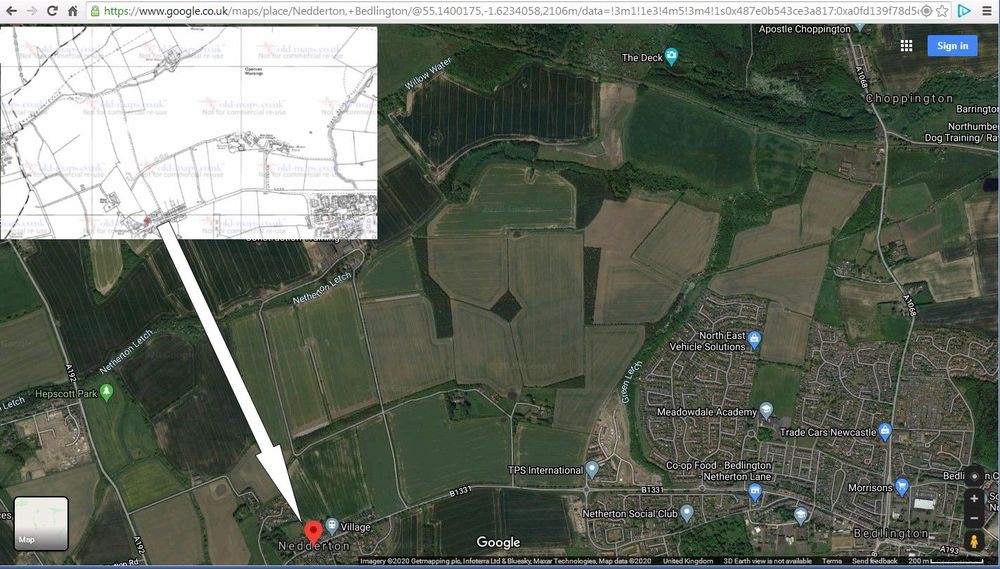
@Richard Pyle - I had a word (via facebook group) with Alan Dickson. Alan used to be a member on this site ( ) and before that was a miner for most of his working life. Alan's reply was :- It would be the late seventies early eighties Alan, wasn't exactly an open cast, They landscaped the whole area with dozers etc , and put the whole pit heap area through a coal reclamation plant, Netherton Colliery never had a washing plant and lots of coal was wasted. Remember they uncovered the old Victorian tip and hundreds of Victorian bottles were thrown up. Laura Corina Davison Alan Dickson What had been in the bottles ?. Hide or report this Alan Dickson Laura Corina Davison All kinds Laura, medicines , beer, sauces, ointments, bottles made of China for stouts and ginger beers, poisons, Very collectable, 1 Hide or report this Then & Now (Google 2020) :-

-
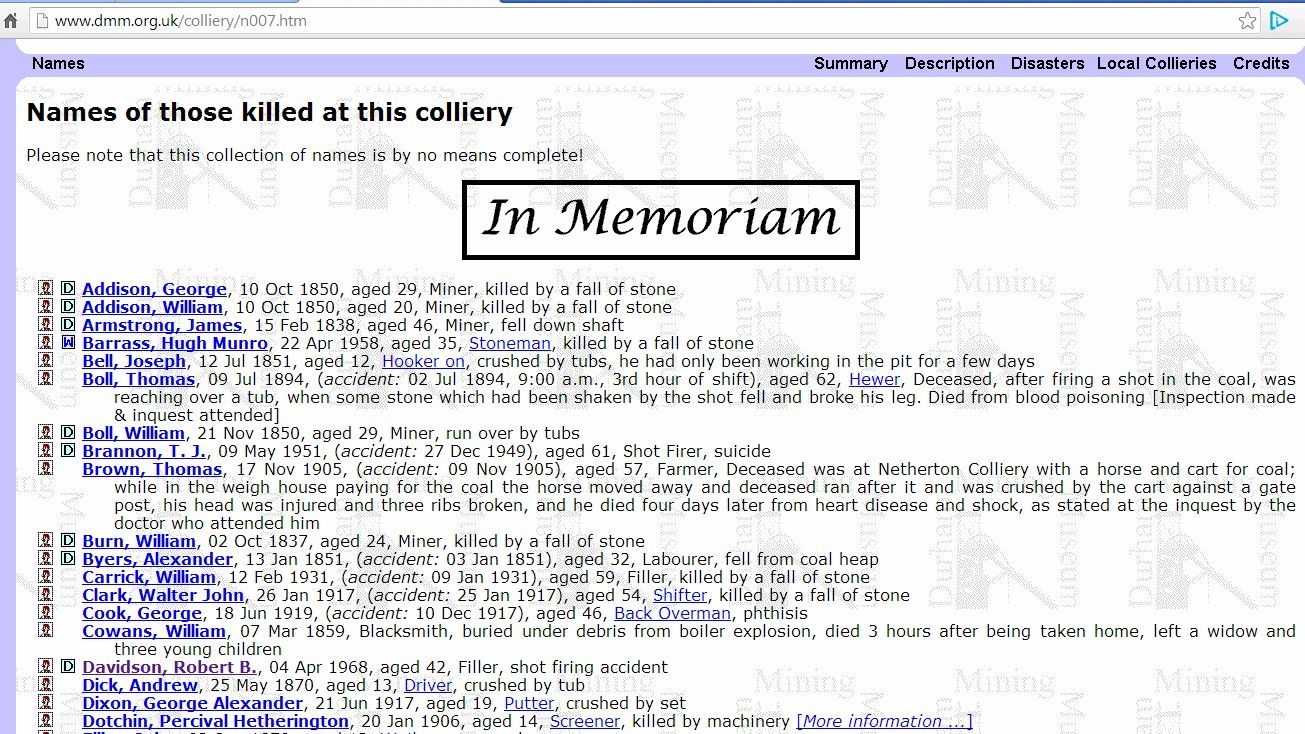
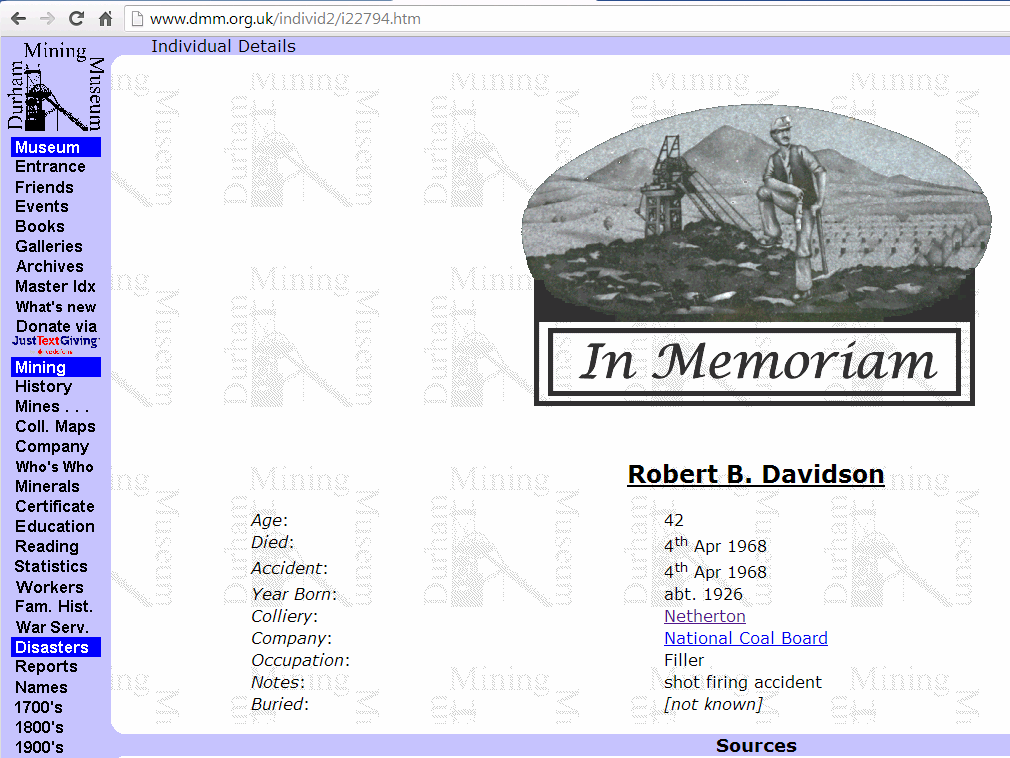
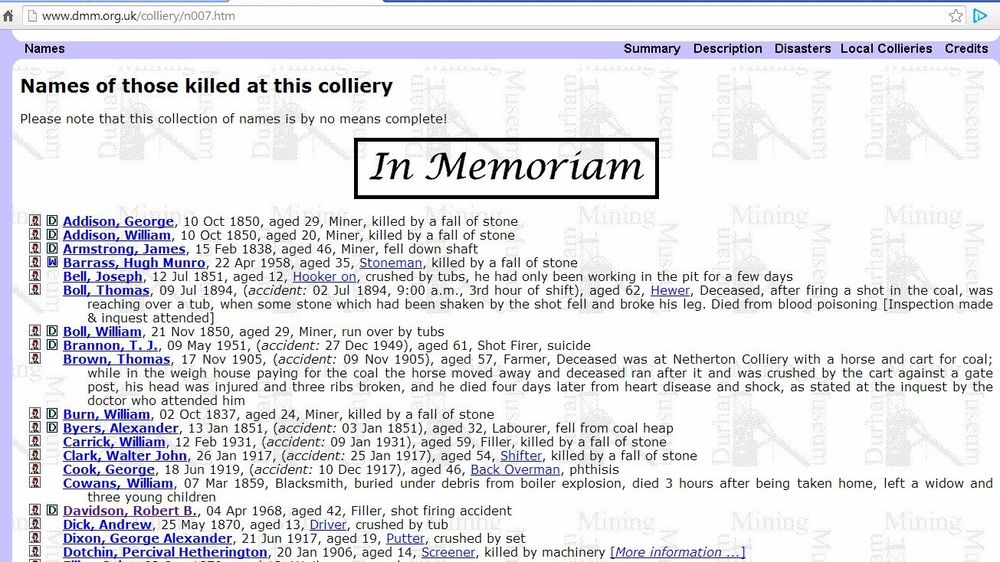
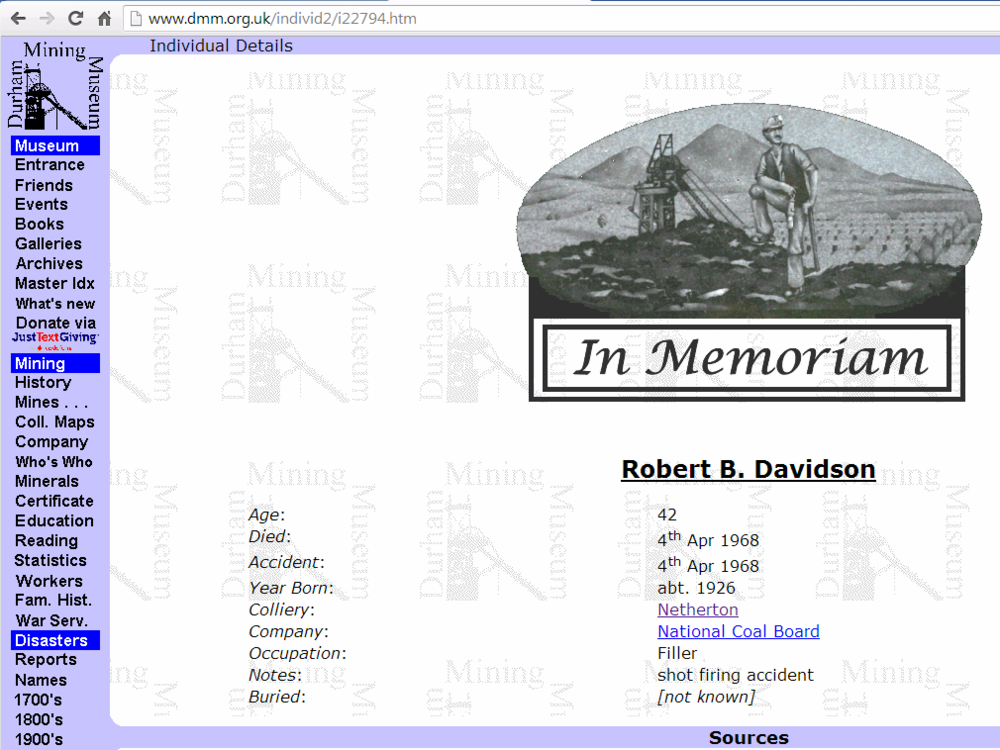
Paul Have you ever looked at the Durham Mining Museum (DMM) site? the works and The site covers mining in the Northern part of England i.e. County Durham (DUR), Northumberland (NBL), Cumberland (CUL), Westmorland (WES) and the Ironstone mines of North Yorkshire (NRY). The DMM site is ran by volunteers and they record information on lives lost during the mining period. I do not know a lot about the organisation but a couple of years ago I was helping someone to get the info on their grandfathers tragic accident at the doctor Pit and I got in touch with the DMM ‘Webmaster’ (email address = webmaster@dmm.org.uk ) who updates all the records and info on the site. He told me it was an antiquated system (don’t know what computer system and software they use) and he was the only volunteer they had to maintain and update their records and at that moment in time they have no one that could take over his role when he has to call it a day. I checked out the DMM site to see if they had a record for your dad and these are the extracts from the site :-
-
Never looked at the more recent maps before, normally always looking at the maps prior to the 1960's. I see the words 'Opencast Workings' don't appear on the maps for 1951 and earlier but are on the 1961 map and subsequent. I will ask around to see if anyone knows anything about an opencast site around Netherton Colliery.
-
@Richard Pyle - could you post an image from one of the maps and the year the map was produced?
-
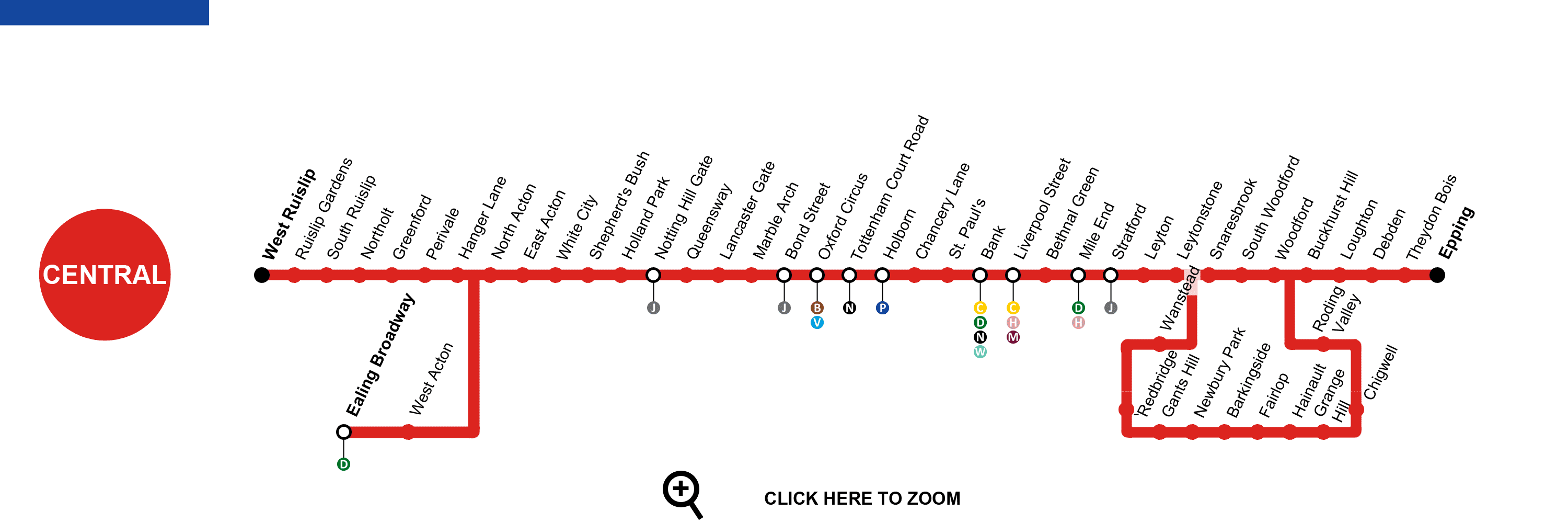
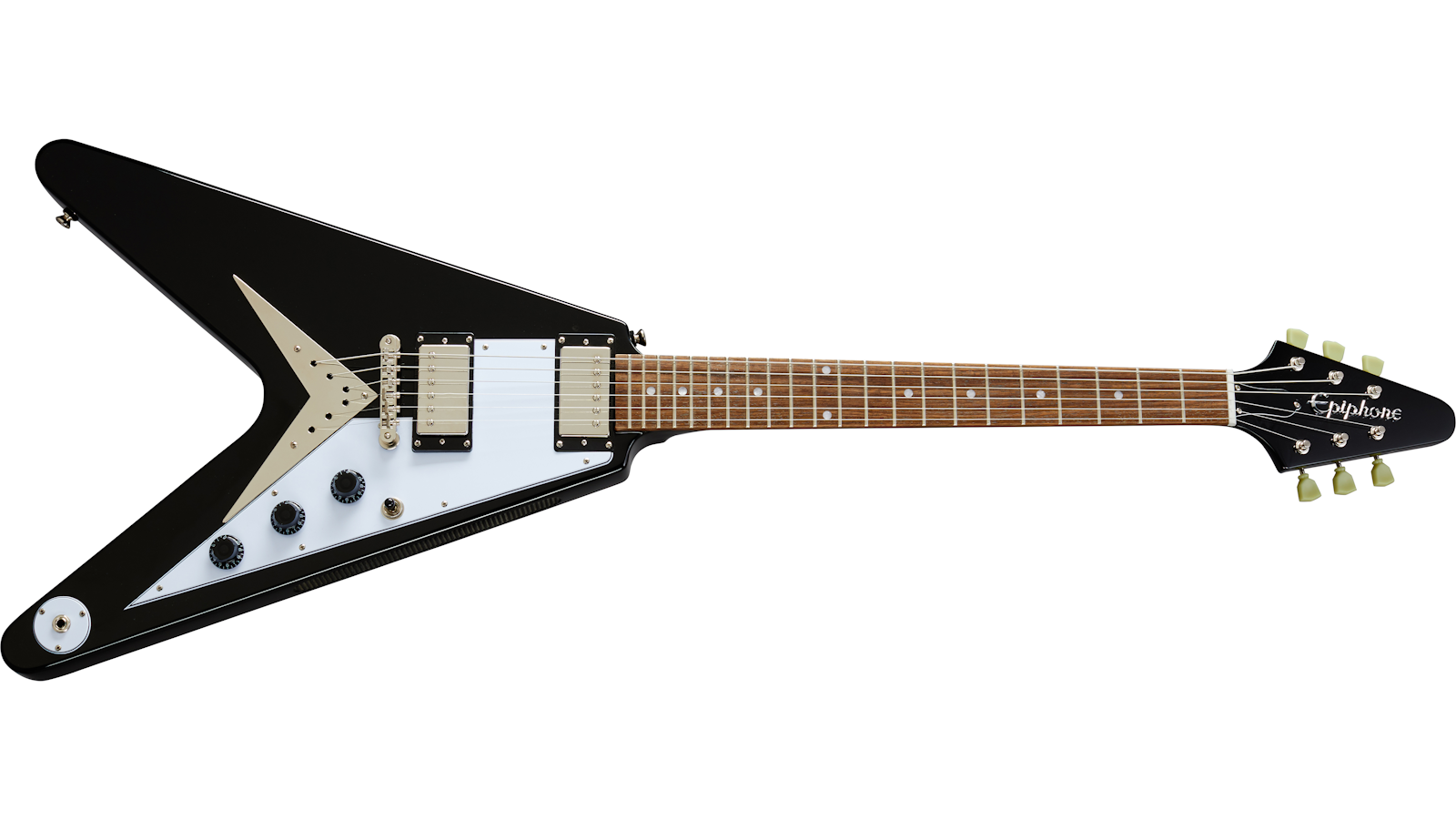
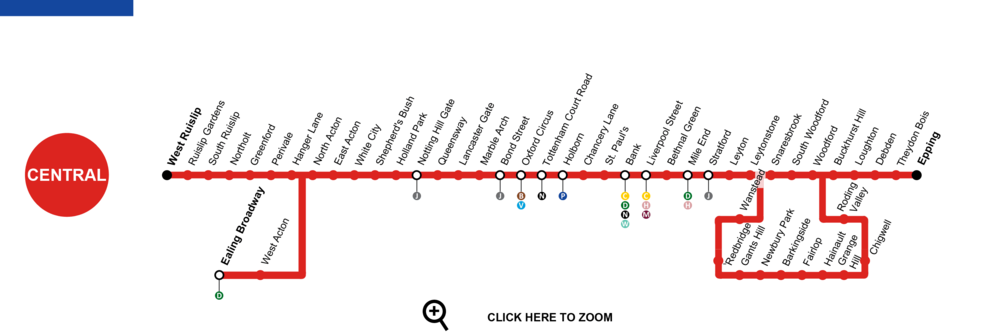
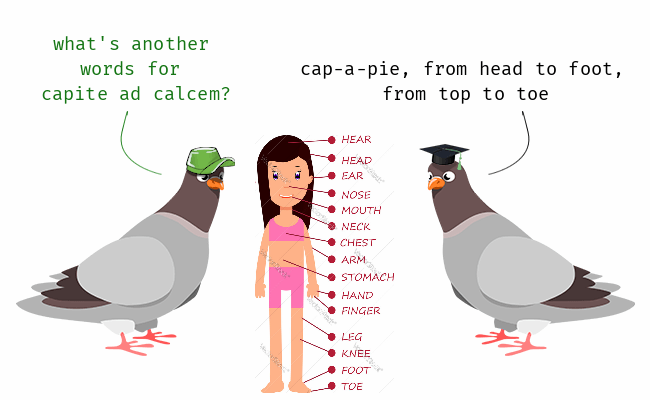
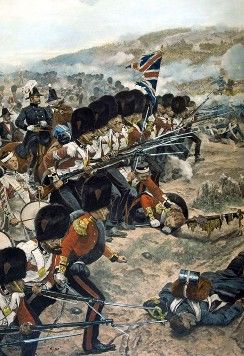
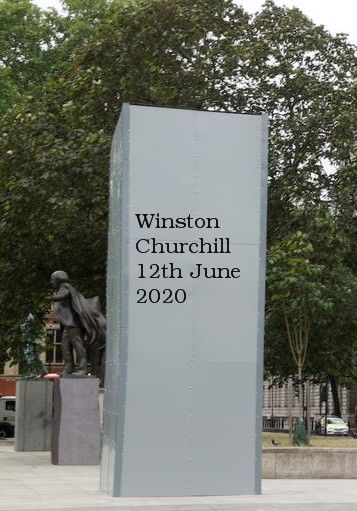
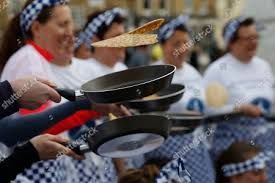
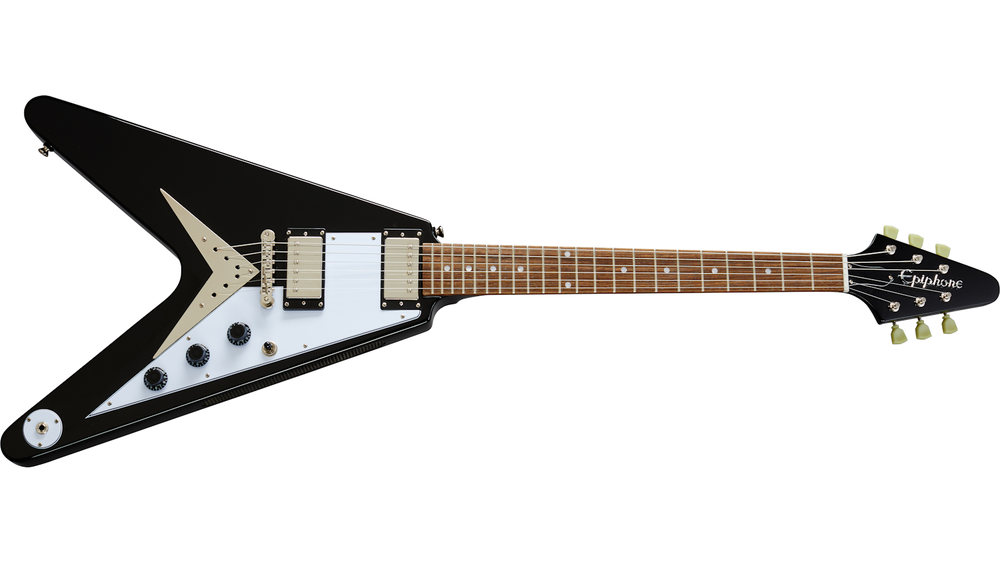
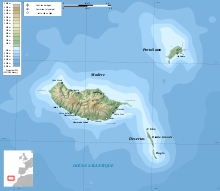
1. Original copies of what can be found only in Salisbury Cathedral, Lincoln Cathedral and the British Museum? Answer = Magna Carta 2. On a London Underground map which line is coloured red? Answer = Central 3. Which Coronation Street character was played by Violet Carson? Answer = don’t care – refuse to look it up - 4. Which type of flower is sometimes known as heartsease? Answer = Viola Tricolor 5. What does cap a pie mean? Answer = head to Foot 6. Which war was fought 1853-1856? Answer - Crimea 7. Who said “When you have to kill a man it costs nothing to be polite”? Answer = Winston Churchill 8. Which food item is used in an annual race at Olney, Buckingham shire? Answer = egg 9. What is the motto of the Salvation Army? Answer = Blood and Fire 10. What nationality has Wimbledon champion Rod Laver? Answer = Australian 11. What is a Gibson Flying V? Answer = Electric Guitar 12. Of how many islands does the Autonomous Region of Madeira consist? Answer = 3 (or it might be 8) Madeira Islands, Portuguese Arquipélago da Madeira, archipelago of volcanic origin in the North Atlantic Ocean, belonging to Portugal. It comprises two inhabited islands, Madeira and Porto Santo, and two uninhabited groups, the Desertas and the Selvagens. I’ll bet you didn’t know …. Nelson’s body was brought back to England for burial pickled in a barrel of brandy to stop it decomposing on the way home. Answer = I did - Stephen Fry told me on QI


-
Bugga Me - that soonds aboot rite.😏
-
@Scott85 - if you select/click on the blue text = 'Quote' below a comment the system copies that full comment into the next space you are about to comment in. Yon can also go back to another comment and select 'Quote' on that one and the system adds it , along with the previous selected quote, into the comment you are busy making. You can then, if you want to, delete parts of the text from the comments you have selected and then add your own comment.
-
@Maggie/915 - can't read it. I assume he had a massive pay off and therefore forced to enjoy his retirement in sheer hell.I hope 'no name' had his safety badge(s) unpicked from his sleeve
 Tuesday Night - Joke Night - it's the turn of the Swedes Why don't Scandinavians need sugar? Because they already have artificial Swedeners. What’s the difference between a smart Swede and a unicorn? Nothing, they're both fictional characters Why wasn't Jesus born in Sweden? He couldn't find 3 wise men or a virgin. I asked my Swedish friend "Who are the dumbest Scandinavians? He said "Norway am I going to answer that question." Why do Swedes always drink their milk in the store? Because on the box it says "oppnas har". A Swede was reading the phonebook, "Forsberg... Forsberg... Forsberg... It's incredible how many phone numbers that guy has." A blonde Swede was sitting on a bus reading the newspaper when all of a sudden she starts to cry. The Spanish guy sitting next to her asks what's wrong and she replies that 3 Brazilian soldiers were killed in a drug bust. The Spanish man agrees that the news is very sad. After a while the Swedish blonde asks, "How many is a Brazilian?"I will have to start by saying I am a nonbeliever in the paranormal☺️. I did attend the cubs in the late 1950's early 60's at what was then the scout hut before you got to Waverley Drive and can't remember any stories about ghosts etc. I will have to check with my old mates to see if they are believers and have heard any stories about believers reporting ghostly noises/feelings and sightings. Am I right in saying that the hut I remember has been replaced with a new hut/building?
 @Phil robertson - checked back to see where I got the name David McBride from and I can't find anything. Therefore that was just a daft mistake by me - I must have been multitasking, I should know better. No 8 updated.
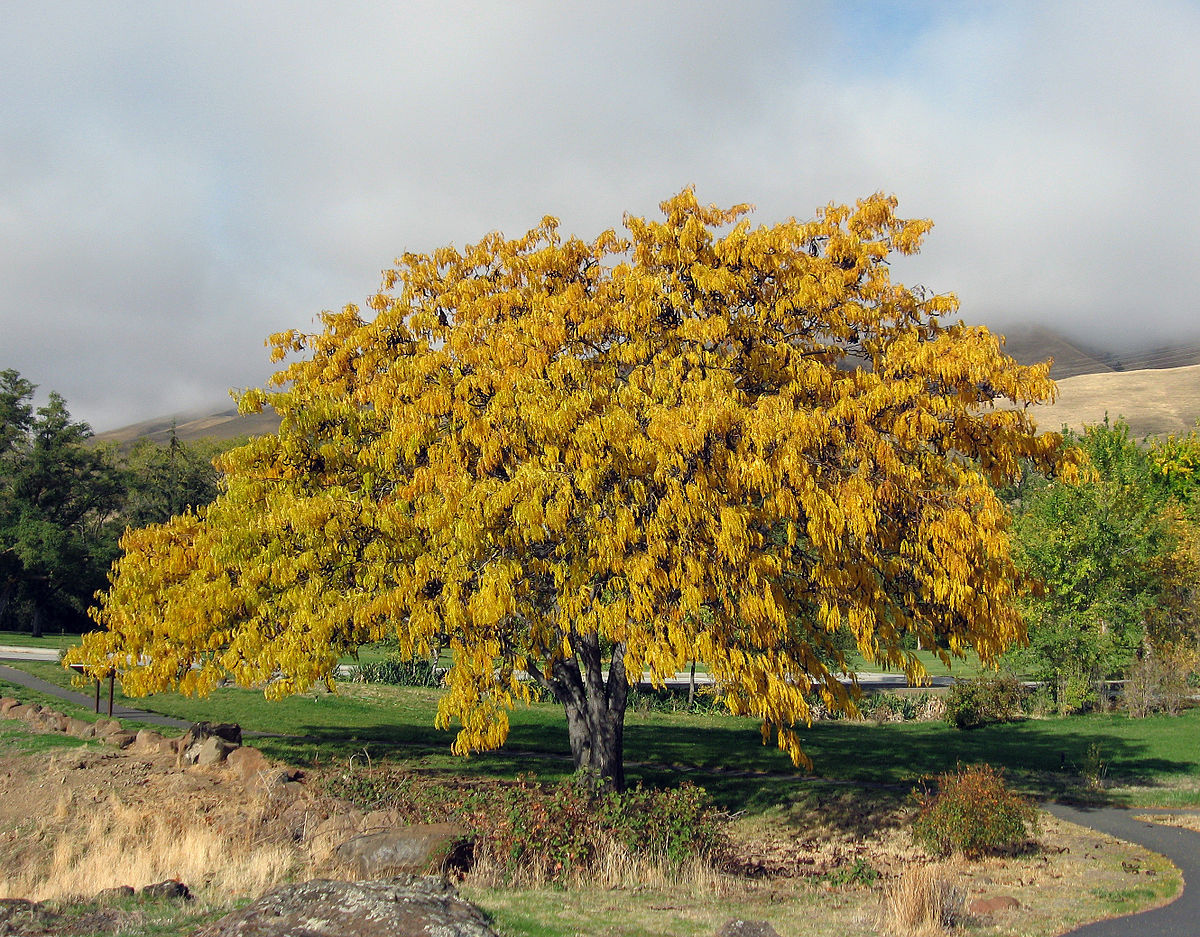
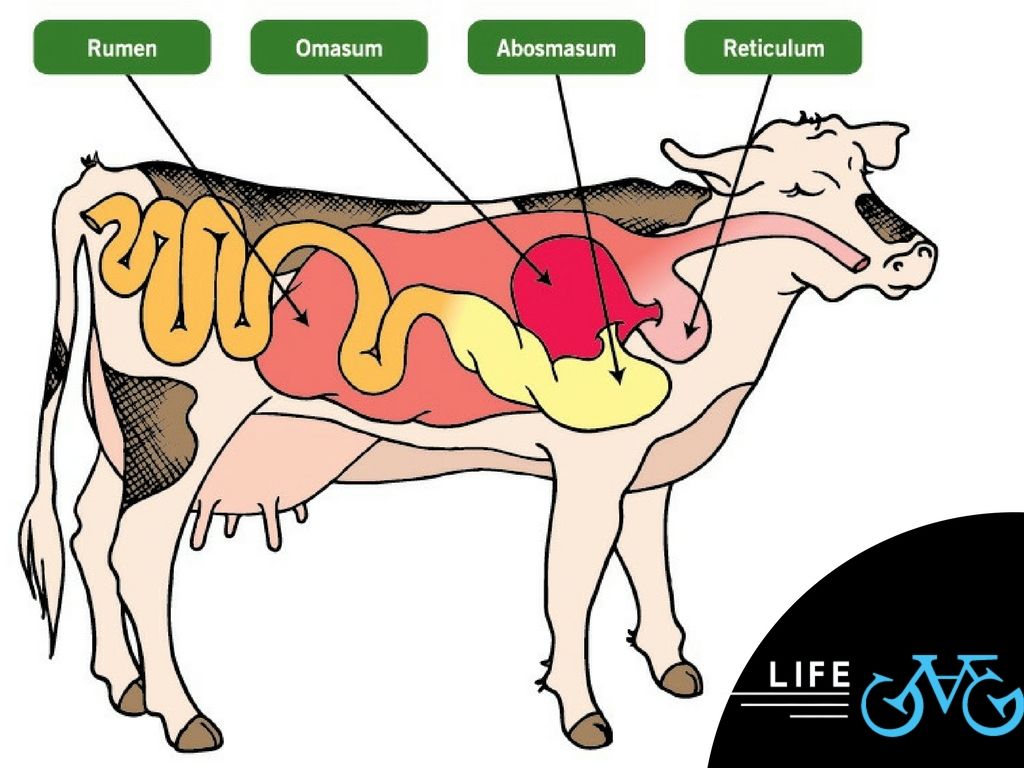
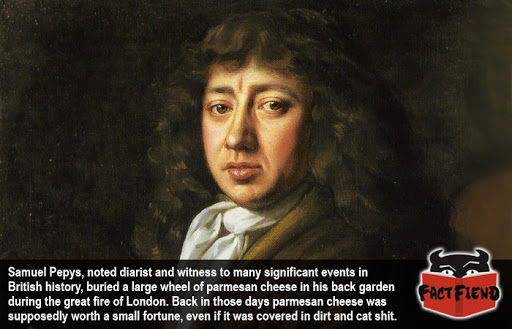
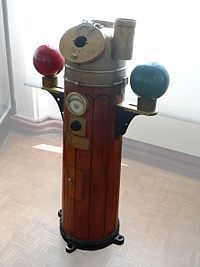
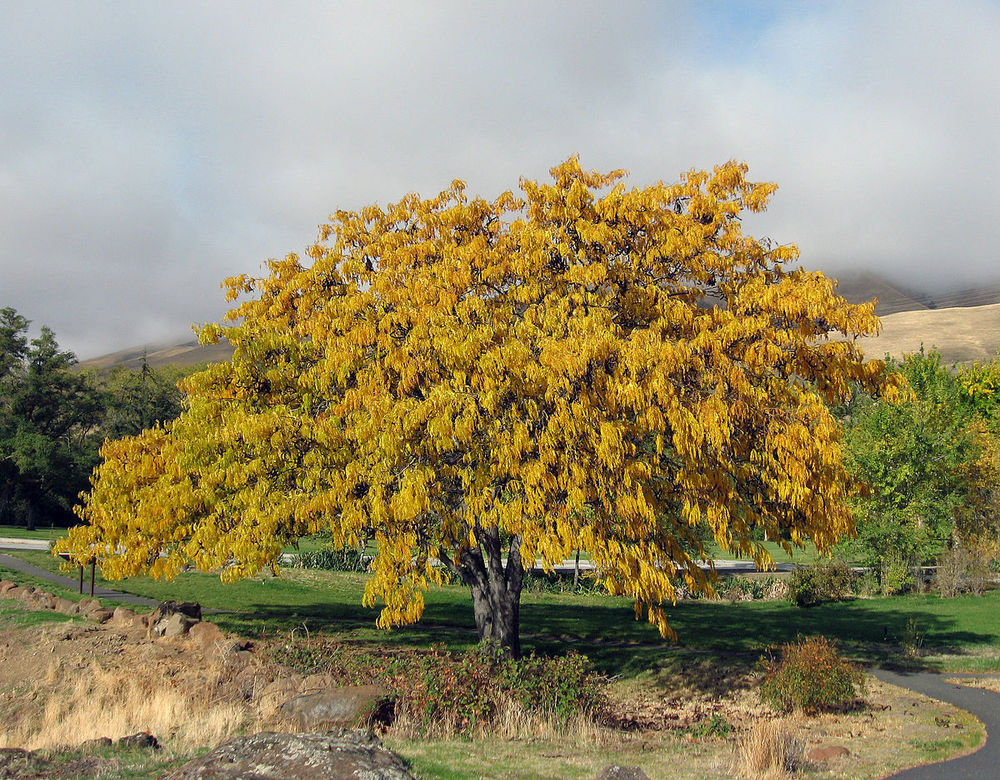
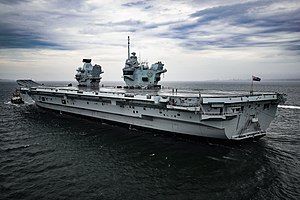
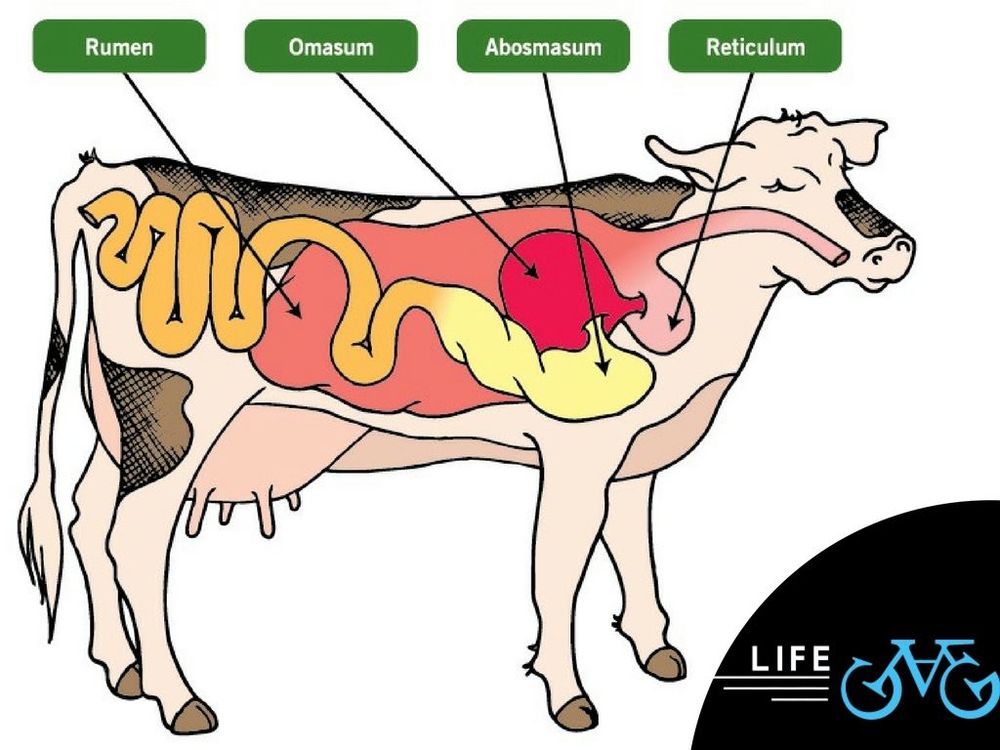
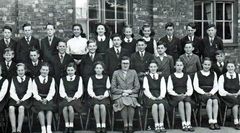 Names from Joan Cummings, Bygone Bedlington Facebook group. Info updated from Form 1B to Form 1 Alpha.1. What was the profession of Sheila Vogel Coupe? Answer = prostitute Sheila Vogel-Coupe is the oldest prostitute in the United Kingdom. Some reports from 2014 have stated that as she was 85 at the time, and she could be the oldest prostitute in the world. Twice widowed Vogel-Coupe started escorting in 2010 at the age of 81. 2. What is the chemical symbol for arsenic? Answer = As Arsenic is a chemical element with the symbol As and atomic number 33. Arsenic occurs in many minerals, usually in combination with sulphur and metals, but also as a pure elemental crystal. Arsenic is a metalloid Atomic number: 33 Atomic mass: 74.9216 u Electron configuration: [Ar] 3d¹⁰4s²4p³ Melting point: 816.8 °C Boiling point: 613 °C Discoverer: Albertus Magnus 3. In which street did the Fire of London start? Answer = Pudding Lane The Great Fire of London started on Sunday, 2 September 1666 in a baker's shop on Pudding Lane belonging to Thomas Farynor. Although he claimed to have extinguished the fire, three hours later at 1am, his house was a blazing inferno. 4. Which drummer with The Who was renowned for dumping Rolls Royces in swimming pools? Answer = Keith Moon Moon never had a driving licence. Rolls-Royce, which has just released a Wraith "Inspired by Music" edition has revisited various rock star tales. It calls Moon's an "over blown conflation of two stories". In the first, Moon failed to put on his handbrake, resulting in his parked Rolls-Royce rolling into a half-constructed (and empty) swimming pool. 5. What is the proper name of the funny bone? Answer = ulna bone 6. In the TV series The Likely Lads what was Bob’s girlfriend called? Answer Thelma 7. Which former Chilean dictator was arrested at a west London clinic in October 1998? Answer = General Augusto Pinochet 8. What is the name of the box in which a ship’s compass is stored? Answer = Binnacle 9. What is a Honey Locust? Answer = tree The honey locust, also known as the thorny locust or thorny honeylocust, is a deciduous tree in the family Fabaceae, native to central North America 10. What was the Queen Elizabeth’s sister ship? Answer = HMS Prince of Wales 11. How many stomachs have 3 cows and 4 horses? Answer = 7 Cows technically only have one stomach, but it has four distinct compartments made up of Rumen, Reticulum, Omasum and Abomasum. 12. Which year did the terror attack on World trade Centre take place? Answer = 2001 On September 11, 2001, the World Trade Center became the target of a massive terrorist attack that took the lives of nearly 3,000 people. I’ll bet you didn’t know …. Ducks only lay eggs in the morning I didn’t – good job it wasn’t a question, I would have had to duck that one. I never knew they nearly always lay at the quack of dawn.


.jpg.ce6aa22a19218aef4c03db60c60c0766.jpg) @df2204 - I posted your previous updates on the Facebokk Bygone Bedlington and a member, Joan Cummings, also named the four above plus a couple more.:-
@df2204 - updated the info on the photo from your list. One of the members on the Bygone Bedlington facebook group had given Mrs Code's name but I forgot to update the entry in this album. Do you think No 13 could be Miss Elliot, the Maths teacher?- can't find any more info from the Facebook groupsCheers Frank - 'anniemarr' still hasn't logged back into this group since July 4th 2019. She must have given up on us🙂
@df2204 - I posted your previous updates on the Facebokk Bygone Bedlington and a member, Joan Cummings, also named the four above plus a couple more.:-
@df2204 - updated the info on the photo from your list. One of the members on the Bygone Bedlington facebook group had given Mrs Code's name but I forgot to update the entry in this album. Do you think No 13 could be Miss Elliot, the Maths teacher?- can't find any more info from the Facebook groupsCheers Frank - 'anniemarr' still hasn't logged back into this group since July 4th 2019. She must have given up on us🙂 Carol Maclennan Facebook group Bygone Bedlington commented :- ' No 26 is my dad Jack Straughan'@Canny lass - sorry - I forgot to give a one lines last night🙊 News just in! Due to panic buying Aldi have opened till number 3😷 Why did the maths book look so sad? Because of all it's problems😂 How many tickles does it take to make an octopus laugh? ten tickles🤣
 And then David Wilson changed his mind - No 25 is David Johnson, not Brian
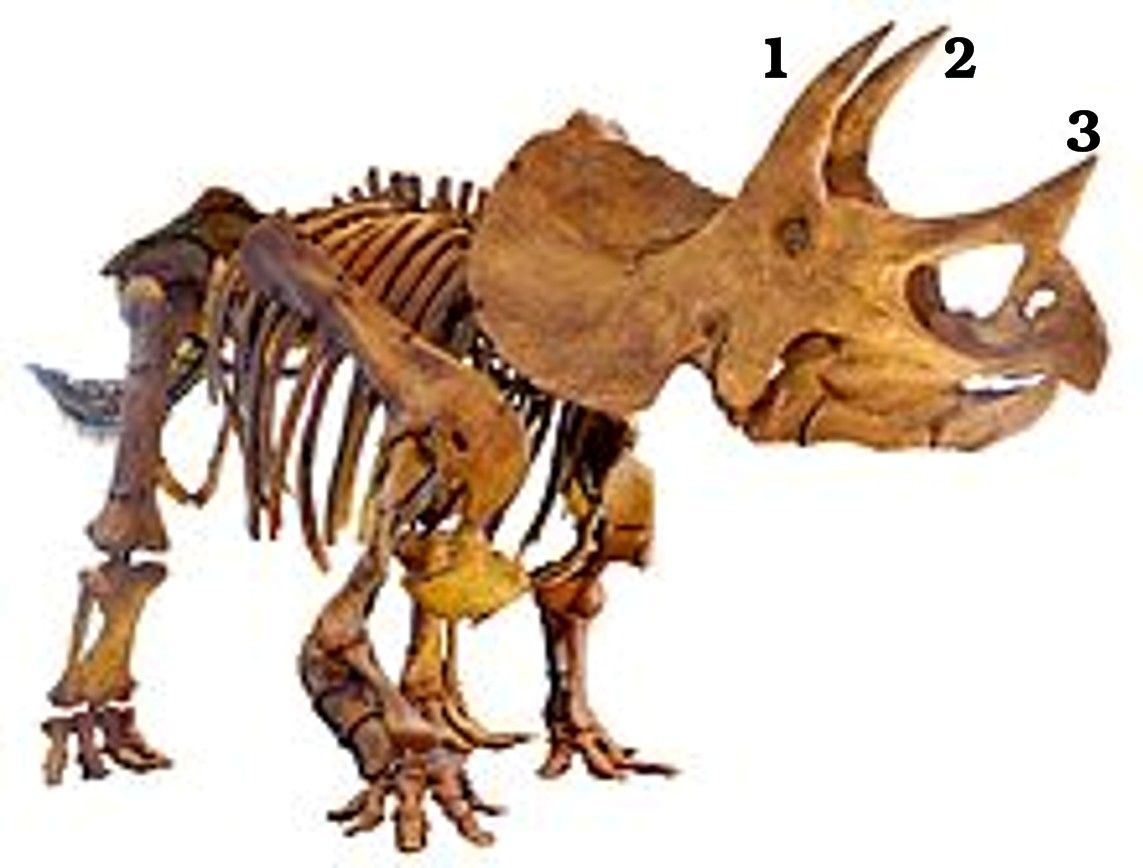
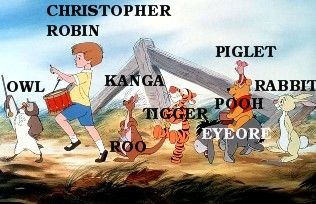
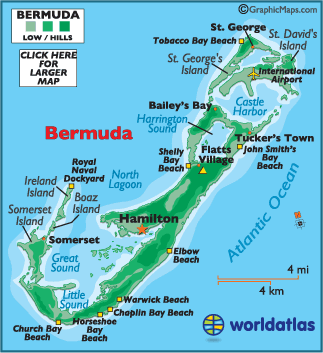
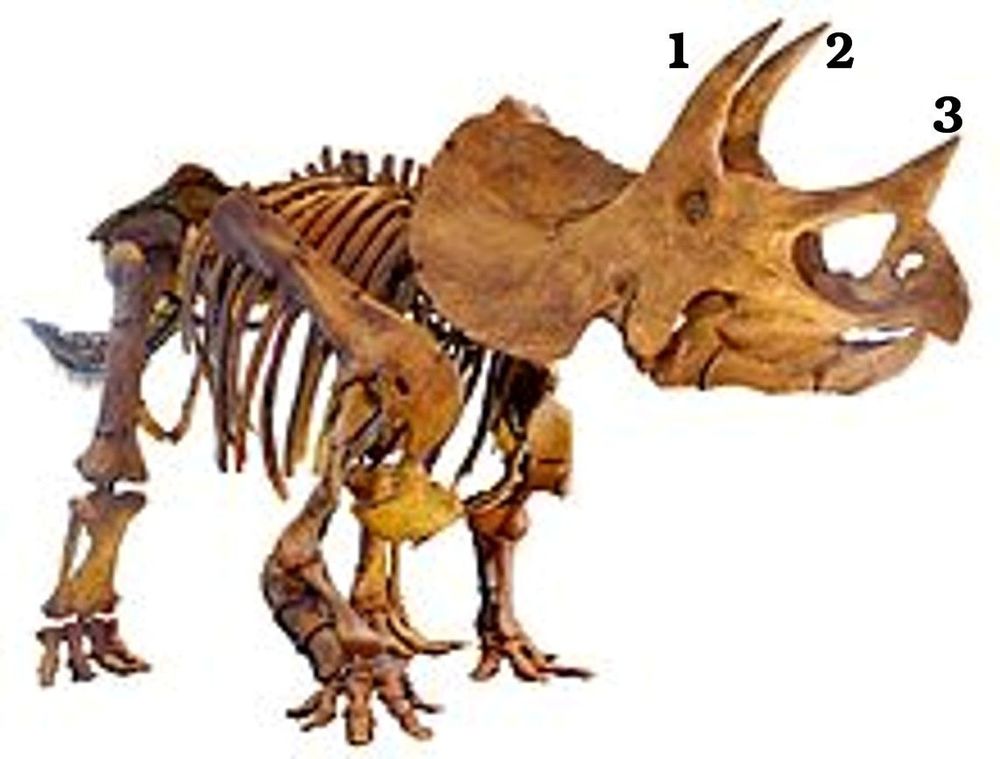
Update to No's 16,25, 28 & 35 from No 19 David Wilson.1. How many compartments are there on a British roulette wheel? Answer 37. The American roulette wheel has 38 2. What is the name of the boy who features in the Winnie the Pooh series? Answer = Christopher Robin 3. What is the right-hand page of a book called? Answer = recto 4. Mustardseed is a character in which of William Shakespeare’s plays? Answer = A Midsummer Night’s Dream Along with Peaseblossom, Cobweb, and Moth, Mustardseed is one of the royal retainers who accompany Queen Titania in most of the Queen's scenes. 5. By which name was Karol Józef Wojtyla better known? Answer = Pope John Paul II 6. The song Happy Birthday by Stevie Wonder was a tribute to whom? Answer = Martin Luther King 7. What is the capital of Bermuda? Answer = Hamilton Its population, in 2016, was 854 and is one of the smallest of any capital cities. 8. How many horns did the dinosaur Triceratops have? Answer = 3 9. Scotch whisky and Drambuie make which cocktail? Answer = Rusty Nail 10. If dogs are canine and horses are equine, what are foxes? Answer = Vulpine 11. Who was the first victim of Jack the Ripper? Answer = Mary Ann Nichols Known as “Polly,” was murdered early on the morning of Aug. 31, 1888, on a narrow London street called Buck's Row, becoming the first known victim of serial killer Jack the Ripper. Nichols, believed to be 42 at the time of her death, was a prostitute, like all of the murderer's victims. 12. Which two countries play cricket for The Ashes? Answer = England and Australia I’ll bet you didn’t know … There are more than 17 miles of corridor in the Pentagon! Answer = I didn’t. The Pentagon was built in only 16 months. It is the largest low-rise office building in the world, with more than 17 miles of hallways. The building's area is 11.74 hectares. The Pentagon has 131 stairways, 284 washrooms, 4,200 clocks, 19 escalators, and 691
And then David Wilson changed his mind - No 25 is David Johnson, not Brian
Update to No's 16,25, 28 & 35 from No 19 David Wilson.1. How many compartments are there on a British roulette wheel? Answer 37. The American roulette wheel has 38 2. What is the name of the boy who features in the Winnie the Pooh series? Answer = Christopher Robin 3. What is the right-hand page of a book called? Answer = recto 4. Mustardseed is a character in which of William Shakespeare’s plays? Answer = A Midsummer Night’s Dream Along with Peaseblossom, Cobweb, and Moth, Mustardseed is one of the royal retainers who accompany Queen Titania in most of the Queen's scenes. 5. By which name was Karol Józef Wojtyla better known? Answer = Pope John Paul II 6. The song Happy Birthday by Stevie Wonder was a tribute to whom? Answer = Martin Luther King 7. What is the capital of Bermuda? Answer = Hamilton Its population, in 2016, was 854 and is one of the smallest of any capital cities. 8. How many horns did the dinosaur Triceratops have? Answer = 3 9. Scotch whisky and Drambuie make which cocktail? Answer = Rusty Nail 10. If dogs are canine and horses are equine, what are foxes? Answer = Vulpine 11. Who was the first victim of Jack the Ripper? Answer = Mary Ann Nichols Known as “Polly,” was murdered early on the morning of Aug. 31, 1888, on a narrow London street called Buck's Row, becoming the first known victim of serial killer Jack the Ripper. Nichols, believed to be 42 at the time of her death, was a prostitute, like all of the murderer's victims. 12. Which two countries play cricket for The Ashes? Answer = England and Australia I’ll bet you didn’t know … There are more than 17 miles of corridor in the Pentagon! Answer = I didn’t. The Pentagon was built in only 16 months. It is the largest low-rise office building in the world, with more than 17 miles of hallways. The building's area is 11.74 hectares. The Pentagon has 131 stairways, 284 washrooms, 4,200 clocks, 19 escalators, and 691

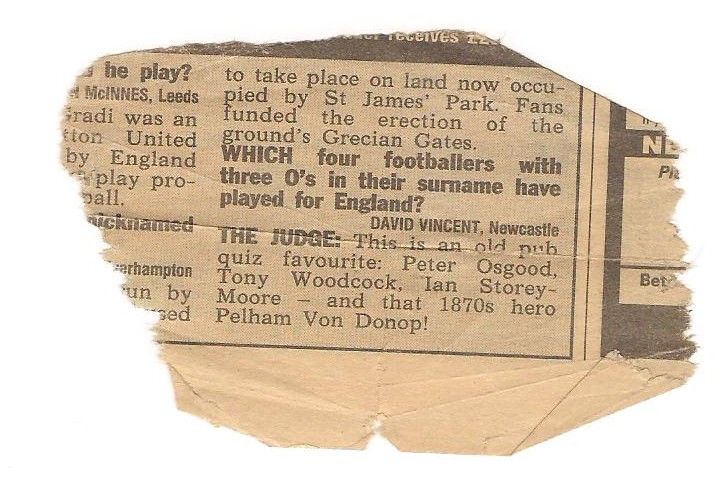
 Probably 20+ years ago the farther in law must have asked me this question that was in his Daily Mirror (must have been him as I haven't read through a newspaper for more years than I can remember) and I tore out the question to take to the pub with me on a Friday night when me and my mates discussed football and how to put the world to right. So this scrap of newspaper has been in my wallet for years and I had forgot about it.