Everything posted by Alan Edgar (Eggy1948)
-
Tuesday is caronavirus lock down Joke night so just in case by 20:00 I have forgotten :- What do you call a magician who has lost his magic? ------------------------------------------------------------------------------------------------------------------- ian.
-
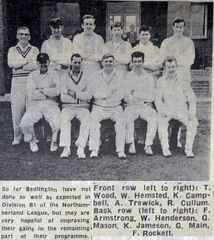
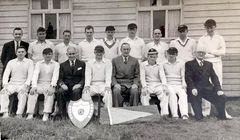 Photo from Tom Shepherd and names from Tom and members of the Bygone Bedlington Facebook group.
 -
From the album: Bedlington Cricket Club
-
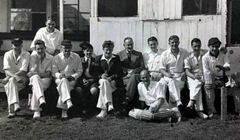
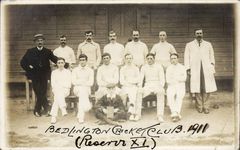
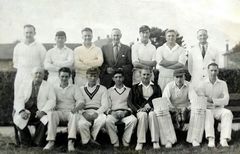 Photo from Violet Eltis and names from Violet and the Bygone Bedlington Facebook group members.
 -
From the album: Bedlington Cricket Club
-
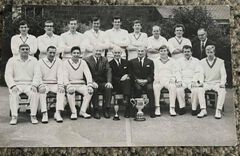
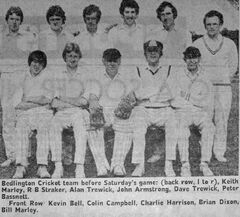 Photo from Peter Tait - Facebook group Bedlington remembered
 -
-
From the album: Bedlington Cricket Club
-
@Chris Verguson - just checked and I see @anniemarr who started this topic on June 29th 2019 hasn't visited this site since July 4th 2019 but you never now she may come back
-
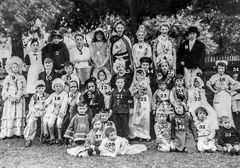 No 15 & 20 named by Joan Ryder, Facebook group Bygone Bedlington.
 -
No problem Jim. I joined the 'memory playing tricks' club a few years ago. Have you looked at the photo albums in the Gallery - Historic Bedlington. We have an album for the Whitley Memorial school and here are two football squad photos, from 1959 & 60, of Tommy aged around 11. Link to the album :-
-
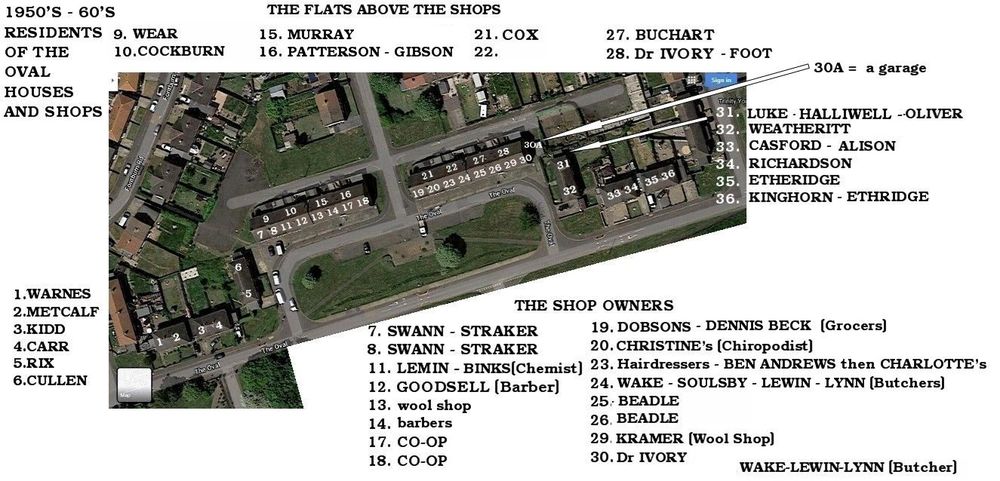
Now you got me thinking @Jr6468. I remember Tommy Cullen and his younger sister, Elsie, from No 6 but I can't remember a Maurice. Tommy was around the same age as me so would be born c1948 - Elsie about 4 years younger. My memory has hidden Maurice🙃
-
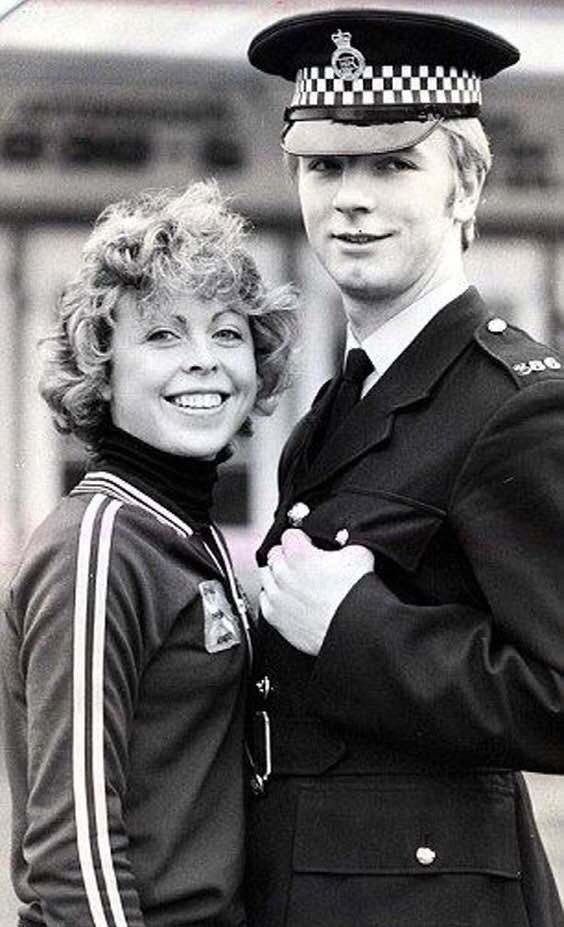
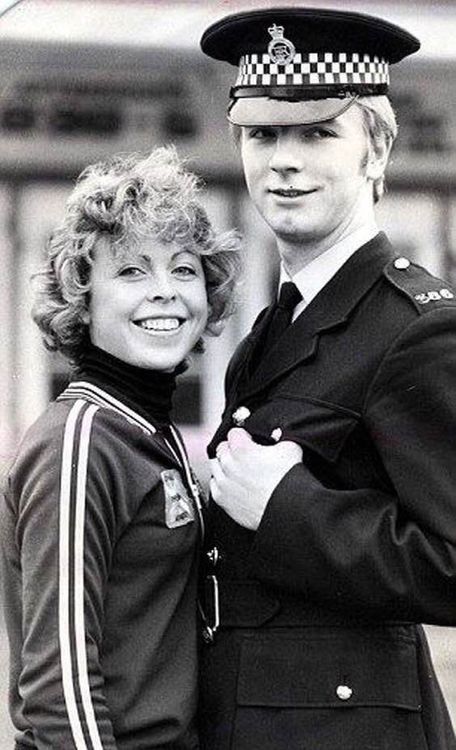
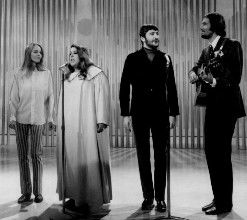
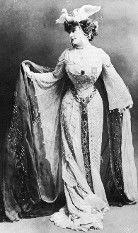
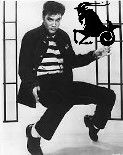
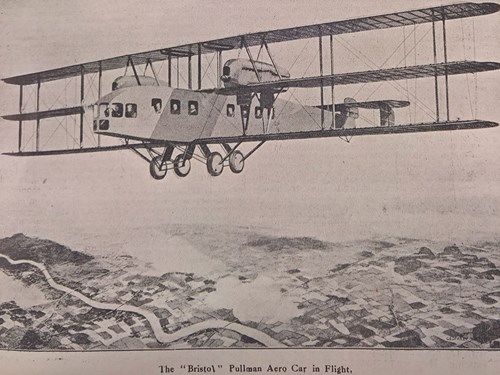
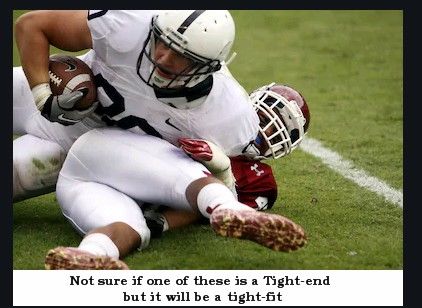
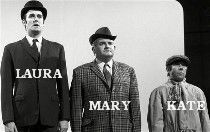
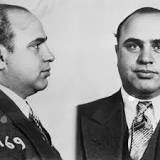
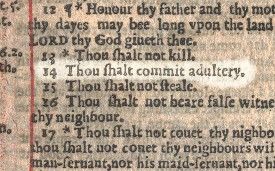
1. What was Christopher Dean’s job before he became a professional ice-skater? Answer = Police constable At the age of 16, he left school and joined the Nottingham Police force in 1974. For some time, he juggled two careers, fitting his ice skating practice around his off-duty hours. In 1980, with his star on the rise, it became clear that Christopher could no longer balance both, and he resigned from the police force. 2. Which vocal group comprised Cass, Michelle, John and Denny? Answer = The Mamas & The Papas The Mamas and the Papas were an American folk rock vocal group which recorded and performed from 1965 to 1968. The group was a defining force in the music scene of the counterculture of the 1960s. The group was composed of John Phillips, Denny Doherty, Cass Elliot, and Michelle Phillips (born Holly Gilliam). 3. Who was Worzel Gummidge’s girlfriend? Answer = Aunt Sally His girlfriend, Aunt Sally, was played by Una Stubbs 1979 to 1981. 4. What was the name of Edward VII’s mistress, when he was Prince of Wales? Answer = Daisy Greville countess of Warwick 5. Which sign of the zodiac was Elvis Presley born under? Answer = Capricorn 6. What was the title of the first UK number one hit for the pop group Queen? Answer = Bohemian Rhapsody - 1975 Founded in 1970, British rock band Queen originally comprised Freddie Mercury (lead vocals, piano), Brian May (guitar, vocals), John Deacon (bass guitar), and Roger Taylor (drums, vocals). 7. Between which two cities did the first international air service take place in 1919? Answer = London & Paris A British group called Air Transport and Travel, Ltd., acquired several Airco D.H.4a VIII single-engine planes (designed by Geoffrey De Havilland), powered by 350-horsepower Eagle V-type engines from Rolls-Royce Ltd., and modified them to include an enclosed cramped space in the fuselage with room for two adventurous passengers. The pilot’s cockpit, atop the fuselage, remained open. The company’s inaugural flight occurred on Aug. 25, 1919, when the plane flew from London to Paris with its sole passenger, an enterprising newspaper reporter. 8. In what year did Martin Luther King make his famous “I have a dream” speech? Answer = 1963 I Have a Dream, speech by Martin Luther King, Jr., that was delivered on August 28, 1963, during the March on Washington. A call for equality and freedom, it became one of the defining moments of the civil rights movement and one of the most iconic speeches in American history. 9. During which process in the Roman Catholic Church do they use a bell, a book and a candle? (Keep it clean!) Clean Answer = excommunication Unclean Answer = excommuniexclamation !!!!!!! The phrase "bell, book, and candle" refers to a Latin Christian method of excommunication by anathema, imposed on a person who had committed an exceptionally grievous sin. Evidently introduced by Pope Zachary around the middle of the 8th century, the rite was once used by the Roman Catholic Church. 10. In which sport would you find a shotgun, a bomb, a blitz and tight end? Answer = American Football 11. Mary is 5cm taller than Kate and Kate is 15cm shorter than Laura. Who is the tallest? Answer = Laura 12. Who had the nickname Scarface? Answer = Al Capone Al Capone, byname of Alphonse Capone, also called Scarface, (born January 17, 1899, Brooklyn, New York, U.S.—died January 25, 1947, Palm Island, Miami Beach, Florida), the most famous American gangster, who dominated organized crime in Chicago from 1925 to 1931. I’ll bet you didn’t know … In a 1631 edition of the bible, the seventh commandment reads “Thou shalt commit adultery”. Of course I did – I’ve carried this extract in my wallet since I was 18 but I still got thumped



-
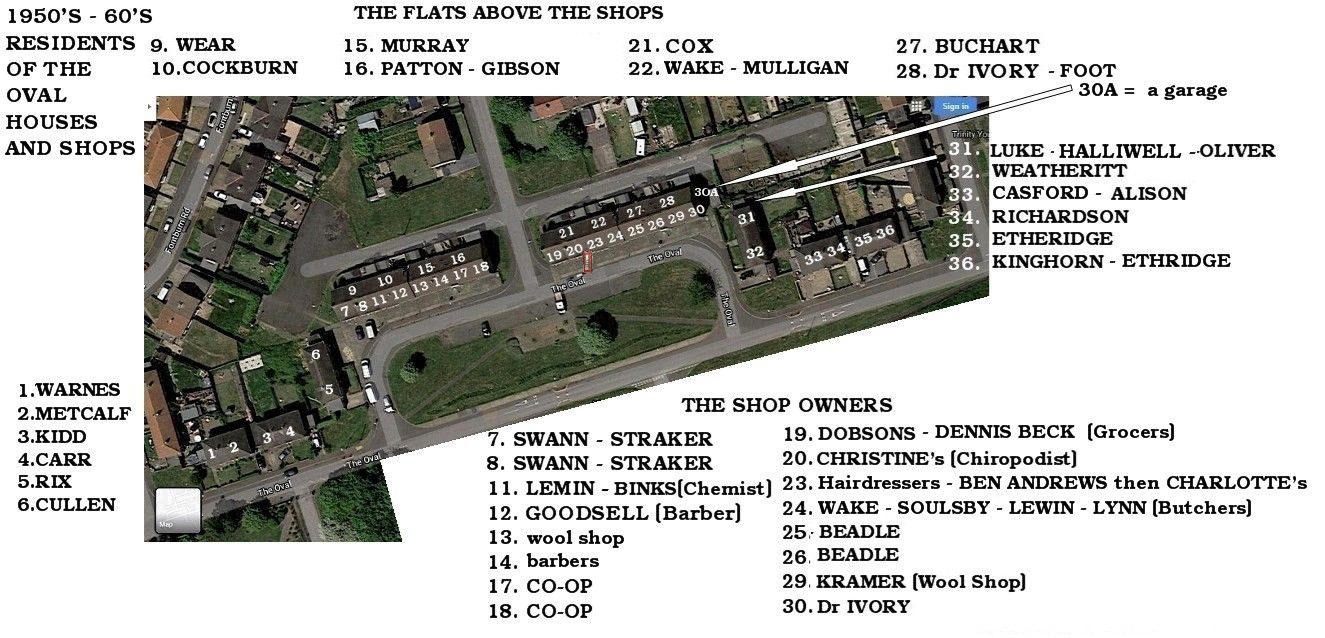
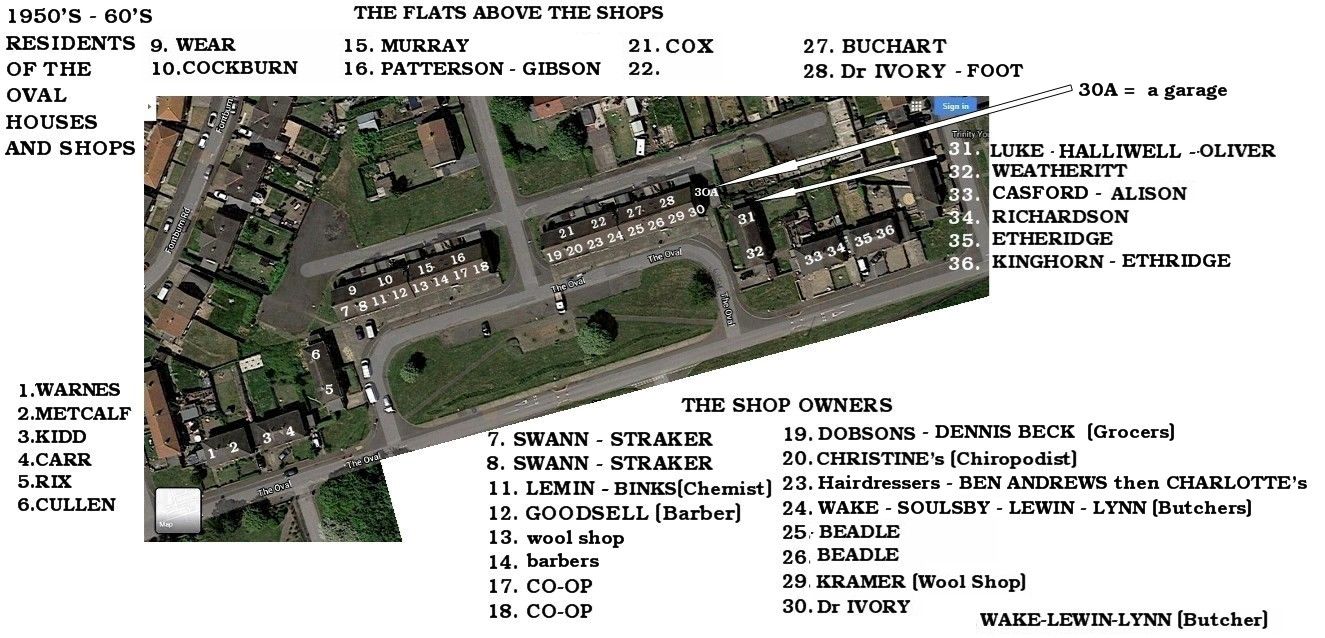
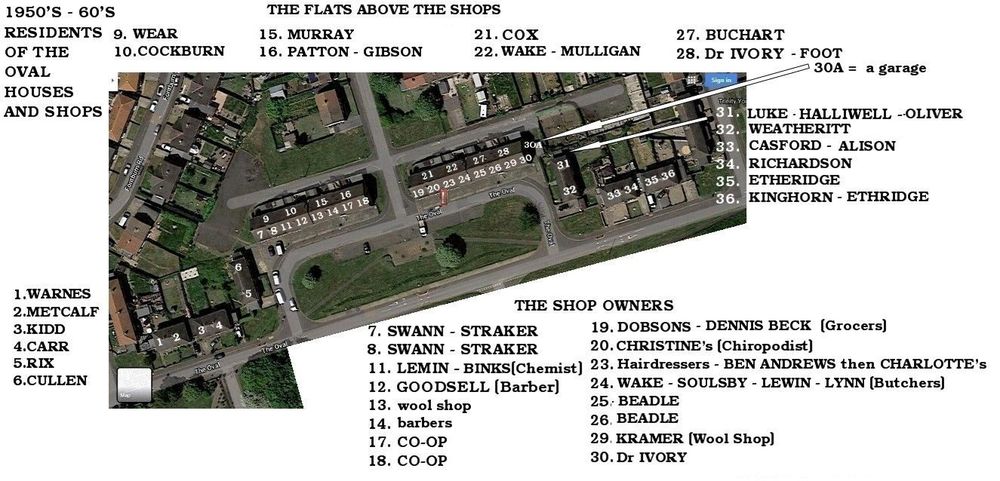
Post Box added to photo - not perfectly placed but avoiding covering any numbers
-
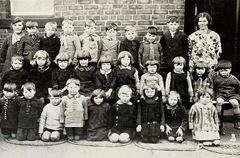 Names corrected and two added..
 -
Confirmation from Wendy that her relatives lived at Netherton Colliery, she hadn't realised there were two schools. Info on photo updated to show Netherton Colliery Infant School - c1932.
-
@Canny lass - a lad, Alan Brady, on the Facebook group Bygone Bedlington reckons this will be Netherton Colliery Infants school, not Nedderton Junior School. What do you think.
-
East half but exactly where I can't remember. Don't think I ever made a phone call from that box. 4d a call in the early 60's?. The only time I went in was to press button B and see if any coppers were returned.
.jpg.c3334d8037c8f0292e4914d6f78136ad.jpg)
-
Nedderton school c1932. Photo and names from Wendy Reed.
-
From the album: Netherton/Nedderton old photos 2
-
Nedderton school VE day celebrations - 1945. Photo from Carron Cunningham and names from Carron, Dawn Aitman & Alison Middleton.
-
From the album: Netherton/Nedderton old photos 2
-
The system would only let me use the '<' less than character
-
@Jammy & @Ovalteeny (but I suspect your on the first tee) Latest update :-
-
Uppercase - Bold - Underlined🙂
-
As it's Tuesday :- I tried to change my password to penis but they said it was too short.