Everything posted by Alan Edgar (Eggy1948)
-
Nope - the surname doesn't have to start with 'O' - they just have to have 3 O's in their surname like Osgood. I'll let you stew on it - closing down the PC for tonight
-
Ok - to quell the protest you can have a starter for dix :- Peter Osgood - 4 caps, 0 goals (1970–73) @Ovalteeny might be able to help
-
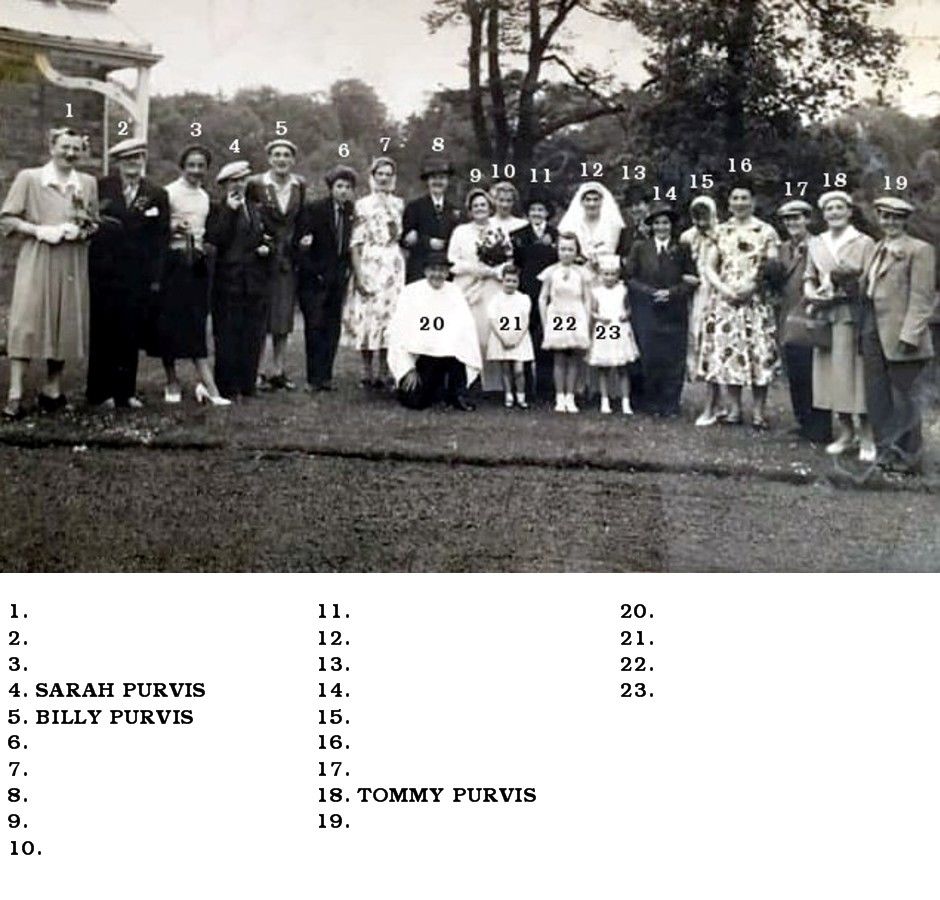
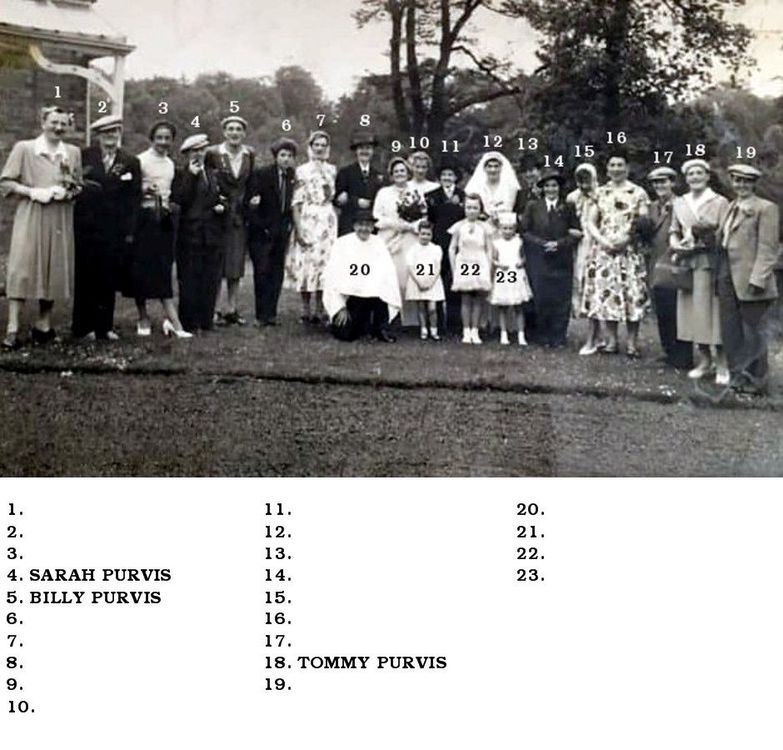
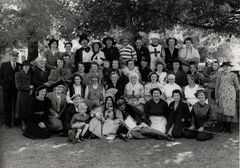
Photo and names from Caroline Dobinson who posted this comment with the photo :- 'This is a photo my mam and dad Billy and Sarah Purvis are on it no 4 and 5 on the left and my uncle Tommy Purvis second on the right. I cannot remember what the event was but they have all obviously dressed up in opposite clothes. I presume the people are either Netherton or Bedlington as that was obviously where we lived any ideas anybody !!!
-
I know it's not quiz night but this one has just popped back into my mind - dormant for over 20 years. The question used to be - Which four footballers with 3 O's in their surname have played for England. The question today will be :- Which five male footballers with 3 O's in their surname have played for the England men's team?
-
@Canny lass - it's me not checking what I typed again. I have corrected the above ie. - ...3 O's in their surname....
-
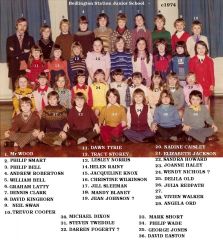 Darren Martin Smith on the Bygone Bedlington Facebook group has identified No 27 as Gale Cutler.
 -
I know it's not quiz night but this one has just popped back into my mind - dormant for over 20 years. The question used to be - Which four footballers with O's in their surname have played for England. The question today will be :- Which five male footballers with O's in their surname have played for the England men's team?
-
Tuesday - 26/05/2020 How does a penguin build its house? Igloos it together. Did you hear about the guy who invented the knock-knock joke? He won the 'no-bell' prize. I ordered a chicken and an egg online. I’ll let you know. I'm reading a book about anti-gravity. It's impossible to put down!
-
And I hope you are now going out into the garden and allowing nature to relax your thoughts and give that brain a rest 🌼🦋🍹
-
No 33 - Mark Short, Bedlington remembered group commented that No's 31 & 32 need switching + No 27 christian name he thinks is Gale.
-
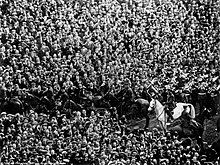
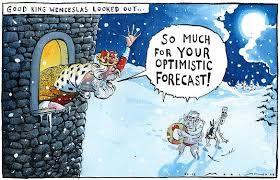
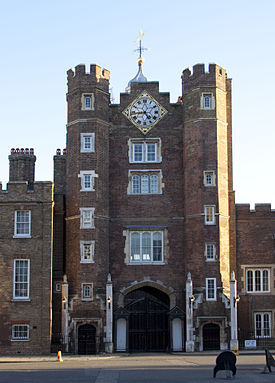
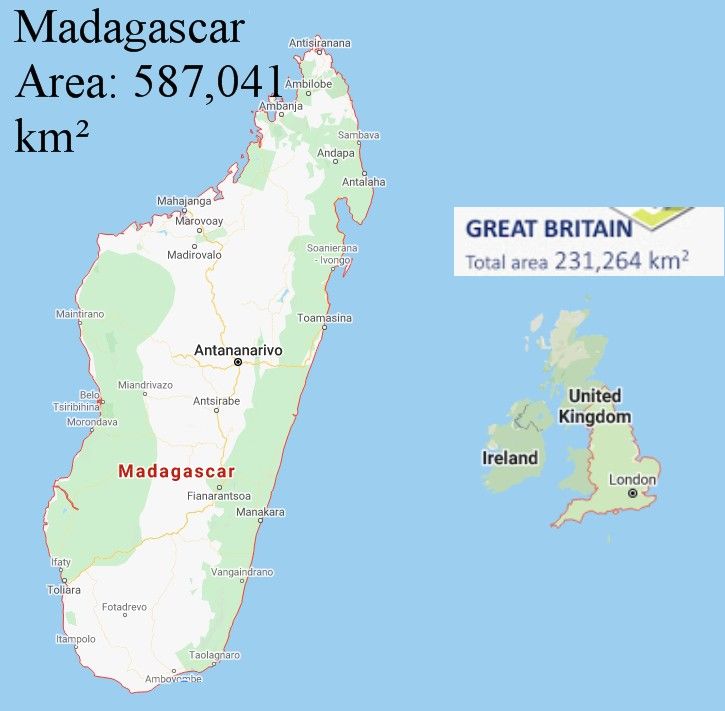
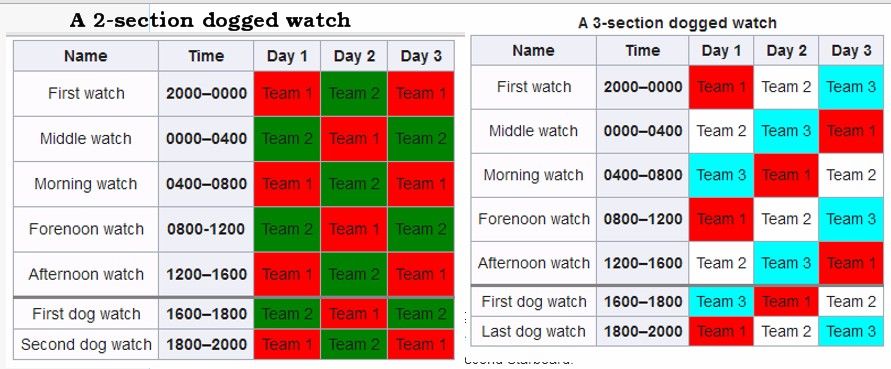
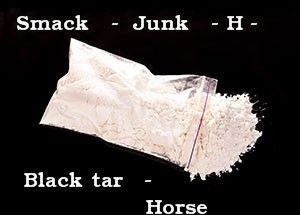
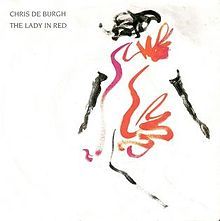
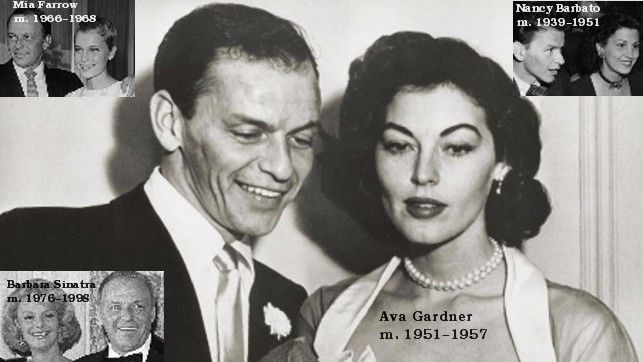
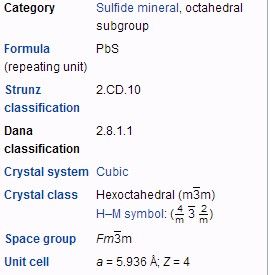
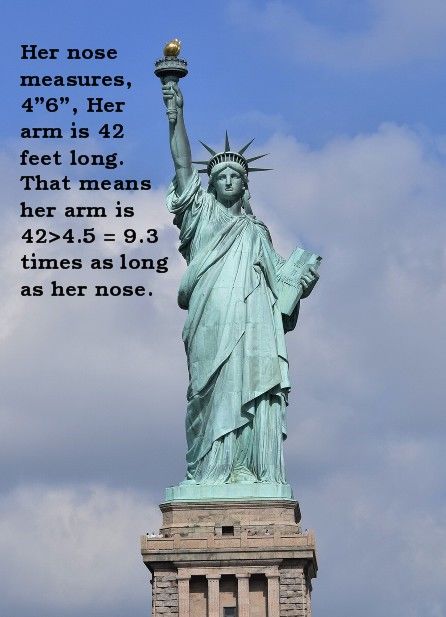
1. Which was the first team to win the FA Cup at Wembley? Answer = Bolton Wanders – beat West Ham 2-0 The match is often referred to as the "White Horse Final" and is commemorated by the White Horse Bridge at the new Wembley Stadium. Billie the horse was actually grey, but appeared white in the primitive (high-contrast) black and white newsreel footage of the era. 2. What is the name given to an all-consuming passion for power? Answer = Up one’s own backside 3. Wenceslas looked out on the feast of whom? Answer = Stephen How does Good King Wenceslas like his pizzas? …. deep and crisp and even... 4. Which palace was the main London residence of the monarch until it was superseded by Buckingham Palace? Answer = St James’s Palace Often mistaken for St James’s Park. 5. Which is the largest of these islands: Zanzibar, Sri Lanka or Madagascar Zanzibar Area: 2,461 km² Sri Lanka Area: 65,610 km² Answer = Madagascar Area: 587,041 km² Madagascar is about 2.4 times bigger than United Kingdom. 6. How long is a dog watch at sea? Answer = 2 hours Many watch systems incorporate the concept of a dog watch, whereby one watch is split into two shorter watches so that there is an odd number each day. Doing so allows crew members to have a different watch schedule each day.[6] Often, the dog watches are set at dinner time to allow the entire crew to be fed in short order. 7. Which creature’s Latin name is Bufo bufo? Answer = Common Toad 8. Which drug of abuse is known as Smack? Answer = Heroin 9. In which street is the New York Stock Exchange situated? Answer = Wall Street – No 11 10. What was Chris de Burgh’s 1986 nr.1 hit? Answer = Lady in Red The song was inspired by the memory of when he first saw his wife Diane and what she was wearing when they first met. 11. Who was Frank Sinatra’s second wife? Answer = Ava Gardner Barbara Sinatra - m. 1976–1998 Mia Farrow -m. 1966–1968 Ava Gardner -m. 1951–1957 Nancy Barbato - m. 1939–1951 12. Galena is the chief source of which metal? Answer = Lead I’ll bet you didn’t know … The nose of the Statue of Liberty is 4’ 6” long. Answer = I didn’t

-
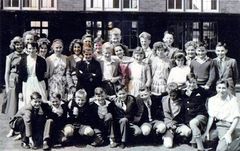 c1960 - photo from Derek Blake and names from the Cambois Facebook group members.
 -
From the album: West Sleekburn Middle School
-
 @Canny lass - thank you - it was just that a few Facebook group members think they were colliery people - just testing your memory🙃
 -
@Canny lass - do you think this group are all Village people or do you recognise anyone that would have lived at the colliery.?
-
Following on from Carron Cunningham's photo of VE day celebrations 1945, Nedderton school this is the parents of the village also celebrating posted by Shirley Richmond and she has named No 25 & 43. The names for No 19 & 20 from Clare Gates who commented No 19 was her dad.
-
From the album: Netherton/Nedderton old photos 2
-
I remembered - to nights one liners :- I’d like to start with the chimney jokes – I’ve got a stack of them. The first one is on the house. Do twins ever realize that one of them is unplanned? I did a gig in a fertility clinic. I got a standing ovulation I have kleptomania. But when it gets bad, I take something for it
-
Tuesday is caronavirus lock down Joke night so just in case by 20:00 I have forgotten :- What do you call a magician who has lost his magic? ------------------------------------------------------------------------------------------------------------------- ian.
-
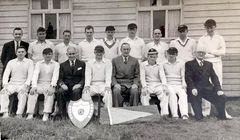 Photo from Tom Shepherd and names from Tom and members of the Bygone Bedlington Facebook group.
 -
From the album: Bedlington Cricket Club
-
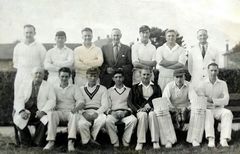 Photo from Violet Eltis and names from Violet and the Bygone Bedlington Facebook group members.
 -
From the album: Bedlington Cricket Club
-
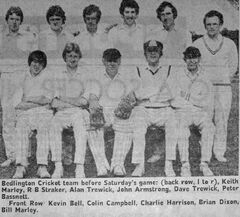 Photo from Peter Tait - Facebook group Bedlington remembered
 -
-
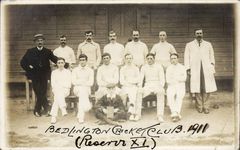
From the album: Bedlington Cricket Club