Everything posted by Alan Edgar (Eggy1948)
-
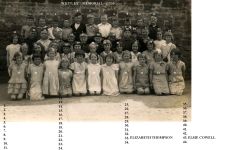 No 30 - Alice Cobb identified by Veronica Leathwaite Kikman off the Facebook Bedlington remembered group :-
 -
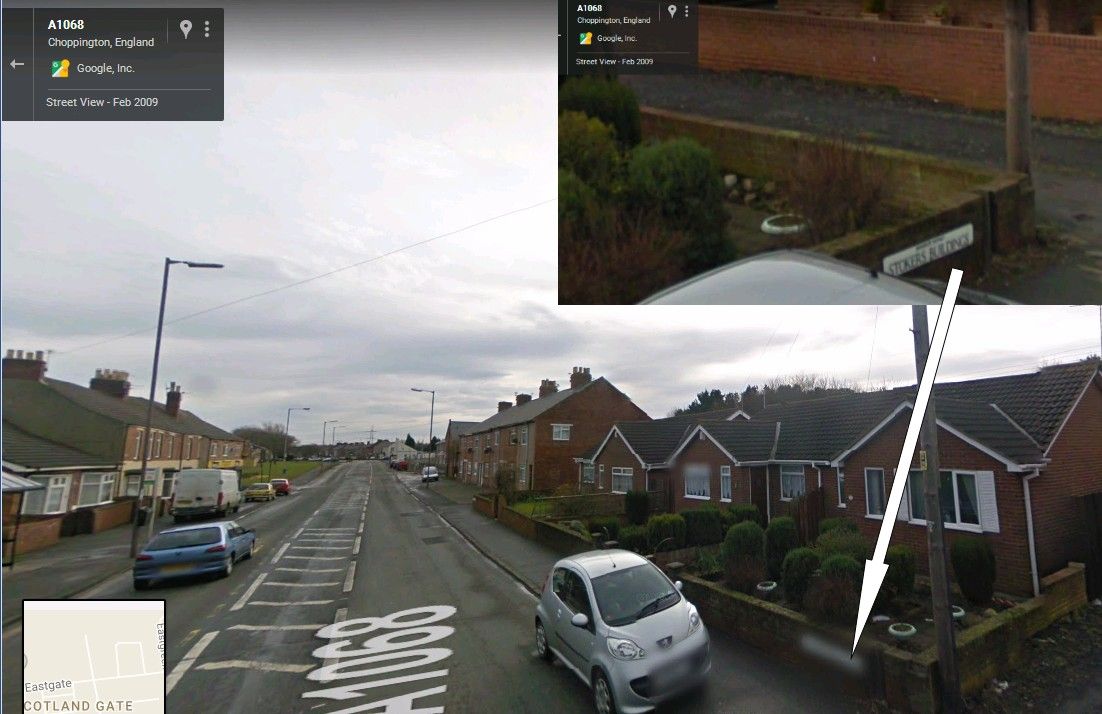
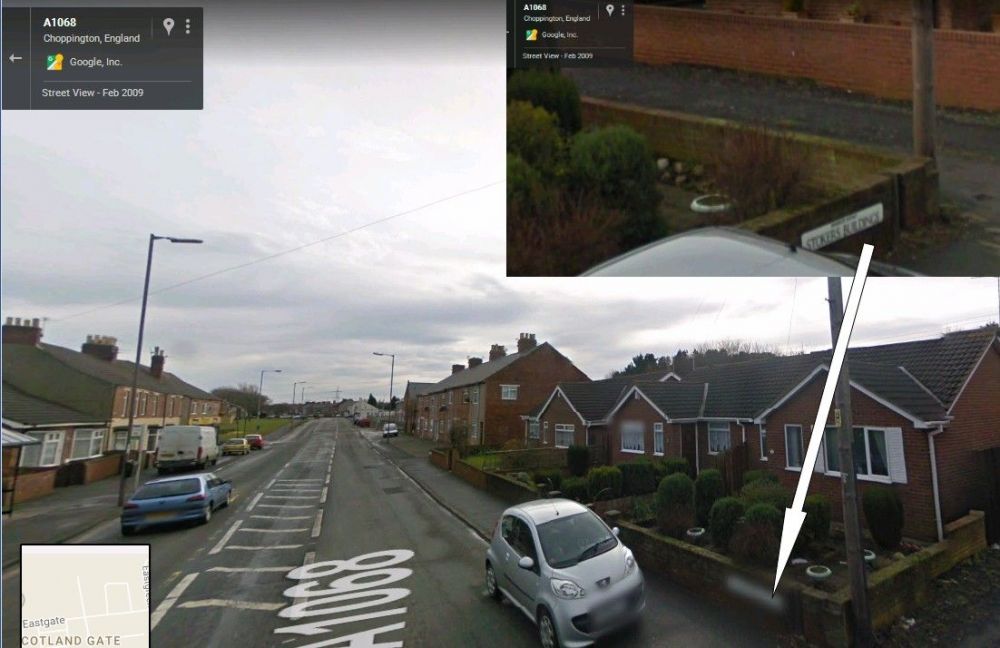
The current Stokers Buildings looks as if they are on the same site as the original buildings on the 1922 maps :-
-
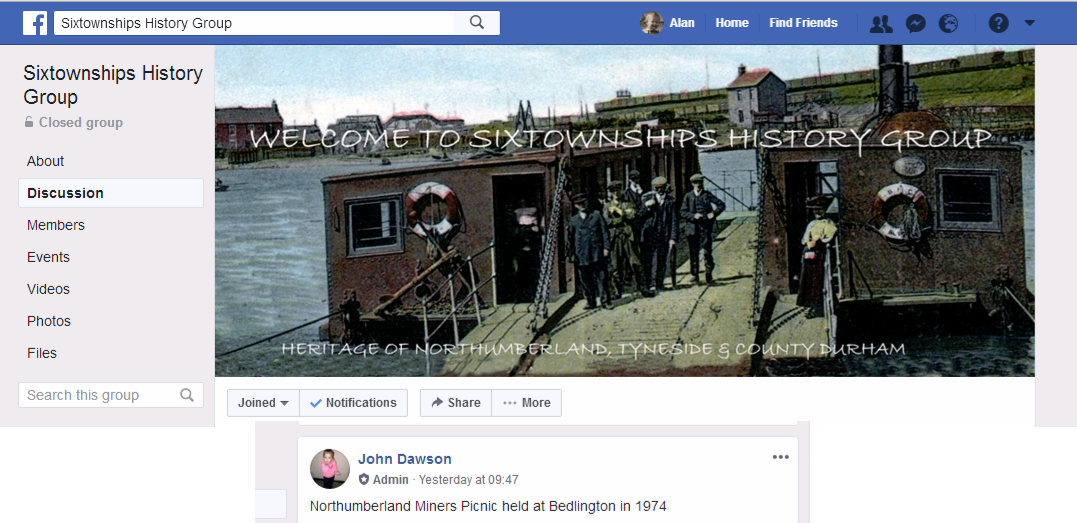
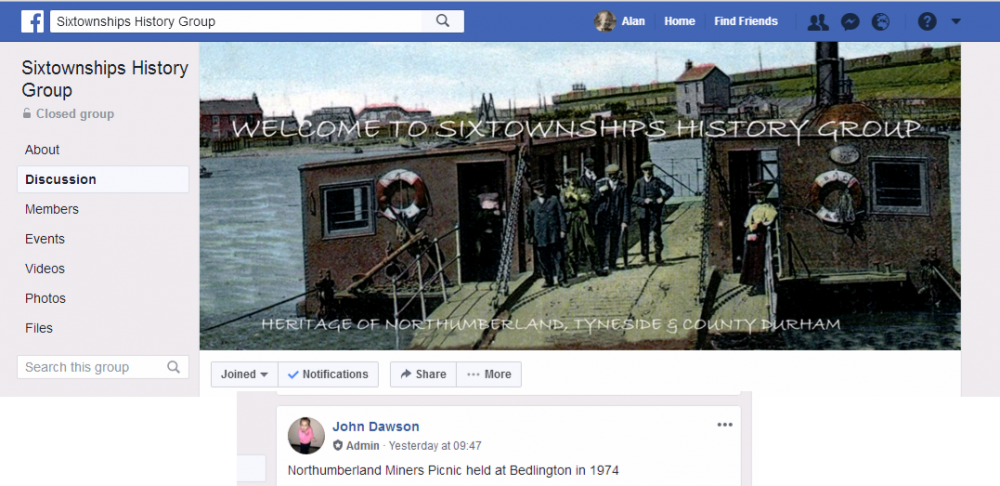
@Stacey Howard :- The author - John Dawson is not a frequent visitor to the site. The last time he logged in was September 25th, 2017. You can check a members profile by clicking on their name tag :- John runs a Facebook group - Sixtownships History group - where he posts info daily. There was a site called http://shop.sixtmedia.org.uk/ where John also had many stories from Bedlington and surrounding towns. That site was used to promote and sell media covering the 'sixtownships' . I've just attempted to go to that site, via Google, but the site wasn't found. Don't no if this is temporarily not available or the site has been discontinued.

-
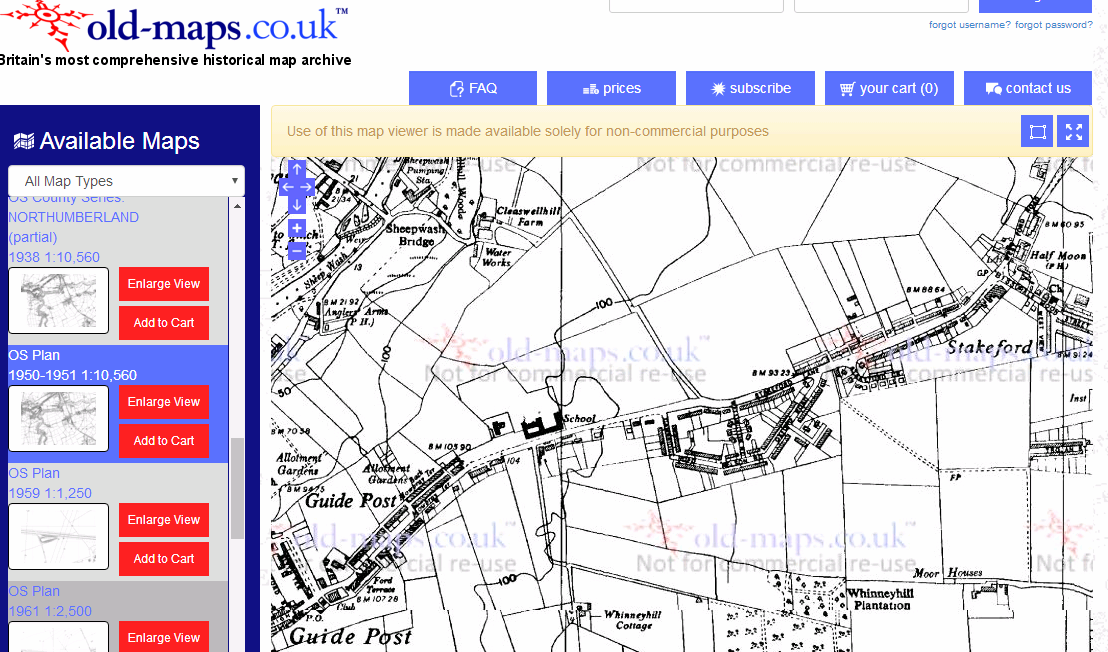
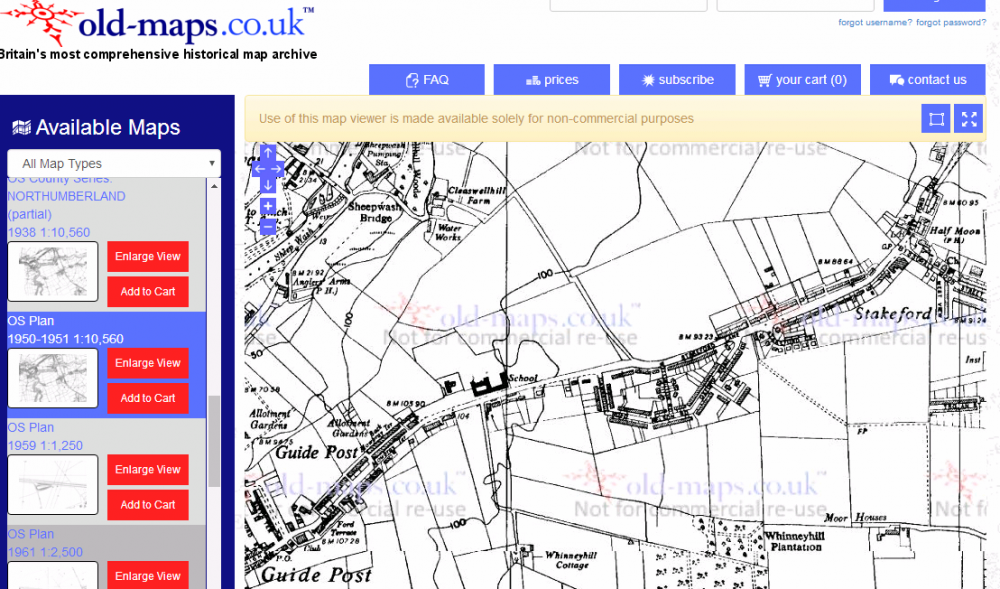
@Ken lumsden - Can't help - I'm the same as Webtrekker in that the Ashington Drive running from Stakeford to Guidepost is the only one I've come across. Checked the old maps and prior to 1959 the area where Ashington Drive is now is not developed.
-
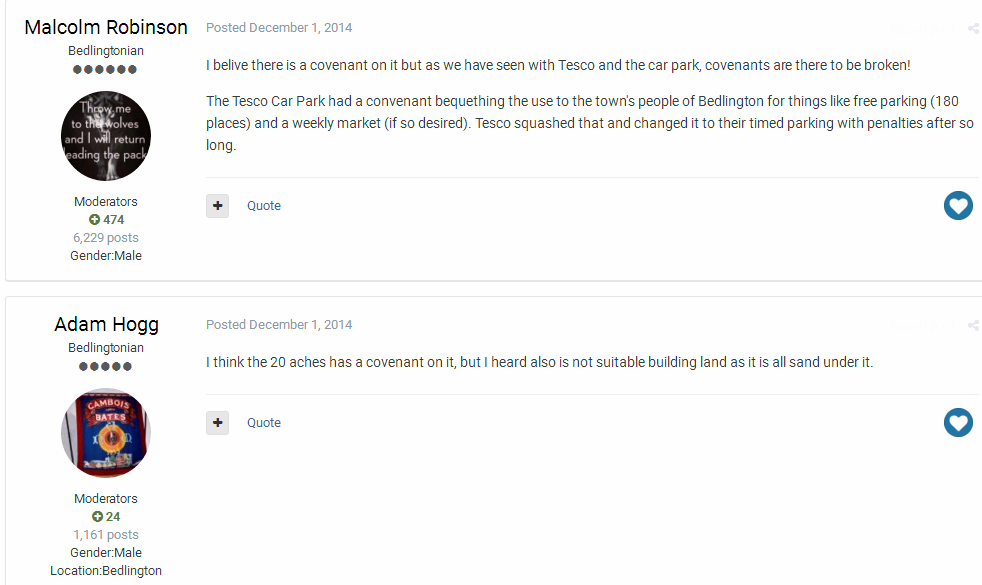
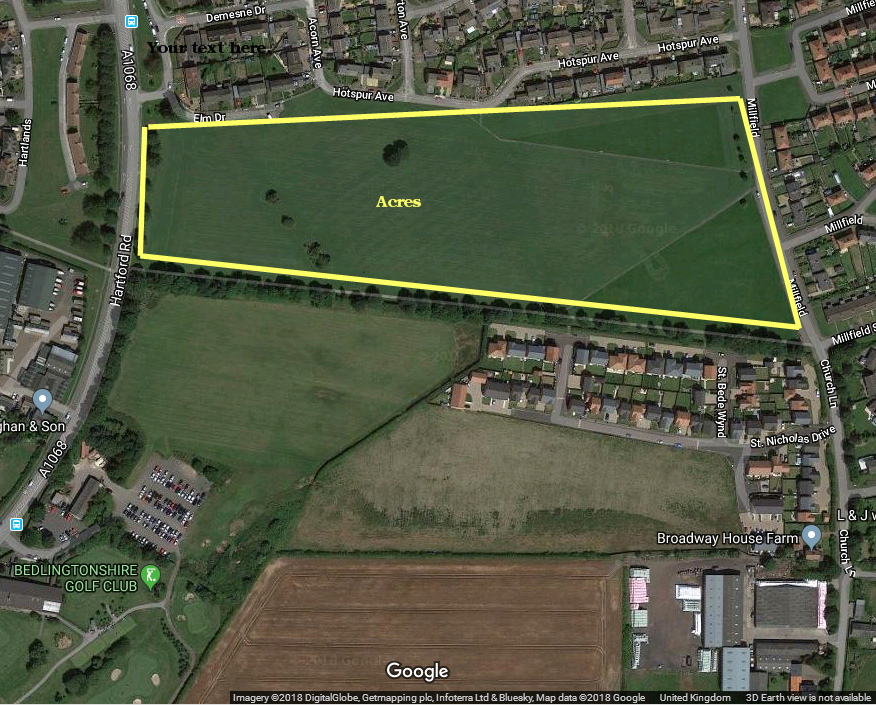
So is here a Covenant to be broken or has there never been one on the '20 acres' site?
-
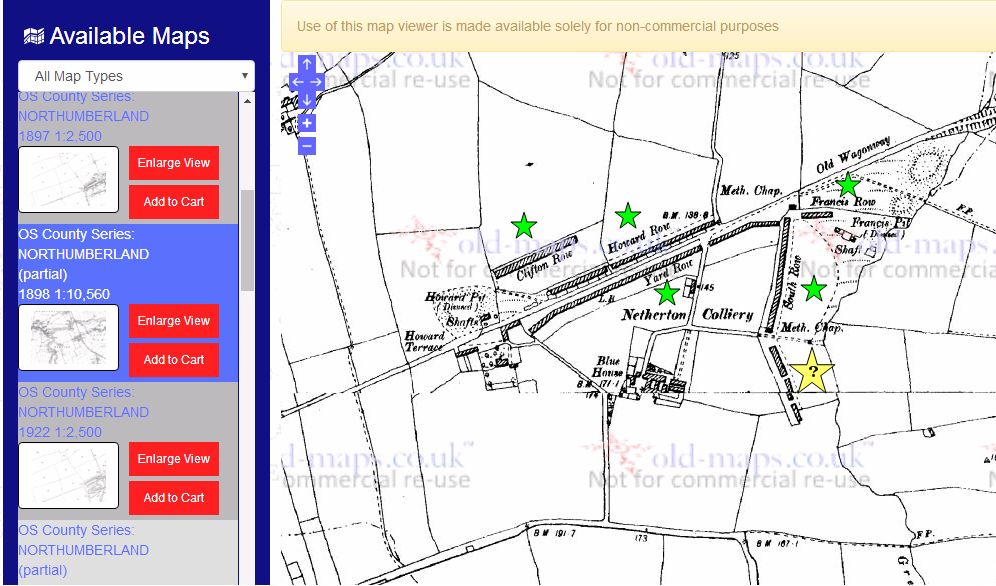
Never seen it named on the old maps of Netherton Colliery. After the Rows were demolished the terraces that replaced them were First, Second, Plessey & Third Street. 1898 map :-
-
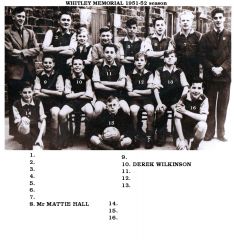 No 3 updated @James McKenna
 -
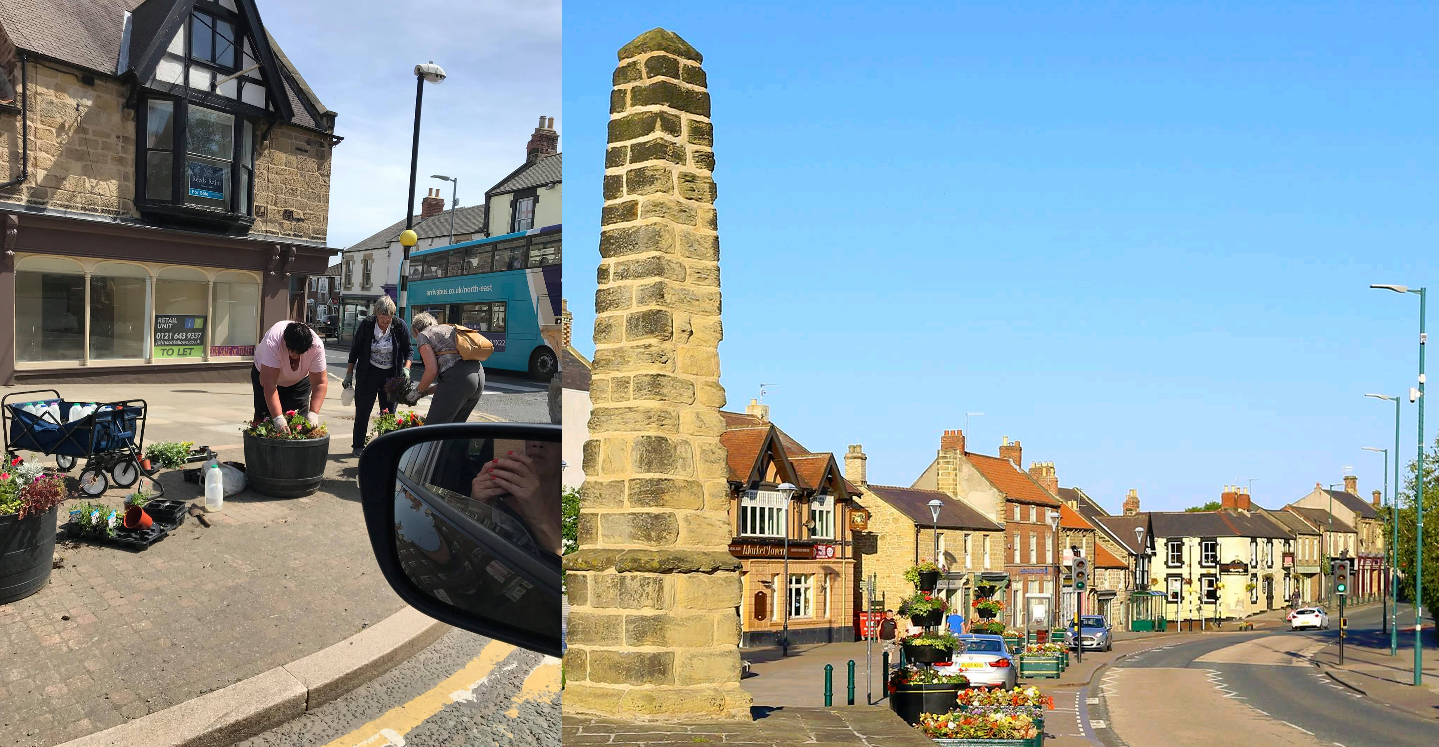
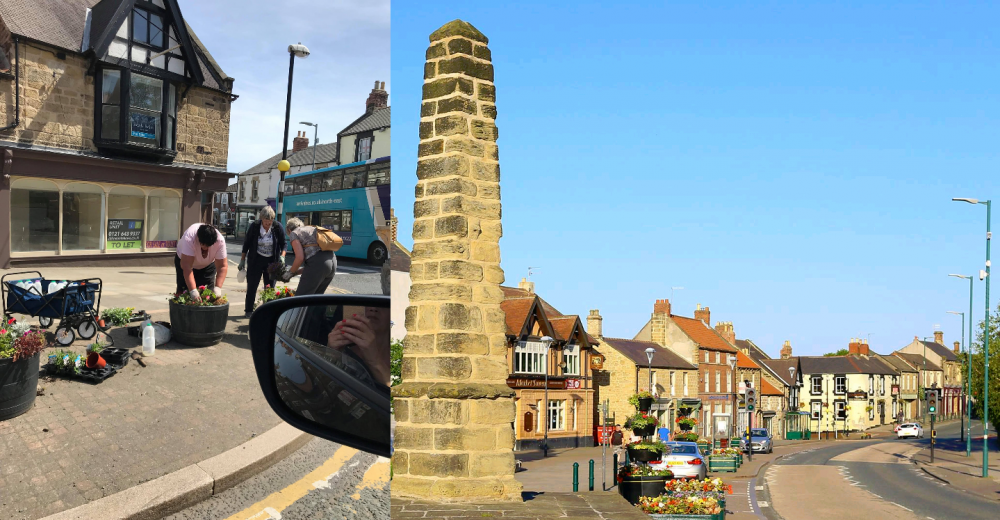
I haven't driven down Front Street for weeks Vic. Only seen two photos from @Malcolm Robinson - for this year. He posted with this comment :- Malcolm Robinson Bedlington West Ward. 26 June at 12:05 The 'Flower Godmothers ' of Bedlington have been out again. Thank you ladies for helping to keep our Town centre so beautiful.
-
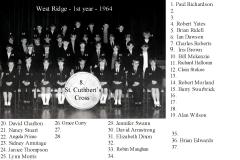 Names updated
 -
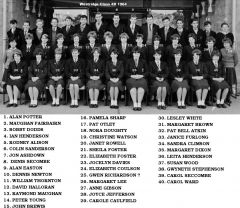 Photo from No 8 Denis Seccombe - names from Denis and other members on the Bedlington Facebook groups.
 -
From the album: Westridge School - End of term class photos
-
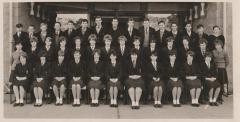 Names added
 -
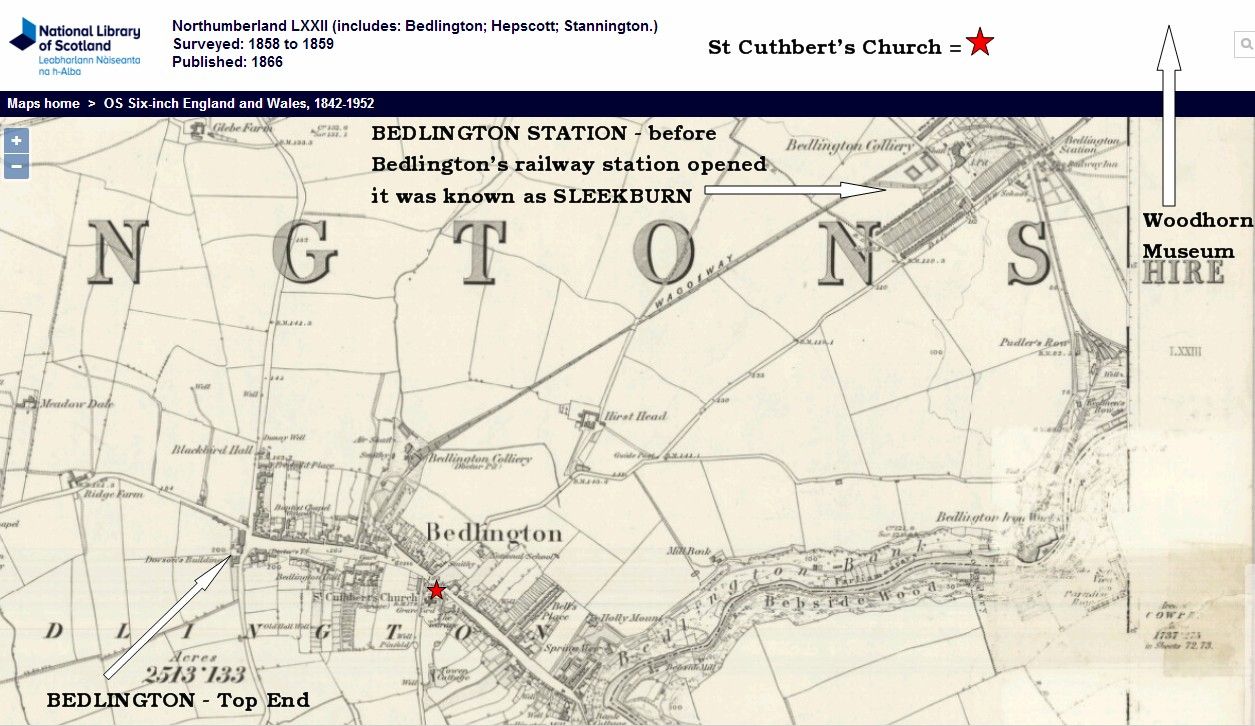
Houses with cardinal points in their name, that I can remember are :- Bedlington Station - pit rows - South Row, North Row (& Shop Row) surrounding area = West View, North View, East View & East Crescent Top End - only know of New South Row (Dr Pit area) Stakeford = East View West Sleekburn = South Row & North Row Checked some of the old maps and can't find any more
-
@Rigger Can't think of an East Street in Bedlington. There is an East View, Bedlington Station = terraced row on the A1147 west of Grange Park estate . Was Front Street East ever referred to as east Street?
-
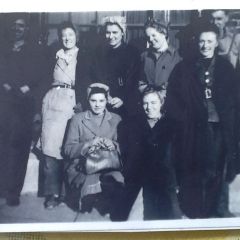 @Tonyp - plenty of comments, aboit Milne's shop, on the Facebook groups Tony but unfortunately no names of anyone in the photos. There was an older photo, c1938, posted and one member made the comment :- It is Jimmy Millne's .That photo was taken in 1938 the men are Jack Dunsmore Bill Tait and holding the accordion is Maurice Holdsworth. But I doubt if any of them are in your photo.
 -
If you find out any area or street names Martin there are some old photos, early and mid 20th century, around that the members have posted on this site and the Bedlington Facebook groups that might interest you.
-
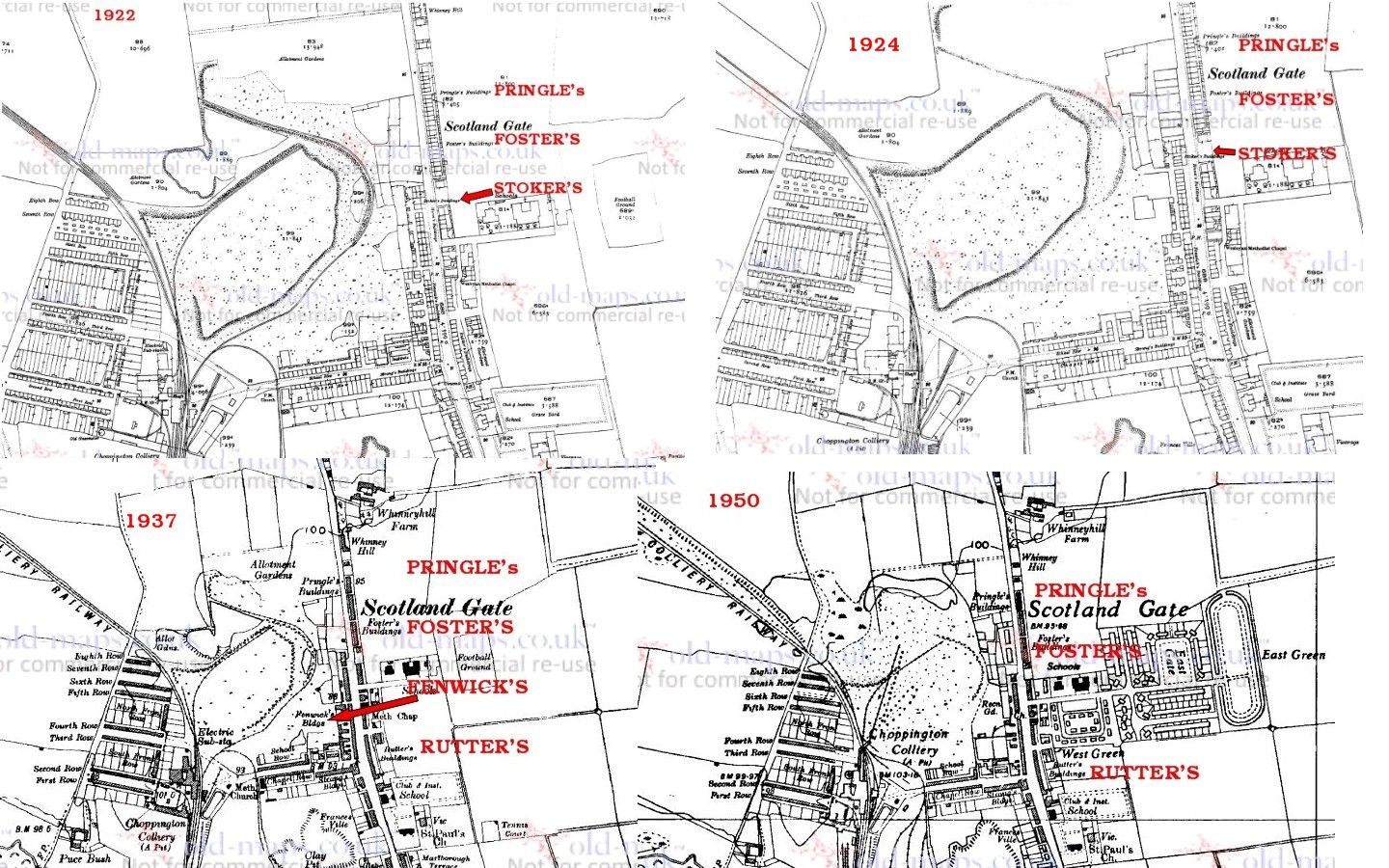
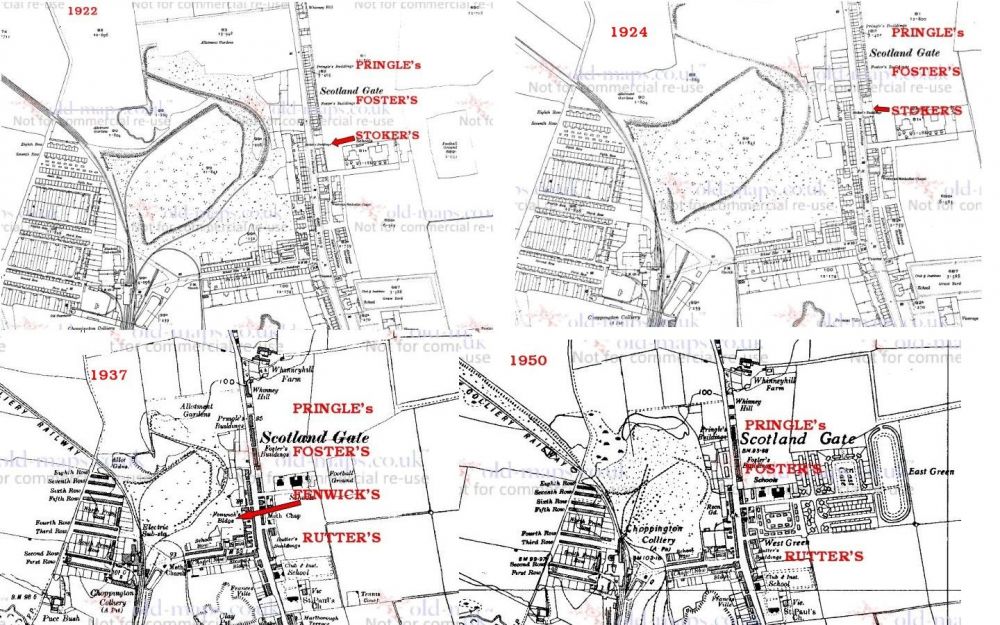
@Newbedders - I'm not a member of the National Library of Scotland or the Old Maps site and I get different results each time I visit the sites. The NLS has so many different options so I had a look at the different years displayed on the https://www.old-maps.co.uk/#/Map/427570/581434/10/100708 site and non of the buildings - Stoker's - Pringle's - Foster's - Fenwick's or Rutter's appear on the maps pre 1922. Stokers Buildings I could only find on the 1922 & 1924 maps. On the 1937 map Stoker's Buildings are not identified but Fenwick's Buildings appear near to where Stoker's buildings were
 In an ideal world Russia would be manipulating Donald Trump and Putin would loose an arm :-
 @Joan Eadington - started a topic in the 'Discussion' section rather than discuss in the Gallery section. I only know of Stokers Buildings and Stokers Yard in Bedlington. There are currently properties for sale with the postcode - NE62 5SE = Choppington = Stokers Buildings but I don't know if these houses are built where the old Stokers Buildings of Choppington would have been sited.
until
Event popsterI have never researched my family and therefore never used St Cuthberts archives so wouldn't be able to advise you on who to contact initially to ensure you can get access to the records during the time you would be in the area. I would assume you already have a contact within the church. There is the 'Woodhorn Museum & Northumberland Archives' site, approximately 7 miles from Bedlington, that I know when researching their ancestors, and the history of the area, many people use. It would be worth your while contacting them before you travel :- http://www.experiencewoodhorn.com/ National Library of Scotland - https://maps.nls.uk - oldest map of the area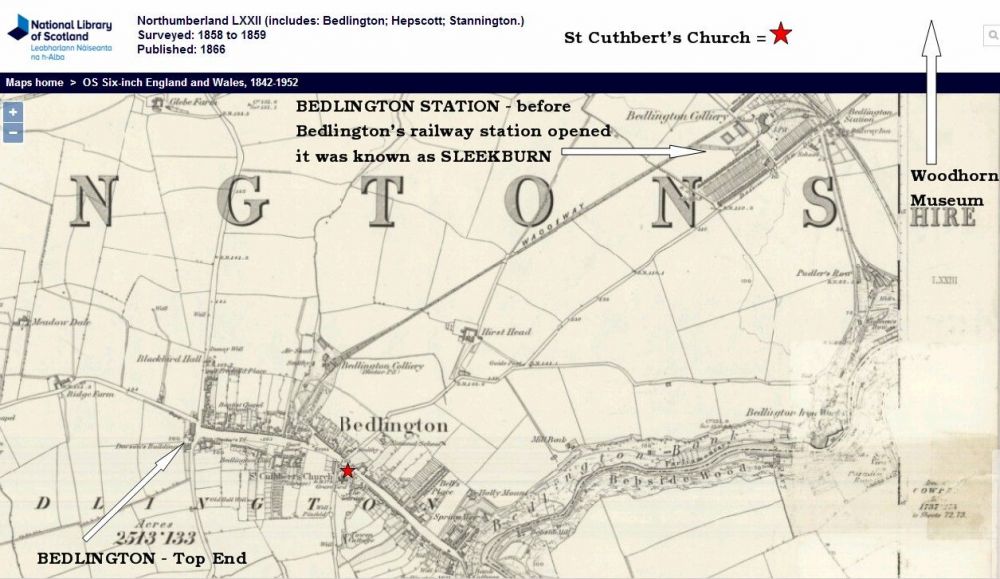
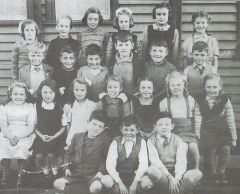 Names updated by No 16 Ann Guthridge (nee Grant) on the Barn'ton Facebook group.
@Tonyp - @Andy Millne is there any additional info that might help -eg. did they work at the shop at the Market Place or would the era, late 40's to early 50's mean they would have worked in Jimmy Millne's Cycles & Radio' business or The Terrier Plate works?
Names updated by No 16 Ann Guthridge (nee Grant) on the Barn'ton Facebook group.
@Tonyp - @Andy Millne is there any additional info that might help -eg. did they work at the shop at the Market Place or would the era, late 40's to early 50's mean they would have worked in Jimmy Millne's Cycles & Radio' business or The Terrier Plate works?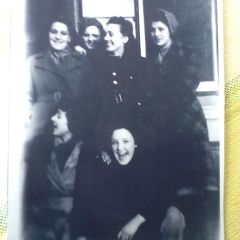 I know Andy - I got it right on the other photo - put it down to ✍️