



Everything posted by Alan Edgar (Eggy1948)
-
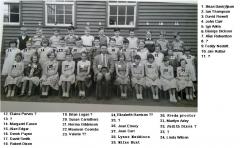 Names updated
 -
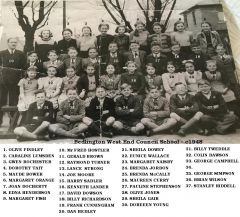 @Canny lass - asked Margaret new the ages of the people in the photo but unfortunately not. She got the photo off a friend = Gwen Ogle. Waiting to see if Gwen has any further info.
 -
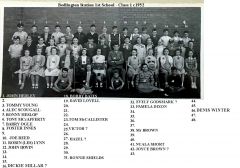 Photo from Julie Dobson of this group and the Facebook Bedlington remembered group. Names from the Facebook group members.
 -
From the album: Bedlington Station 1st School
-
 @Tonyp - no further updates for any of the Jimmy Millne worker's photos from the Facebook members
 -
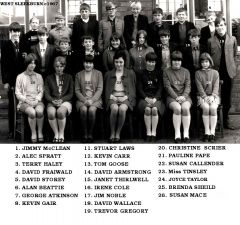 Photo and most of the names from No 6 from Alan Beattie and the rest of the names from the Cambois Facebook group members.
 -
From the album: West Sleekburn Middle School
-
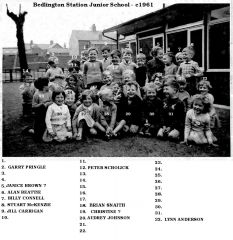 Photo, and some names, from Alan Beattie - Facebook - Bygone Bedlington. No 9 Jill & No 32 Lynn identifying themselves.
 -
From the album: Bedlington Station 1st School
-
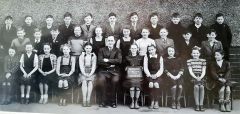 No 21 updated. Do you have this photo, without the numbers & names, @Rigger?
 -
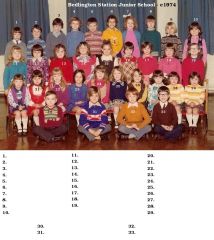 Photo updated @graeme
 -
No 27 Alison Nixon - 8 Kevin Watson - 16 Diane ? - 21 Angela Hornsby
-
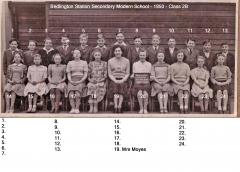
-
Updated the names.
-
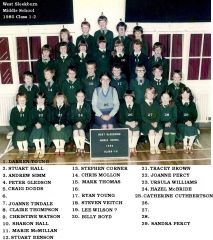 Update from Tracy - No 26 = Linda Storey.
 -
Names added by the Facebook Bedlington remembered group.
-
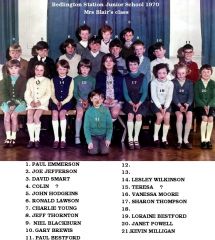 No 10 changed to Alan Walton - update from Karen Ehala, Facebook Bygone Bedlington group.
 -
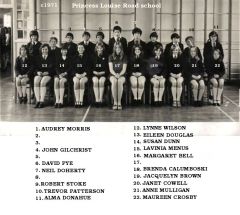 Neil Doherty 5 August 12:28 2 Facebook group Bedlington remembered says No 2 - Melvin Newson. 3- John Jackson. 17- Miss Parker (teacher) - 5’s surname was Cullen but can’t remember his first name.
 -
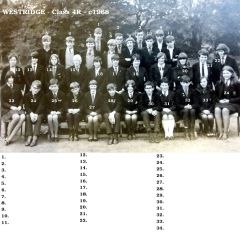 Harvey Bernese - Facebook Bedlington remembered says - No 7 = Micky Potts & No 11 = Neil ?
 -
Photo from Tracy Oakley - Facebook Bedlington remembered group.
-
From the album: Bedlington Station 1st School
-
Photo from Margaret McMillan Bedlington remembered Facebook group. Margaret named them all apart from No 34 that she believes was a Netherton Colliery lad. Far too early for a @Canny lass but would you know anyone from t that might be able to identify him? Was No 5 also from Netherton?
-
From the album: West End Junior school - Ridge Terrace
-
Photo from John Hodgkins, and names from members of the Facebook - Bygone Bedlington group.
-
From the album: Bedlington Station 1st School

