Everything posted by Alan Edgar (Eggy1948)
-
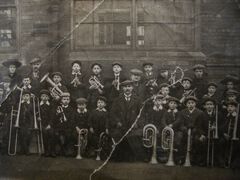 @Jo C - don't recognise the building. I had a quick check through the Gallery Albums to see if the windows matched any of those of the local schools as we have some old class photos from the early half of the 20th century but there are none showing 6 panes of glass. We only have one photo of the Miners Institute at Bedlington 'A' pit but unfortunately no windows can bee seen, just the front door + small window next to the door. I will keep looking.
 -
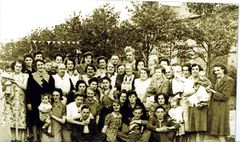 Update on the names from Janet Wood's mam. Janet's grandma is No 38)
 -
Jo - as you will see many of the books by Evan martin, and his dad Stephen Martin, have 'Bedlingtonshire' in the title. So some of the books will cover the surrounding small towns/villages eg. Cambois - Nedderton - Netherton Colliery - Stakeford - Choppington - Guide Post - Sleekburn etc. Also you will probably have noticed on the 1920-21 map the name 'Sleekburn'. That name changed to Bedlington Station but I can't tell you the exact date the name changed. The colliery at Sleekburn was Sleekburn 'A'.,and that later changed it's name to Bedlington 'A' (The Station Pit - The A'd (old) Pit) When the Bedlington railway station was opened - 3/8/1850 it was at Sleekburn, http://disused-stations.org.uk/b/bedlington/index.shtml . So the Bedlington folk, from what the locals call the 'Top End' of Bedlington, had to travel to Sleekburn to get the train from Bedlington's railway Station. The railway station not only served the area for passengers but it had branch lines off to all the local collieries, Bedlington 'D' pit (= the Doctor Pit) - East Sleekburn - West Sleekburn -Cambois - Netherton Colliery - Stakeford - Choppington - Ashington etc, from where the coal was transported to the Blyth docks for shipping all over. Hope that helps when you are looking at old maps and books.
-
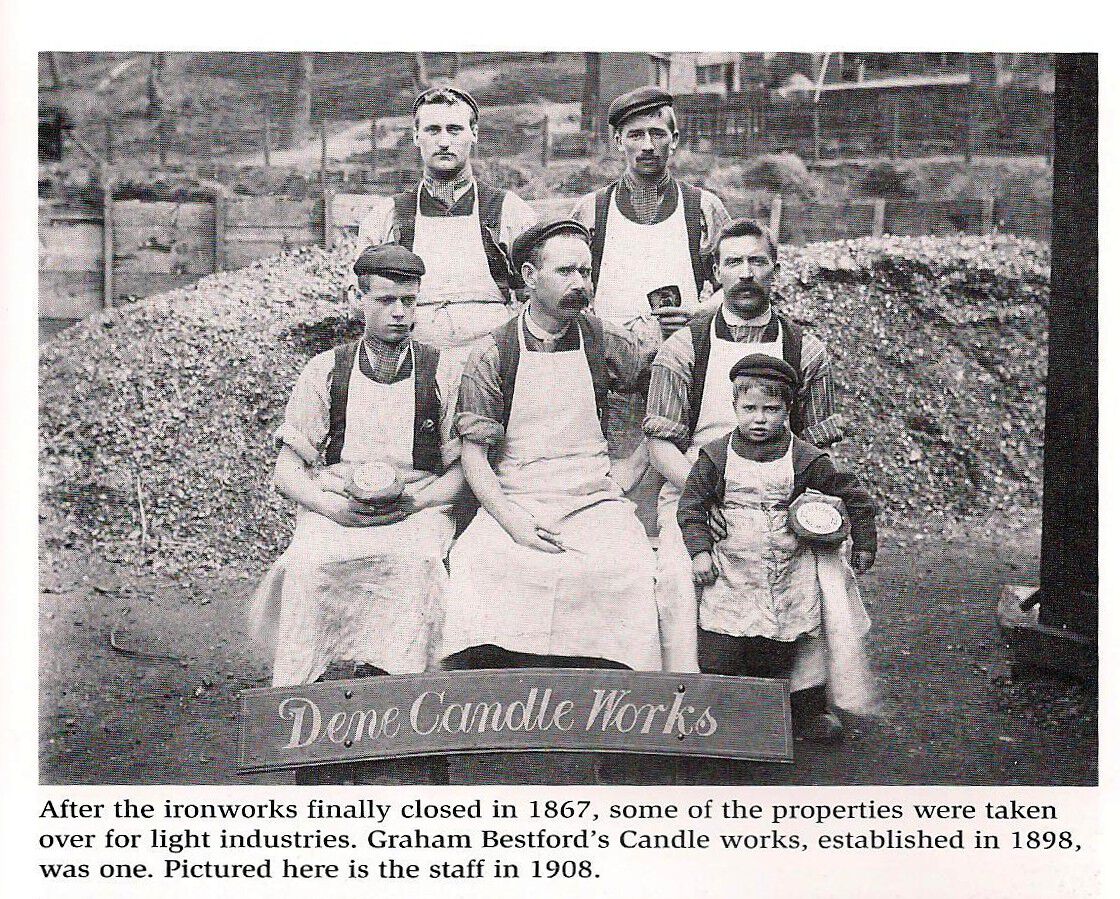
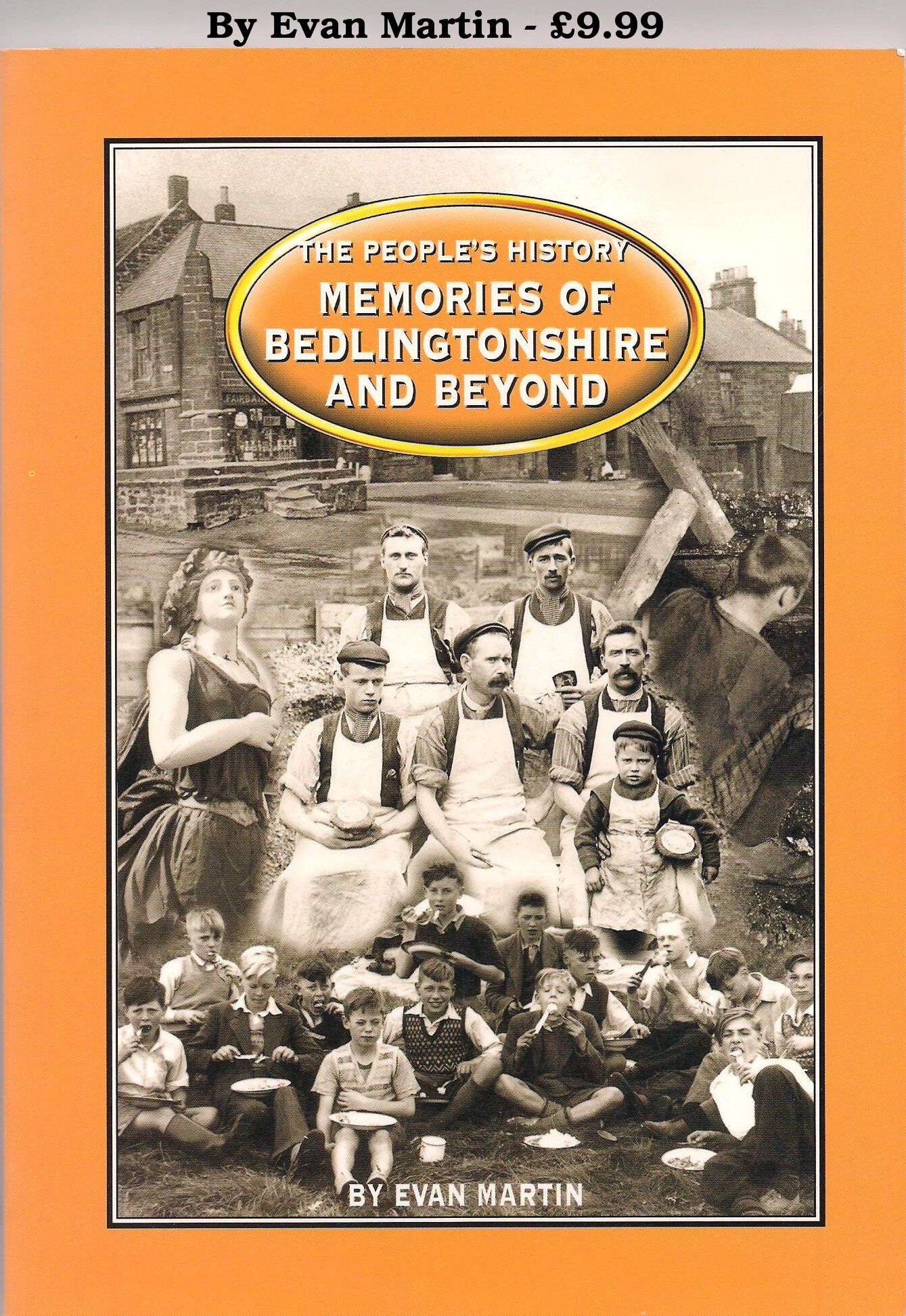
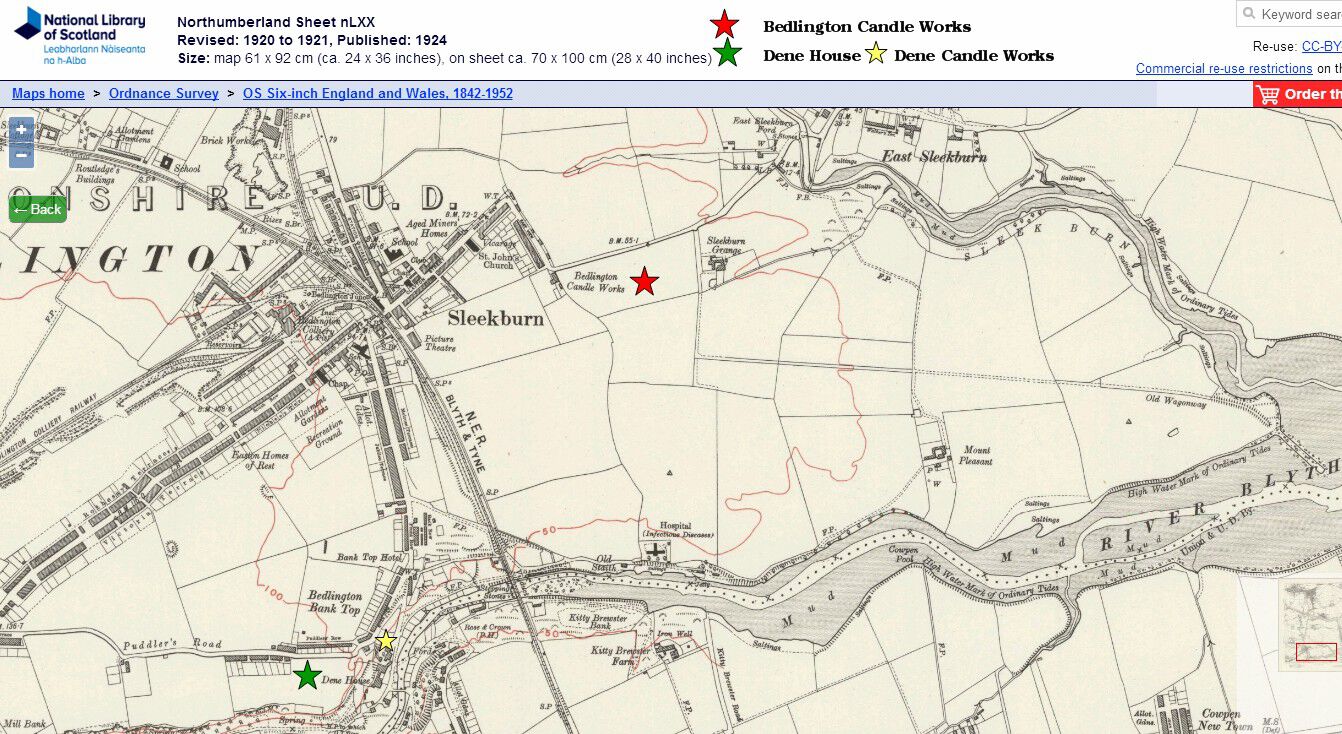
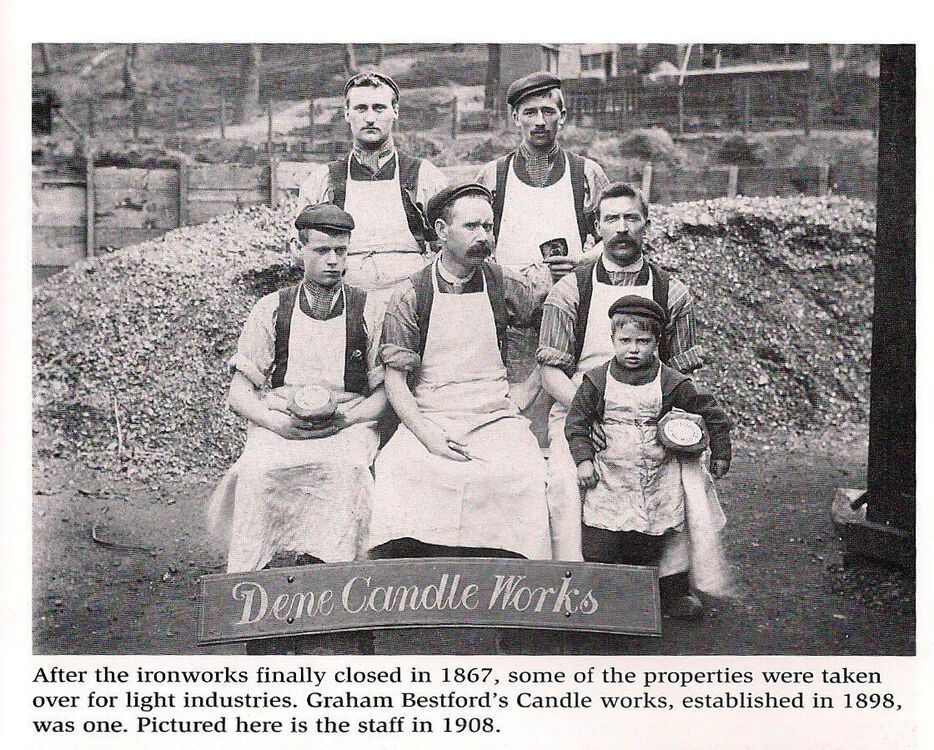
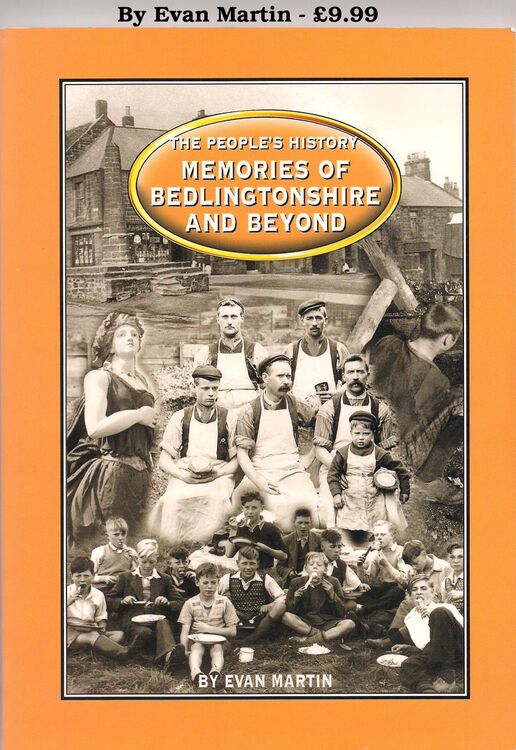
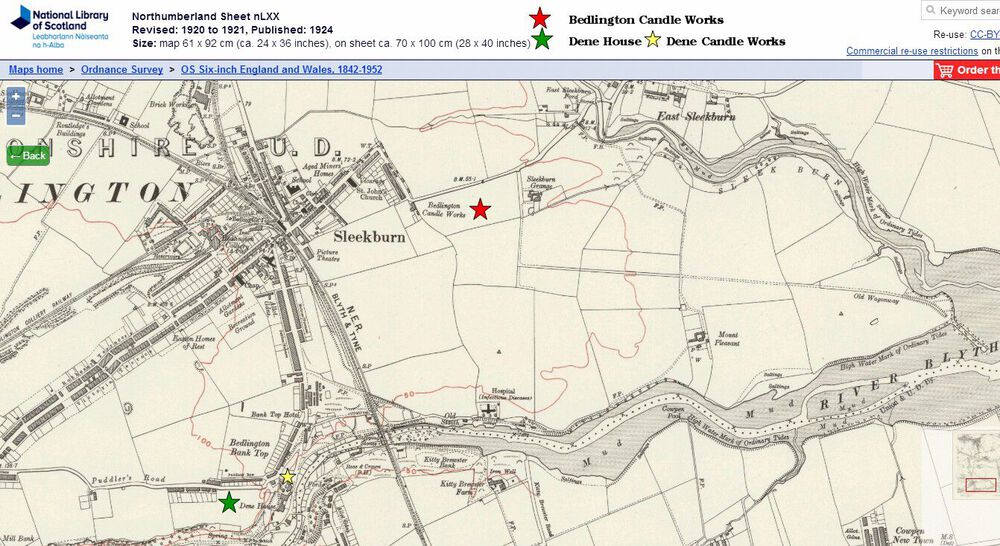
@Jo C - the photo that @James posted from Evan Martin's book, The People's History - memories of Bedlingtonshire and Beyond, doesn't have any info, other than a comment with the photo on the Dene Candle Works and the comment, by Evan Martin, says ...Graham Bestford's....... not Graham & Bestford as the entry in the Bedlington Timeline has. The bulk of the Timeline was created by @johndawsonjune1955 ,still a member of the group, but no longer a frequent visitor. I have 'Tagged' him and if he does see this topic he may say where he got the info for the Timeline from. This is the photo + text This is the book the photo is from This 1920-21 map shows where Dene House and the Candle Works were. It also shows there was another candle factory - Bedlington Candle Works.
-
@Rigger - one for you to have a look at.
-
Surely Sweden will have more space to store and dispose the Uks lithium😇 And in the winter, when Sweden has less daylight hours than GB, the red glow will help the Swedes see to get around😁
-
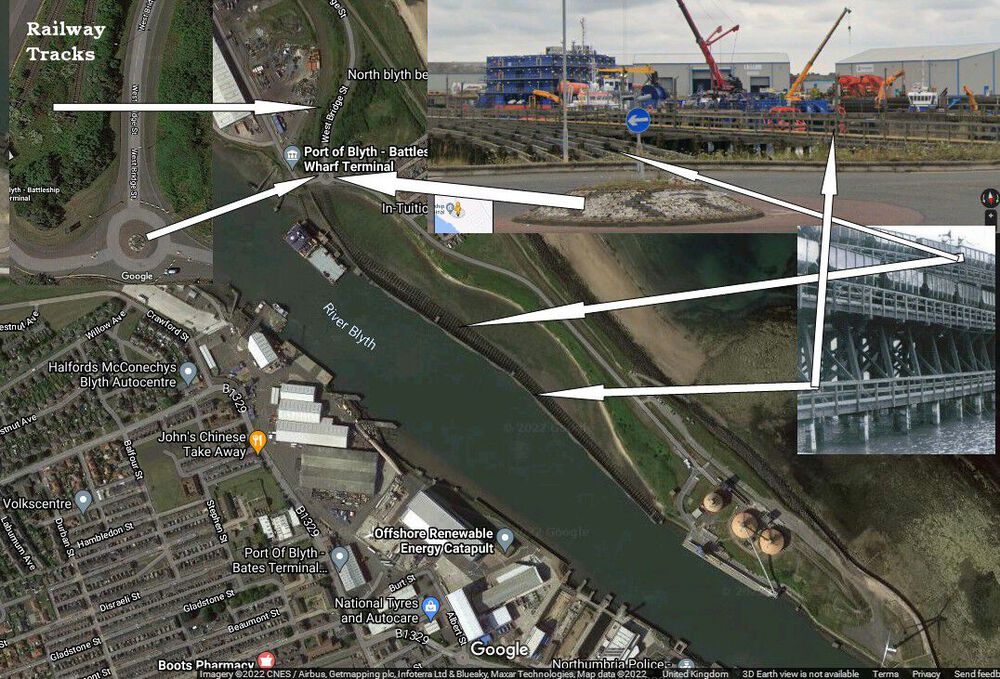
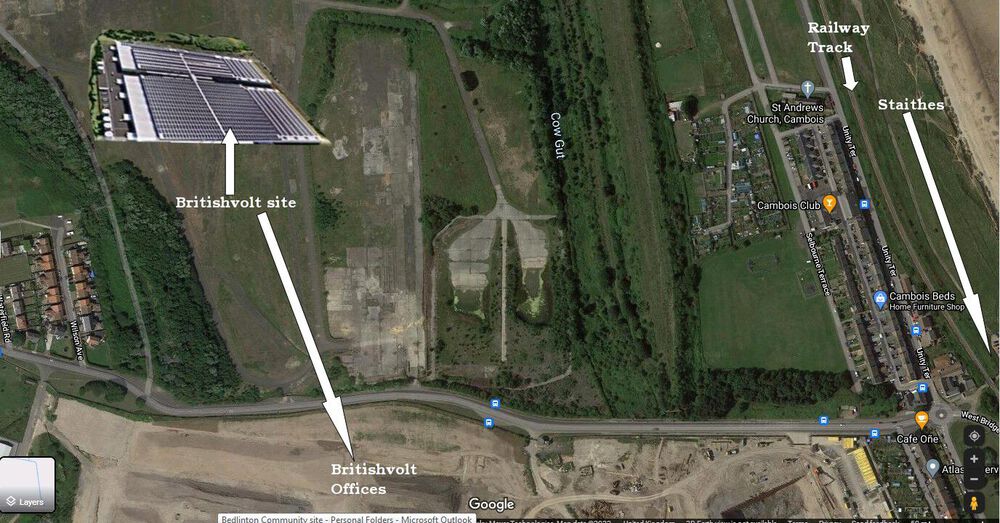
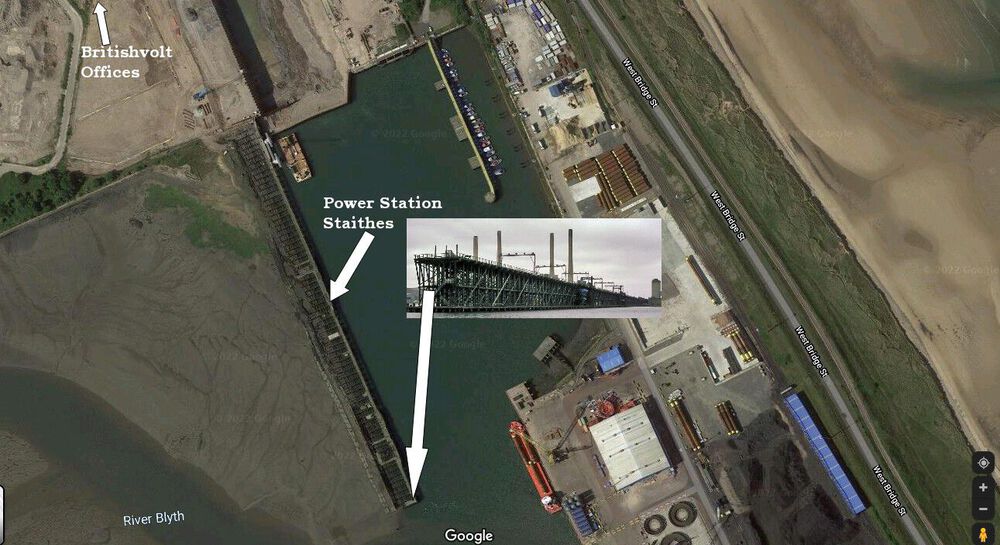
Never mind rail trucks full of lithium I wouldn't fancy walking on whats left of them
-
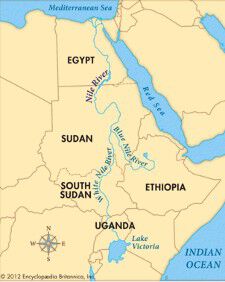
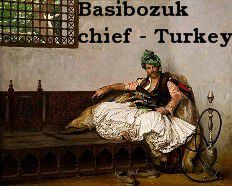
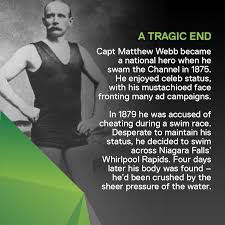
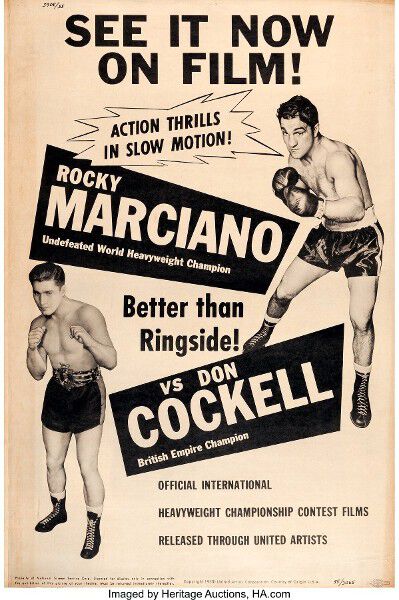
1. In which country does the Nile reach the sea? Answer = 2. From which country did the Bashi Bazouks come? Answer = 3. Where is Lord Snowdon, Anthony Armstrong.Jones, buried? Answer = Wales 4. What would happen if you took an emetic medicine? Answer = cardiotoxicity (chronic use), diarrhea, choking, drowsiness, cough, dyspepsia, CNS depression, lethargy, and myopathy. 5. Which model replaced the Ford Anglia in 1967? Answer = 6. Which TV detective was played by Peter Falk? Answer = 7. What name is given to a complete set of print characters of the same typeface, size and style? Answer = 8. What is the name of the world’s first test-tube baby? Answer = Louise Brown 9. Mycology is the study of what? Answer = Fungi 10. What is the official language of Uruguay? Answer = Spanish 11. Who was the first man to swim the English Channel? Answer = 12. Which British boxer went 9 rounds with Rocky Marciano in 1955 before being knocked out? Answer = I’ll bet you didn’t know …. Liverpool’s FA Cup winning side of 1986 did not contain a single Englishman. Answer = I did.



-
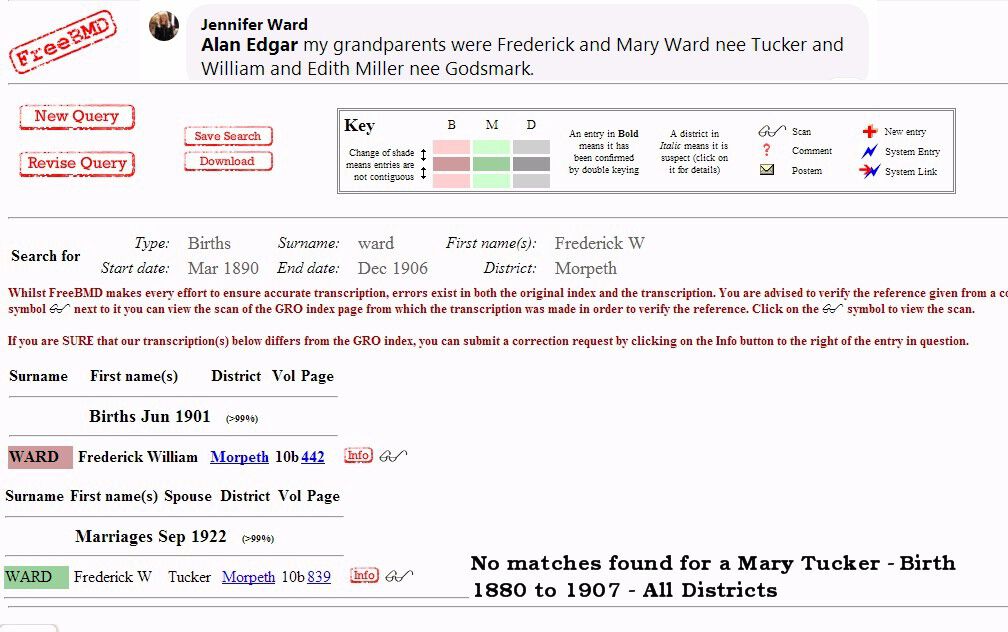
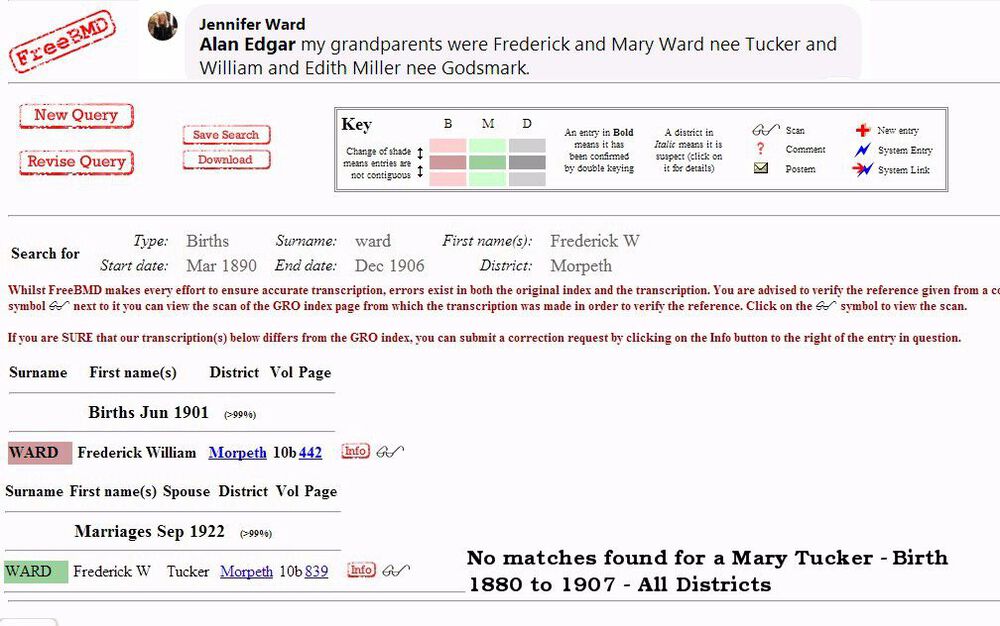
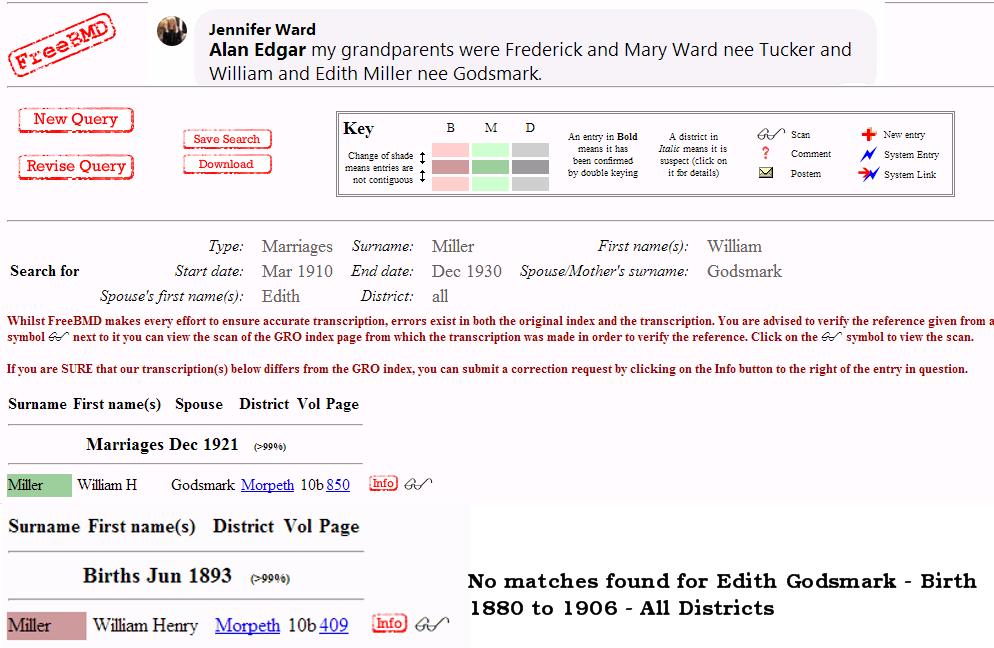
@Canny lass - the two marriages I posted above on the FreeBMD pages are for registrations in 1921, Miller, and 1922, Ward. Rather than upload 4 pages I clagged the marriage & birth registrations into one page.
-
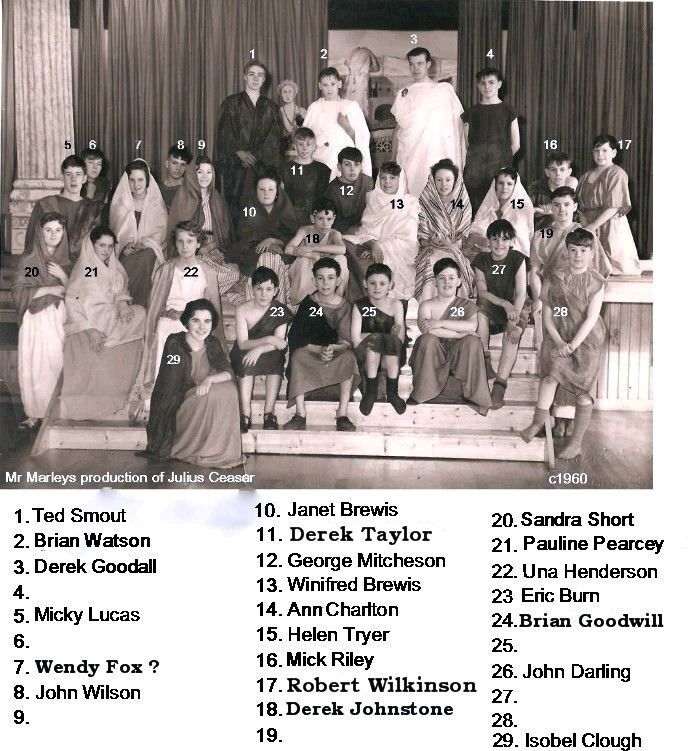
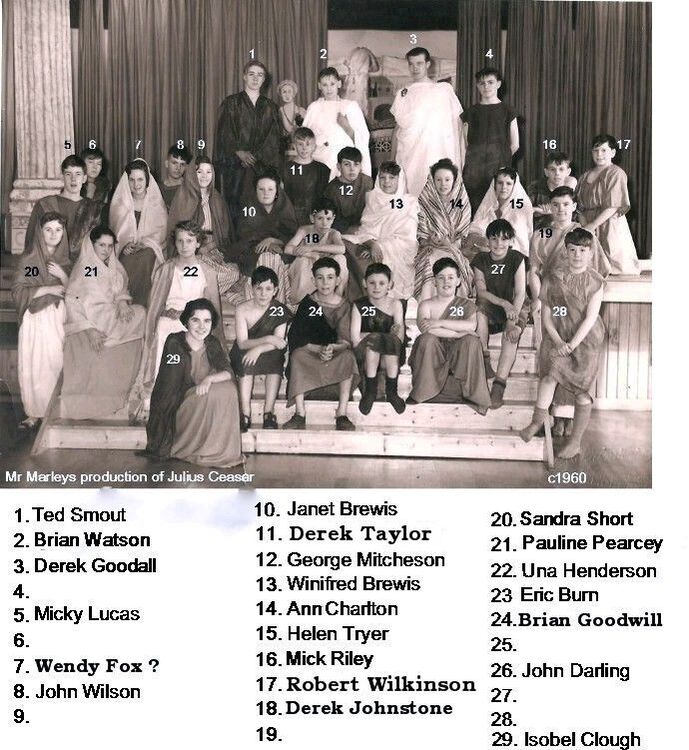
Silly me - I didn't notice the last update to the names, including No 11 - changed from Frankie Morland ? to Derek Taylor😇
-
@Les Dixon - i think @bluebarby is also in the photo.
-
@DavidAtStakeford -I don't think there have been any additional names added to Eddie yarrows photos but if there are then they will be in the Album we created for for them. The Album is in Page 2 of the Galley>Historic Bedlington>West Sleekburn Colliery photos. Direct link to the Album :-
-
@DavidAtStakeford - I can't remember a photo of Joshua Miller with a Napoleon bust. I've checked back through all the Topics (via the search facility at the top right of the screen) using the phrases "Joshua Miller" - " Christopher Bergen" & just the word - bust - but the photo does not get a mention where the Bedlington Ironworks have been discussed.
-
-
until
-
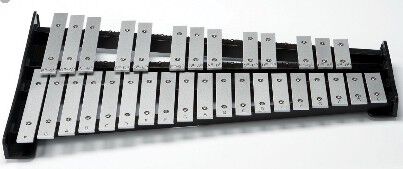
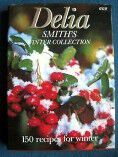
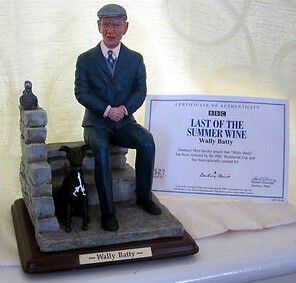
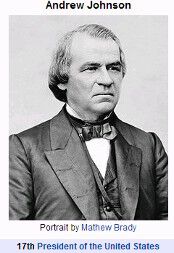
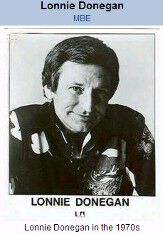
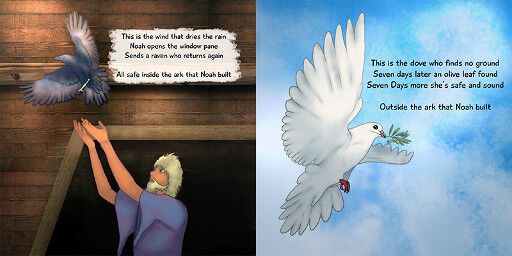
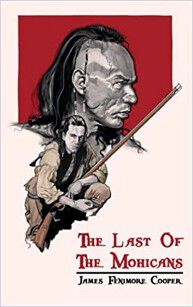
1. What is a glockenspiel? Answer = 2. In which European city is the Spanish Riding School based? Answer = Vienna 3.According to the nursery rhyme who pulled pussy out of the well? Answer = Little Tommy Stout. But who put pussy in? Me mam said Little Tommy Thin – Who wants to be a Millionaire with Chris Tarrant answer was Little Tommy Green. 4. Which cook has written a book called Winter Collection? Answer = 5. In The Last of the Summer Wine who is married to Nora? Answer = 6. Born in 1452 who recorded his scientific notes in mirror writing? Answer = 7. Who became US president after the assassination of Lincoln? Answer = 8. The World Professional Championships of which sport moved to the Lakeside Country Club, Surrey, in 1966? Answer = 9. Who was known as ‘The King of Skiffle’? Answer = 10. In the Bible, which two birds did Noah send out from the Ark? Answer = 11. Who wrote The last of the Mohicans? Answer = 12 Who owns Dartmoor Prison? Answer = I’ll bet you didn’t know …. George Michael was sacked from his Saturday job at British Home Stores for not wearing a shirt and tie in the stockroom. Answer = I didn’t. I wonder if the boss of BHS said - Wake Me Up Before You Go-Go



-
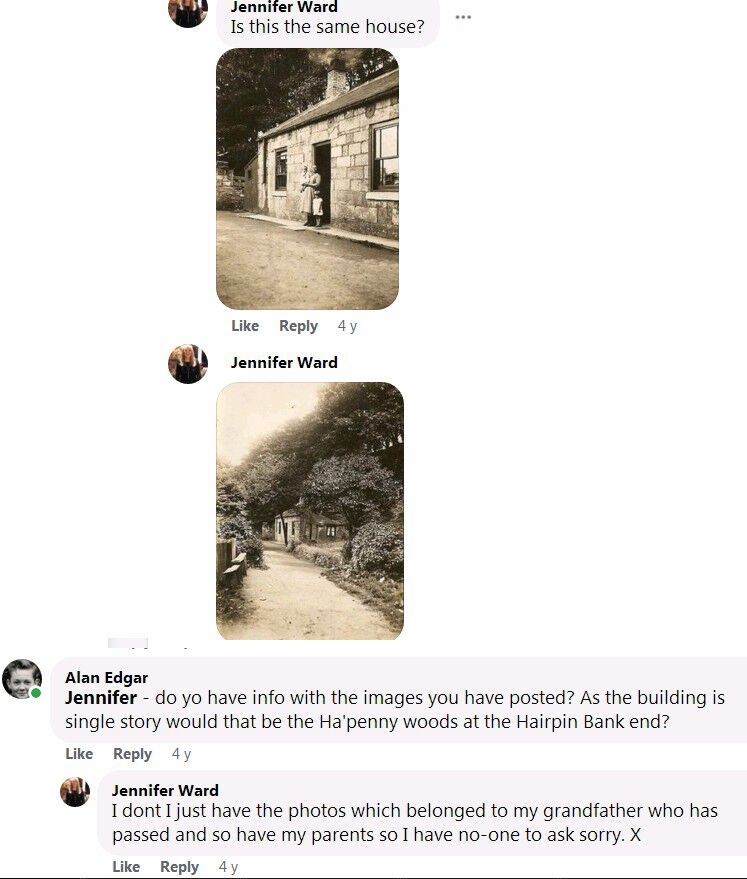
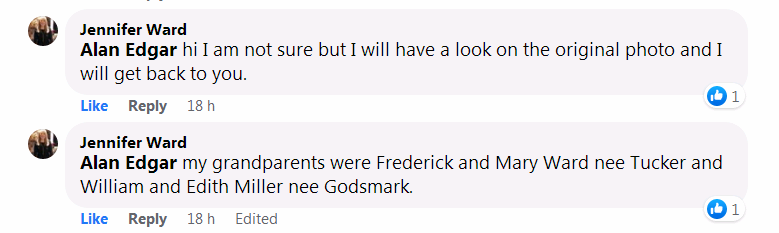
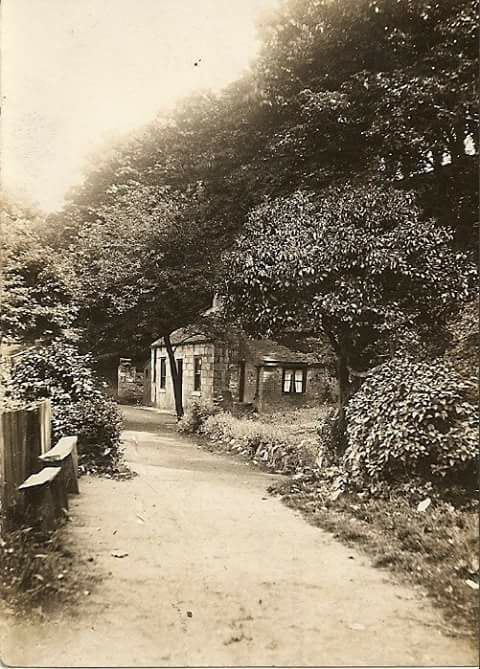
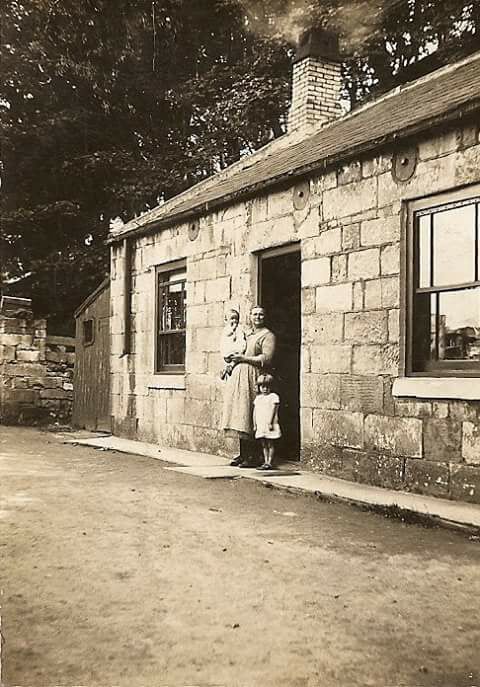
Np reply back from Jennifer ward re her grandparents so I don't know which one lived in the Toll House. I used a broad search on the FreeBMD site around the years I expected her grandparents to be married and found the marriage registrations, both granda's birth registration but didn't get any matches for their wives.
-
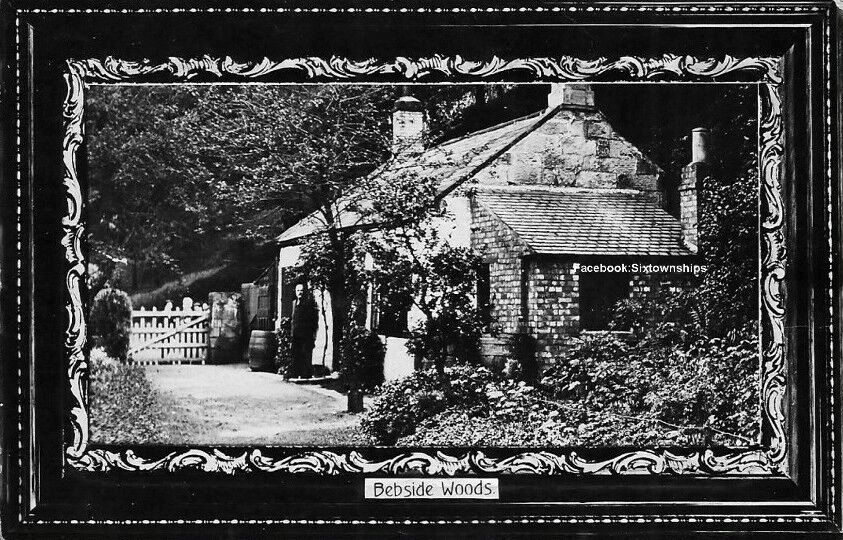
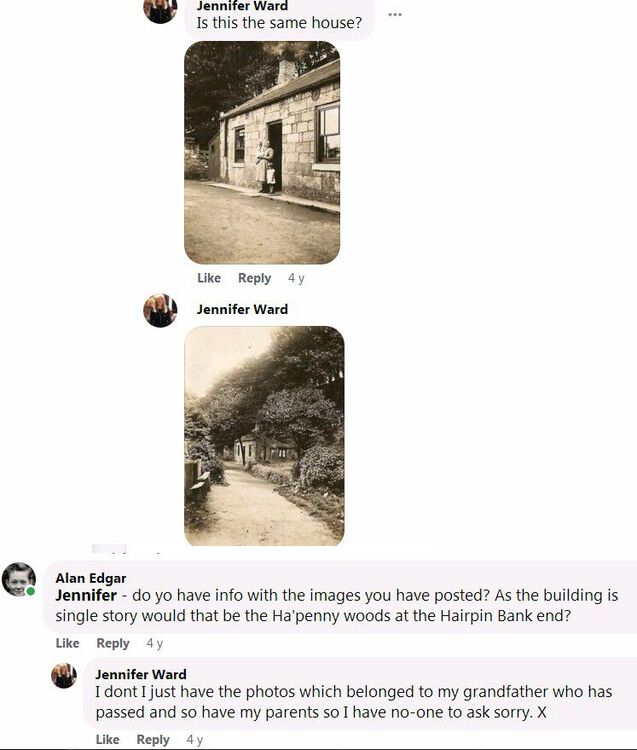
@Canny lass & @James This is the photop/postcard that @johndawsonjune1955 posted a few years back on the Facebook group Sixtownships History (now the Past Times History group). On the Bygone Bedlington Facebook group a member - Janet Ward posted the following two photos. And I asked her if she had any names. I have enlarged Janet's two photos.
-
My seven decades plus on this planet have been relaxing. I wasn't ferreting information, just putting my thoughts out into the open discussion. As I didn't attend Westridge I rely on Symptoms - Ovalteeny - High Pit Wilma and Canny lass to supply me any info I may be looking for. Hopefully I can now include you to help with any names we are still looking for to add to the Westridge class photos we have posted in the Westridge album in the Gallery section. Eggy
-
-
@Symptoms - when I saw the name 'SPUGGY' in TGH's comment above and your name tag 'Symptoms' was used I thought I heard it before so I did a search and I saw there was a member with the name tag 'Spuggy' that had joined this group back in 2016. I assume 'TGH' & 'Spuggy' are the same person. I also checked the Westridge Gallery Album but couldn't find a match in it. Was TGH/Spuggy involved with the Karting Club?
-
@TGH my raison d'etre =my dad survived WWII and came home to my mam. @Symptoms - I look forward to your reply to Spuggy's posting - but please don't have as much line spacing Answer = The Edict of Expulsion - expelling all Jews from England
-
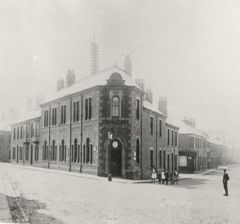 And members of the Blyth group agree with you @Vic Patterson👍
 -
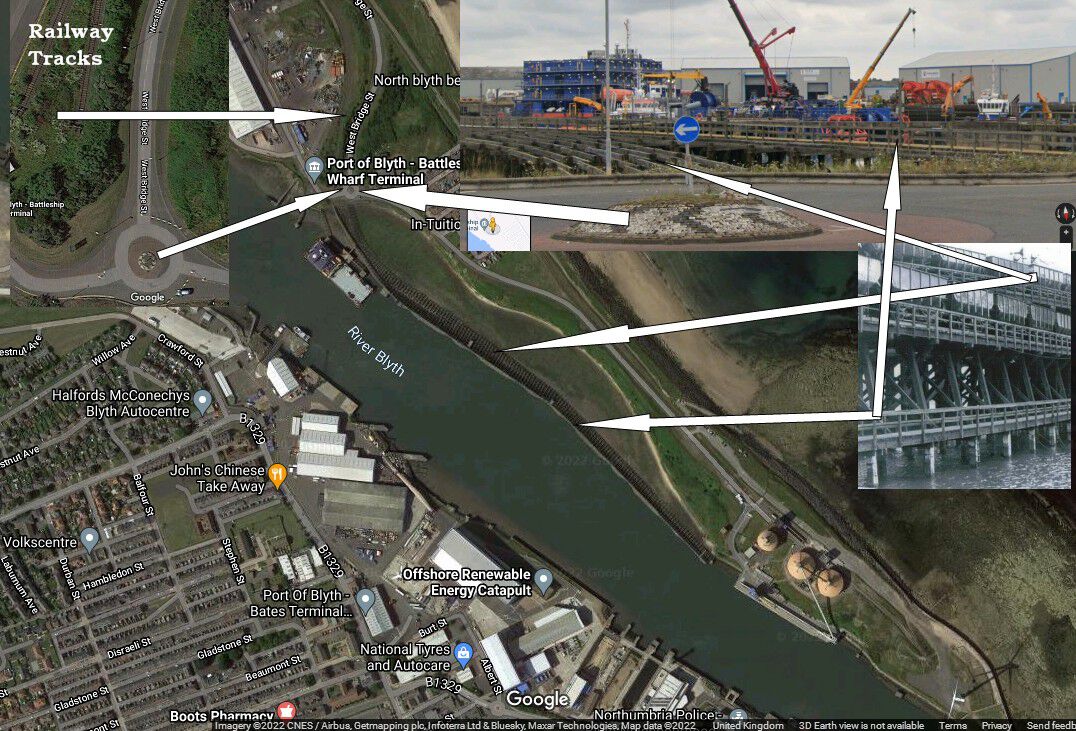
@karen maddison - no longer exists. This is a posting by the local historian Gordon Smith on the Blyth Remembered Facebook group. And this is a Google Street view image of the area now :-
-
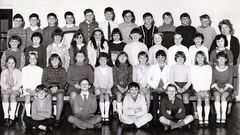 Names updated :-