Everything posted by Alan Edgar (Eggy1948)
-
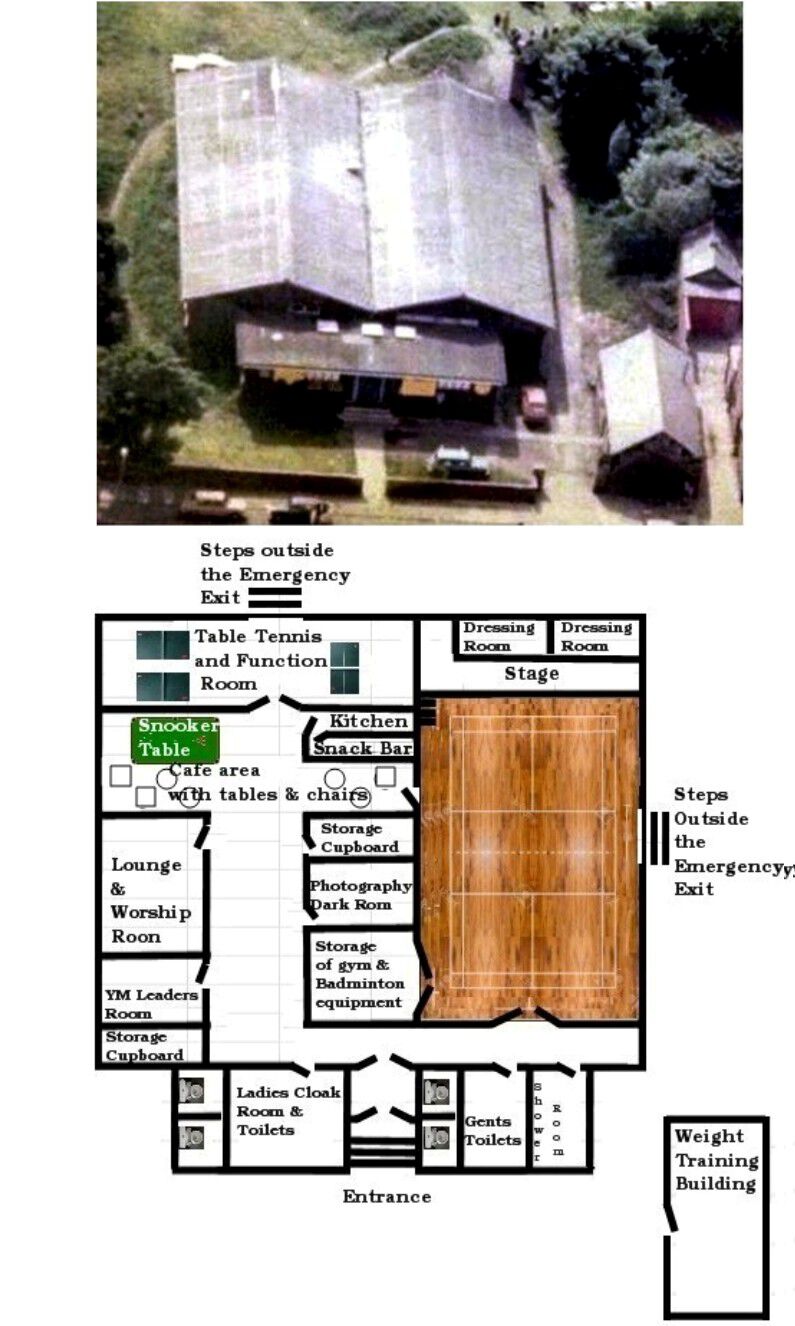
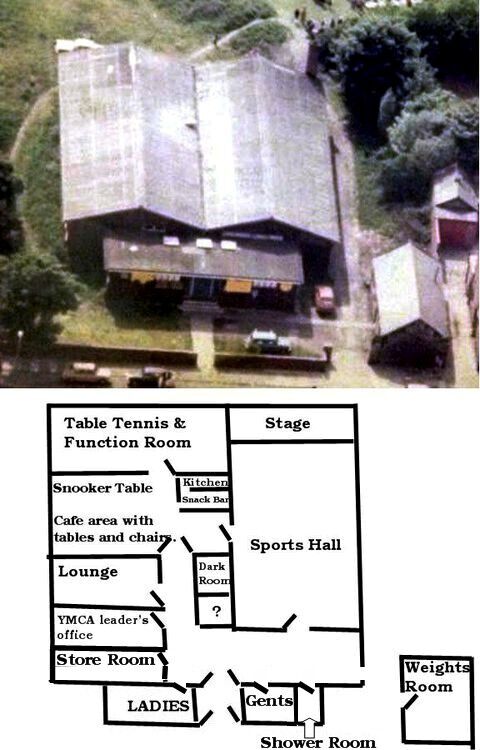
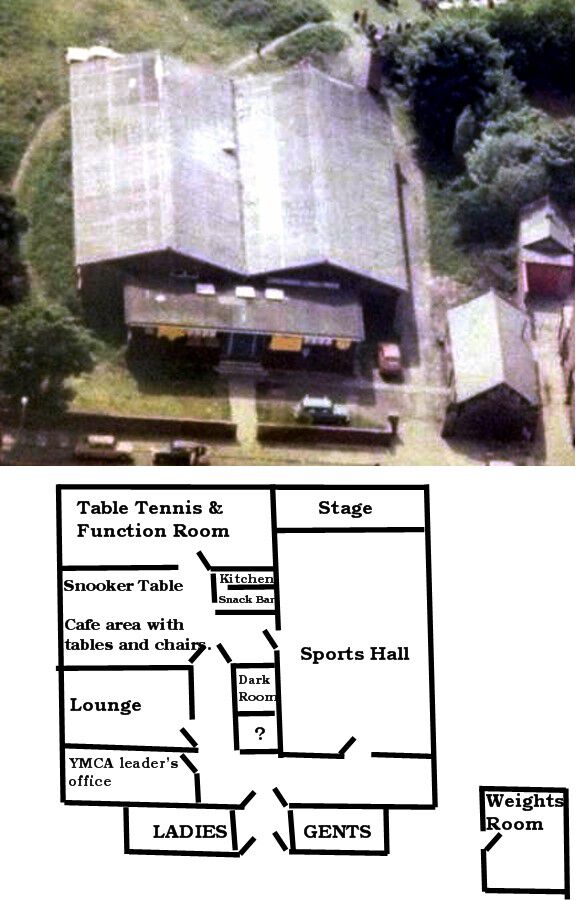
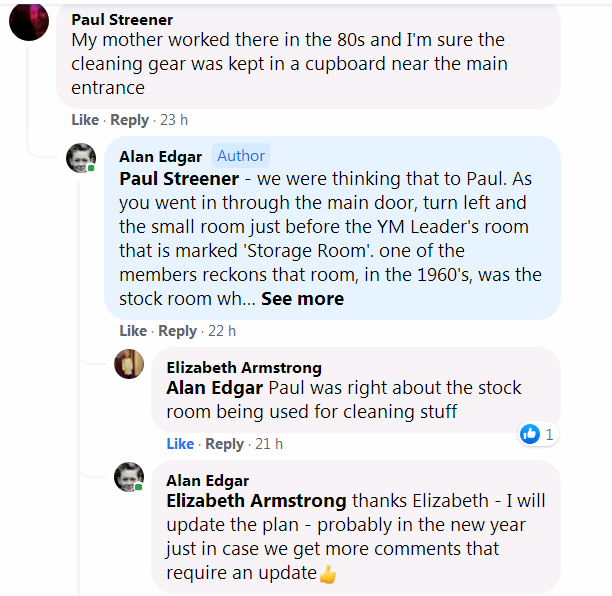
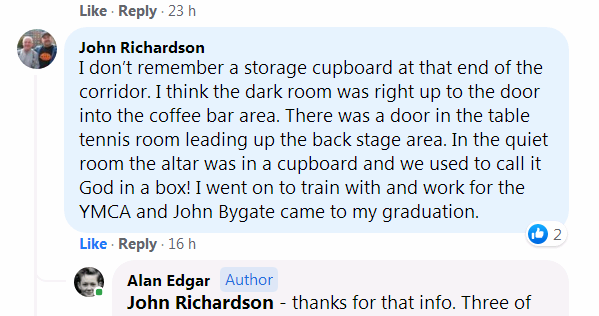
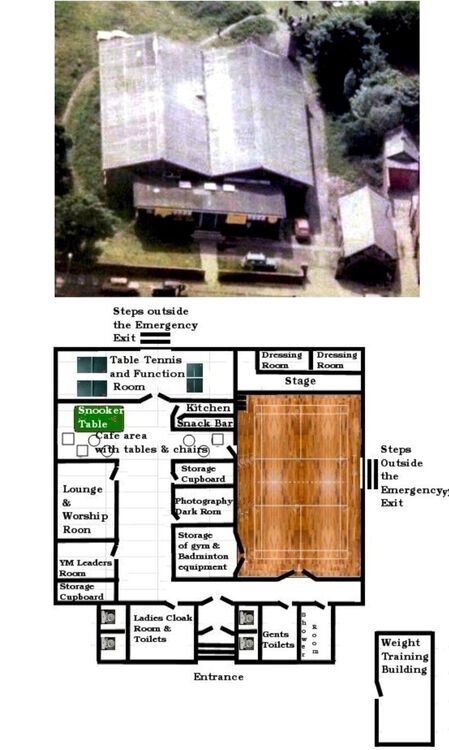
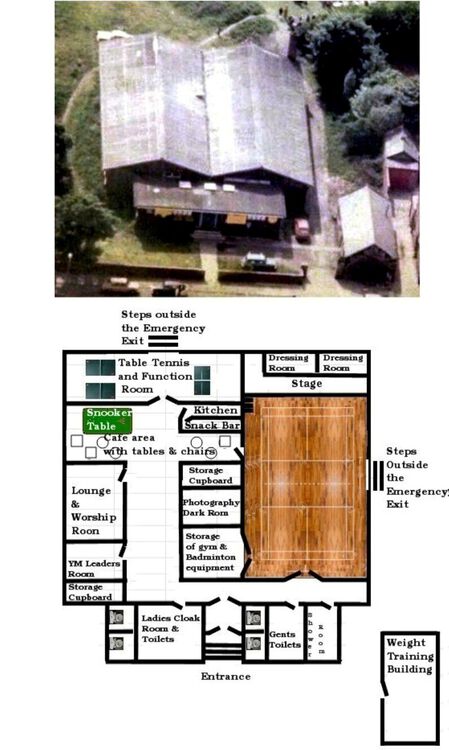
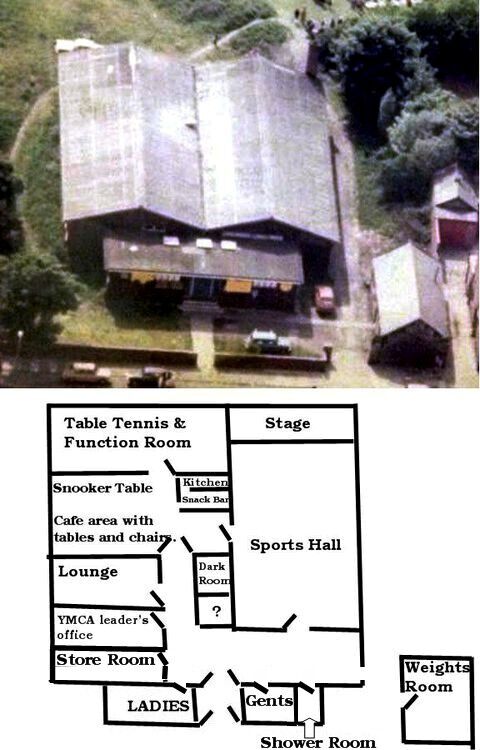
@Canny lass & @Pete - I posted the aerial photo of the YM + my latest plan on the FB group Bygone Bedlington to see if anyone could remember the layout of the rooms. Check out these two comments and if required I will update my plan - probably in the new year
-
 Names updated by the Bygone Bedlington FB members after David Bailey, grandson on No 13, posted another copy of the photo.
 -
Good to see you back @Brian Cross - all the best
-
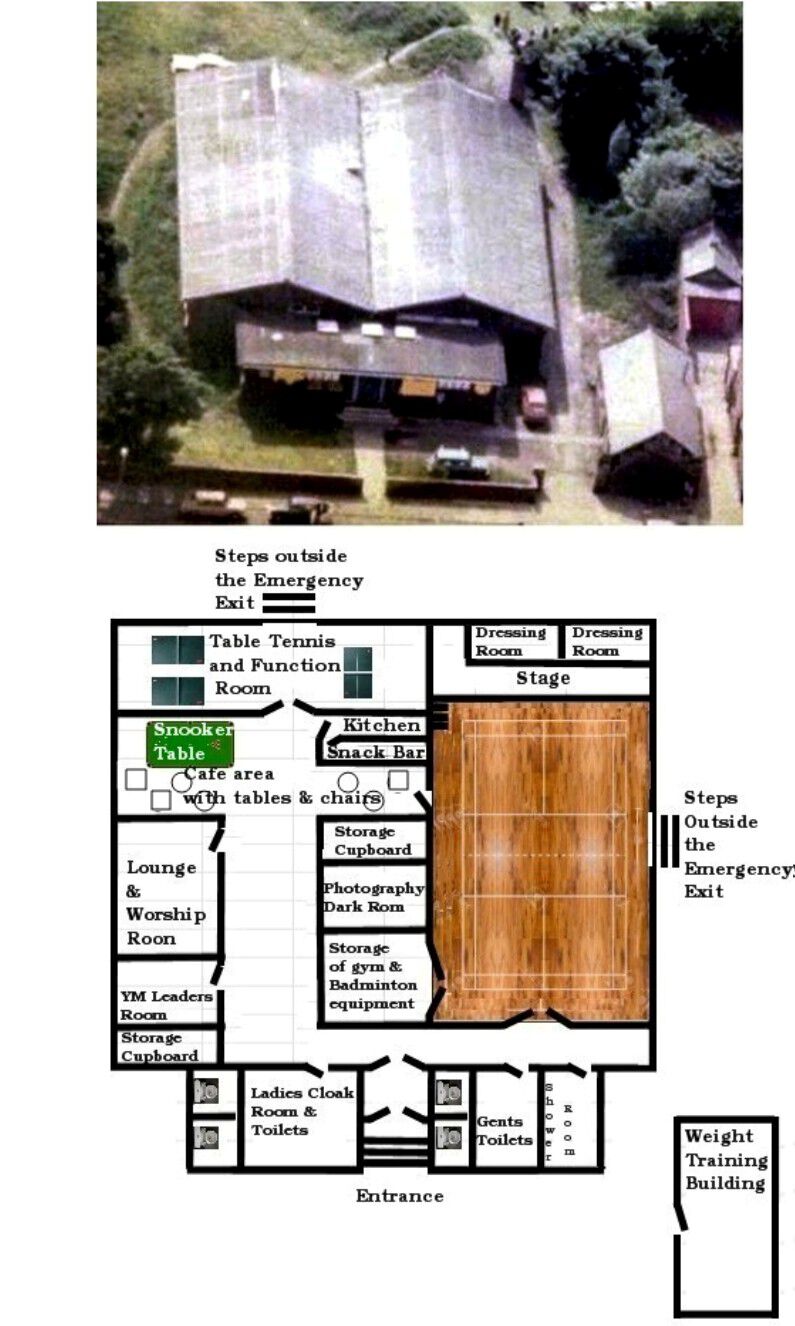
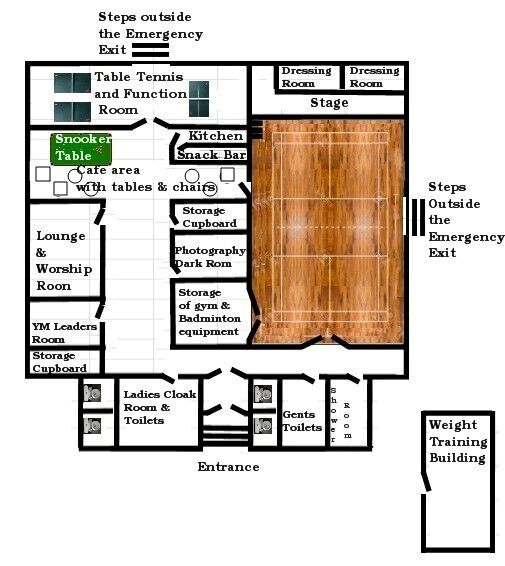
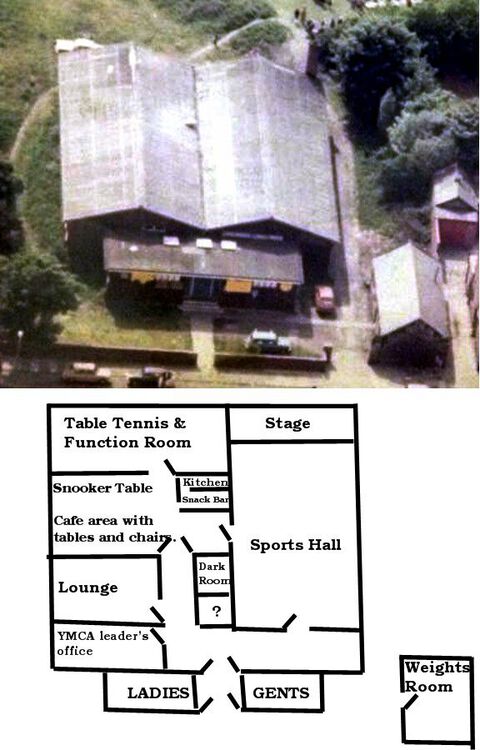
I couldn't remember, for sure, if thy were square or round tables. I thought square but I doubted myself. I see I missed the door off the storage room and dark room. Updated images with doors added. ps. I keep thinking there was a door, into that storage cupboard next to the photography room, from the snack bar room🙂 pps. I don't like these new Smileys & Emotion - prefer the old ones.
-
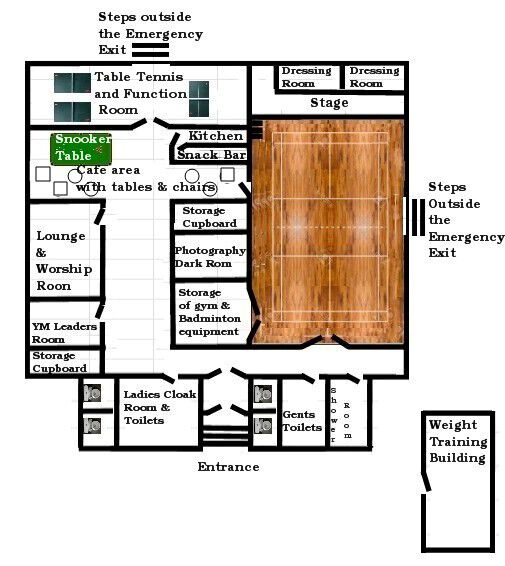
@Canny lass & @Pete My latest attempt :-
-
Did you know that Yul Brynner was a life long Liverpool FC supporter, and despite his shaved head and clean shaven look he never wore after-shave - "Yul never wore cologne".
-
I'm thinking he same as you @Pete but it does seem feasible - if there was a performance going on on stage then access to the rooms at the back of the stage without going via the front of the stage where the audience could see would be possible. Add to that I just remembered why there wasn't a door into a room before the photography room = it was the back wall of the fairly large equipment storage room in the sports hall - where the gymnastics equipment - pommel horse - box - coconut mats + badminton net etc. were stored. So that would scuppers my idea of a storage cupboard/room for cleaning materials - mops - buckets etc. - but there must have been one. Can't remember the cleaners carrying in their own gear every week. But I think we now have 95% of the layout so I will do a revised plan, with straight lines, when I get a spare hour.
-
I will work in the updates. I am now thinking CL is right and there was a door from the table tennis room and you opened that and there was some steps up to the stage. But I could be totally wrong. Pete do you think the door at the back of the table tennis room, out onto the grass area, would have been one of those emergency exits?
-
One will do a new plan but first I must stew over 'a door in the corner ..................to the stage' - I can't remember , must have been concentrating on the 'three crowns' (or was it three stars?) - we played table tennis almost every time we were in the building.
-
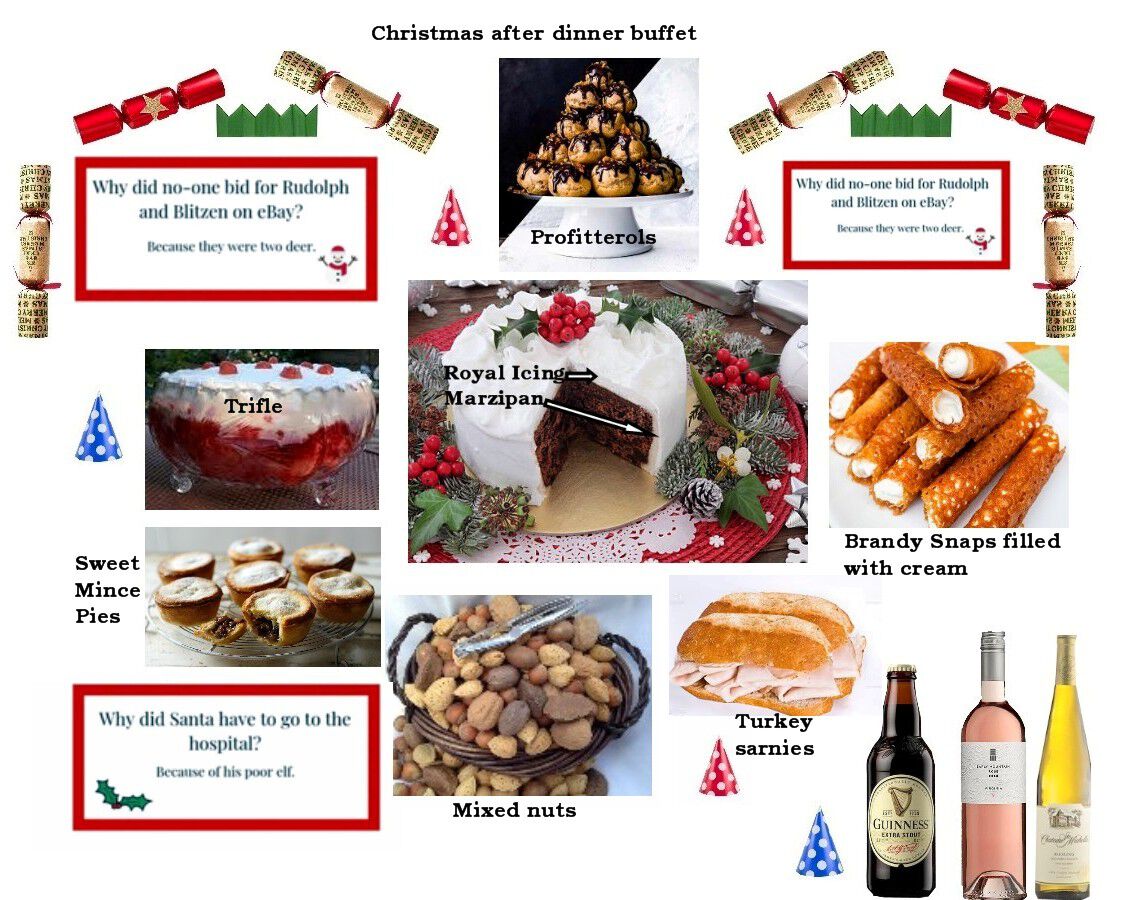
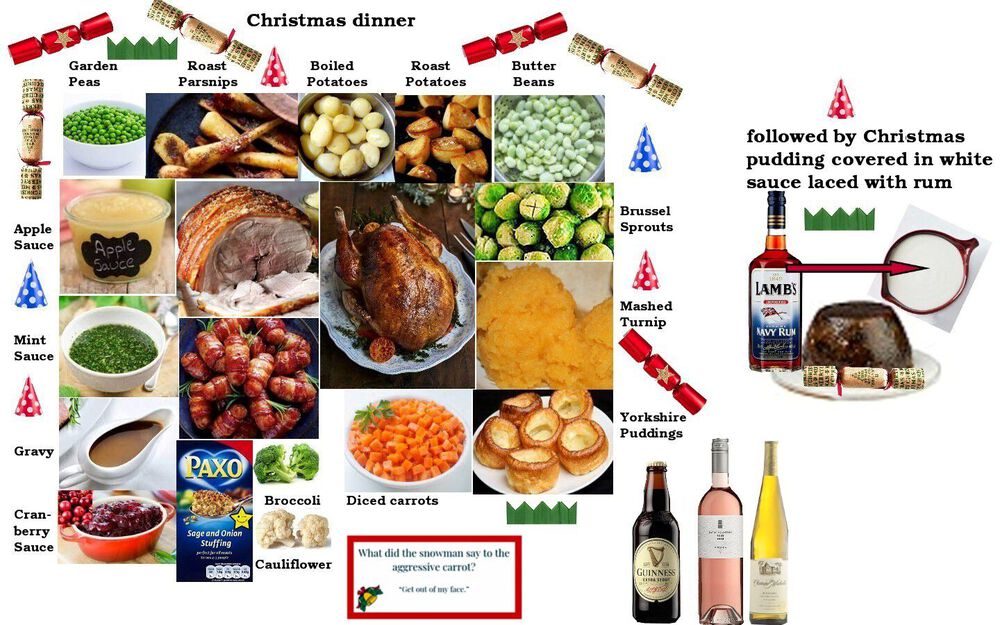
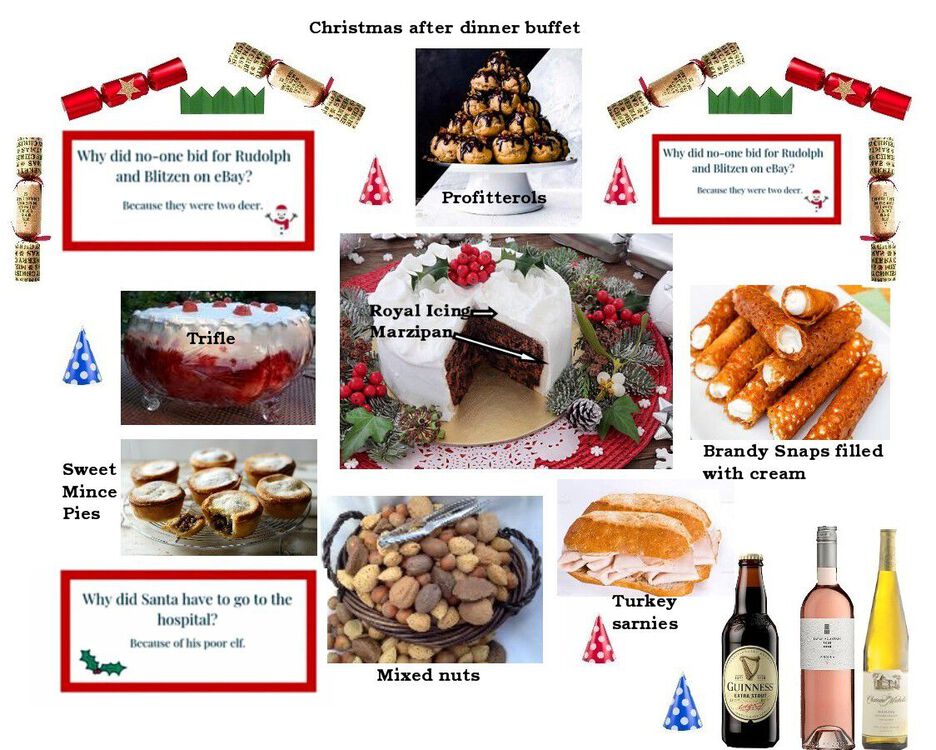
BBC has had that story for a while. Although I have added a full turkey to my menu that doesn't happen these days, it's just a small turkey crown as there is only the two of us to eat it. Only one daughter has Christmas dinner with us, and she is vegan = nut roast or Beetroot Wellington. The other three children are grandparents and have their own family dinner. They, and their partners, all call in during the day. The grand kids plus great grand kids it is normally Boxing day or later as they also have partners parents and grandparents to visit. So our bungalow has the 'after dinner buffet' for about three days
-
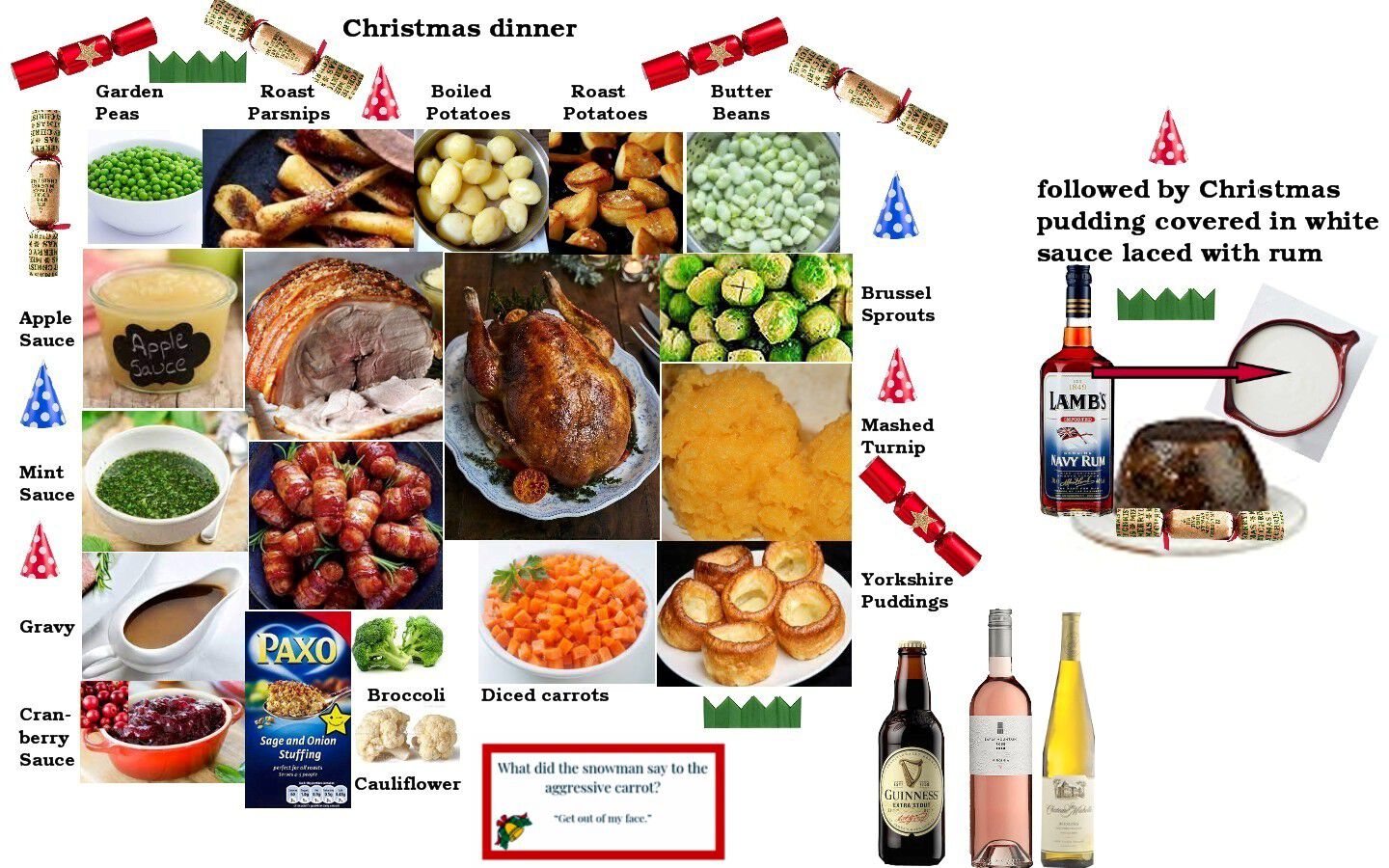
Ours is simple and the only healthy food will be the vegetables, everything else adds to the waistline :-

-
Which pups should we advise people to stay away from? You must have been in them all lately - hope the real ales are up to scratch. Bamburgh is a lang way te gan for a pint🙂
-
So Can I stop clarting and leave the YM layout as it is
-
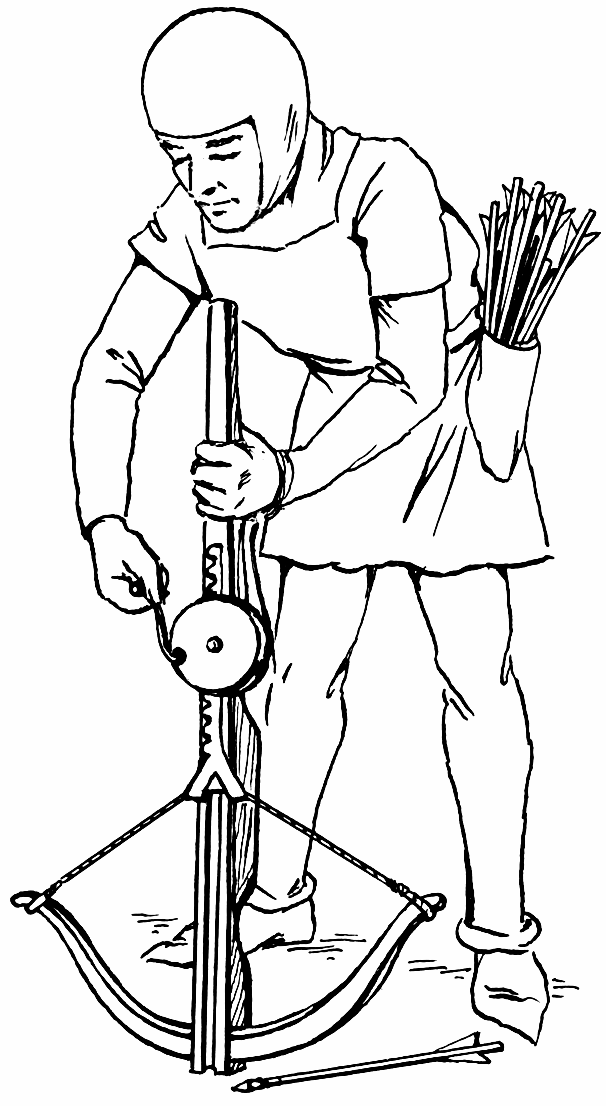
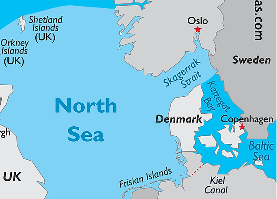
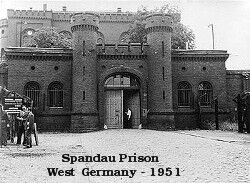
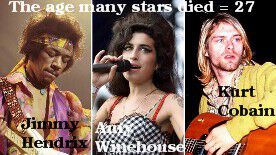
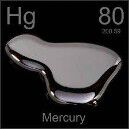
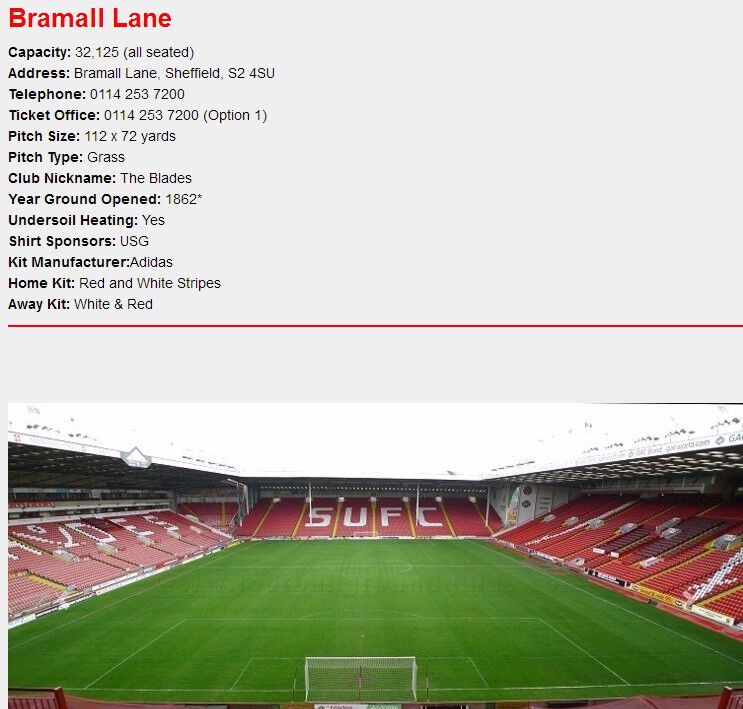
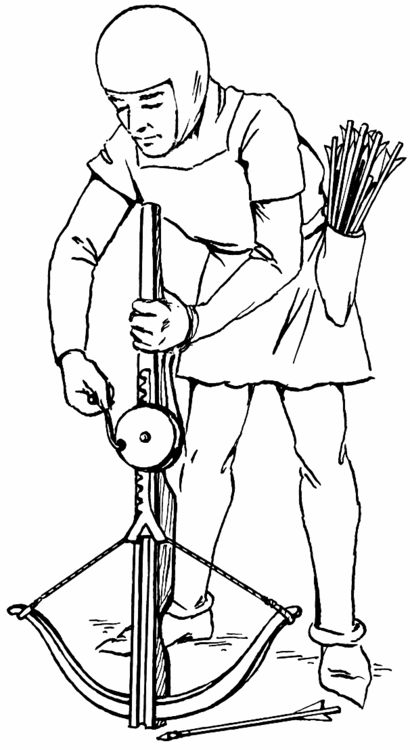
1. Which country joined the European Community on the same day as Britain and Ireland? Answer = 2. Which prison was demolished after the death of its last inmate, Rudolf Hess? Answer = 3.Of what do Fennel leaves taste? Answer = 4. What colour light do ships display at night on the starboard side? Answer = 5. What is the square root of 729? Answer = 6. Any alloy referred to as an ‘amalgam’ must always contain which metal? Answer = 7. When was the decimal currency introduced in Britain? Answer = 15th February 1971 8. The Trojan Horse, was it a gift TO or FROM the city of Troy? Answer = TO Troy 9. Which ‘Lane’ do Sheffield united play at? Answer = 10. What nickname was given to young men in the 1950s who wore mock Edwardian fashions? Answer = 11. Where was the German fleet scuttled in 1919? Answer = Scapa Flow, Orkney Islands 12. What sort of weapon was an arbalest? Answer = Bonus question: What is Santa Clause’s first language? Answer = I'ts all Greek to me I’ll bet you didn’t know …. Winston Churchill and Clement Atlee had the same nanny. Answer = I didn’t. Probably the on Jacob rees Mog still has



-
@Canny lass & @Pete - Store Room added before the YM leader's office. I haven't looked at this weeks quiz yet@Pete - was there a room where the cleaners would have all their gear?
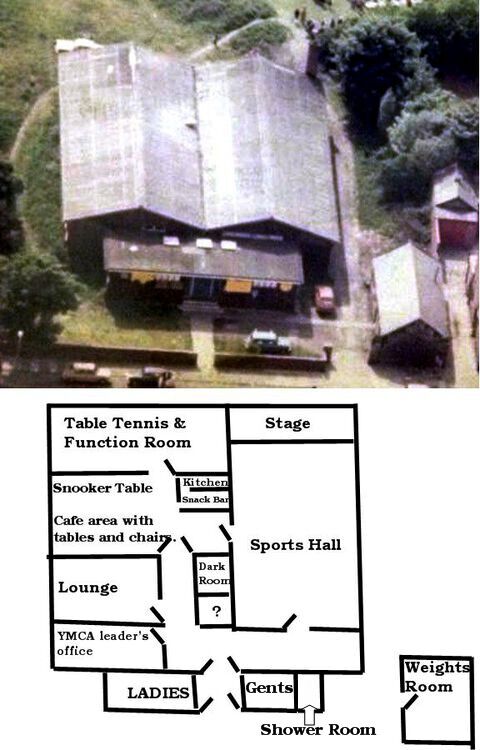 @Pete - my mind kept saying snooker table but I was trying to place it in the same room as the table tennis tables. Now you have said where it was my mind is at rest. As far as I can remember there were three table tennis tables available. One on the right, behind the kitchen wall facing toward the back window, as you went through the door and two on the left at 90 degrees to the one on the right. A quick diagram of the layout as I, and you hjave pointed out, can remember :- ps. I've forgotten to put the doors into the loos
 A photo from the 2021 Piper Awards ceremony last night :-
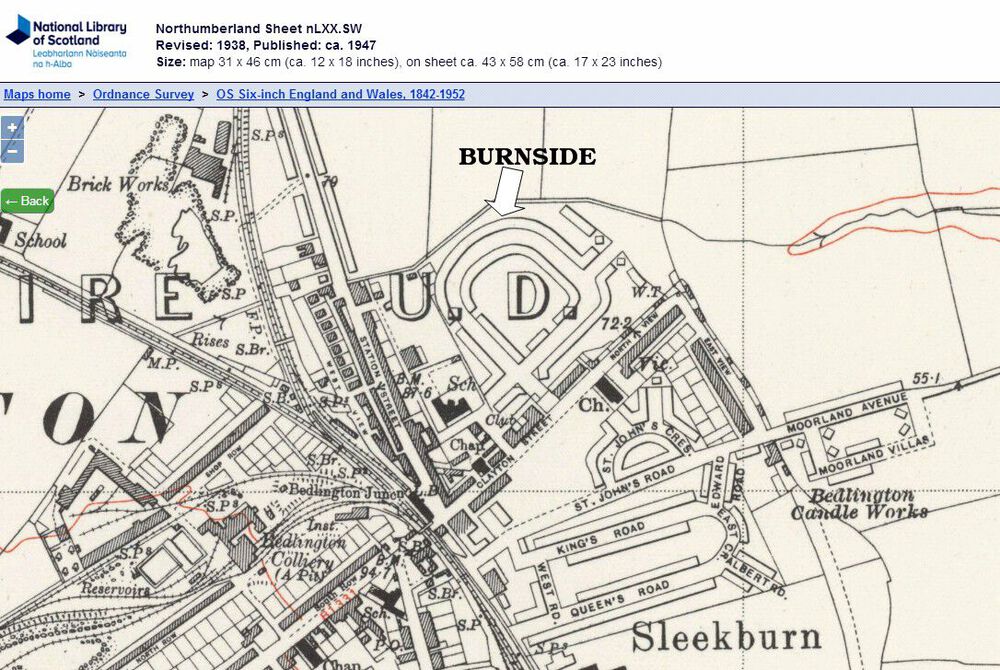
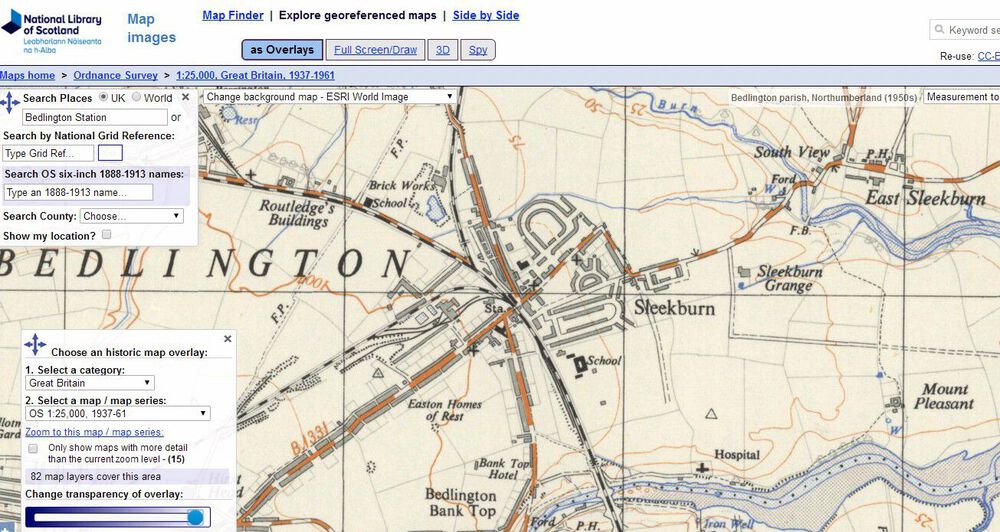
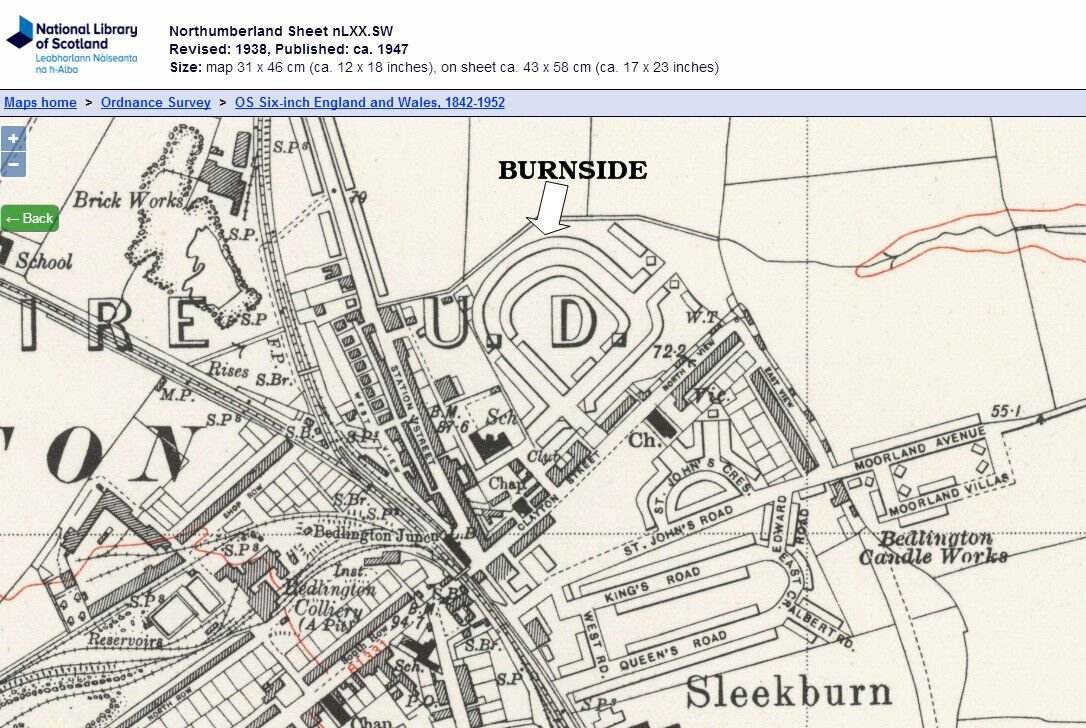
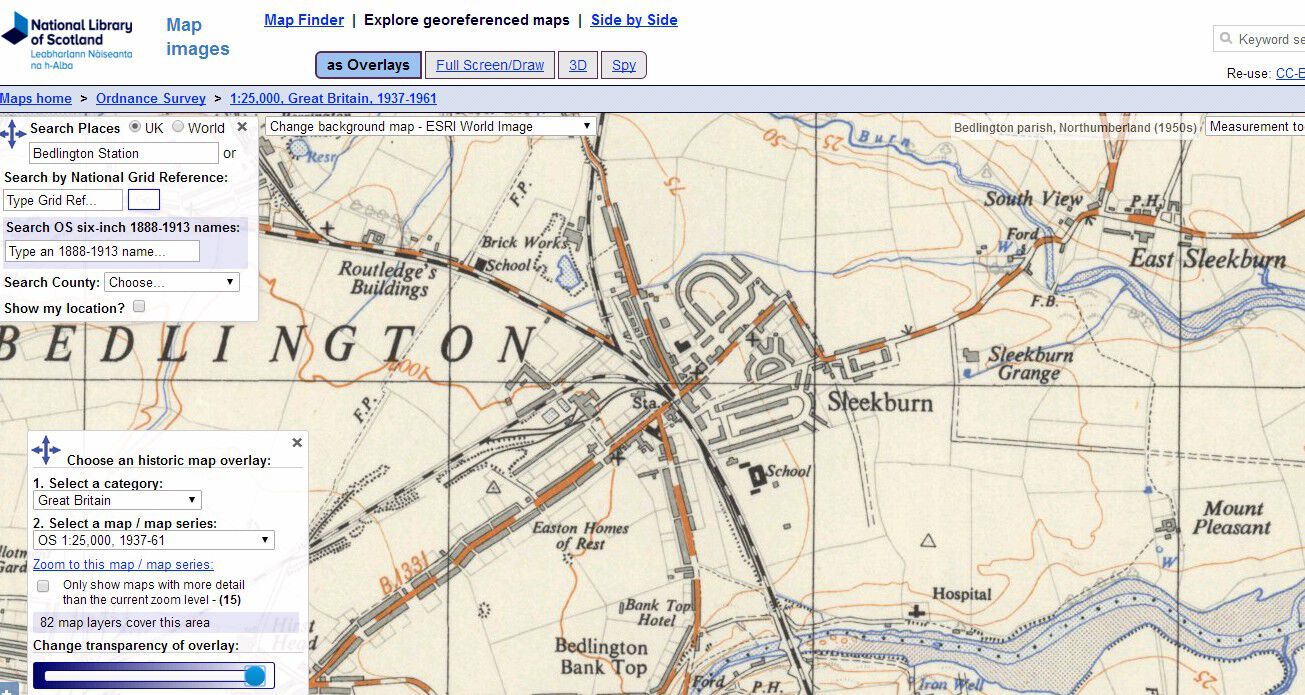
 Cheers @Pete - I still can't place him but someone had to be there and in charge before John Bygate (JB) turned up. If i remember correctly the YM leader had the first room on the left corridor as went into the building. I must have bumped into other leaders before JB turned. My mam's aunty Elsie used to take us to the old building (early 1960's) for the fund raising events for the new building = Beetle Drive with Pea & Pie Suppers. Loads of mature ladies shouting - I just need a leg to get beetle. My mam's cousin, Owen Humble, used to have a dark room, across from the YM leaders office, where he developed his photos.So did you get to see the new building or was it just the old stone building when you were there?@Malcolm Robinson - when someone buys a council house the council does the council pass on the original plans and deeds of the house to the new owner?@Keith Scantlebury has asked me does anyone know the exact year(s) when this estate was built? I checked the OS maps and the first map I could find with the estate on is the 'Revised: 1938 Published: ca 1947 and it shows the nearby streets named but the Burnside estate is not named. When I checked on the overlay section of the National Library of Scotland site it has maps for 1937 to 1961 that can be overlaid with today's aerial image of the area and that has the Burnside estate on the first section but none of the streets are named : -