Everything posted by Alan Edgar (Eggy1948)
-
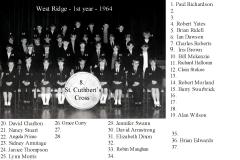 Barry Swarbrick (No 15 in the photo) commented - '13 looks like David mould'
 -
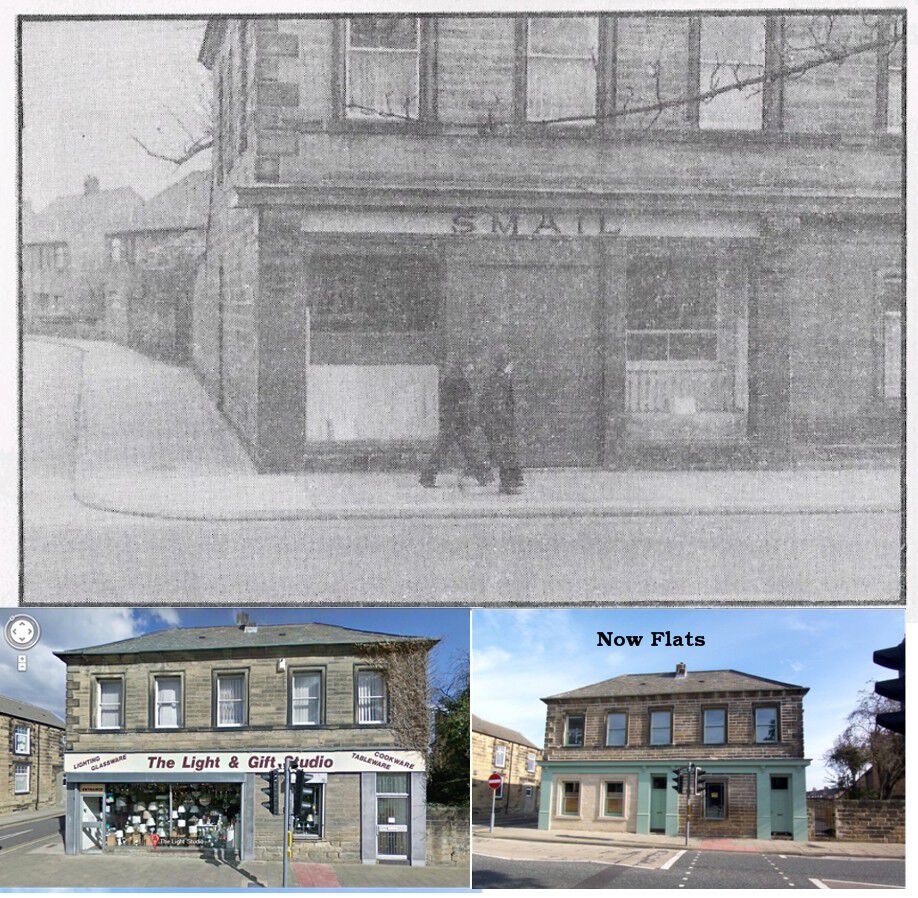
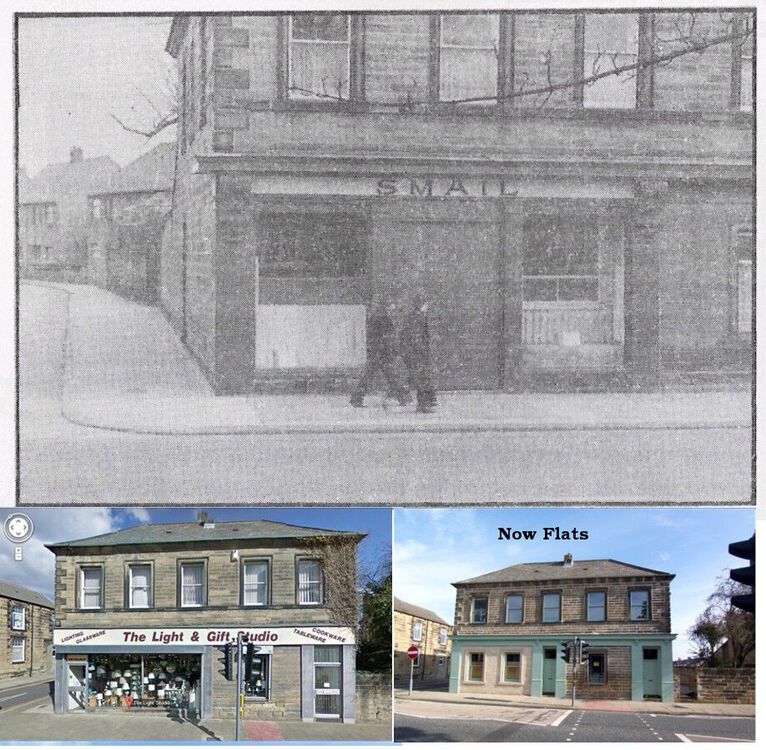
I have no idea who the Miss Smail would have been ( I have attended St. Cuthbert's on a number of occasions = when relatives have been married in the church) but could she have been the lady from Smail's shop on the entrance to Hollymount Square?
-
Names updated from the Bygone Bedlington Facebook group members :-
-
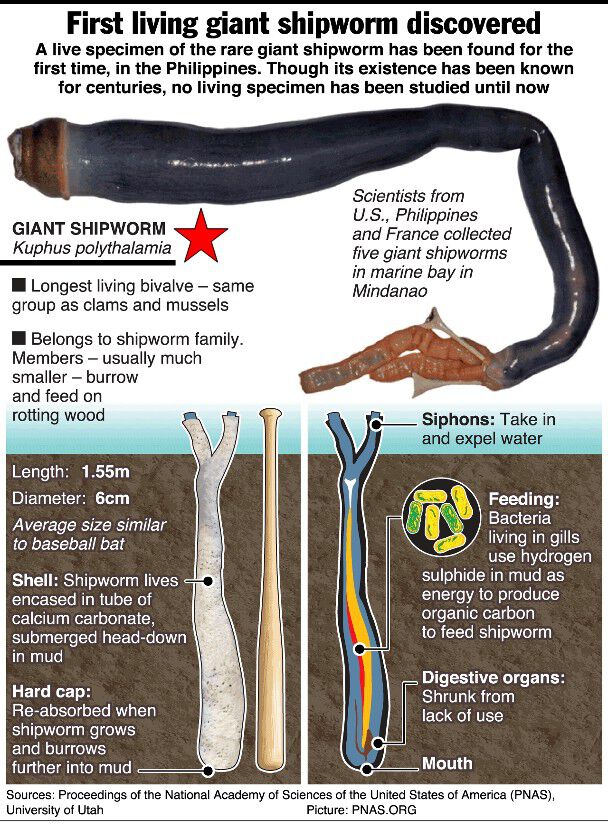
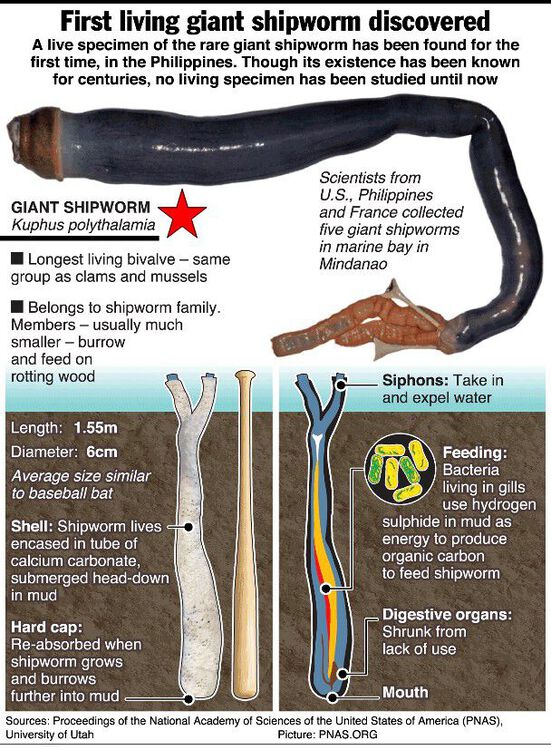
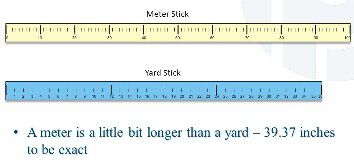
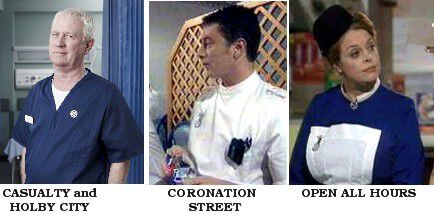
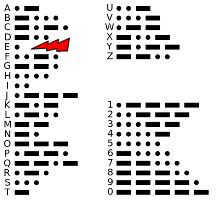
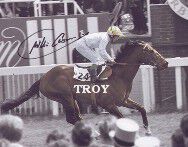
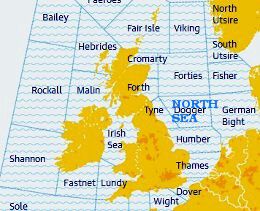
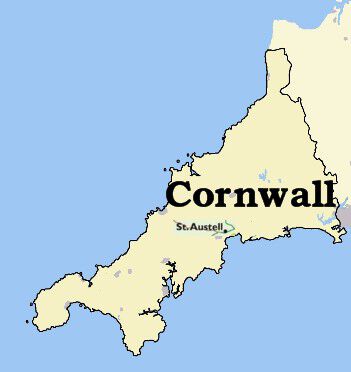
1. What is the chemical symbol for Tungsten? Answer = 2. What was the title of Cliff Richard’s 1968 Eurovision song? Answer = 3. The shipworm is not a worm. What is it? Answer = 4. During which war was the battle of Rourke’s/Rorke’s Drift? Answer = …. a lot of people know that. 5. What sort of creature is a klang? Answer = 6. Which is longer, a metre or a yard? Answer = 7. On TV, what was the shared profession of Martin Platt, Charlie Fairhead and Gladys Emmanuel? Answer = 8. Arachnophobia is the fear of what? Answer = 9. In Morse Code which letter is represented by a single dot? Answer = 10. Willie Carson won his first Derby on which horse? Answer = 11. Which sea area is surrounded by Tyne, Forties, German Bight and Humber? Answer = 12. In which English county is the market town of St Austell? Answer =



-
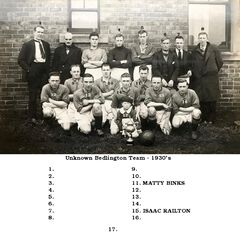 Photo and names from George Railton but he doesn't know what team it is or what the competition was that this team won the trophy for.
 -
Local teams other than Bedlington Mechanics teams. The history of Bedlington Mechanics is current being researched by @Ovalteeny and his info is posted in the topic BEDLINGTON MECHANICS FC under - Hobbies & Interests > >The Sports Club>
-
George Railton unknown team named.jpg
-
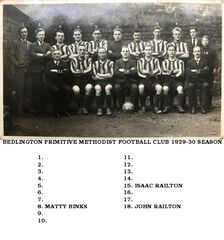 George railton PMFC 1928-29 season named.jpg
-
 Netherton John Fox named.jpg
-
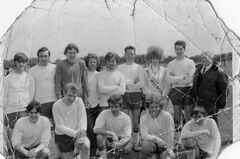 Welwyn 1970 from Connie Fisher.jpg
-
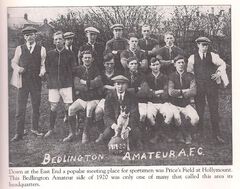 Bed Amateur FC 1919-20 season.jpg
-
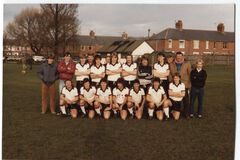 Bedlington Station CIU Club team 1981 from John Fox.jpg
-
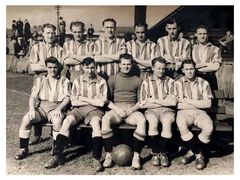 Lesley Todd Barrington3.jpg
-
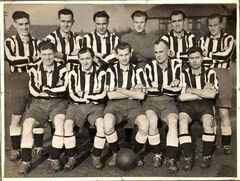 1950s Lesley Todd.jpg
-
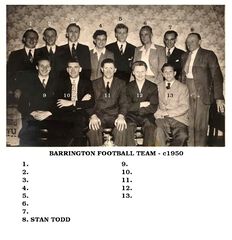 Lesley Todd Barrington named.jpg
-
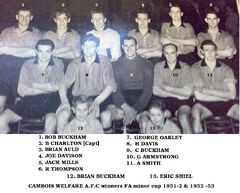 Cambois Welfare 1953 named.jpg
-
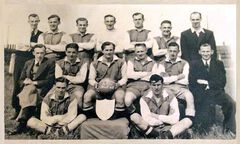 1947-48 season.jpg
-
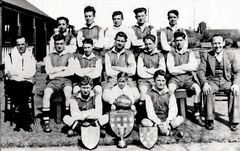 Cambois Juniors 1947-48 season cleaned.jpg
-
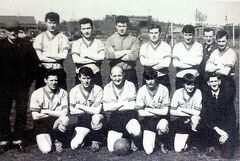 1967 cambois.jpg
-
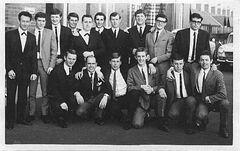 Cambois Rowing Club football team 1966.jpg
-
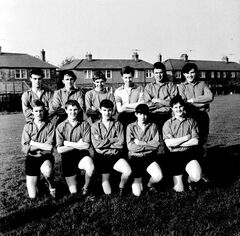 1965 Cambois Juniors John Dawson.jpg
-
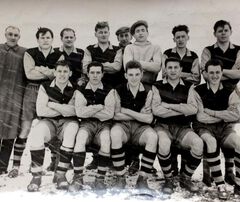 1953-54 Cambois Welfare Margaret Sleeman.jpg
-
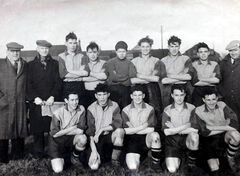 1952c Cambois Juniors from Margaret Sleeman.jpg
-
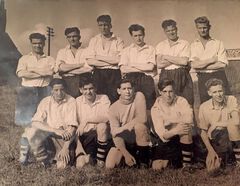 Cambois Welfare Seniors 1950s from Heather Proudlock.jpg
-
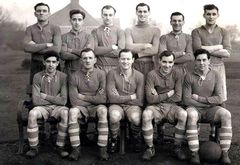 1947-48 West Sleekburn Welfare.jpg
-
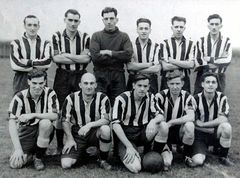 Stuart Dobson.jpg
-
-
From the album: Local Football 2
-
Bedlington Methodist Football Club 1928-29 season. Photo, info and names from George Railton. One of George's comments was :- 'I also went to Sunday School there and I recognise the old stonework and railings of the Old Hall behind the team'.
-
From the album: Local Football 2
-
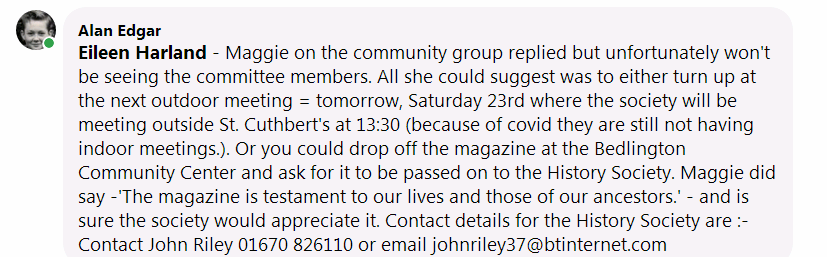
Maggie - Eileen Harland is not a member of this group. She is on the Bygone Bedlington Facebook group. I did post a comment to her on the Facebook group, where she posted the mag, but she has not replied yet. If you want you could send me a message, with your address, on this group and I will send a private message = Messenger, on Facebook to Eileen.🙂
-
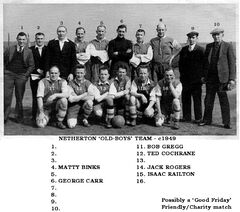
Photo from a relative of @John Fox (foxy). On the Bygone Bedlington Facebook group George Railton named number 15 as his dad. On the back of another photo of George's it has 'Netherton Old Boys........ 1950' written and it is believed they played Friendly/Charity matches on a Good Friday. From the info we have derived that this photo is c1949.
-
From the album: Local Football 2
-
1st series 'A' in 2003 and current series, 19, for 2021 is 'S'🙂
-
@Maggie/915 if I could, I would pick up and deliver the magazine to the committee but unfortunately I can't🙁 I will pass on your message to Eileen and see if she will deliver the magazine, either to Saturday's outdoor meeting or deliver it to the Community Center and leave it with someone to be passed on to the History Society.🙂
-
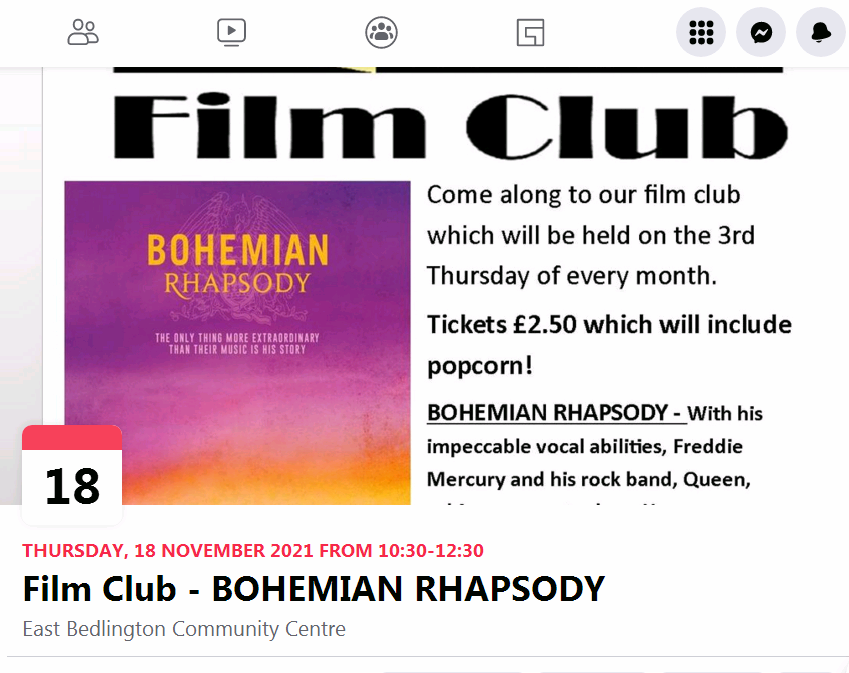
Stacey Price shared an event.
-
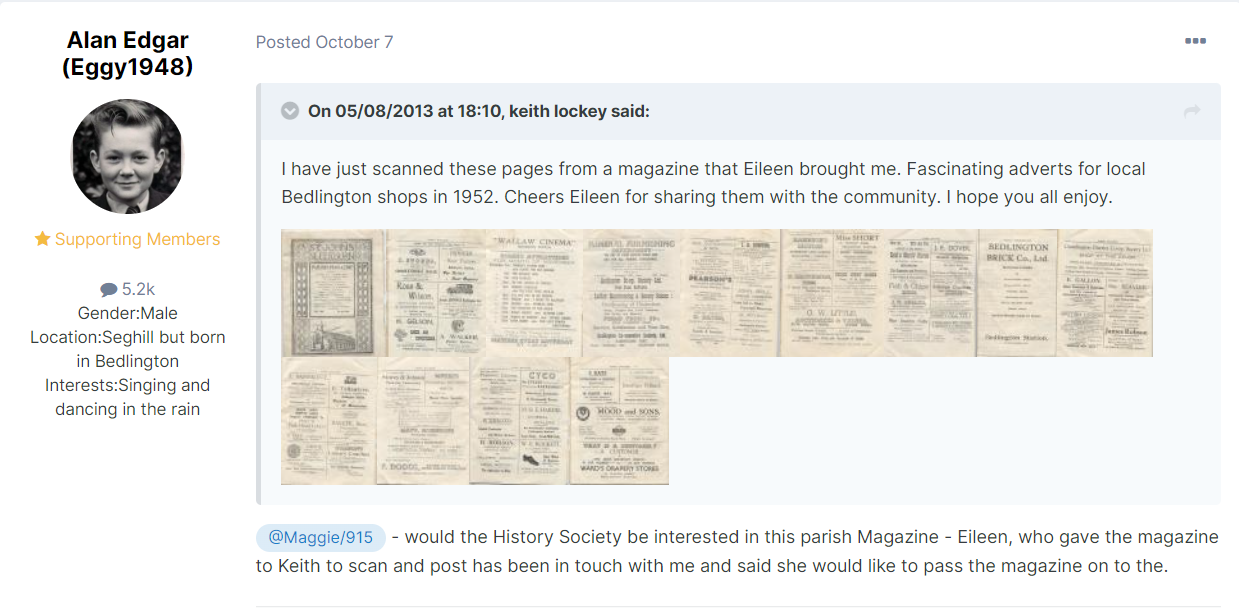
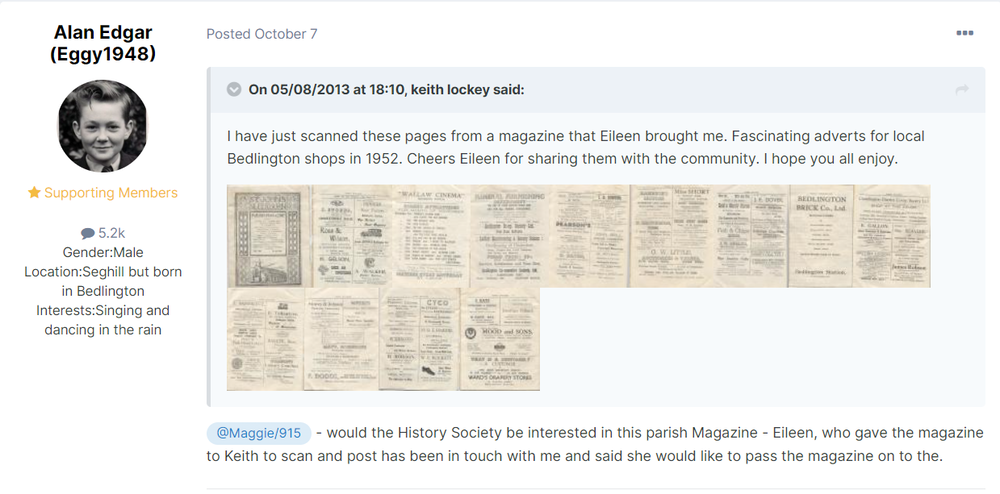
@Maggie/915 - would the History Society be interested in this parish Magazine - Eileen, who gave the magazine to Keith to scan and post has been in touch with me and said she would like to pass the magazine on to the society. I created an album in Historic Bedlington for the magazine :-
-
I'll have to download all of series 'G' and see if I missed it🤷♂️
-
Thank you CL but no need. I have avoided celebrating that one day of each year as I am not a birthday person😊 This year the family have finally taken notice of my response - I don't want anything = material value that gets put in a cupboard, or garage, for a few years and then goes to a charity shop - I have everything I need🙂 This year everyone got me bottles of stout🤗, many I have never tasted before😇. So at the rate of one bottle per week, Friday evenings, they should last me months👍 I think everyone should celebrate every day they wake up, I do👌
-
-
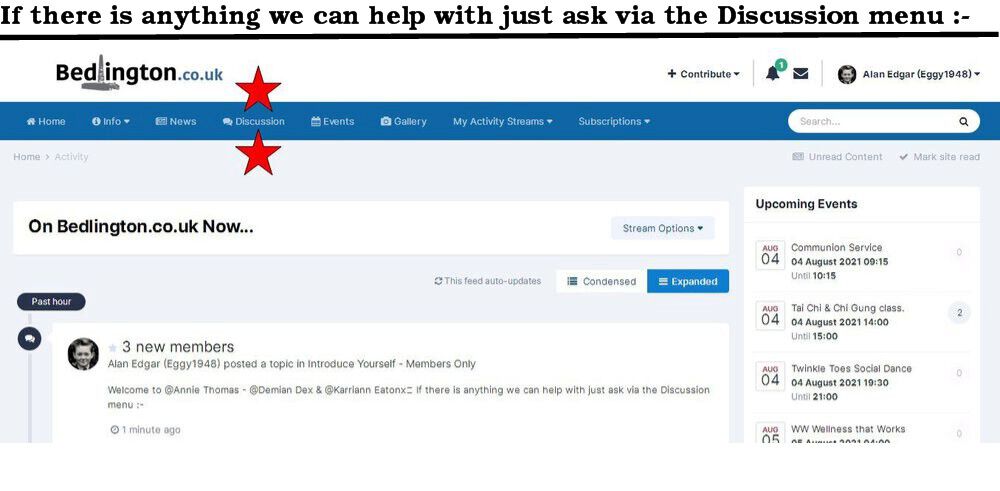
@Logan628& @eleanor peol

-
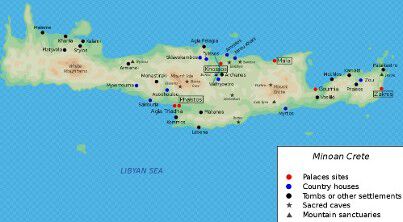
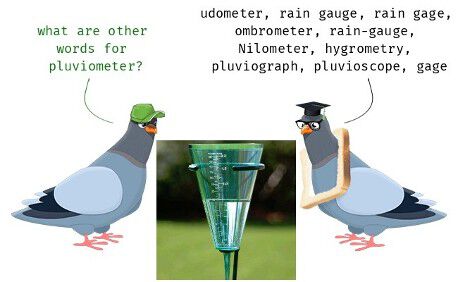
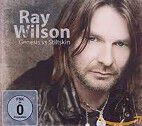
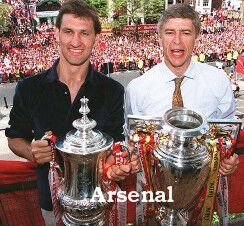
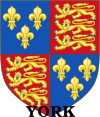
1. Which disease does the BCG vaccine protect us from? Answer = 2. Which Greek island was the home to the Minoan civilisation? Answer = 3. What does a pluviometer measure? Answer = 4. Who replaced Phil Collins as lead singer of Genesis? Answer = 5. Which football team won the English 1997-98 Premier league and F.A. Cup double? Answer = 6. Where would you find breast buffers and bottom buffers at work? (keep it clean!) Answer = Absolutely stumped. Thought it could be a term used in Curling but can’t find anything. 7. What is a female trout called? Answer = Hen 8. Who in Great Britain can never legally be a minor? Answer = a parent ?????????????????? 9. Who was the eldest of the Bronte sisters? Answer = 10. Which Royal house ruled in England from 1461 to 1485? Answer = 11. On which day in April 1998 was the peace agreement signed in Northern Ireland? Answer = Friday the 10th – Saturday 11th Arsenal 3 Newcastle 1 12. What do Americans call reindeer? Answer = In North America, the animals are called caribou if they are wild and reindeer if they are domesticated. I’ll bet you didn’t know …. Clark Gable is listed on his birth certificate as a girl. Answer = I didn’t


-
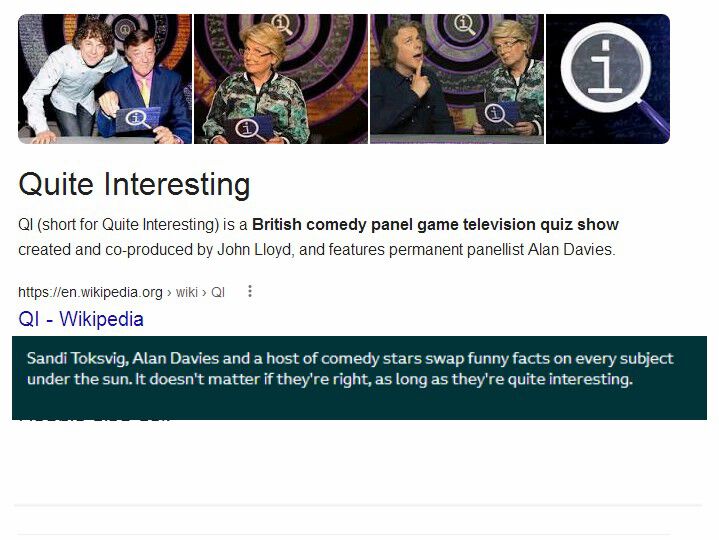
Vic - it's not really a game show. Just the host asking interesting questions and the panelists are awarded points not only for the correct answer, but also for interesting ones, regardless of whether they are correct or even relate to the original question, while points are deducted for "answers which are not only wrong, but pathetically obvious" First series was on topics beginning with 'A' and the subsequent series working their way through the alphabet and the current series is topics beginning with the letter 'S'.
-
I'm the same as your OH - I prefer Stephen Fry but I also think that Sandy Toksvig is as knowledgeable and very funny very funny it's just since she took over, Series N I think, there is less control of the over the panelists and Sandy laughs too much at the panelists🙃. Over here the latest series on the BBC is S. On the Dave channel they keep repeating all the episodes of every series - Dave is a British free-to-air television channel owned by UKTV, which is available in the United Kingdom and Ireland.yes miss - you, and QI, are my inspiration🙂