Everything posted by Alan Edgar (Eggy1948)
-
 Cheers @Andy Millne - I'll have to stop reacting - for today🙂
 -
-
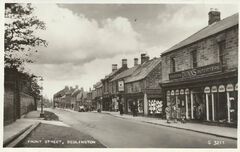
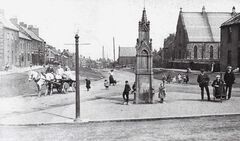
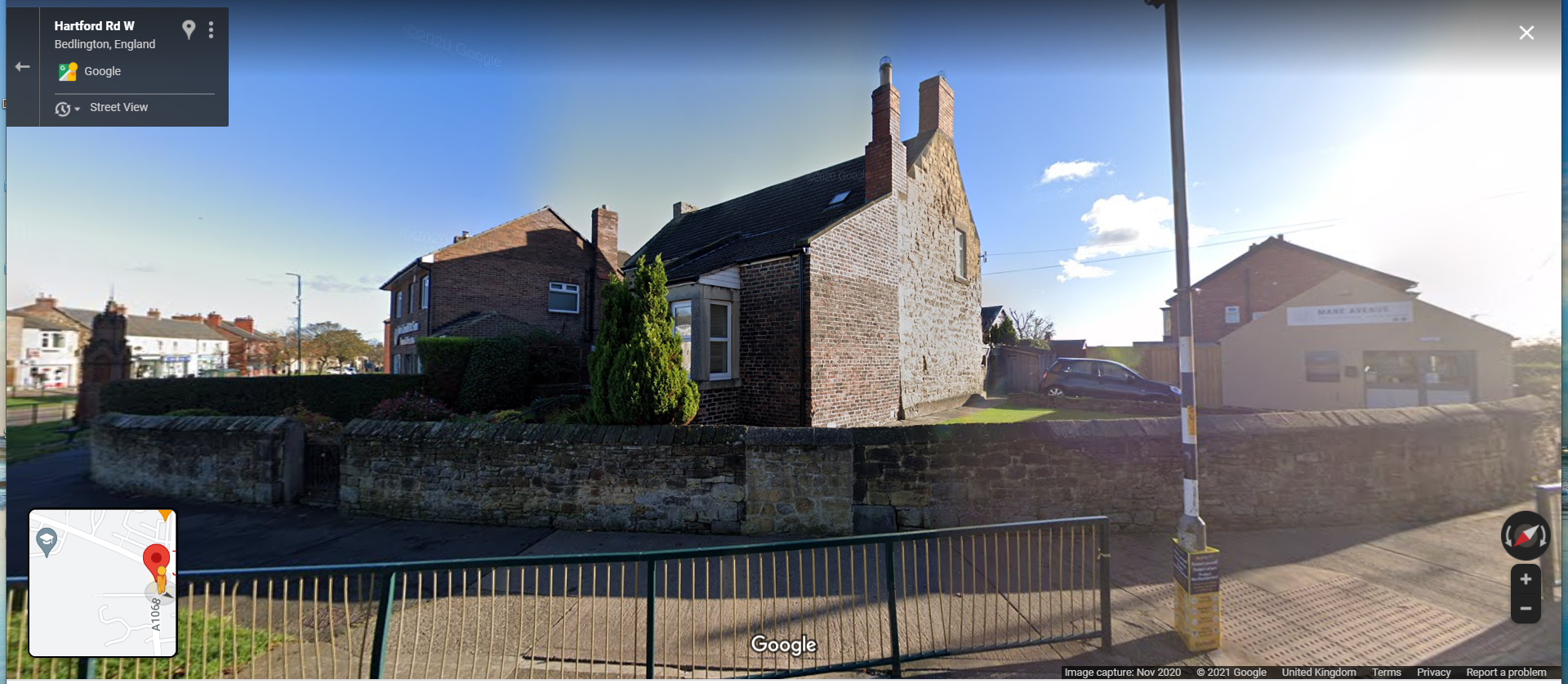
 Then & Now (Google Street View 2020)
 -
 Comment on Bygone Bedlington FB group :-
 -
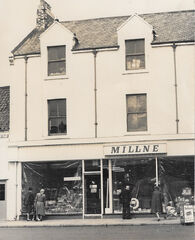
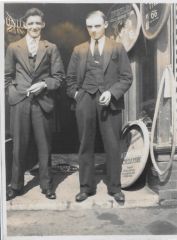
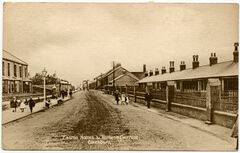
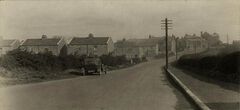
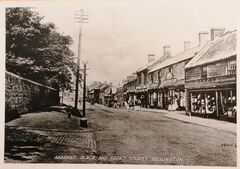
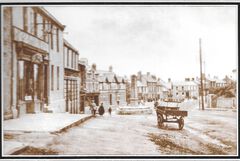
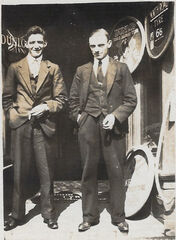
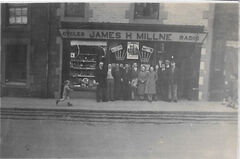
Is this Front Street East @Andy Millne? I can't remember ever seeing a photo of any part of the Front Street with such a high step(s) up to the pavement🙂
-
I wonder who came up with the numbers :-
-
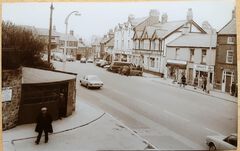 Copy of the comment posted by @Jammy (at the end of the photos)
 -
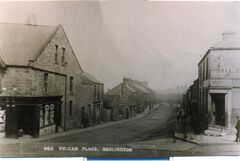
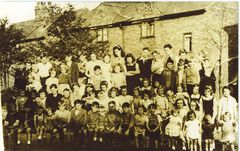 @JammyJust noticed your comment - I'll add it to James photo of the Market Place🙂
 -
-
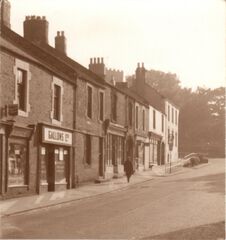
.png.8ed7f3d4753c93e5f45344da507f8d26.png) @James I was looking through Evan Martin's book - The Archive Photographs Series, Bedlingtonshire - and there is this photo of Pit Row. I know you have mentioned you are looking for a photo of Bell's Place. Not a full shot of any of the houses but would that be Bell's Place on the right of this photo :-
@James I was looking through Evan Martin's book - The Archive Photographs Series, Bedlingtonshire - and there is this photo of Pit Row. I know you have mentioned you are looking for a photo of Bell's Place. Not a full shot of any of the houses but would that be Bell's Place on the right of this photo :- -
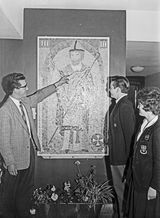
@Canny lass - @Ovalteeny - @HIGH PIT WILMA was this the only mosaic of St Cuthbert or was there a larger one that all the pupils had tom pay for one of the tiles and they had there name inscribed on the back of the tile they had paid for?
-
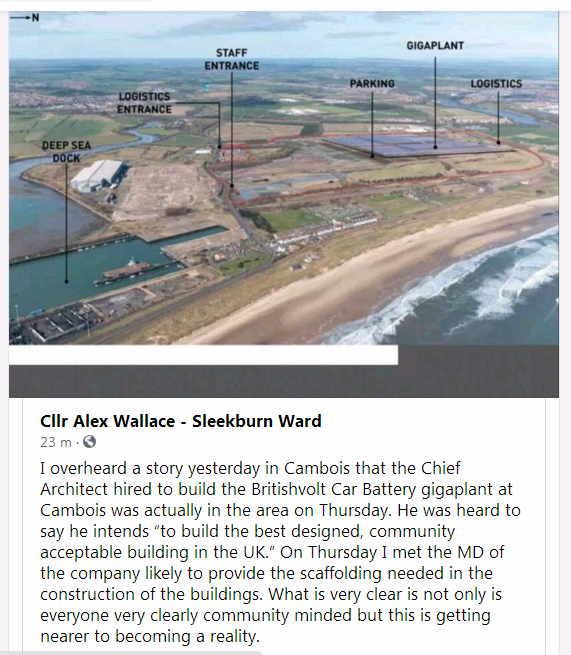
Posted on the Cambois Facebook group (30 mins ago) :-
-
@Rigger asked on the Bygone Bedlington group :- 'Has anyone a photo of the mosaic which was in the entrance at Westridge School.................' Gordon Smith replied :-
-
From the album: Westridge School - End of term class photos
-
But no idea of any history
-
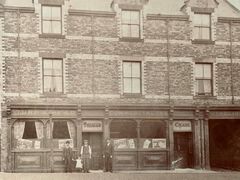
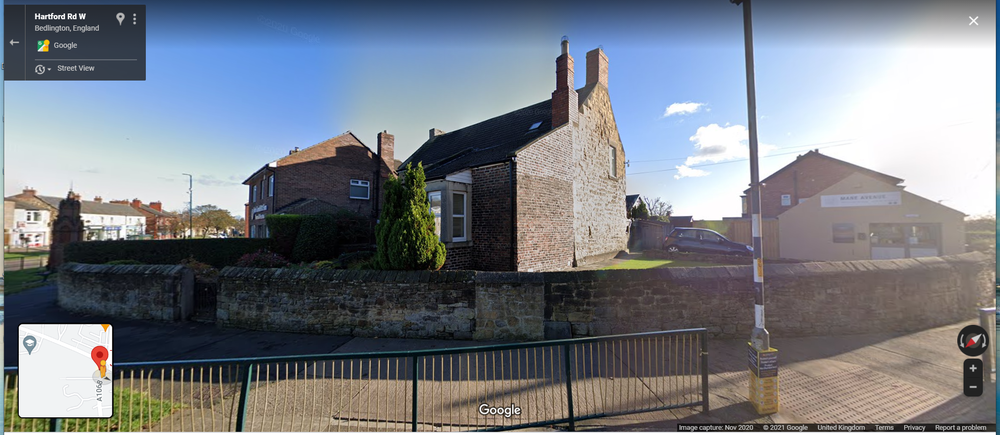
Do you mean this one in the middle - Grenfells left - Hairdressers on the right. If so I can't remember anyone posting any info on that house🙁
-
Never been involved🙂 - it's held at the West Bedlington Community Centre :-
-
I wonder if @Rigger can help. He raised a topic on Sunnyside whilst he was searching Family Tree stuff :-
-
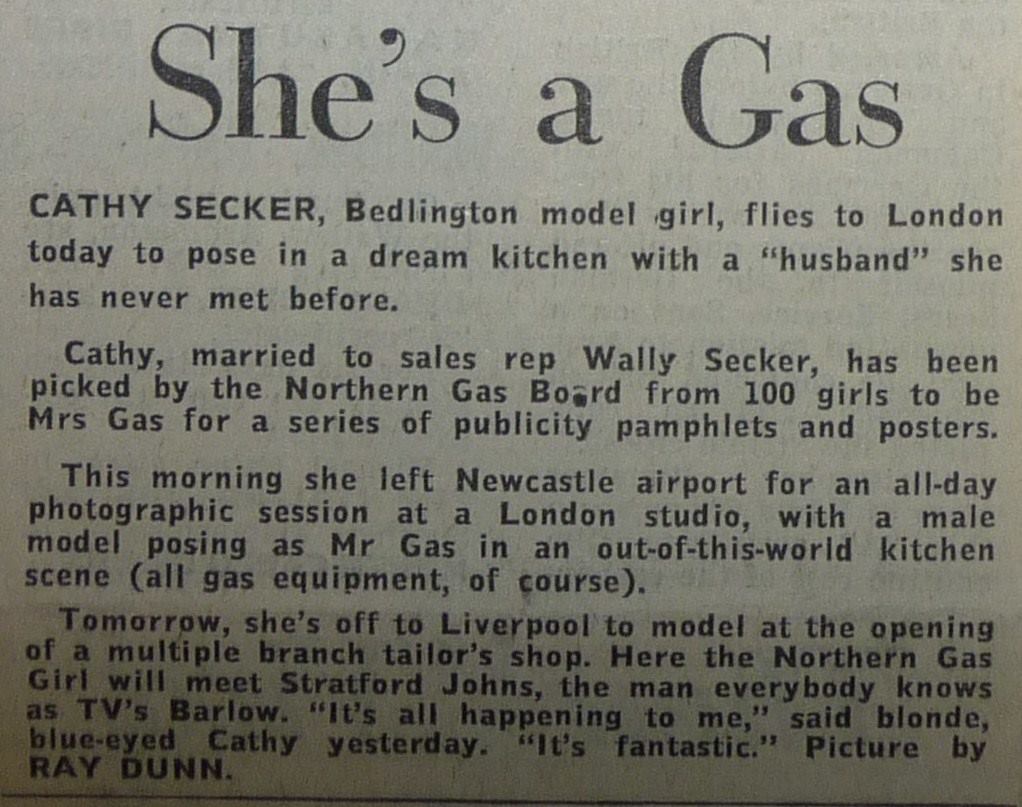
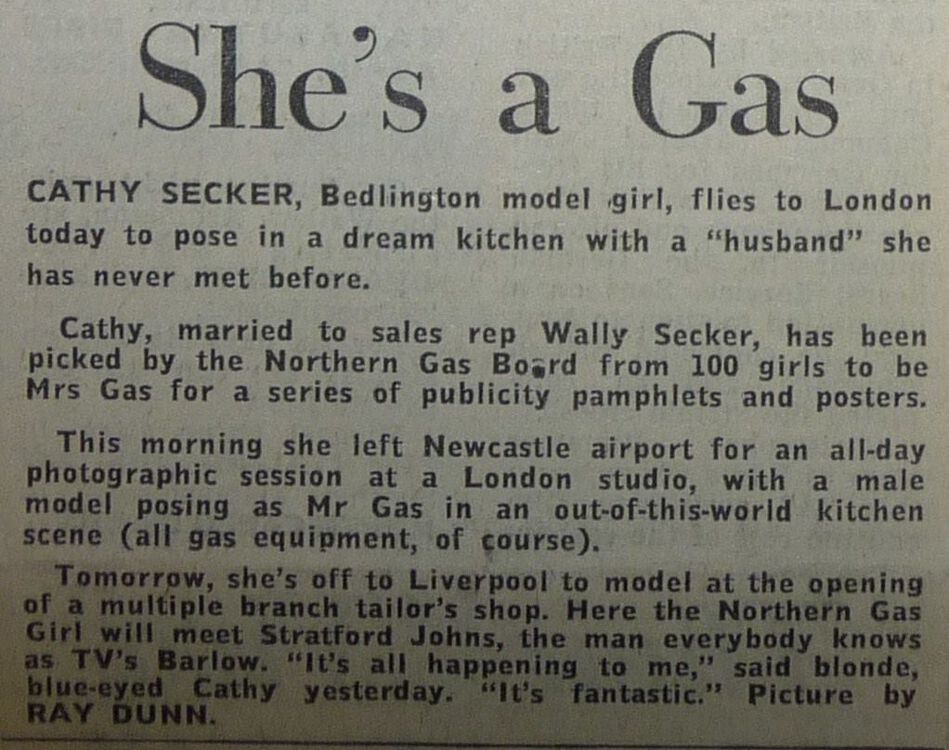
Can't help you there @lilbill15. All I know is what the Bygone Bedlington members posted on the Facebook group :- Plus the info posted on the Chronicle site :- Kathy was born in Bedlington , Northumberland, and first came to public attention as a continuity announcer for Tyne Tees. She went on to news programmes and hosted her own show, Kathy and Co, where her winning smile brought her thousands of fans. She had no training, not even voice coaching, but she proved a natural. She once said: “I was just a Bedlington lass but I have always spoken this way. “I went to school in Newcastle but when I was at home with my friends it was different. “Even now I can slip into the broad Bedlington dialect if I wanted to, but my mother would have a fit.” I can't remember her, born 3 years before me, around Bedlington I only remember the young twin Secker lads that played football for local teams. However - @pilgrim did post this comment back in 2016
-
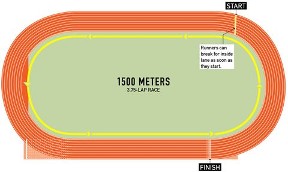
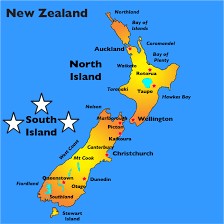
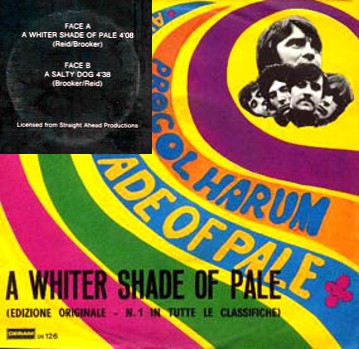
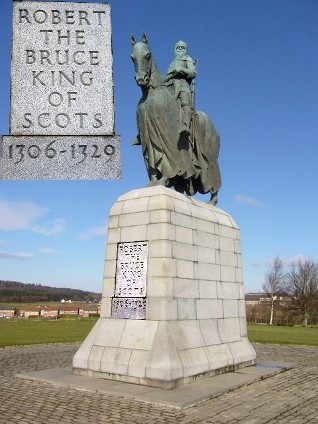
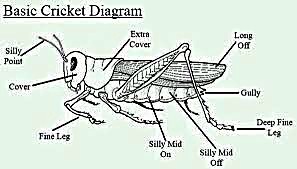
1. What is the correct collective name for a litter of piglets? Answer = Farrow 2. What is the final event in the decathlon? Answer = 3. Of New Zealand’s two main islands which is the larger, North Island or South Island? Answer = 4. In which city can you see the Obelisk of Luxor? Answer = 5. What sort of instruments are timpani, table and boodhran? Answer = Drums 6. What was the name of the cook in the TV series Upstairs Downstairs? Answer = 7. Who wrote the song A Whiter Shade of Pale? Answer = 8. Who led the victorious armies at the Battle of Bannockburn in 1314? Answer = 9. Before marrying Mark Antony, who was Cleopatra’s lover? Answer = 10. In which sport are the terms ‘silly mid off’ and ‘extra cover’ used? Answer = 11. The sun’s heat is derived from the fusion of hydrogen and which other element? Answer = 12. What type of fruit is a Grenadier? Answer = I’ll bet you didn’t know …. All polar bears are left-handed. Answer = Nooo – polar bears live in the North not the ‘southpaw’ antarctica. Polar bears are related to Grizzlies, who are thought to poop in the woods because, well, they live there. But polar bears never poo in the woods because they live on ice… they poop where they stand regardless of the place, and they scream while doing it. Top 10 facts about polar bears 1. Polar bears are classified as marine mammals. ... 2. Polar bears are actually black, not white. ... 3. They can swim constantly for days at a time. ... 4. Less than 2% of polar bear hunts are successful. ... 5. Scientists can extract polar bear DNA from just their footprints. ... 6. They face more threats than climate change. ... 7. Grizzly-polar bear hybrids exist. 8. THERE ARE AS MANY AS 19 SUBPOPULATIONS OF POLAR BEAR 9. MALE POLAR BEARS CAN WEIGH AS MUCH AS 10 MEN 10. THEY CAN SMELL THEIR PREY UP TO A KILOMETER AWAY






-
@Symptoms - Malcolm started the previous post under the topic 'Freeport' in Talk of the Town section :- I see in the article you linked to they say the gigplant is at Blyth - Cambois doesn't get a mention🙂
-
👍 - hopefully you downloaded any images of the area that fit in with your family.
-
Never walked it. last time I would have been in that vicinity, 5 or 6 years ago, would be to have a meal, and a couple of beers, in The Forge Inn at Ulgham but that pub, only one in the village, is now closed🙁
-
Morning Vic - can't see any way around the problem when loading the system. I had a Google search and the Microsoft site seems to be the best way at finding a solution. Once upon a time I would attempt to recreate a problem as I found it was the best way to learn how to get out of it. These days I wouldn't dare as the operating systems etc. have changed so much and the new terminology (even though it is just replacing terms we used to use) is confusing. This is the address of the Microsoft site, that you may already have looked at :- https://answers.microsoft.com/en-us/windows/forum/windows_vista-security/vista-user-profile-service-service-failed-the/48a4489e-a002-4e32-8a5c-a3577bcae587
-
Unfortunately not. I'm fortunate to have an old PC with Widows Vista where some old software - Microsoft Digital Image Pro 10 - still works. A mate bought it many years ago (10 I think) and I think it was up to 3 users could register the software package so he gave me the discs to load on my PC and have a play. Once loaded I gave him the discs back after I had registered the product and that was it until about 5 or 6 years ago when I started to to clart with it and I have clarted ever since. Mobile phone software = no idea. My mobile is 2G with no access to the www. It's there for emergencies when I can't get to a landline. I have played with Photoshop software but it was £20 a month for two of the 8 (I think) packages so there was loads of options that I have now that were not available with the £20 a mount contract. My mind says Photoshop is Microsft Digital Pro 10 broken down into 8 options with each option costing you more. I remember adding up the cost of all the options and I think it was about £60 a month which would be ok for a commercial user that used it everyday and helped them make money but to me not an option for casual use.
-
Don't know of a way around that Vic - I'll have a think and see if I can find a way - don't hold your breath!! My first action tomorrow, when I load this old PC, will be to see if I can create a new user account + password etc. at the point when the system gives you the option to enter password or switch user account
-
Unfortunately the route from Netherton Colliery to Choppinton Station must be the only area (but there may be more) that this wandering Bedlington lad, (from The Oval and went to Barrington CP school 1953 to 1960) never wandered along. And in my youth I did wander and explore without wondering what my parents would be thinking as I was always late home from school or any other place I visited on a weekend. According to me mam I was, at the age of two and a bit, took a box of matches out of the house so I could stand it on end and try and climb over the gate into our house. I carried on wandering off for years. Good job there wasn't a Lock Down back then