Everything posted by Alan Edgar (Eggy1948)
-
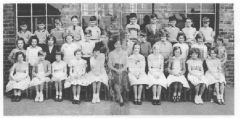 Update from Dot Cowan - No 17 is not David Cowan - Roland Fairbairn is No 17 not number 19.
 -
Nope - never thick young lady. The text is just based on the old jokes that would start with - An Englishman, an Irishman and a Scotsman go into a bar and the Englisman says.......................... - that's nowt (just for Bill) says the Irishman .............................. - well that's nowt says the Scotsman .................................... Now they don't brag or tell tales etc etc they just moan at Trump. It's this Lockdown, I'm getting me days mixed up
-
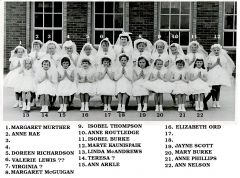 Names updated by No 17, Anne Haig-Ferguson nee McNally, who migrated to Australia in 1960. Anne posted the updated on the Bygone Bedlington Facebook group.
 -
Found the other post - by @Cympil - Feb 2010 - History Hollow - under the Title of 'Workhouse. I started a new album - 'Old photos of Bedlington 2' under the Historic Bedlington section and I will probably create an entry for the Mechanics Institute in that album and the photos and info into it. @Andy Millne - can't remember what access I created to the album - Historic Bedlington>old Photos of Bedlington 2. I meant to create it so that every member could use the 'Add Images' option. Thought I would be able to check it out, and change if necessary, but I can't see a way of checking, and updating, the settings. Can you update the settings so any member could use the Add Images option?
-
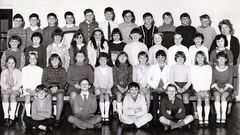 photo from @johndawsonjune1955 that he posted on the Facebook group - Past Times History. Bulk of names from Frank Burch on the Cambois Facebook group.
 -
From the album: Cambois Infant / Junior School
-
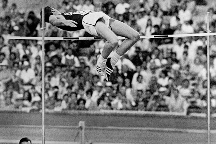
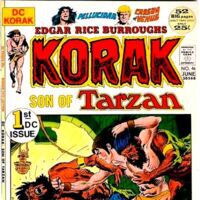
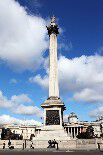
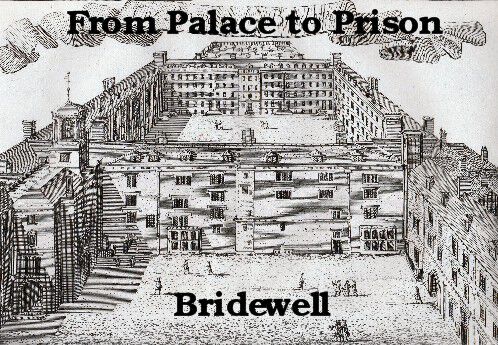
1. From which language does the word ketchup come? Answer = China Ketchup comes from the Hokkien Chinese word, kê-tsiap, the name of a sauce derived from fermented fish. It is believed that traders brought fish sauce from Vietnam to southeastern China. 2. Of which country was Pakistan part until 1947? Answer = India 3. Which high - jumper used his flop technique to win the high jump at the 1968 Olympics? Answer = Dick Fosbury Dick Fosbury won the gold medal in the 1968 Summer Olympics in Mexico City 4. Kelts, alevins and grilse are all forms of what? Answer = Salmon Salmon are anadromous, which means they are born in fresh water, they migrate to salt water, and then they return to freshwater to spawn. Atlantic salmon sold in the U.S. are all farm raised 5. Which English girls name means ‘strange’ or ‘foreign’ in Greek? Answer = Barbara Barbara is a given name used in numerous languages. It is the feminine form of the Greek word barbaros (Greek: βάρβαρος) meaning "strange" or "foreign", from which the current term Barbarian is also derived. 6. In which sport can you find something named after Ulrich Salchow? Answer = Figure skating The salchow is accomplished with a takeoff from the back inside edge of one foot and a landing on the back outside edge of the opposite foot. It is "usually the first jump that skaters learn to double, and the first or second to triple". 7. In the Tarzan novels who was known as Korak? Answer = John "Jack" Clayton III Korak, a fictional character, is the ape name of John "Jack" Clayton III, Earl of Greystoke, the son of Tarzan and Jane Porter. 8. What is the capital of the Philippines? Answer = Manila 9. Elvis Presley had three successive No 1 hits in the UK charts in 1961. Name one? Answer = Wooden Heart First record I ever bought and it was for my mam on Mothers Day. Another one was :- "(Marie's the Name) His Latest Flame" / "Little Sister" BUT don’t know what the third one was. ‘It's Now or Never’ was No 1 on the 3rd November 1960 for 8 weeks and Cliff was No 1, with ‘I Love You’ on the 29th December 1960 = According to WIKIPEDIA. 10. Which London monument was cast from the guns recovered from the wreck of the Royal George? Answer = Nelson’s Column 1. Nelson’s Column was built between 1840 and 1843, after William Railton won a protracted competition to design the structure. The original decision to award Railton the contract was overturned, but his design emerged triumphant in the re-run. 2. The monument is built of the Corinthian order, a style of ancient Greek and Roman architecture. It is characterised by slender fluted columns and elaborate capitals, which are decorated with acanthus leaves and scrolls. 3. Nelson’s Column cost £47,000 to built in the 1840s, which is the equivalent of between £3 million and £4 million today. Most of the money came from private investors, with the Tsar of Russia footing more than a quarter of the bill on his own. 4. Nelson’s Column was constructed out of Dartmoor granite and weighs around 2,500 tonnes. It was originally meant to be built entirely out of sandstone, but the plan was changed shortly before construction started. 5. The 18 ft 1 in (5.5 m) statue of Admiral Nelson which stands on top of the column, designed by Sir Edwin Landseer, is built out of sandstone rather than granite. 6. Part of Admiral Nelson’s shoulder was chipped when the column was struck by lightning during an electrical storm in 1896. 7. When the column was measured in 2006, during a £420,000 renovation, it was discovered that the monument is 14 ft 6 in (4.4 m) shorter than had always been thought. The actual height of Nelson’s Column, from the bottom of the pedestal to the top of Nelson’s hat, is 169 ft 3 in (51.6 m). 8. The original proposal was for a 203 ft (62 m) column, however construction plans were scaled back due to concerns over stability and cost. 9. The four bronze lions which sit at the base of Nelson’s Column were added in 1867, almost 25 years after the monument was erected. They all sit in same position, but are – to the surprise of many – not identical. 10. The four panels at the bottom of the monument each depict a scene from Nelson’s most famous battles: the Battle of the Nile, the Battle of Copenhagen, the Battle of Cape St Vincent and his death at the Battle of Trafalgar. 11. The panels were made from French guns which were captured and melted down. Four different artists designed each of the panel depictions: Musgrave Watson, William F. Woodington, John Ternouth and John Edward Carew. 12. In 2011, consultants employed by the Greater London Authority reported that ‘considerable damage’ has been caused by tourists climbing on the lions. The report called for a ban to be enforced, in order to protect the structures, although English Heritage opposed this course of action. 13. Had Adolf Hitler succeeded in invading the UK during the Second World War, he planned to relocate Nelson’s Column from central London to Berlin. 14. John Noakes, a presenter on BBC TV children’s programme ‘Blue Peter’, climbed Nelson’s Column in the late 1970s. He is just one of many people – including journalists, stuntmen and political protesters – to have scaled the monument. 15. Nelson’s Column was not the first civic monument erected in the admiral’s honour. A 44-metre obelisk was built on Glasgow Green in Scotland in 1806, just one year after Nelson’s death in battle and almost a quarter of a century before work began in Trafalgar Square. Other monuments can be found in Edinburgh, Forres, Dublin, Birmingham, Liverpool, Portsmouth, Hereford and Great Yarmouth. 11. What was a bridewell? Answer = Gaol The OED tells me that bridewell is a mid 16th century term for a petty offender’s prison and it was named after St. Bride’s Well, in the City of London 12. Which unit of measurement was based on the distance from the elbow to the tip of the middle finger? Answer = Cubit The cubit, generally taken as equal to 18 inches (457 mm), was based on the length of the arm from the elbow to the tip of the middle finger and was considered the equivalent of 6 palms or 2 spans. Bonus question for 10 points: The dividing line between genius and insane is a very fine one. On which side of the line do we find Donald Trump? Neither – I think he should be divided by the line. How do Mexicans feel about Trump’s wall? – They’ll get over it. A man goes into heaven and there he meets jesus. He asks Jesus what that broken clock is there for. Jesus says “that is Mother Teresa’s clock it has never moved because she has never lied”. “There is Abraham Lincolns clock. He has .lied twice so it has moved twice.” “Where is Donald Trump’s?” Ask’s the man. Jesus answers “it is in my office, I am using it as a ceiling fan.” Donald Trump wants to ban the sale of pre-shredded cheese. – He wants to make America grate again. I’ll bet you didn’t know …. Each day is longer than the previous one by 0.00000002 seconds, which works out to be 13 seconds each century. I didn’t

-
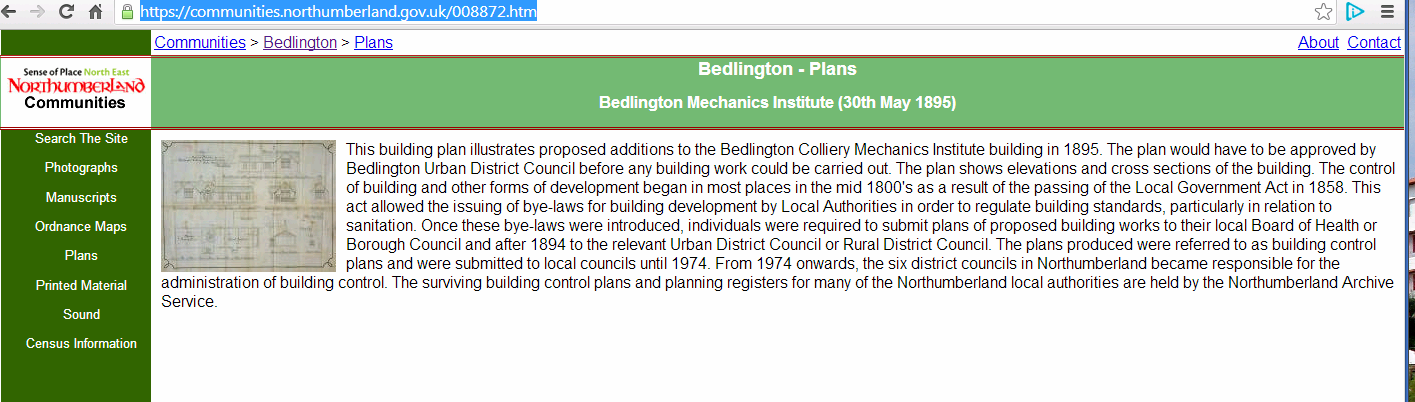
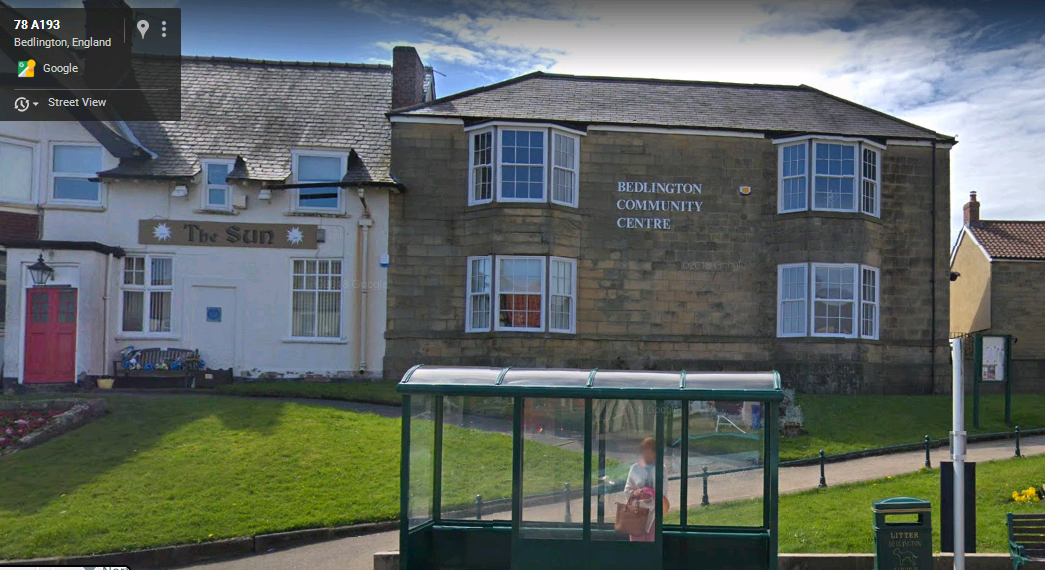
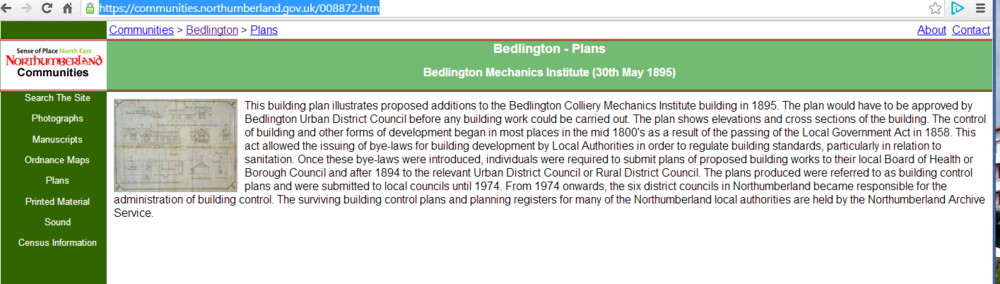
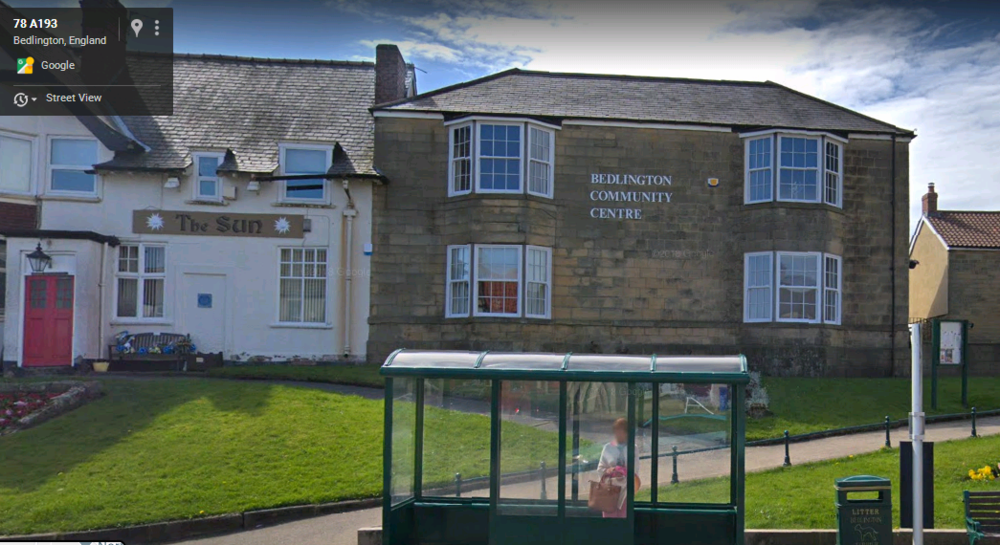
Info on the Northumberland Communities site is :- Do I recall someone saying The Mechanics Institute was next to/behind The Sun Inn and was extended to become the Community Centre?
-
Check out the list of names in the Acknowledgements, Page 4.🦊
-
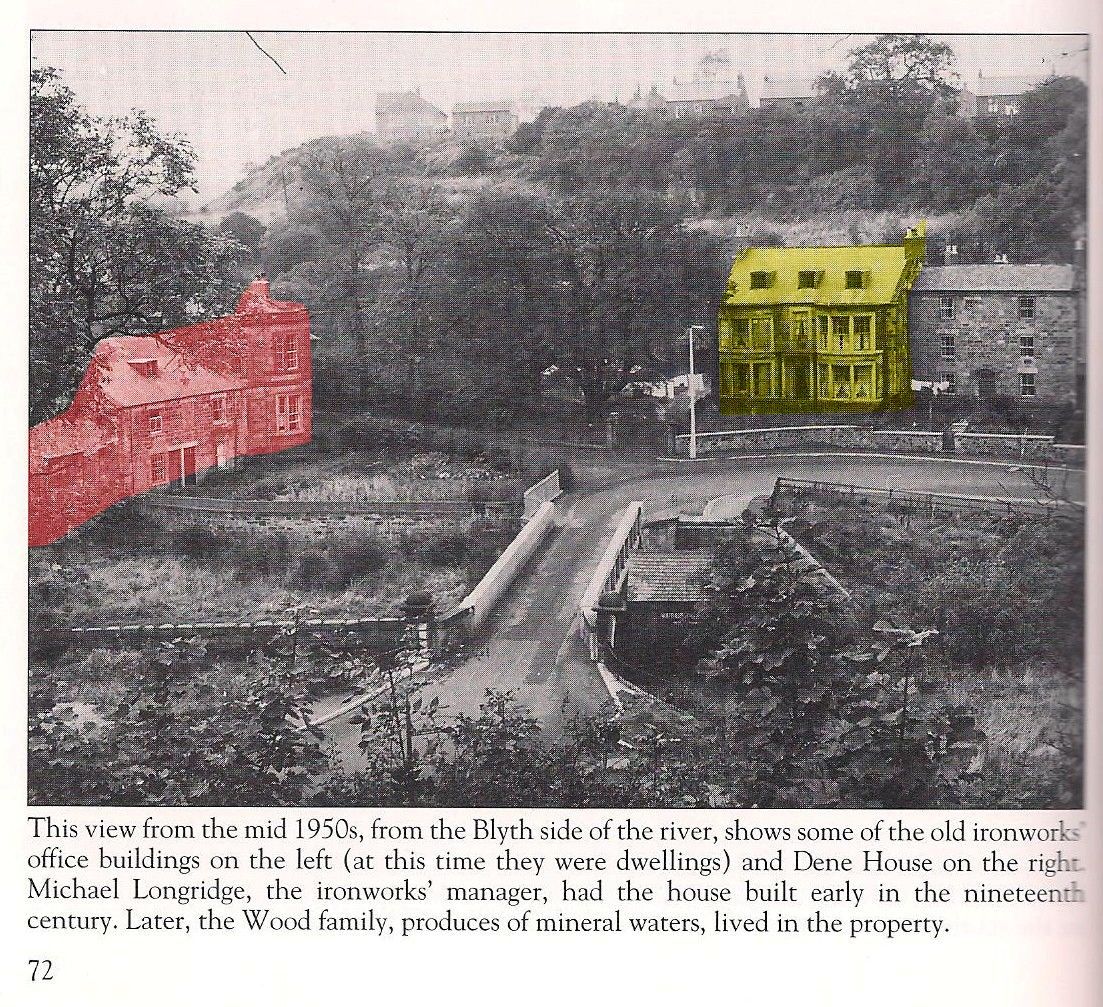
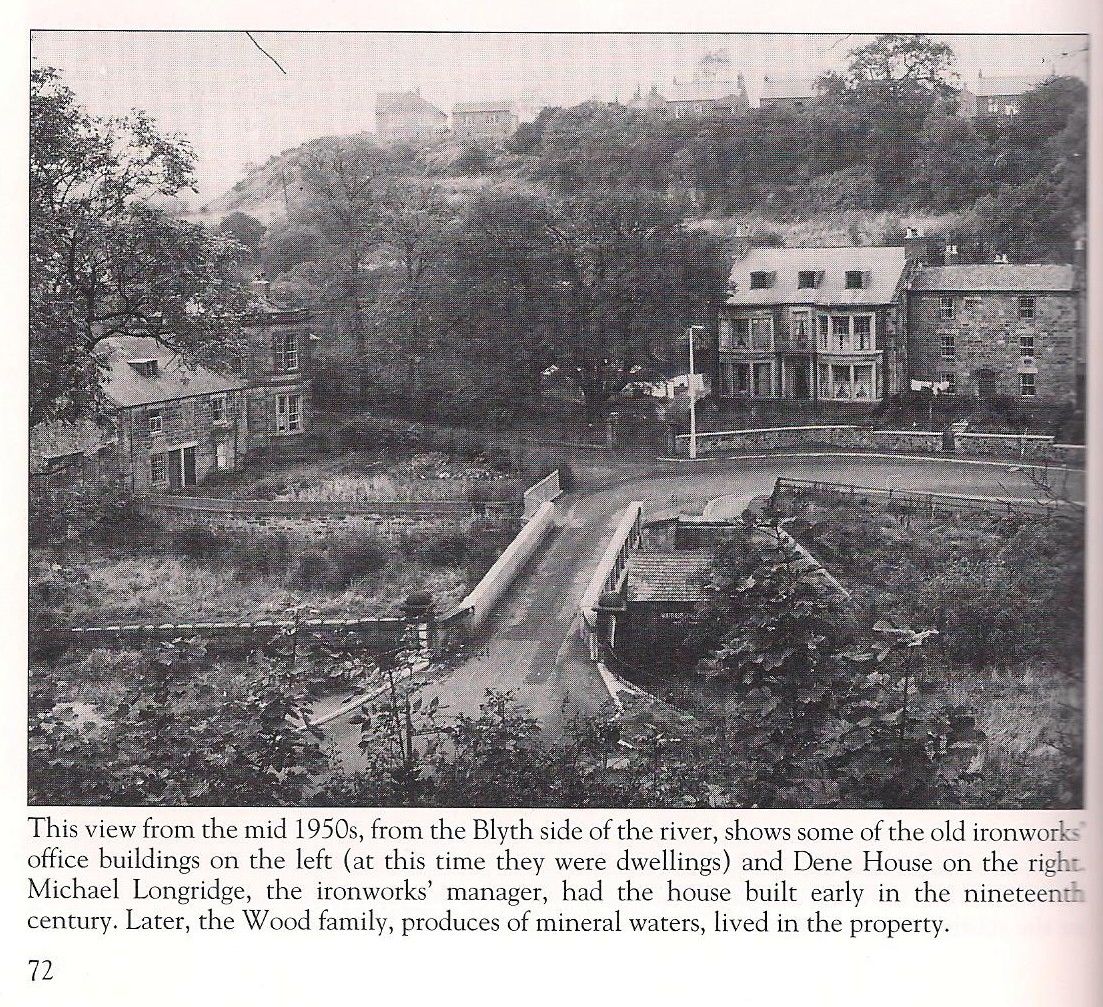
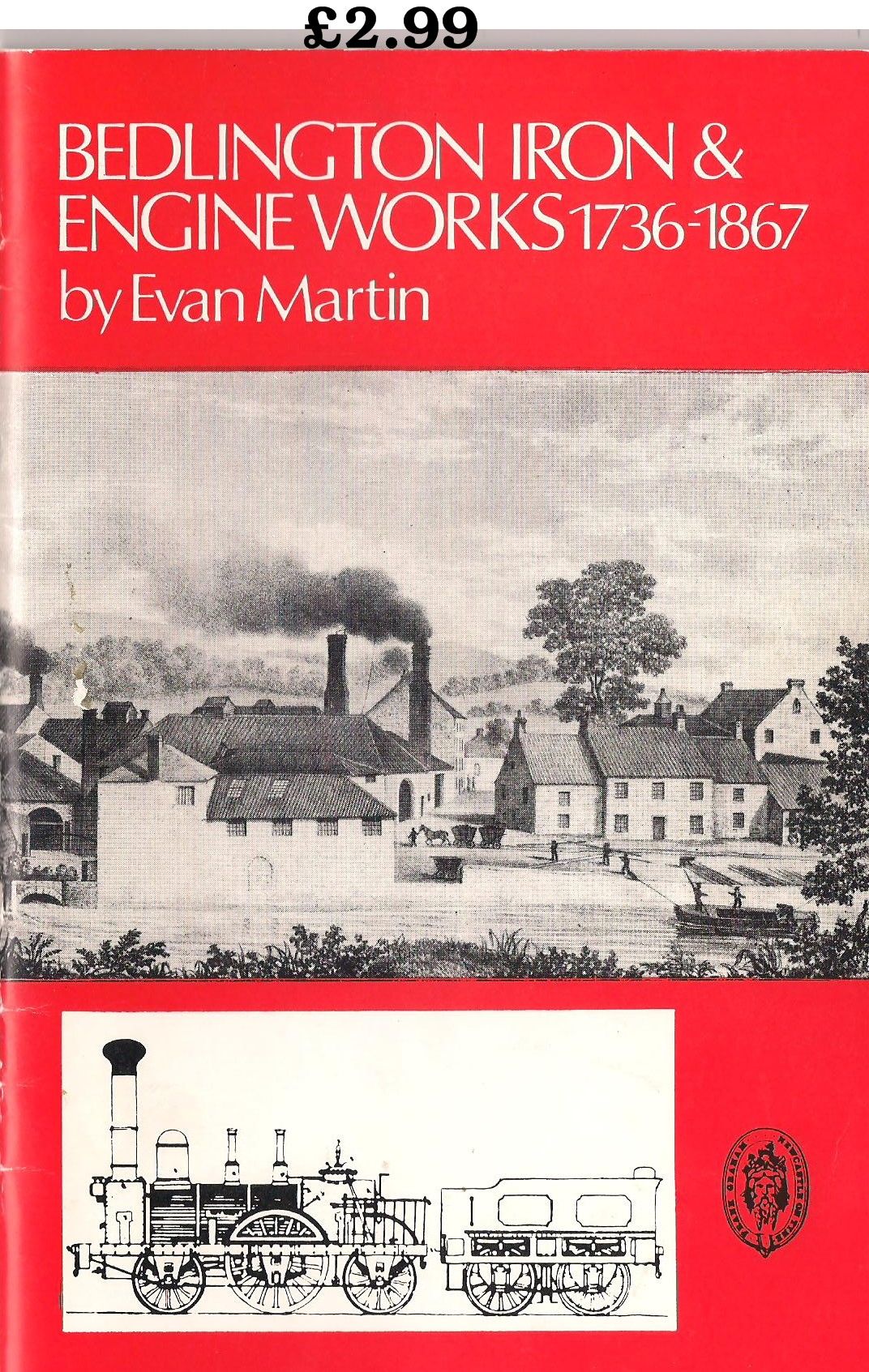
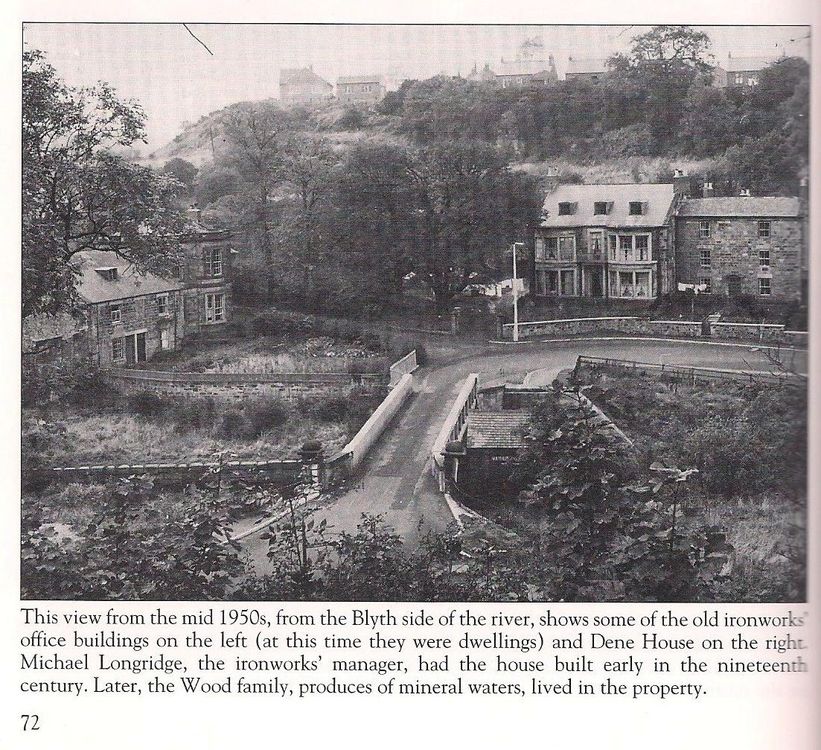
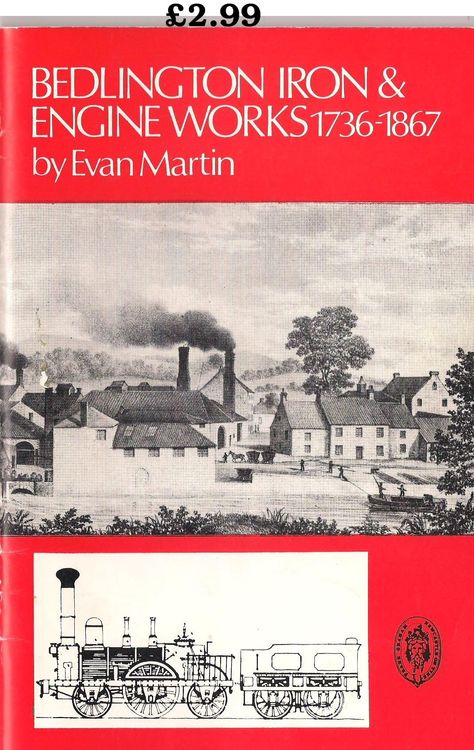
@Richard Pyle - as far as I can remember that one line - ......... shows some of the old ironworks buildings on the left............. - by Evan Martin is the only info I can recall on the buildings.🙂@Richard Pyle - quick reply to your comment. This is an extract from one of Evan Marin's books on Bedlingtonshire with some info on the houses. Don'y know if there is any info on the houses in the booklet on the Iron & Engine works but if I find anything I will scan the page(s).
 Not that these prove anything but I did find a couple of photos of the netties (not the ones I was looking for) from the Foxy collection that he posted :- John Fox to Bygone Bedlington 7 July 2016 at 16:12 · Bedlington · The pic,.. its the old "Netties in the Market Place" Both pics taken 1990. Along with those are two Google street views - 2008 & 2018 followed by a compilation
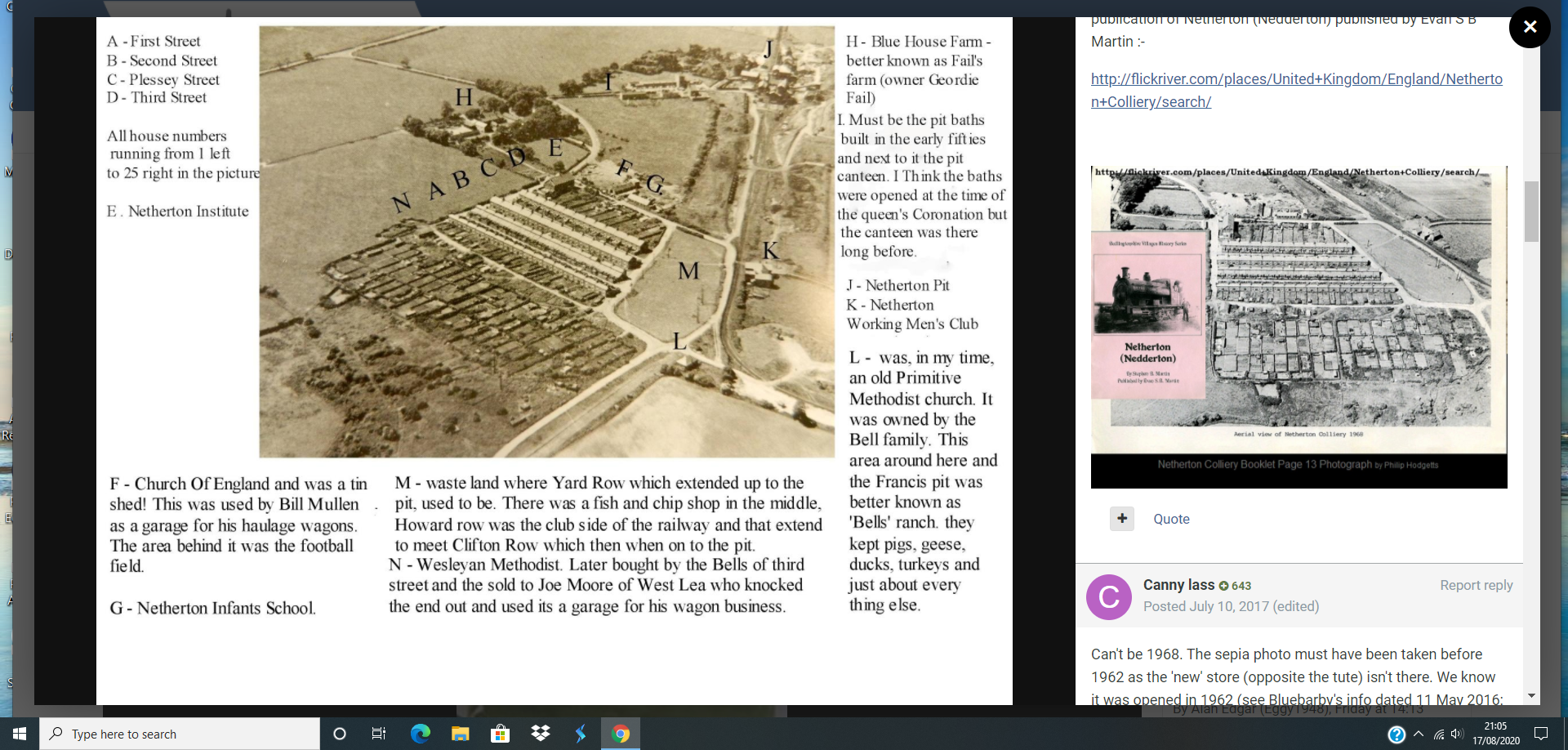
Not sure - difficult to match the perspective in each photo. Even from this Google 2008 shot it's hard to work out where that bit of different coloured wall/bricks was. I think the only photo I can remember that had the public toilets in it was one that @John Fox (foxy) posted on Facebook of some men (or it might just have been a man) working - panting the white lines on the road ?I haven't. I have seen images for Stephen B Martin's Netherton & Barrington booklet's but never searched for them🙂 - too much reading for me, I prefer the ones with loads of images🙃 I have seen the cover of the netherton/Nedderton one before - on Flickr - Billy Embleton posted it and I added a photo of it into the Netherton/Nedderton old photos 2 album in the Gallery.
Not that these prove anything but I did find a couple of photos of the netties (not the ones I was looking for) from the Foxy collection that he posted :- John Fox to Bygone Bedlington 7 July 2016 at 16:12 · Bedlington · The pic,.. its the old "Netties in the Market Place" Both pics taken 1990. Along with those are two Google street views - 2008 & 2018 followed by a compilation
Not sure - difficult to match the perspective in each photo. Even from this Google 2008 shot it's hard to work out where that bit of different coloured wall/bricks was. I think the only photo I can remember that had the public toilets in it was one that @John Fox (foxy) posted on Facebook of some men (or it might just have been a man) working - panting the white lines on the road ?I haven't. I have seen images for Stephen B Martin's Netherton & Barrington booklet's but never searched for them🙂 - too much reading for me, I prefer the ones with loads of images🙃 I have seen the cover of the netherton/Nedderton one before - on Flickr - Billy Embleton posted it and I added a photo of it into the Netherton/Nedderton old photos 2 album in the Gallery.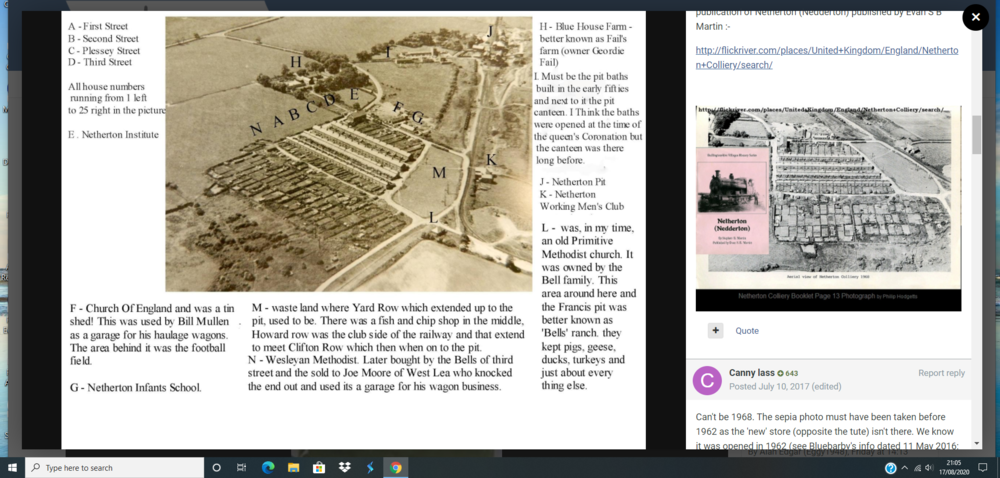 Lee - I am assuming you are simply on about other herbal medicines, not cannabis, for positive experiences with erectile dysfunction?
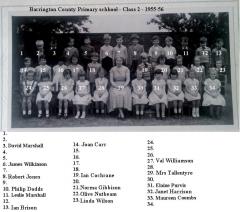 No 4 not John Hunter - confirmed by John's sister on the Barnton Facebook goup.
Elaine Justus No15 Angela slaughter
No 4 not John Hunter - confirmed by John's sister on the Barnton Facebook goup.
Elaine Justus No15 Angela slaughter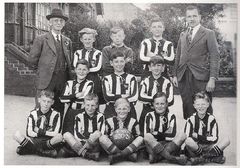 Names from Evan Martin's book - Bedlingtonshire Remembered.
From the album: West End Junior school - Ridge Terrace
Doh - I must try harder and stop skipping words, like Sunday@Canny lass - page 109 of the Bedlingtonshire Remembered book :-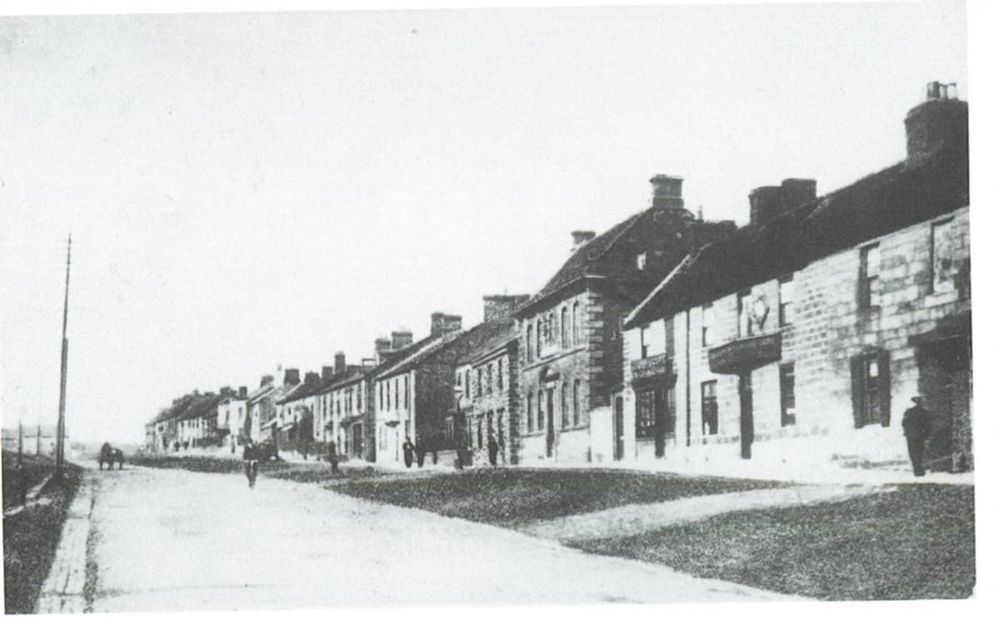
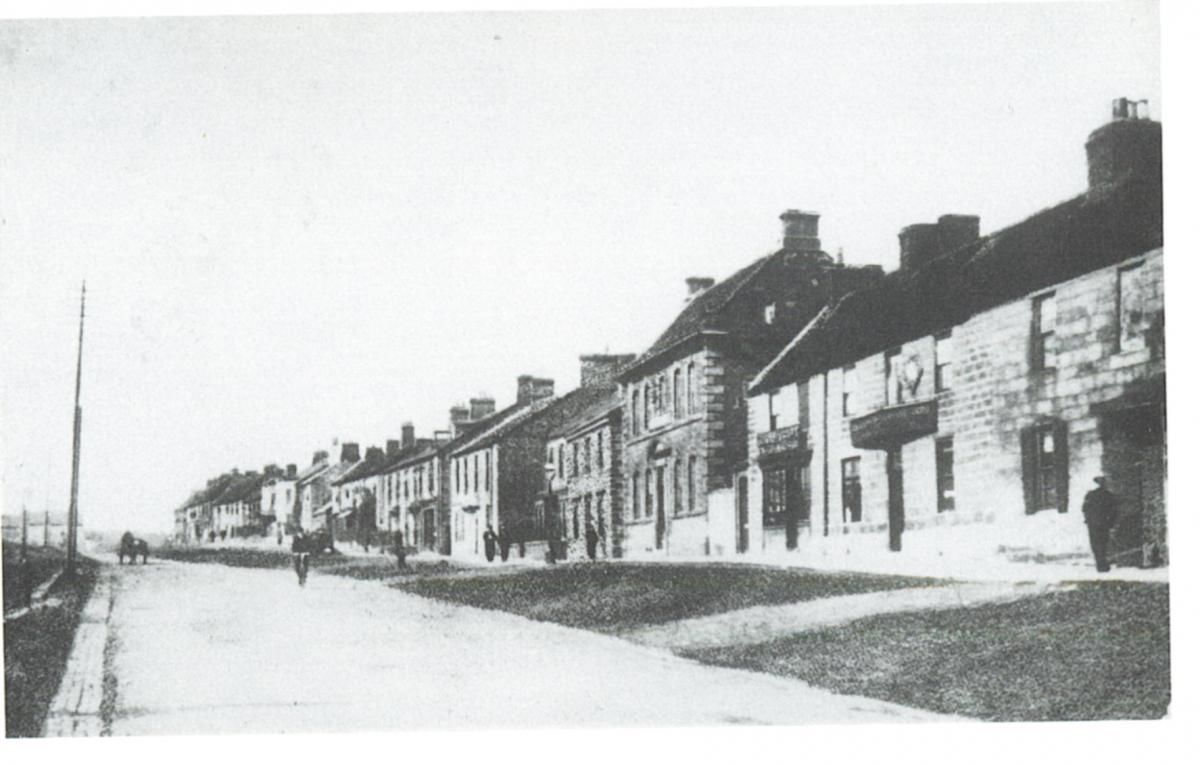
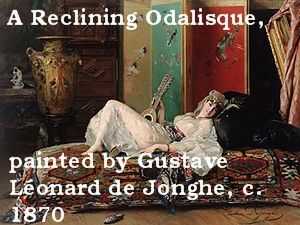
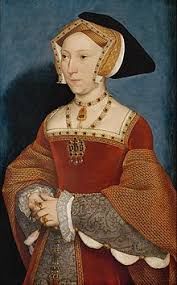
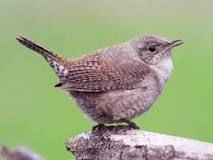
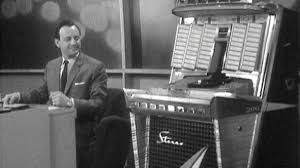
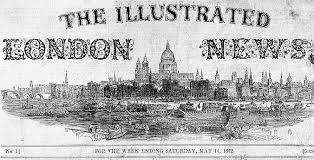
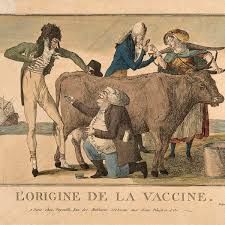
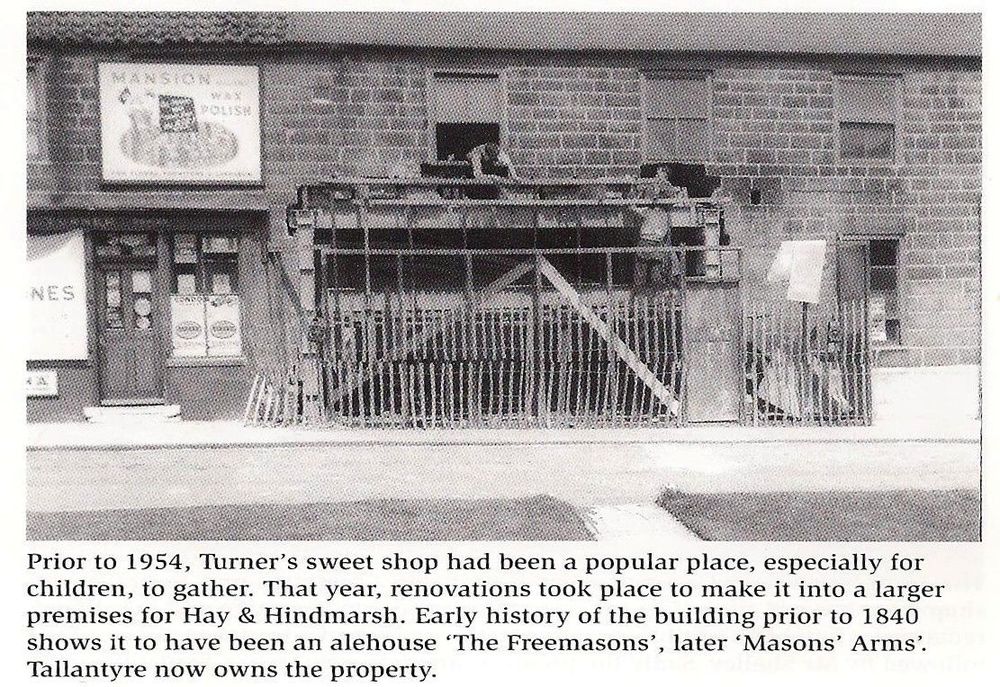 Photo posted by @johndawsonjune1955 - no date .No Market Place CIU Club - just what looks like a wall approximately where the club is now.. The door into the Northumberland Arms is on the corner of the building.1. Who performed the theme song in the James Bond film Thunderball? Answer = Tom Jones The album was first released by United Artists Records in 1965 in both monaural and stereo editions, with a CD release in 1988. 2. What is the capital of the Dominican Republic? Answer = Santo Domingo Capital of the Dominican Republic. It is situated on the southeast coast of the island of Hispaniola, at the mouth of the Ozama River, and is the oldest permanent city established by Europeans in the Western Hemisphere. 3. What is an odalisque? Answer = a female slave or concubine in a harem, especially one in the seraglio of the Sultan of Turkey. 4. Which of Henry VIII’s wives is buried alongside him at Windsor Answer = Jane Semour It was the end of an era. His will commanded he be buried with his beloved wife Jane Seymour, the only wife to give birth to a surviving legitimate male heir. Henry had given her a magnificent funeral after which she was buried in a vault under the quire of St. George's Chapel in Windsor. 5. In which country does the Amazon river meet the sea? Answer = Brazil The Amazon River is located in the northern portion of South America, flowing from west to east. The river system originates in the Andes Mountains of Peru and travels through Ecuador, Colombia, Venezuela, Bolivia, and Brazil before emptying into the Atlantic Ocean. 6. Which sport was played by Peanut Louie? Answer = tennis Peanut Louie Harper (born August 15, 1960) is a retired American tennis player, born in San Francisco, California to Ron and Alice Louie. She was a top-ranked junior tennis player and professional tennis player on the WTA tour. 7. Which bird has the scientific name Troglodytes Troglodytes? Answer = wren The Eurasian wren (Troglodytes troglodytes) is a very small bird, and the only member of the wren family Troglodytidae found in Eurasia and Africa (Maghreb). In Anglophone Europe, it is commonly known simply as the wren. 8. Which David presented Juke Box Jury? Answer = David Jacobs Juke Box Jury 1 June 1959 - was chaired by David Jacobs. Each week he played a selection of 7" singles on a large juke box to a panel of four celebrities. As the music played the camera moved over the faces of the panelists and the audience so the viewer could gauge their reaction. The panelists then gave their opinion of the discs and voted them a hit or a miss. If there was a tie a jury of teenagers drawn from the audience would have the deciding vote. Each week a mystery performer was revealed after the panel had voted on his or her disc, to the joy or embarrassment of the panel. 9. Which Sunday newspaper first hit the streets of London in 1843? Google says 1842 Answer = The Illustrated London News appeared first on Saturday 14 May 1842, as the world's first illustrated weekly news magazine. Founded by Herbert Ingram, it appeared weekly until 1971, then less frequently thereafter, and ceased publication in 2003. 10. From which animal did Jenner develop his smallpox vaccine? Answer = cow = cowpox While Jenner's interest in the protective effects of cowpox began during his apprenticeship with George Harwicke, it was 1796 before he made the first step in the long process whereby smallpox, the scourge of mankind, would be totally eradicated. For many years, he had heard the tales that dairymaids were protected from smallpox naturally after having suffered from cowpox. Pondering this, Jenner concluded that cowpox not only protected against smallpox but also could be transmitted from one person to another as a deliberate mechanism of protection. In May 1796, Edward Jenner found a young dairymaid, Sarah Nelms, who had fresh cowpox lesions on her hands and arms (Figure (Figure33). On May 14, 1796, using matter from Nelms' lesions, he inoculated an 8-year-old boy, James Phipps. Subsequently, the boy developed mild fever and discomfort in the axillae. Nine days after the procedure he felt cold and had lost his appetite, but on the next day he was much better. In July 1796, Jenner inoculated the boy again, this time with matter from a fresh smallpox lesion. No disease developed, and Jenner concluded that protection was complete . 11. What name is given to words such as deed, minim, madam and rotavator? Answer = palindromic A Palindrome :- Dammit, I'm Mad! 12. What makes stainless steel stainless? Answer = chromium The best-known grade is Type 304, also known as 18/8 and 18/10 for its composition of 18% chromium and 8%/10% nickel, respectively. What do you call a dog with no hind legs and stainless steel testicles? Sparky. What do you call a bank robbery with no blood spilt? A stainless steal. I’ll bet you didn’t know …. An iceberg bigger than Belgium was seen in the southern Pacific Ocean in 1956. Answer = I didn’t – it hasn’t been on QI The largest iceberg on record was an Antarctic tabular iceberg of over 31,000 square kilometres (12,000 sq mi) [335 by 97 kilometres (208 by 60 mi)] sighted 150 miles (240 km) west of Scott Island, in the South Pacific Ocean, by the USS Glacier on November 12, 1956. This iceberg was larger than Belgium.

 Champion - saves me having to scan all 128 pages (+ front and back cover) but I would have.