Everything posted by Alan Edgar (Eggy1948)
-
Ahem - my next didn't include yesterday so - Ahem... 365
-
Hope the next 365 days of this year are even better
-
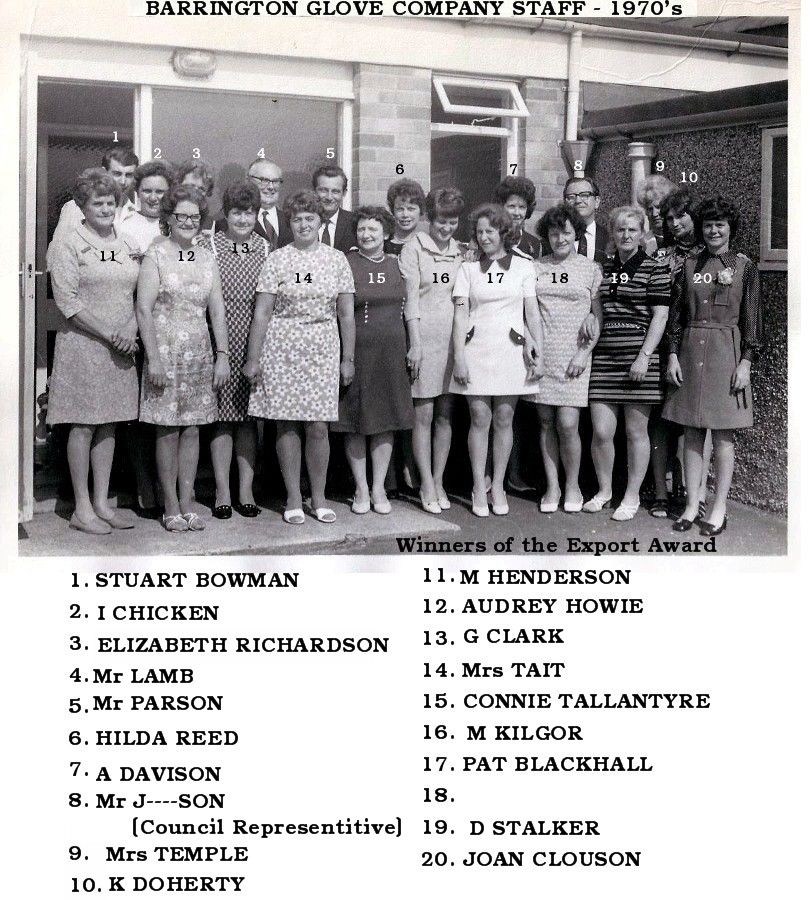
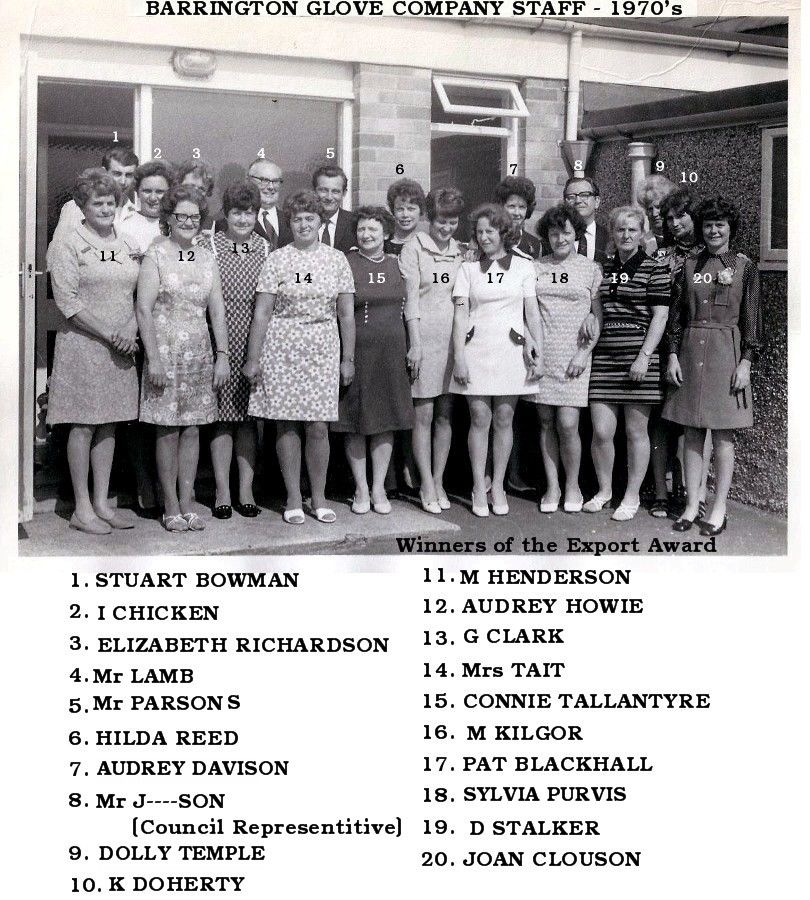
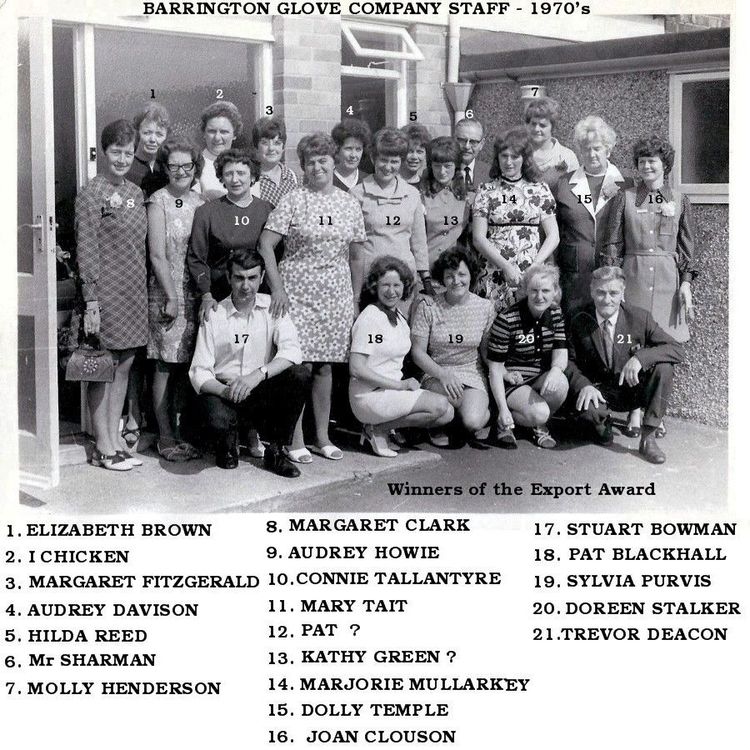
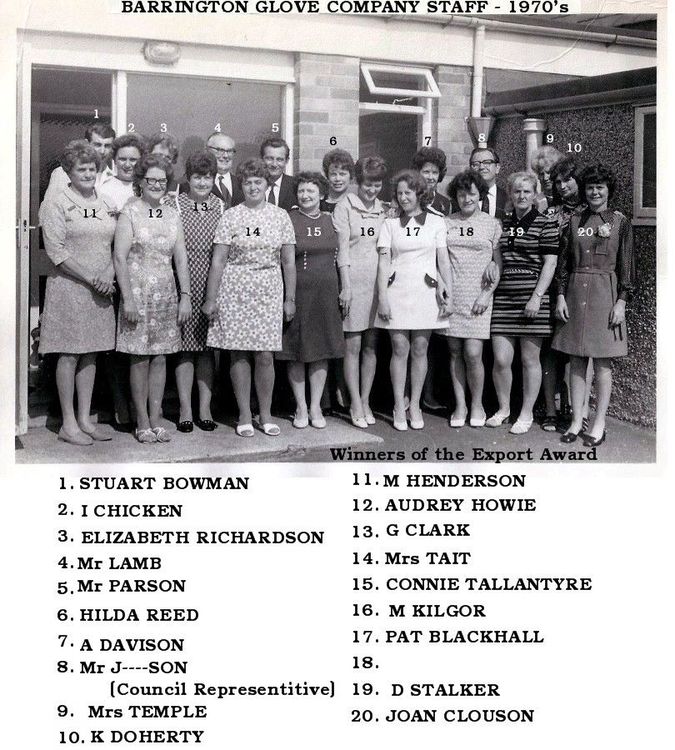
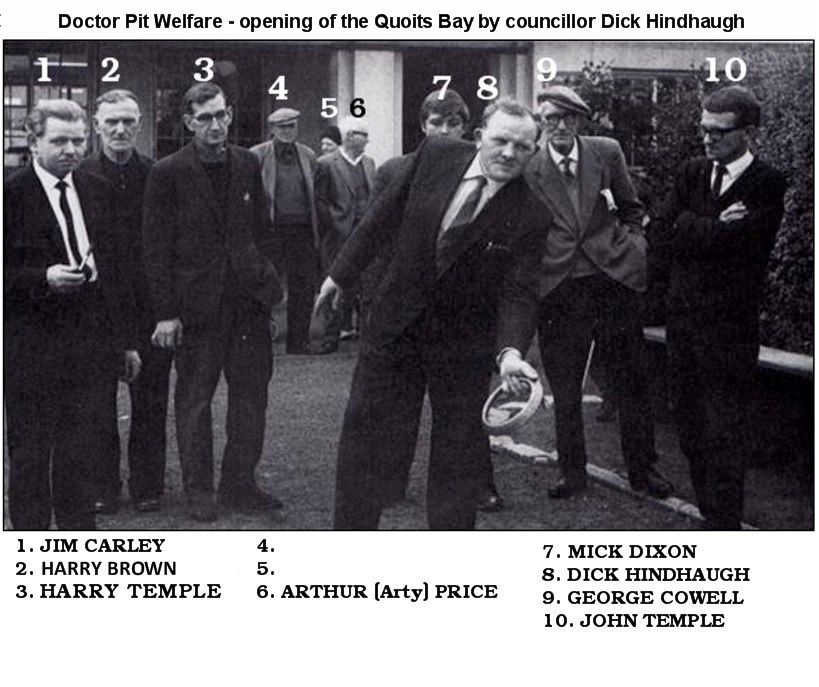
Some names added to the photos posted by @Reedy
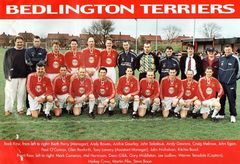 Bedlington Terriers v Tiverton Town (at Wembley) FA Carlsberg Vase Final - 16/5/99 - Lost 1-0. Images posted by Peter Madely, from the matchday programme, on the Facebook group - Past Times History.
From the album: Local Football 2
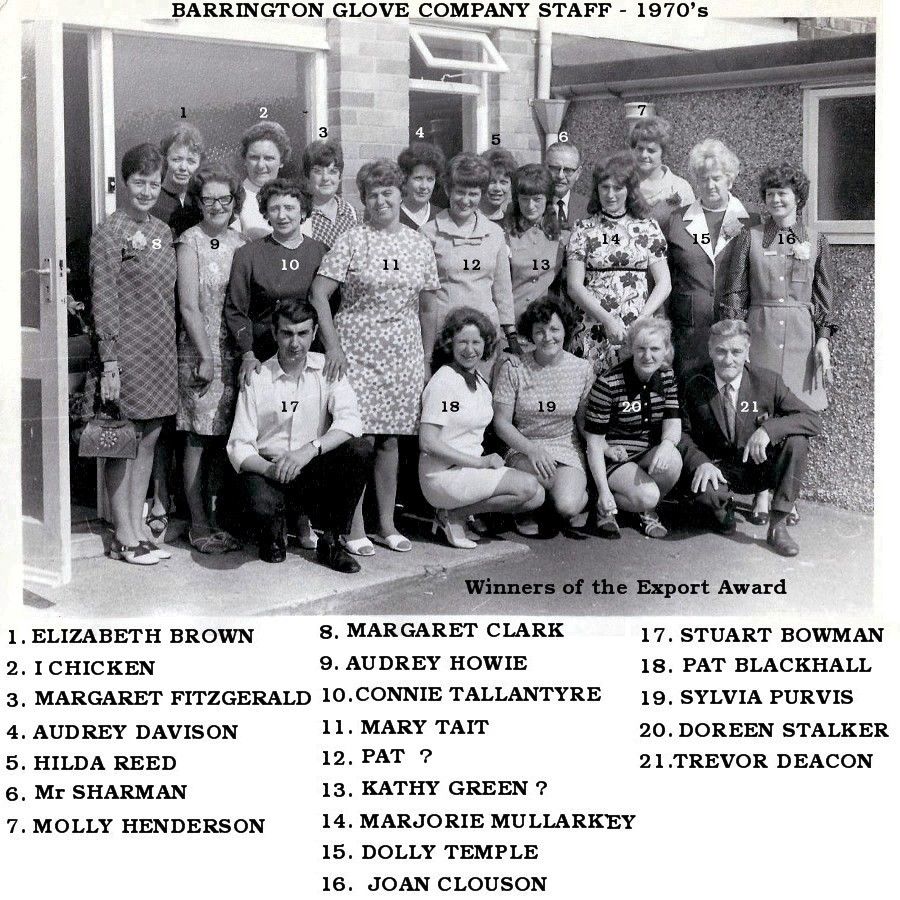
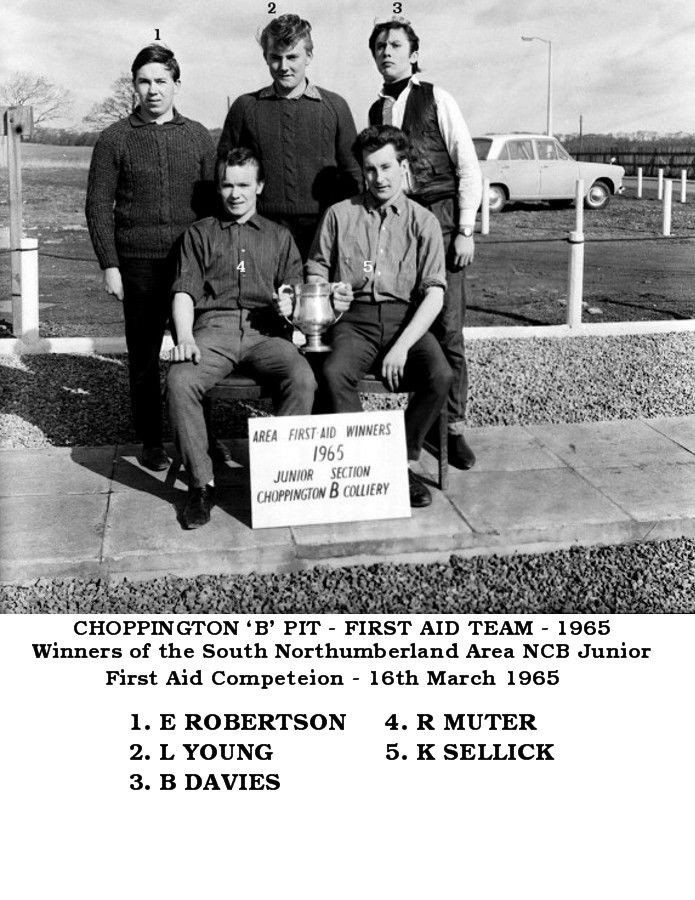
@HIGH PIT WILMA - another comment on the Barrington Facebook group :- Peter JonesI remember the bullet shop, then the tyre shop. The fella had a moustache curly hair and had something about his eyes, I was only a kid in the sixties, but my father used to know him i believe.The last entry I can find for 'Alan dickson' is 2014 :- @HIGH PIT WILMA - so I posted your comment on the Facebook group - Barrington, Barnt' n memories and stuff!! - that Alan Dickson is Admin of. Alan's couldn't remember any stories etc and replied with :- Alan Dickson Yes there was Alan, I was living next to the Chapel at the time, took over the shop where Yarrows were, Bloke had a tash on. Bill - names updated from your comment and Dave Shepard (Bedlington Facebook groups) has confirmed No 3 is Dennis Davies and Gordon Smith who posted the photo says it's from the Blyth News records and he is not surprised that any of the names were wrong
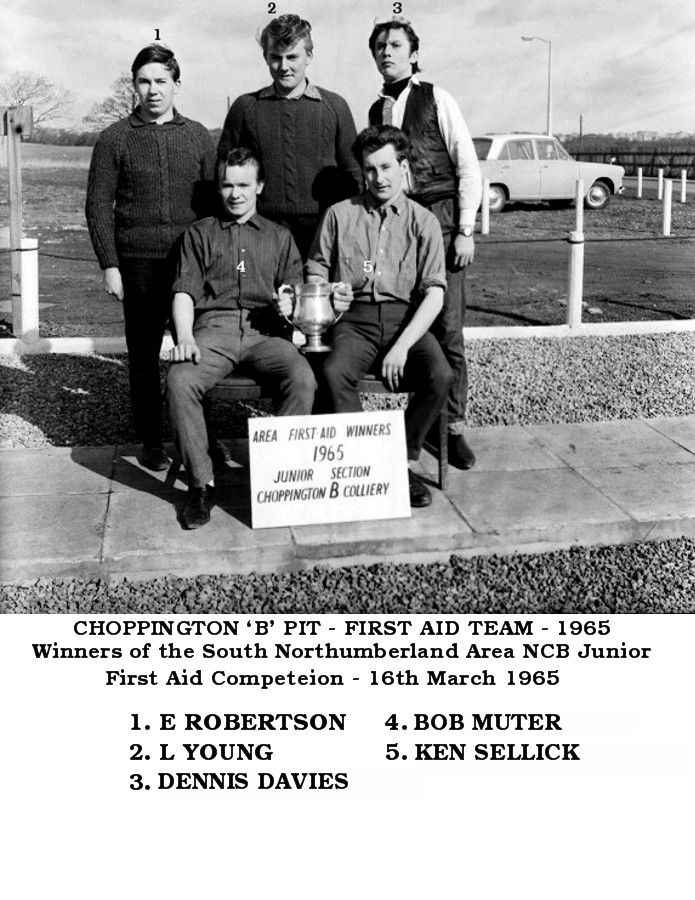
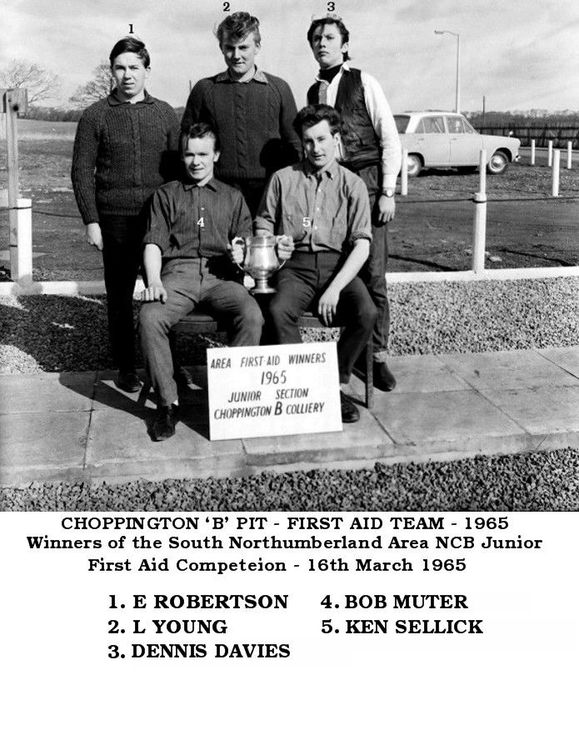 @HIGH PIT WILMA :- Were you at Choppington 'B' pit in 1965? This photo posted on the Past Times History Group, Facebook, by Gordon Smtih , chairman of the Blyth Local History Society (BLHS) Gordon has named the lads but No 3 looks remarkably like Dennis Davies, lived in Burnside, Bedlington Station. Did you know Dennis?
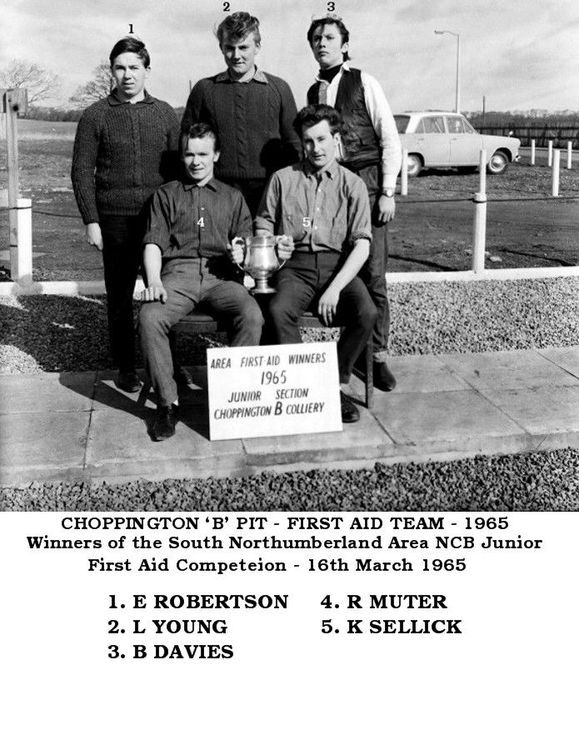 @johndawsonjune1955 - No 2 updated
 Just tried that but on one leg I fell over - or was it the Muckle Flugga? Can't remember ever making a New Year resolution; so I have never broken one. All the best to you and family CL. ps - every ones eyesight should be ok this year
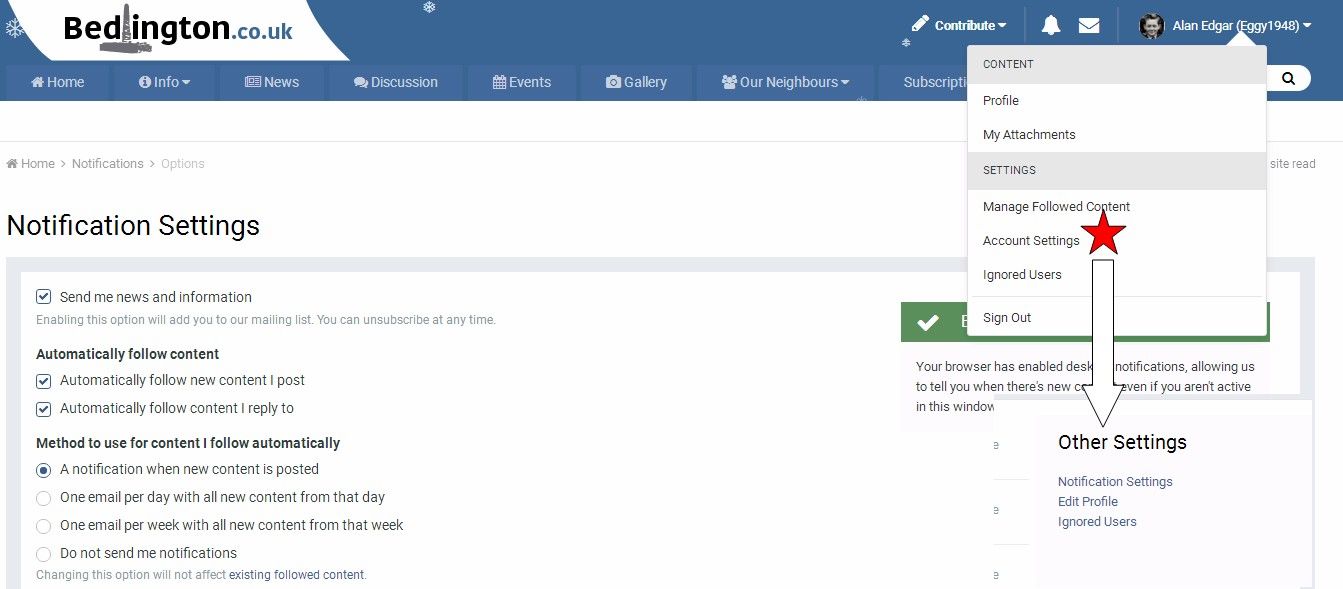
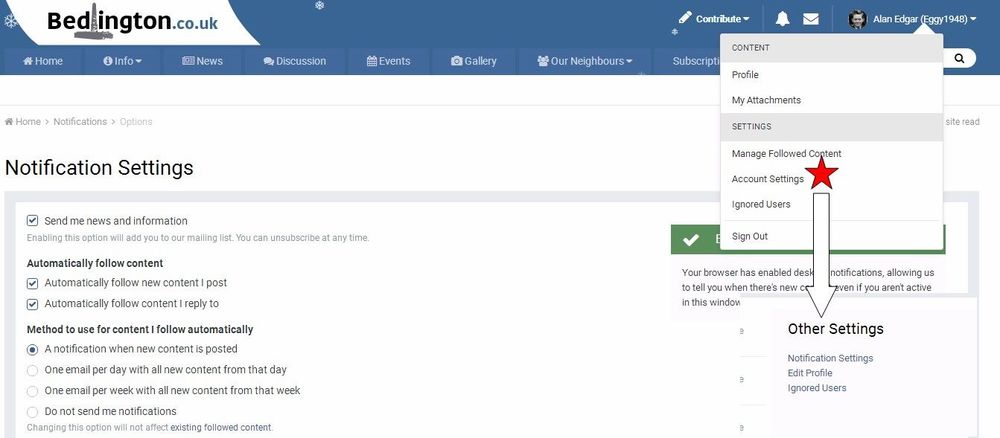
 @Bond Jamesbond - update to Nos 5, 15 and 16 added@Carrie - Lee last visited this site in April this year, so not a regular visitor. Depending on what Account Settings/Notification Settings a member has within the group will determine if the member receives an email when another member wants them to know they are commenting on a subject they are involved with. One way is to add an '@' to the start of the name the member uses - like I have done with yours in this comment. No idea what Lee foster has set but we can give it a go = @Lee Foster To change 'Notification Settings' etc. you have to select the 'Account Settings' from the drop down menu that appears when you select the your downward arrow head, next to your account name at the top right hand corner of the screen and then select the 'Notification Settings' within the 'Other Settings' list.
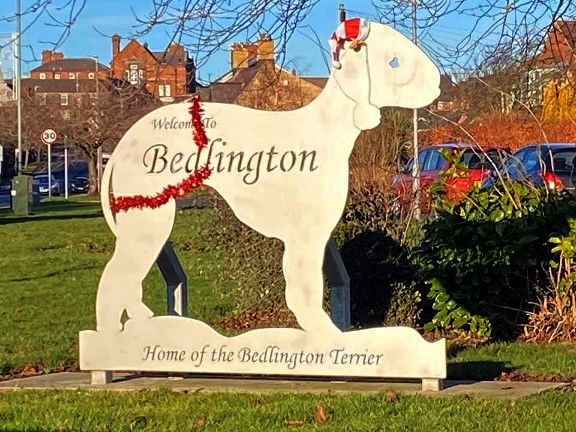
 Same as me on my old PC but I can't get anything on my new Desktop PCCheers @Newbedders - are you getting a current view/still photo or a live stream? I will have to have a 'clart aboot' and see what I can do@Andy Millne - tried the webcam over the last few days and still no joy via my new PC = Windows 10 & Google Chrome and on my old PC - Windows Vista & Google Chrome ( can't remember when last updated but probably two years ago) I do get a view, not live streaming but it can be refreshed to get an updated view. Before I start clarting - is the Live streaming up and running? ☯️Xmas 2019 - photo from Simon Williams :-
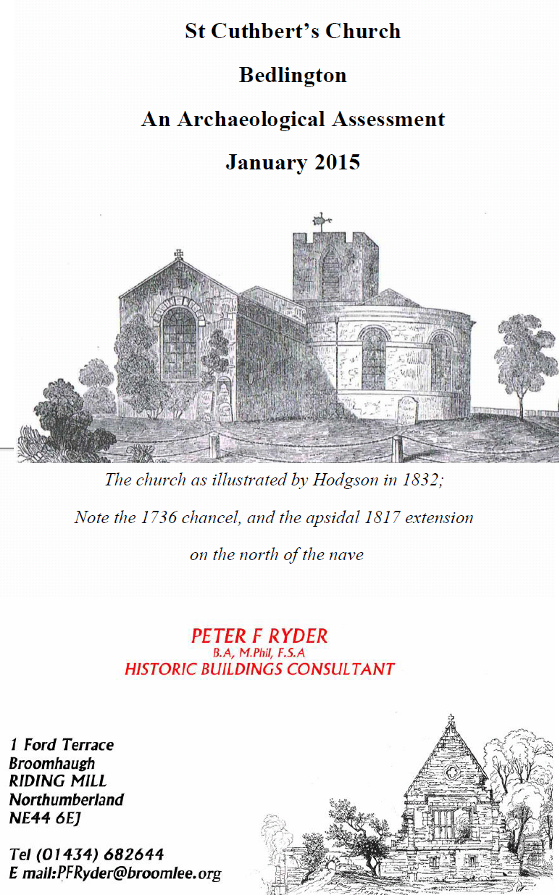
 There you go, women - multitasking again. I only have one thing on my mind = All the best CL.@Dshort94 - was the Westridge school photo - Westridge - Intake - Year 1957-58, with a Dave Short named what you are looking for@HIGH PIT WILMA & @Maggie/915 - not that I have ever deleved into the history of St Cuthbert's but over the years I have Googled and turned up a few references and all the info I have seen has St Cuthberts s c12 centuary eg :- https://historicengland.org.uk/listing/the-list/list-entry/1153497 https://www.megalithic.co.uk/article.php?sid=50566 This is the front page of the document https://cofenewcastle.contentfiles.net/media/documents/document/2019/01/Bedlington_St_Cuthbert_-_January_2015.pdf
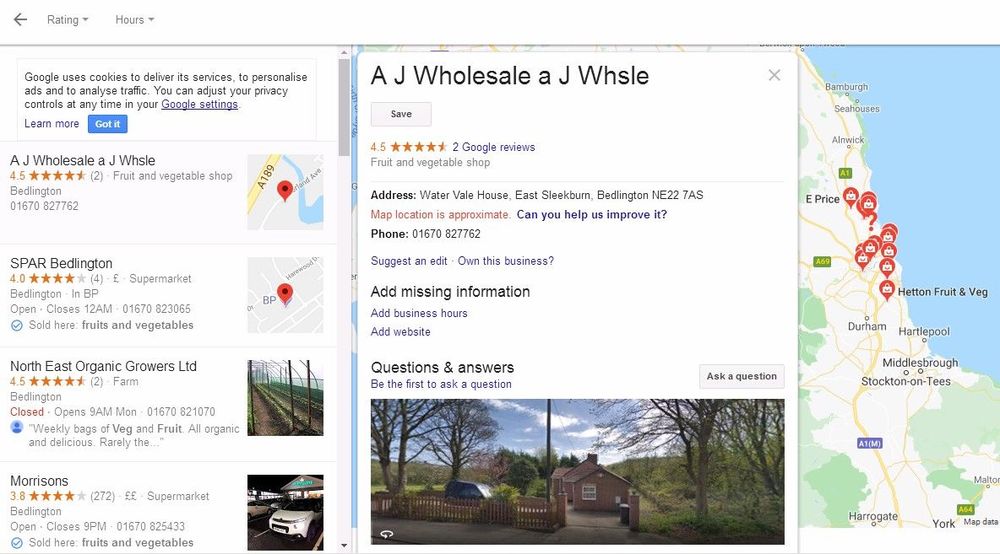
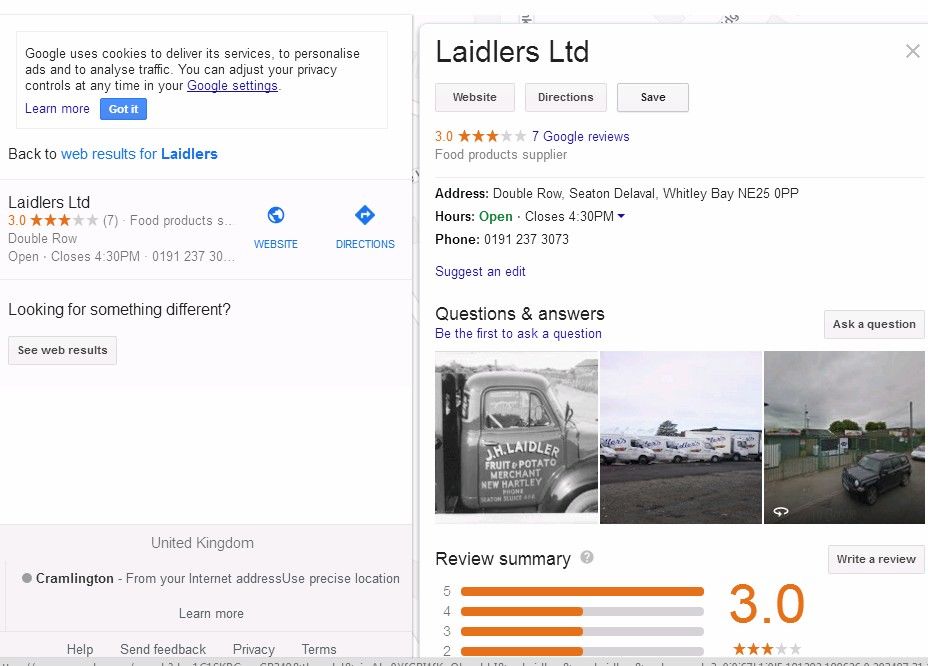
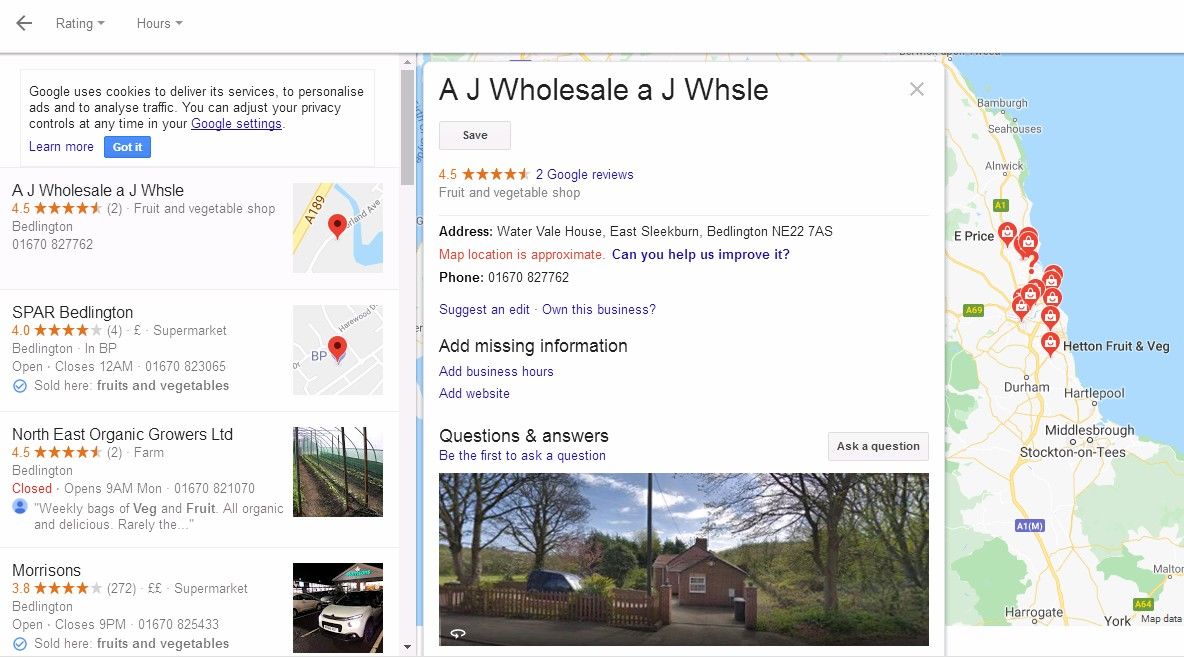
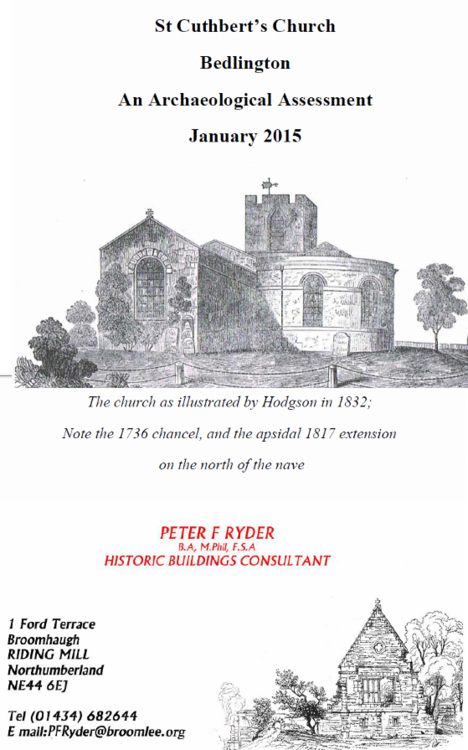 @Rigger & @Dshort94- forgot about that one. We have it in the Gallery under the Album - Local Football 2 as the 1963-64 season :-@Dshort94 - the only other photo I have seen with a Bob Short named is a 1957-58 Westridge school photo. The photo with names is filed in the Galley under :-@minitoonmook:- as I haven't lived in Bedlington for years now I am not up to date with the retail wharehouse etc. in the area. The only two I know of are in East Sleekburn, A J Wholesale and Seaton Delaval, Laidlers but I have never been to A J Wholesale so no idea what, if anything, they sell to the general pubic. Laidlers do distribute throughout the area but I know my wife used to call into their premises on Double Row, Seaton Delaval to buy fruit & veg but hasn't used them for a couple of years. The last one I heard of in Bedlington was TJ Fruiters, Front Street West, but think they are closed now