

Everything posted by Alan Edgar (Eggy1948)
-
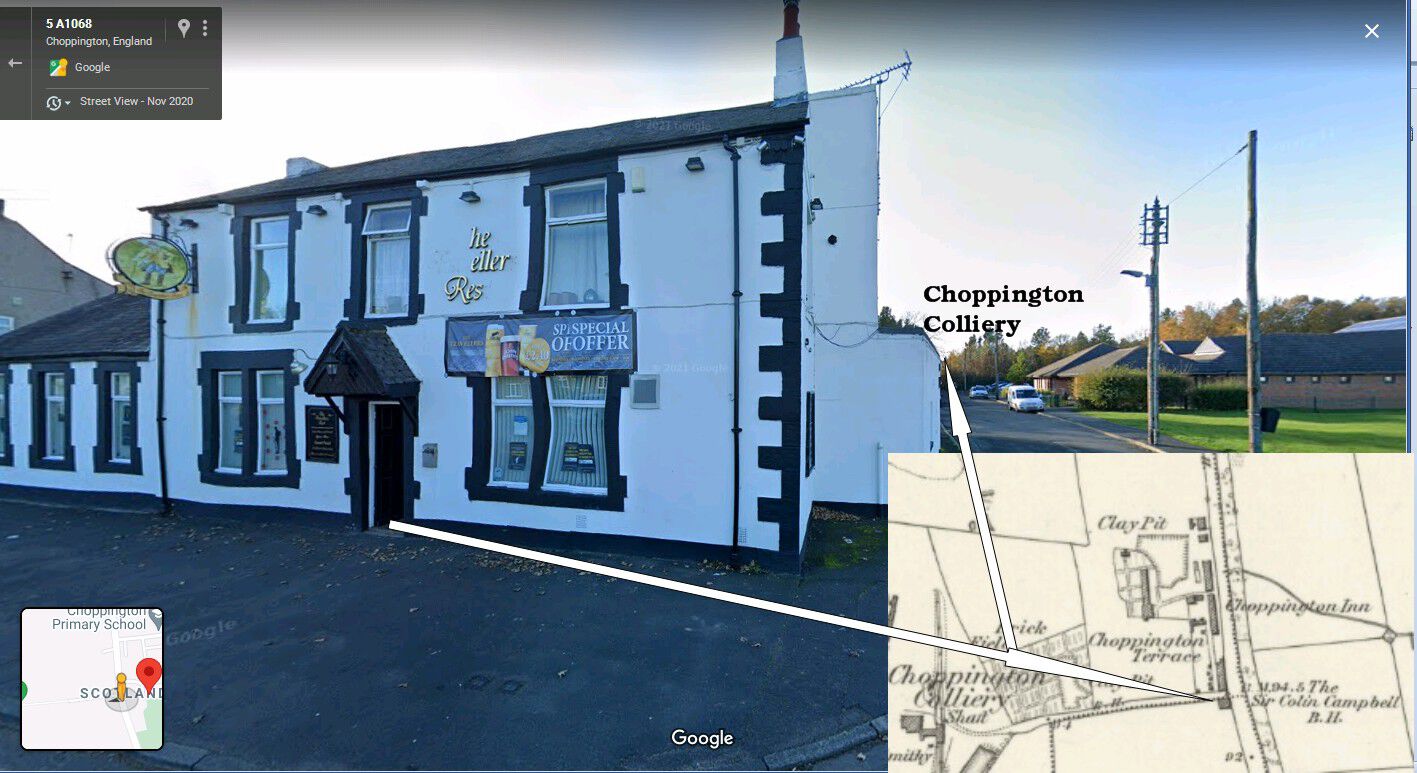
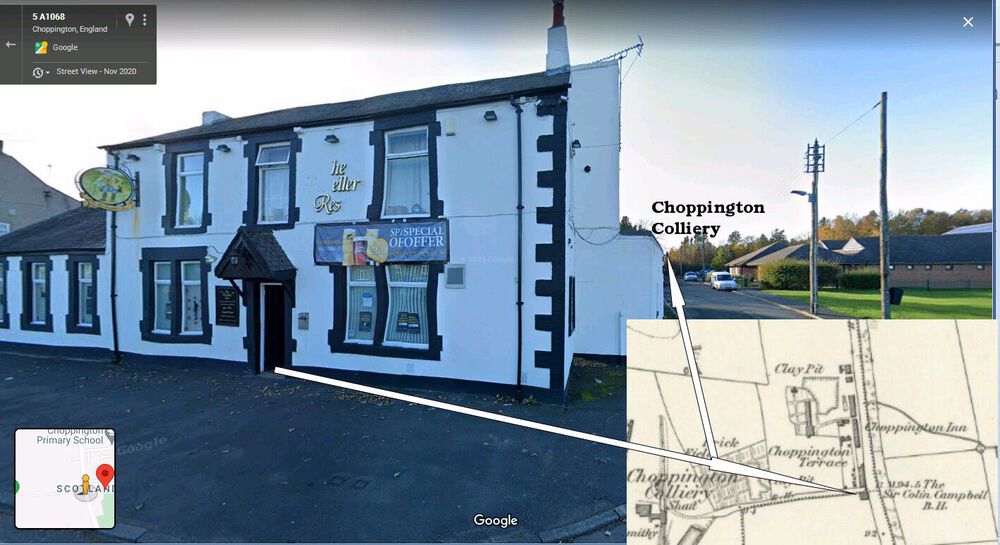
Not that this will help your cause but I can't resist mentioning the Travellers Rest in the mid to late 1960's. The Travellers Rest was the pub every dart player, and anyone else from their pub would want to go to. For an away match at any other pub it was your own transport or public transport to get there. The Percy Arms dart team hired a minibus when they were away to the Travellers and the team and any other person that could be crammed into the minibus spent the rest of the evening, including a lock-in at the Travellers. Normally after a darts match the home team landlord would come out with a couple of plates of sarnnies - plate of cheese chunks with crackers and a dish of pickles. The away team would grab a sarnnie, sup up and get back to their pub for the last hour but that didn't happen at the Travellers. The away team stayed at the Travellers till well after closing having a few more pints plus the best spread of food laid on at any of the darts matches = Yorkshire puddings - roast tatties - plate upon plate of sarnnies - cheese and crackers - pickled onions - crfisps and probably food I have forgotten. Well after 23:00 minibus back to Bedlington
-
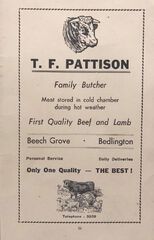 Then & Now
-
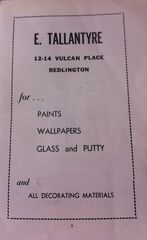 Then & Now Google street views 2020 & 2016) Don't know what year Tallantyer's moved from Vulcan Place to Front Street West☺️
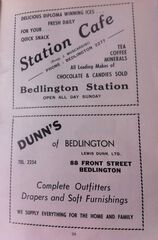 Station Cafe - Moscardini's - Then (1930's ?) & Now (Google street view 2016) Dunn's Then (1940'd ?) and Now ()Google street view 2020)
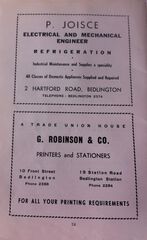 Then & Now - Robinson & Co - (Google street view 2020)
 Then & Now (Google street view 2016)
 Then & Now (Google street view 2009)
 Then and Now (Google street view - 2016)
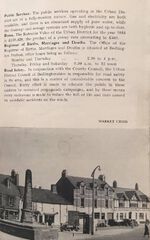
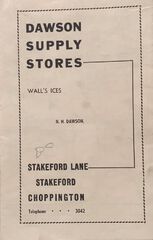
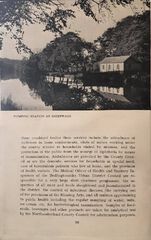
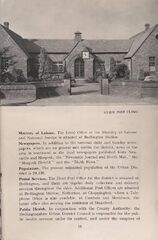
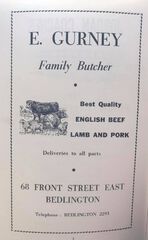
From the album: Official Guide Price 1/-, Bedlington, Northumberland
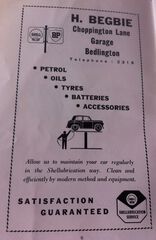
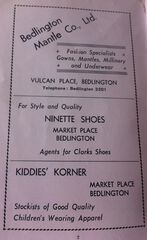
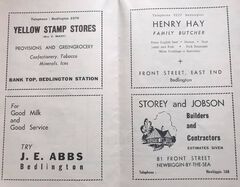
Booklet photographed and shared by Carole Robinson 9 September at 14:17 · I’ve found this small book amongst my late Mam & Dads papers. Don’t know what year it’s from. I’ve taken photos of each page, some of the businesses have brought back memories.
From the album: Official Guide Price 1/-, Bedlington, Northumberland
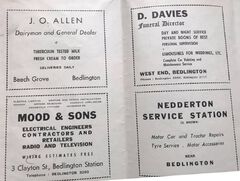
From the album: Official Guide Price 1/-, Bedlington, Northumberland
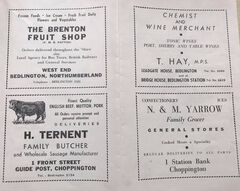
From the album: Official Guide Price 1/-, Bedlington, Northumberland
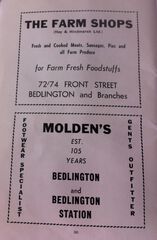
From the album: Official Guide Price 1/-, Bedlington, Northumberland
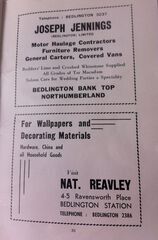
From the album: Official Guide Price 1/-, Bedlington, Northumberland
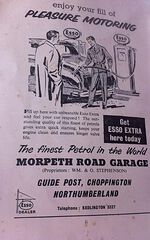
From the album: Official Guide Price 1/-, Bedlington, Northumberland
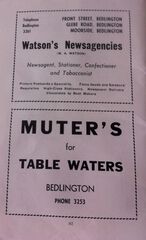
From the album: Official Guide Price 1/-, Bedlington, Northumberland
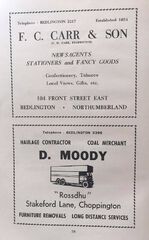
From the album: Official Guide Price 1/-, Bedlington, Northumberland
From the album: Official Guide Price 1/-, Bedlington, Northumberland
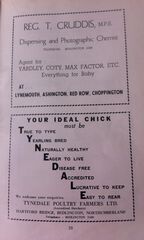
From the album: Official Guide Price 1/-, Bedlington, Northumberland
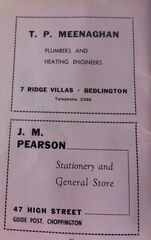
From the album: Official Guide Price 1/-, Bedlington, Northumberland
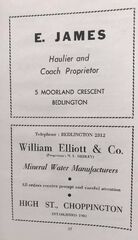
From the album: Official Guide Price 1/-, Bedlington, Northumberland
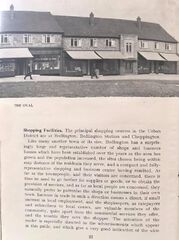
From the album: Official Guide Price 1/-, Bedlington, Northumberland
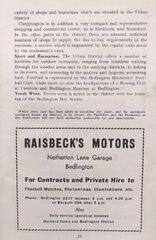
From the album: Official Guide Price 1/-, Bedlington, Northumberland