Everything posted by Alan Edgar (Eggy1948)
-
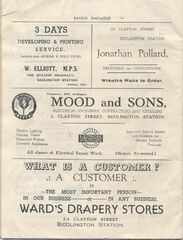
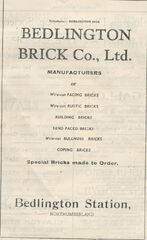
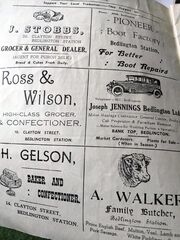
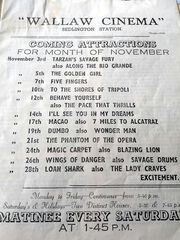
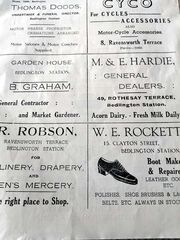
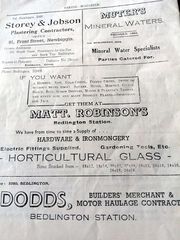
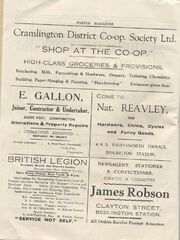
1952 Parish Mag4.jpg
-
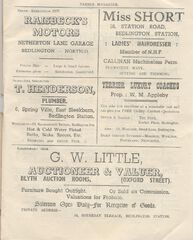
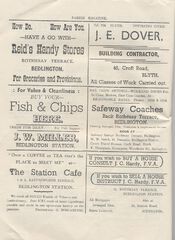
1952 Parish Mag5.jpg
-
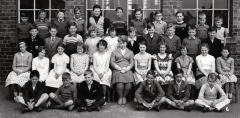
1960c.jpg
-
Bedlington Parish Magazine - 1952
@Maggie/915 - would the History Society be interested in this parish Magazine - Eileen, who gave the magazine to Keith to scan and post has been in touch with me and said she would like to pass the magazine on to the.
-
Platform 1 East Bedlington Community Center-The Grumpies
until
-
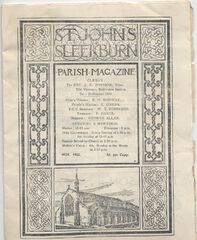
Front cover.jpg
From the album: St John's Church (Sleekburn) Parish Magazine - 1952
-
St John's Church (Sleekburn) Parish Magazine - 1952
- Platform 1 East Bedlington Community Center- Siren - Celebrating Women of Rock
-
1952 Parish Mag5.jpg
From the album: St John's Church (Sleekburn) Parish Magazine - 1952
-
1952 Parish Mag4.jpg
From the album: St John's Church (Sleekburn) Parish Magazine - 1952
-
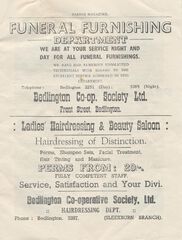
1952 Parish Mag3.jpg
From the album: St John's Church (Sleekburn) Parish Magazine - 1952
-
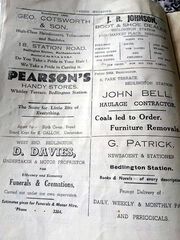
1952 Parish Mag2.jpg
From the album: St John's Church (Sleekburn) Parish Magazine - 1952
-

1952 Parish Mag1.jpg
From the album: St John's Church (Sleekburn) Parish Magazine - 1952
-
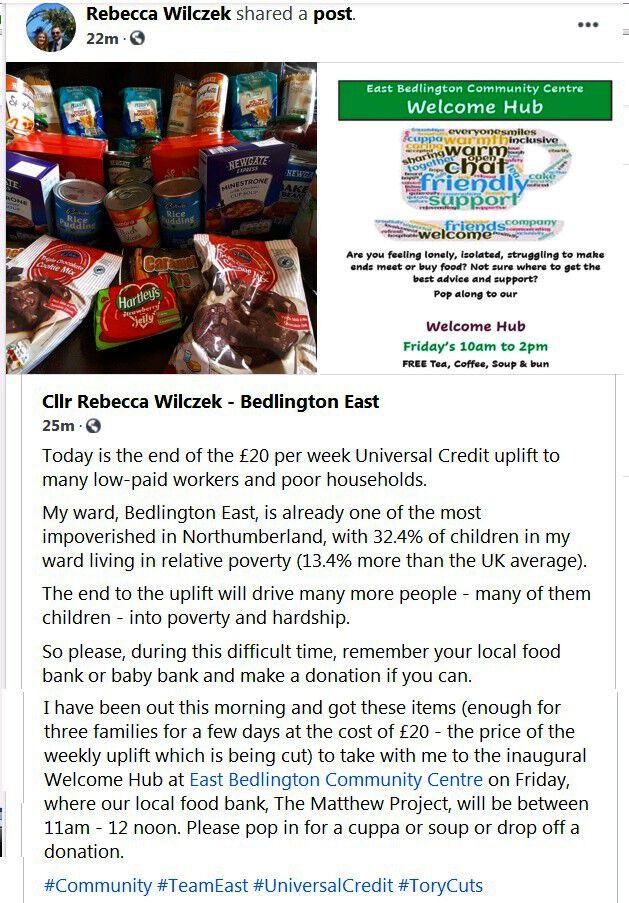
East Bedlington Community Centre Hub
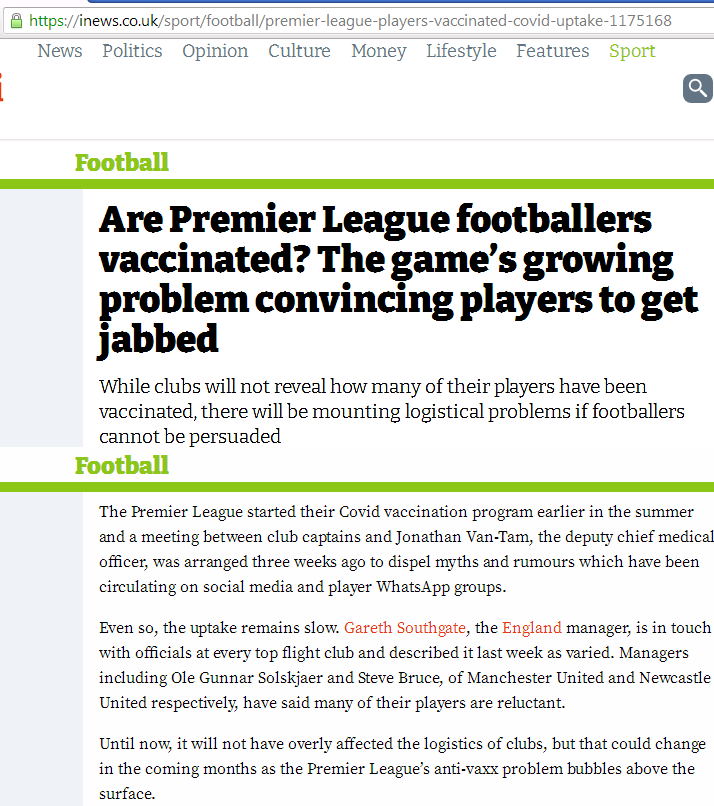
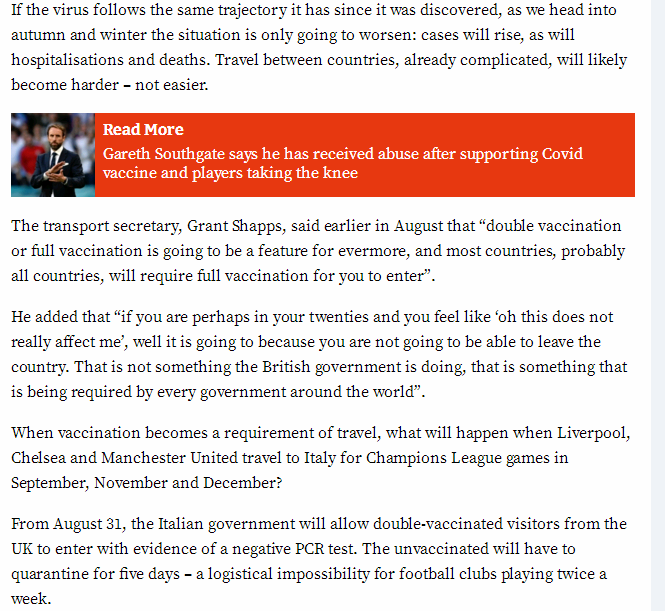
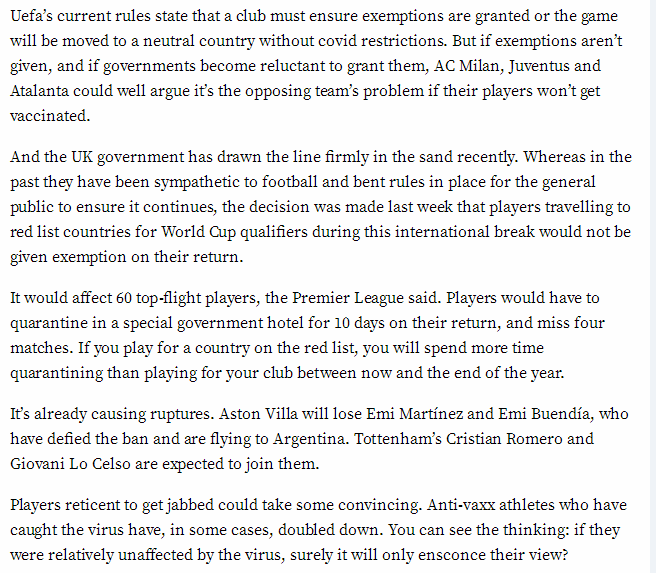
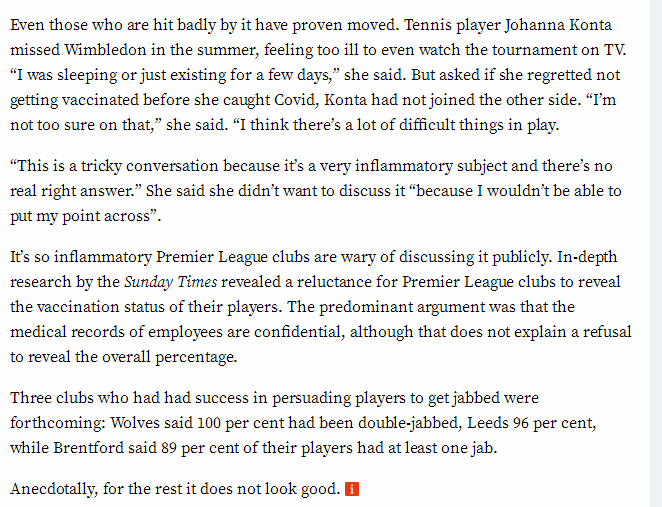
- covid vaccinations - for everyone
- East Bedlington Community Centre Hub
East Bedlington Community Centre Community center in Bedlington, England Address: 16 & 17 Station Rd, Bedlington NE22 7JN Hours: Open ⋅ Closes 9PM Phone: 01670 828808- Freeport.
Thanks Jammy. You could start a petition to get the old footbridge back 🙂 ----------------------------------------------------------------- I wonder if a train service will just be a novelty for a couple of months for young people, and those approaching middle age (diplomatic to the end ), who have never travelled by train.- Welcome Richard & Davina
@Richard Winslade & @Davina Stewart If there is anything in particular you are looking for please ask under the 'Discussion' menu and we will help you all we can.- 1960-61 Mr Stafford named.jpg
Update from Alan Scott. @Canny lass - Alan thinks No 16 is from Netherton Colliery, do you recognise her?- 1960-61 Mr Stafford named.jpg
- Welcome QQSuper19 - mortonsladdie & Catherine Riley
@QQSUPER99 - @mortonsladdie - @Catherine Riley If there is anything in particular you are looking for please ask under the 'Discussion' menu and we will help you all we can.- 1960-61 Mr Stafford named.jpg
- Friday night is quiz night ('cos I know you've got nothing better to do just now)
1. What would you be doing if you practiced ‘banting’? Answer = 2. What is the motto of the Special Air Service? Answer = 3. What colour is the Circle Line on a map of the London underground? Answer = 4. Who won his first Oscar for One Flew Over the Cuckoo’s Nest? Answer = 5. What is the name for a dislike of foreigners? Answer = 6. Which Australian motor-racing driver was World Champion in 1959, 1960 and 1966? Answer = 7. Which American car manufacturer produces the Firebird? Answer = 8. Whose biography did Clifford Irving fake? Answer = 9. What is the maximum number on a Richter scale? Answer = 10. What was Dexy’s Midnight Runners first hit? Answer = 11. The skyline of which Italian city has been dominated since 1488 by a cathedral dome designed by Filippo Brunelleschi? Answer = 12. Which plant can grow up to three feet in 24 hours? Answer = I’ll bet you didn’t know …. The Foreign legion marches at 88 steps a minute. Answer = I didn’t – no point in me joining- Welcome Sara Robinson
@sararobinson88 If there is anything in particular you are looking for please ask under the 'Discussion' menu and we will help you all we can.- covid vaccinations - for everyone
- covid vaccinations - for everyone
Account
Navigation
Search
Configure browser push notifications
Chrome (Android)
- Tap the lock icon next to the address bar.
- Tap Permissions → Notifications.
- Adjust your preference.
Chrome (Desktop)
- Click the padlock icon in the address bar.
- Select Site settings.
- Find Notifications and adjust your preference.
Safari (iOS 16.4+)
- Ensure the site is installed via Add to Home Screen.
- Open Settings App → Notifications.
- Find your app name and adjust your preference.
Safari (macOS)
- Go to Safari → Preferences.
- Click the Websites tab.
- Select Notifications in the sidebar.
- Find this website and adjust your preference.
Edge (Android)
- Tap the lock icon next to the address bar.
- Tap Permissions.
- Find Notifications and adjust your preference.
Edge (Desktop)
- Click the padlock icon in the address bar.
- Click Permissions for this site.
- Find Notifications and adjust your preference.
Firefox (Android)
- Go to Settings → Site permissions.
- Tap Notifications.
- Find this site in the list and adjust your preference.
Firefox (Desktop)
- Open Firefox Settings.
- Search for Notifications.
- Find this site in the list and adjust your preference.