Everything posted by Alan Edgar (Eggy1948)
-
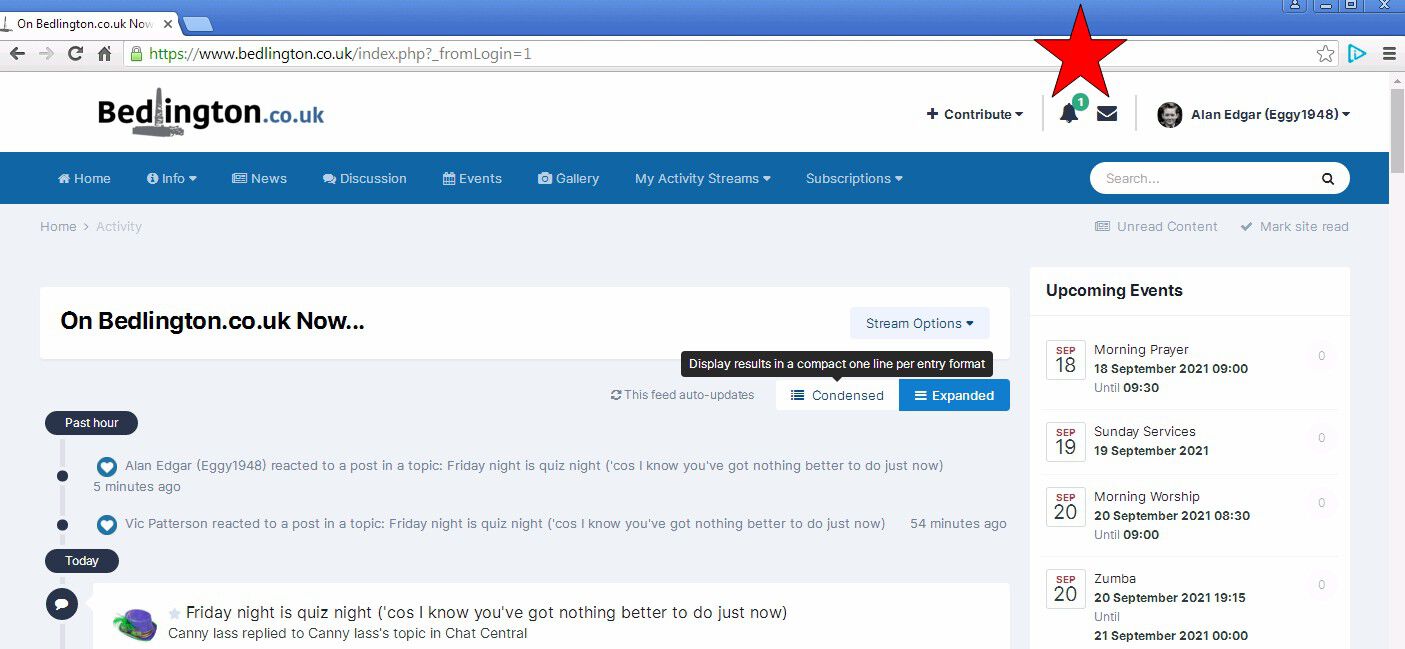
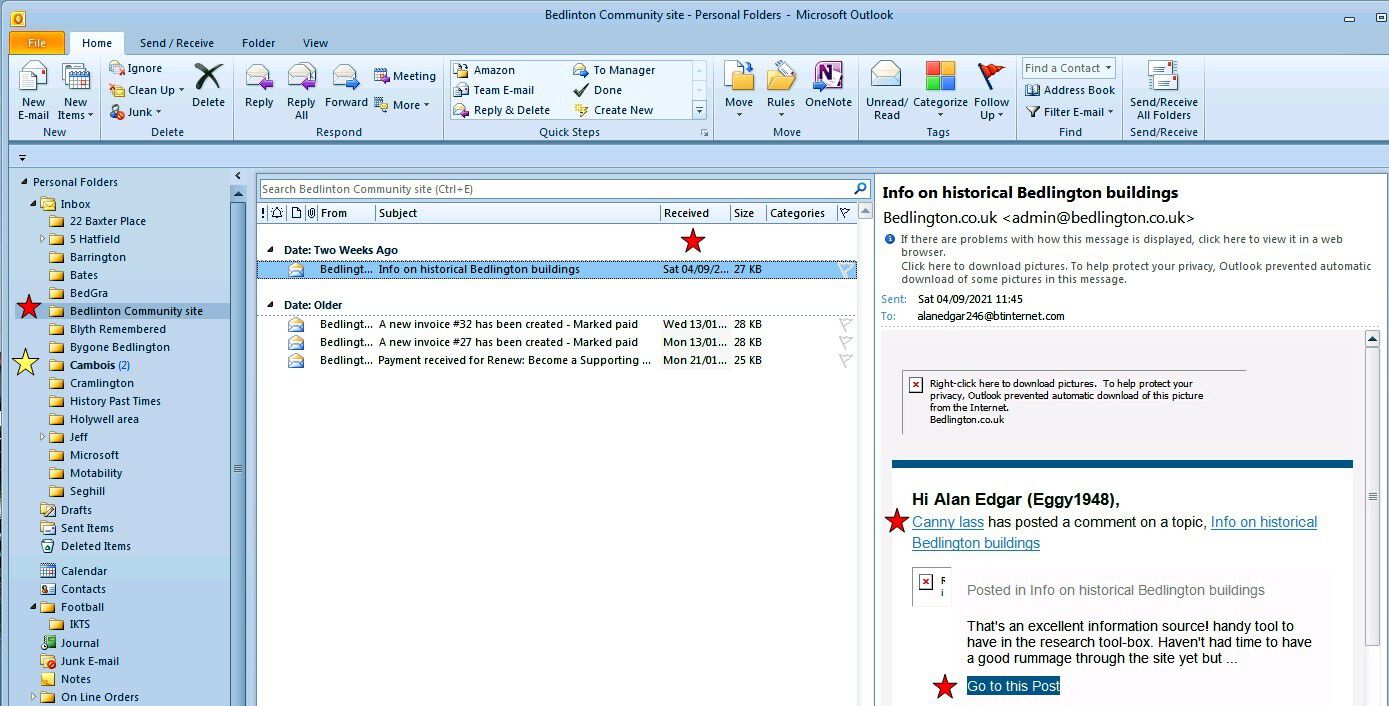
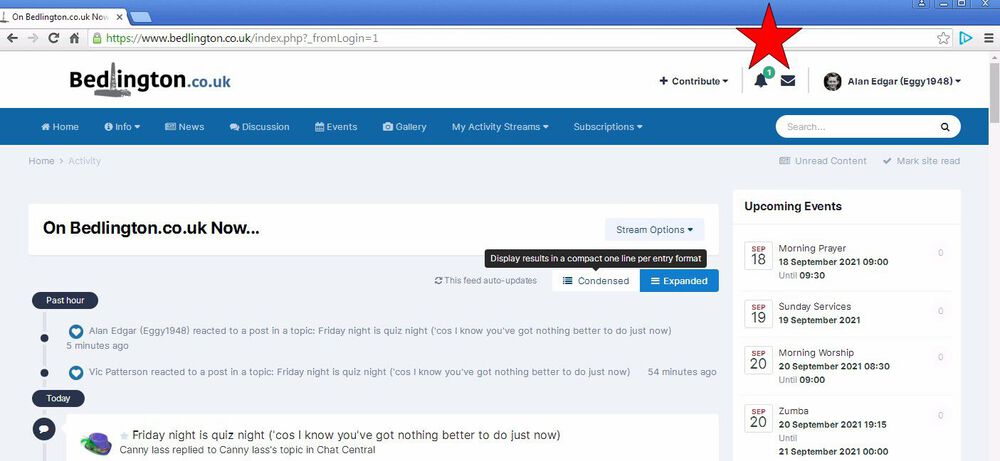
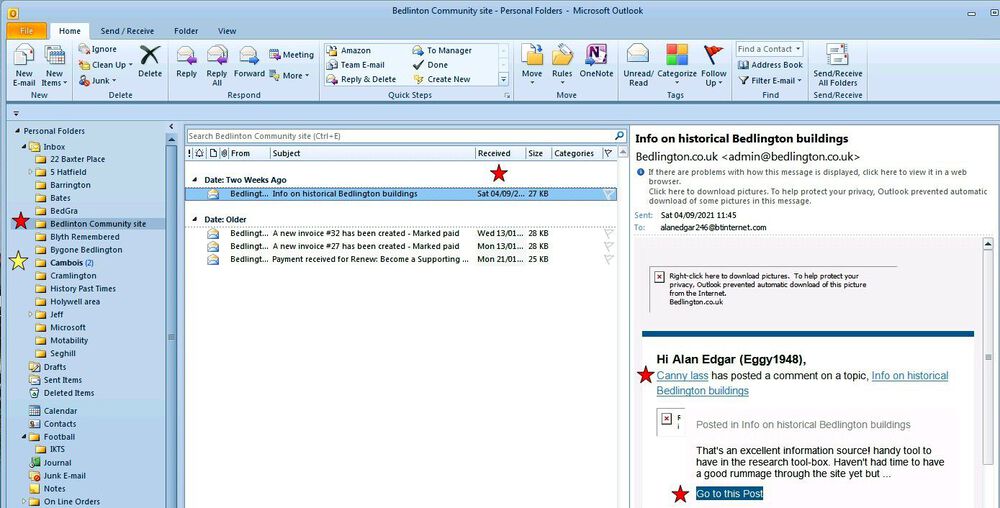
I still get the notifications within the group = But I used to get an email for every new post or comment that was made in the group and the email contained a link taking me directly to that new post or comment. Within my Outlook setup I have a separate folder for all the groups I am a member of and Outlook allows you to set rules, with conditions etc., so that when an email comes it uses the conditions to place that email in the relevant folder - if no condition met then the email goes into the 'top level' folder = Inbox. Can't remember the exact date I stopped receiving notifications via email but as you can see from the following screen shot I still have a notification, red asterisk, from when you commented, Saturday 04/09/2021, on the 'Info on Historical Buildings' topic.(The yellow asterisk just shows a group where there are still unseen emails (still in bold). No doubt @Andy Millne can explain why the email notifications have stopped being sent to me.
-
I would join the club but I'm not an ex-pat.
-
 Not Denton's - BRENTONS🙃
 -
I remember Wood's pop but can't remember ever seeing their premises. On one of the genealogy sites, rootschat, one member, Pit_yacker_from_Blyth, said :-' There is mention of Woods 'pop' factory in the Blyth section, as up until the 1960's or thereabouts, Woods pop factory, presumably the same family firm was located at Bebside, over the road from the Bebside Inn. Two brothers, Lance and Harry Wood.' I just remember an ex member of this group, Jo Rooney (lived at the Bank Top in the 1940's before emigrating) sharing some photos of the Wood & Son's factory at the bottom of the Furnace Bank :-
-
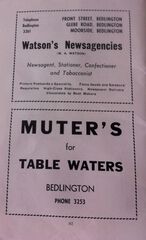
R Watson's shop, Front Street West, on the photo above @Tonyp - next door to Denton's just behind the bus stop for the No10 or 3 to Newcastle.🙂
-
Yes Cl- it's down to 17c, outside, and a mere 22c in the bungalow - with window open 🙂. Getting dark by 20:00. I'll do the quiz later - too busy clarting with images What is strange is that I never received one notification email that anyone had posted/commented last night = nothing from Cl - Vic or Tonyp's comments And last night I settled down to watch NUFC v Leeds and half time went wild - a bottle of Wychwood Dice man stout - 5% + Kettle plain crisps - I nearly toppled me zimmer frame when I went to bed

-
Although the advert says (W. A. WATSON) I'm assuming it was the shops we new as R. Watson on the Glebe Road & Front Street West (next to the bus stand for the Newcastle bus (Number 3 & 10). Where the advert has MOORSIDE I can only think that it refers to Moorside, Hartford Camp - can anyone confirm that is true or am I barking up the wrong tree
-
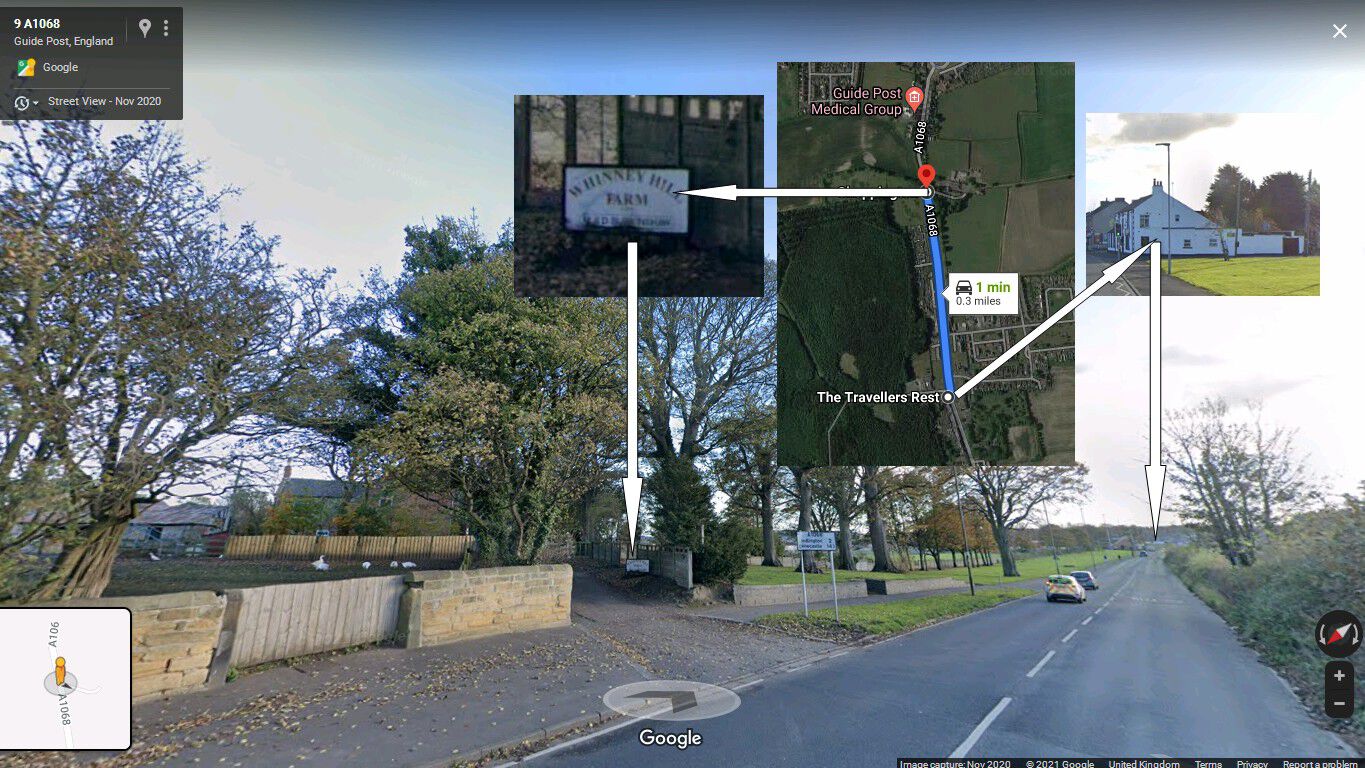
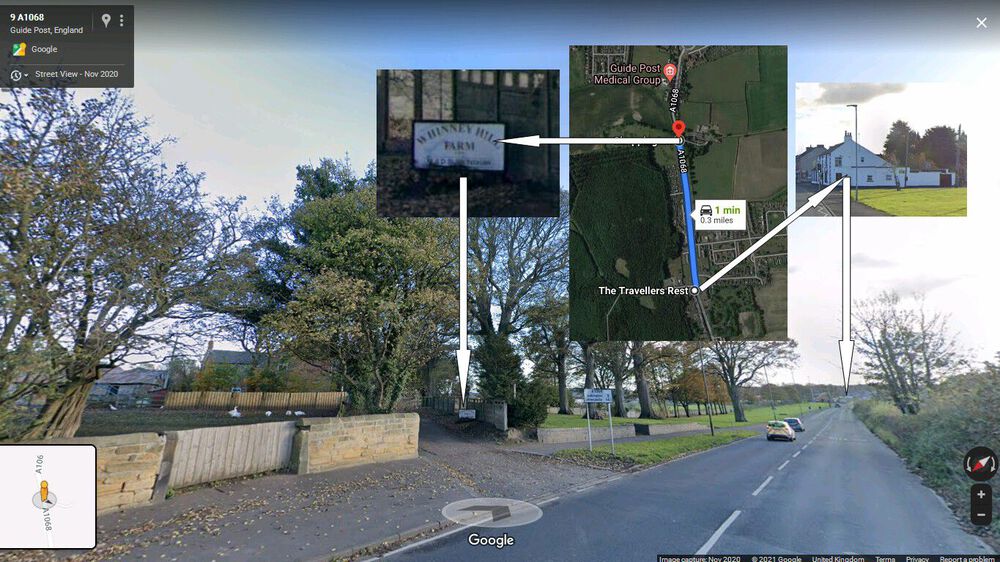
0.3 miles =
-
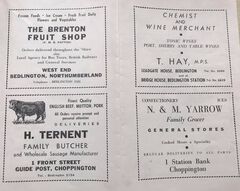 Can't find any photos that have been posted on the group that show the name Hay's above the shops. This is a compilation of some of the owners that have been in Bridge House, Bedlington Station :- This is a compilation of some of the owners that have been in Leadgate House, Vulcan Place, Bedlington :-
 -
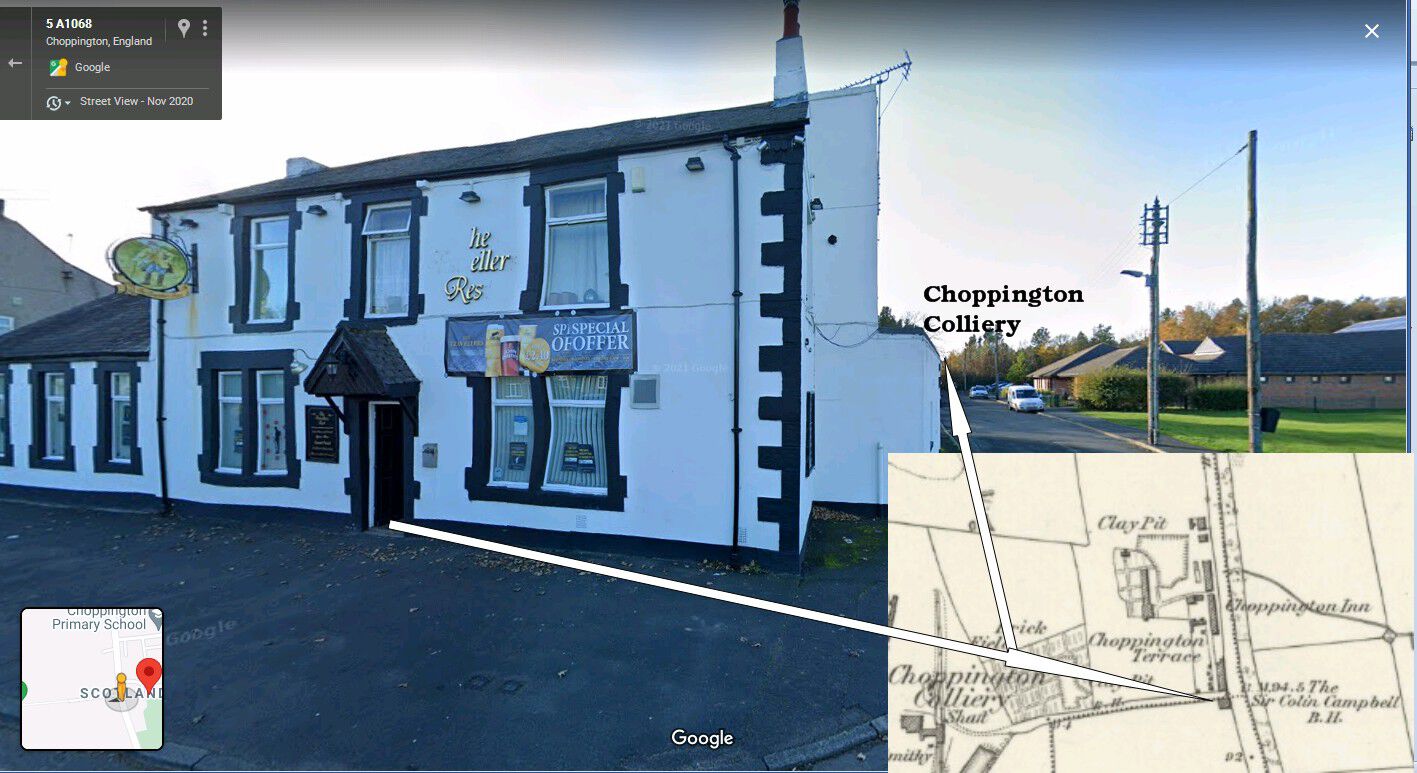
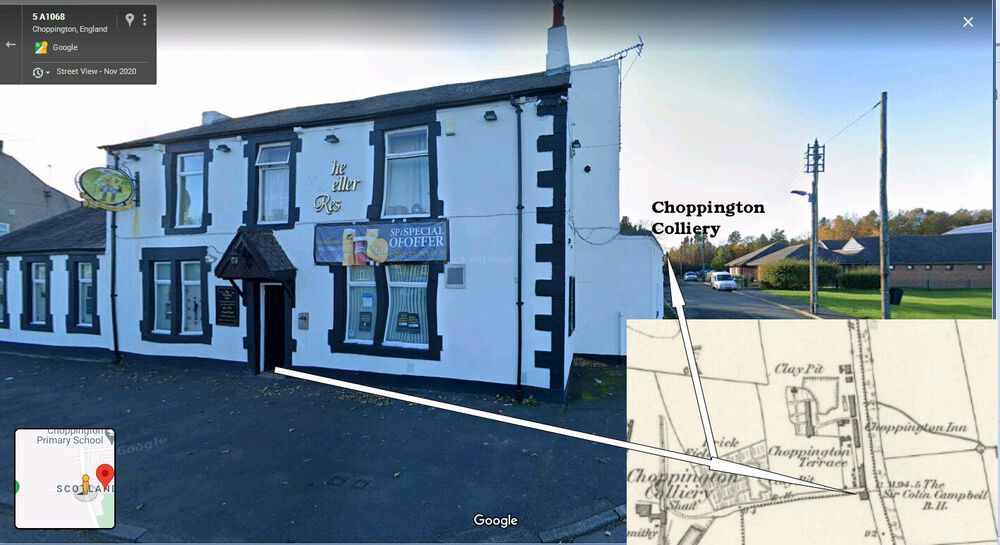
Not that this will help your cause but I can't resist mentioning the Travellers Rest in the mid to late 1960's. The Travellers Rest was the pub every dart player, and anyone else from their pub would want to go to. For an away match at any other pub it was your own transport or public transport to get there. The Percy Arms dart team hired a minibus when they were away to the Travellers and the team and any other person that could be crammed into the minibus spent the rest of the evening, including a lock-in at the Travellers. Normally after a darts match the home team landlord would come out with a couple of plates of sarnnies - plate of cheese chunks with crackers and a dish of pickles. The away team would grab a sarnnie, sup up and get back to their pub for the last hour but that didn't happen at the Travellers. The away team stayed at the Travellers till well after closing having a few more pints plus the best spread of food laid on at any of the darts matches = Yorkshire puddings - roast tatties - plate upon plate of sarnnies - cheese and crackers - pickled onions - crfisps and probably food I have forgotten. Well after 23:00 minibus back to Bedlington
-
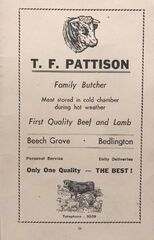 Then & Now
 -
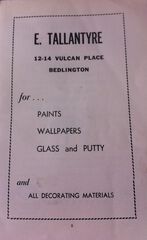 Then & Now Google street views 2020 & 2016) Don't know what year Tallantyer's moved from Vulcan Place to Front Street West☺️
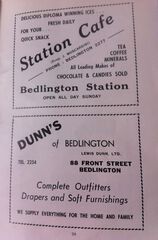 Station Cafe - Moscardini's - Then (1930's ?) & Now (Google street view 2016) Dunn's Then (1940'd ?) and Now ()Google street view 2020)
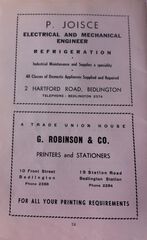 Then & Now - Robinson & Co - (Google street view 2020)
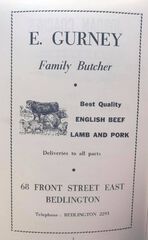 Then & Now (Google street view 2016)
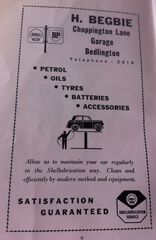 Then & Now (Google street view 2009)
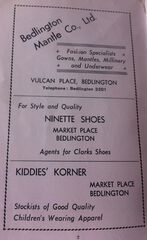 Then and Now (Google street view - 2016)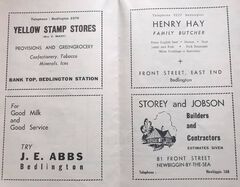
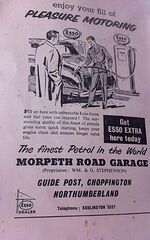
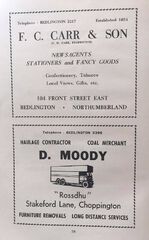
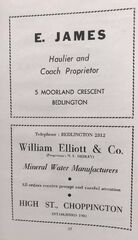
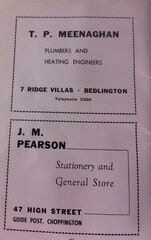
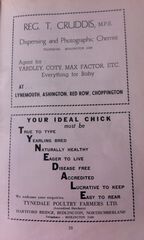
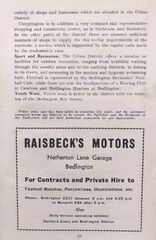
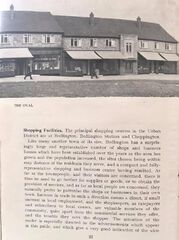
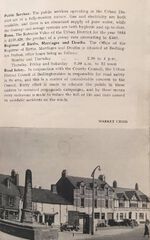
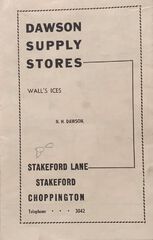
From the album: Official Guide Price 1/-, Bedlington, Northumberland
Booklet photographed and shared by Carole Robinson 9 September at 14:17 · I’ve found this small book amongst my late Mam & Dads papers. Don’t know what year it’s from. I’ve taken photos of each page, some of the businesses have brought back memories.
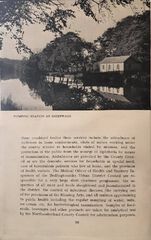
From the album: Official Guide Price 1/-, Bedlington, Northumberland
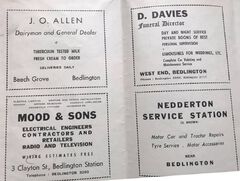
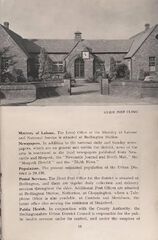
From the album: Official Guide Price 1/-, Bedlington, Northumberland
From the album: Official Guide Price 1/-, Bedlington, Northumberland
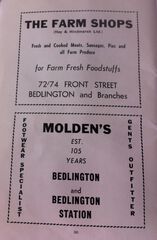
From the album: Official Guide Price 1/-, Bedlington, Northumberland
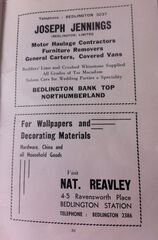
From the album: Official Guide Price 1/-, Bedlington, Northumberland