Everything posted by Alan Edgar (Eggy1948)
-
From the album: Netherton/Nedderton old photos 2
-
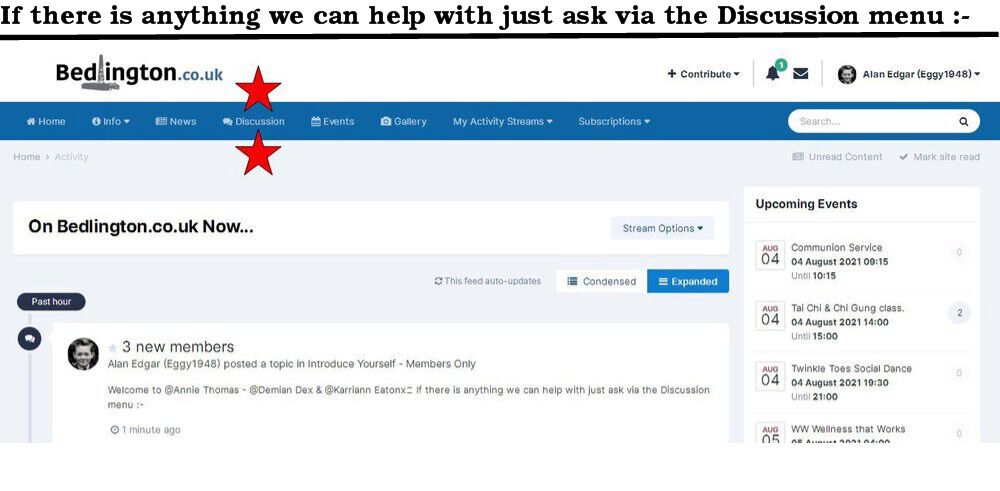
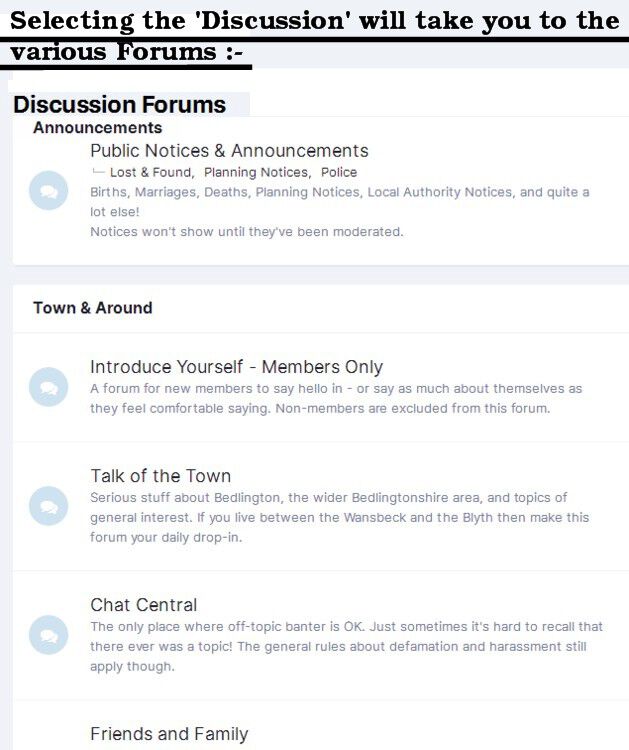
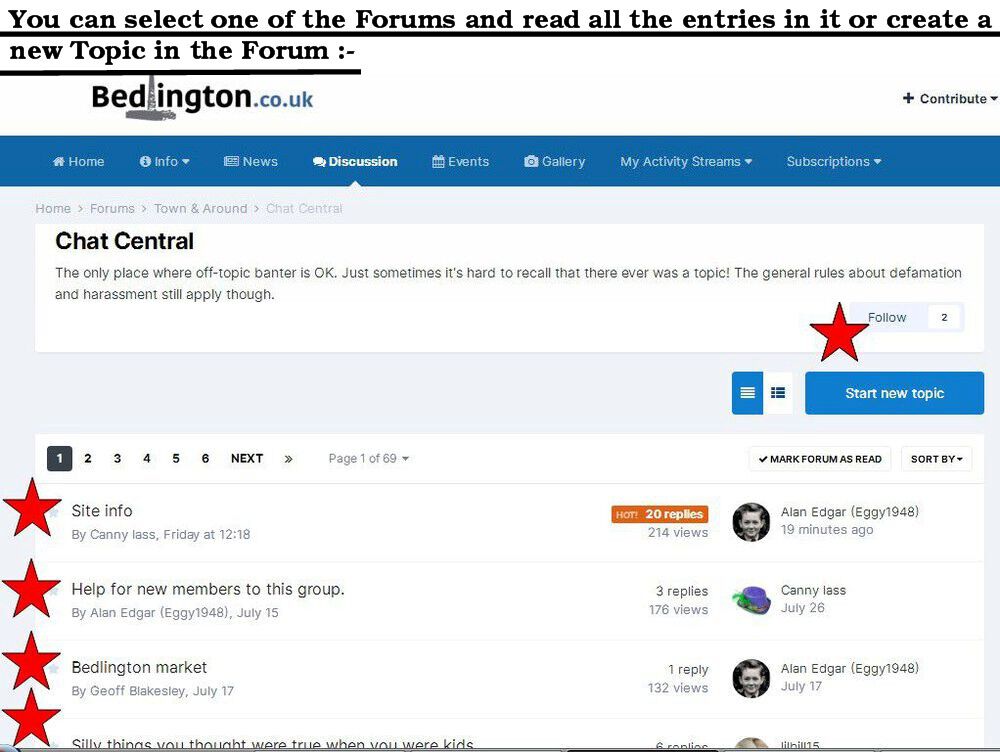
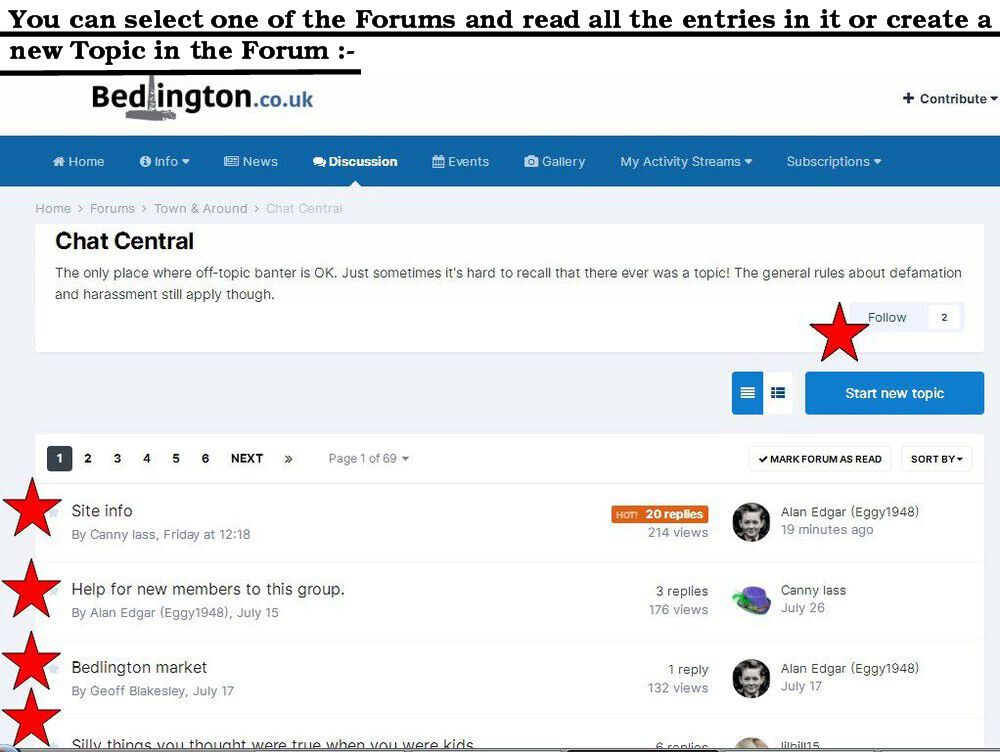
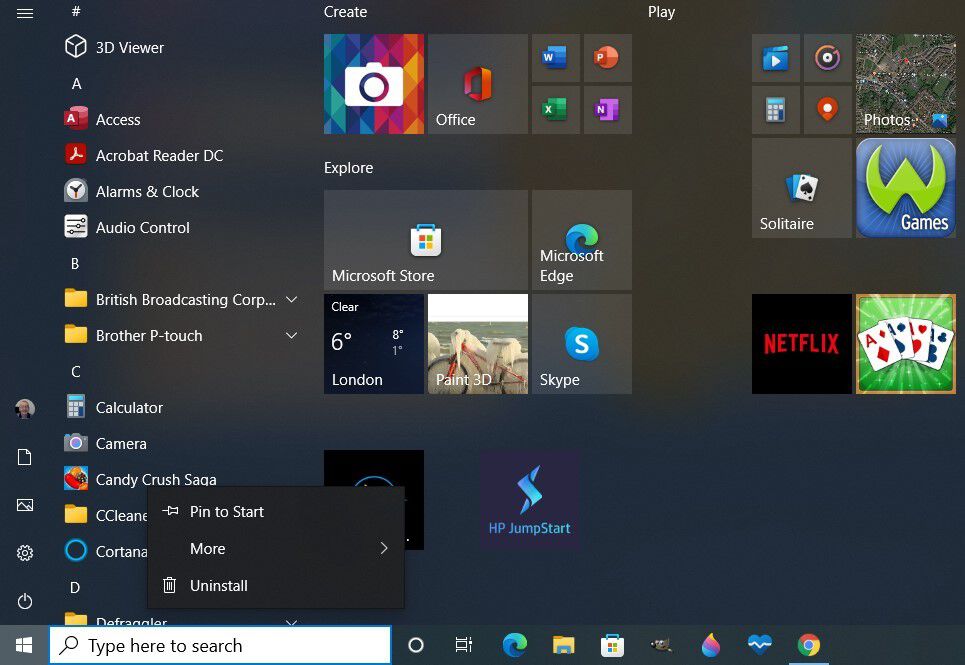
Another attempt :- Windows 10 1. Left click on the plain Windows logo at the bottom left hand corner of your screen and that will display all the programs you have loaded. 2. Scroll through and find the MacAphee logo 3. Right click on that logo and you will get the option to uninstall.
-
CL - all my attempts to add displays + text etc. for uninstalling on Windows 10 have failed and I don't know why they all failed to upload - I'm working on it.
-
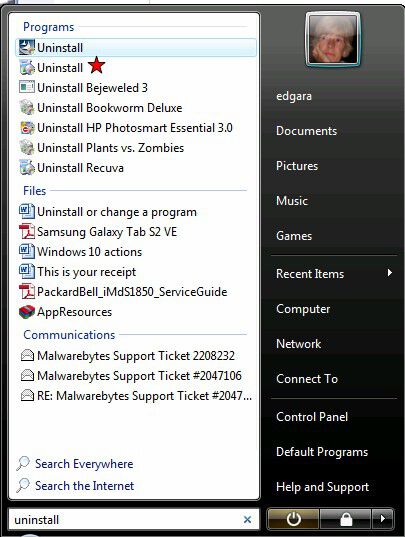
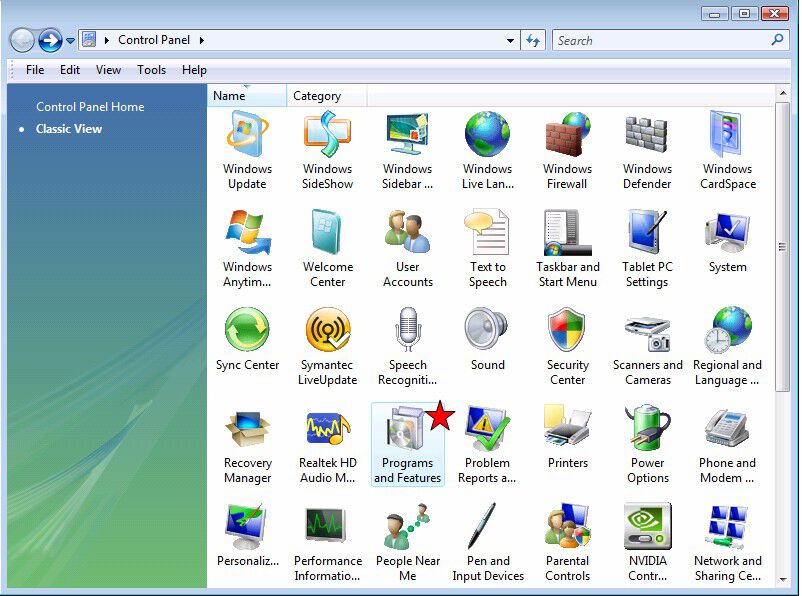
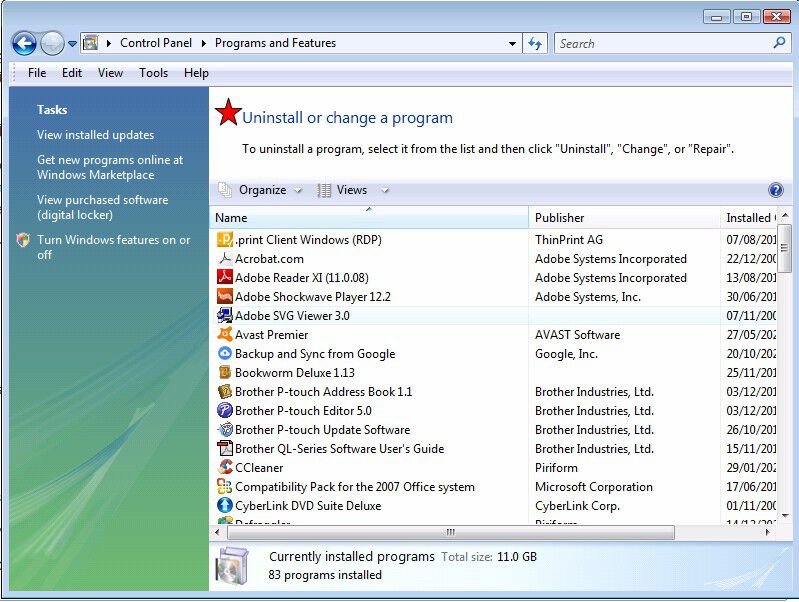
This is just guess work and Google - it's a few years since I used McAphee = free version for a year. Have you ever used the 'uninstall' command? Type uninstall in your 'Start/Search' panel and you should get a list of all the software programs you have installed and when you click on the program you are after you should get an option to Uninstall/Delete. If you have access to the 'Control Panel' and depending on your Windows version you might be able to access the uninstall tool via the Control Panel that could take you to the Programs and Features option that when selected gives you a list of all your installed software and the option to uninstall :- If you still have McAphee dashboard then you could try :- Access the McAfee dashboard. Select “Navigation” from the top-right corner. From the “Next” tab, select “General Settings and Alerts.” To manually turn off pop-ups, select the “Informational Alerts” and “Protection Alerts” option. Uncheck the boxes to stop receiving pop-up alerts. If thay fails then it
-
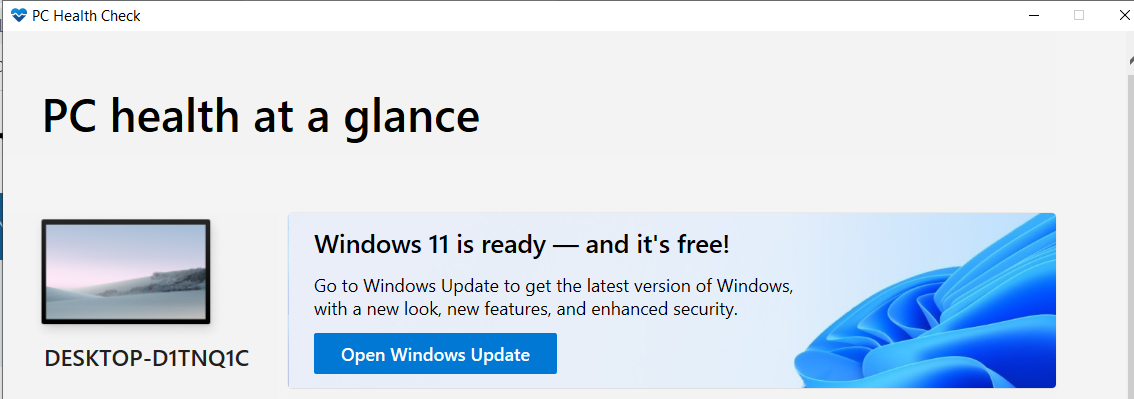
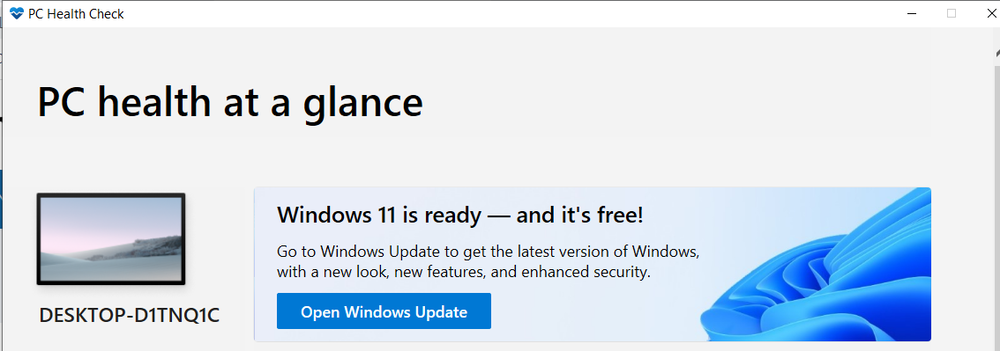
Has anyone upgraded their system to Windows 11 and if so were there any problems?
-
Can't even spell it. That will teach me not to divide into it, but it';s too late for me to change
-
Oops - dived is not an alternative for multiply. Edgar boy, you must try harder
-
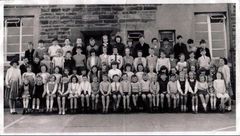 No 47 named by Patricia Brack, Bygone Bedlington group, as Elizabeth Kyle.
 -
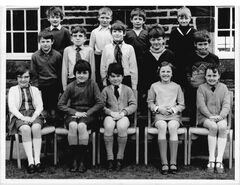 Updates from Joanna Jackson & Lynn Potts :-
 -
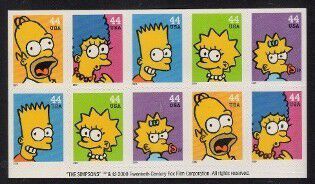
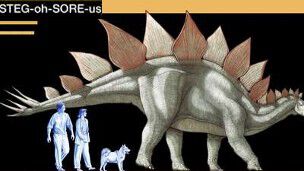
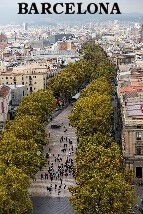
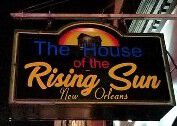
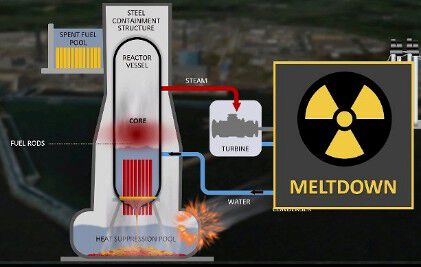
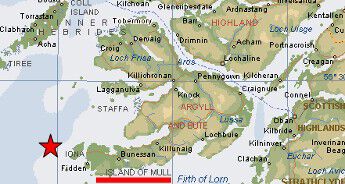
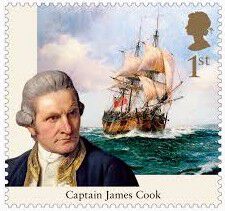
1. Nelson Mandela’s son, Makgatho, died in 2005 from which illness? Answer = 2. USA’s most popular postage stamp was produced in 1993 and 120 million were sold. What was the picture on the stamp? Answer = 3. Which dinosaur had the smallest brain in relation to the size of its body? Answer = 4. In which city can you find the famous street ‘La Rambla’? Answer = 5. According to The Animals, where was The House of the Rising Sun? Answer = 6. What term do we use to describe the disintegration of a nuclear reactor? Answer = 7. What do we call a female ferret? Answer = Jill 8. In which group of islands is Iona situated? Answer = 9. What shape is the body of a balalaika? Answer = 10 ½ ÷ ½ = ? Answer = 0.25 = ¼ = 0.63cm 11. Who sailed around the world on The Endeavour? Answer = 12. On which horse did Willie Carson win the 1989 Derby? Answer = Nashwan I’ll bet you didn’t know …. The average pencil will write 50,000 words before running out. ... Now that's what you call 'having lead in your pencil'- Answer = I didn’t. I’m off to the Derwent (Lakeland) Pencil Museum to stock up my pencil lead.
-
Photo from Steve Thomas (No 7) and names from Steve and the Bygone Bedlington Facebook group members.
-
From the album: Netherton/Nedderton old photos 2
-
👍
-
@Andy Millne - would you place @lilbill15's vote?
-
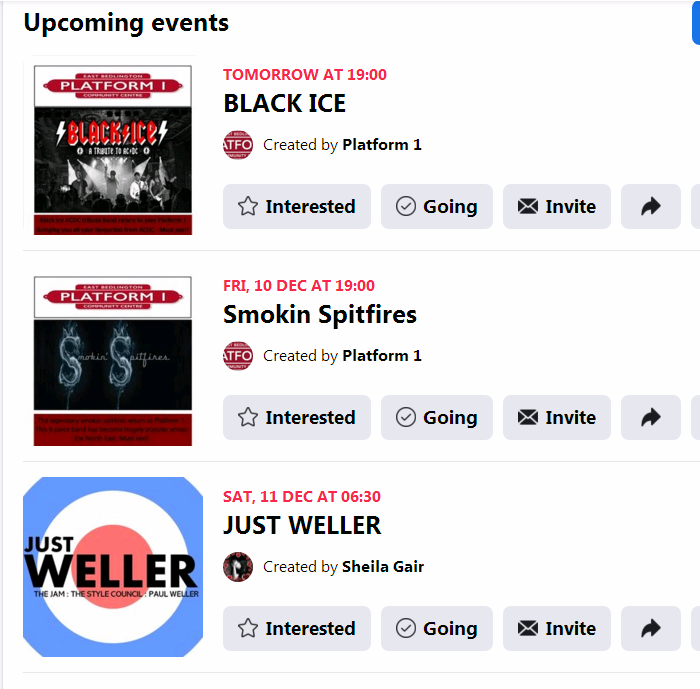
Upcoming Events :- https://www.facebook.com/groups/201036446688484/events
-
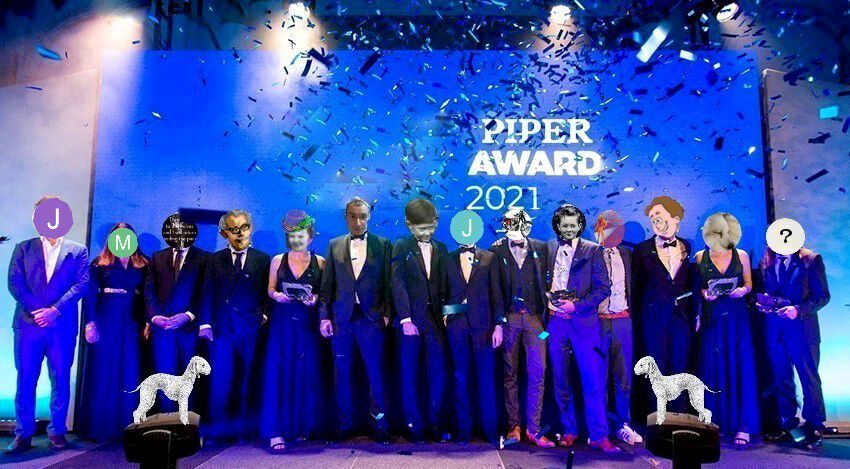
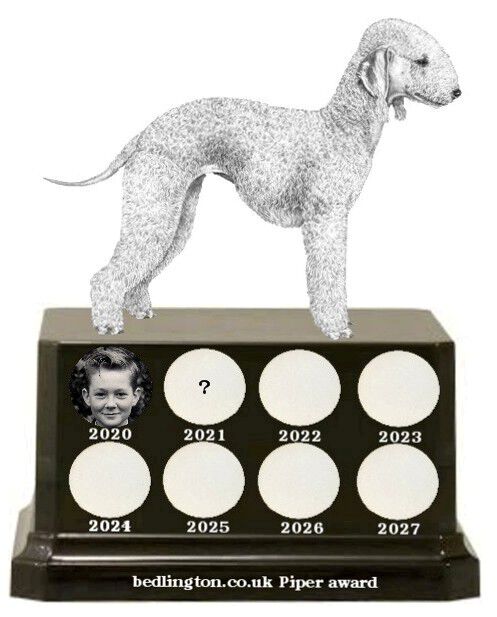
@lilbill15 - At the top of this page under Discussion>Talk of the Town>Piper Award 2021 - Andy has created a 'Poll' with all the nominees names👍
-
@Andy Millne - to follow on from @Bedlingtonian's 2020 award's would you create a 'voting table' for 2021.? Id's I think should be included are - @Canny lass- @Vic Patterson - @HIGH PIT WILMA - @Bedlingtonian - @Andy Millne - @Pete- @John Fox (foxy) - @Jammy - @lilbill15 - @Maggie/915- @_pauls - @rosco - @James - @Rigger & @Malcolm Robinson and naturally any other member that anyone knows has contributed to the group over the year.
-
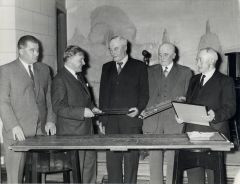 @Jennifer Ann Atkinson & @Carole - Nigel Scarr says gentleman first left as you look at the photo is the Colliery Manager - Charlie ? Moore.
 -
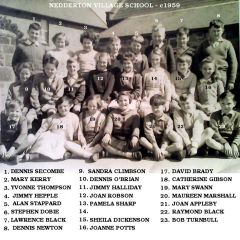 Well spotted @Canny lass - No 21 corrected to John Appleby just like Bob Turnbull, who named most of them, had typed - it was my typing that was wrong
 -
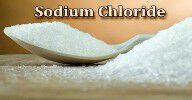
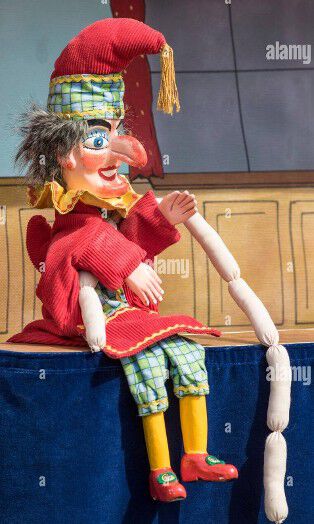
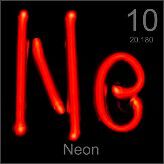
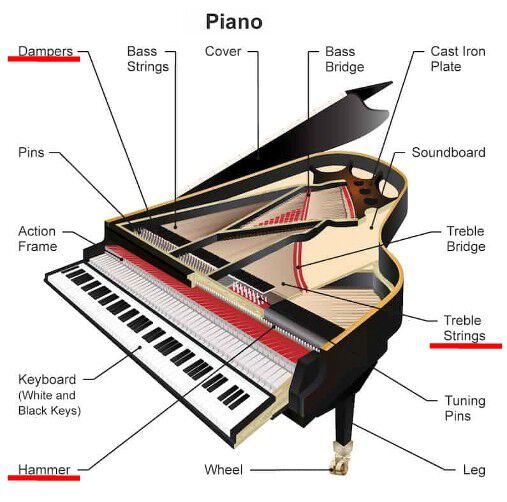
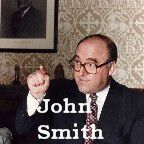
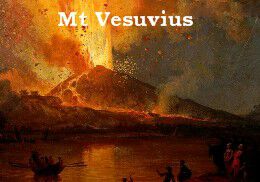
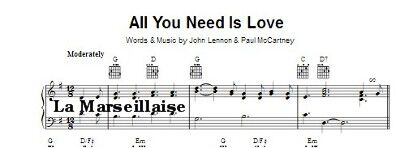
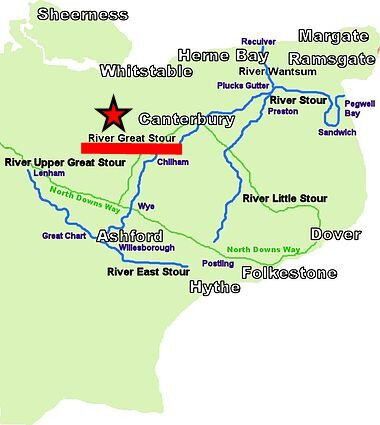
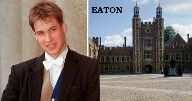
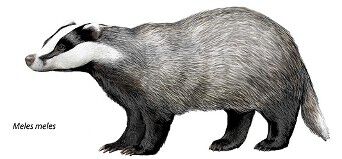
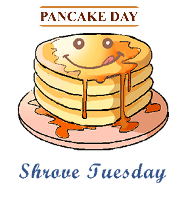
1. Common salt is composed of which two elements? Answer = 2. Which meat product appears in Punch and Judy shows? Answer = 3. Which gas is represented by the symbol Ne? Answer = 4. Which musical instrument has hammers, dampers and strings? Answer = 5. Who succeeded Neil Kinnock as leader of the Labour Party? Answer = 6. The eruption of which volcano buried the ancient city of Pompeii? Answer = 7. Which country’s national anthem can be heard in The Beatles song All you need is love ? Answer = 8. What is the nickname of Aberdeen football club? Answer = Dons 9. On which river does Canterbury stand? Answer = 10. Which school did Prince William start at in 1995? Answer = 11. Which animal has the scientific name Meles meles? Answer = 12. What is the day before Ash Wednesday called? Answer = I’ll bet you didn’t know …. James Watt was arrested twice for flashing. Answer = I didn’t – I wonder if his flash was steam powered
-
@Jennifer Ann Atkinson - according to the Durham Mining Museum site the Howard Pit closed in 1974 and from the info you posted above your grandfather must have retired in the late 1950's as he would have been 65 in 1959. I won't add any year on at the moment but if we get any further info I will update.
-
@Jennifer Ann AtkinsonI assume your family has this photo. If you could give me any info eg. the year - who the two guys are on the left as you look at the photo etc. I will add the info to the photo. With the info we have so far :-
-
-
@LynneDevonWatson & @Ellie Thorpe
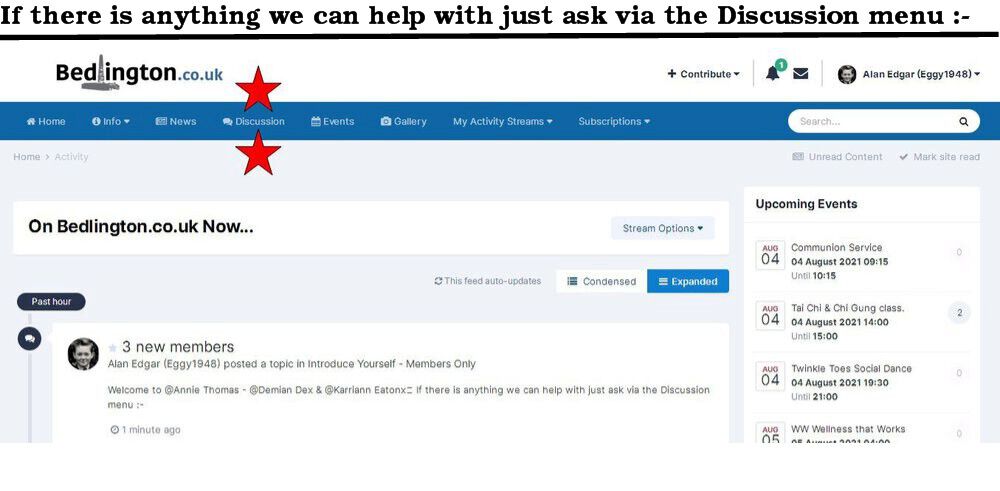
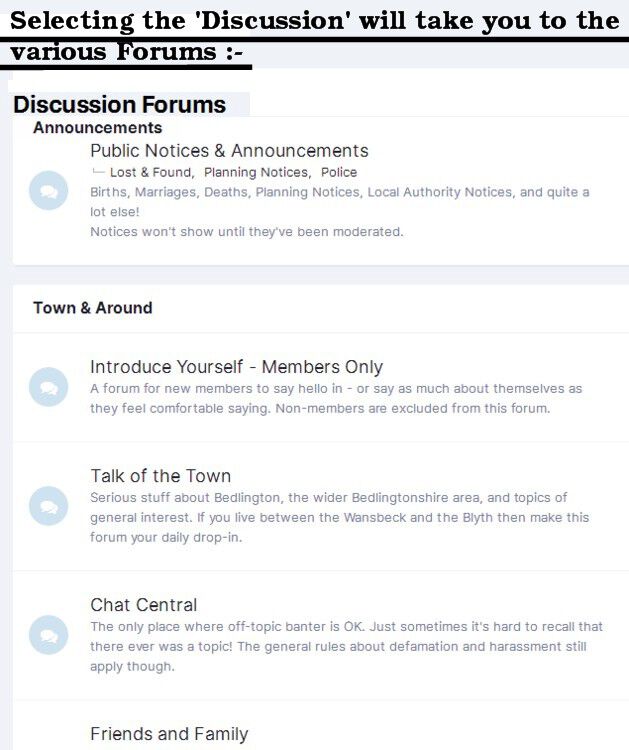
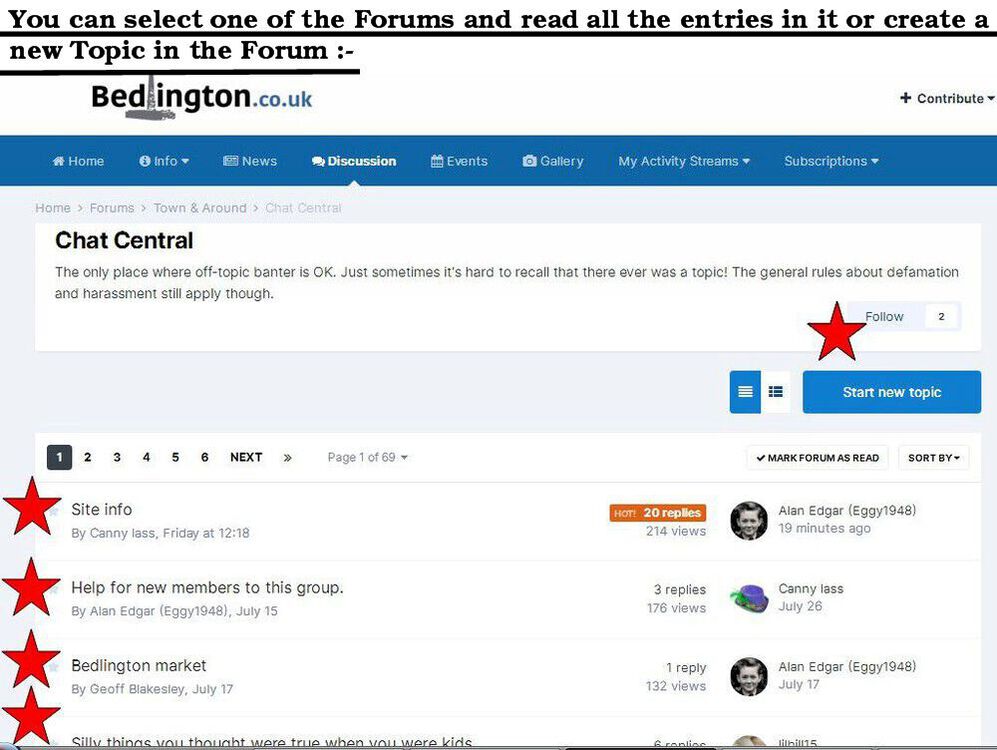
-
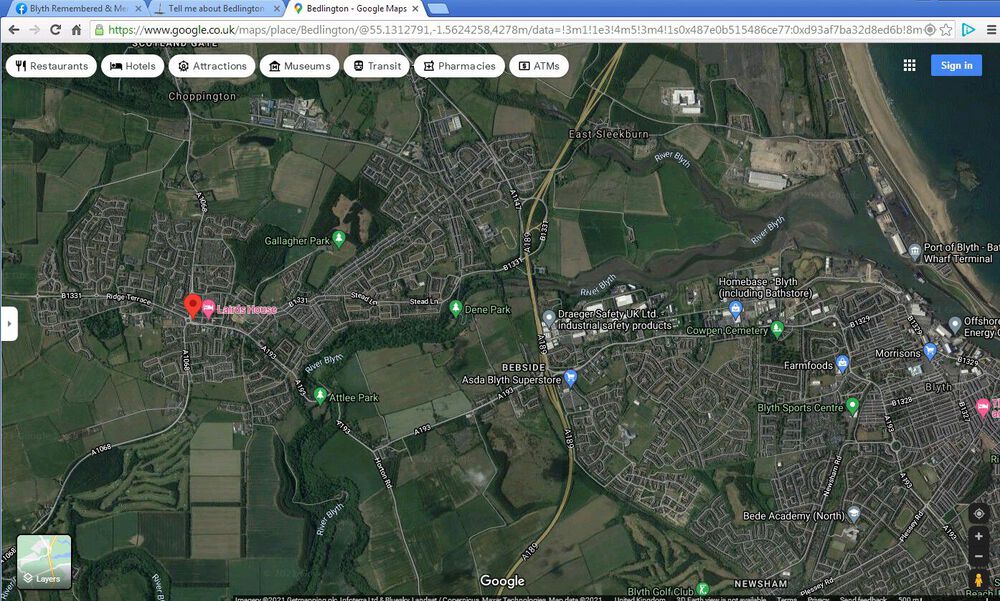
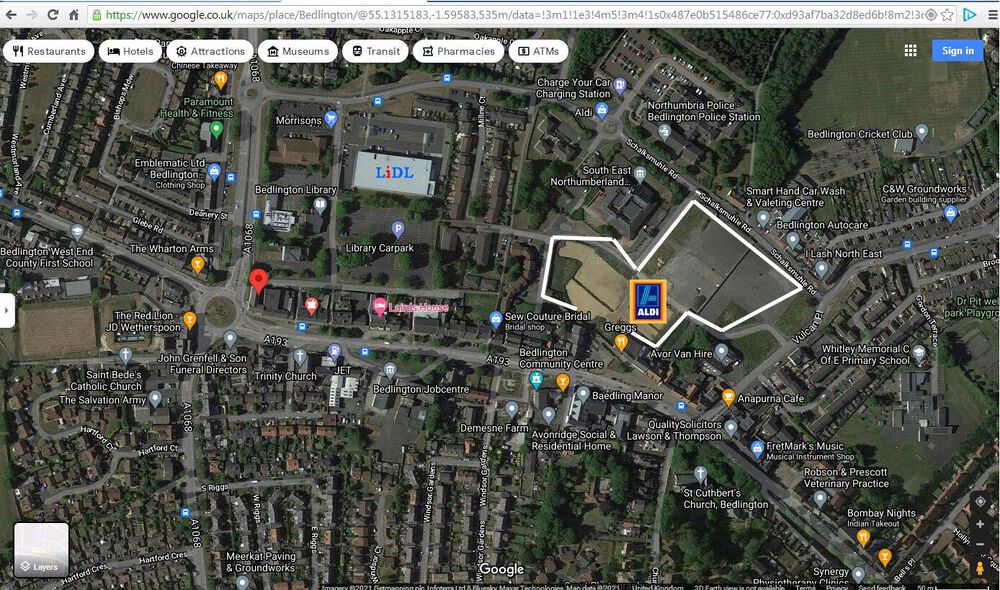
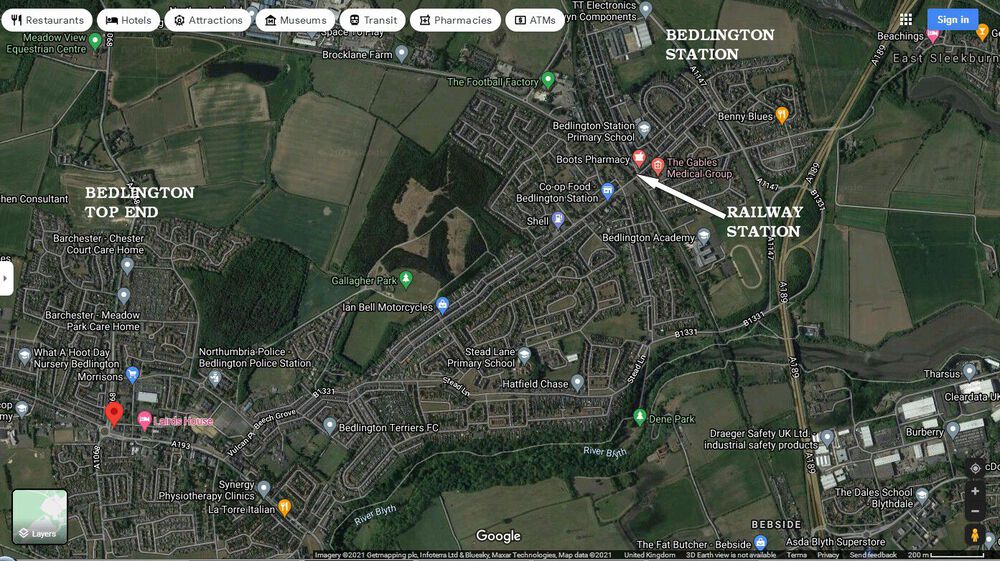
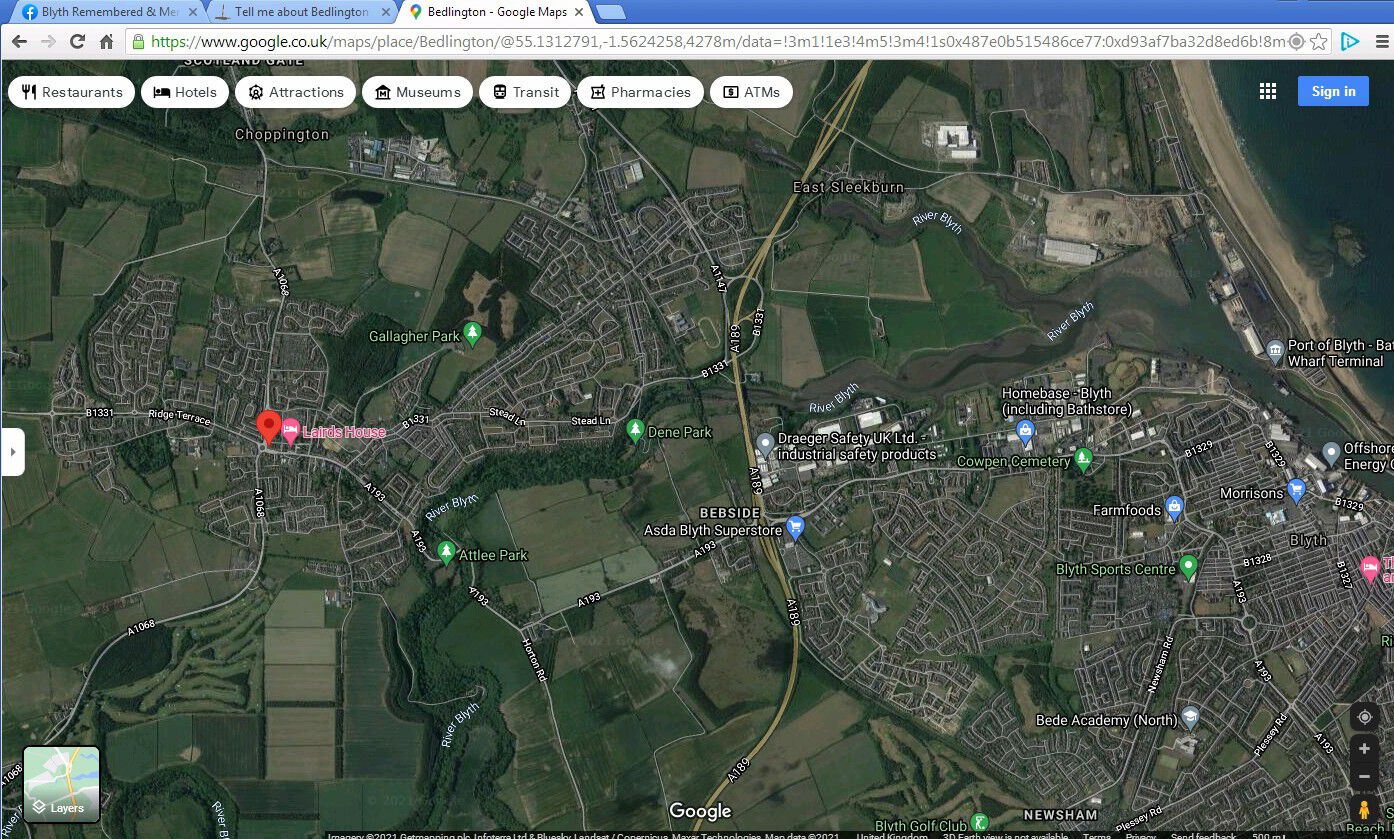
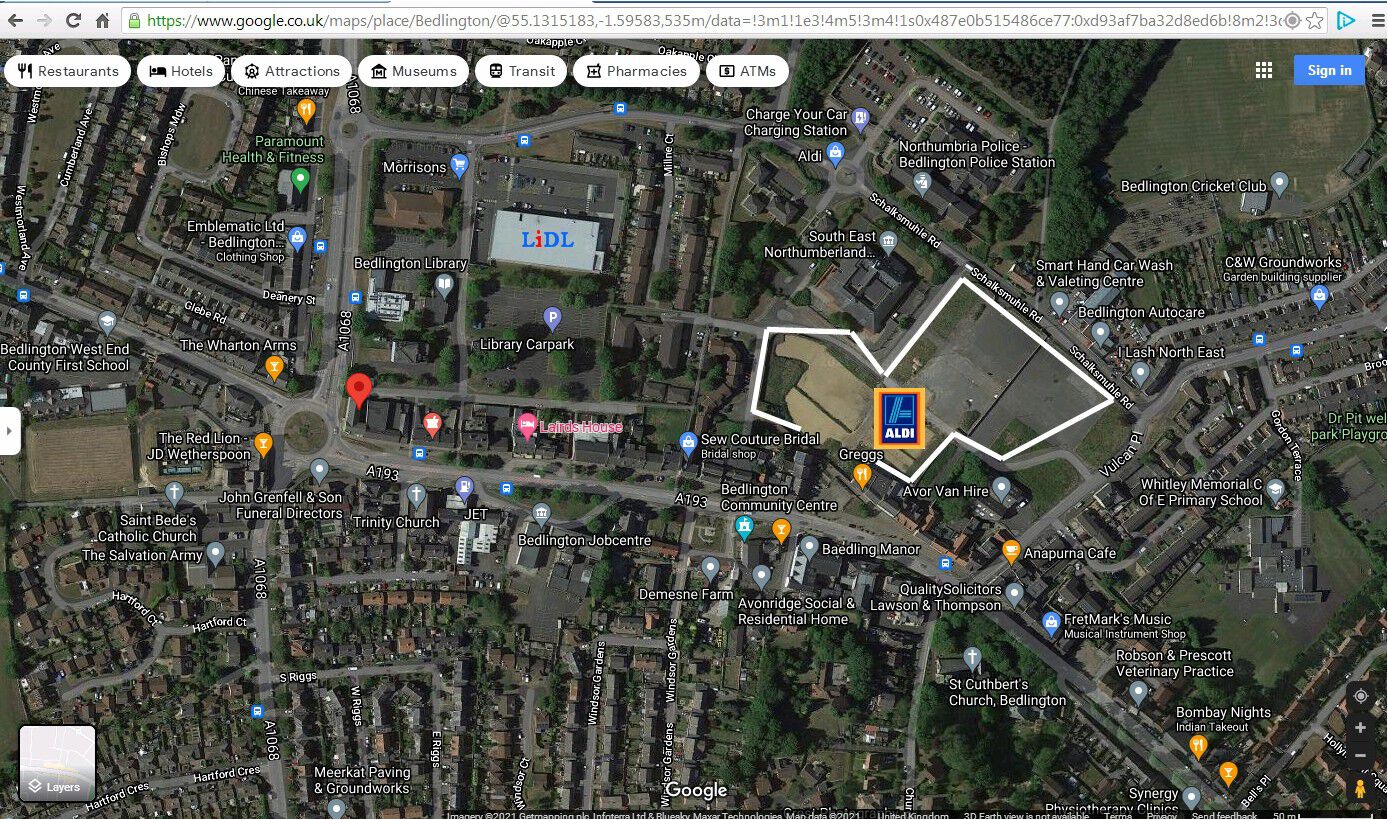
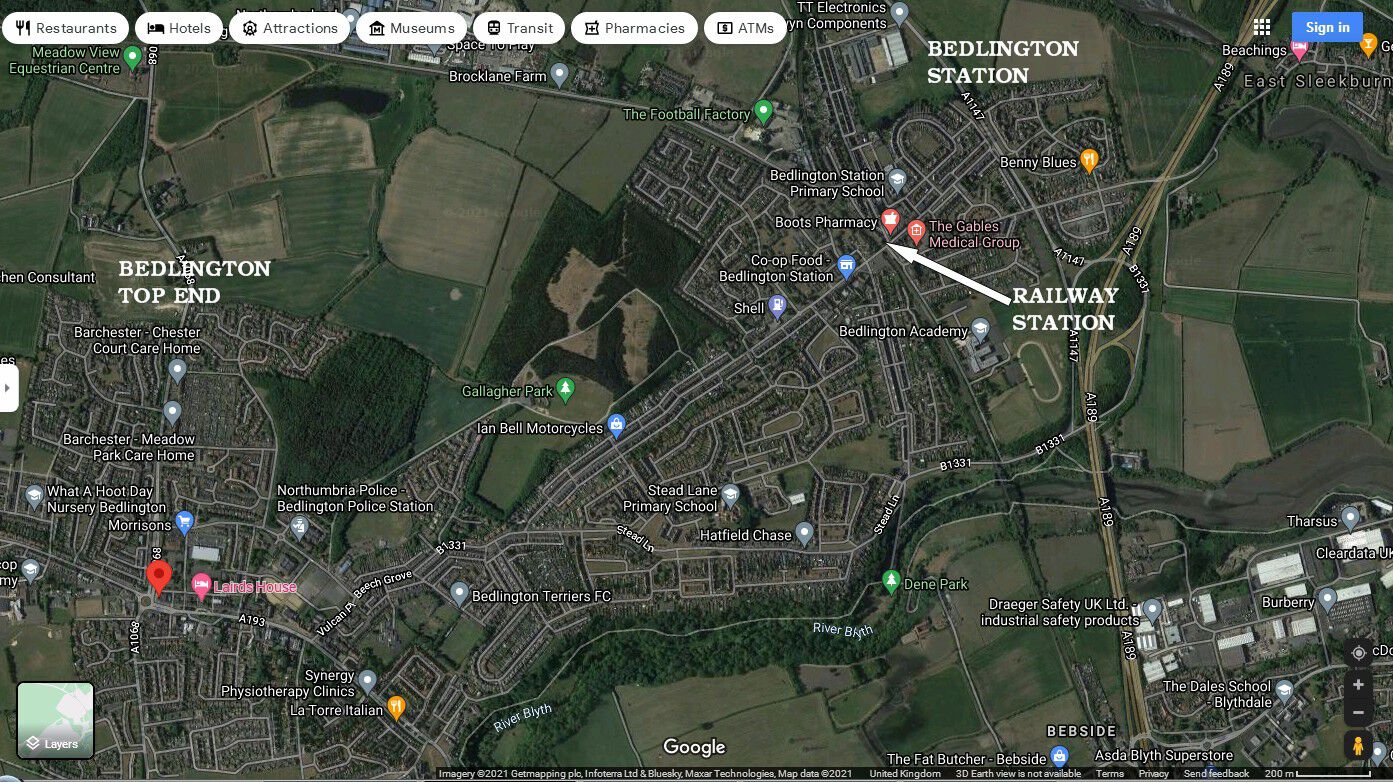
Hello @Ellie Thorpe - I am an ex Bedlington lad, now retired, and therefore can't give you info on the current view of Bedlington residents but hopefully, like Andy has above, I can give you 'www' links to info on Bedlington. One of the members on this group is an independant Bedlington councillor - @Malcolm Robinson - and Malcolm often posts :- current info - videos of council meetings - development plans etc. etc. I'm sure you will have Googled Bedlington. The following are Google images of the town. Bedlington has two identities - The Top End & Bedlington Station (where the old railway statio still is and will be reopened under the new plans).