Everything posted by Alan Edgar (Eggy1948)
-
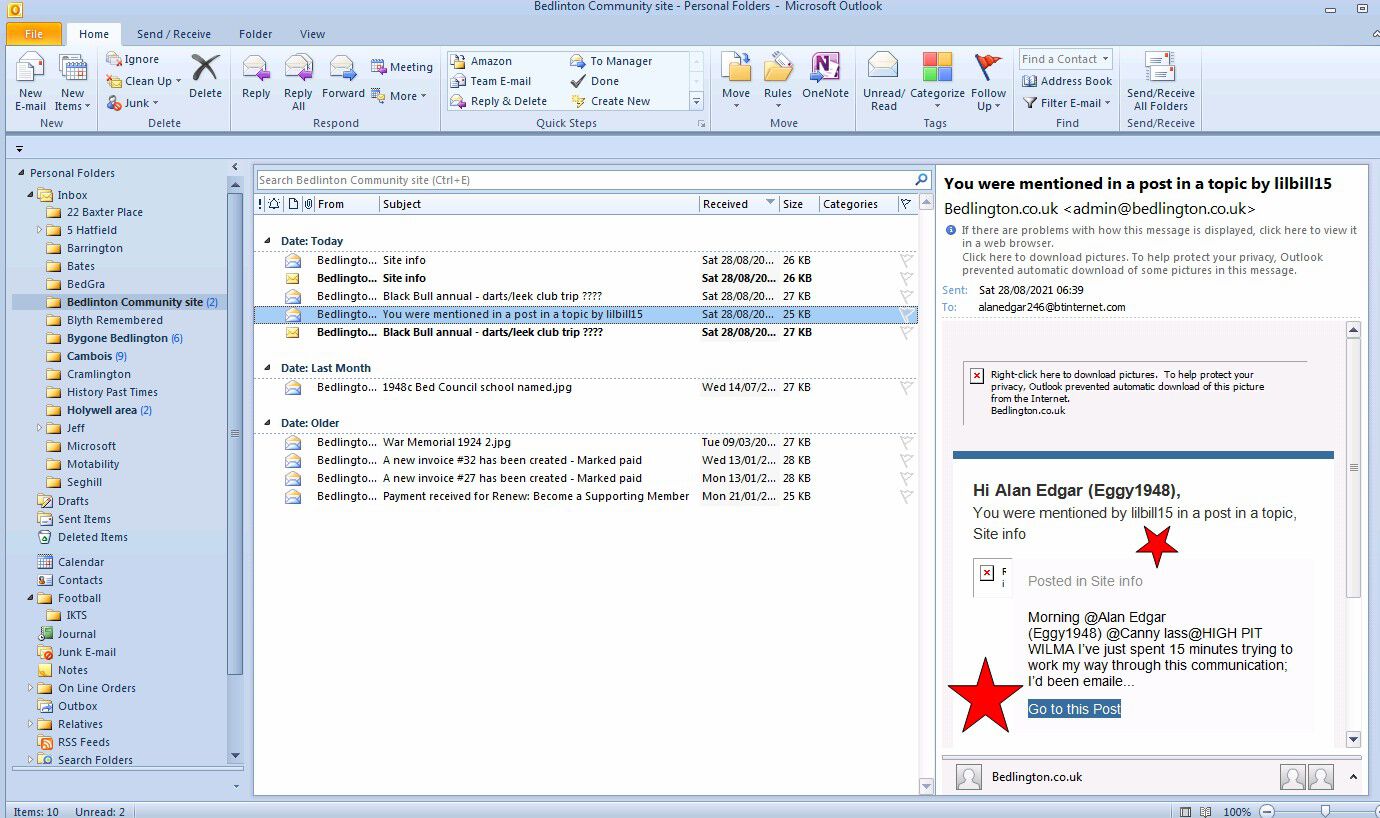
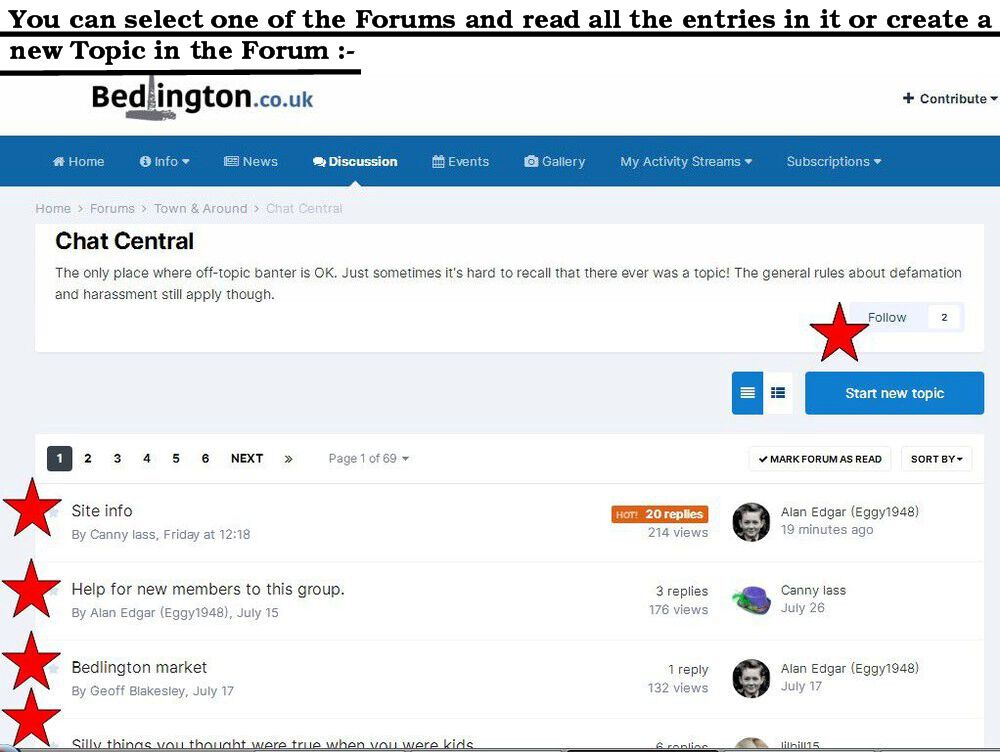
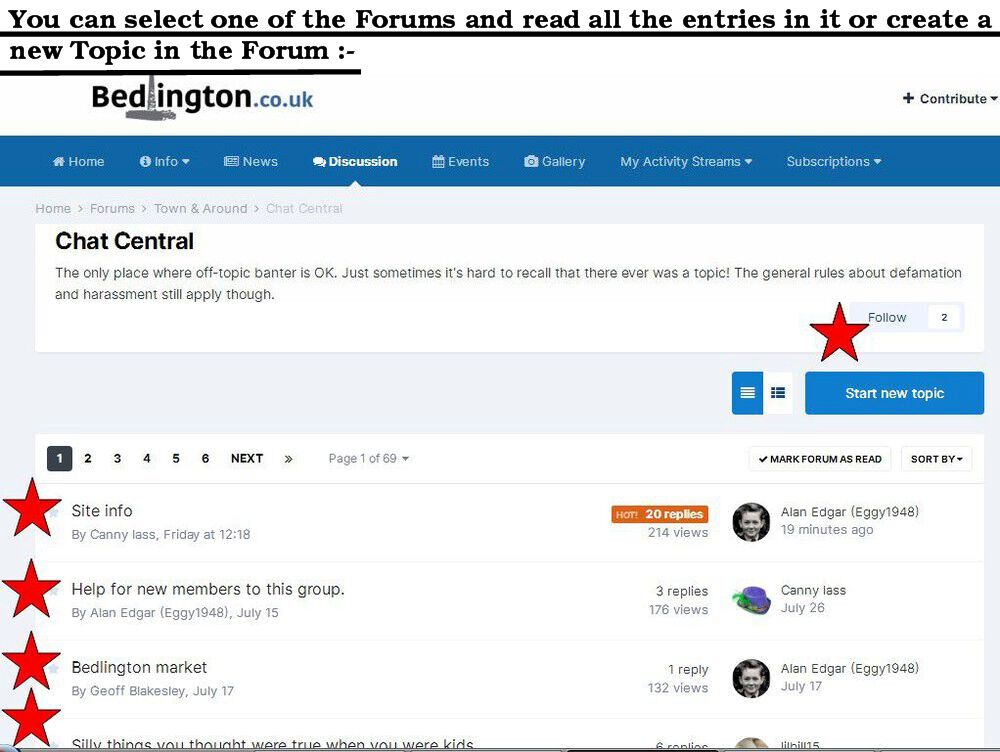
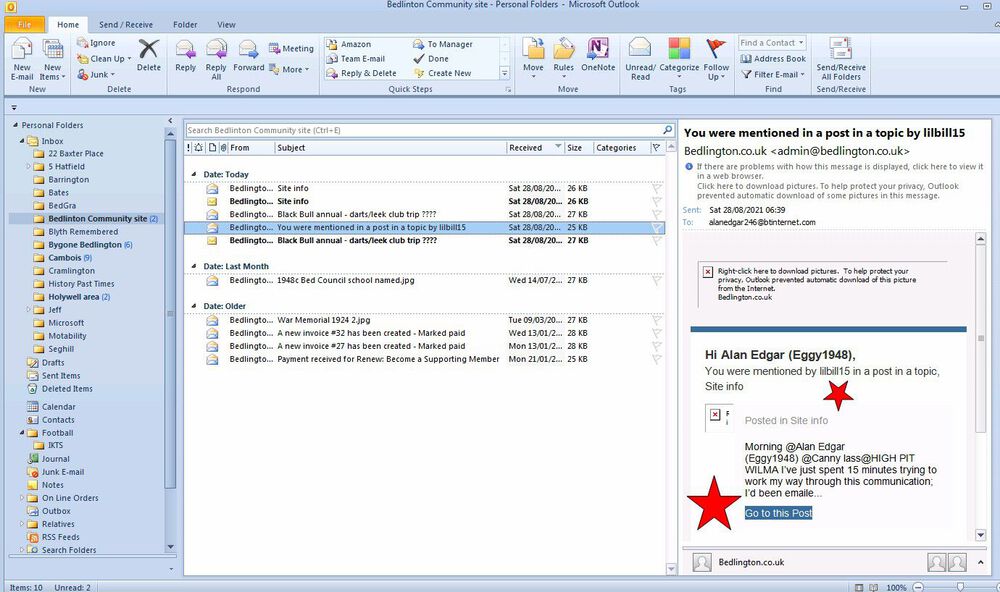
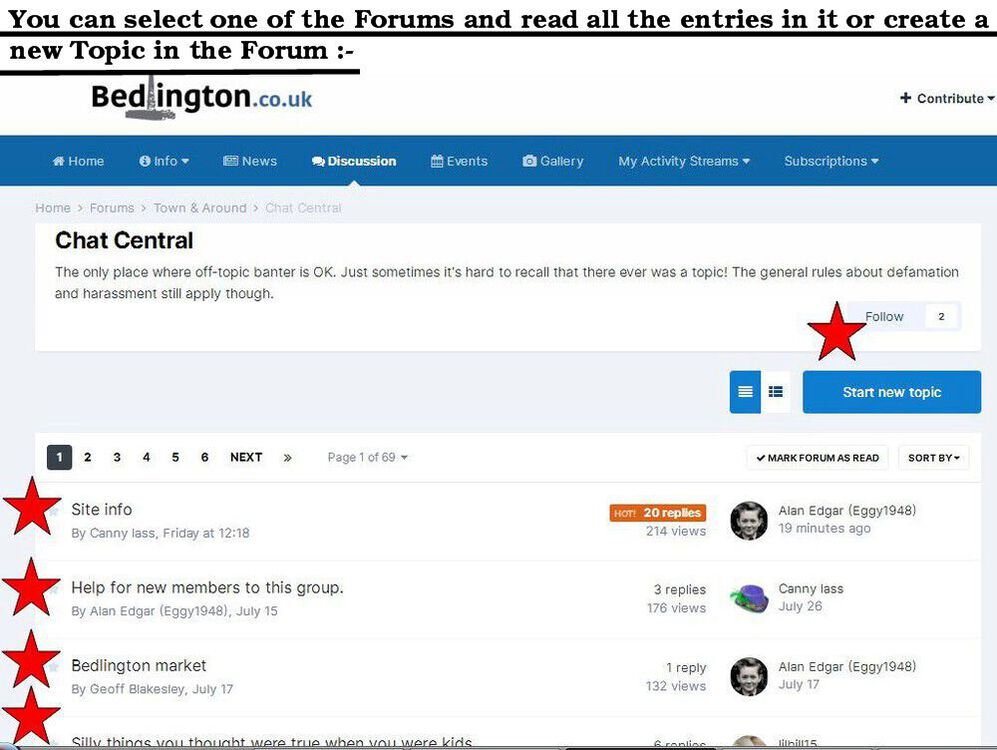
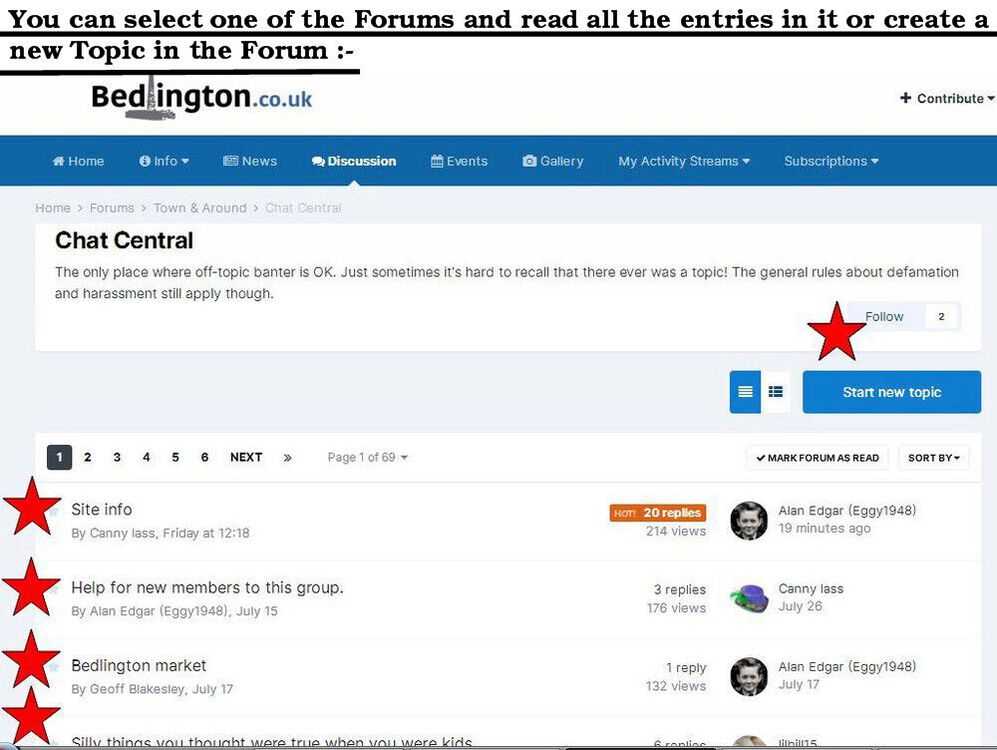
Afternoon lilbill15 - must be your Tablet software/operating system - all my emails from my email provider, btinternet.com, are picked up, from my email server, by Microsoft Outlook package that I have installed on my Desktop PC and for each email I receive there is always a 'Go to this Post' highlighted that when selected takes you to the actual post. My wife uses a Samsung Tablet and I know when she asks me to check anything out on her tablet I get frustrated. I'm so used to a large screen display where normally all options can be seen and accessed from the first screen that is presented, on whatever site you go to. But the Tablet screen being much smaller can't display all the options and it's normally via the three dots, at the top right of the screen, that other options etc. are accessed. This is normally the first screen I get when I go direct to the group site :- I should add that I stick to a Desk Top Pc, with full size keyboard, as my attempts to select options on a small Tablet screen do result in me selecting the wrong option and frustrating myself. Add to that my fingers don't always go to the right area on a Tablet or mobile device and my involuntary reflex actions of the hand and fingers more often than not result in me selecting options I have never dreamed of . I can't use a mobile phone to access the www. I have a 2G mobile, no access to www, that has one use - it goes in the car and is there in case I break down and have to call for assistance. I'm sticking to 21" Desk Top Pc's ⌨️
-
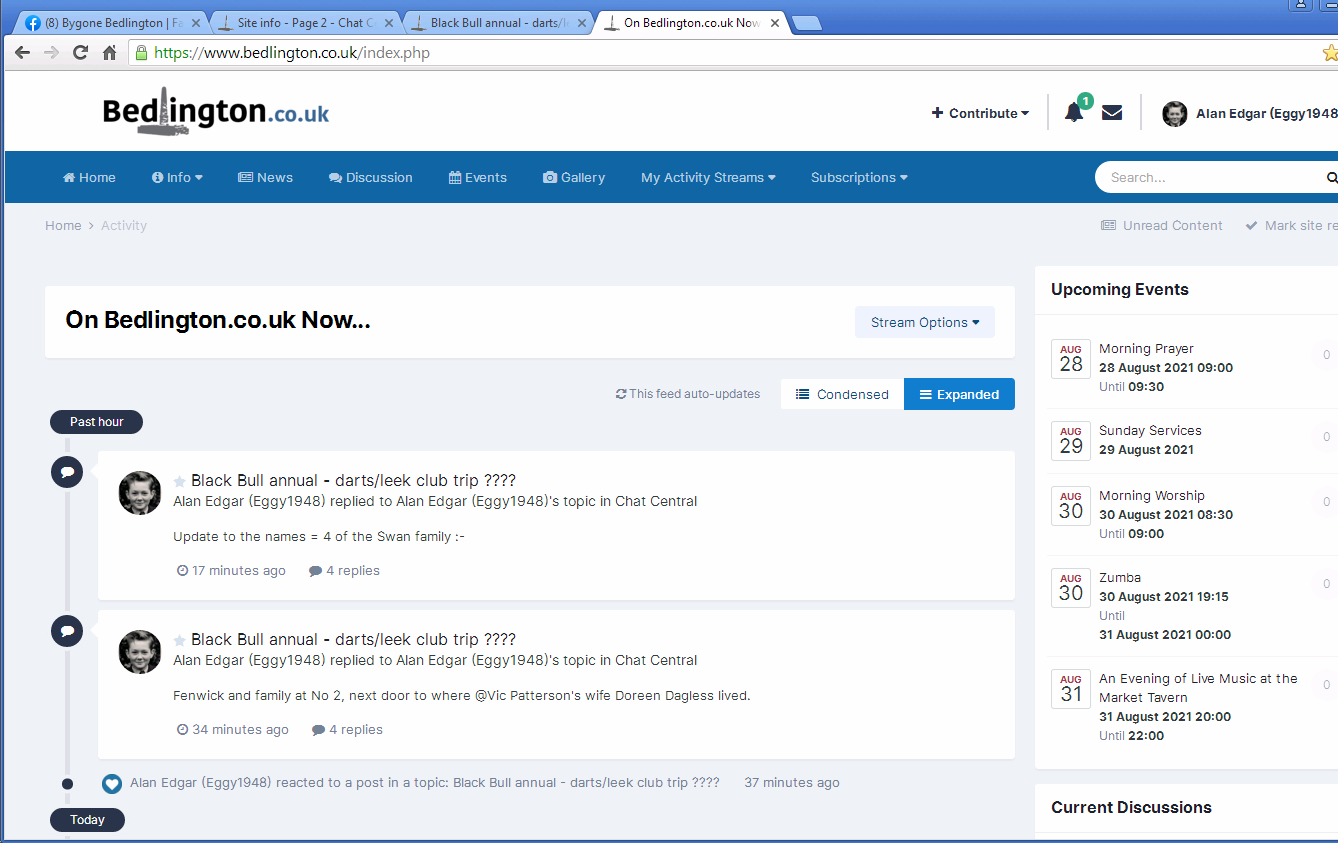
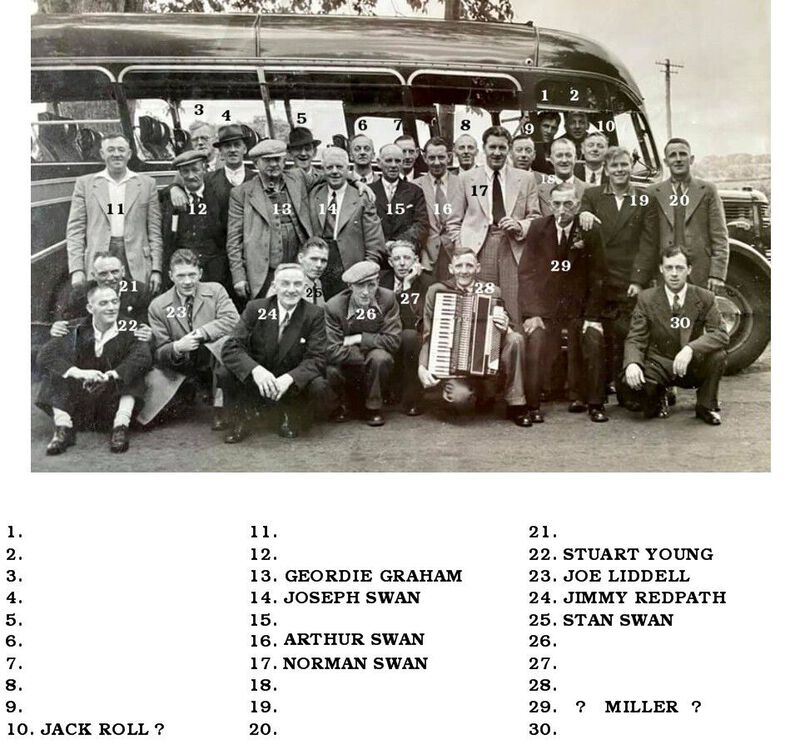
Update to the names = 4 of the Swan family :-
-
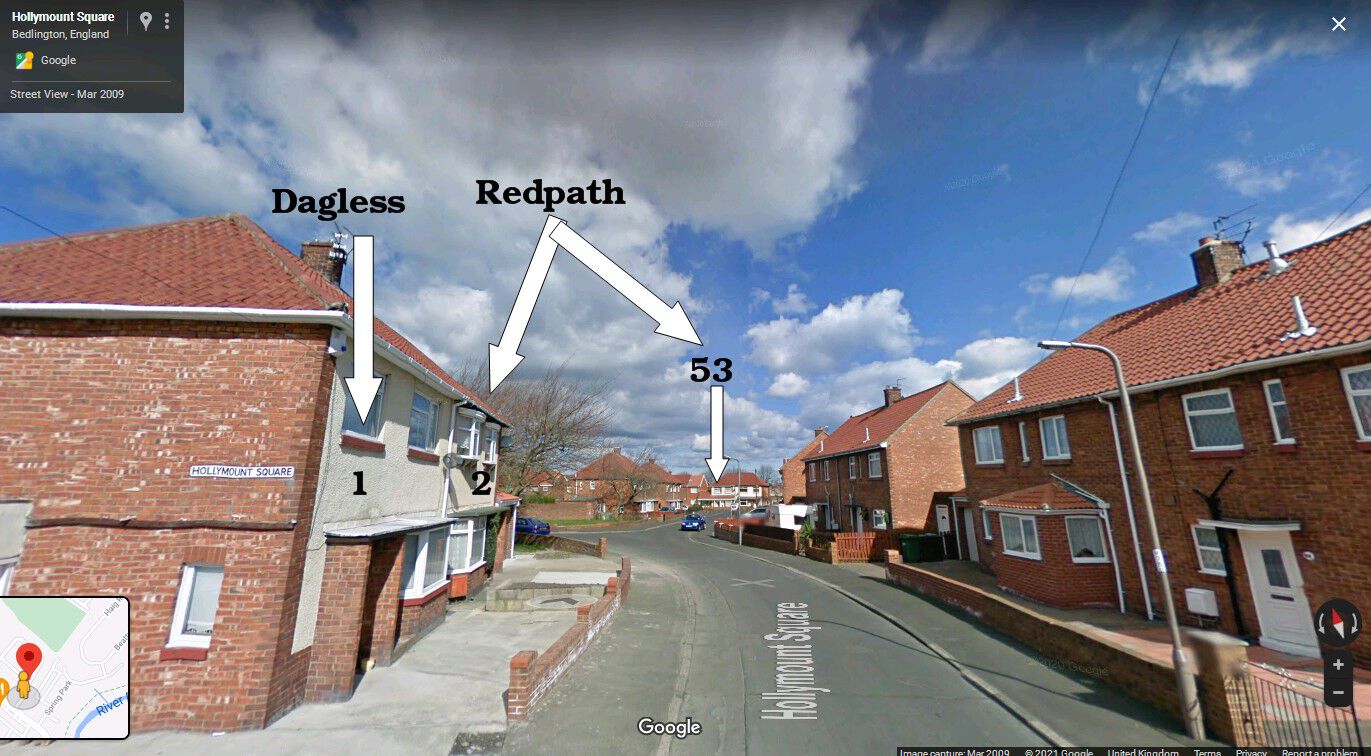
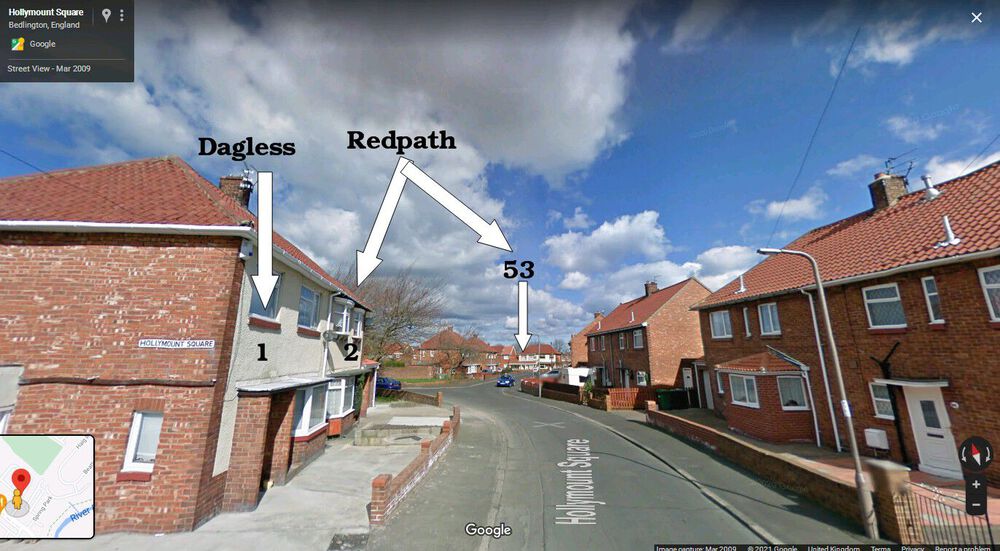
Fenwick and family at No 2, next door to where @Vic Patterson's wife Doreen Dagless lived.
-
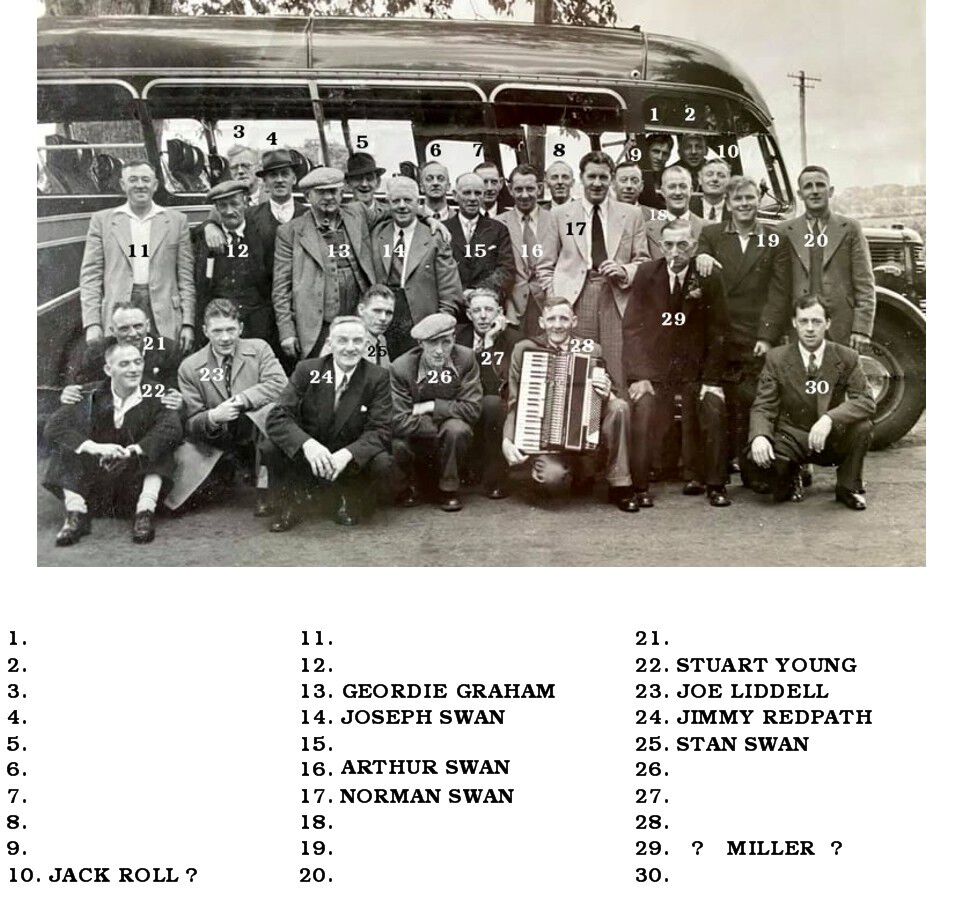
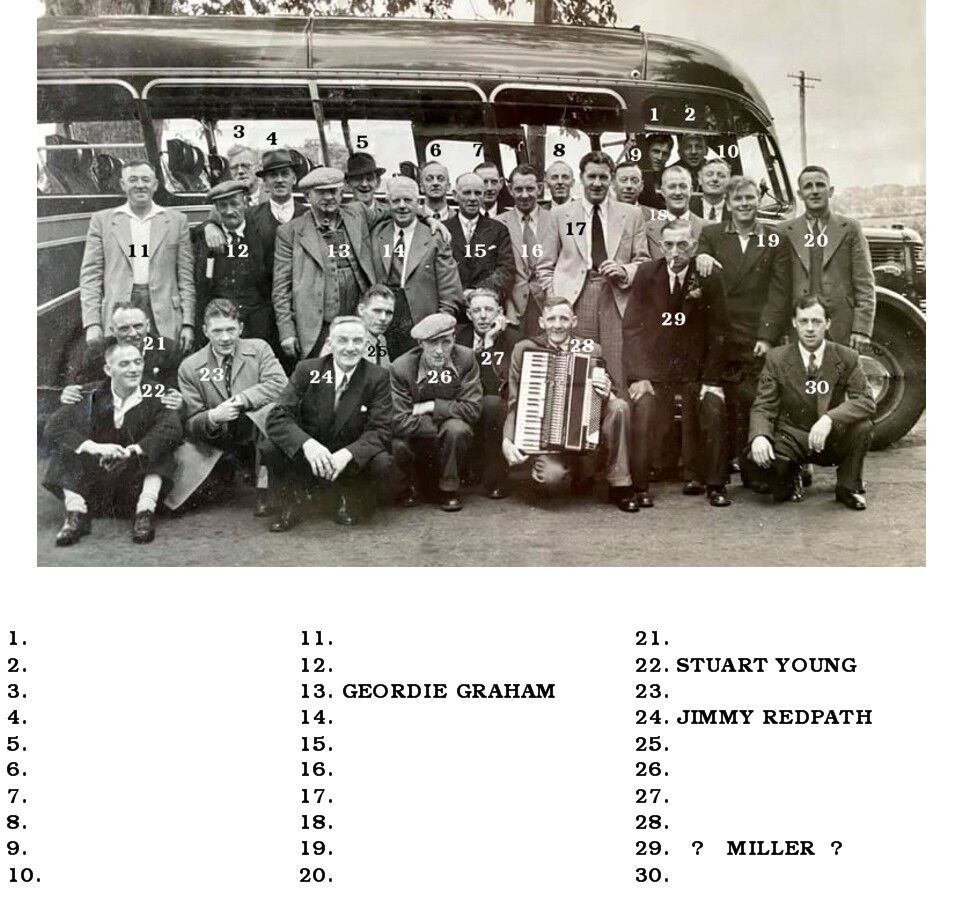
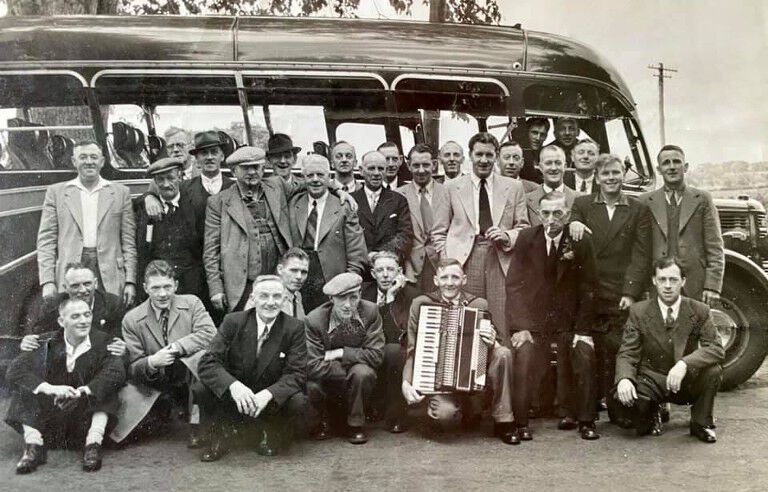
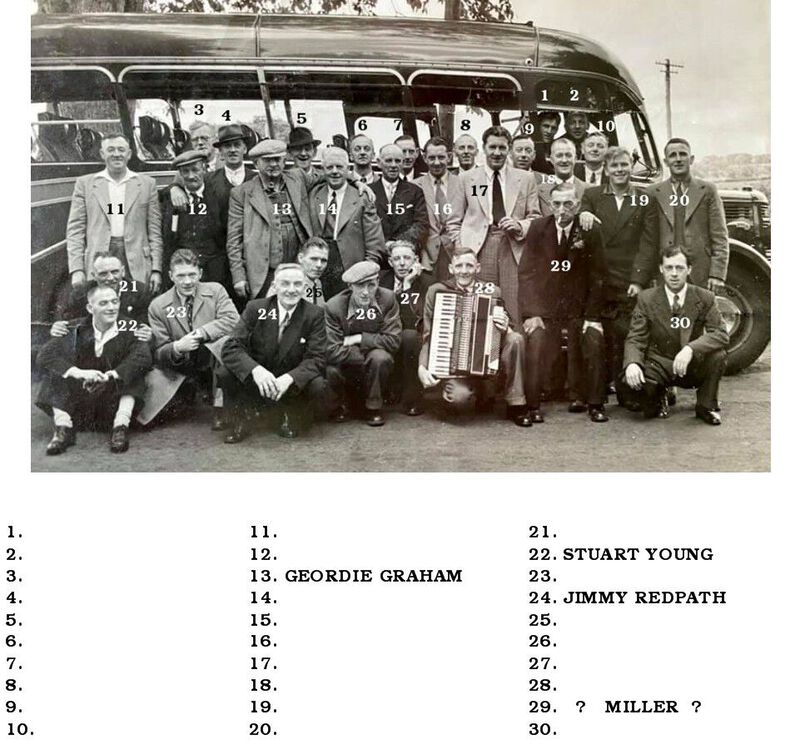
Photo from David Bailey, grandson of Stuart Young and great grandson of Geordie Graham (Haigh Road then Hollymount Square). Though to be a trip from the Black Bull - but as yet no proof. @HIGH PIT WILMA & @James do you recognise any of this lot?
-
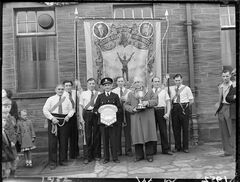 There are a few doing the rounds with the initials WW and I would also be thinking that Willy Ward took the photos. James said in one of his posts that he bought of the Dr Pit photos from Wily Ward.
 -
@James names and info updated
-
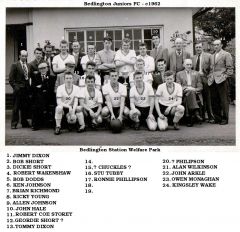 The team photo - from @Joe McNally
 -
@James - photo posted by David Batley (Stuart Young's grandson) and he is asking if anyone can give any info and names. I've added some basic info and a couple of names. Can you add any info or name anyone in the photo?
-
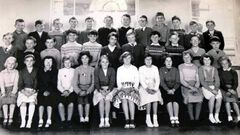 names from Elizabeth Mclauchlan(nee Huntley) & Eileen Buglass. Elizabeth's photo has the year 1962 on it so I have updated the info.
 -
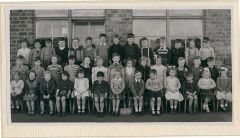 Names for numbers 11, 21, 27, 30 & 32 from Norman Grum, No 26, on the Cambois group
 -
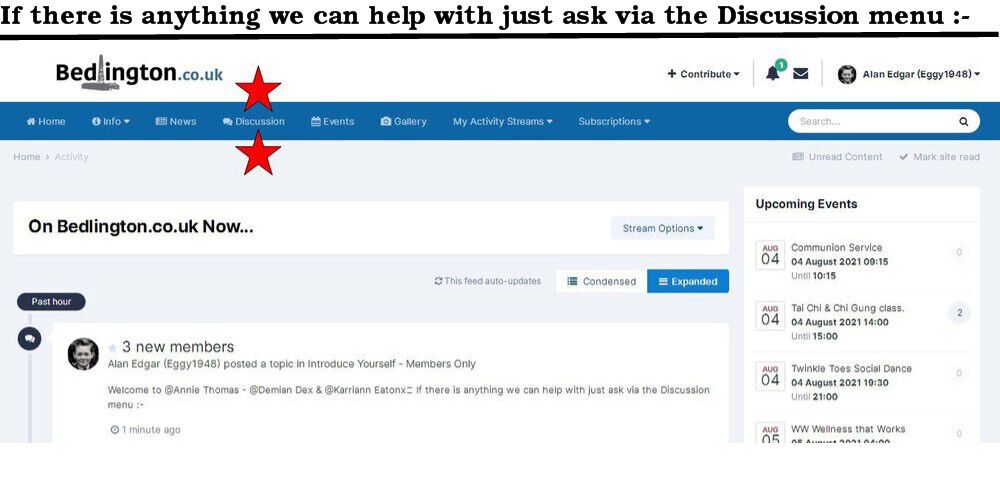
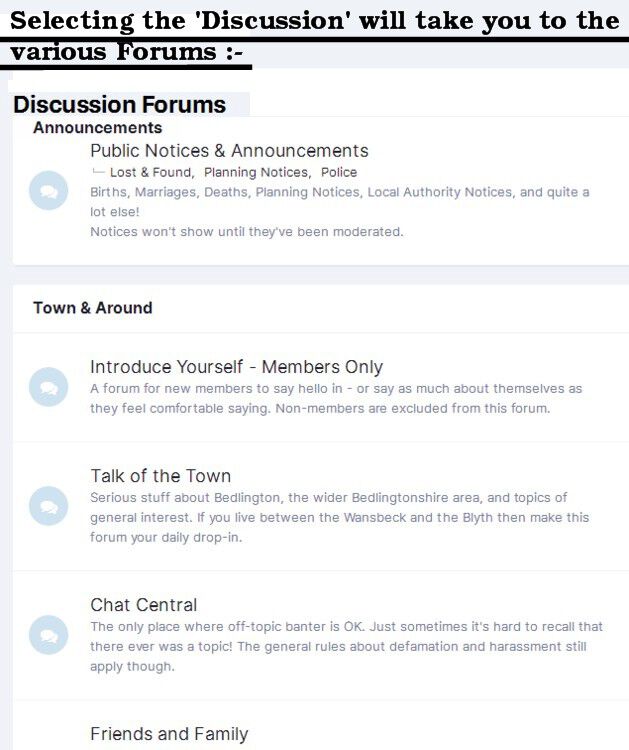
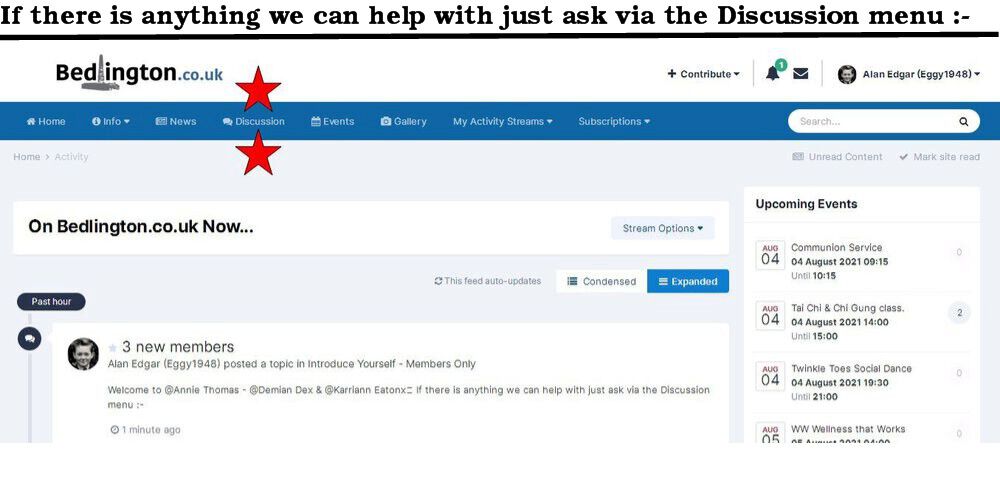
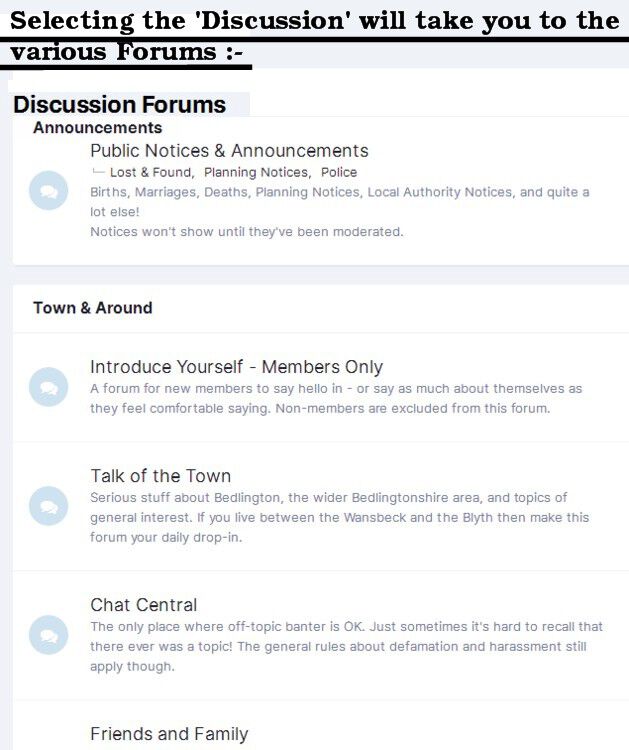
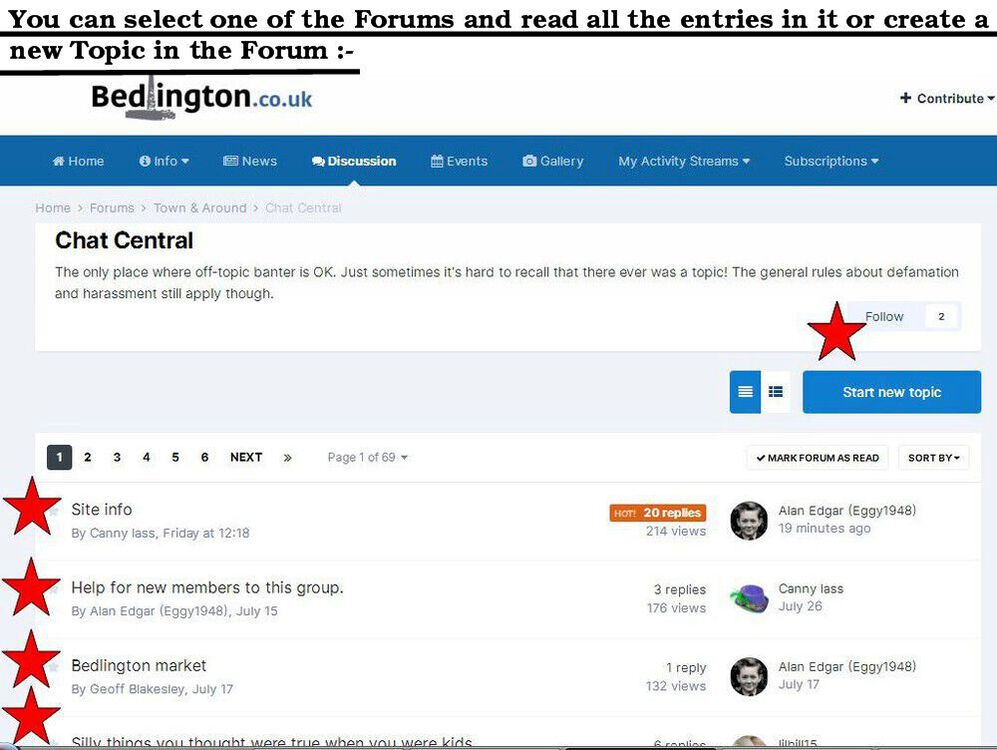
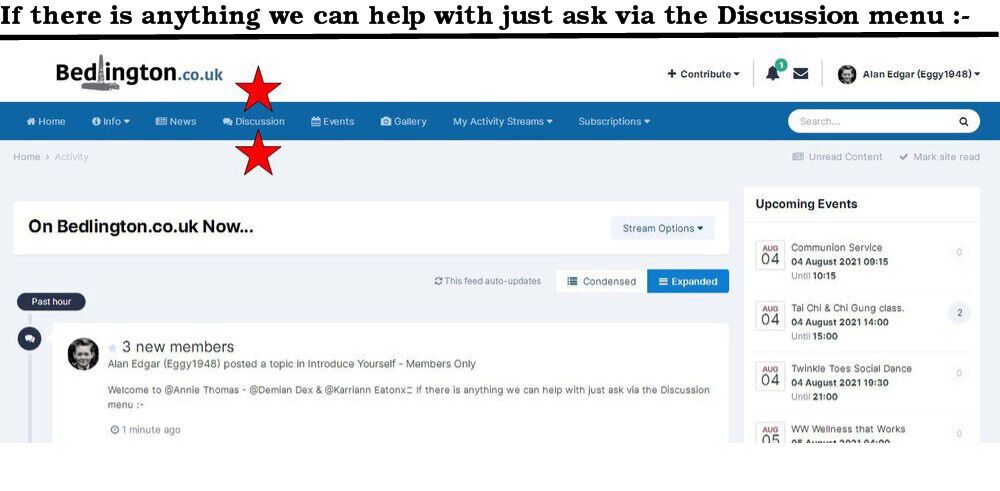
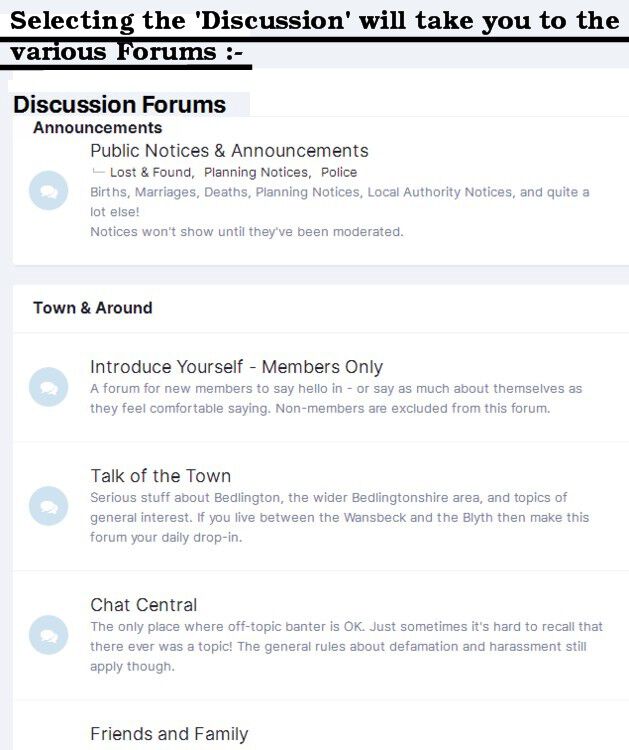
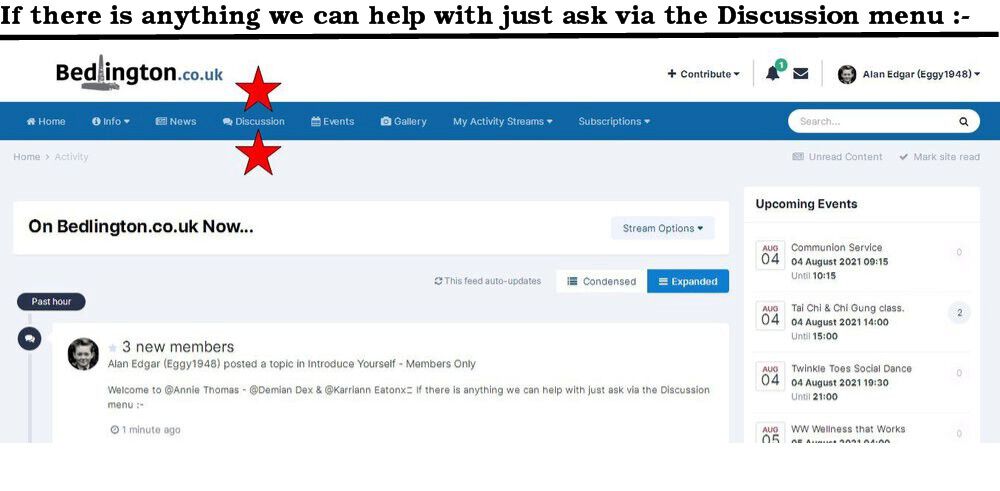
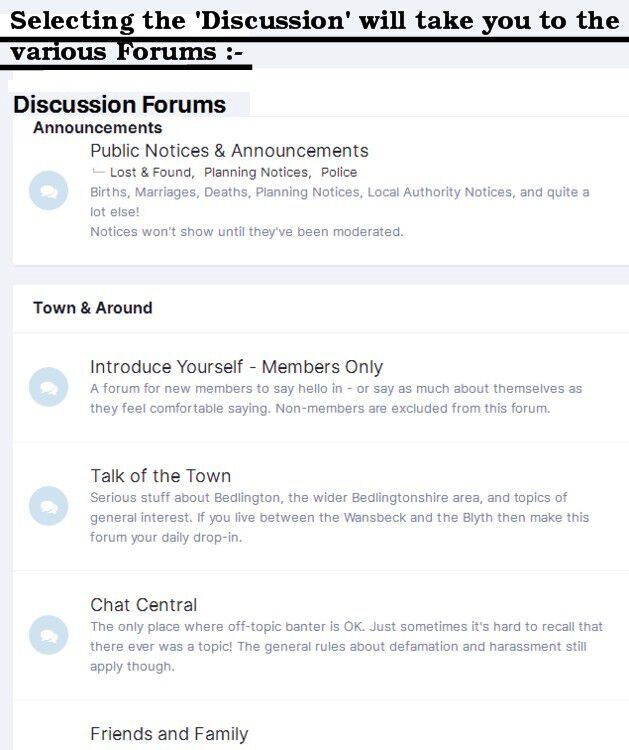
Welcome @northernknight - @SLearmonth & @Lorraine Armstrong If there is anything in particular you are looking for please ask under the 'Discussion' memu and we will help you all we can.
-
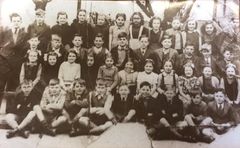 No 9 = Bety Smith = Liz Peart's mam.
 -
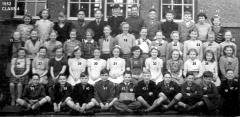 Some names from a friend of Elizabeth Riches - Bygone Bedlington group :-
 -
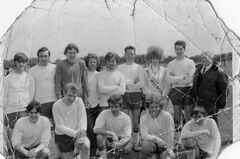 Photo from Connie Fisher - Past Times History group. Names from Connie and Bygone Bedlington group members.
 -
@Sheila Brown If there is anything in particular you are looking for please ask under the 'Discussion' memu and we will help you all we can.
-
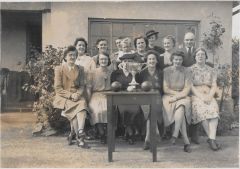 @Andy Millne - not a lot of luck, so far. Just one definite and two possibles. Nobody has said anything about the cup,
 -
Cheers Andy🙂
-
@Andy Millne- Ok if I post the bowls photos - with each person numbered and space to add names - on the Bygone Bedlington group and see if anyone can be named?🙂
-
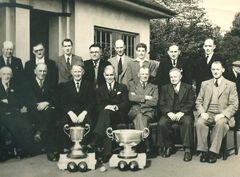 Photo and info from @johndawsonjune1955 - names from the Bygone Bedlington & Past Times History Facebook group members :-
 -
-
I think you may get more response from the ex BGS pupils on the Facebook Bygone Bedlington group. Can't remember anyone in this group going to BGS in the late 60's and early 70's.
-
Think it was last Thursday, BBC NE News showed, from inside one of the train carriages, the station platform etc. as the train passed Bedlington North & South signal boxes. in the early 1960's I was never a frequent passenger from the railway station - spent more time on the wooden bridge
-
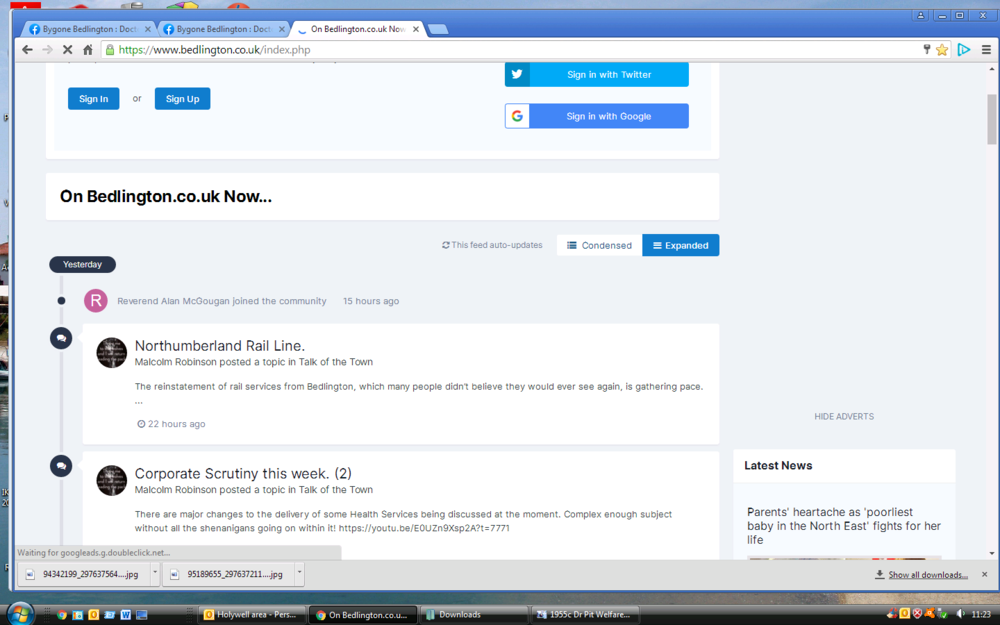
@Reverend Alan McGougan- I Googled your name to see if I could find out which local church you were linked to. All I can find using your name are links to a Dunfermline & Dundee church. If there is anything in particular you are looking for please ask under the 'Discussion' memu and we will help you all we can.

-
Welcome to @BilpaBroMai& @John Doc Waldock
-
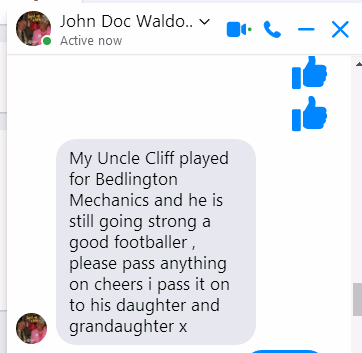
Jack - @John Doc Waldock has joined the group. I showed John the photo and asked him (Facebook Messenger) about Cliff Waldock and he replied :-